
Samsung Gallery: Photo and Video Viewer
Samsung Gallery is a free photography app by Samsung Electronics Co., Ltd. that lets you view, edit, and manage your photos and videos.
Get App · v15.7.02.0Samsung Gallery is a free photography app by Samsung Electronics Co., Ltd. that lets you view, edit, and manage your photos and videos. The app is 51 MB in size and requires Android 11 or higher. It has no in-app purchases, but it may show ads. It is designed for Galaxy users and offers features like cloud sync and secure storage.
- Version
- 15.7.02.0
- Size
- 51 MB
- Requires Android
- 11
- Updated
- Apr 15, 2026
- Installs
- 1B+
- Rating
- ★ 3.81 (384)
- Category
- Photography
- Developer
- Samsung Electronics Co., Ltd.
- Content rating
- Everyone
- Package
- com.sec.android.gallery3d
- Free
- ✓
Screenshots
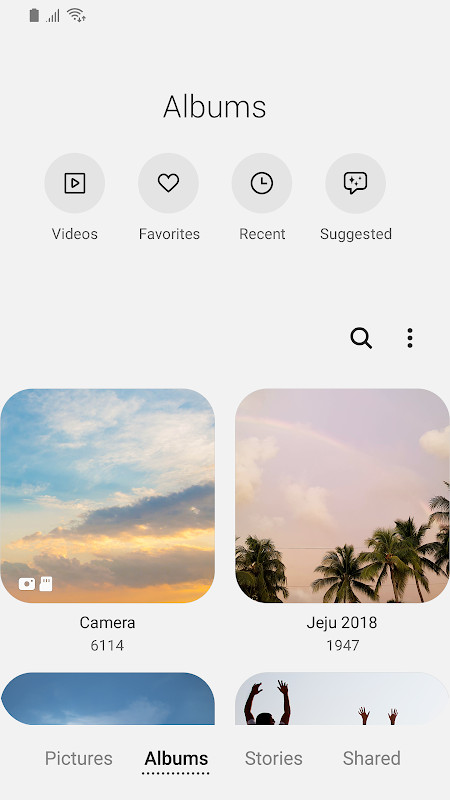
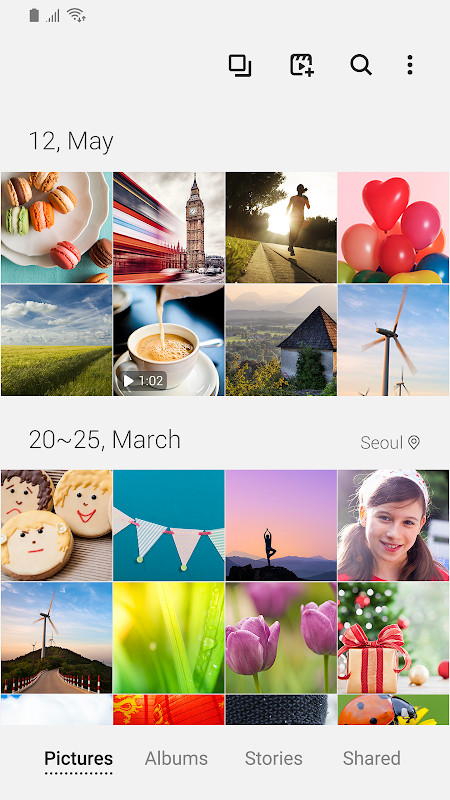
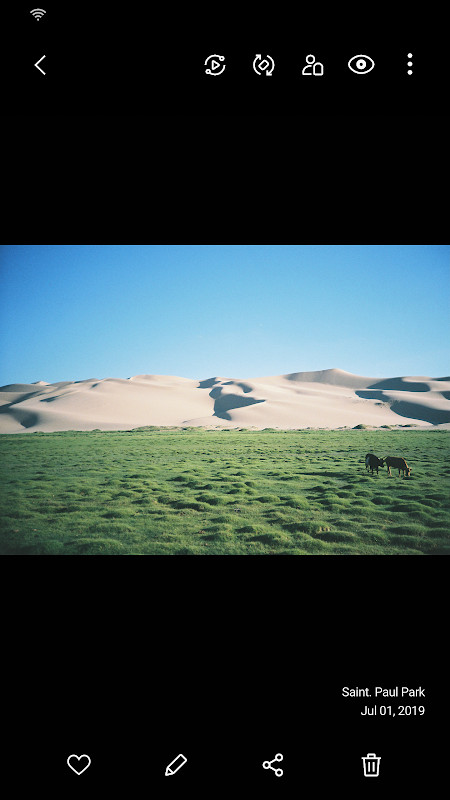
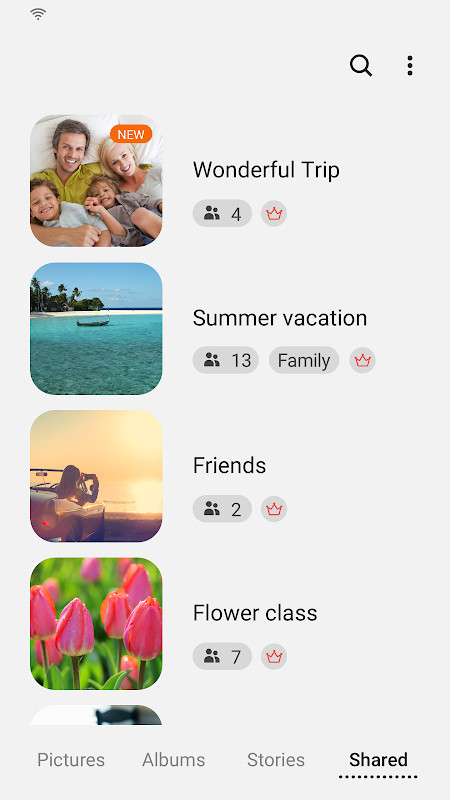
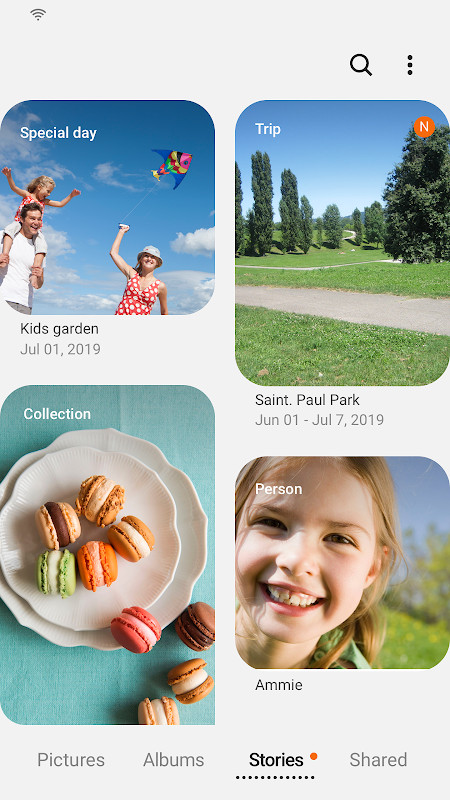
Samsung Gallery is a photography app by Samsung Electronics Co., Ltd. that lets you browse, organize and edit the images and videos stored on your device. It serves as the default media viewer on Galaxy phones, and this standalone package brings the same experience to compatible Android devices running Android 11 or newer.
The app focuses on quick, smooth playback of large photo and video libraries. Content can be grouped into albums and stories, and cloud sync ties your media to your account so the same pictures and clips appear on other signed-in devices. Security features are included to help keep personal media protected, and a People section uses contact information to attach name tags to recognized faces.
Because the app is actively maintained, updating it gives you the newest Gallery capabilities that ship with recently launched Galaxy models. The current build is version 15.7.02.0, updated on 2026-04-15, and it weighs in at 51 MB. Note that some features may vary by country and by device model. With more than a billion installs and a 3.81 rating from 384 reviewers, it is a widely deployed tool rather than a niche viewer.
Key features
- View and manage photos and videos stored on the device
- Cloud sync of media when signed in to the same account
- Security features designed to protect images and videos
- People section with name tags built from contact data
- Story sharing service has been terminated; all shared stories are removed, while unshared stories remain
- Story cover image editing
- Swipe up on the detail view screen to see more information
- Touch and hold the Gallery app icon to open the Search menu
- New Gallery features from recently launched Galaxy devices arrive through updates
- Some features are unavailable depending on country and device
How to install
- Tap the download button on this page to get the APK file (51 MB).
- If Android asks, allow your browser or file manager to install apps by enabling the Install unknown apps setting for that app.
- Open the downloaded APK file from your notifications or file manager.
- Tap Install and wait for the package to be copied; your device must run Android 11 or newer.
- Open the app once installation finishes and grant the storage permission so it can save, load, edit and delete pictures and videos.
Pros
- Fast viewing of large image and video collections
- Cloud sync keeps media available across signed-in devices
- Security features aimed at protecting personal photos and videos
- Frequently updated with features from new Galaxy releases
- Free to use
- Very large installed base, so behavior and quirks are well documented
Cons
- Some features are limited by country and device
- Requires Android 11 or later
- Requests a long list of permissions, including location, contacts, NFC and notification access
- Story sharing has been discontinued, so shared stories are removed
- Average user rating of 3.81 from 384 ratings
Recent updates · 15.7.02.0
Version 15.7.02.0 ends the Story sharing service; all shared stories will be removed, while unshared ones remain. Story cover images can now be edited. Swiping up on the detail view screen shows more details. The Search menu opens by touching and holding the Gallery app icon.
Version history
| Version | Size | Requires Android | Updated |
|---|---|---|---|
| 15.1.00.900 | 35 MB | 9 | May 1, 2026 |
| 15.7.02.0 | 51 MB | 11 | Apr 15, 2026 |
| 15.7.01.0 | 51 MB | 11 | Mar 27, 2026 |
| 15.6.04.2 | 49 MB | 11 | Jun 21, 2025 |
| 10.0.00.16 | 11 MB | 7.0 | Nov 3, 2018 |
This app suits experienced users who want a capable, integrated gallery for a large local photo and video library, especially those already tied into the same account ecosystem for cloud sync. It is a poor fit for anyone on Android 10 or older, or for users who prefer a viewer that asks for a minimal permission set.
The storage permission is required for core functions, while telephone, contacts and location permissions are optional: the related features stay on by default but can be turned off. If you keep media in the cloud, sign in to the same account on each device to see the same library. After updating, check the detail view and the icon long-press shortcut, since both changed in version 15.7.02.0.
Permissions
FAQ
Why did my shared stories disappear from Samsung Gallery?
The Story sharing service was terminated, so all stories that were shared have been removed. However, stories that were never shared remain unaffected and will not be deleted.
Can I edit the cover image of a story in Samsung Gallery?
Yes, the app now supports story cover image editing, allowing you to customize the cover of your story albums.
How can I quickly access search in Samsung Gallery?
You can open the Search menu by touching and holding the Gallery app icon on your device.
What Android version is required for Samsung Gallery?
The app requires Android 11 (API level 31) or higher to run.
Does Samsung Gallery require location permissions?
Location is an optional permission. It is used to provide current location information when you edit location details for your media. The core functionality works without granting it.
Samsung Gallery is a mature, free media viewer with cloud sync and a steady update cadence, now at version 15.7.02.0. If you are on Android 11 or newer and want the gallery experience that ships with Galaxy phones, it is worth installing; users who dislike broad permissions may prefer to weigh the trade-offs first.
Similar apps


More from this developer


Updated: Oct 24, 2026