FaceApp: Perfect Face Editor – Selfie Photo Retouch
FaceApp: Perfect Face Editor is a free photography app by FaceApp Technology Ltd that lets you retouch selfies with photorealistic filters.
Get FaceAppFaceApp: Perfect Face Editor is 36 MB in size and requires Android 5.0 or higher, with in-app purchases available and no ads. The app includes over 60 photorealistic filters for changing hair, adding makeup, smoothing skin, and applying gender swap or aging effects. It suits anyone who wants quick one-tap portrait edits for social sharing.
- Size
- 36 MB
- Requires Android
- 5.0
- Updated
- Oct 9, 2026
- Installs
- 500M+
- Rating
- ★ 4.32 (5,359,049)
- Category
- Photography
- Developer
- FaceApp Technology Ltd
- Content rating
- Everyone
- Package
- io.faceapp
- Free
- ✓ · In-app purchases
Screenshots
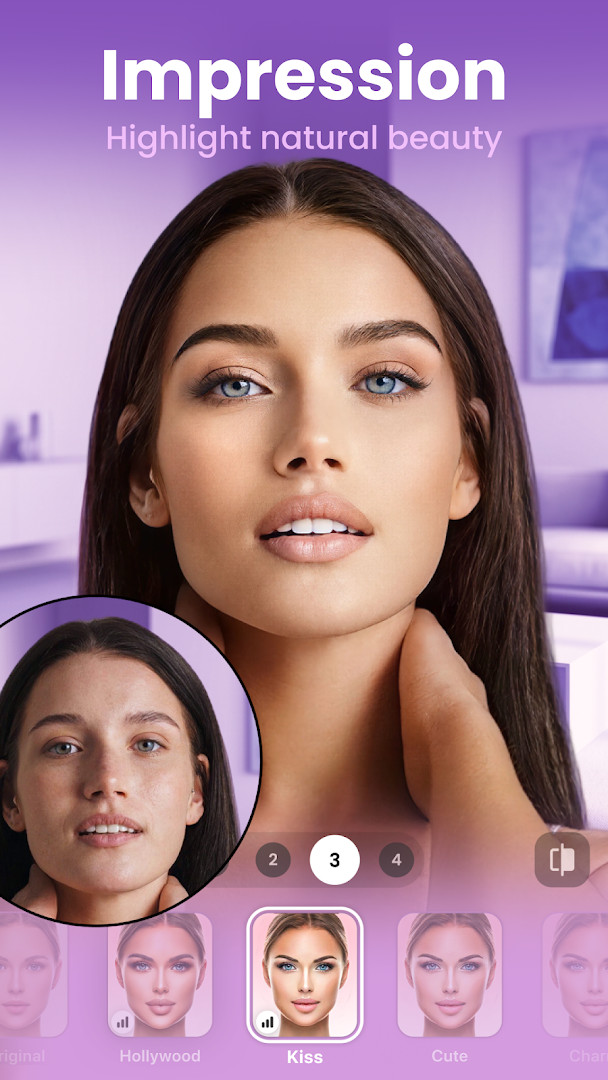
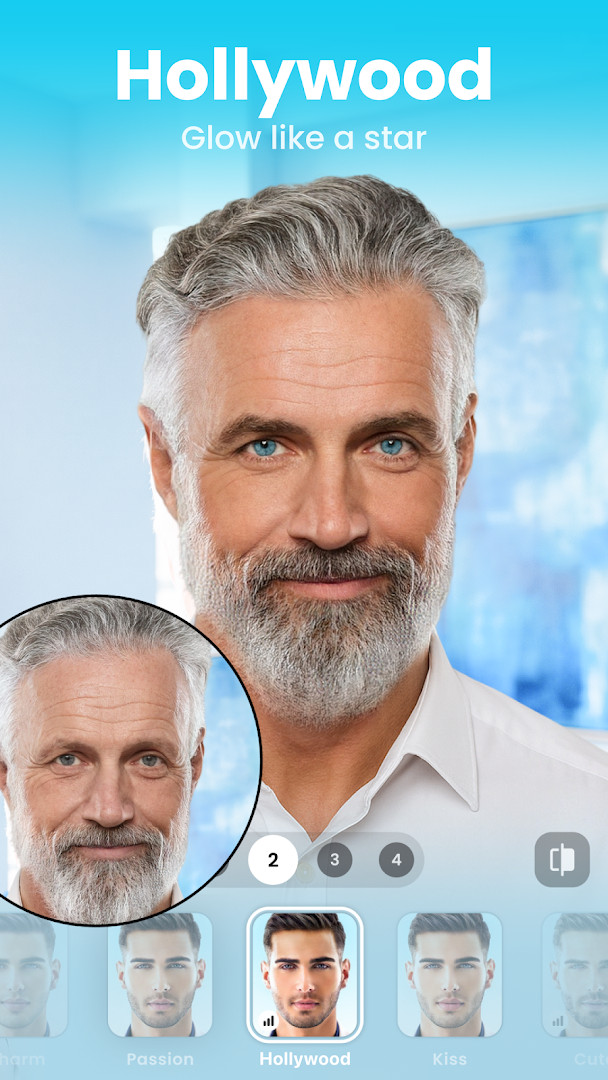
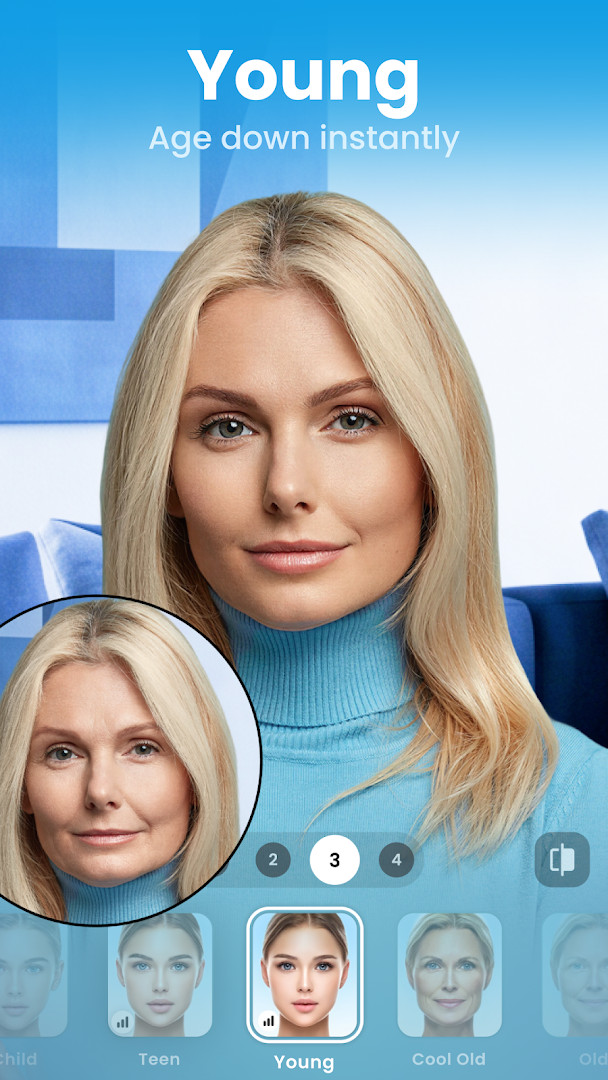
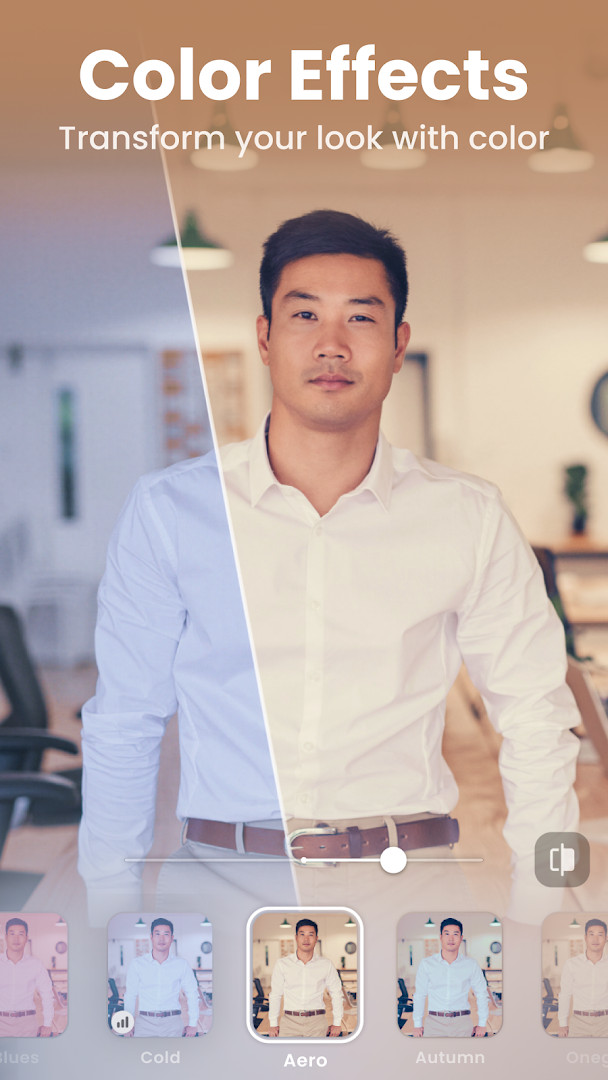
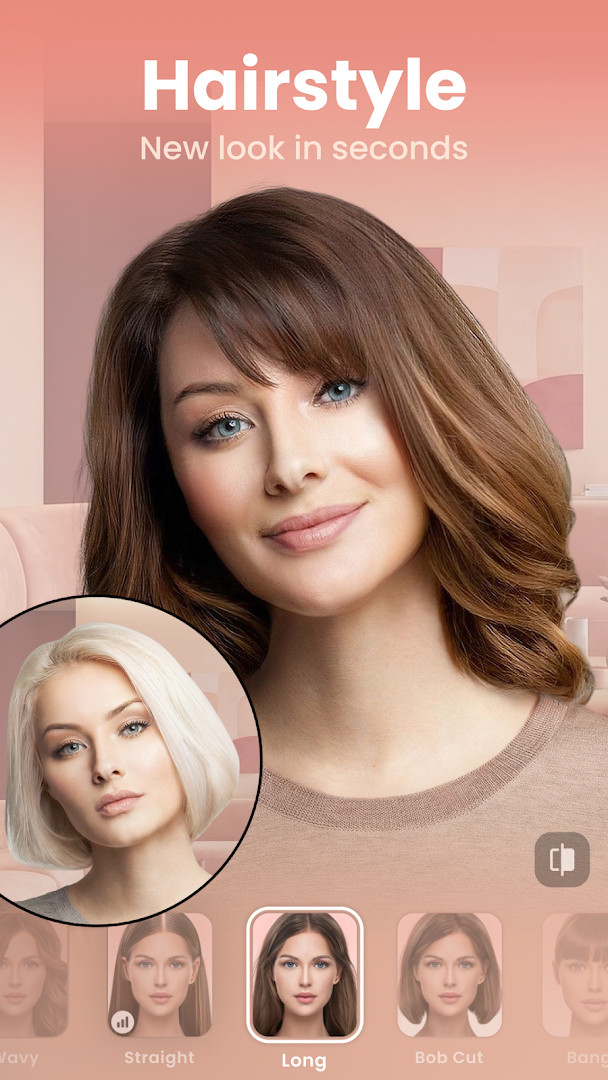
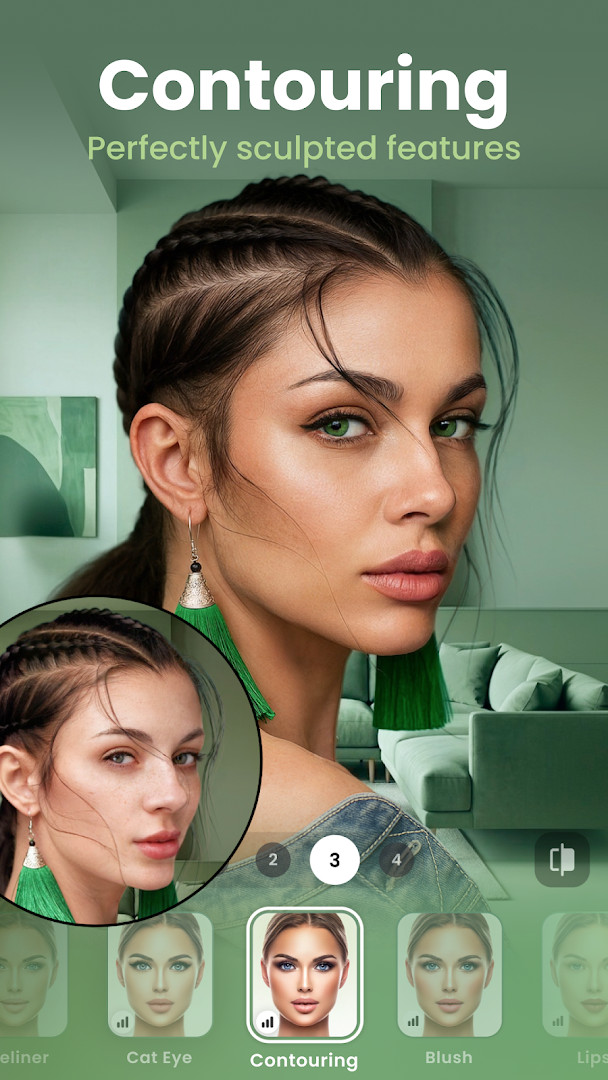
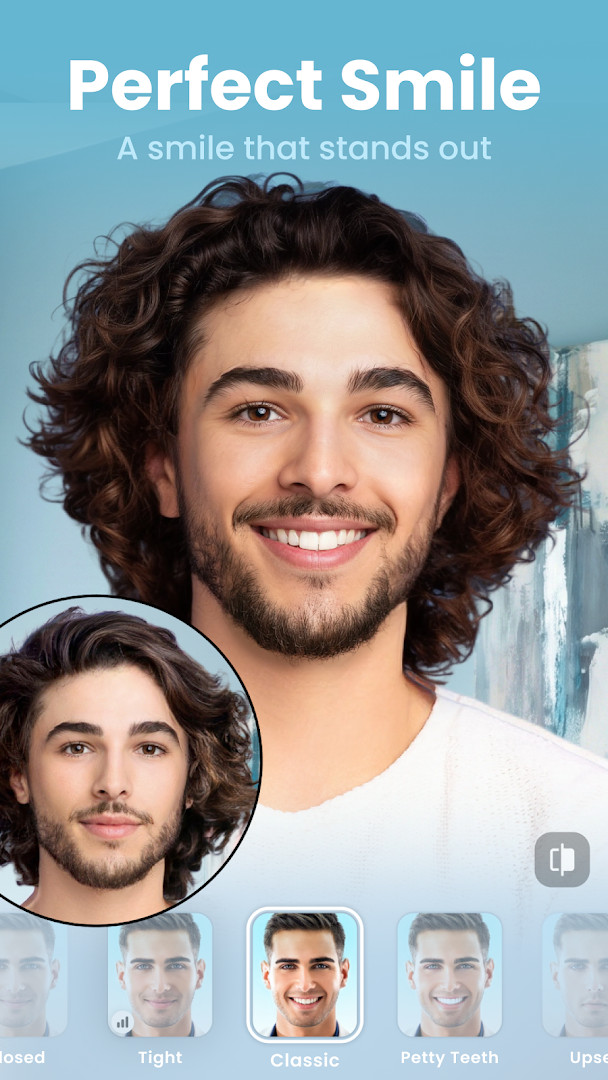
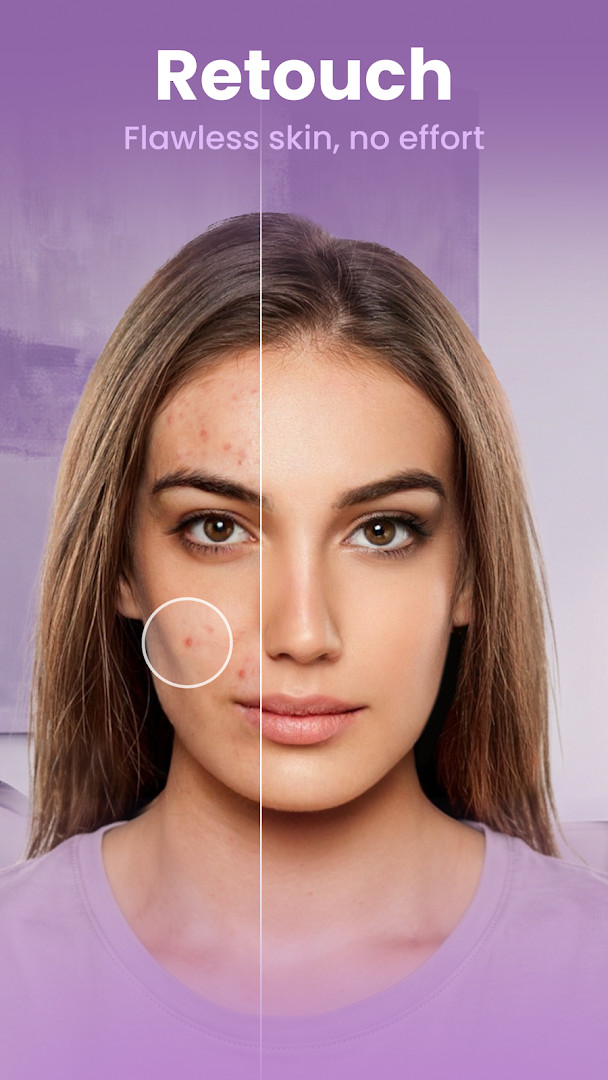
FaceApp: Perfect Face Editor is a photography app by FaceApp Technology Ltd that applies photorealistic face edits and retouching to selfies and portraits. It solves the problem of time-consuming manual photo editing by delivering one-tap transformations—aging, gender swap, makeup, hairstyle changes, and more—using a large library of filters and effects. The app handles everything from skin smoothing and wrinkle removal to facial feature adjustments, so users can produce polished, share-ready images without needing professional editing skills. With over half a billion installs and a 4.32 rating from more than five million reviews, it has become a widely used tool for quick, convincing portrait enhancement, though the core editing is free while some features are unlocked through in-app purchases.
Key features
- More than 60 highly photorealistic filters for faces and portraits
- One-tap edits including Impression filters, beard and mustache options, and hair color or hairstyle changes
- Skin retouching tools to remove acne and blemishes, smooth wrinkles, and add volume to hair
- Fun transformations such as Gender Swap, aging filters (Old & Young), and weight filters to appear bigger or smaller
- Creative tools like light effects, color lenses, and makeup filters, plus control over temperature and saturation
- Built-in Compare tool to preview before and after results at every editing step
- Direct sharing of edited photos to favorite social media accounts
- Available on Android 5.0 and up, with a file size of 36 MB
How to install
- Tap the download button on this page to get the APK file (36 MB).
- When Android prompts, allow your browser or file manager to install apps by enabling the 'Install unknown apps' setting for that source.
- Open the downloaded APK file from your notifications or file manager.
- Tap Install and wait for the installation to complete.
- Open the app from your app drawer or the install confirmation screen.
- Ensure your device runs Android 5.0 or later before installing.
Pros
- Photorealistic one-tap edits that save time
- Wide range of fun filters like aging, gender swap, and weight changes
- Skin retouching and facial feature adjustments for natural results
- Compare tool to easily see before and after effects
- No ads interrupt the editing experience
- Free to download and use, with optional in-app purchases
Cons
- Requires access to photos, media, and files, plus storage permission, which may raise privacy concerns
- Some features are locked behind in-app purchases, so the full toolkit isn't free
- Editing is limited to photos already on your device, with no cloud-based workflow
Recent updates
FaceApp's latest update focuses on minor fixes and stability improvements, aimed at delivering a smoother overall experience. No new features or major changes were introduced in this release.
Version history
| Version | Size | Requires Android | Updated |
|---|---|---|---|
| 4.5.0.10 | 36 MB | 5.0 | Jul 27, 2021 |
| 3.4.2.2 | 12 MB | 4.4 | Jun 21, 2019 |
FaceApp is ideal for casual users and social media enthusiasts who want quick, eye-catching portrait edits without learning complex editing software. It appeals to anyone curious about seeing themselves with different hairstyles, makeup, or aged appearances, as well as those who regularly post selfies and want to enhance skin and features in seconds. The app also suits people who enjoy playful transformations like gender swap and weight filters for entertainment or sharing with friends.
For the most natural results, use the Compare tool to fine-tune filter intensity, and start with a well-lit, front-facing photo to reduce artifacts. Be mindful that in-app purchases unlock premium features, so explore the free filters first to decide if the upgrade is worth it.
Permissions
FAQ
Is FaceApp free to download and use?
Yes, FaceApp is free to download and use. The app is offered at no cost, though it does include optional in-app purchases for additional features.
What Android version do I need to run FaceApp?
FaceApp requires Android 5.0 or higher. If your device runs Android 5.0 or a newer version, you should be able to install and use the app without issues.
How large is the FaceApp APK file?
The APK file for FaceApp is approximately 36 MB in size. This makes it a relatively lightweight download for most devices.
Do I need to create an account to use FaceApp?
No, you do not need to create an account to use FaceApp. You can download and start editing your photos right away without signing up.
What permissions does FaceApp request?
FaceApp requests access to Photos, Media, and Files, as well as Storage. These permissions are used to let you select, edit, and save your photos within the app.
How do I update FaceApp to the latest version?
To update FaceApp, simply download the newest version from this page. The latest available version is 4.5.0.10, which includes minor fixes and stability improvements.
FaceApp offers a polished, straightforward way to create convincing portrait edits with minimal effort, backed by a massive user base and solid ratings. It is a practical choice for quick selfie retouching and playful transformations, provided you accept the storage permissions and optional in-app purchases.
Similar apps





Updated: Nov 4, 2026