
Gallery: Photo and Video Organizer
Gallery is a free photo and video gallery app by Google LLC that lets you organize, edit, and view your photos and videos.
Download Gallery · v1.9.4.930218541 releaseGallery, developed by Google LLC, has over 1 billion installs and a rating of 4.24 from about 648,687 ratings. The app requires Android 8.0 or higher, contains no ads, and offers no in-app purchases. It is designed for users who want a lightweight, offline-capable gallery with automatic organization and one-tap editing.
- Version
- 1.9.4.930218541 release
- Needs Android
- 8.0
- Last Refresh
- 24.06.2026
- Downloads
- 1B+
- Score
- ★ 4.24 (648 687)
- Genre
- Photography
- Creator
- Google LLC
- Content rating
- Everyone
- Package
- com.google.android.apps.photosgo
- Free
- ✓
Snapshots
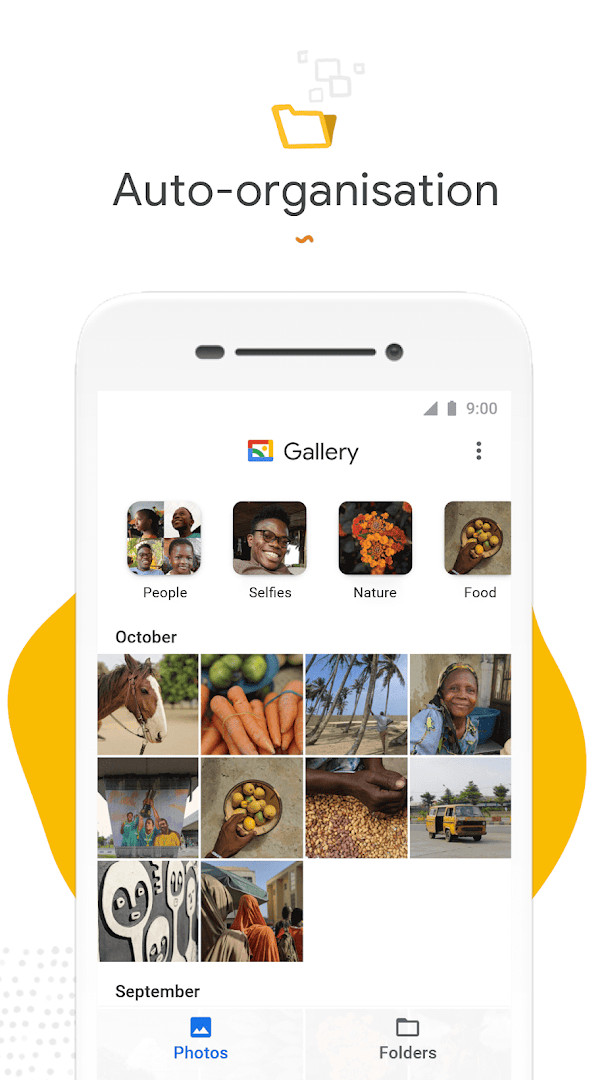
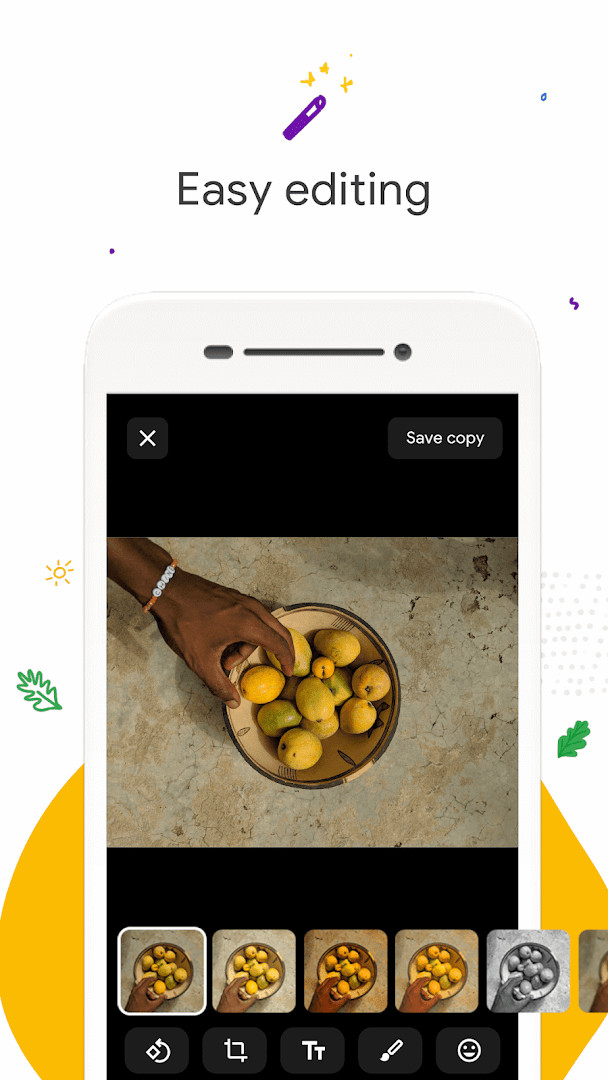
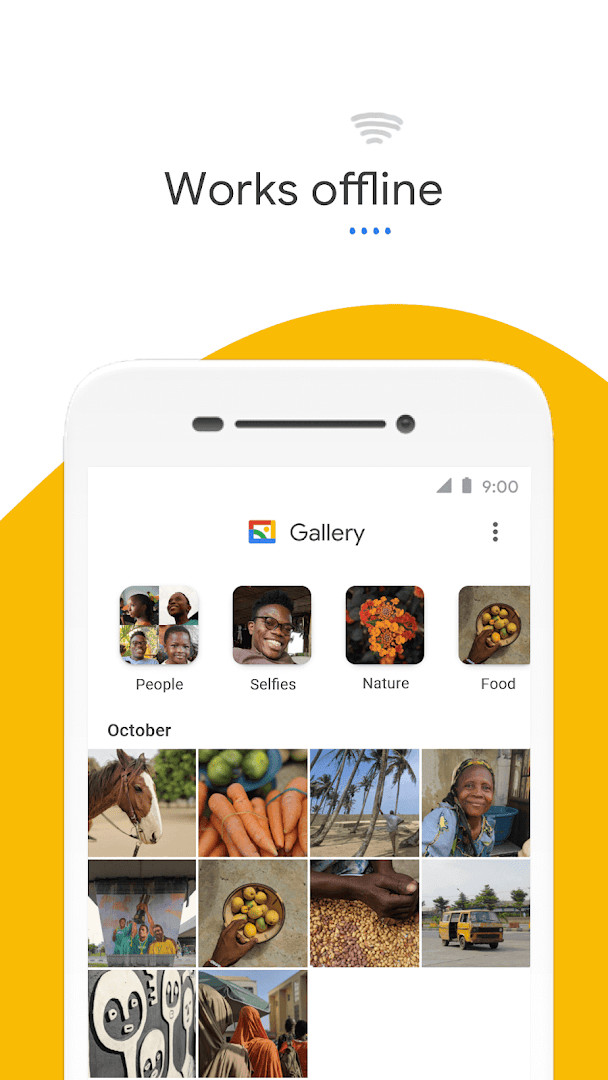
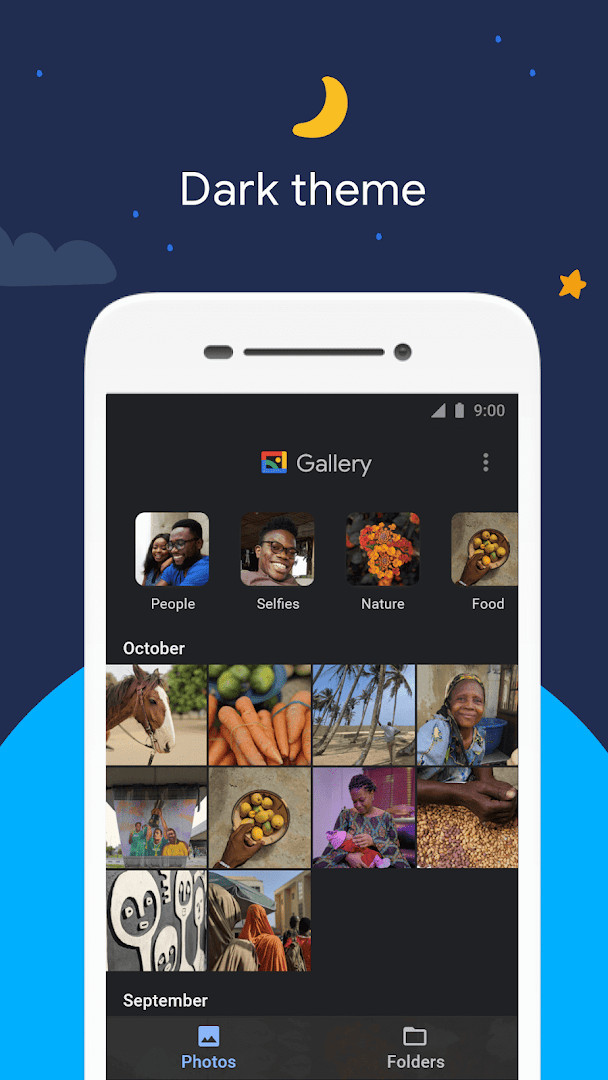
Gallery is a photo and video gallery app by Google LLC that helps you organize, edit, and manage your media files efficiently. Designed to be smart, light, and fast, it automatically sorts your photos into categories like People, Selfies, Nature, Animals, Documents, and Videos, making it easier to find what you're looking for without endless scrolling. The app also includes a one-tap auto-enhance feature to improve your photos, supports folder creation, and allows you to view, copy, and transfer files to and from SD cards. It works offline, so you can manage your media without using mobile data, and it comes in a small file size to save storage space on your device.
For beginners, Gallery offers a straightforward way to keep your photo library organized. Each night, the app automatically groups your photos into those categories, so you wake up to a neatly sorted collection. The auto-enhance tool is perfect for quick edits—just tap a button to make your photos look better. You can also create your own folders to arrange photos exactly how you like, and the app handles SD card transfers with ease, which is handy if you have a lot of media.
The latest version, 1.9.4.930218541 release, focuses on bug fixes and minor improvements, ensuring a smoother experience. Since its initial release in 2019, the app has grown to support Android 8.0 and above, and it remains free with no ads or in-app purchases. With over a billion installs and a rating of 4.24, it's a trusted choice for managing your photos and videos offline.
Key features
- Automatic nightly organization of photos into categories like People, Selfies, Nature, Animals, Documents, and Videos
- One-tap auto-enhance tool to improve photo quality
- Folder support for custom organization of photos and videos
- SD card support to view, copy, and transfer media
- Works offline, so you can manage photos and videos without using mobile data
- Small file size and low memory usage to keep your device running smoothly
- Free to use with no ads or in-app purchases
How to install
- Tap the download button on this page to get the APK file.
- When Android asks, allow your browser or file manager to install apps by enabling the 'Install unknown apps' setting.
- Open the downloaded APK file from your notifications or file manager.
- Tap Install on the installation screen.
- Open the app from your app drawer once the installation is complete. The file size is n/a, and you'll need Android 8.0 or higher.
Pros
- Free with no ads or in-app purchases
- Automatic photo organization saves time
- One-tap auto-enhance for quick edits
- Works offline to save data
- Small app size and low memory usage
- Supports SD cards for flexible storage
Cons
- Face grouping not available in all countries
- Automatic organization only runs at night, not in real-time
- Limited advanced editing tools compared to dedicated photo editors
Fresh Updates · 1.9.4.930218541 release
Version 1.9.4.930218541 release of Gallery, dated 2026-06-24, addresses bug fixes and minor improvements, according to the release notes. This update follows version 1.9.2.712403868 release from 2026-04-03. No new features or changes to organization, editing tools, folder support, or offline behavior are listed for this build. Minimum OS remains 8.0.
Past Builds
| Version | File Size | Needs Android | Last Refresh |
|---|---|---|---|
| 1.9.4.930218541 release | — | 8.0 | 24.06.2026 |
| 1.9.2.712403868 release | 0.1 MB | 8.0 | 03.04.2026 |
| 1.0.7.280110503 release | 10 MB | 8.1 | 14.11.2019 |
This app is ideal for casual users who want a simple way to keep their photo library organized, people who frequently transfer media to SD cards, and anyone who prefers an offline gallery solution to save mobile data.
To get the most out of automatic organization, make sure the app has permission to access your photos and storage, and let it run overnight so it can sort your photos into categories.
Access Rights
Curious?
Is Gallery free to download and use?
Yes, Gallery is completely free. There are no ads and no in-app purchases, so you can use all its features without any cost.
What Android version do I need to run Gallery?
Gallery requires Android 8.0 or higher. The app is compatible with devices running Android 8.0 and later versions.
What permissions does Gallery request?
Gallery asks for access to your photos, media, and files, as well as storage. This allows the app to display and manage your photos and videos, including those on SD cards.
Do I need to create an account to use Gallery?
No, you don't need an account to use Gallery. You can start managing your photos and videos right after installation.
How do I update Gallery to the latest version?
To update, simply download the newest version from this page and install it over your current version. The latest version is 1.9.4.930218541 release, updated on June 24, 2026.
Gallery is a reliable, user-friendly app for managing photos and videos, especially for beginners. Its automatic organization, offline capability, and small footprint make it a practical choice, though advanced editors might find the tools limited. Overall, it's a solid, free option that balances simplicity and functionality.
Lookalikes


More by Creator






Last Refresh: 24.10.2026