
Picsart AI Photo Editor, Video: AI Photo and Video Editing App
Picsart AI Photo Editor, Video is a free photography app by PicsArt, Inc. that lets you edit photos and videos with AI filters, effects, retouch, and collages.
Download App · v30.9.5Picsart AI Photo Editor, Video is a free app that combines AI photo and video editing with design tools, including an AI image generator, background remover, and object eraser. It is aimed at creators, from solopreneurs to graphic design enthusiasts, and offers in-app purchases for premium tiers.
- Version
- 30.9.5
- Needs Android
- 6.0
- Last Refresh
- 02.10.2026
- Downloads
- 1B+
- Score
- ★ 3.95 (12 126 261)
- Genre
- Photography
- Creator
- PicsArt, Inc.
- Content rating
- Teen
- Package
- com.picsart.studio
- Free
- ✓ · Contains ads · In-app purchases
Snapshots
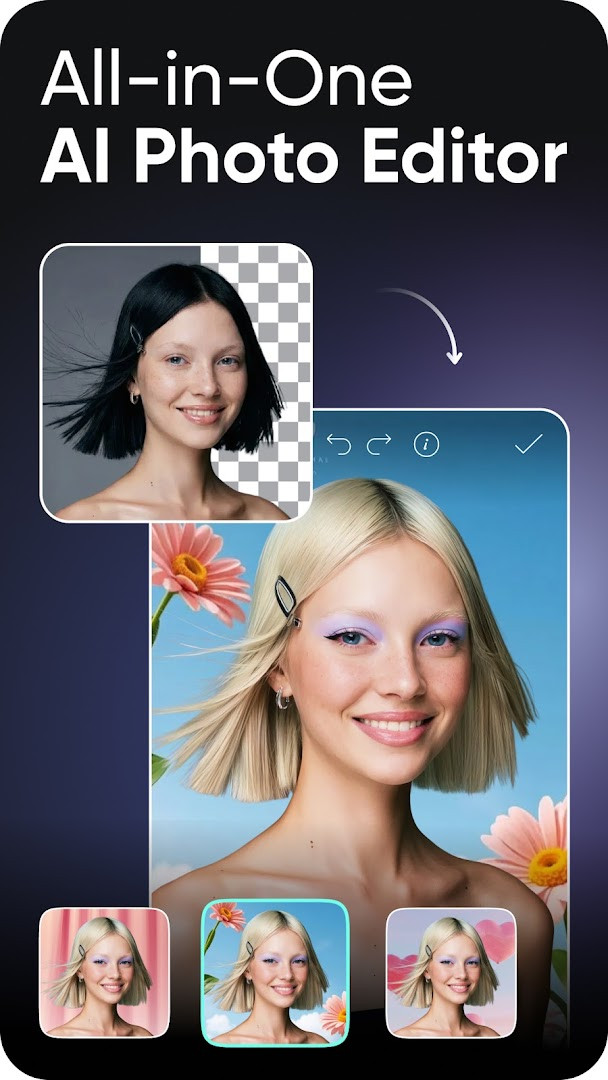
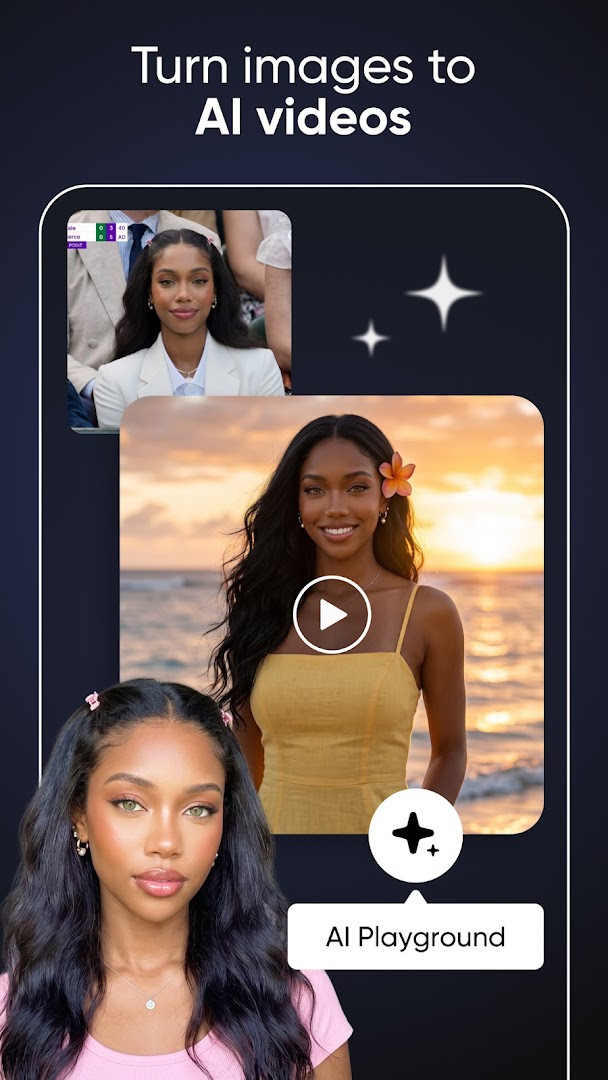
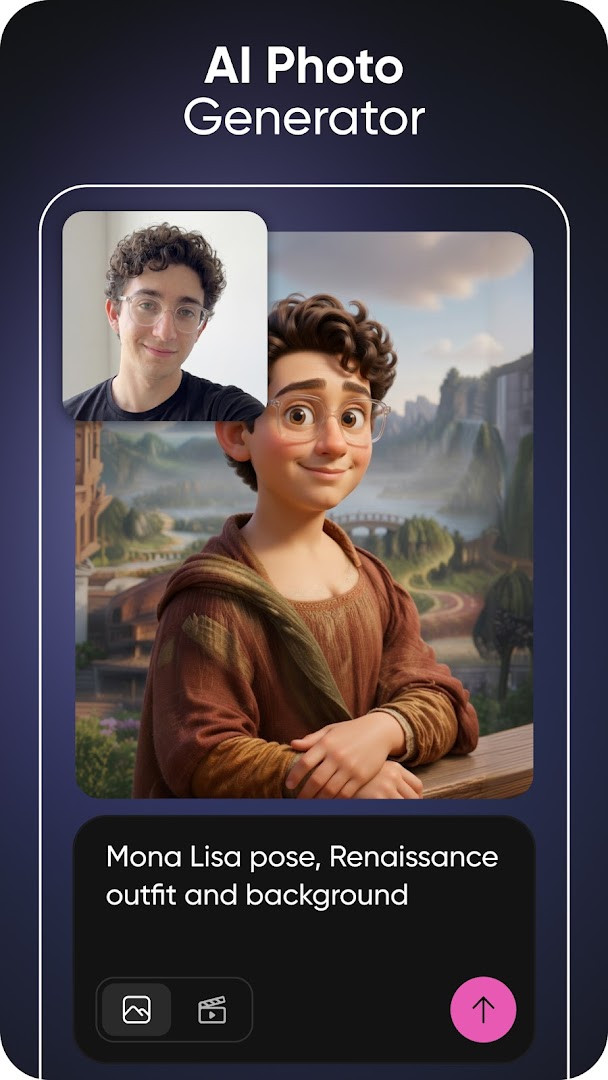
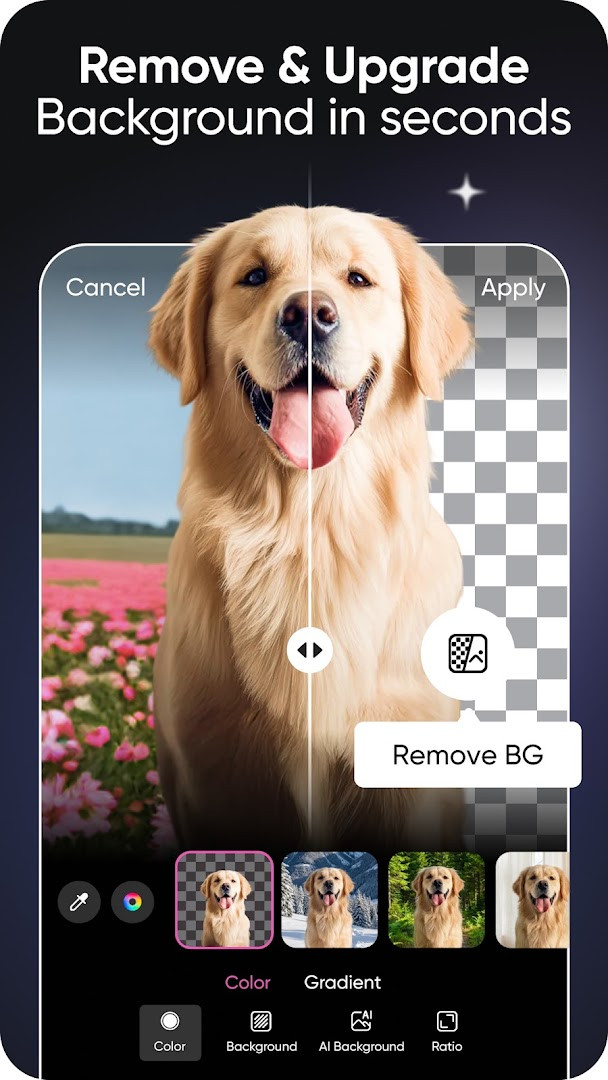
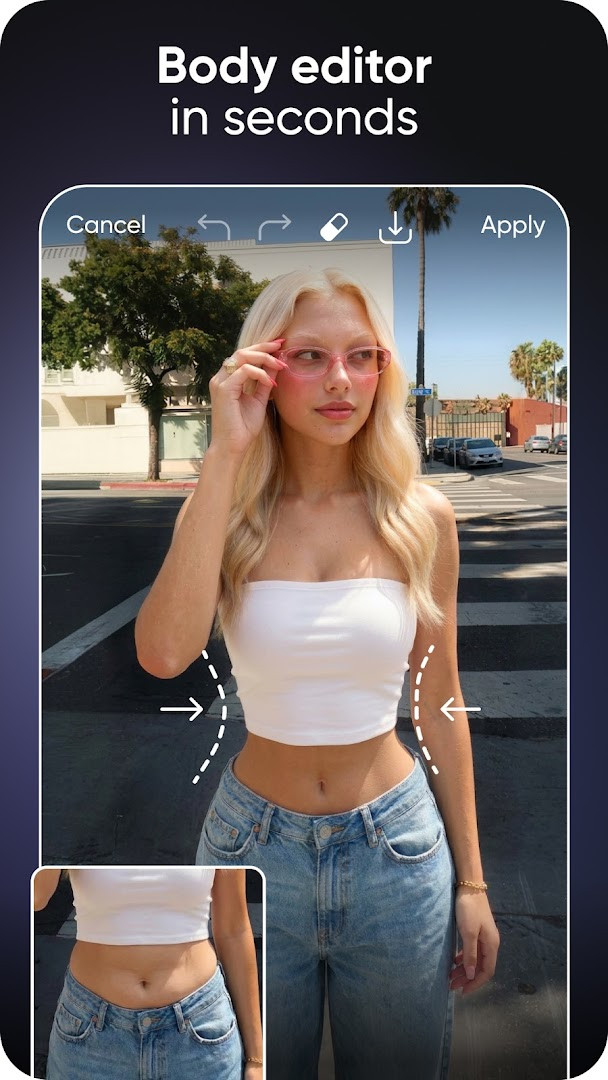
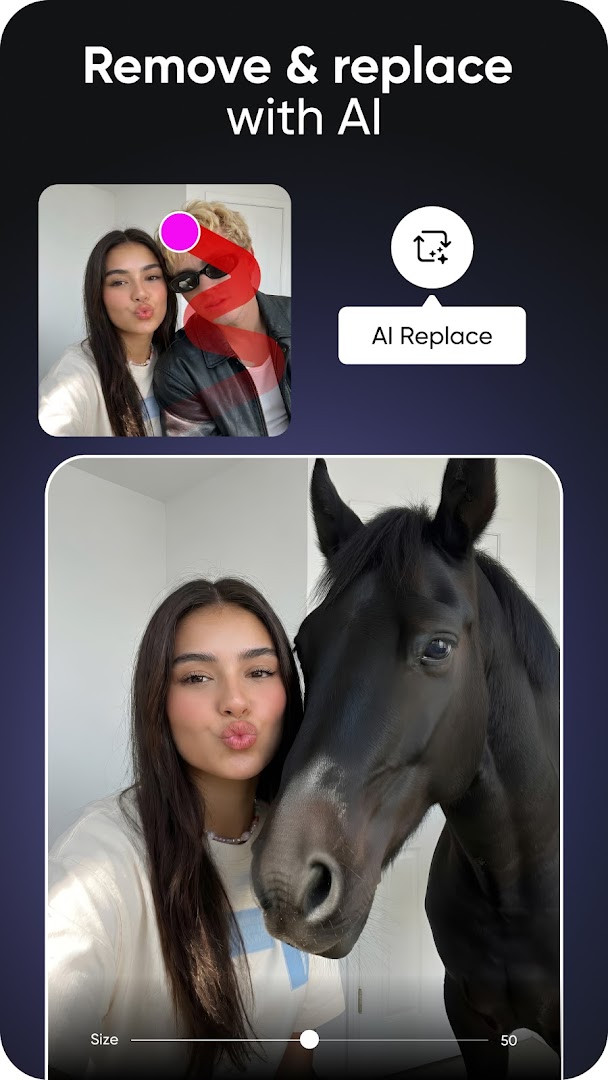
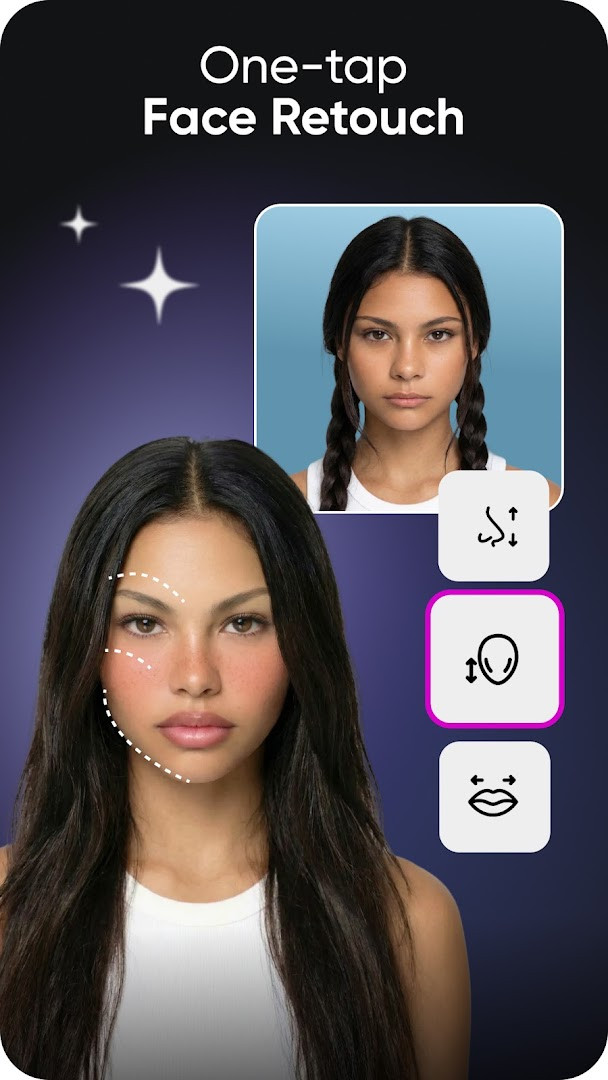
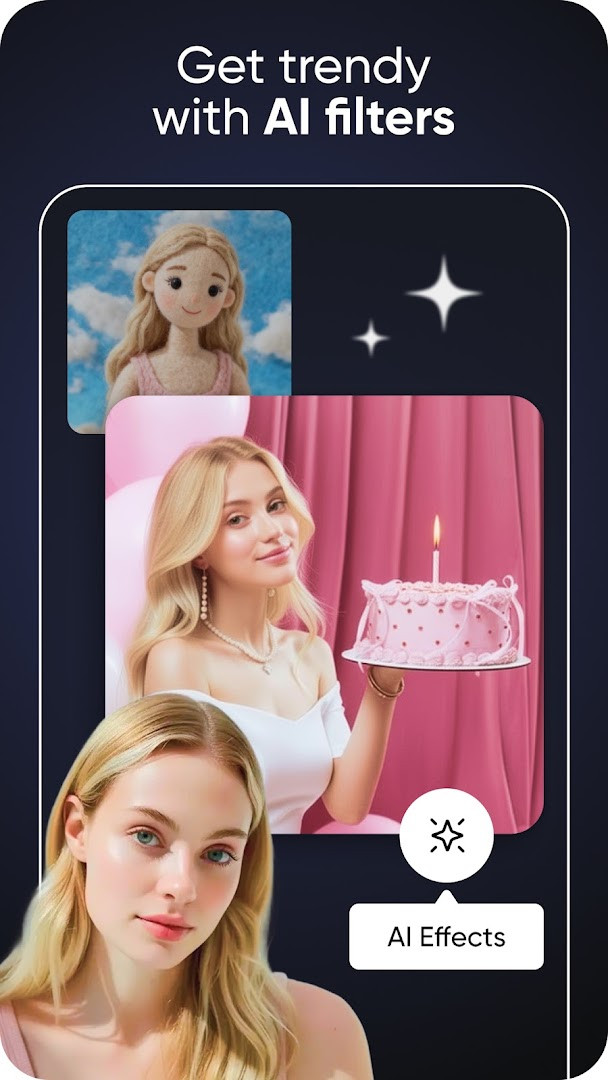
Picsart AI Photo Editor, Video is a comprehensive photo and video editing app by PicsArt, Inc. that combines traditional editing tools with a suite of AI-powered features. It addresses the need for a versatile, all-in-one creative studio on mobile, allowing users to edit photos, create videos, design graphics, and generate AI art without switching between multiple apps. The app tackles everything from quick touch-ups and background removal to complex projects like AI-generated images and videos, offering customizable templates and a vast library of stickers and fonts. With tools like Object Remover, AI Enhance, and AI Replace, it aims to streamline the creative process for both casual users and content creators. The app includes a chat-based assistant called Picsart Aura that can generate and edit visuals through conversation, and it provides a platform for sharing ideas and inspiration. It is free to use with optional in-app purchases for premium features, and it includes ads.
Key features
- AI photo generator that creates images, art, and GIFs from text prompts
- Background Remover for clean cutouts and Smart Background for seamless backdrop changes
- Object Remover (Object Eraser) to delete unwanted objects and clutter
- AI video generator that creates videos from text, images, or ideas
- AI Replace for face swaps, hair color changes, and selfie edits
- AI Retouch for advanced skin, face, and detail enhancements
- AI Expand to extend images beyond the frame
- Access to 60M+ stickers and a sticker maker for custom creations
How to install
- Tap the download button on this page to get the APK file.
- When prompted, allow your browser or file manager to install apps by enabling the 'Install unknown apps' setting.
- Open the downloaded APK file from your notifications or file manager.
- Tap Install and wait for the installation to complete.
- Open the app and start editing. The app requires Android 6.0 or higher.
Pros
- Comprehensive suite of AI tools for photo and video editing
- Free to use with optional premium upgrades
- Large collection of templates, stickers, and fonts
- Regular updates with new features and content
- Wide range of editing capabilities in one app
Cons
- Contains ads
- In-app purchases for premium features
- Requires access to contacts, media, storage, camera, microphone, and Wi-Fi info
- Some AI features may have limited availability
Fresh Updates · 30.9.5
Version 30.9.5 of Picsart AI Photo Editor, Video was updated on 2026-10-02. According to the release notes, this build mainly addresses a few bugs rather than introducing major changes. The developer notes that most new features, content, stickers, and templates are delivered outside of app updates, so notable additions may appear without a version bump. The app requires Android 6.0 or higher, is free to download, and includes ads and in-app purchases.
Past Builds
| Version | File Size | Needs Android | Last Refresh |
|---|---|---|---|
| 30.9.5 | — | 6.0 | 02.10.2026 |
This app is ideal for anyone who wants a versatile creative tool on their Android device, from casual users looking to enhance photos and create simple collages to social media enthusiasts, small business owners, and content creators needing professional-looking graphics and videos. It's also suitable for those interested in experimenting with AI-generated art and videos, as well as for users who want to quickly remove backgrounds, erase objects, or apply trendy effects without using a desktop computer.
Explore the template library to quickly start projects with professionally designed layouts, and use the AI Enhance tool to instantly boost image quality before sharing.
Access Rights
Curious?
How do I install Picsart AI Photo Editor, Video on an Android device?
Download the APK file using the button on this page, then open it. Your device must be running Android 6.0 or newer, and you will need to allow installation from this source in your settings if prompted.
What is the latest version of Picsart AI Photo Editor, Video?
The current version is 30.9.5, which was updated on October 2, 2026. The release notes mention bug fixes along with ongoing behind-the-scenes content updates.
Does Picsart AI Photo Editor, Video show ads or include paid options?
Yes. The app is free to download but contains ads, and it also offers in-app purchases. Paid tiers such as Picsart Plus and Picsart Pro unlock premium content, extra retouch features, additional AI tools and more storage.
Can I use Picsart AI Photo Editor, Video without an internet connection?
The listing does not describe an offline mode. The app requests Wi-Fi connection information, and many of its AI generators and cloud-based tools likely need a connection, so online use should be expected.
What permissions does Picsart AI Photo Editor, Video request?
It asks for access to contacts, photos and media files, storage, camera, microphone, and Wi-Fi connection information.
What can I do with Picsart AI Photo Editor, Video?
It covers photo and video editing along with AI tools: background and object removal, filters and effects, retouching, collages, templates, stickers, text editing, plus AI image and video generation.
Are there other apps in the Photography category similar to Picsart AI Photo Editor, Video?
Yes, the Photography category includes many other photo and video editing apps. If you want alternatives, compare their AI tools, ad load, subscription pricing and Android version requirements before choosing.
Picsart AI Photo Editor, Video offers a robust set of editing and AI tools for mobile users. While it includes ads and in-app purchases, its wide feature set makes it a practical choice for everyday creative tasks.
Last Refresh: 24.10.2026