
AI Gallery: Photo Organizer and Editor
AI Gallery is a free photography app by Transsion Holdings that lets you organize albums, edit photos, and compress images.
Get AI Gallery · v15.0.3.054AI Gallery is a 166 MB app that requires Android 12 or newer and contains ads. It offers album classification, multi-template puzzles, photo cleanup for dark or blurry images, and HD lossless compression.
- Version
- 15.0.3.054
- Size
- 166 MB
- Requires Android
- 12
- Updated
- Jun 4, 2025
- Installs
- 500M+
- Rating
- ★ 3.47 (34)
- Category
- Photography
- Developer
- Transsion Holdings
- Content rating
- Everyone
- Package
- com.gallery20
- Free
- ✓
Screenshots
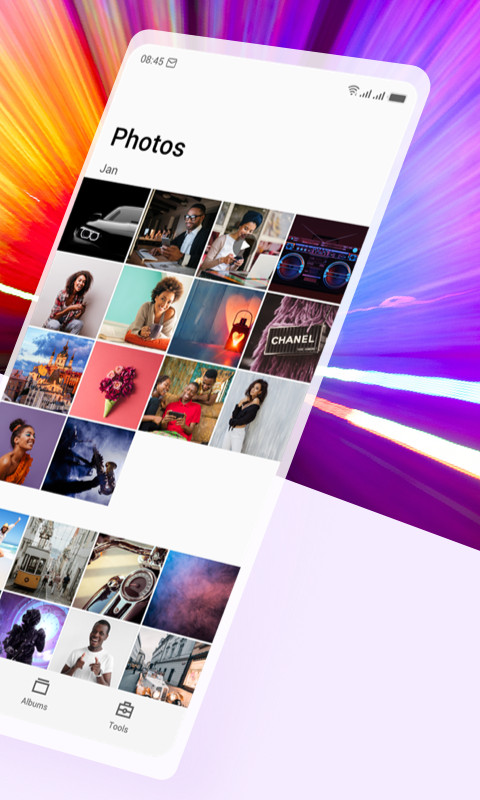
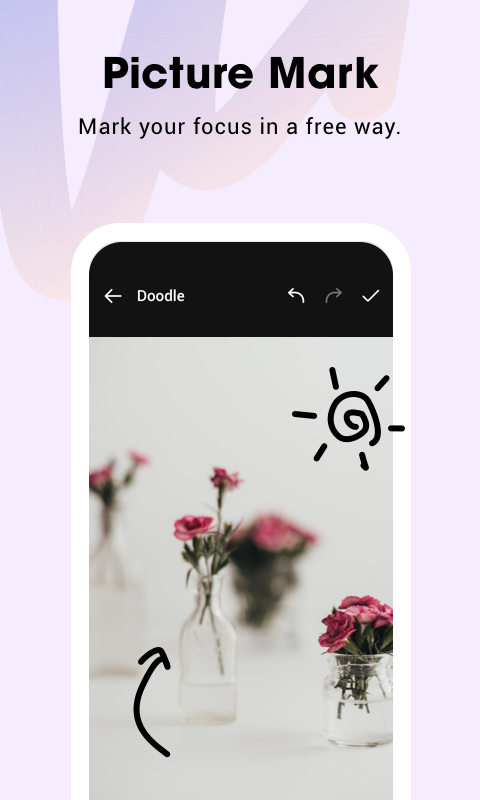
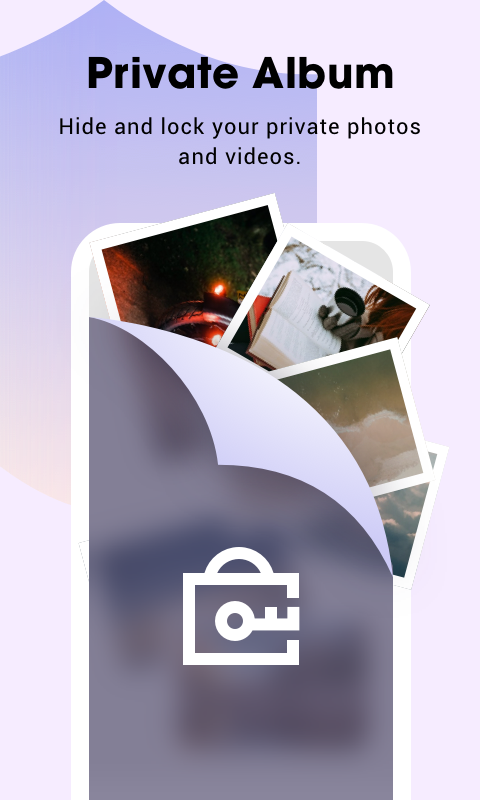
AI Gallery is a photography app by Transsion Holdings that organizes, edits, and manages photos and videos on Android devices. It addresses the common problem of cluttered galleries and wasted storage by providing automatic album classification, cleanup of dark, blurry, or duplicate images, and lossless compression to free up space. The app solves these needs through a redesigned homepage that makes selecting photos easier, a range of editing tools, and multi-template puzzle creation, all wrapped in a fast, ad-free interface. It also includes privacy features like password-protected private albums, though these are limited to Tecno and Infinix phones. With version 15.0.3.054 released on 2025-06-04, the app has been updated with a new UI and an advanced compression algorithm, aiming to be a lighter and quicker alternative for everyday photo management.
Key features
- Reorganized homepage for quicker selection of needed photos
- Efficient album classification that keeps your gallery neatly sorted
- Multi-template puzzles with rich layouts to customize photo collages
- Complete picture editing capabilities including marking, mosaics, and cropping
- Photo cleanup that removes too dark, blurry, or duplicate images to reclaim storage
- HD lossless compression that reduces file size without visible quality loss
- Dark mode, picture slideshow, and gesture-based zoom for convenient viewing
- Easy sharing of pictures to social media and option to set any image as wallpaper
How to install
- Tap the download button on this page to get the APK file, which is about 166 MB.
- When Android asks, allow your browser or file manager to install apps by enabling the 'Install unknown apps' setting.
- Open the downloaded APK file from your notifications or file manager.
- Tap Install and wait for the process to finish; the app requires Android 12 or higher.
- Open AI Gallery from your app drawer and grant the necessary storage permissions when prompted.
Pros
- No ads, making the experience cleaner and less distracting
- Comprehensive tools for editing, compressing, and cleaning photos
- Dark mode and slideshow features enhance usability
- Private albums add privacy for sensitive images on supported devices
- Free to use with no cost involved
Cons
- Requests extensive permissions, including access to all files and querying installed packages
- Private album feature only works on Tecno and Infinix devices, not universally
- Some advanced functions may rely on Transsion-specific services
- Permission list could raise privacy concerns for cautious users
Recent updates · 15.0.3.054
Version 15.0.3.054 introduces a refreshed interface along with two notable additions. A new image compression tool uses an advanced algorithm to reduce file sizes without sacrificing quality, helping free up storage space. A private album feature lets you protect selected photos with a password, though it is available only on Tecno and Infinix devices. The update also adds a picture marking tool for annotations, mosaics, and cropping, plus a new About page.
Version history
| Version | Size | Requires Android | Updated |
|---|---|---|---|
| 15.0.3.054 | 166 MB | 12 | Jun 4, 2025 |
| 5.6.1.045 | 77 MB | 12 | Jul 28, 2024 |
| 5.5.0.022 | 74 MB | 8.0 | Jan 24, 2024 |
AI Gallery is suited for anyone who wants a straightforward, ad-free way to keep their photo library organized and under control. It appeals to everyday smartphone users who accumulate many images and struggle with duplicates, blurry shots, or storage limits. The editing and puzzle tools make it handy for casual creators who like to personalize photos before sharing, while the dark mode and slideshow are nice for browsing at night. However, because the private album feature is restricted to Tecno and Infinix handsets, users on other brands should not expect that capability and may want to consider whether the extensive permissions are acceptable.
Use the photo cleanup feature periodically to automatically remove dark, blurry, and duplicate images, then apply lossless compression to keep more free space without sacrificing quality. If you are on a Tecno or Infinix phone, set up a password-protected private album for sensitive pictures.
Permissions
FAQ
What does the latest update to AI Gallery add beyond the new interface?
The most recent release, version 15.0.3.054 from June 2025, introduces a redesigned UI along with two new capabilities: a picture compression tool that uses an advanced algorithm to reduce file size without visible quality loss, and a private album feature that lets you password-protect selected photos. The update also includes a picture marking tool with mosaic and cropping options, plus a new About page.
Is the private album feature available on all phones?
No. According to the update notes, the password-protected private album function is provided only on Tecno and Infinix devices. On other phones, you can still use the rest of the app's features, such as photo cleanup, compression, and editing.
How does AI Gallery help free up storage space?
The app offers two main tools for this. Photo Cleanup scans for overly dark, blurry, or duplicate images so you can remove them and reclaim space. Photo compression uses a lossless algorithm to shrink the memory cost of pictures without degrading quality, helping you keep more room on your phone.
Which Android version do I need to run AI Gallery, and how large is the app?
AI Gallery requires Android 12 or newer as the minimum operating system. The current version is 166 MB in size, and the app itself is free to use.
What editing and organization tools are built into AI Gallery?
You get complete picture editing capabilities, multi-template puzzles for customizing photo collages, and efficient album classification that keeps your library organized. You can also create new albums, view detailed photo and video info, set any image as your wallpaper, and zoom with gestures.
AI Gallery delivers a solid, ad-free set of tools for everyday photo organization and editing, with useful cleanup and compression features. It is a practical choice for users who want a lighter gallery app, though the privacy feature and permissions warrant attention.
Similar apps
 Samsung GallerySamsung Electronics Co., Ltd.3.8
 GalleryGoogle LLC4.2
 Picsart AI Photo Editor, VideoPicsArt, Inc.3.9
 BeautyPlus-Selfie Photo EditorPIXOCIAL TECHNOLOGY (SINGAPORE) PTE. LTD.4.5
 FaceApp: Perfect Face EditorFaceApp Technology Ltd4.3
 Video Editor & Maker - InShotInShot Video Editor4.8
 Camera360 :Photo Editor&SelfiePINGUO TECHNOLOGY HK CO LIMITED4.2
 PixEzNotsfsssf
More from this developer


Updated: Nov 9, 2026