SmartThings for Android
SmartThings is a Lifestyle app from Samsung Electronics Co., Ltd. for controlling smart home devices, TVs and appliances.
Download SmartThingsSmartThings is aimed at people who want to manage smart home devices, Samsung smart TVs and appliances from one place. The app is free, requires Android 12 or newer, and is listed at 227 MB, with version 1.8.51.30 dated 2026-10-04.
- Size
- 227 MB
- Requires Android
- 12
- Updated
- Oct 2, 2026
- Installs
- 1B+
- Rating
- ★ 4.57 (5,540,654)
- Category
- Lifestyle
- Developer
- Samsung Electronics Co., Ltd.
- Content rating
- Everyone
- Package
- com.samsung.android.oneconnect
- Free
- ✓
Screenshots
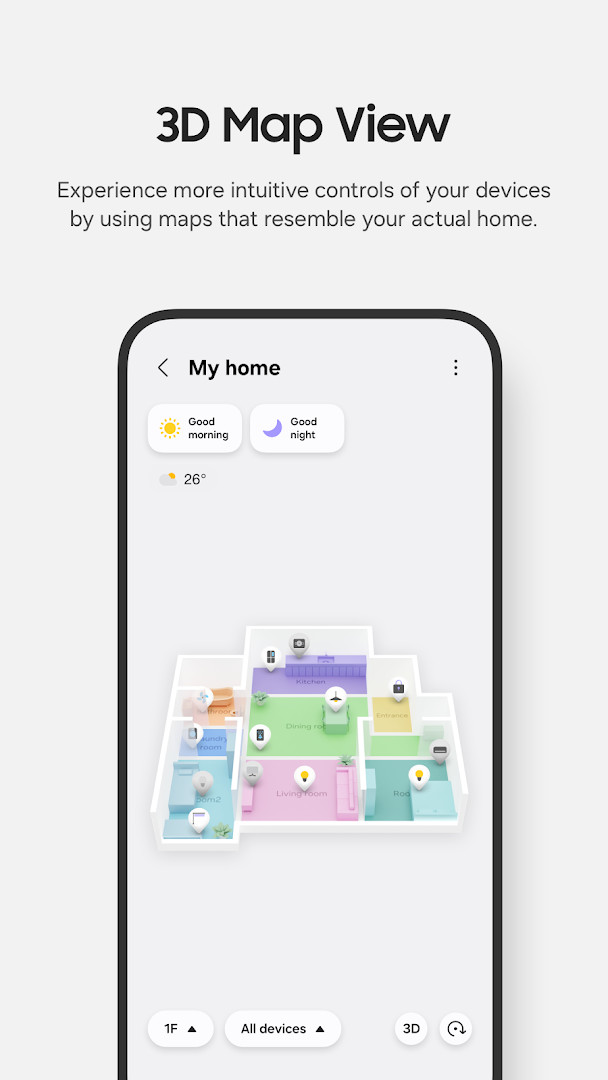
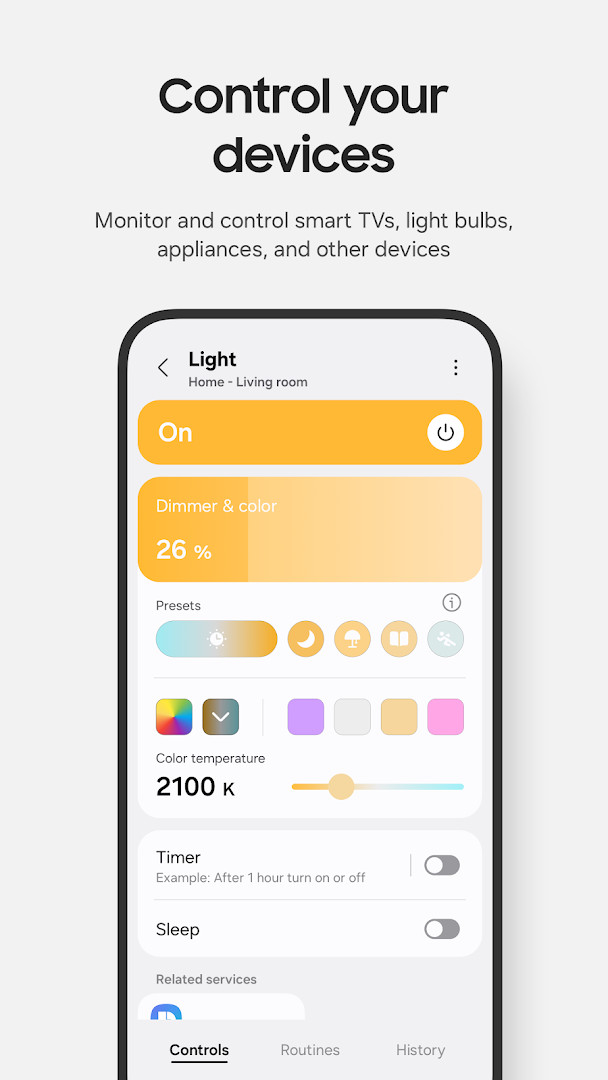
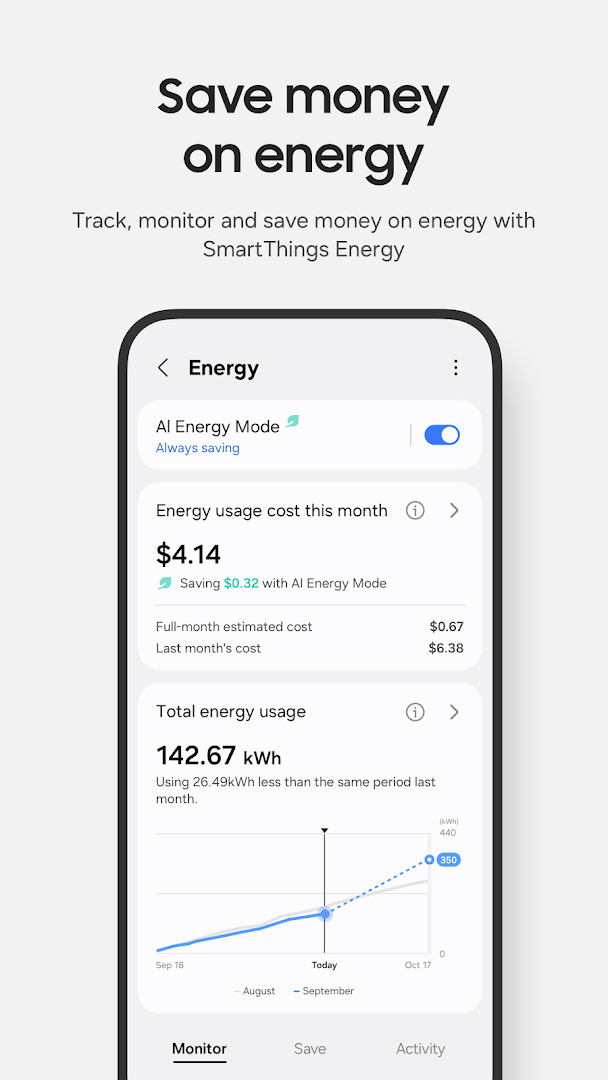
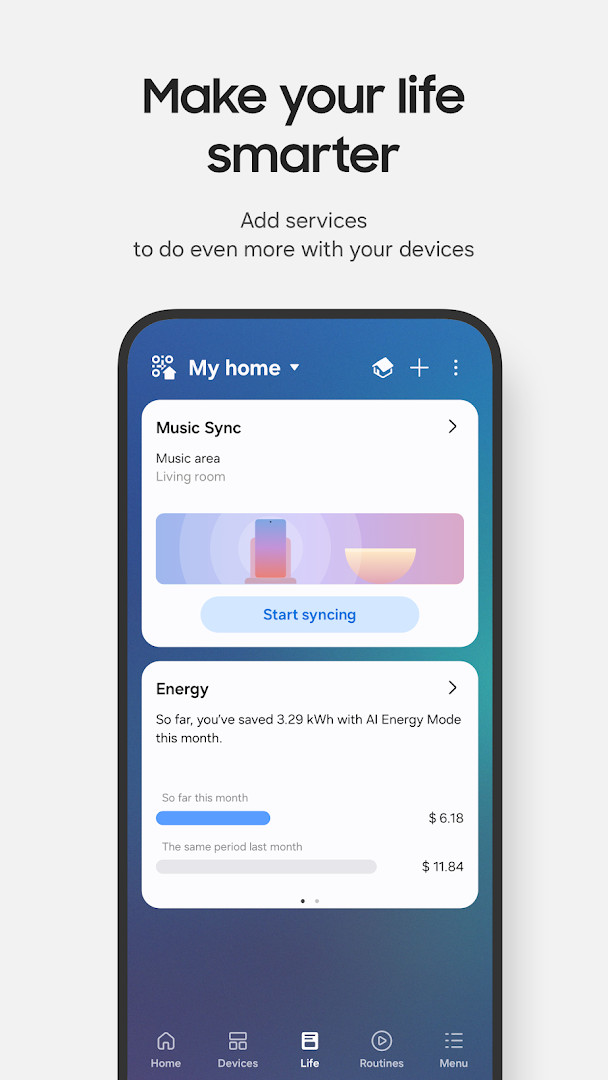
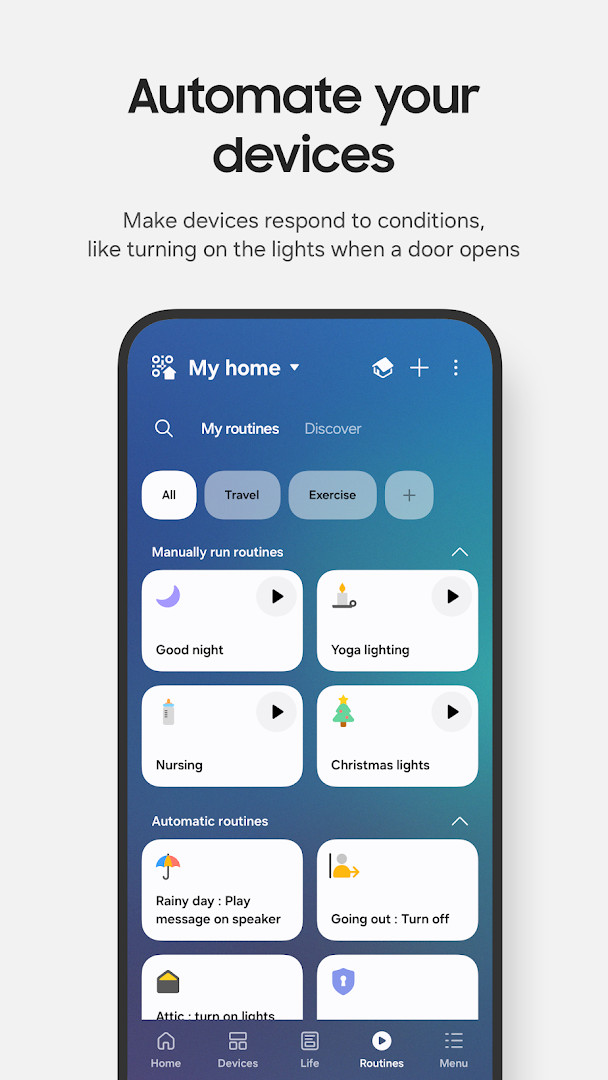
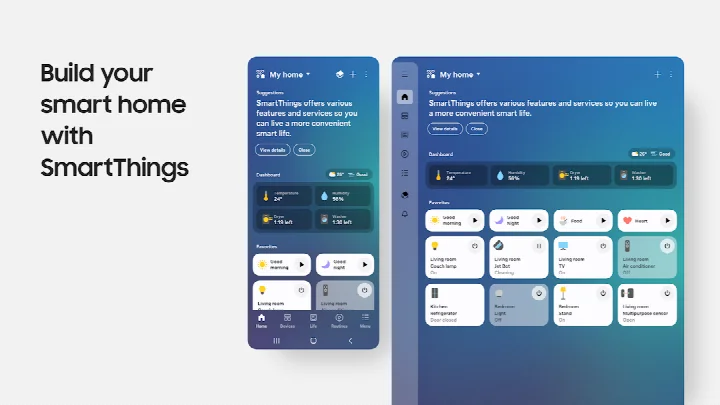
SmartThings is a smart home control app by Samsung Electronics Co., Ltd. that connects and manages Samsung smart TVs, home appliances, and compatible devices from one place. It was first released on 17 April 2017 and has been updated regularly since, with the most recent build listed at version 1.8.51.30 on 4 October 2026. The app is free, carries no advertising, and reports no in-app purchases, which keeps the experience centered on device control rather than upsells. Its scale is considerable, with over a billion installs and a rating of 4.57 from more than five and a half million ratings, and the content rating is Everyone.
In practice, the app acts as a single hub for a household's connected gadgets. It works with hundreds of smart home brands, so Samsung televisions, speakers, and appliances can sit alongside products from names such as Ring, Nest, and Philips Hue. Voice assistants including Alexa, Bixby, and Google Assistant can be used to issue commands, and shared access lets other household members control the same setup. Automations can be built around time, weather, or the current status of a device, and automated notifications keep owners informed about what their devices are doing. The app is optimized for Samsung smartphones, and some functions may be limited on phones from other vendors, while availability of certain features varies by country. A companion experience exists for Wear OS watches, though it requires a paired phone.
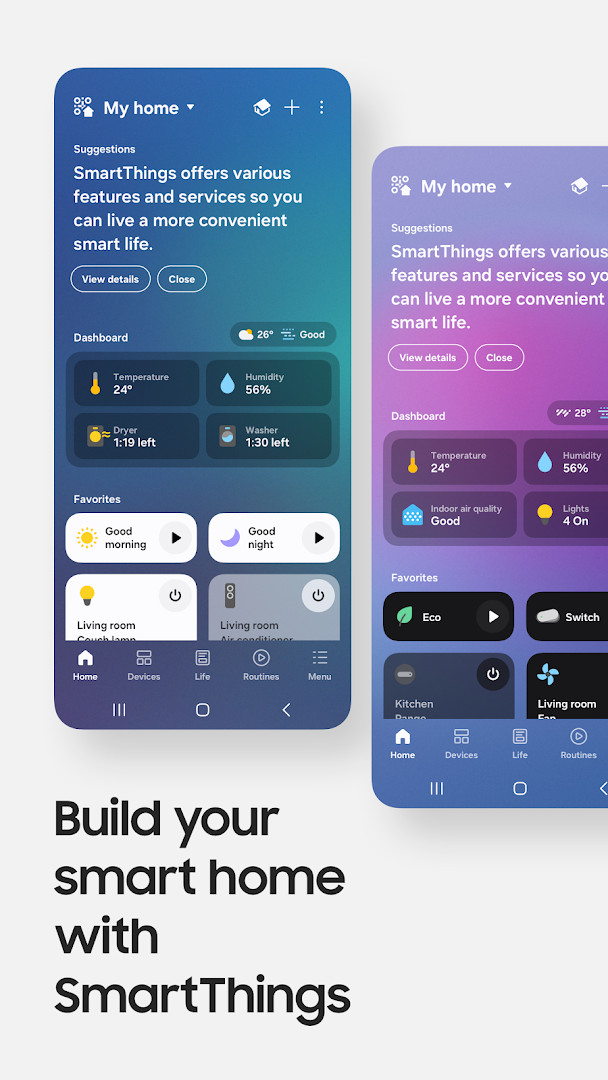
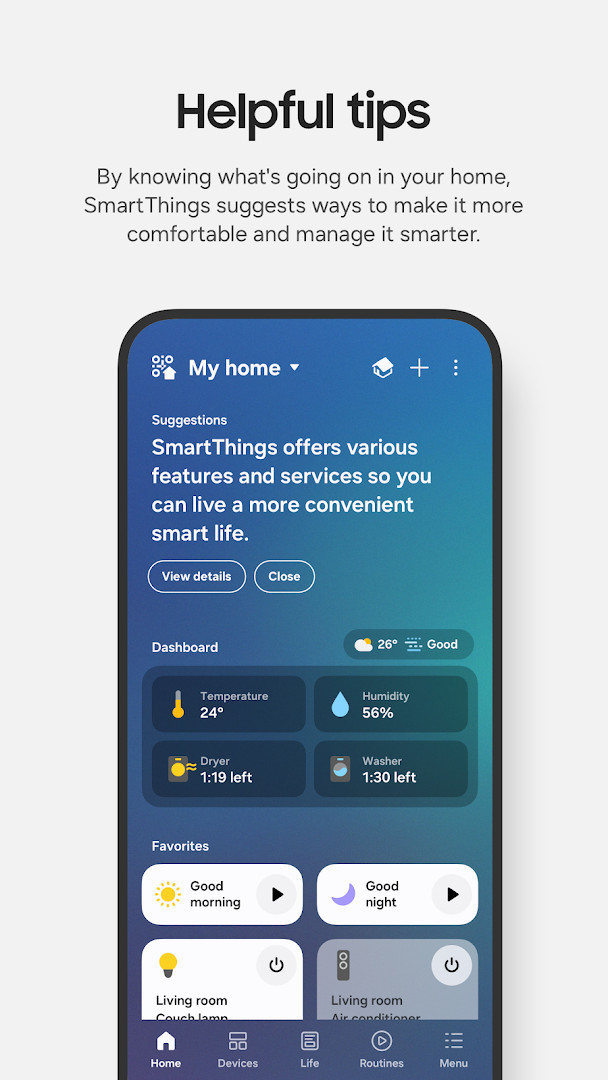
The most recent update focuses on daily usability. The Home tab has been redesigned so frequently used features and key information appear on the first screen, and control of hub-connected devices is faster when the phone and hub share the same Wi-Fi network. A dedicated screen now handles offline device diagnostics, allowing users to check and recover devices that have dropped off, and Routine Insights surfaces the three most-used routines along with recent activity. The app requires Android 12 or later and a device with at least 3 GB of memory, and the download package is 227 MB.
From a privacy standpoint, nearly every sensitive permission is optional. Location is used to find devices, build location-based routines, and scan for nearby hardware over Wi-Fi, while the nearby devices permission on Android 12 and above supports Bluetooth Low Energy scanning. Notifications on Android 13 and up deliver device alerts. Camera access is for scanning QR codes when adding members or devices, and the microphone helps add certain devices using high-frequency sounds. Files, media, photos, videos, and audio permissions relate to saving data and playing content on connected devices, phone access enables calls on smart speakers, contacts are read to send text message notifications, and physical activity detection supports pet walk tracking. The app can run without granting the optional permissions, though some functions will be limited. The Wear OS version asks separately for nearby devices, notifications, and microphone access.
Key features
- Connect and control Samsung smart TVs, smart appliances, speakers, and devices from hundreds of compatible brands in one interface
- Monitor and check in on the home remotely from anywhere
- Build routines triggered by time, weather conditions, or the status of a device
- Share control with other users so household members can operate the same devices
- Receive automated status notifications about connected devices
- Issue commands through Alexa, Bixby, or Google Assistant
- Redesigned Home tab that puts frequently used features and key information up front
- Faster control of hub-connected devices when the phone and hub are on the same Wi-Fi
- Dedicated offline device diagnostics screen for checking and recovering disconnected devices
- Routine Insights showing the top three most-used routines and recent activity
How to install
- Tap the download button on this page to get the 227 MB APK file.
- If Android prompts you, allow your browser or file manager to install apps by enabling the Install unknown apps setting for that app.
- Open the downloaded APK file from your notifications or file manager.
- Tap Install and wait for the package to finish installing.
- Open the app and sign in to begin adding devices; Android 12 or later and at least 3 GB of memory are required.
Pros
- Free to use with no advertising and no in-app purchases
- Supports a very large number of smart home brands in a single app
- Optional permissions can be denied while the core app still works
- Regular updates, with the latest build released in October 2026
- Strong adoption, reflected in more than a billion installs
- Wear OS support offers quick routine and device control from a watch
Cons
- Optimized for Samsung phones, so some features may be limited on other brands
- Certain features are not available in every country
- Requires Android 12 or later and at least 3 GB of memory
- The Wear OS companion only works when paired with a phone
- Broad optional permission list may concern privacy-focused users
Recent updates
The latest update brings a redesigned Home tab, making it easier to reach frequently used features and key information right from the start. Devices connected to your hub now respond faster when your phone and hub share the same Wi-Fi network. A new offline device diagnostics screen lets you check and recover offline devices in one place, and Routine Insights shows your top three most-used routines along with recent activity.
Version history
| Version | Size | Requires Android | Updated |
|---|---|---|---|
| 1.8.51.30 | 227 MB | 12 | Oct 4, 2026 |
| 1.8.47.24 | 231 MB | 12 | Sep 29, 2026 |
| 1.8.45.24 | 235 MB | 12 | Sep 6, 2026 |
| 1.8.37.23 | 234 MB | 11 | Jun 16, 2026 |
| 1.8.41.23 | 233 MB | 12 | Feb 22, 2026 |
| 1.8.00.22 | 107 MB | 8.0 | Nov 5, 2025 |
| 1.8.21.28 | 119 MB | 10 | Oct 31, 2024 |
| 1.8.14.26 | 115 MB | 9 | Apr 8, 2024 |
| 1.7.60.23 | 78 MB | 7.0 | Jan 27, 2021 |
| 1.6.00-45 | 30 MB | 6.0 | May 4, 2017 |
Households already using Samsung televisions, appliances, or speakers who want one place to manage them; owners of mixed-brand smart homes who need a single control app; and privacy-conscious users who prefer to grant permissions selectively rather than all at once.
Review the optional permissions after installation and grant only what your setup needs. Location can be left off if you do not use location-based routines, and camera, microphone, contacts, and physical activity access can be enabled later when a specific feature calls for them.
Permissions
FAQ
Is SmartThings free to download?
Yes, SmartThings is free, listed at 0.00 USD. It contains no ads and no in-app purchases.
What Android version do I need to run SmartThings?
The app requires Android 12 or newer. Devices also need more than 3 GB of memory, and some phones may not be supported.
How large is the download file?
The file size is 227 MB. Make sure you have enough free space before installing.
Do I need an account to use SmartThings?
Setting up an account is part of getting started with the app. It lets you connect devices and share control with other users.
What permissions does SmartThings ask for?
It may request access to identity, contacts, location, phone, photos and media, storage, camera, microphone, Wi-Fi connection information, and device ID and call information. These are optional, but skipping them can limit some features.
How do I update SmartThings to the latest version?
Download the new version from this page and install it over your current copy. The most recent release is 1.8.51.30, dated 2026-10-04.
SmartThings is a mature, widely used way to bring a mixed collection of smart home devices under one roof, and its free, ad-free model with no in-app purchases is a genuine plus. The main caveats are its Samsung-first optimization, country-dependent features, and a long list of optional permissions, though the app does function without most of them. For anyone with compatible hardware, it is a reasonable choice, provided you check the Android 12 requirement and 3 GB memory minimum before installing.
Similar apps



More from this developer

Updated: Oct 24, 2026