Candy Camera AI – Find myself: AI editing, pet camera
Candy Camera AI – Find myself is a free photography app by Studio SJ that lets you edit photos with AI, use a pet camera, and keep a private album.
Get APK · v7.9.5.8-playCandy Camera AI – Find myself requires Android 7.0 or newer; it shows ads, offers in-app purchases, and the download size is not listed. Candy Camera AI – Find myself processes photos on the device without sign-in, adding a pet camera and an encrypted private album. It suits photographers and pet owners who want privacy-focused tools.
- Version
- 7.9.5.8-play
- Requires Android
- 7.0
- Updated
- Oct 15, 2026
- Installs
- 100M+
- Rating
- ★ 3.87 (3,316,203)
- Category
- Photography
- Developer
- Studio SJ
- Content rating
- Everyone
- Package
- com.joeware.android.gpulumera
- Free
- ✓ · Contains ads · In-app purchases
Screenshots
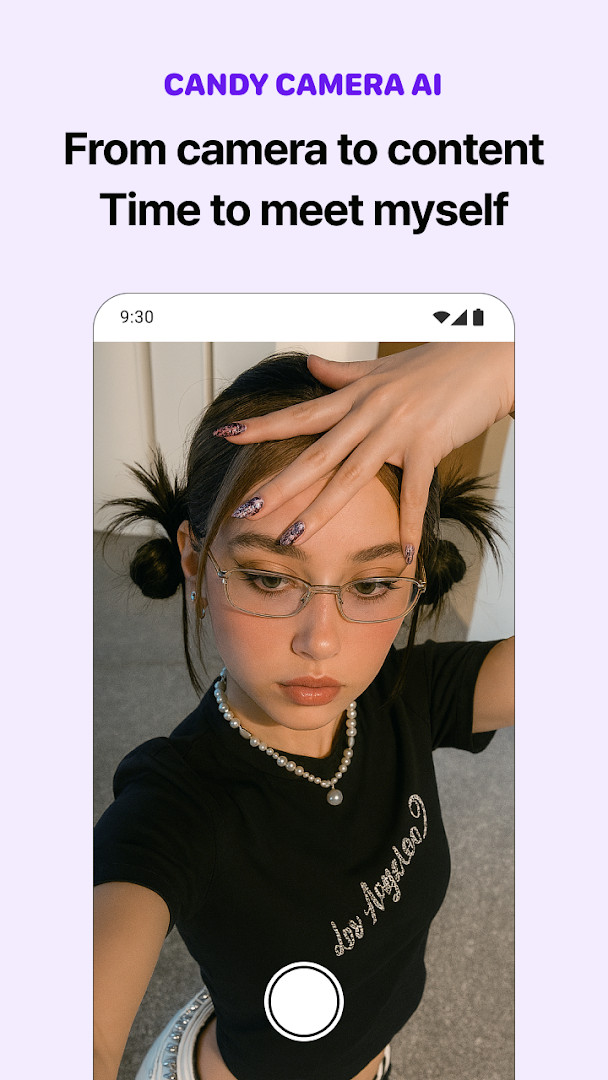
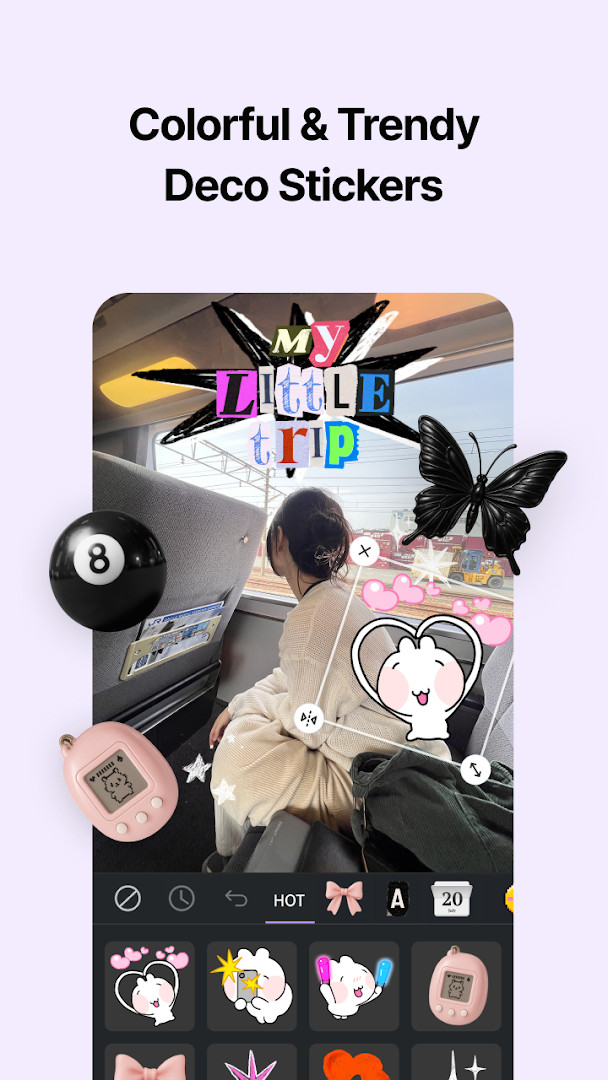
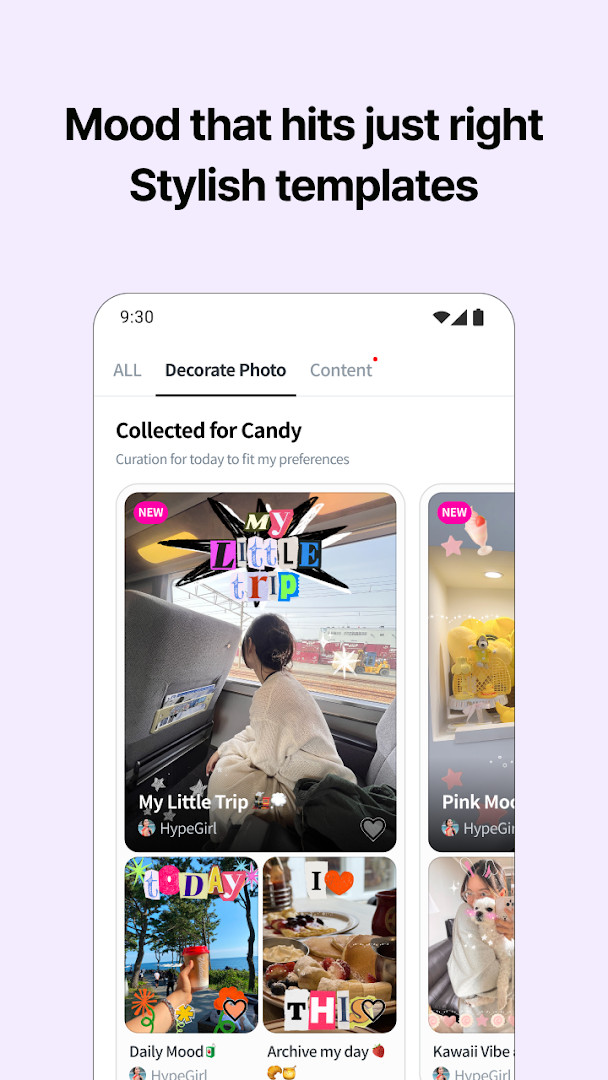
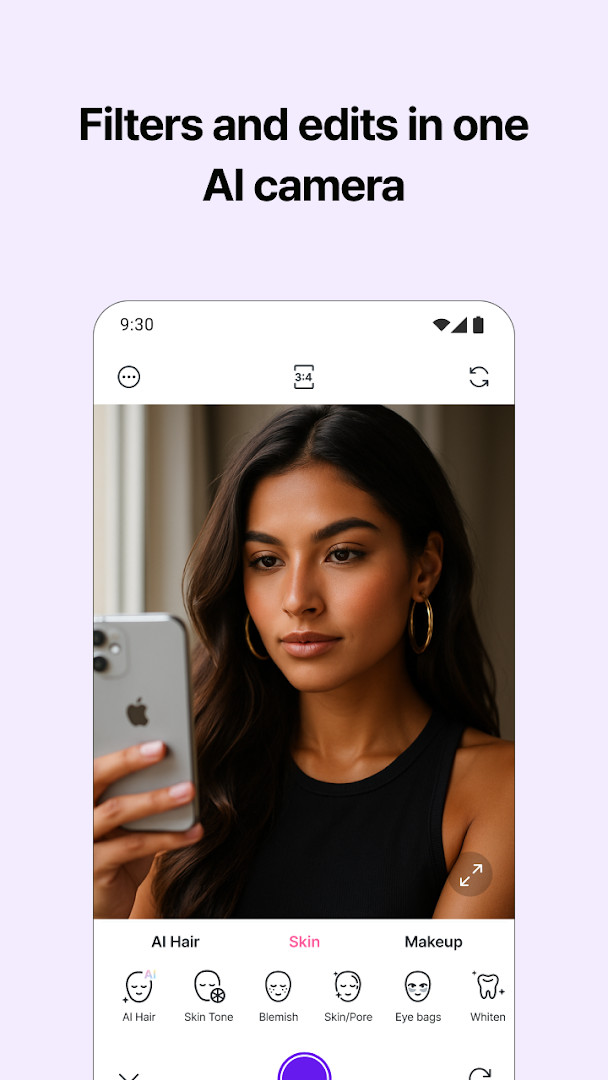
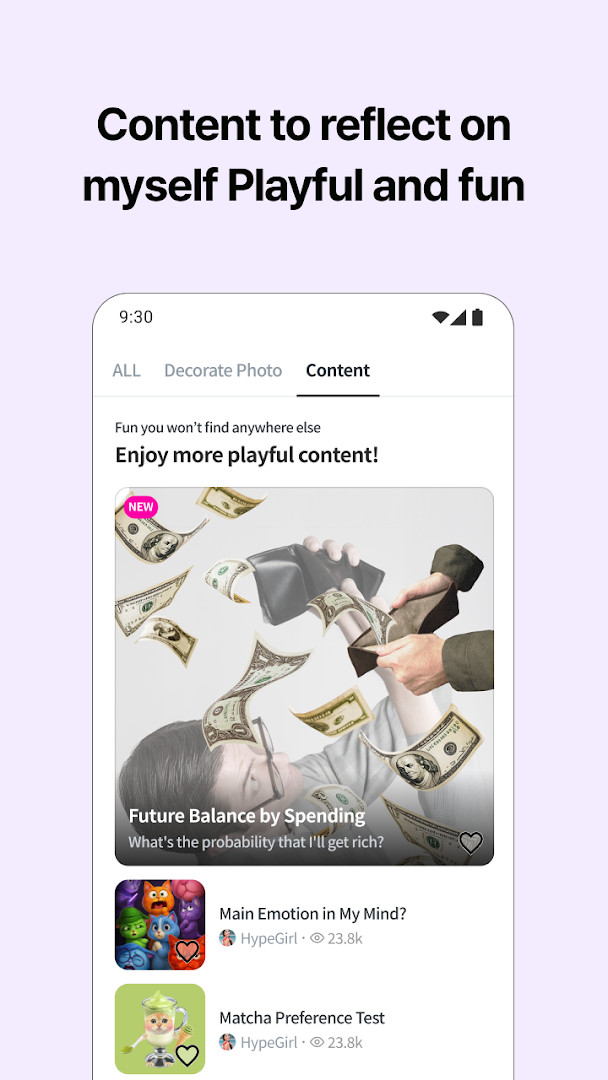
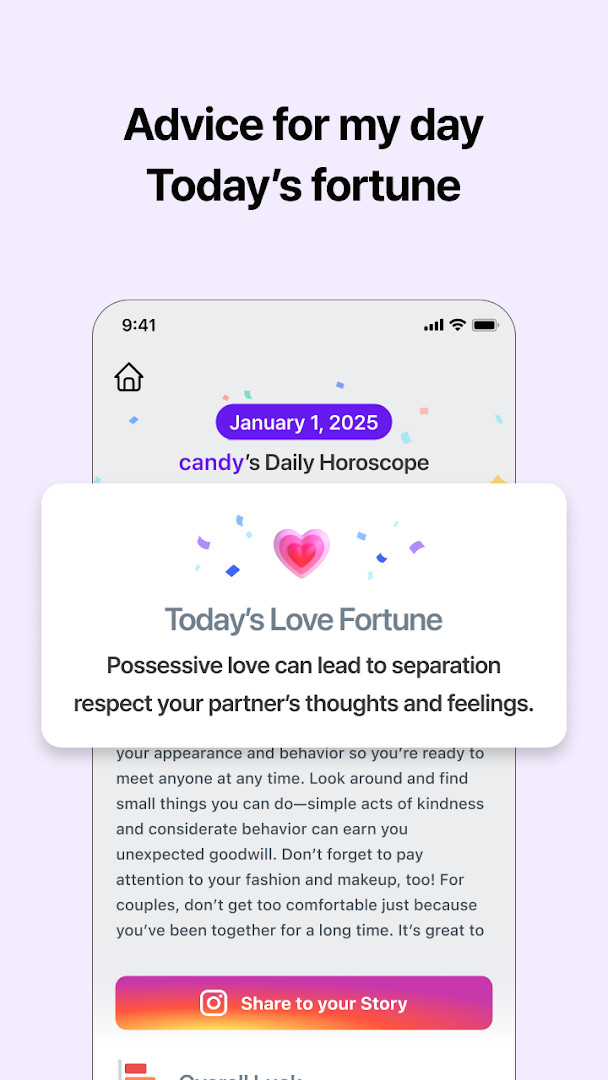
Candy Camera AI – Find myself is a photography app by Studio SJ that combines a free camera, AI editing tools, a pet camera, and a private album in one package. The app aims to solve the problem of managing photos and editing them on the go without needing an account or an internet connection. It addresses privacy concerns by keeping all processing on the device, encrypting stored photos, and not requesting network permission. For beginners, this means you can take pictures, apply beauty filters, clean up backgrounds, and organize your shots without worrying about data leaving your phone. The AI tools are free, and the app learns your preferred looks locally. With a pet-specific camera mode, it also helps capture animals that rarely stay still by using an automatic shutter triggered when they are centered. The private album uses biometrics or your device lock for access and blocks screenshots while open, offering a straightforward way to keep personal images secure. Overall, it is designed as an all-in-one photography utility that emphasizes simplicity and local privacy.
Key features
- AI Look applies a color tone suited to your photo
- Clean background tool tidies busy backgrounds naturally
- Full-body crop offers framing suggestions on your phone
- Pet auto shutter takes the photo when your pet holds still in the center
- Pet studio preserves fur detail and allows background swap with green or blue screen
- Private album encrypts photos, keeps them on device, and opens with biometrics or device lock
- 24 filters including Soft Pink, Film, Peach, Milk, Sunset and Mono
- Collage mode combines 2 to 4 photos, with video trim, mute, and tone options
How to install
- Tap the download button on this page to get the APK file.
- When Android asks, allow your browser or file manager to install apps by enabling the 'Install unknown apps' setting.
- Open the downloaded APK file from your notifications or file manager.
- Tap Install and wait for the process to complete.
- Open the app from your home screen or app drawer.
- The app requires Android 7.0 or higher; the file size is not specified.
Pros
- No ads and no sign-in required
- Photos are processed on the device and the app does not request network permission
- Private album with encryption, biometrics, and screenshot blocking
- Free AI editing tools with no watermark
- Pet camera mode with auto shutter for moving pets
Cons
- Contains ads
- Offers in-app purchases
- Requests permissions for photos/media/files, storage, camera, and microphone
Recent updates · 7.9.5.8-play
Version 7.9.5.8-play arrived on 2026-10-15 with a refreshed Candy Camera AI experience. The update keeps all AI editing tools free with no watermark, along with the pet camera's auto shutter and the encrypted private album that unlocks with biometrics or your device lock. No ads and no sign-in mean your photos continue to stay on this device.
Version history
| Version | Size | Requires Android | Updated |
|---|---|---|---|
| 7.9.5.8-play | — | 7.0 | Oct 15, 2026 |
| 7.9.5.7-play | — | 7.0 | Oct 13, 2026 |
| 5.4.69-go | 30 MB | 4.1 | Oct 27, 2020 |
This app is ideal for beginners who want a simple, private way to take photos, edit them with AI tools, and store them securely without creating an account. It suits pet owners who struggle to capture active animals, thanks to the auto shutter and pet studio features. It also appeals to anyone concerned about privacy, since all processing stays on the device and no network access is needed. Casual users who enjoy beauty filters, collages, and quick edits will find the free tools approachable, while the private album adds a layer of security for personal images.
Use the pet auto shutter to capture moving pets more easily, and enable the private album's biometric lock for quick access. Since the app does not request network permission, you can use it fully offline without worrying about data uploads.
Permissions
FAQ
Do I need to create an account to use Candy Camera AI?
No. The app is built with no sign-in, so there is no account to create or delete.
Where are my photos processed and stored?
Photos are processed on this device, and the app does not request network permission. Photos in the private album are encrypted and kept on this device.
How does the pet camera handle pets that won't sit still?
Pet mode keeps fur texture natural with face beauty off, and the pet auto shutter takes the photo when your pet holds still in the center. Pet studio offers fur detail and background swap using a green or blue screen.
Is Candy Camera AI really free?
The app is free to download and use, and every AI tool is free with no watermark. However, the app does contain ads and in-app purchases.
What AI editing features are included?
Free AI tools include AI Look color tones, Clean background, Best quality export at full quality, Full-body crop framing suggestions, and on-device learning of the looks you like.
How is the private album protected?
Photos in it are encrypted and kept on this device. It opens only with biometrics or your device lock, and screenshots are blocked while the album is open.
Candy Camera AI – Find myself offers a solid, privacy-focused set of photography tools that are easy for beginners to grasp. Its combination of free AI editing, pet camera features, and a secure album makes it a practical choice for everyday photo management.
Similar apps
 Samsung GallerySamsung Electronics Co., Ltd.3.8
 GalleryGoogle LLC4.2
 Picsart AI Photo Editor, VideoPicsArt, Inc.3.9
 AI GalleryTranssion Holdings3.5
 BeautyPlus-Selfie Photo EditorPIXOCIAL TECHNOLOGY (SINGAPORE) PTE. LTD.4.5
 FaceApp: Perfect Face EditorFaceApp Technology Ltd4.3
 Video Editor & Maker - InShotInShot Video Editor4.8
 Photoroom: AI Photo & VideoPhotoroom AI Photo Editor4.6
Updated: Nov 20, 2026