
Video Editor & Maker - InShot: Edit Videos with Effects
Video Editor & Maker - InShot is a free video and photo editor by InShot Video Editor that lets you trim clips, add music, apply filters, and adjust speed.
Get App · v2.231.1551Video Editor & Maker - InShot has 500 million installs and a 4.84 rating from about 24.7 million ratings. The app requires Android 8.0 or higher, contains ads, and offers in-app purchases. It targets vloggers and social media users who create videos for YouTube, TikTok, and Instagram.
- Version
- 2.231.1551
- Requires Android
- 8.0
- Updated
- Sep 21, 2026
- Installs
- 500M+
- Rating
- ★ 4.84 (24,707,806)
- Category
- Photography
- Developer
- InShot Video Editor
- Content rating
- Everyone
- Package
- com.camerasideas.instashot
- Free
- ✓ · Contains ads · In-app purchases
Screenshots
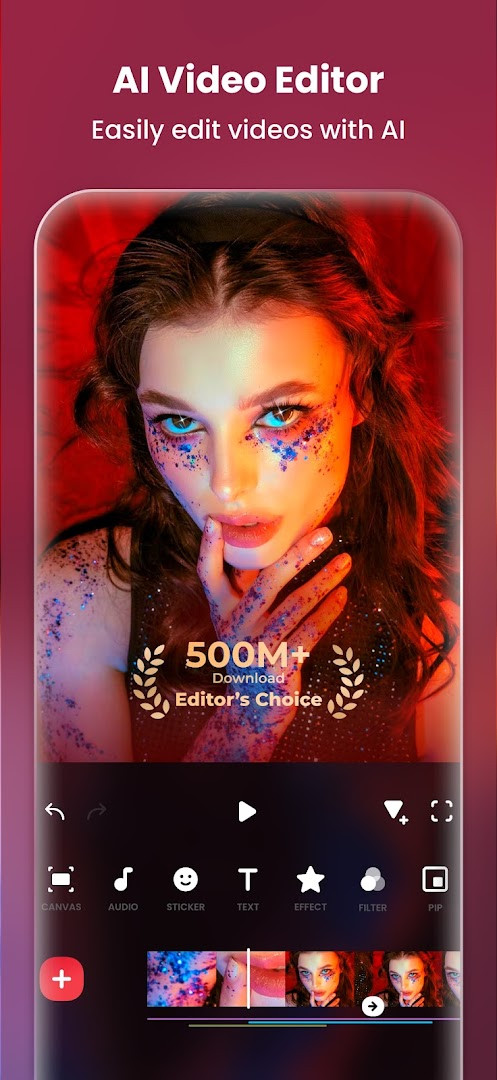
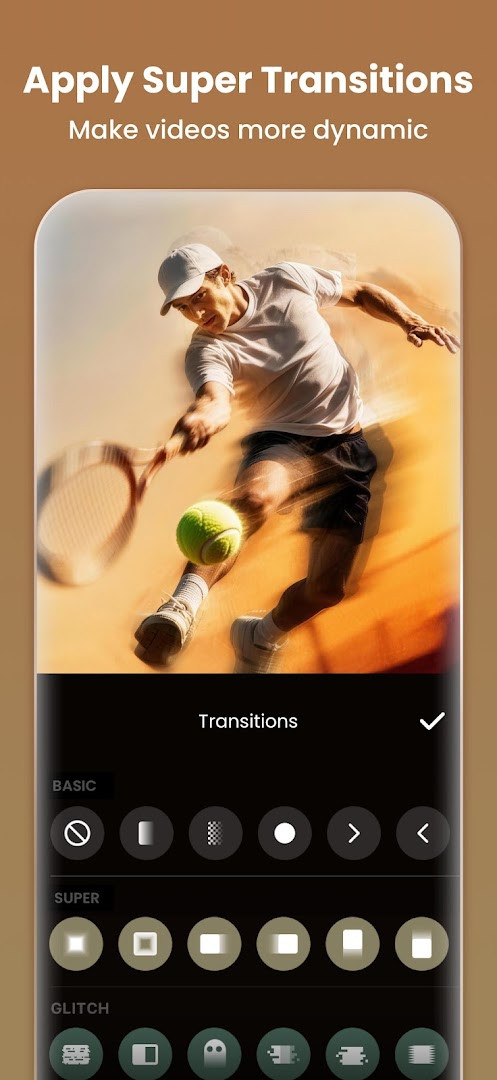
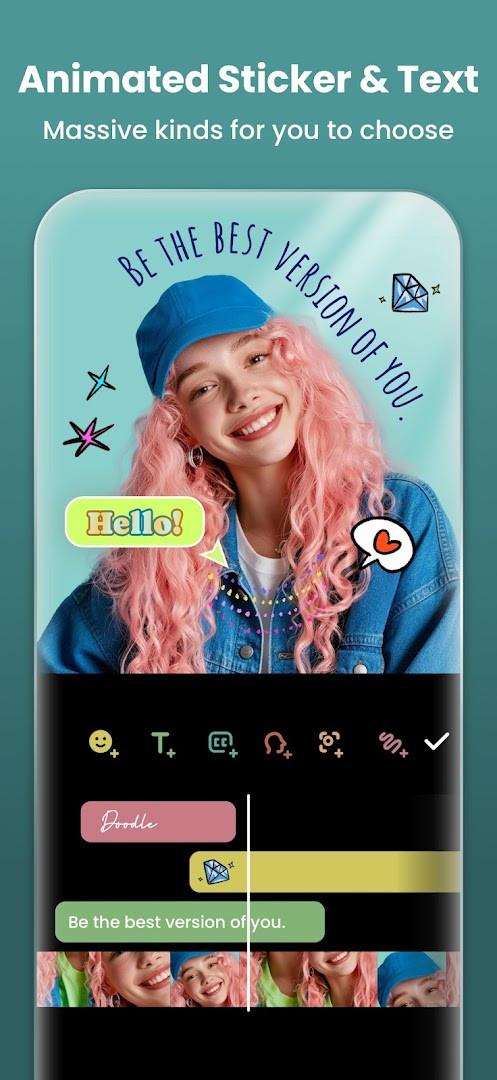
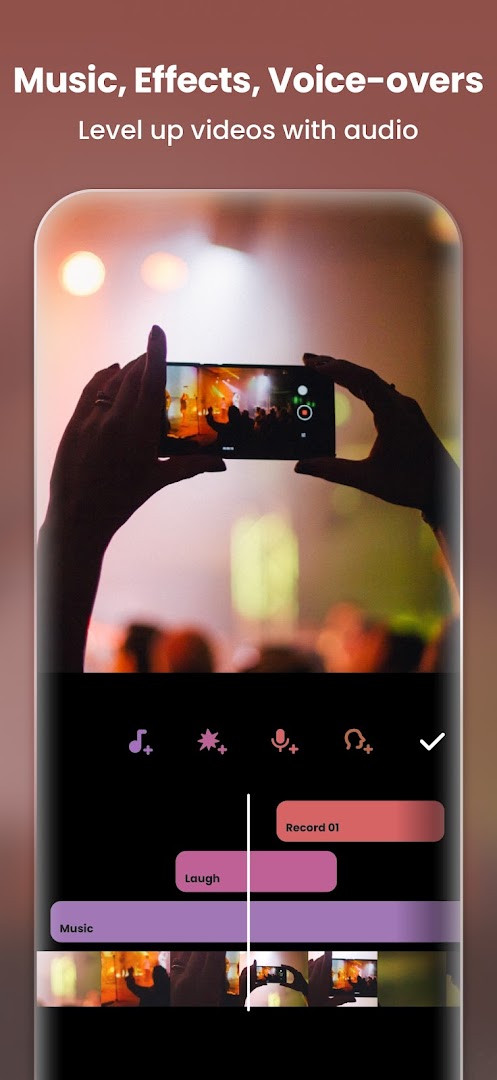
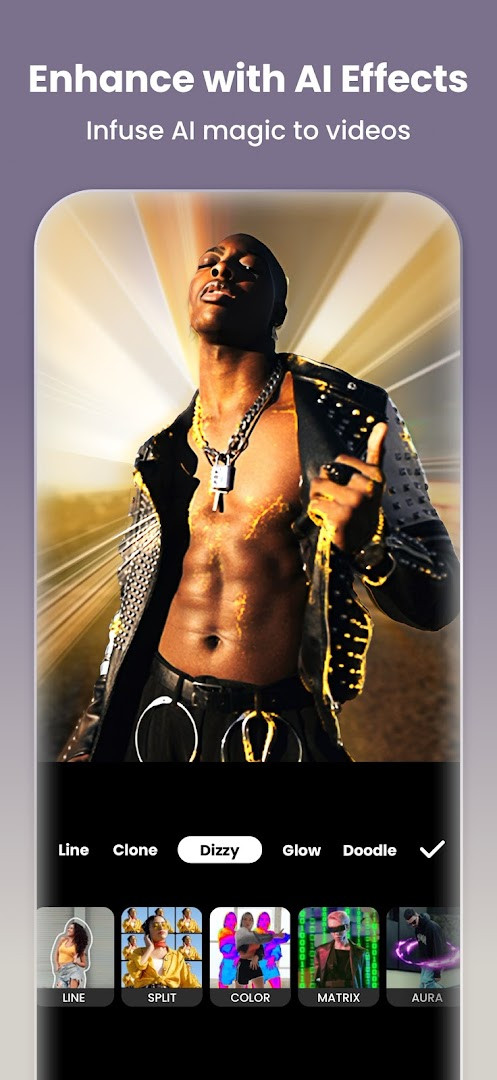
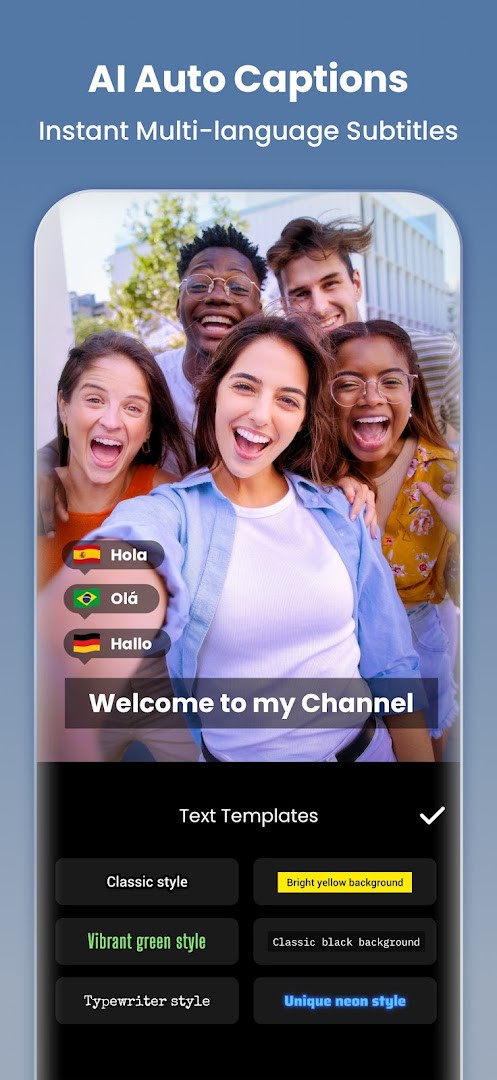
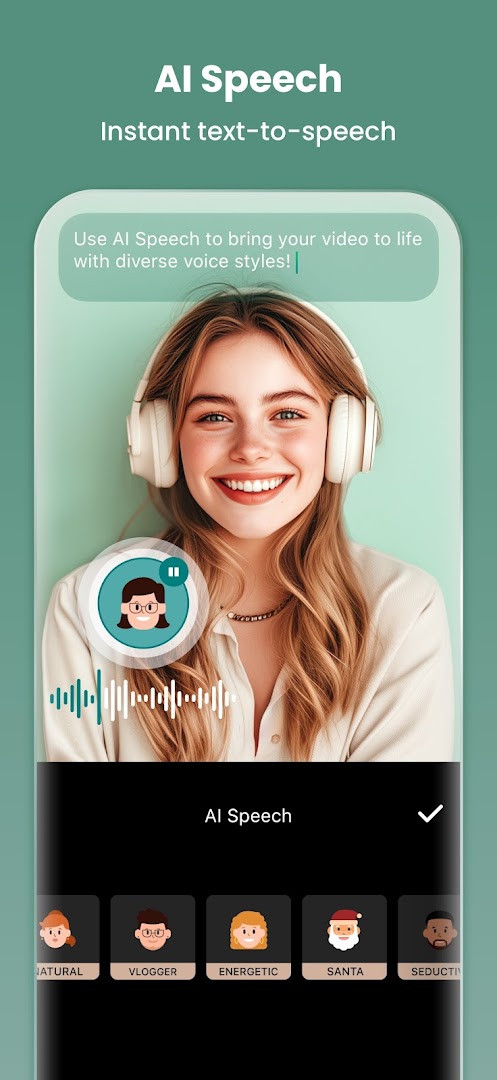
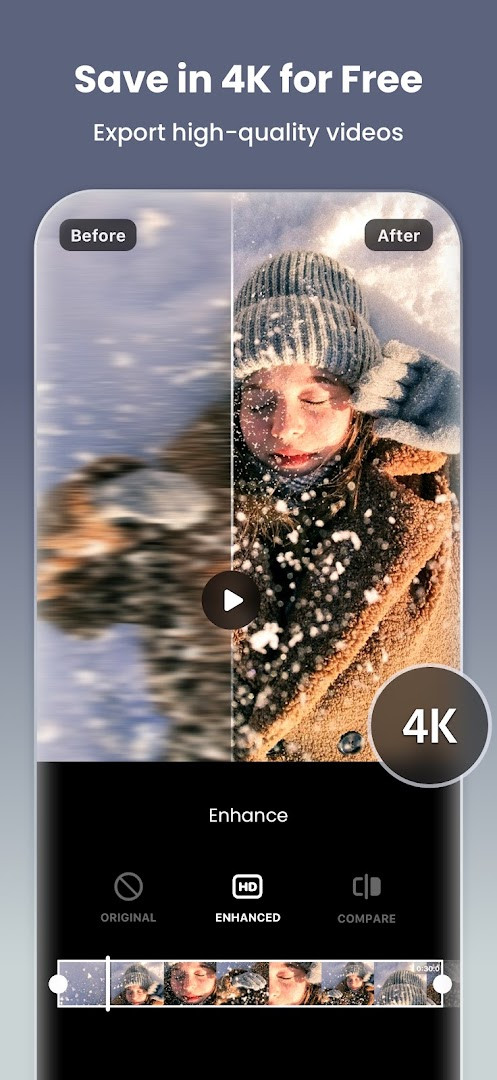
Video Editor & Maker - InShot is a video and photo editing application by InShot Video Editor that combines clip trimming, music, effects, and collage tools into a single mobile package. It has been around since 2014 and has grown into a widely used utility for casual creators who want to polish short clips before sharing them on social platforms. The app is free to download and contains ads, with optional in-app purchases for advanced features. Over the years, it has expanded well beyond basic cutting, adding AI-assisted tools such as auto captions, speech synthesis, background removal, and smart object tracking. Version 2.231.1551, released in September 2026, introduces a few notable additions: audio stickers that attach sound effects to animated stickers, a group edit mode for adjusting multiple audio tracks at once, and a hair glow effect for adding shine to subjects in videos or photos. The update also includes general bug fixes and performance improvements, keeping the experience stable for the app's large user base.
In practice, InShot functions as a one-stop editor for short-form content. You can trim and merge clips, reverse footage, adjust playback speed, add keyframe animations, and layer text, emojis, and stickers over your video. The tool also supports chroma key for green screen work, picture-in-picture overlays, and blend modes for mixing clips. For audio, you can add background music, sound effects, and voiceovers, plus apply voice modulation effects. The photo side is equally capable, offering background blur, object removal, an AI enhancer for sharpening blurry images, and a collage maker that supports up to twenty photos across a hundred or more layouts. Export options go up to 4K at 60 frames per second, which is handy if you want high-quality output for platforms that support it.
One of the app's strengths is its adaptability to different aspect ratios, making it easy to prepare content for Instagram, TikTok, YouTube Shorts, WhatsApp Status, and similar services. You can pick from preset canvas sizes or use a custom ratio, then add background patterns or upload your own image. The interface is generally straightforward, though newer users may need a few minutes to locate advanced tools like keyframes or chroma key. InShot is not affiliated with any of the social networks it integrates with, and it requires Android 8.0 or higher to run. The latest version adds small but meaningful quality-of-life improvements, particularly for people who edit multiple audio tracks or want to add playful sound effects to their stickers.
Key features
- AI auto captions convert speech to on-screen subtitles quickly
- Text-to-speech with multiple accents and natural-sounding voices
- One-tap background removal for both videos and photos
- Smart tracking keeps stickers and text aligned with moving objects
- Smooth slow-motion effect for fluid, cinematic clips
- AI body effects apply instant presets to images and videos
- Trim, merge, reverse, and compress clips without losing quality
- Add text, emoji, stickers, music, sound effects, and voiceovers
- Speed control with ramping and keyframe-based animations
- Chromakey for green screen editing and picture-in-picture layers
How to install
- Tap the download button on this page to get the APK file. The file size is not listed, but the app requires Android 8.0 or higher.
- When your browser or file manager asks for permission, allow it to install apps by enabling the 'Install unknown apps' setting for that app.
- Locate the downloaded APK file in your notifications or Downloads folder and tap it to open.
- Tap Install on the confirmation screen and wait for the installation to finish.
- Open the app from your home screen or app drawer, then grant the requested permissions for photos, media, storage, and microphone when prompted.
Pros
- Comprehensive editing suite covering video, photo, and collage in one app
- AI tools like auto captions and background removal save time
- Supports high-quality export up to 4K at 60fps
- Wide range of aspect ratios and presets for social media
- Regular updates add new effects and fix issues
- Free to use with optional in-app purchases
Cons
- Contains ads that can interrupt the editing flow
- Some advanced features require in-app purchases
- Requires several permissions including storage and microphone
- Large feature set may feel overwhelming for absolute beginners
Recent updates · 2.231.1551
This update introduces Audio Stickers, letting you bring stickers to life with sound effects, and adds Group Edit for Tracks so you can adjust multiple audio tracks at once. It also includes the new Hair Glow feature for adding a natural shine to hair, along with bug fixes and other improvements.
Version history
| Version | Size | Requires Android | Updated |
|---|---|---|---|
| 2.231.1551 | — | 8.0 | Sep 21, 2026 |
| 1.680.2300.yingYongBao | 50 MB | 5.0 | May 1, 2025 |
| 1.950.1411 | 70 MB | 6.0 | Jul 25, 2023 |
| 1.649.1282.HW | 44 MB | 4.3 | May 31, 2020 |
| 1.441.164 | 21 MB | 4.0 | Jun 19, 2017 |
| 1.416.142 | 20 MB | — | Mar 21, 2017 |
| 1.162 | 6.6 MB | — | Jul 11, 2014 |
Video Editor & Maker - InShot is best suited for casual social media creators who want to edit short clips for TikTok, Instagram Reels, or YouTube Shorts. It also works well for vloggers who need a quick all-in-one tool for trimming, adding music, and applying captions, as well as for hobbyists who enjoy making photo collages and experimenting with AI effects without using a desktop editor.
For smoother slow-motion clips, record at a higher frame rate if your phone allows it, then use the Smooth Slow-mo feature in InShot to reduce the speed. This gives you more frames to work with and produces a more fluid result compared to slowing down standard 30fps footage.
Permissions
FAQ
What AI-powered tools does Video Editor & Maker - InShot include?
The app bundles several AI features: Auto Captions that convert speech to text for subtitles, AI Speech that turns written text into spoken audio with various accents and voices, one-tap background removal for videos and photos, Smart Tracking that keeps stickers and text moving with an object, AI Body Effects presets, and an AI Photo Enhancer that upgrades blurry pictures to HD.
Can I export my projects in high resolution?
Yes. Export resolution is customizable, and the app supports HD export up to 4K at 60fps, which suits footage intended for Instagram Reels, TikTok, WhatsApp Status or YouTube Shorts.
What collage options are available in the photo editor side?
The collage maker offers more than 100 editable layouts and supports up to 20 photos in a grid. Besides the standard grid, you can work with Freestyle, AI Blend and Pic Stitch modes, and the app also provides over 1000 stickers, memes, texts and backgrounds.
What editing controls does InShot offer for video clips?
You can trim and merge clips, reverse footage, adjust speed with ramping, apply keyframes for custom animations, use chromakey for green screen work, build picture-in-picture layers, blend clips with mix modes, and pick colors directly from the screen to apply to backgrounds or text.
What is the latest version and update date shown for this app?
The current listed version is 2.231.1551, updated on 2026-09-21. The release history also includes builds such as 1.680.2300.yingYongBao from 2025-05-01, 1.950.1411 from 2023-07-25, 1.649.1282.HW from 2020-05-31, and 1.441.164 from 2017-06-19.
Is the app free, and does it contain advertising or purchases?
The app is offered at no cost, with a listed price of 0.00 USD. It does contain ads and offers in-app purchases, and it is rated for Everyone.
Video Editor & Maker - InShot remains a reliable choice for mobile editing, offering an impressive range of tools that cover both video and photo needs. The latest version adds useful touches like audio stickers and group track editing, while the AI features help streamline repetitive tasks. It is not without compromises, such as ads and some paid features, but for everyday short-form content creation, it delivers strong value and flexibility.
Similar apps



Updated: Nov 2, 2026