Samsung Global Goals
Samsung Global Goals is a free education app from Samsung Electronics Co., Ltd. that helps you learn about and support the UN's Sustainable Development Goals.
Download for freeSamsung Global Goals is for people who want to learn about the United Nations' 17 Sustainable Development Goals and contribute to real-world change by viewing ads that generate donations. The app is free, requires Android 12 or newer, and takes about 103 MB of storage.
- Size
- 103 MB
- Requires Android
- 12
- Updated
- Sep 15, 2026
- Installs
- 500M+
- Rating
- ★ 3.73 (259,070)
- Category
- Education
- Developer
- Samsung Electronics Co., Ltd.
- Content rating
- Everyone
- Package
- com.samsung.sree
- Free
- ✓ · Contains ads
Screenshots
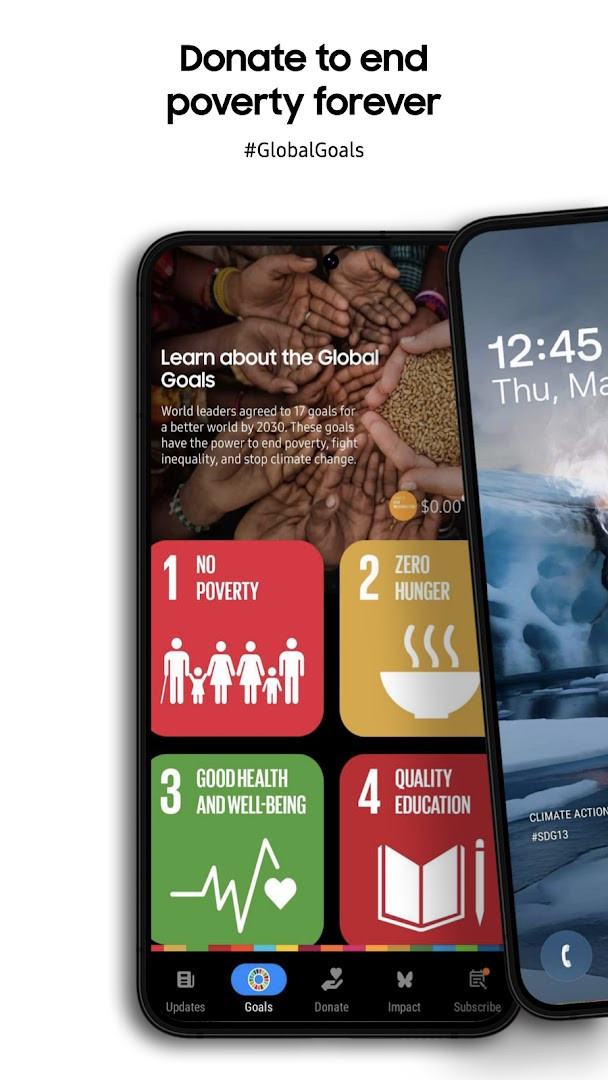
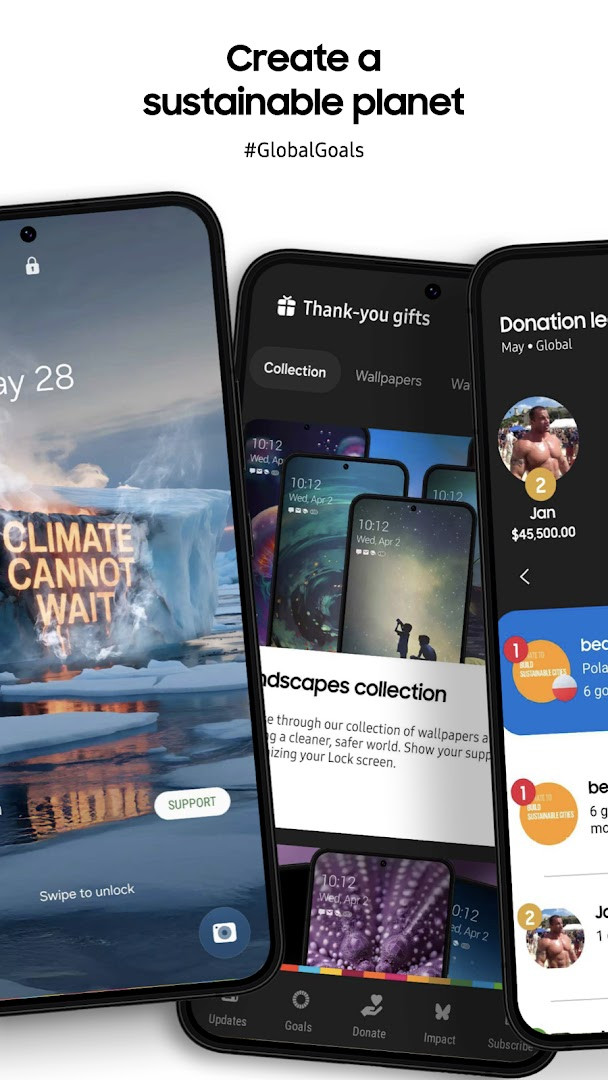
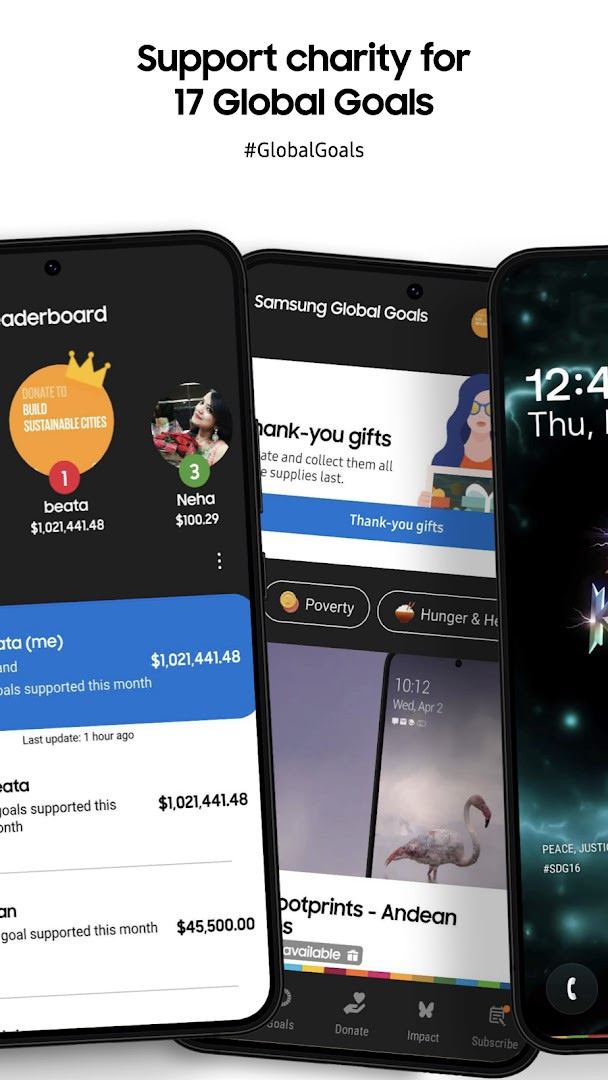
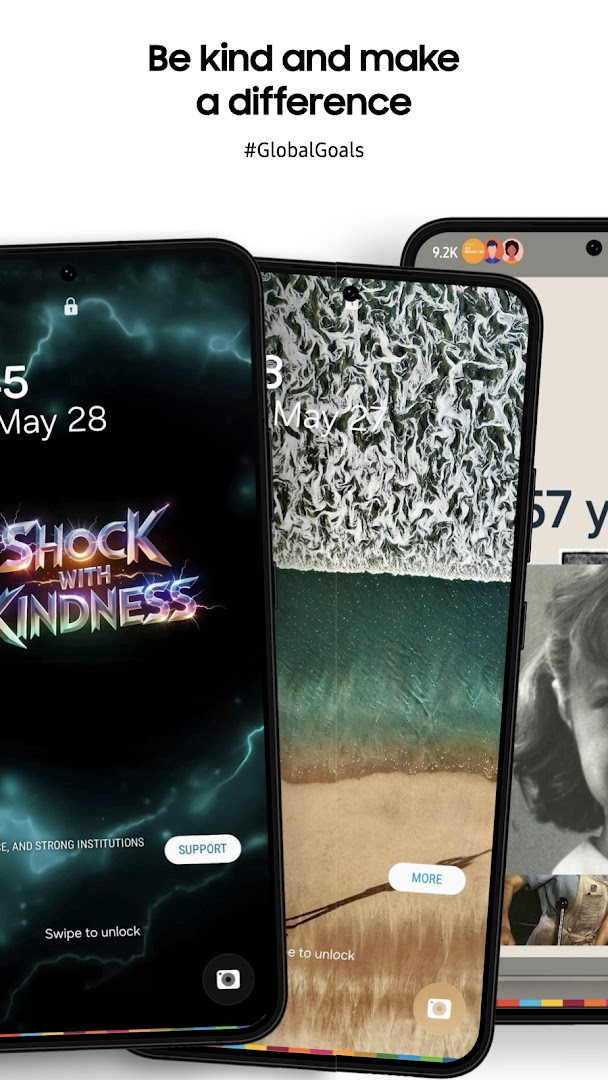
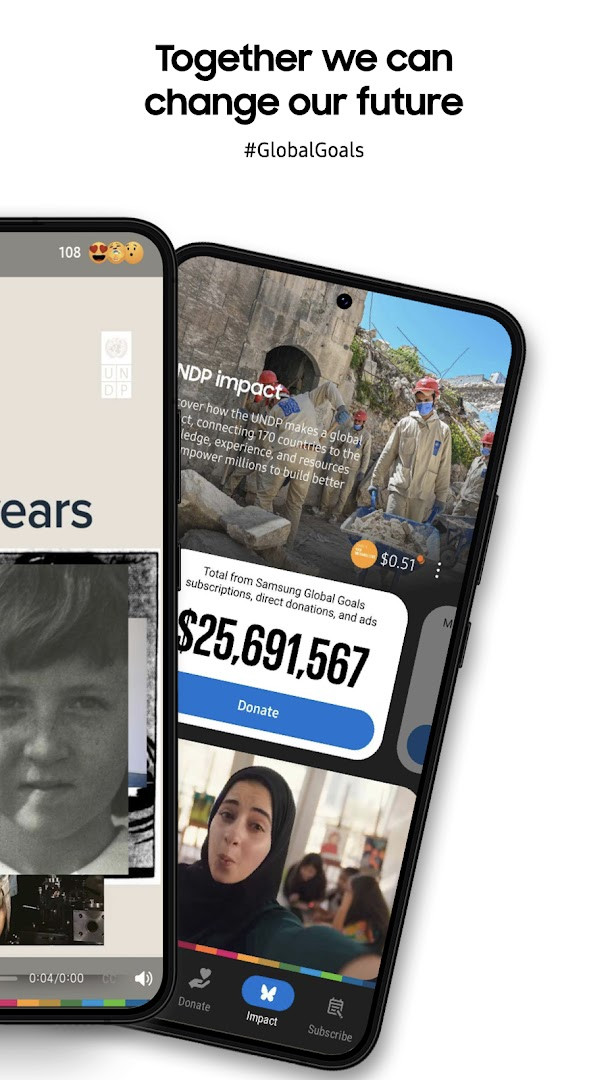
Samsung Global Goals is an education app by Samsung Electronics Co., Ltd. that lets you learn about the United Nations' Sustainable Development Goals and turn the ads you see into donations for the causes you choose.
The app was made together with the UNDP and centers on the 17 Global Goals. You can read short articles, watch videos, browse wallpapers and follow campaigns and challenges tied to issues such as poverty, health, education and climate change. As you use the app, ads appear, and the money earned from them is donated by Samsung to the United Nations Development Program. You decide which Goal receives your accumulated earnings, and the app keeps track of what you have contributed so far.
There is also a companion experience for Galaxy watches, including watch faces and complications, so you can take part from your wrist. The app is free, shows ads, has no in-app purchases, and carries an Everyone content rating.
This guide is written for beginners who have never installed an app from outside the usual place and want plain steps to get started.
Key features
- Explains the 17 Sustainable Development Goals through interactive content, articles and wallpapers
- Lets you join campaigns, challenges and initiatives connected to global issues
- Shows a personal record of your contributions and progress, plus the community's collective impact
- Offers educational resources, stories and expert advice on the Goals
- Works alongside Galaxy watch faces, a watch app and complications
- New filtering lets you browse articles and videos by the Goals you care about
- Includes a Home screen widget, accessibility improvements and a layout suited to larger Galaxy screens
- Notifications are optional and can be skipped without losing basic functions
How to install
- Tap the download button on this page to get the APK file (about 103 MB).
- If Android asks, allow your browser or file manager to install apps by turning on the "Install unknown apps" setting for that app.
- Open the downloaded file from your notifications or your file manager.
- Tap Install and wait while the package is set up.
- Open the app and follow the on-screen introduction; your device needs Android 12 or newer.
Pros
- Free to download, with no in-app purchases
- Simple idea: ordinary app use turns into donations for chosen Goals
- Learning material is presented in short, easy pieces
- Extra watch faces and complications for Galaxy watch owners
- Large user base, so progress tracking feels shared
Cons
- Contains ads, which is how the donations are funded
- Rating sits at 3.73 from 258,676 ratings, so opinions are mixed
- Requires Android 12 or newer, which rules out older phones
- The optional notification permission is needed for reminders about key dates
Recent updates
This update lets you filter articles and videos by the Global Goals you care about, so you can find stories and inspiration that matter most to you. It also improves the Home screen widget, accessibility, and the experience on larger Galaxy screens, along with stability and performance enhancements.
Version history
| Version | Size | Requires Android | Updated |
|---|---|---|---|
| 3.7.00.7 | 103 MB | 12 | Sep 26, 2026 |
| 3.6.01.2 | 111 MB | 10 | Sep 22, 2026 |
| 3.4.01.3 | 91 MB | 9 | Apr 8, 2026 |
| 3.6.00.7 | 111 MB | 10 | Feb 6, 2026 |
Beginners who want a low-effort way to learn about global development topics and support them, and Galaxy watch owners who would like the same experience on their wrist. It suits people who do not mind seeing ads and prefer a free app with no purchases.
Read the introduction screens first, since they explain how earnings and donations work. Give the notification permission only if you want reminders about important dates; the basic functions work without it. If the install is blocked, check the "Install unknown apps" setting for the app you are downloading with, then try again.
Permissions
FAQ
Is Samsung Global Goals free to download and use?
Yes, the app is free to download and does not require any payment. It is available at no cost.
What Android version is required?
The app requires Android 12 or higher to run properly.
How large is the app file?
The app's file size is approximately 103 MB.
Do I need to create an account to use the app?
No, you are not required to create an account to use the basic functions of the app.
What permissions does the app request?
The app requests access to Wi-Fi connection information. Notifications are optional and can be turned off; basic functions still work without them.
How do I update the app?
To update, download the latest version from this page and install it over your current version.
Samsung Global Goals is a straightforward, free way to learn about the 17 Global Goals and direct ad-funded donations to the ones you pick. If you are new to installing apps this way, the steps above cover everything from the download to opening it for the first time.
Similar apps



More from this developer

Updated: Oct 24, 2026