
Photoroom: AI Photo & Video: AI photo editor for e-commerce
Photoroom: AI Photo & Video is a Photography app by Photoroom AI Photo Editor that removes backgrounds, edits images, and turns product photos into video ads.
Get Photoroom · v2026.47.02Photoroom: AI Photo & Video is a free photography tool with in-app purchases, trusted by over 300 million users and rated 4.66 from 4,038,355 ratings. It suits e-commerce sellers who need batch editing, AI fashion models, ghost mannequins, and video ad creation for marketplaces like Shopify and Amazon.
- Version
- 2026.47.02
- Requires Android
- 10
- Updated
- Nov 17, 2026
- Installs
- 100M+
- Rating
- ★ 4.65 (4,040,903)
- Category
- Photography
- Developer
- Photoroom AI Photo Editor
- Content rating
- Everyone
- Package
- com.photoroom.app
- Free
- ✓ · In-app purchases
Screenshots
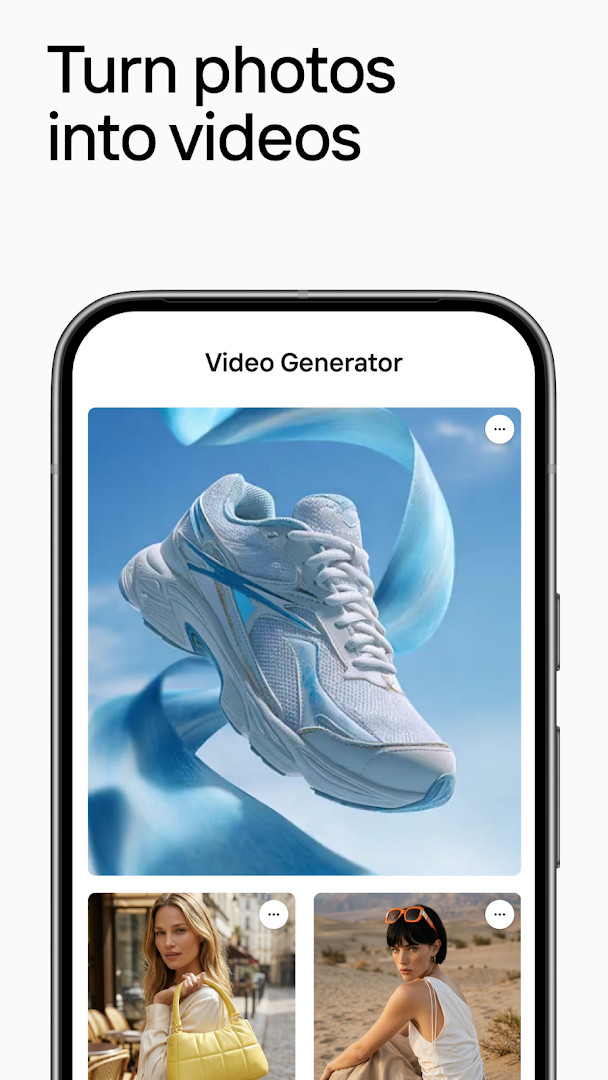
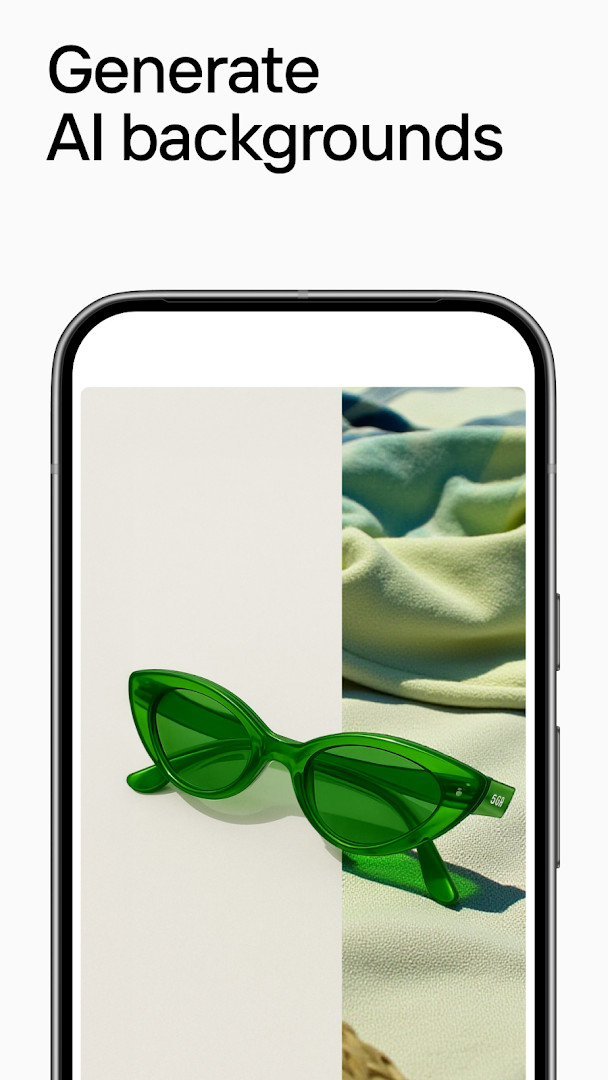
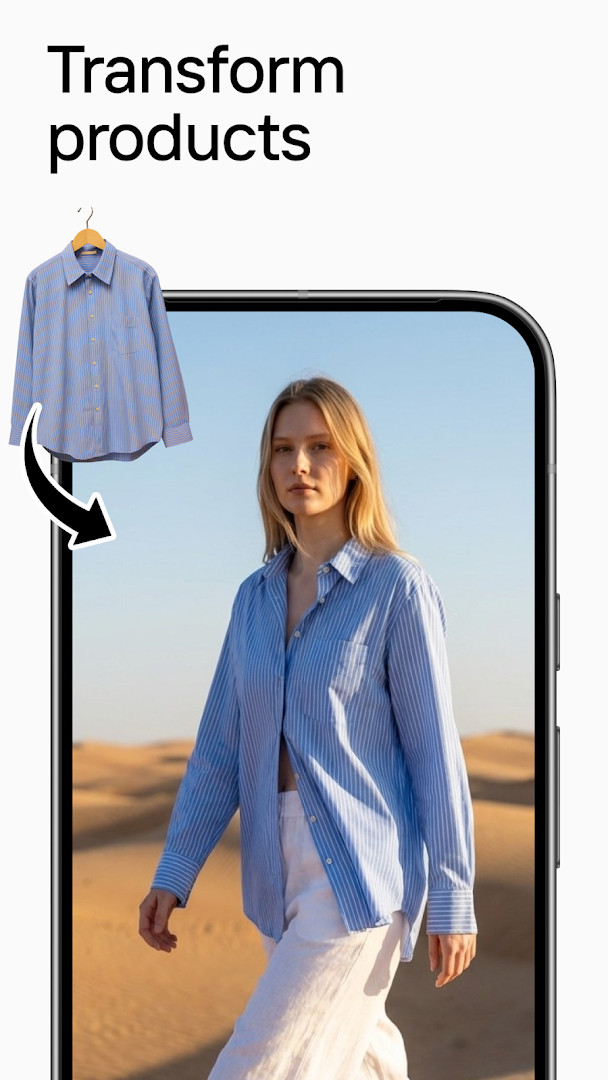
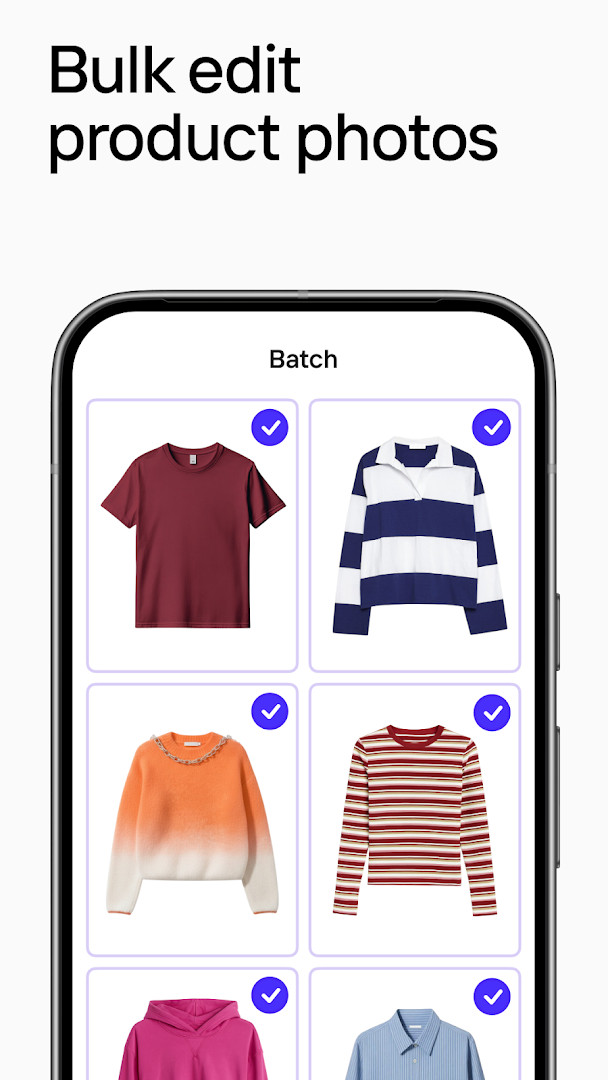
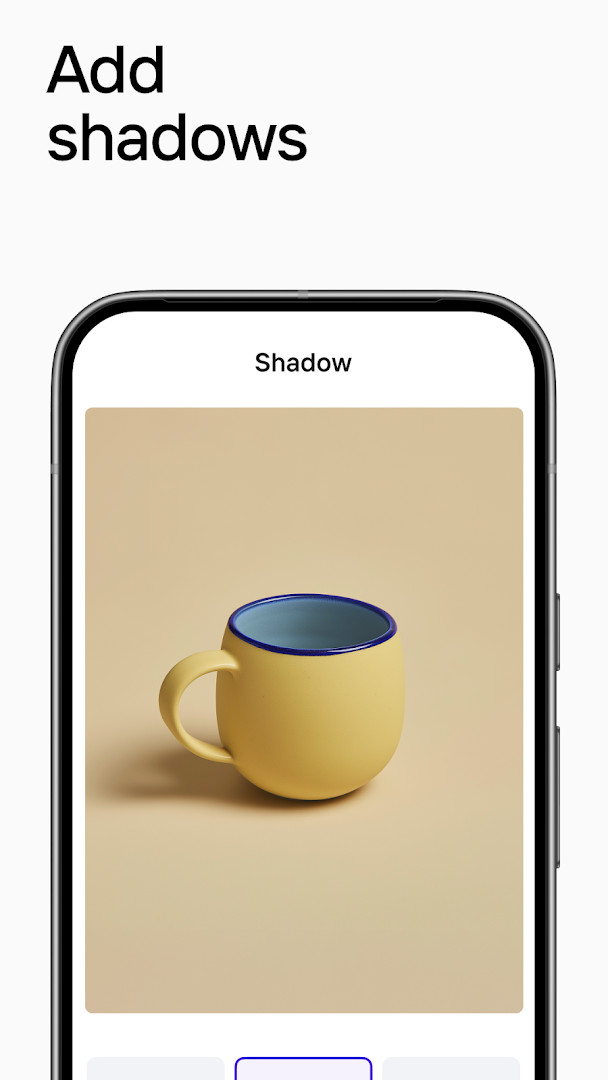
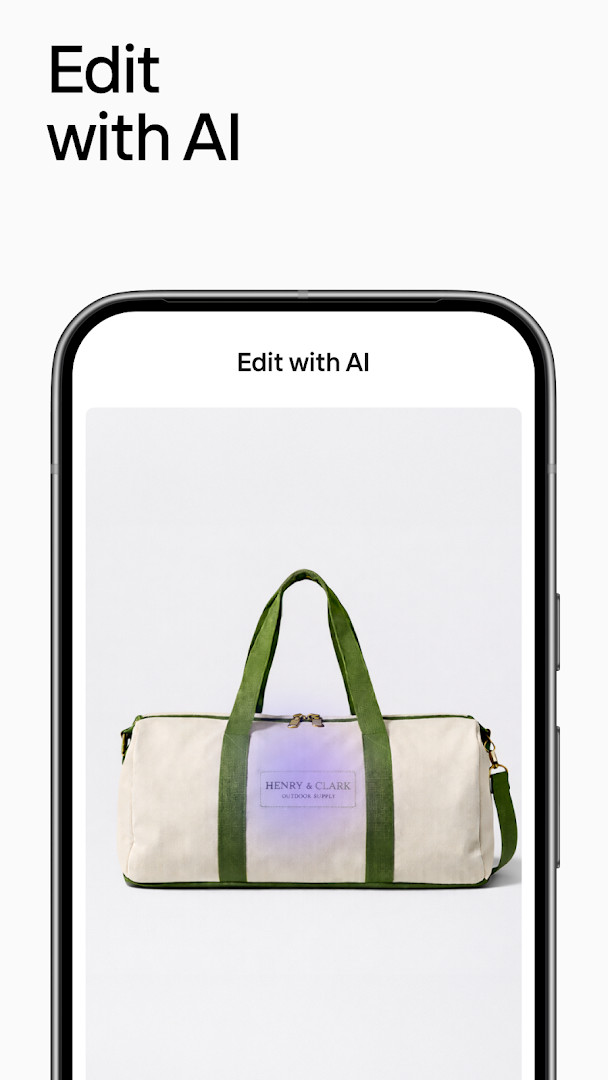
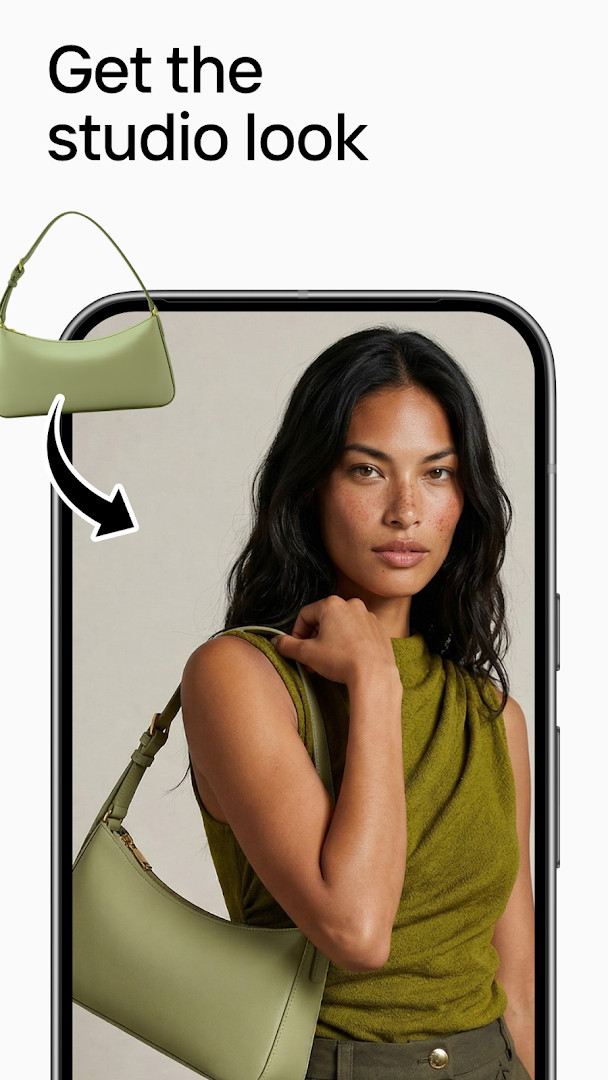
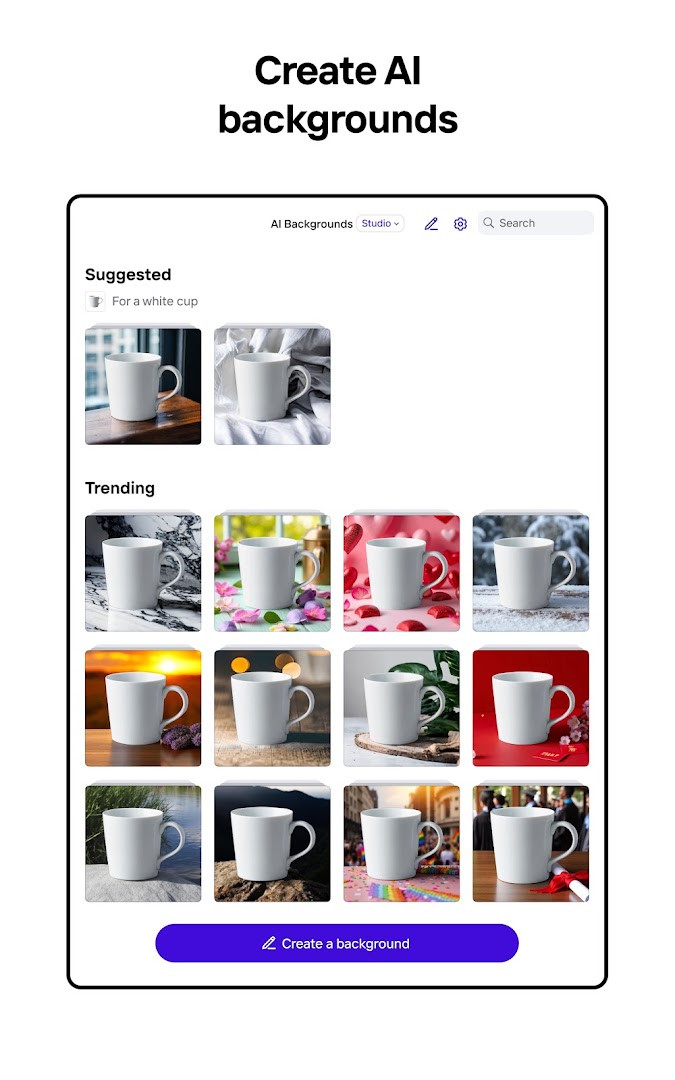
Photoroom: AI Photo & Video is a photography utility by Photoroom AI Photo Editor that turns product photos into polished listing images and video ads using AI-assisted editing. The app solves the problem of producing studio-quality e-commerce visuals without a physical studio, a photographer, or expensive retouching software. It does this by combining background removal and replacement, batch editing, AI-generated fashion models, ghost mannequin effects, and a video ad maker into a single mobile workflow, so sellers can go from a raw photo to a publishable asset in minutes rather than hours.
Key features
- AI background remover that removes, replaces, or generates professional backgrounds in seconds
- AI Fashion Models to showcase clothing on realistic AI-generated models without a photoshoot
- Ghost Mannequin and Flat Lay tools for professional apparel photography without a studio
- Batch editing to apply consistent changes across hundreds of photos at once
- Video Ad Maker that converts product photos into video ads with AI actors and voice-overs
- Recolor tool to create new product colors without reshooting
- Ironing feature to smooth wrinkles from clothing images instantly
- Ecommerce resize to export perfectly sized images for Shopify, Amazon, Etsy, Depop, Poshmark, Vinted, Instagram, Facebook, TikTok, YouTube, and more
How to install
- Tap the download button on this page to get the APK file.
- When Android asks, allow your browser or file manager to install apps by enabling the 'Install unknown apps' setting.
- Open the downloaded APK file from your notifications or Downloads folder.
- Tap Install and wait for the installation to complete.
- Open the app from your app drawer or home screen.
- Note that the file size is not specified in the available data, and the minimum Android version required is Android 10.
Pros
- Free to download with no ads
- Batch editing saves significant time for large catalogs
- Video ad creation is integrated directly into the photo workflow
- Accurate AI image generation preserves colors, materials, textures, and logos
- Export presets cover major marketplaces and social platforms
- Shopify integration allows importing catalogs and publishing listings directly
Cons
- In-app purchases are present, which may be needed for advanced tools like AI Fashion Models, batch editing, and Video Ad Maker
- Requires access to photos, media, files, storage, camera, microphone, and Wi-Fi connection information, which may raise privacy concerns for some users
- No offline mode mentioned, so heavy AI processing likely depends on an internet connection
Version history
| Version | Size | Requires Android | Updated |
|---|---|---|---|
| 2026.47.02 | — | 10 | Nov 17, 2026 |
| 2026.46.02 | — | 10 | Nov 10, 2026 |
| 2026.41.02 | — | 10 | Oct 13, 2026 |
This app is aimed at e-commerce sellers, product photographers, and small business owners who manage online stores on platforms like Shopify, Amazon, Etsy, Depop, Poshmark, or Vinted, as well as social media marketers creating ads for Instagram, Facebook, TikTok, or YouTube. It suits experienced users who need to produce consistent, high-volume product visuals quickly, such as catalog updates, listing images, and short video ads, without hiring a professional studio. The batch editing and Shopify integration make it particularly useful for merchants with large inventories, while the AI fashion models and ghost mannequin tools appeal to clothing sellers.
For best results, start with a well-lit photo of the product on a plain background, then use the batch editing feature to apply the same background and lighting adjustments across your entire catalog. If you create video ads, experiment with different AI actors and voice-over styles to match your brand tone, and always preview the output on a small screen to ensure text and product details remain legible.
Permissions
FAQ
How do I install the Photoroom APK on Android?
Download the APK file from the download button on this page, then open it on your device. If prompted, allow installation from unknown sources in your system settings. The app requires Android 10 or higher and needs permissions for storage, camera, microphone, and Wi-Fi connection info.
What is new in version 2026.46.02?
Version 2026.46.02 was released on November 10, 2026, and is the latest update. It follows the previous 2026.41.02 release from October 13, 2026. The update focuses on refinements and improvements to the AI photo and video editing experience.
Does Photoroom contain ads or require a purchase?
The app is free to download and use, and it contains no ads. However, it offers in-app purchases to unlock advanced features such as AI Fashion Models, batch editing, product videos, Video Ad Maker, premium templates, and higher usage limits.
Can I use Photoroom offline?
The app relies on internet-connected AI services for many features like background removal, AI models, and video generation. Offline capabilities are not specified in the available data, so assume that a stable connection is needed for most editing tasks.
What are some alternatives to Photoroom in the photography category?
There are other photo editing apps that offer background removal, retouching, and creative effects. When comparing, focus on features like batch editing, video creation, marketplace export sizes, and AI tools to find the one that matches your workflow.
How many people have installed Photoroom?
The app has been installed over 100 million times, with more than 4 million ratings and an average rating of 4.66. It has been available since December 2020 and is trusted by over 300 million users worldwide.
Photoroom: AI Photo & Video delivers a robust set of AI-driven tools for creating product images and video ads directly on your phone. It is a practical choice for sellers who want to streamline their visual content production, though the most advanced features sit behind in-app purchases.
Similar apps
 ChatGPTOpenAI4.8
 SketchbookSketchbook4.1
 Samsung GallerySamsung Electronics Co., Ltd.3.8
 GalleryGoogle LLC4.2
 Picsart AI Photo Editor, VideoPicsArt, Inc.3.9
 AI GalleryTranssion Holdings3.5
 BeautyPlus-Selfie Photo EditorPIXOCIAL TECHNOLOGY (SINGAPORE) PTE. LTD.4.5
 FaceApp: Perfect Face EditorFaceApp Technology Ltd4.3
Updated: Nov 19, 2026