BeautyPlus-Selfie Photo Editor: AI selfie retouching
BeautyPlus-Selfie Photo Editor is a free photography app by PIXOCIAL TECHNOLOGY (SINGAPORE) PTE. LTD. that lets you retouch selfies with AI beautification, makeup filters, and body editing tools.
Get BeautyPlus · v7.49.2BeautyPlus-Selfie Photo Editor has over 500 million installs and a rating of 4.54 from 5,006,446 ratings. The app requires Android 8.0 or higher, contains ads, and offers in-app purchases for premium features like an ad-free experience.
- Version
- 7.49.2
- Requires Android
- 8.0
- Updated
- Nov 11, 2026
- Installs
- 500M+
- Rating
- ★ 4.53 (4,992,763)
- Category
- Photography
- Developer
- PIXOCIAL TECHNOLOGY (SINGAPORE) PTE. LTD.
- Content rating
- Teen
- Package
- com.commsource.beautyplus
- Free
- ✓ · Contains ads · In-app purchases
Screenshots
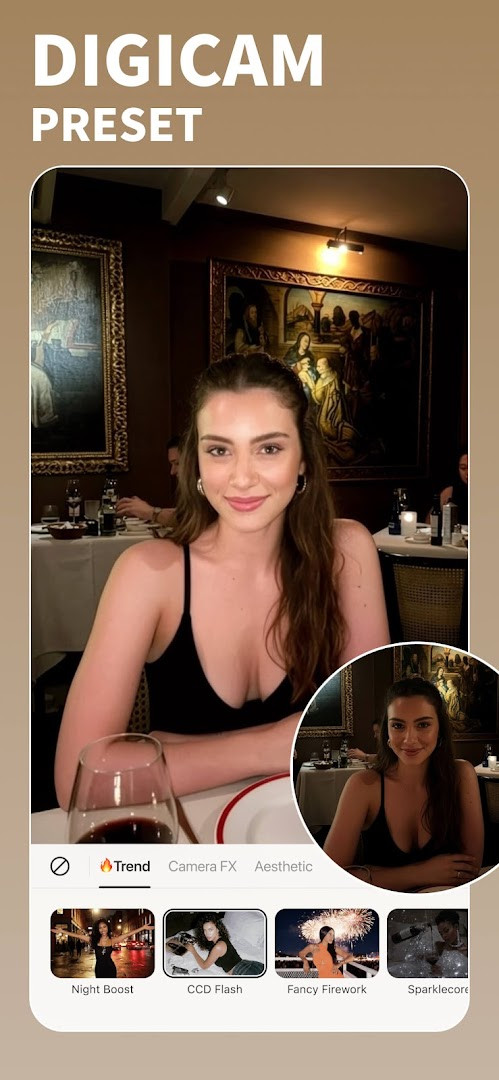
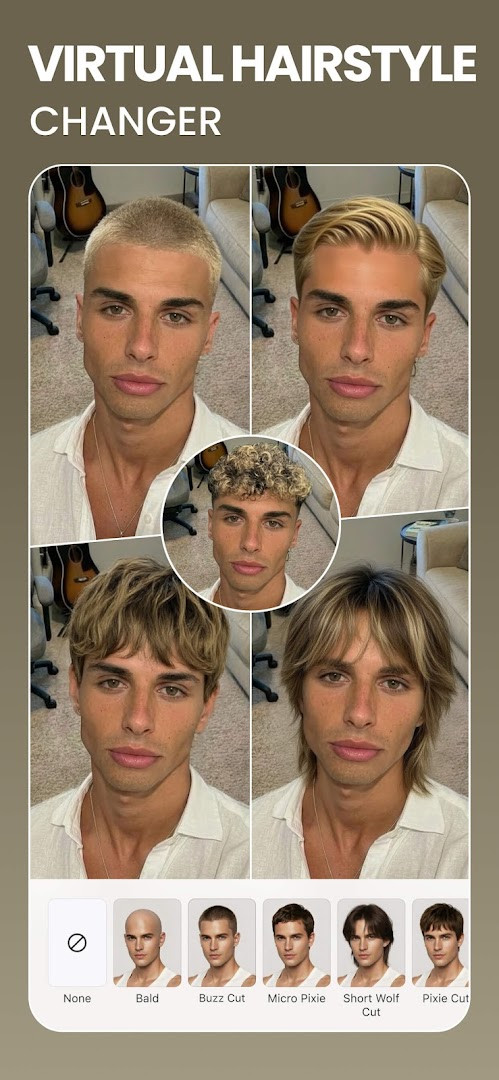
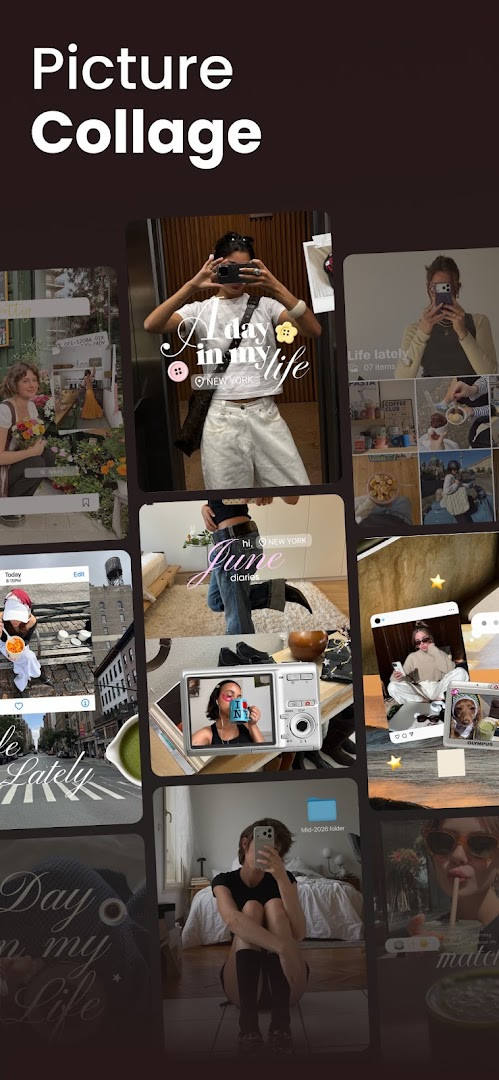
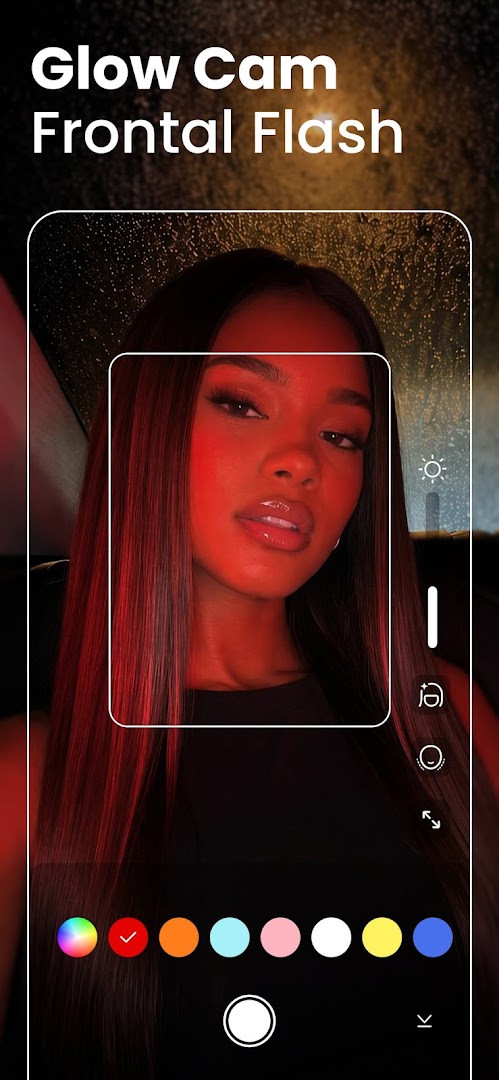
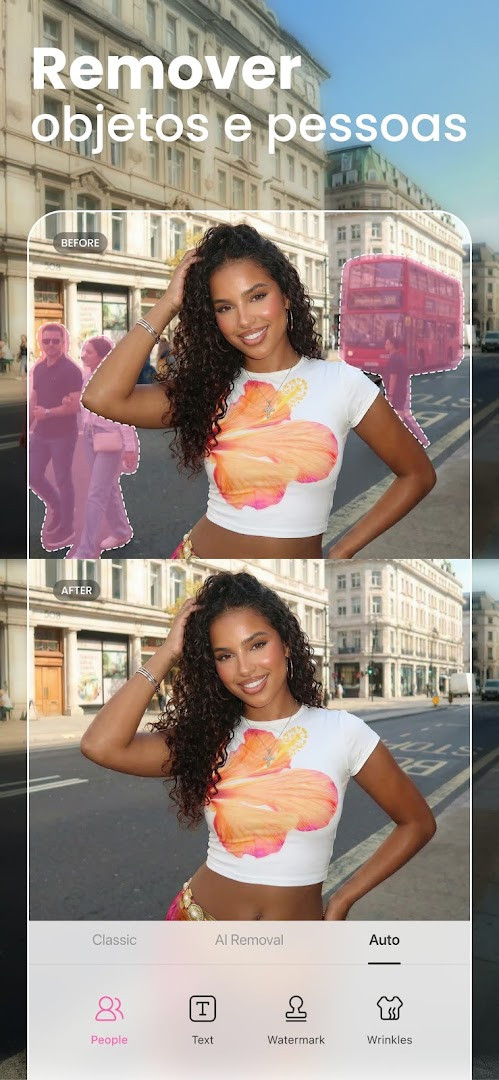
BeautyPlus-Selfie Photo Editor is a photography and selfie retouching application by PIXOCIAL TECHNOLOGY (SINGAPORE) PTE. LTD. that combines AI-powered auto-beautification, a comprehensive face and body editor, and a suite of photo and video enhancement tools in one package. Designed around the idea of delivering natural-looking results rather than heavy, artificial filters, the app targets users who want quick, convincing improvements to their selfies and everyday photos. It includes a beauty camera for capturing and retouching images in real time, a vintage film camera mode with six distinct models, and a dedicated photo enhancer that can restore old or faded pictures, unblur images, and sharpen details. The editor also provides background erasing and replacement, cropping, text overlays with 300-plus designer fonts, stickers, and adjustable brightness, contrast, and color settings. For video content, there are filters, music options, and face tuning capabilities, making it a fairly broad all-in-one editing environment rather than a single-purpose tool. The current version, 7.47.0, introduces a new Fan Merch page where users can show support for their favorite creators, alongside the usual bug fixes and performance improvements that accompany most updates. With over 500 million installs and a rating of 4.54 based on more than five million user reviews, it has established a substantial user base. The app is free to download and includes ads as well as in-app purchases; a premium tier removes ads and unlocks over 50 premium features, 1000-plus exclusive filters, makeup looks, templates, and stickers. The minimum operating system requirement is Android 8.0, and the app requests access to location, photos, media, storage, camera, microphone, and Wi-Fi connection information to support its editing and sharing functions. The content rating is Teen, reflecting the presence of user-generated content and social sharing features. Overall, it positions itself as a practical, feature-rich option for anyone who regularly edits selfies or photos on their phone and prefers a single app for both basic touch-ups and more advanced creative work.
Key features
- AI Auto-beautification for one-tap natural retouching
- HD Retouch that removes acne, blemishes, dark circles, and body wrinkles
- Makeup editor with lipstick, eyebrows, and other cosmetic adjustments
- Hair color changer for experimenting with different shades
- Teeth whitener to brighten smiles
- Film Cam vintage camera mode with six unique camera models and optional filters and stickers
- AI Anime camera and Anime Filter to cartoonize photos
- AI Avatars that transform selfies into otherworldly versions
- AI-based object and person removal from photos
- Body Editor with height adjustment, waist, arm, face, and bust sculpting tools
How to install
- Tap the download button on this page to get the APK file for version 7.47.0. The file size is not specified, so ensure your device has sufficient free storage for the installation.
- When Android prompts you, allow your browser or file manager to install apps by enabling the 'Install unknown apps' setting for that source. This is a standard security step for sideloading.
- Locate the downloaded APK file in your device's Downloads folder or the folder you chose during the download process.
- Open the APK file by tapping on it. Android will display a confirmation screen with details about the app and the permissions it requests.
- Tap the Install button to begin the installation. Wait for the process to complete; it typically takes less than a minute on most devices.
- Once installed, tap Open to launch BeautyPlus-Selfie Photo Editor. The app requires Android 8.0 or higher, so verify your operating system version if you encounter any issues.
Pros
- Comprehensive all-in-one editor covering photos, videos, face, body, and background
- AI tools like Anime camera and object removal add creative options beyond basic retouching
- Vintage film camera mode offers a distinct aesthetic not commonly found in similar apps
- Large user base and long development history suggest ongoing maintenance and updates
- Free to download with a clear premium tier for ad-free and expanded content
Cons
- Contains ads in the free version, which can interrupt the editing experience
- In-app purchases are required to unlock the full range of premium features
- Requests access to several sensitive permissions including location, microphone, and Wi-Fi information, which may raise privacy concerns for some users
- Heavy feature set may feel overwhelming for users who only want simple one-tap retouching
- Teen content rating and social sharing features might not be suitable for younger audiences without supervision
Recent updates · 7.49.2
Version 7.47.0 adds a new Fan Merch page, letting users show support for their favorite artists. The update also includes general bug fixes and performance improvements.
Version history
| Version | Size | Requires Android | Updated |
|---|---|---|---|
| 7.49.2 | — | 8.0 | Nov 11, 2026 |
| 7.47.0 | — | 8.0 | Oct 13, 2026 |
| 6.9.111 | 58 MB | 4.1 | Jun 20, 2026 |
| 7.0.270 | 59 MB | 4.4 | Jan 15, 2020 |
| 6.4.5 | 47 MB | 4.0 | May 20, 2017 |
BeautyPlus-Selfie Photo Editor is best suited for casual smartphone photographers who want quick, natural-looking selfie enhancements, social media enthusiasts who regularly post edited photos and videos, and users who enjoy experimenting with creative tools like AI avatars, anime filters, and vintage film effects without needing a separate desktop editor.
For the most natural results, use the HD Retouch feature sparingly and adjust the intensity slider rather than applying the full effect, as this preserves skin texture and avoids the overly smooth 'plastic' look that can result from maximum settings.
Permissions
FAQ
How do I install the BeautyPlus APK on my Android device?
To install the APK, download the file from the download button on this page, then open it from your notifications or file manager. If prompted, allow installation from unknown sources in your device settings. The app requires Android 8.0 or higher.
What is the current version of BeautyPlus and when was it updated?
The current version is 7.47.0, released on October 13, 2026. It includes a new Fan Merch page along with bug fixes and performance improvements.
Does BeautyPlus contain ads or require a purchase?
The app is free to download and use, but it does show ads and offers in-app purchases. A premium subscription removes all ads and unlocks over 50 premium features, including 1000+ exclusive filters, makeup looks, templates, and stickers.
Can I use BeautyPlus offline or does it need an internet connection?
The app does not specify offline functionality. However, it requests permissions for location, Wi-Fi connection information, and storage, suggesting that some features, like sharing or certain filters, may benefit from an internet connection. Basic editing tools likely work without it, but this is not guaranteed.
Are there other apps in the Photography category similar to BeautyPlus?
Yes, the Photography category includes many other photo editors and beauty camera apps that offer retouching, filters, and background editing. You can compare their features, ratings, and permissions on this catalog to find one that suits your needs.
What are the main features of BeautyPlus?
BeautyPlus offers AI auto-beautification, a beauty camera, makeup filters, face editing, a vintage film camera, AI anime and avatar tools, a body editor, background eraser, photo enhancer, and a video editor with music and filters. It also includes over 50 editing tools and 300+ designer fonts.
What permissions does BeautyPlus require?
The app requests access to location, photos/media/files, storage, camera, microphone, and Wi-Fi connection information. These permissions allow it to take photos, edit stored images, record videos, and share content.
BeautyPlus-Selfie Photo Editor delivers a remarkably broad set of editing tools in a single free app, from straightforward blemish removal to AI-driven creative filters and a vintage film camera. Its popularity, reflected in over 500 million installs, suggests it consistently meets the needs of a large audience. While the presence of ads, in-app purchases, and extensive permission requests are trade-offs, the core functionality is solid and the results are generally natural-looking. For anyone seeking a versatile photo and video editor focused on selfies and people photography, this app is a dependable choice, provided you are comfortable with its freemium model and data access requirements.
Similar apps
 Samsung GallerySamsung Electronics Co., Ltd.3.8
 GalleryGoogle LLC4.2
 Picsart AI Photo Editor, VideoPicsArt, Inc.3.9
 AI GalleryTranssion Holdings3.5
 FaceApp: Perfect Face EditorFaceApp Technology Ltd4.3
 Video Editor & Maker - InShotInShot Video Editor4.8
 Camera360 :Photo Editor&SelfiePINGUO TECHNOLOGY HK CO LIMITED4.2
 PixEzNotsfsssf
Updated: Nov 13, 2026