
YouTube Music Streaming and Discovery
YouTube Music is a free music and audio app by Google LLC that lets you stream songs, videos, and personalized playlists.
Get YouTube MusicYouTube Music has a 68 MB file size and requires Android 8.0 or higher. The app contains ads and offers in-app purchases for the optional Music Premium upgrade, which removes ads and enables background playback. It suits listeners who want curated mixes, lyrics, and cross-device listening.
- Size
- 68 MB
- Requires Android
- 8.0
- Updated
- Oct 12, 2026
- Installs
- 5B+
- Rating
- ★ 4.46 (7,853,494)
- Category
- Entertainment
- Developer
- Google LLC
- Content rating
- Teen
- Package
- com.google.android.apps.youtube.music
- Free
- ✓ · Contains ads · In-app purchases
Screenshots
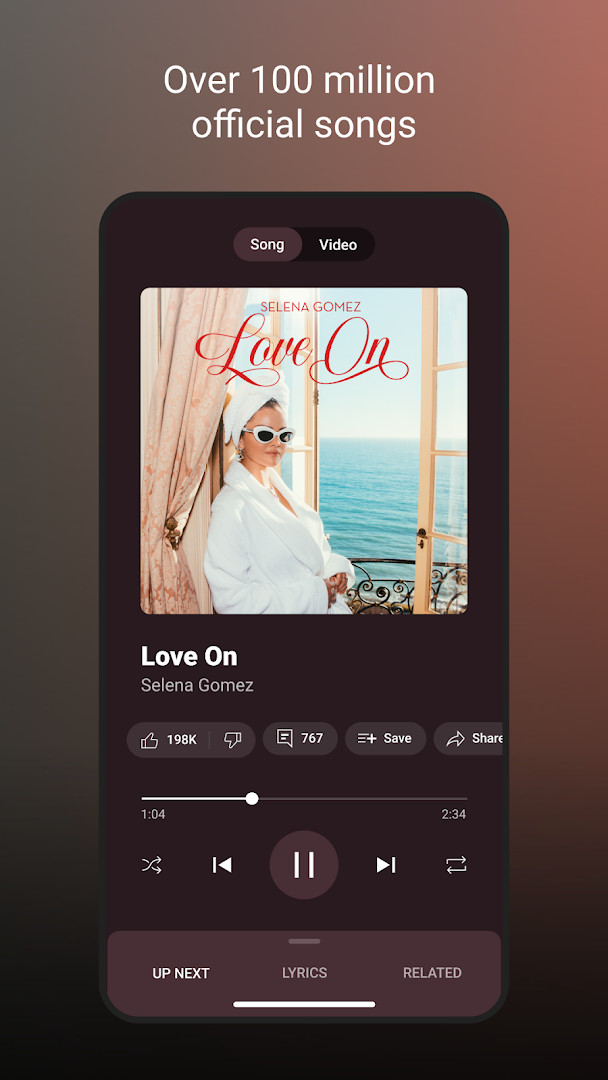
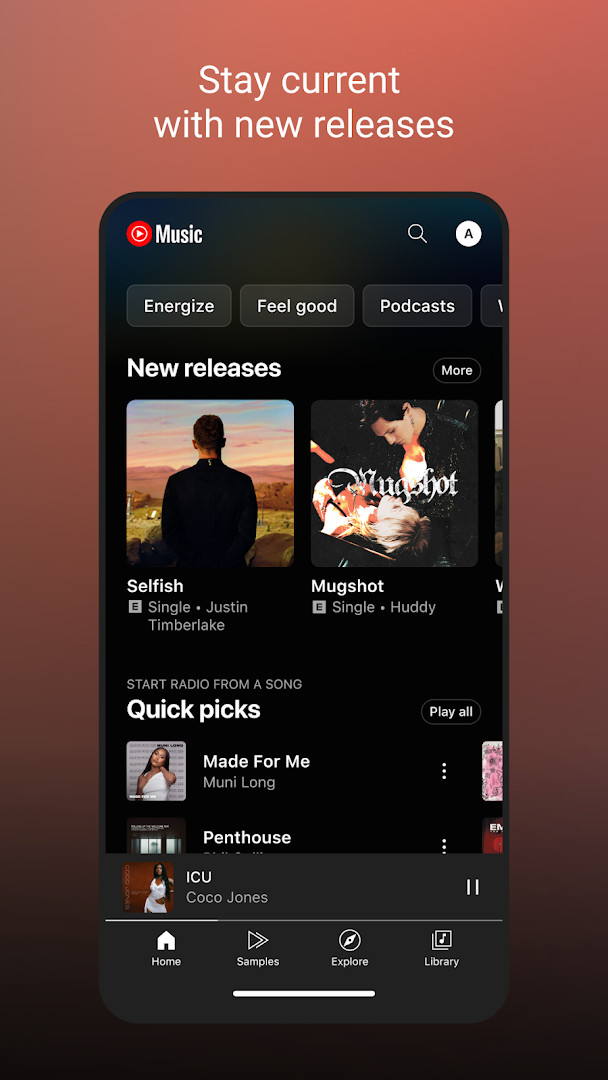
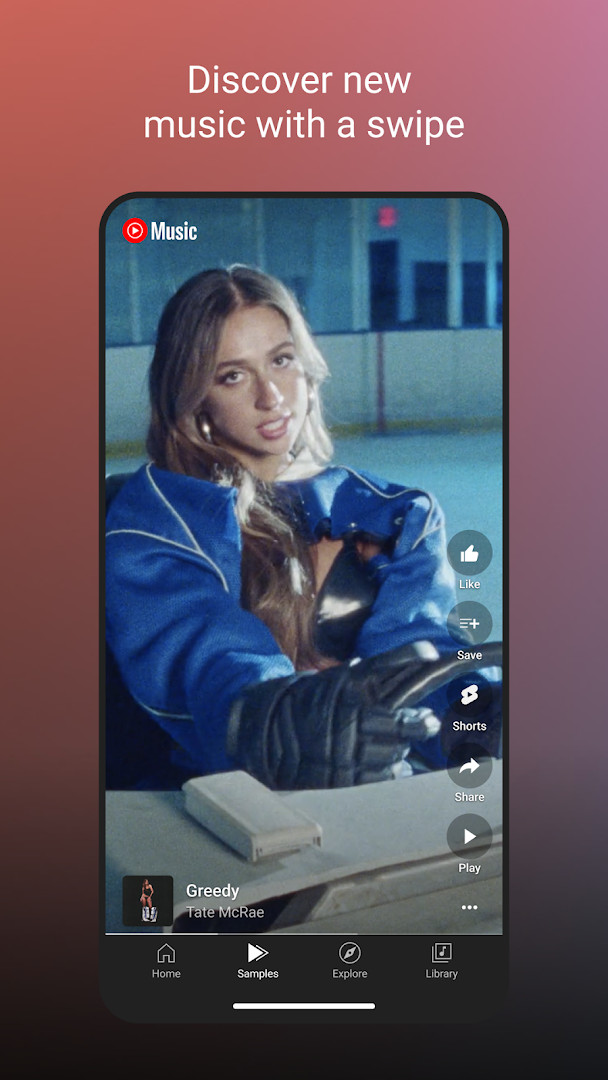
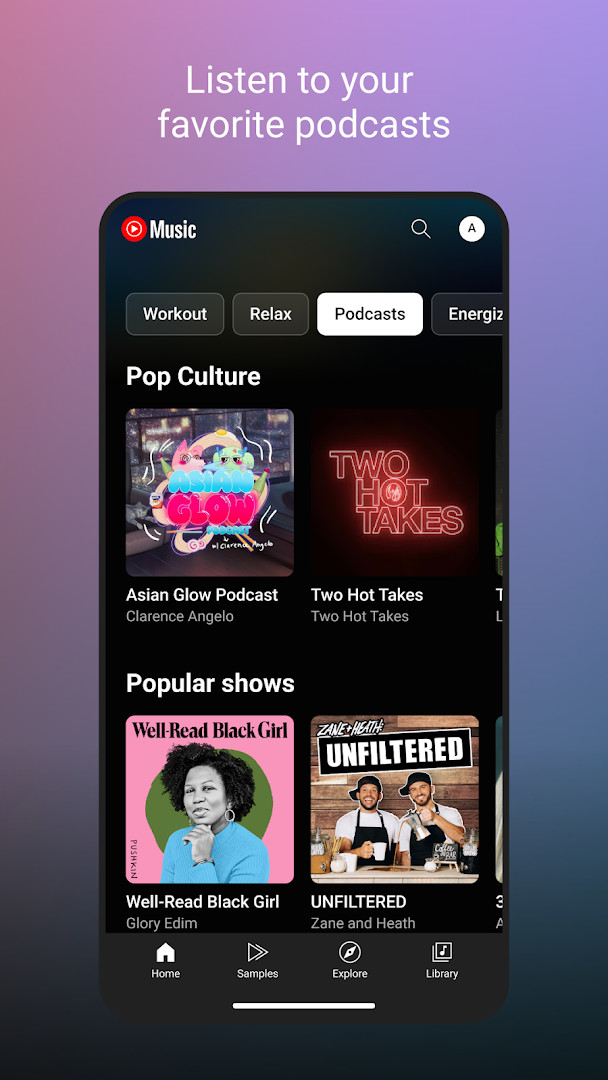
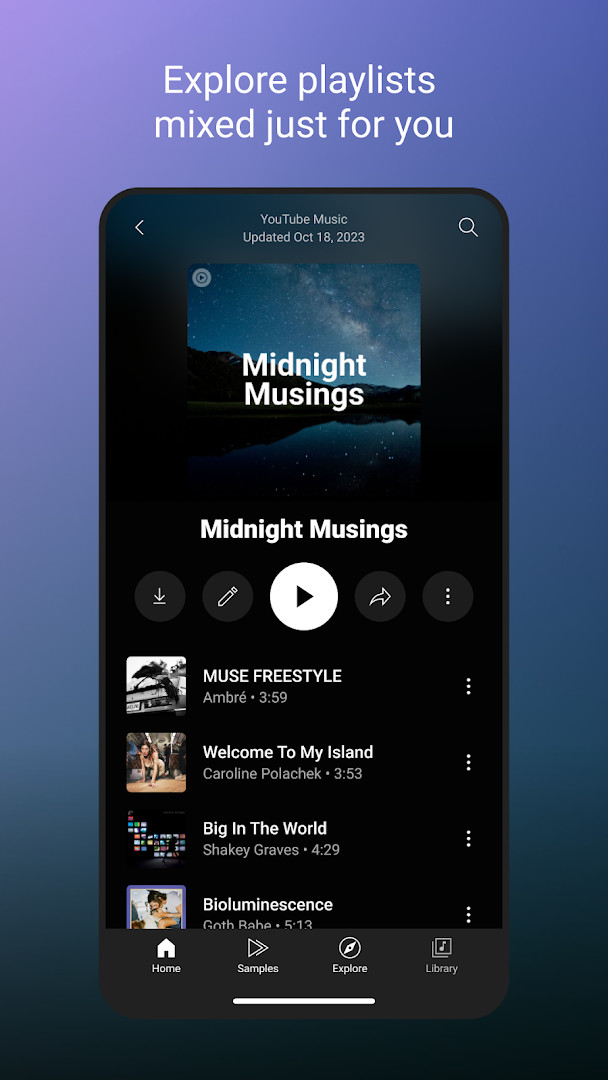
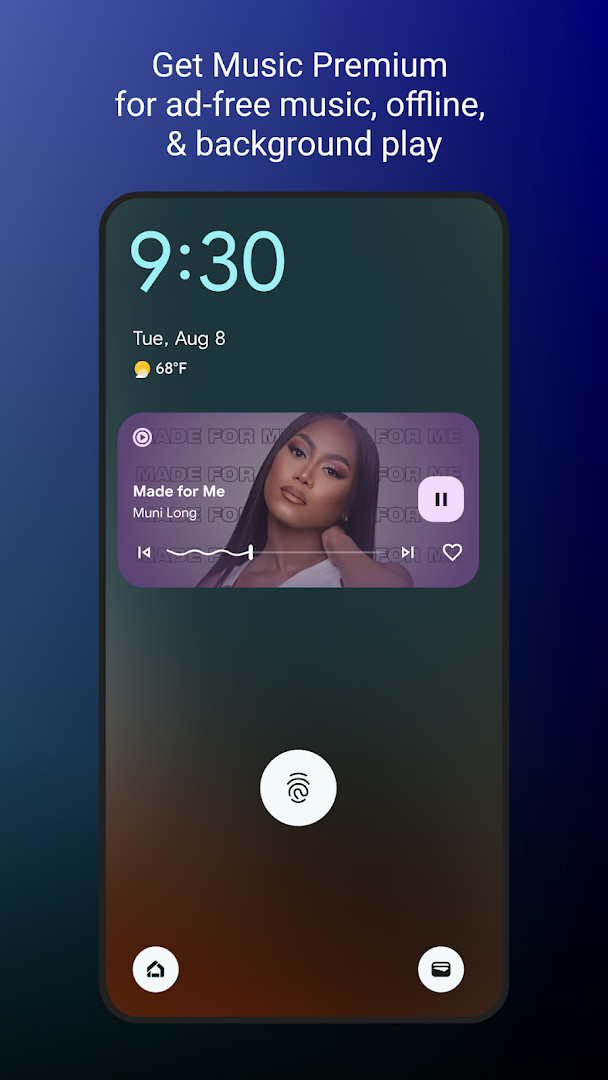
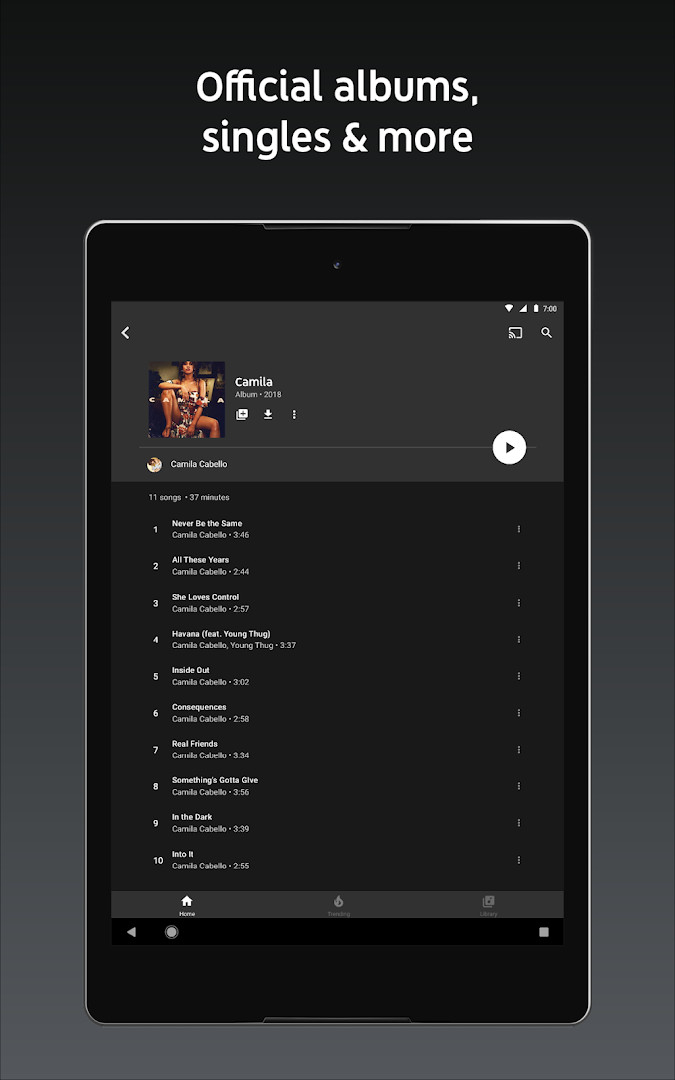
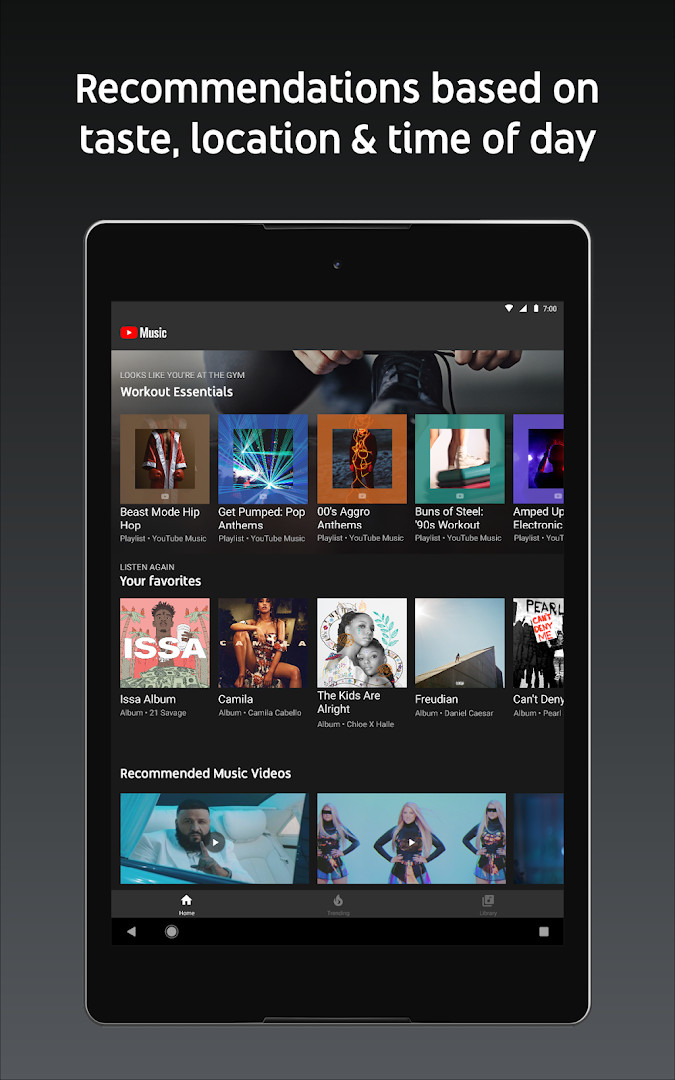
YouTube Music is a music streaming app by Google LLC that connects users to a vast catalog of songs, live performances, covers, remixes, and other music content often unavailable elsewhere. It blends on-demand listening with personalized playlists and mixes, making it a versatile choice for both casual listeners and dedicated fans. The app has been around since late 2015 and has grown into one of the most widely used music platforms, with over five billion installs and a strong user rating of 4.46 based on millions of reviews. For beginners, the experience is straightforward: you can search for tracks, browse curated playlists, or simply let the app suggest music based on your habits. The interface is clean and familiar, especially if you have used other Google services, and it supports switching between audio and video for many songs, which adds a visual layer to your listening. The most recent update, version 8.29.52 from October 2026, introduces a refreshed Discover Mix, a personalized playlist that updates every Wednesday with new songs based on your listening history. This change is aimed at helping users find fresh music without having to dig for it themselves. The app also includes thousands of curated playlists across genres like Hip Hop, Pop, Country, Jazz, and Kpop, as well as mood-based collections for Chill, Sleep, Focus, and Workout. You can create your own playlists with song suggestions or collaborate with friends, and your Library automatically organizes everything you like or add. There is also support for song lyrics, so you can sing along, and integration with Google Maps, Waze, Google Assistant, and Wear OS watches for quick access. While the core service is free with ads, an optional Premium subscription removes ads, enables background playback, and allows downloads for offline listening, though this is only available in select countries.
Key features
- Personalized playlists and mixes built around your favorite music types
- Discover Mix and New Release Mix updated regularly with new suggestions
- Curated playlists by genre including Hip Hop, Pop, Country, Jazz, and Kpop
- Mood-based playlists for Chill, Focus, Sleep, Workout, and Party
- Song lyrics to sing along with your favorite tracks
- Seamless switching between audio and video for supported songs
- Create and collaborate on playlists with other music fans
- Personalized Library showing liked songs, playlists, artists, and albums
- Compatibility with Google Maps, Waze, Google Assistant, and Wear OS
- Optional Premium for ad-free listening, background play, and downloads
How to install
- Tap the download button on this page to get the APK file, which is 68 MB in size.
- When Android prompts you, allow your browser or file manager to install apps by enabling the 'Install unknown apps' setting.
- Open the downloaded APK file from your notifications or file manager.
- Tap Install and wait for the process to complete; the app requires Android 8.0 or higher.
- Open YouTube Music from your app drawer and sign in with your Google account to get started.
Pros
- Huge music catalog including live versions and remixes
- Strong personalization with multiple mix types
- Free to use with ads, no upfront cost
- Works across many devices and with Google services
- Lyrics support and audio/video switching
- Regular updates with new features
Cons
- Ads interrupt playback in the free tier
- Premium subscription required for background play and downloads
- Some features like smart downloads are limited to select countries
- Permissions request access to contacts, location, and microphone
Recent updates
The latest update introduces Discover Mix, a personalized playlist built around your listening habits, with fresh songs added every Wednesday so there is always something new to explore. This feature aims to help you find music you will enjoy based on what you play most often.
Version history
| Version | Size | Requires Android | Updated |
|---|---|---|---|
| 8.29.52 | 71 MB | 8.0 | Oct 10, 2026 |
| 6.42.52 | 56 MB | 7.0 | Oct 7, 2026 |
| 8.24.52 | 70 MB | 8.0 | Oct 6, 2026 |
| 9.40.51 | 68 MB | 8.0 | Oct 5, 2026 |
| 9.37.54 | 69 MB | 8.0 | Sep 17, 2026 |
YouTube Music is ideal for casual listeners who want a free, ad-supported way to explore music, for fans of live performances and remixes not found on other platforms, and for anyone already using Google services who wants a seamless music experience across their phone, watch, and car.
If you want to save data, download your favorite playlists for offline listening while connected to Wi-Fi, but remember this requires a Premium subscription; otherwise, use the free version with a data limit in mind.
Permissions
FAQ
How do I install the YouTube Music APK on Android?
To install the APK on Android, first enable installation from unknown sources in your device settings, then open the downloaded APK file and follow the on-screen prompts to complete the installation.
What is the current version of YouTube Music?
The most recent version listed is 8.29.52, released on October 10, 2026. Other recent versions include 9.40.51, 9.37.54, and 8.24.52.
Does YouTube Music include ads or require purchases?
The app is free to download, but it contains ads. Optional in-app purchases are available, such as a Music Premium subscription that removes ads and adds features like background playback and downloads.
Can I use YouTube Music offline?
Yes, offline use is available through a Music Premium subscription, which lets you download songs and use smart downloads. Free users need an internet connection to stream music.
Are there alternatives to YouTube Music in the same category?
Yes, there are several other music streaming apps available in the Music And Audio category that offer similar features like playlists, radio, and offline listening, though their catalogs and pricing may differ.
What Android version do I need to run YouTube Music?
YouTube Music requires Android 8.0 or higher. The app size is about 68 MB, and it has been updated as recently as October 12, 2026.
What permissions does YouTube Music request?
The app requests permissions related to identity, contacts, location, photos and media files, storage, camera, microphone, and Wi-Fi connection information, which support features like casting and personalization.
YouTube Music is a solid choice for beginners, offering a massive library, excellent personalization, and a simple interface. The free tier is usable, though ads and limited background playback push many toward the paid plan. Overall, it is a well-rounded music app that stands out for its video integration and Google ecosystem support, making it worth trying if you are new to streaming.
Similar apps




More from this developer




Updated: Nov 2, 2026