
Visha-Video Player All Formats: Video Player App
Visha-Video Player All Formats is a video player app by Visha Group that plays local and online videos, music, and supports downloads.
Download Visha Player · v8.3.0.33Visha-Video Player All Formats is a free ad-free media player for Android 10 and up, with a download size not specified in the data. It offers local and online video playback, audio features, video editing, and privacy protection through a hidden folder.
- Version
- 8.3.0.33
- Requires Android
- 10
- Updated
- Nov 20, 2026
- Installs
- 1B+
- Rating
- ★ 4.26 (1,719,080)
- Category
- Entertainment
- Developer
- Visha Group
- Content rating
- Everyone
- Package
- com.transsion.magicshow
- Free
- ✓ · In-app purchases
Screenshots
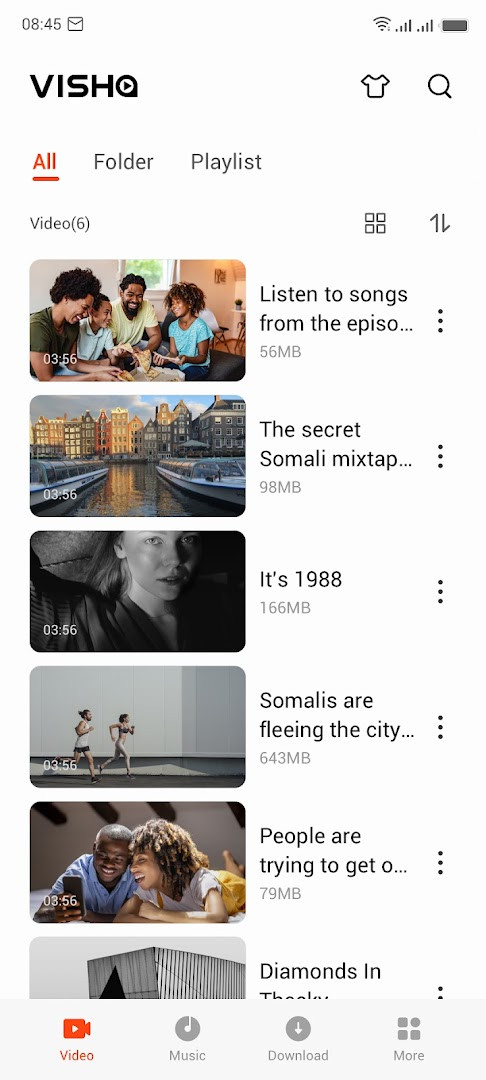
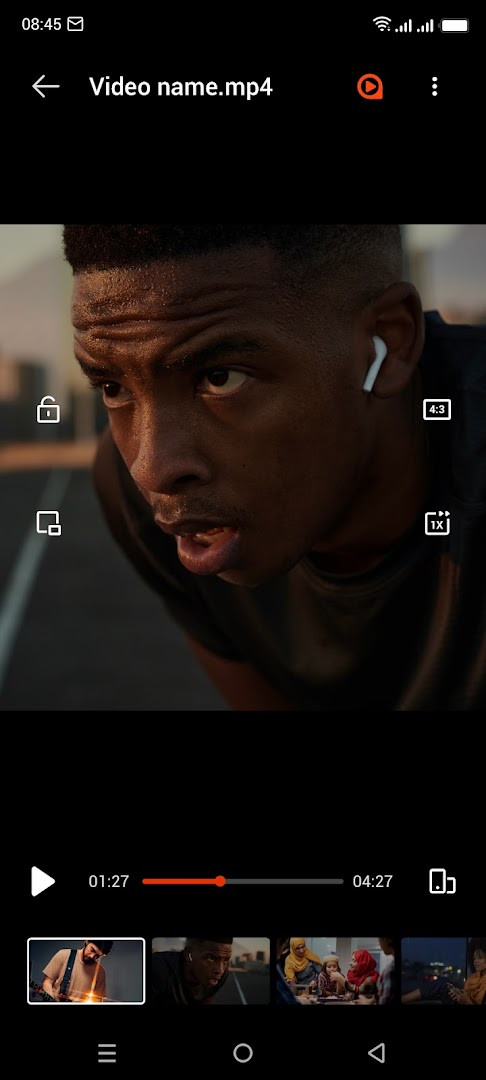
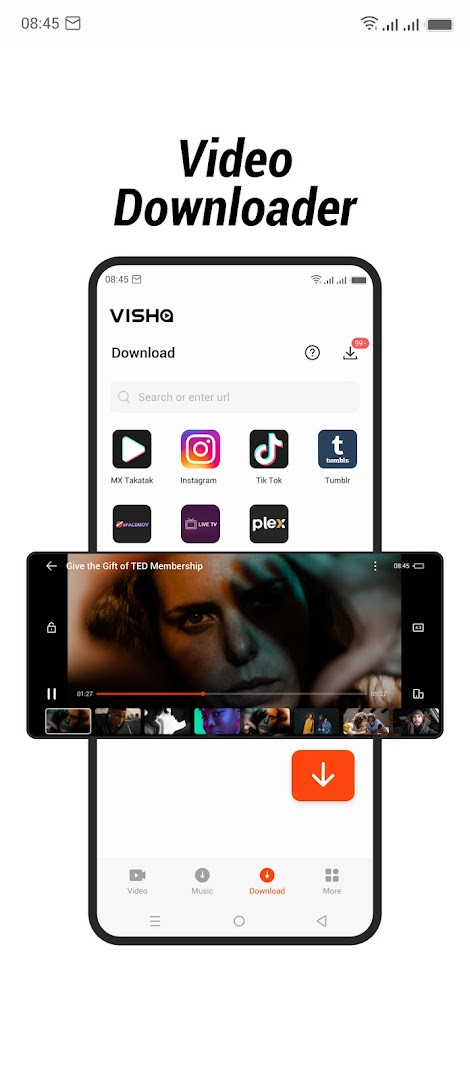
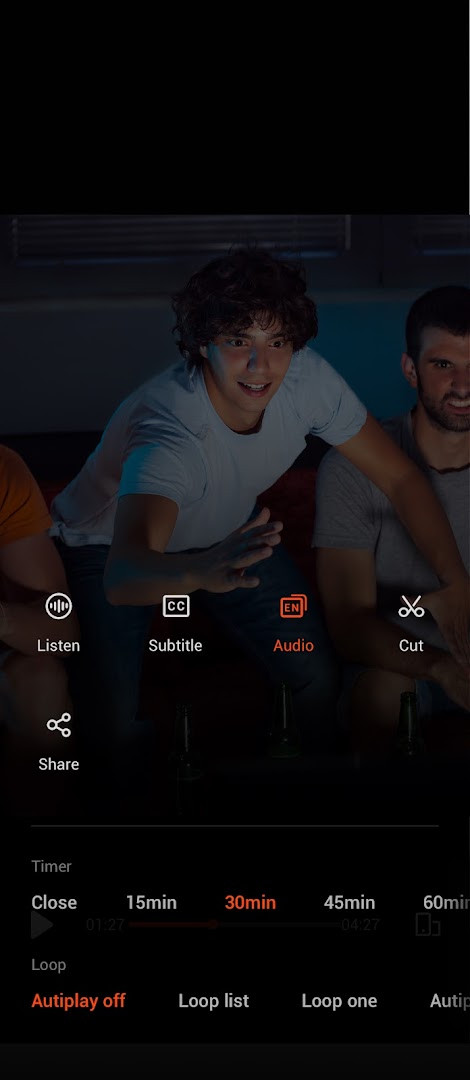
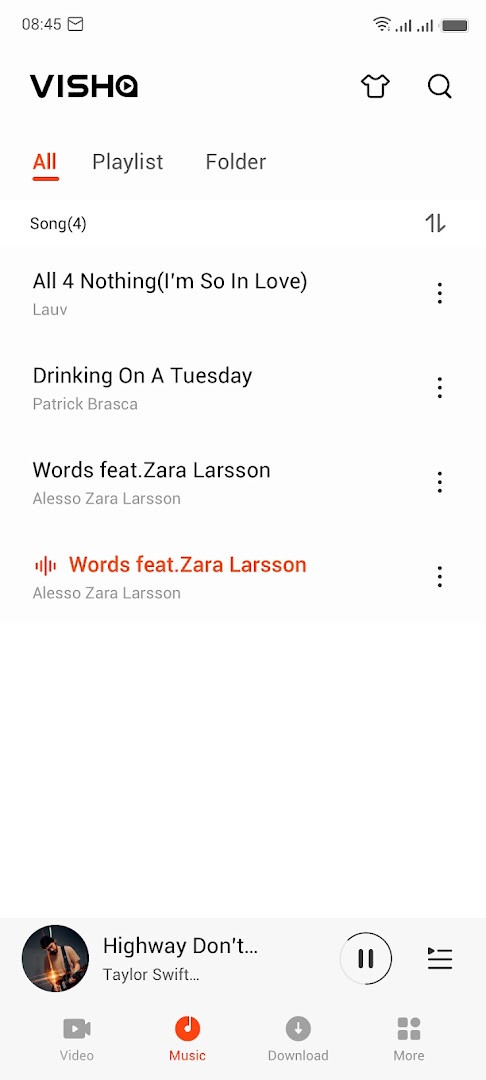
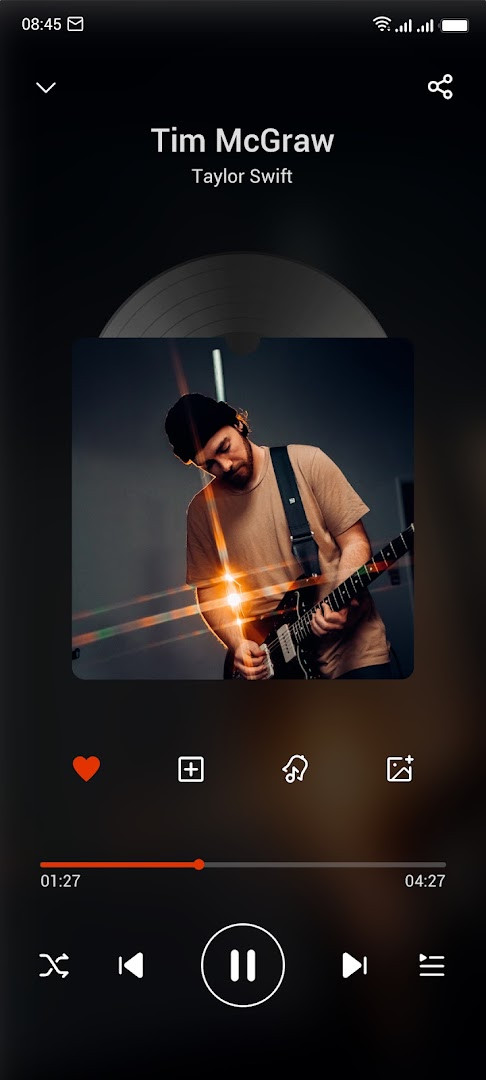
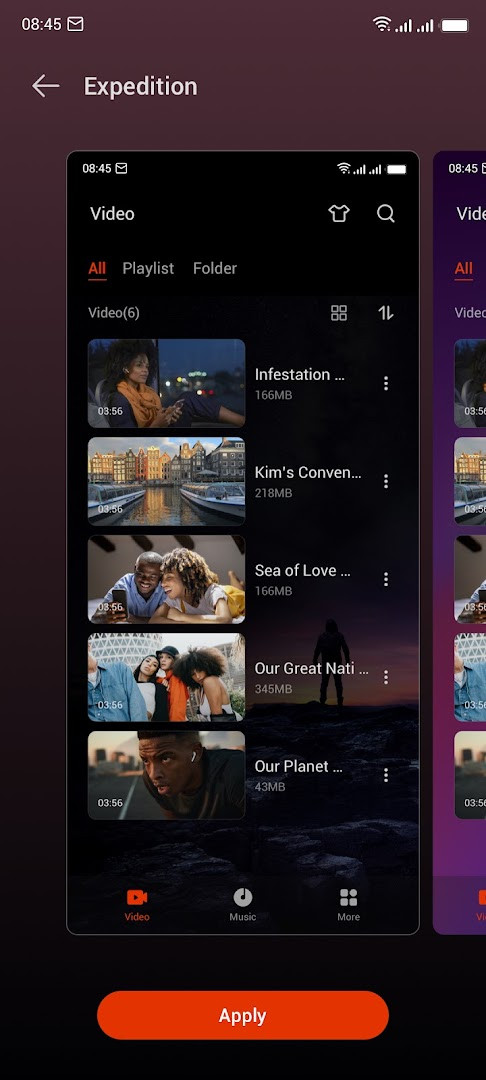
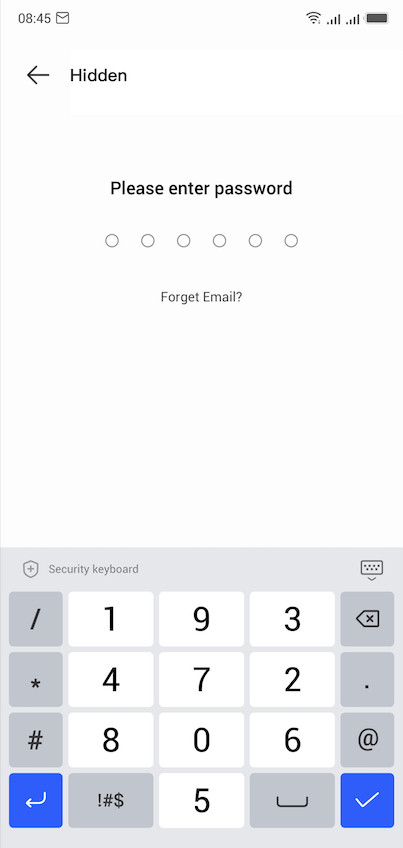
Visha-Video Player All Formats is an entertainment app by Visha Group that plays local video and audio files while also offering online content, downloads, and privacy tools. It is designed for Android users who want a single player that handles a wide range of media types without interruptions from ads. The app scans your device for stored videos and music, lets you organize them by source, and provides playback controls such as speed adjustment, background play, and floating windows. Beyond local playback, it includes an online section with movies, TV shows, and variety programs from multiple countries, plus download tools for saving videos and audio. A notable privacy feature is the hidden folder, where you can move sensitive videos so they stay out of the main library. The app also supports editing, like cutting clips, and converting video to MP3. With version 8.3.0.33, released for Android 10 and newer, it targets casual viewers, music listeners, and anyone who values ad-free playback and a customizable interface. The app requests several permissions, including location, camera, microphone, storage, and Wi-Fi information, which are typical for media players but worth reviewing before installation.
Key features
- Hide videos to a private folder to protect privacy
- Edit videos with a cut tool
- Browse all local video files and play movies, trailers, and other stored videos
- Classify videos by download source for quick finding
- Background play and floating play functions
- Playback speed control and history list
- Double-click to fast forward and rewind
- Auto pause mode after playback
- Multiple audio tracks for videos and subtitle downloads
- Locate and manage audio files from phone memory and SD card
How to install
- Tap the download button on this page to get the APK file (size n/a).
- When Android prompts you, allow your browser or file manager to install apps by enabling the 'Install unknown apps' setting.
- Open the downloaded APK file from your notifications or downloads folder.
- Tap Install and wait for the process to complete (minimum Android version is 10).
- Open the app from your app drawer or the install confirmation screen.
Pros
- No ads during playback, as stated by the developer
- Hidden folder for private videos
- Broad playback features including background and floating modes
- Subtitle downloads and multiple audio tracks
- Customizable skins and video-to-MP3 conversion
- Large user base with over one billion installs
Cons
- Requests several permissions, including location, camera, and microphone
- Includes in-app purchases for VIP membership features
- Online content and downloads may rely on network conditions
Recent updates · 8.3.0.33
This update improves reliability on slow connections, boosting the success rate of video downloads. It also fixes playback stuttering and audio-video sync issues, and now supports high-definition video. In addition, you can listen to music while gaming and play audio-only video playback on the go.
Version history
| Version | Size | Requires Android | Updated |
|---|---|---|---|
| 8.3.0.33 | — | 10 | Nov 20, 2026 |
| 3.4.2.31 | 15 MB | 4.4 | Sep 26, 2026 |
This app suits Android 10+ users who want a versatile media player that handles local videos and music, offers online streaming, and provides privacy controls like a hidden folder. It is also good for people who enjoy customizing their player appearance and who prefer an ad-free experience.
Before installing, review the permission requests and consider limiting access to location, camera, and microphone if you do not need those features. Use the hidden folder for sensitive videos, and explore the audio equalizer and playback speed settings to tailor your experience. For online content, a stable Wi-Fi connection will improve download success rates.
Permissions
FAQ
How does the Privacy Folder work and what can I hide in it?
The Privacy Folder lets you move selected videos out of the main library so they are not visible in your normal playlists. Only the items you place there are hidden, and the app does not describe any encryption or password recovery options in its listing.
Does Visha support playback speed control, floating windows, and background audio at the same time?
Yes, the player includes background play, a floating play window, and playback speed control as separate features. You can combine them, for example by playing a video in a small floating window while continuing to work in another app, or letting audio continue in the background when you leave the player.
What editing tools are included besides playback?
The app includes a basic video cut tool that lets you trim clips, and it can also convert video files to MP3 audio. There is no mention of merging, adding effects, or other advanced editing functions in the listing.
Can I listen to audio-only playback and control the equalizer?
Yes. The latest update added an audio-only video playback mode so you can keep listening to the soundtrack while on the go. For music files, there is an equalizer, an audio timer for auto-shutdown, and filtering and sorting options for your audio library.
What does the VIP membership add beyond the free version?
VIP membership is described as providing ad-free viewing, access to exclusive content, and HD mode at 1080P resolution. The app itself is free to install and does not show ads in its listing, but in-app purchases exist for these premium privileges.
How does the app handle videos downloaded from different sources?
Visha classifies your local videos by their download source, so you can quickly find a clip based on where it came from. It also keeps a history list and supports double-click fast forward and rewind for easier navigation.
Visha-Video Player All Formats delivers a comprehensive media playback experience with ad-free viewing, privacy features, and extensive customization. It is a solid choice for Android users seeking a feature-rich player, though you should weigh the permissions and in-app purchases against your needs.
Similar apps








Updated: Nov 21, 2026