
Android Accessibility Suite for Android
Android Accessibility Suite is a collection of tools from Google LLC for using your Android device eyes-free or with a switch device.
Download Android Accessibility SuiteAndroid Accessibility Suite helps people with visual or motor impairments navigate their device through spoken feedback, an on-screen menu, and text read-aloud options. It is free with no ads or in-app purchases, requires Android 9 or later, and takes up 45 MB.
- Size
- 45 MB
- Requires Android
- 9
- Updated
- Oct 23, 2026
- Installs
- 10B+
- Rating
- ★ 4.07 (4,453,639)
- Category
- Tools
- Developer
- Google LLC
- Content rating
- Everyone
- Package
- com.google.android.marvin.talkback
- Free
- ✓
Screenshots
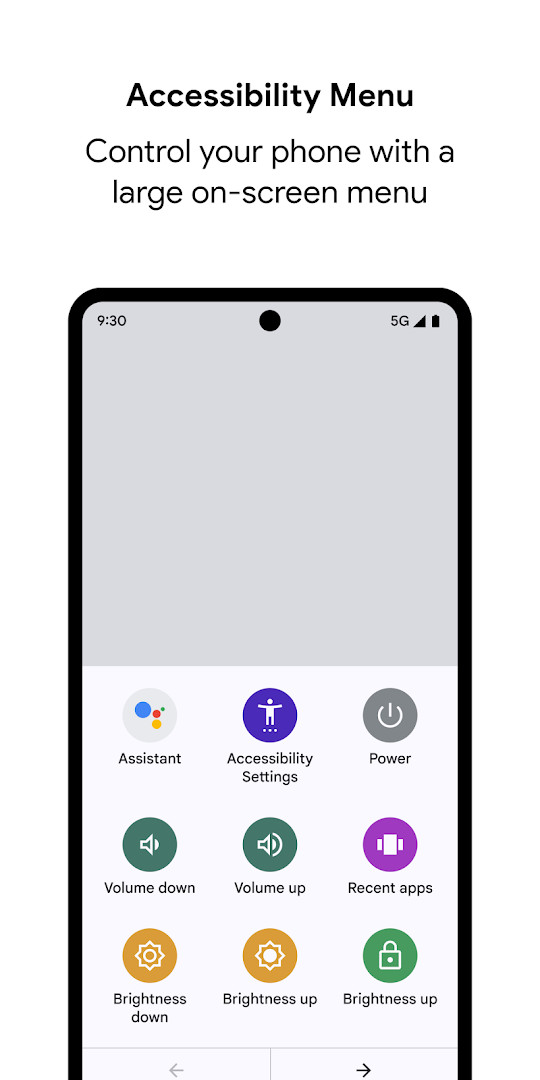
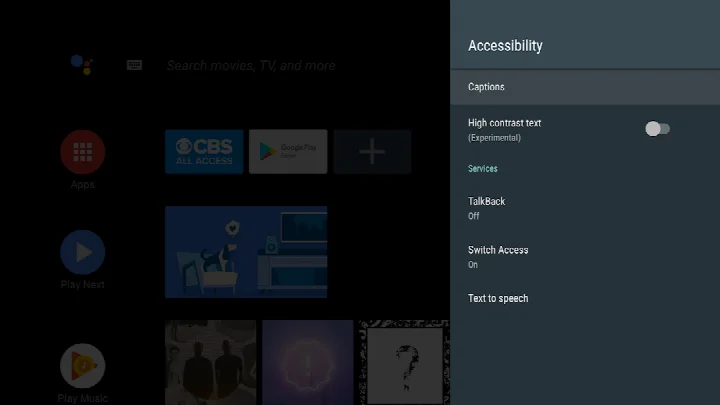
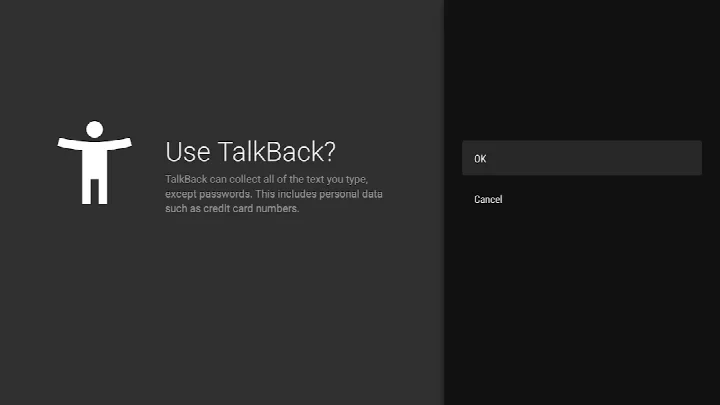
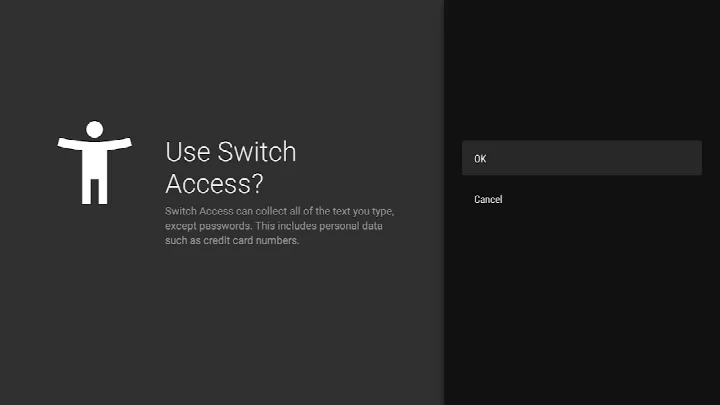
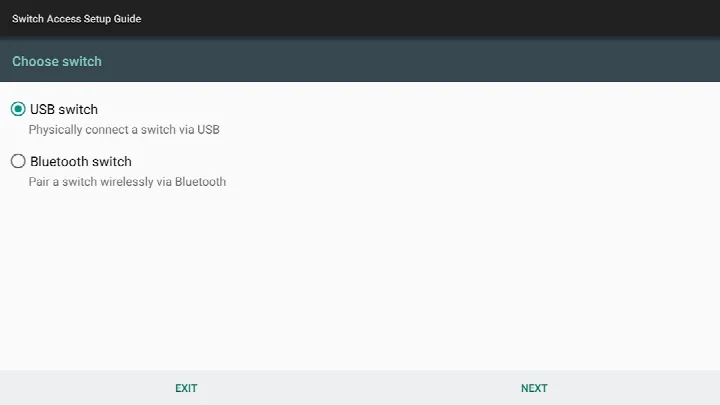
Android Accessibility Suite is a collection of accessibility tools by Google LLC that lets you operate an Android phone or tablet without looking at the screen or by using a switch device. It bundles several components into one package, so you do not have to hunt down separate utilities for spoken feedback, on-screen reading, or quick device controls. The suite has been around since late 2020 and is one of the most widely installed tools of its kind, with a rating of 4.07 across more than 4.4 million ratings and over 10 billion installs recorded. It is free, carries no ads, and includes no in-app purchases, which matters if you are comparing it against paid screen readers or subscription-based accessibility helpers.
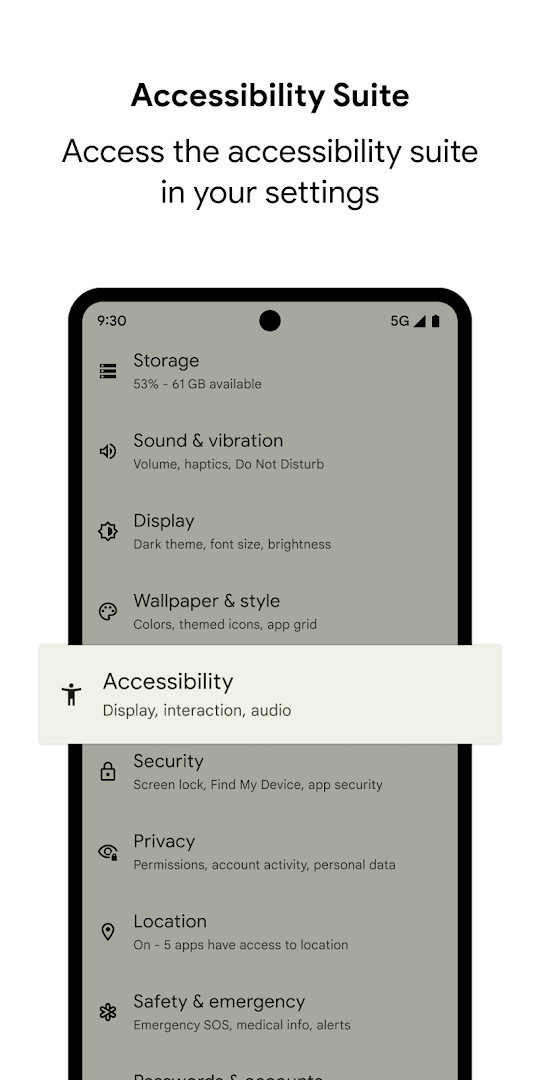
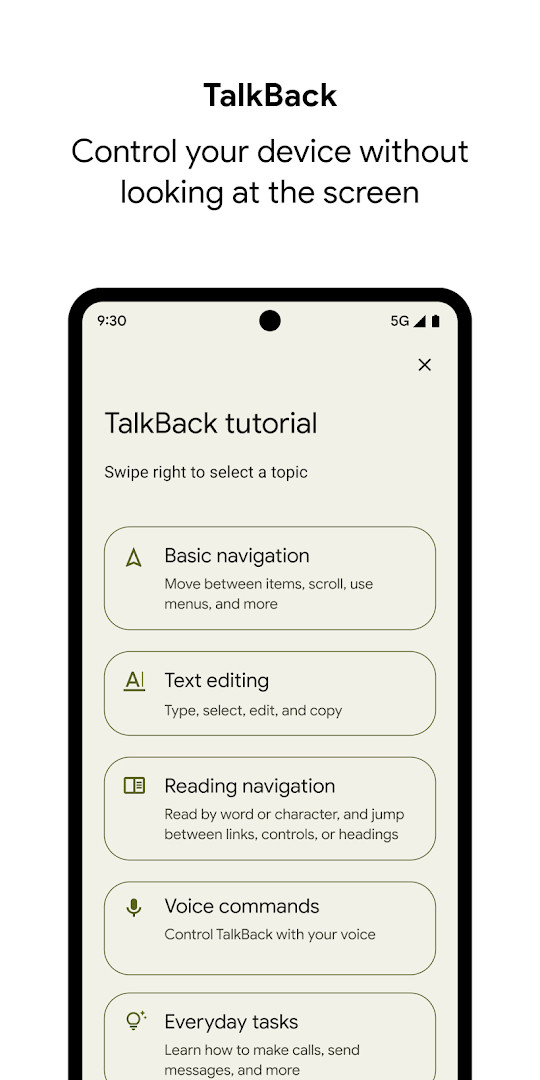
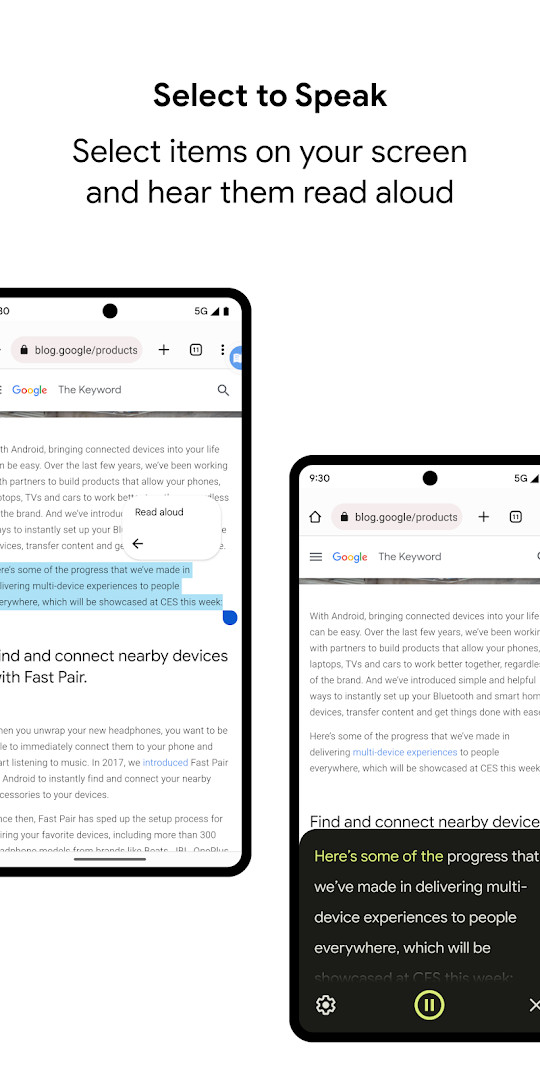
The main pieces are TalkBack, a screen reader that speaks interface elements and supports gesture control plus an on-screen braille keyboard; Select to Speak, which reads aloud whatever you select on screen; and Accessibility Menu, a large on-screen panel for locking the phone, adjusting volume and brightness, taking screenshots, and similar actions. Setup happens through the system Settings app under Accessibility, where you choose which component to enable. TalkBack for Wear devices needs Wear OS 3.0 or later, while the phone and tablet experience requires Android 9 according to the current listing, even though older documentation references Android 7.
The most recent release is TalkBack 17.1, dated 2026-09-29, and it focuses on refinement rather than reinvention. Text selection is improved, voice selection is now available inside TalkBack settings, and braille display customization has been expanded. Typing on a physical keyboard is better in Chinese, Japanese, Korean, and Vietnamese, keyboard interactions in smart browse mode are smoother, and overall performance got a pass. The Wear OS build of 17.1 also gains a more seamless Continue on Phone experience and clearer speech output. A separate 3.1.1 build appeared on 2026-10-01, and the suite itself was last updated 2026-10-23.
Permissions are broad, and that is expected: the app observes phone state to adapt announcements to call status, uses the accessibility service to read window content and typed text, and can send notifications about TalkBack updates. Location, camera, microphone, storage, and device ID permissions are also listed. If you are privacy-minded, review these before enabling anything.
Key features
- TalkBack screen reader with spoken feedback and gesture navigation
- On-screen braille keyboard for text input
- Select to Speak for hearing selected on-screen content read aloud
- Accessibility Menu for locking the device, controlling volume and brightness, and taking screenshots
- Voice selection directly inside TalkBack settings
- Expanded braille display customization
- Improved text selection and smart browse mode keyboard interactions
- Physical keyboard typing improvements for Chinese, Japanese, Korean, and Vietnamese
- Continue on Phone handoff and refined speech output on Wear OS
How to install
- Tap the download button on this page to get the 45 MB package.
- When Android prompts you, allow your browser or file manager to install apps by enabling the Install unknown apps setting for that app.
- Open the downloaded APK file from your notifications or file manager.
- Tap Install and wait for the process to finish; the app requires Android 9 or later.
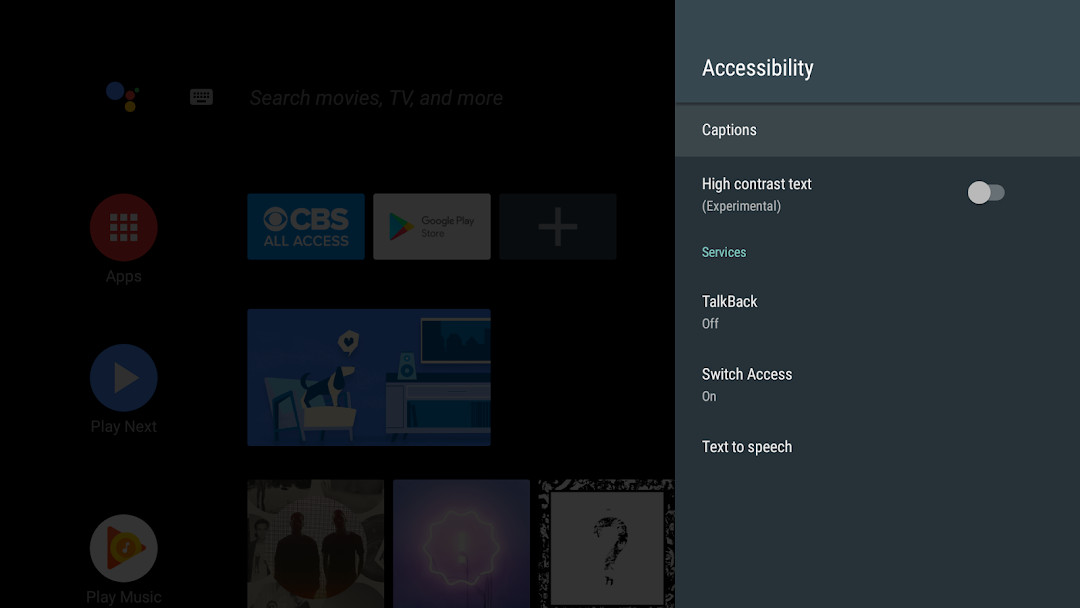
- Open the app, then go to Settings, Accessibility, and enable Accessibility Menu, Select to Speak, or TalkBack.
Pros
- Free with no ads and no in-app purchases
- Combines three accessibility tools in a single package
- TalkBack 17.1 brings meaningful text selection, voice, and braille improvements
- Very large install base and an active update history
- Setup is handled through standard system Accessibility settings
Cons
- Requests a wide set of permissions, including location, camera, and microphone
- The accessibility service can observe window content and typed text
- Feature discovery is not always obvious for first-time users
Recent updates
TalkBack 17.1 brings improved text selection and lets you manage voice selection directly within TalkBack settings. Braille display customization has been enhanced, and typing with a physical keyboard is better for Chinese, Japanese, Korean, and Vietnamese. Keyboard interactions in smart browse mode are improved, along with overall performance. On Wear OS, TalkBack 17.1 offers a more seamless “Continue on Phone” experience and improved display of speech output.
Version history
| Version | Size | Requires Android | Updated |
|---|---|---|---|
| 3.1.1 | 1.2 MB | 4.1 | Oct 1, 2026 |
| 17.1.0.983118198 | 45 MB | 9 | Sep 29, 2026 |
| 17.0.1.926549743 | 43 MB | 9 | Sep 24, 2026 |
| 12.2.0.461147544 leanback | 28 MB | 6.0 | Jun 26, 2026 |
| 17.0.1.911806202 | 43 MB | 9 | Jun 10, 2026 |
| 9.0.0.332399336 | 15 MB | 11 | Nov 22, 2025 |
| 3.2.0 | 1.3 MB | 4.2 | Nov 10, 2025 |
| 7.3.0.238058557 leanback | 11 MB | 5.0 | Mar 14, 2019 |
| 5.0.7 | 7.2 MB | 4.1 | Nov 13, 2016 |
Blind and low-vision users who rely on spoken feedback or braille input, people with motor impairments who need switch access or a large on-screen control menu, and experienced Android users who want to test or configure accessibility tools for someone else.
If TalkBack feels overwhelming at first, enable it and then practice gestures with the tutorial before turning on Select to Speak or Accessibility Menu, so you learn one interaction model at a time.
Permissions
FAQ
What tools are included in Android Accessibility Suite?
The suite bundles the Accessibility Menu, Select to Speak, and the TalkBack screen reader. The Accessibility Menu provides a large on-screen control for locking the phone, adjusting volume and brightness, and taking screenshots. Select to Speak reads aloud items you choose on the screen, while TalkBack offers spoken feedback, gesture control, and an on-screen braille keyboard.
How do I enable the accessibility features after installing the app?
Open your device's Settings app, go to Accessibility, and then choose Accessibility Menu, Select to Speak, or TalkBack. Each feature can be turned on individually from that section.
What are the minimum system requirements for this app?
Android Accessibility Suite requires Android 7 (Android N) or later. If you want to use TalkBack for Wear, you will need Wear OS 3.0 or later.
What improvements came with the latest TalkBack 17.1 update?
TalkBack 17.1 brings improved text selection, voice selection within TalkBack settings, enhanced braille display customization, better physical keyboard typing for Chinese, Japanese, Korean, and Vietnamese, improved keyboard interactions in smart browse mode, and overall performance improvements. The Wear OS version also includes a more seamless Continue on Phone experience and enhanced speech output display.
Why does the app request access to phone state and notifications?
The app observes phone state so it can adapt announcements based on your call status. As an accessibility service, it can observe your actions, retrieve window content, and read text you type. When you grant notification permission, TalkBack can inform you about updates.
For an experienced user weighing alternatives, this suite is the default choice on Android for good reason: it is free, ad-free, broadly installed, and actively maintained, with TalkBack 17.1 delivering genuine refinements. The trade-off is broad permission access and a learning curve, so decide deliberately which components to enable rather than switching everything on at once.
Similar apps




More from this developer




Updated: Nov 2, 2026