Google TV for Android
Google TV is a video player app from Google LLC for discovering, watching, and streaming movies and shows in one place.
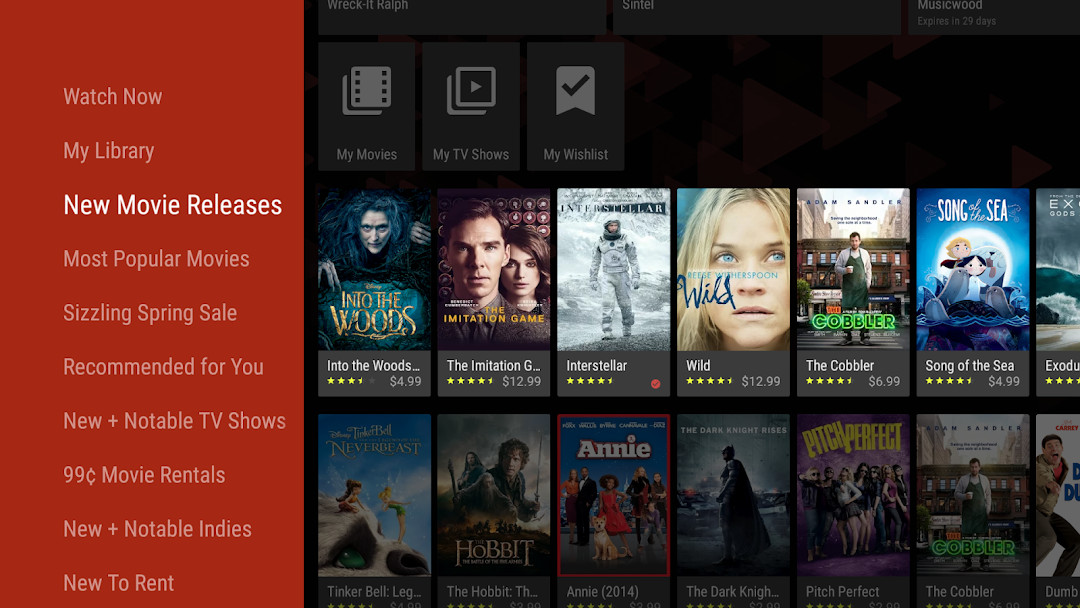
Download Google TVGoogle TV is built for viewers who want to find something to watch without jumping between several streaming apps. The app browses more than 700,000 movies and TV episodes, organizes them by topic and genre, and shows which services offer each title. Rentals and purchases sit in a Library, can be downloaded for offline viewing, and a Watchlist syncs across devices.
- File Size
- 40 MB
- Needs Android
- 6.0
- Last Refresh
- 14.09.2026
- Downloads
- 10B+
- Score
- ★ 3.92 (2 897 635)
- Genre
- Entertainment
- Creator
- Google LLC
- Content rating
- Teen
- Package
- com.google.android.videos
- Free
- ✓ · In-app purchases
Snapshots
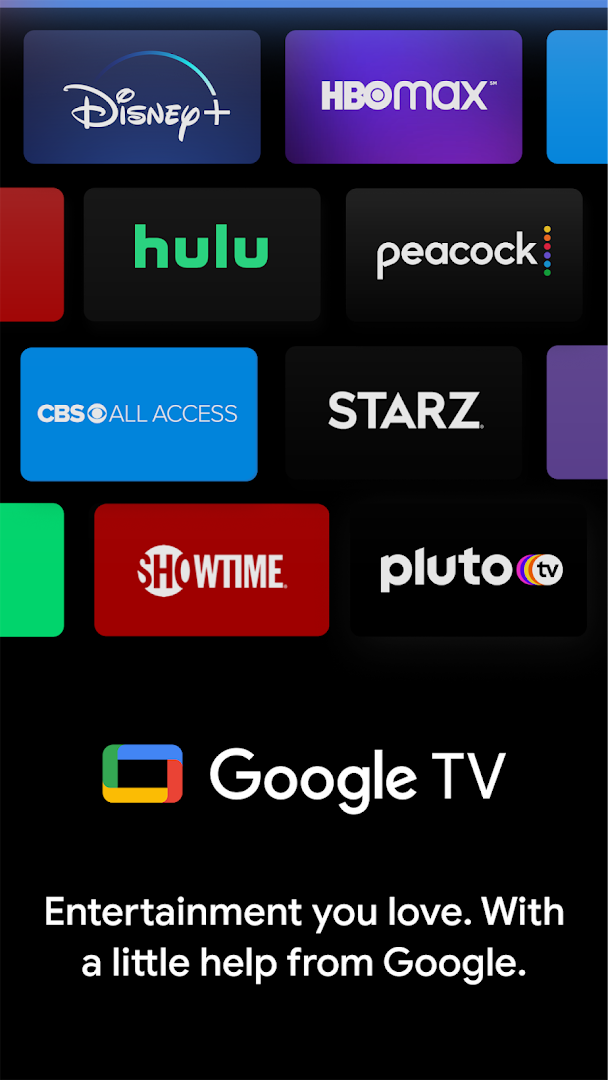
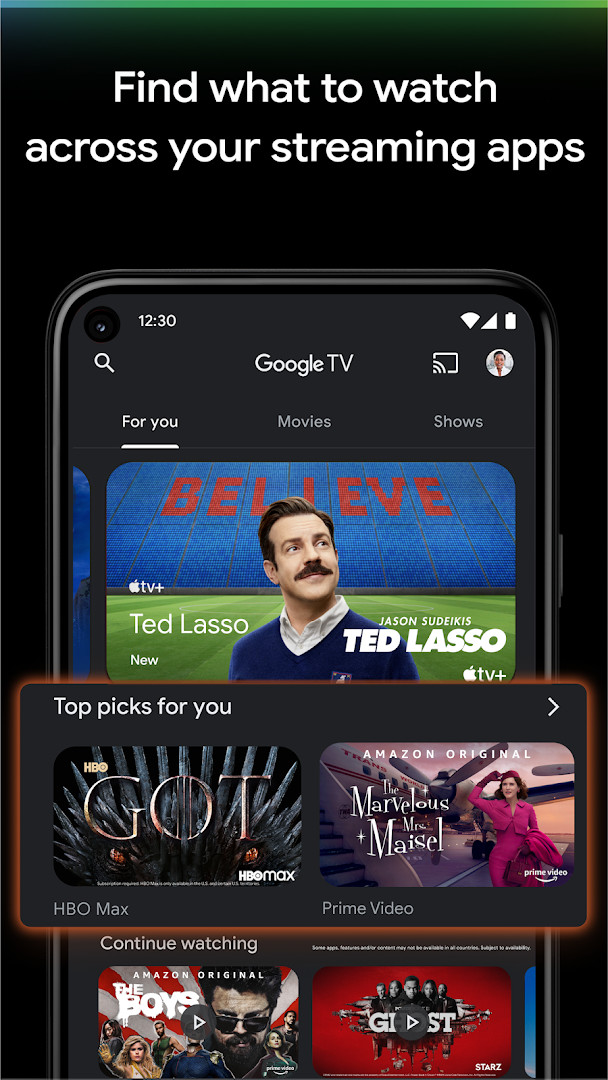
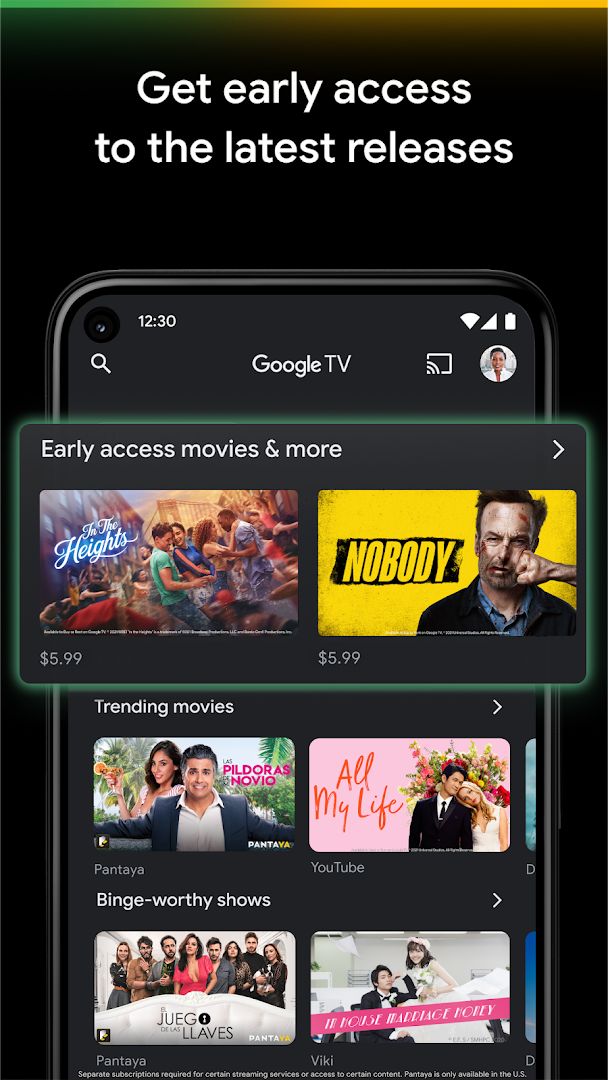
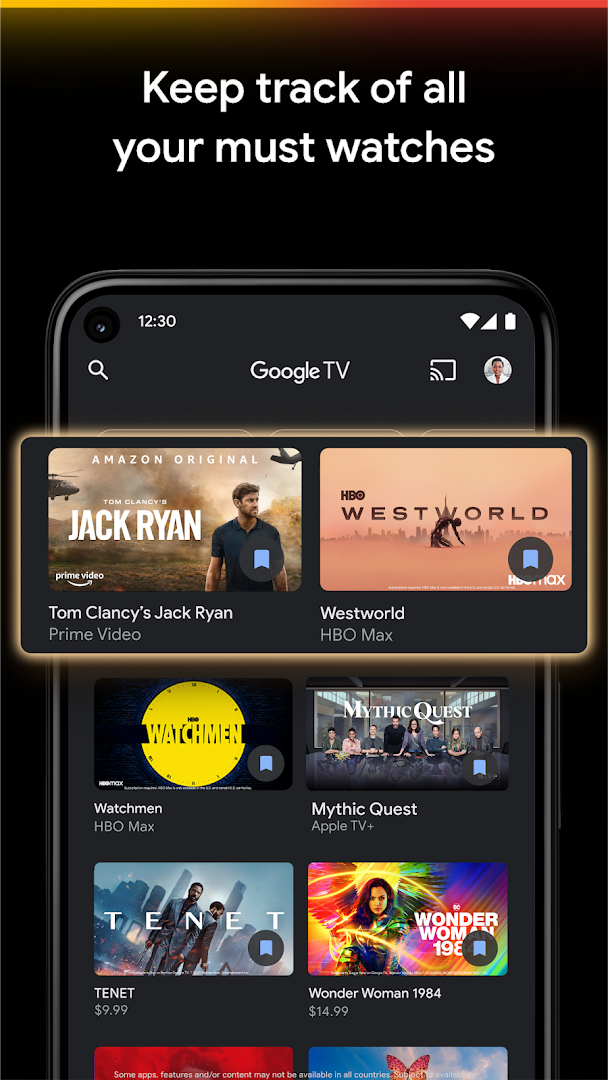
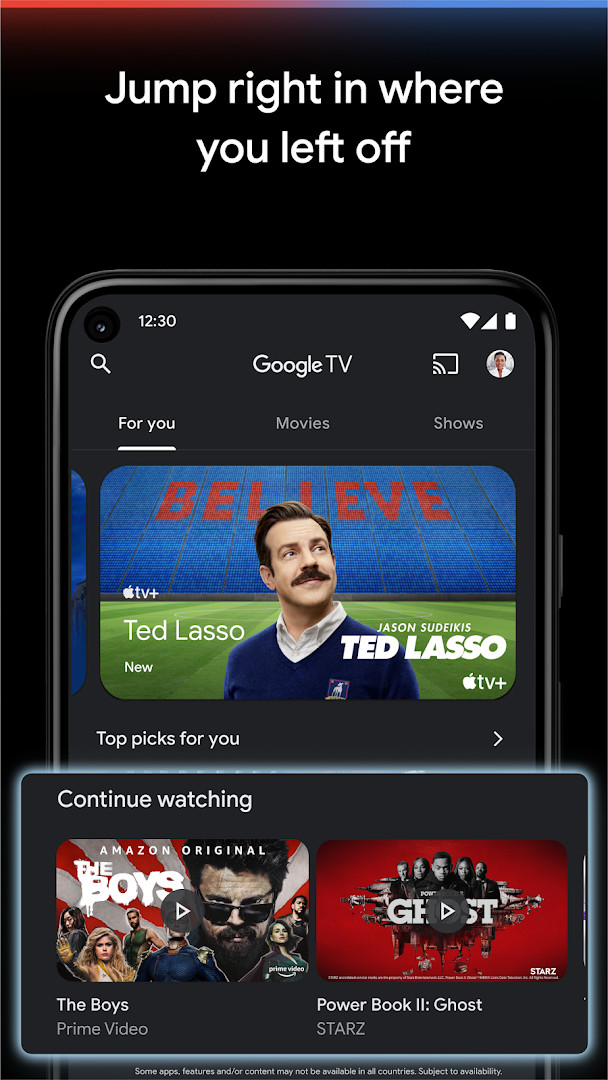
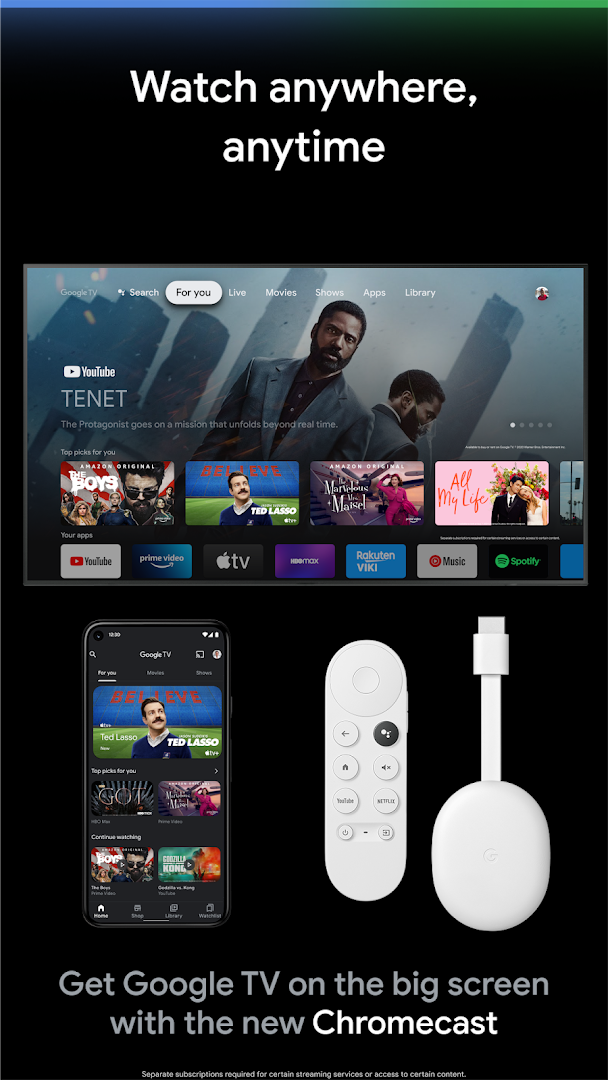
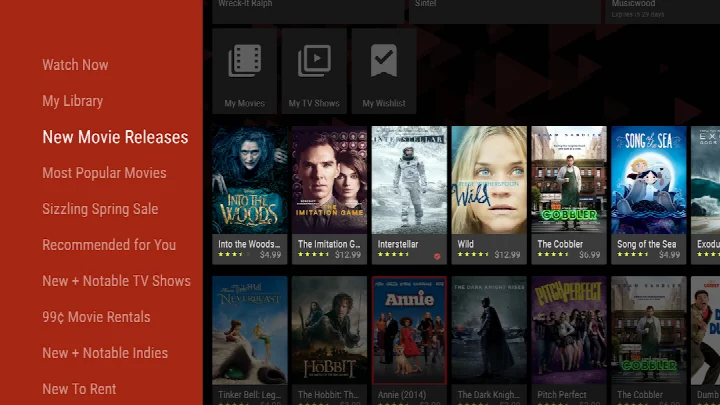
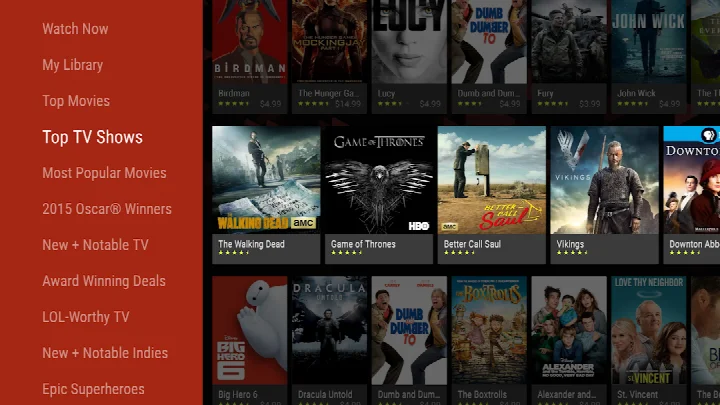
Google TV is a video streaming and discovery app by Google LLC that aggregates movies and TV shows from multiple streaming services into a single interface. It solves the problem of having to jump between different apps to find something to watch by letting you search across 700,000+ titles, see which streaming apps offer each title, and get personalized recommendations based on your viewing history and preferences. The app also functions as a remote control for compatible TV devices, includes a shared Watchlist across devices, and offers a Shop tab for renting or buying new releases and older favorites. Purchases are stored in your Library and can be downloaded for offline viewing. The app is free to use, but some streaming services require separate subscriptions, and it includes in-app purchases for content.
Key features
- Search across 700,000+ movies and TV episodes to see which streaming apps offer them
- Personalized recommendations based on your thumbs up/down ratings and what's trending across services you already use
- Shop tab to buy or rent the latest movies and shows, with offline downloads for purchased content
- Unified Watchlist that syncs across devices and can be added to from any browser
- Built-in remote control for Google TV and Android TV OS devices, including a keyboard for easy text entry
- Organized browsing by topics and genres to help you find new content
How to install
- Tap the download button on this page to get the APK file (size: 40 MB).
- When Android prompts, allow your browser or file manager to install apps by enabling the 'Install unknown apps' setting.
- Open the downloaded APK file from your notifications or file manager.
- Tap Install and wait for the installation to complete.
- Open the app and sign in with your Google account.
- Ensure your device runs Android 6.0 or higher to install the app.
Pros
- Aggregates content from many streaming services in one place, reducing app switching
- Personalized recommendations improve with your ratings
- Shared Watchlist works across all your devices
- Built-in remote control is handy when the physical remote is lost
- Offline downloads for purchased content
Cons
- Requires separate subscriptions for many streaming services, which can add up
- Requests broad permissions including identity, contacts, location, and phone info, which may raise privacy concerns for some users
- In-app purchases for rentals and purchases can lead to unexpected costs if not monitored
- The large catalog may feel overwhelming for users who prefer a more curated experience
Fresh Updates
The Google TV app was updated on September 14, 2026, and this release focuses on helping you locate the content you already want to see. You can quickly check which streaming services carry a particular show or movie, and discovering fresh titles now takes only a few taps. The update also lets you give a thumbs up or thumbs down so recommendations better reflect your viewing habits.
Past Builds
| Version | File Size | Needs Android | Last Refresh |
|---|---|---|---|
| 4.39.2486.665854892.9-release | 40 MB | 6.0 | 10.07.2026 |
This app is ideal for cord-cutters and streaming enthusiasts who subscribe to multiple services and want a unified hub to discover and watch content. It's also great for families who share a TV and need a single Watchlist that everyone can contribute to, and for anyone who often loses the remote and wants a phone-based alternative. If you prefer to browse a broad catalog of movies and shows without committing to a single platform, Google TV provides a convenient way to see what's available across your existing subscriptions.
Use the thumbs up and down buttons to train the recommendation engine—over time, it will better match your tastes. Also, take advantage of the Watchlist to save titles for later, and use the phone keyboard when entering passwords on your TV to save time.
Access Rights
Curious?
How many movies and TV episodes can I browse in Google TV?
The app lets you browse over 700,000 movies and TV episodes from across your streaming apps, all organized by topics and genres.
Can I use my phone as a remote for my TV with Google TV?
Yes, the app includes a built-in remote, and you can use your phone's keyboard to type passwords, movie names, or search terms on your Google TV or other Android TV OS device.
What is the Watchlist feature and how does it work?
The Watchlist lets you add shows and movies to keep track of discoveries and view them later. It's shared across all your devices, so you can add items from your TV, phone, or laptop via Search in any browser.
Can I buy or rent movies and shows directly in the app?
Yes, you can buy or rent the newest movies and shows in the Shop tab. Purchases are stored in your Library and can be downloaded to watch when you're not connected.
Does Google TV provide personalized recommendations?
Yes, you can give thumbs up or down to titles, and the app uses that feedback along with what you love and what's trending across your streaming services to offer personal recommendations.
Google TV effectively consolidates streaming discovery and control into one Android app, making it a practical choice for managing multiple services. While its permission requests and in-app purchases warrant caution, the app's core functionality is solid for users who want a centralized entertainment hub.
Lookalikes


More by Creator


Last Refresh: 24.10.2026