Google Chrome: Fast and secure mobile browser
Google Chrome is a mobile browser by Google LLC that provides fast, secure web browsing plus search, translation, and syncing across devices.
Download Google ChromeGoogle Chrome is a free browser that shows ads and has no in-app purchases, offering Google Search, Lens, Translate, a password manager, and cross-device sync. Google Chrome requires Android 12L and its download size is 215 MB. Google Chrome has 49.4 million ratings and more than 10 billion installs, with its latest update released on October 7, 2026.
- Size
- 215 MB
- Requires Android
- 12L
- Updated
- Oct 7, 2026
- Installs
- 10B+
- Rating
- ★ 4.12 (49,425,698)
- Category
- Communication
- Developer
- Google LLC
- Content rating
- Everyone
- Package
- com.android.chrome
- Free
- ✓ · Contains ads
Screenshots
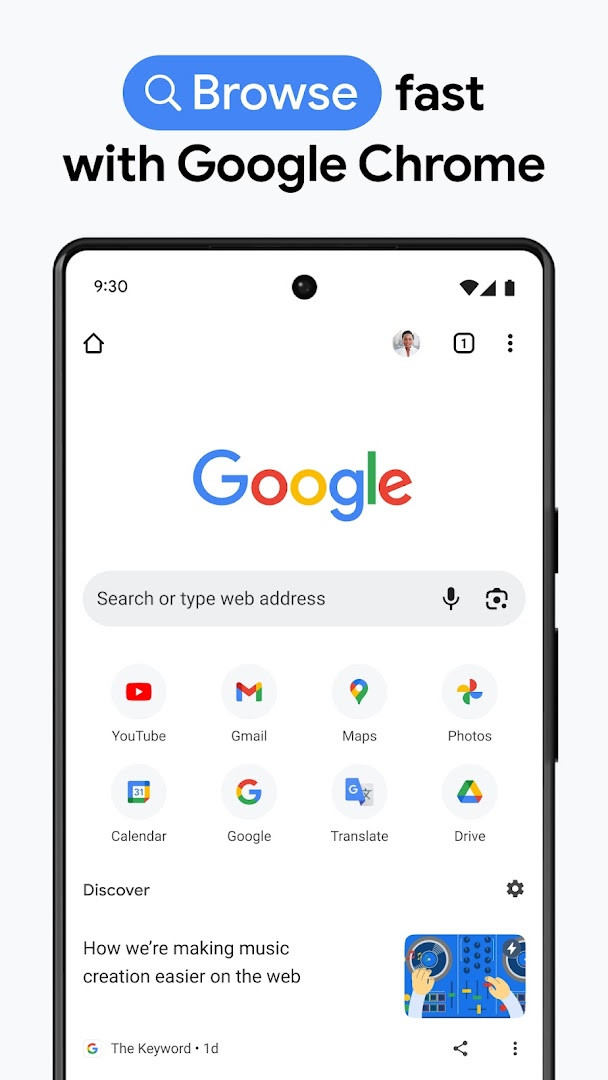
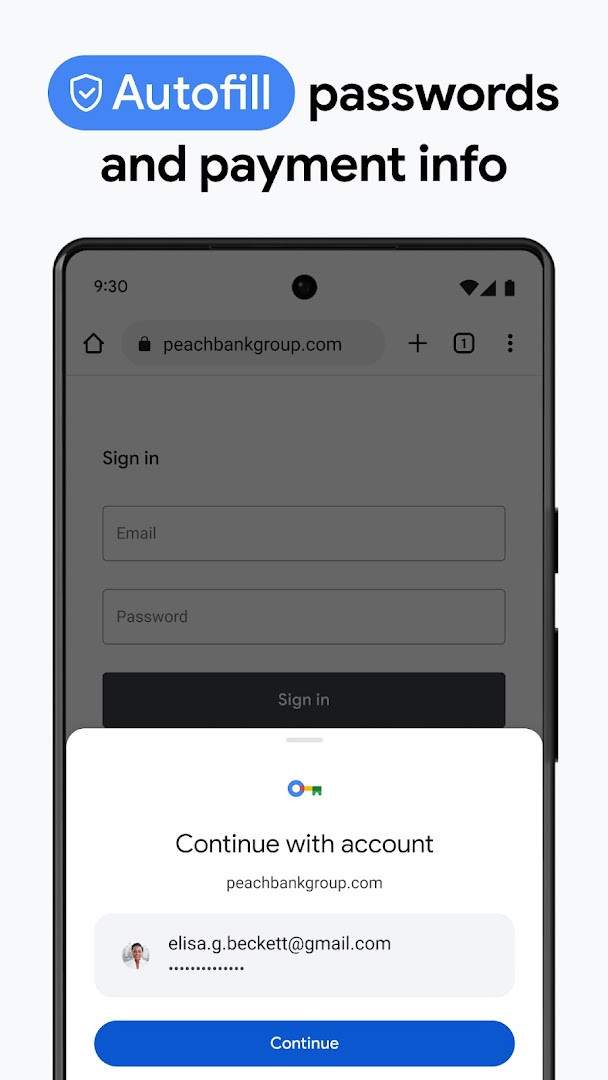
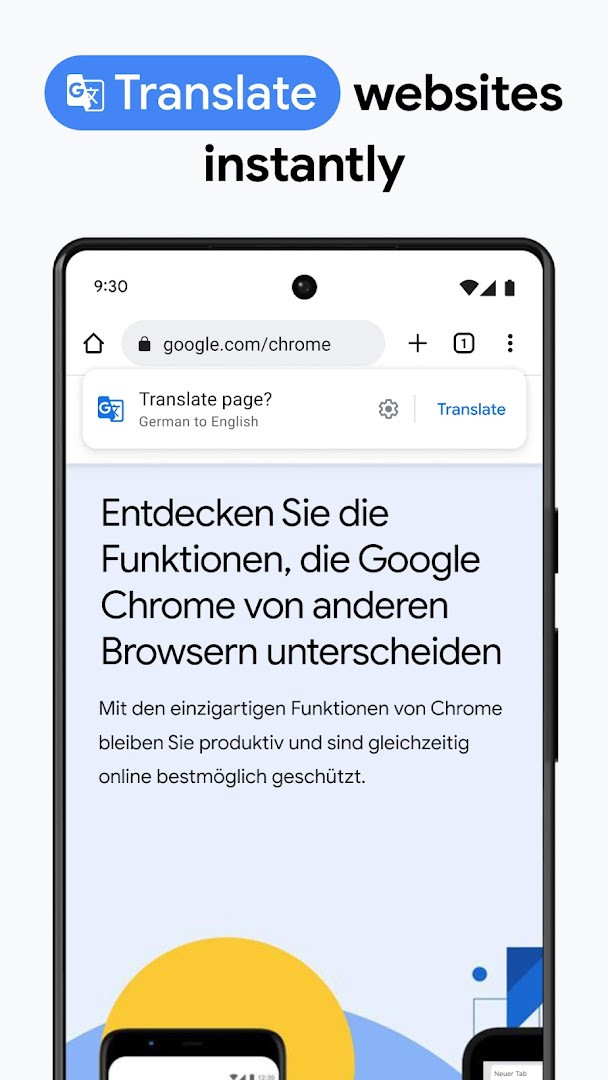
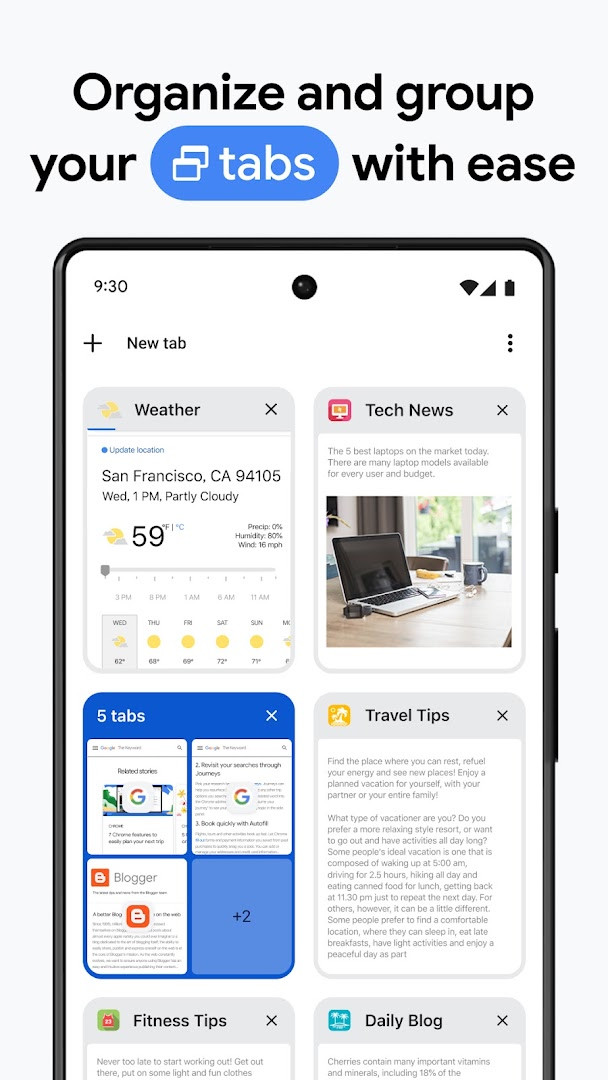
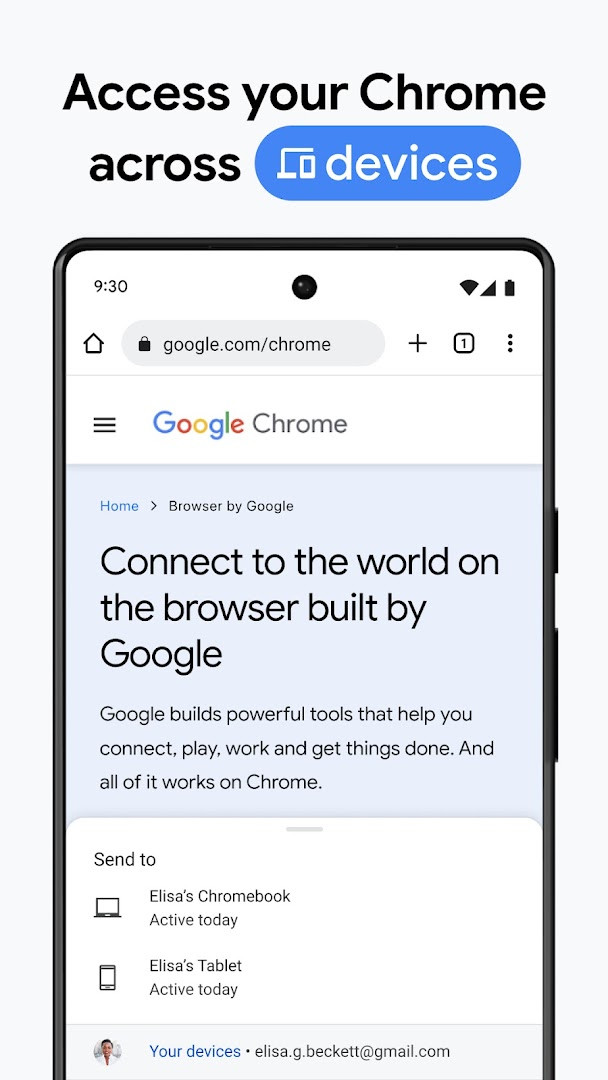
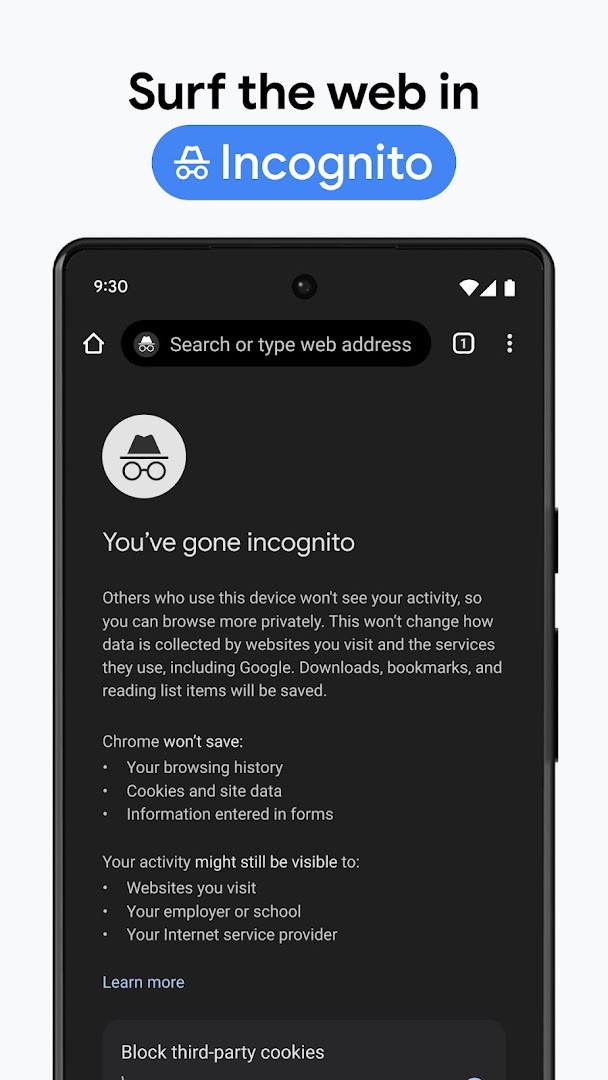
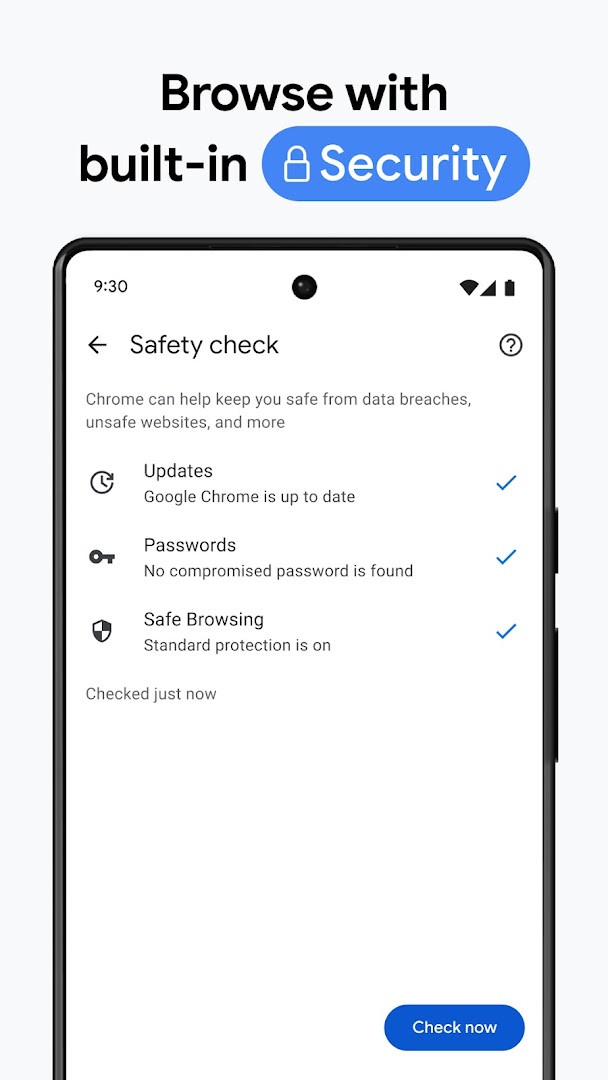
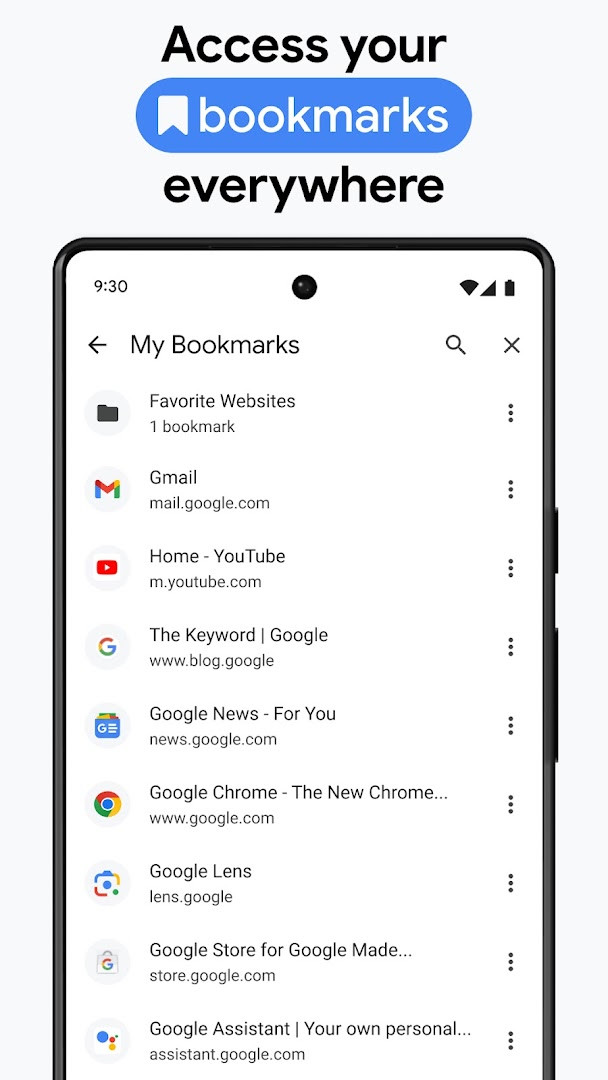
Google Chrome is a mobile web browser by Google LLC that provides fast, secure access to the web with integrated Google services. It addresses the need for a reliable browsing experience that balances speed, security, and cross-device continuity. The app solves common problems such as slow page loads, weak password hygiene, and fragmented browsing sessions by bundling a capable engine with tools like Google Password Manager, Safety Check, and tab syncing. It also aims to reduce friction when searching, translating, or identifying visual content, making everyday browsing tasks more efficient.
Key features
- Search with Google and get answers quickly, including hands-free voice search
- Google Lens integration lets you search what you see using your camera
- Google Translate supports browsing the web in over 130 languages and can translate entire sites in one click
- Enhanced Protection Mode offers the highest level of Chrome’s security while browsing
- Safety Check provides proactive alerts to help you stay ahead of potential issues
- Google Password Manager securely generates, saves, and autofills passwords, with alerts if your passwords are at risk
- Sync bookmarks, tabs, passwords, and other data across your phone, computer, and tablet when signed in
- Tab Groups help you organize multiple tabs and keep them structured across devices
How to install
- Tap the download button on this page to get the APK file, which is about 215 MB in size
- When prompted, allow your browser or file manager to install apps by enabling the “Install unknown apps” setting in your device’s system settings
- Open the downloaded APK file from your notifications or file manager
- Tap Install and wait for the installation to complete, which may take a minute depending on your device
- Open the app from your home screen or app drawer after installation finishes
- Note that this app requires Android 12L or newer to run properly
Pros
- Strong integration with Google services like Search, Lens, and Translate
- Comprehensive security features including Enhanced Protection and Safety Check
- Built-in password manager with risk alerts
- Seamless syncing of bookmarks, tabs, and passwords across devices
- Tab Groups help manage many open tabs efficiently
- Regular updates with stability and performance improvements
Cons
- Requests access to a broad set of permissions, including location, camera, microphone, contacts, and phone state
- Includes ads, which may interrupt the browsing experience for some users
- Syncing features require signing in with a Google account to get full benefit
Recent updates
Google thanks you for choosing Chrome. This update brings stability and performance improvements to help your browser run more smoothly.
Version history
| Version | Size | Requires Android | Updated |
|---|---|---|---|
| 154.0.8037.126 | 215 MB | 12L | Oct 6, 2026 |
| 153.0.8010.53 | 214 MB | 12L | Sep 27, 2026 |
| 149.0.7827.103 | 13 MB | 10 | Jun 12, 2026 |
| 148.0.7778.167 | 12 MB | 12L | May 15, 2026 |
| 148.0.7778.121 | 12 MB | 12L | May 12, 2026 |
| 148.0.7778.120 | 12 MB | 12L | May 12, 2026 |
| 138.0.7204.179 | 227 MB | 8.0 | Oct 30, 2025 |
| 119.0.6045.194 | 132 MB | 7.0 | Jan 15, 2024 |
| 106.0.5249.126 | 115 MB | 6.0 | Oct 19, 2022 |
| 81.0.4044.138 | 52 MB | 4.4 | May 9, 2020 |
Google Chrome is suitable for anyone who wants a dependable, feature-rich browser on their Android device, especially those already using Google services like Gmail, Google Search, or Google Drive. It appeals to users who value tight integration with Google’s ecosystem, such as voice search, visual search via Lens, and seamless translation. It is also a good fit for people who want proactive security tools and a built-in password manager without needing separate apps. However, users who are highly sensitive to app permissions may want to review the access it requests, as Chrome asks for a wide range of capabilities including location, camera, microphone, and contacts, even though many are only used for specific features like Lens or voice search.
If you are concerned about privacy, review Chrome’s permission settings in your device’s app info and revoke any access you are not comfortable with, such as location or contacts, since many core browsing functions do not require them. Also, enable Enhanced Protection Mode and run Safety Check periodically to keep your browsing secure.
Permissions
FAQ
Is Google Chrome free to download?
Yes, Google Chrome is free to download and use, with no in-app purchases required. The listed price is 0.00 USD.
Which Android version do I need to install Chrome?
Google Chrome requires Android 12L or higher. Your device must be running at least this version to install and run the app.
How large is the Google Chrome APK file?
The APK file size for Google Chrome is 215 MB. Make sure your device has enough free storage space before downloading.
Do I need a Google account to use Chrome?
No, you can browse without signing in. However, signing in lets you sync bookmarks, tabs, and passwords across your devices and use features like autofill.
What permissions does Chrome request?
Chrome may request access to device and app history, identity, contacts, location, phone, photos and media, storage, camera, microphone, Wi-Fi connection information, and device ID and call information. These permissions support features like voice search, Google Lens, and saving files.
How do I update Google Chrome?
To update, download the newest version available on this page and install it over your current version. The latest listed version is 154.0.8037.126, released on 2026-10-06.
Google Chrome delivers a fast and secure browsing experience with deep integration into Google’s services and useful tools like password management and translation. Its broad permission requests and ad presence are worth considering, but for most users it remains a solid and practical choice.
Similar apps




More from this developer




Updated: Nov 3, 2026