
Mi Video-Short Video Download: Play and Download Videos
Mi Video is a free video player and downloader by Mi Video that lets you play, download, stream, and manage videos.
Get App · v2026101200(MiVideo-GP)Mi Video is a 100 MB free video player and downloader that requires Android 7.0 or newer and shows ads, with no in-app purchases. Its rating stands at 4.41 based on roughly 1.23 million ratings, and installs total about 1 billion. The app targets viewers who want short video feeds, downloads from social platforms, and file management.
- Version
- 2026101200(MiVideo-GP)
- Size
- 100 MB
- Requires Android
- 7.0
- Updated
- Nov 9, 2026
- Installs
- 1B+
- Rating
- ★ 4.41 (1,230,297)
- Category
- Entertainment
- Developer
- Mi Video
- Content rating
- Teen
- Package
- com.miui.videoplayer
- Free
- ✓ · Contains ads
Screenshots
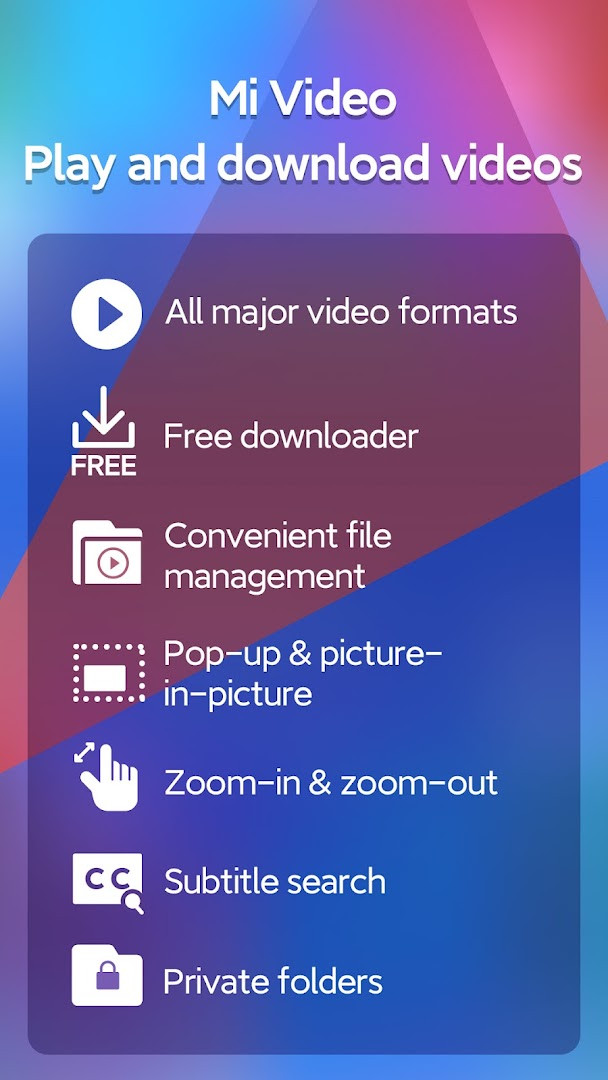
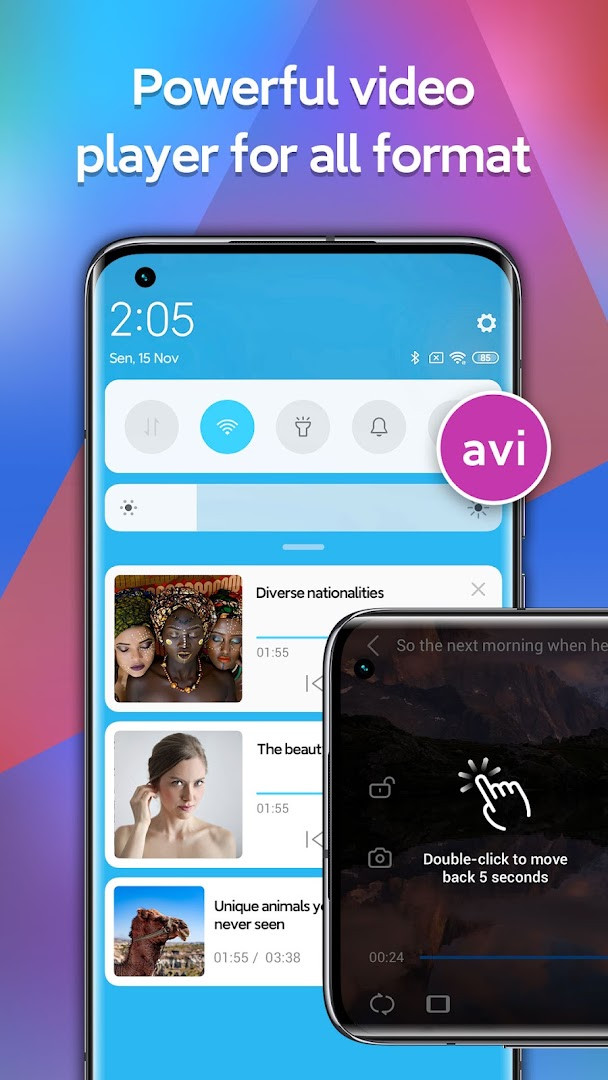
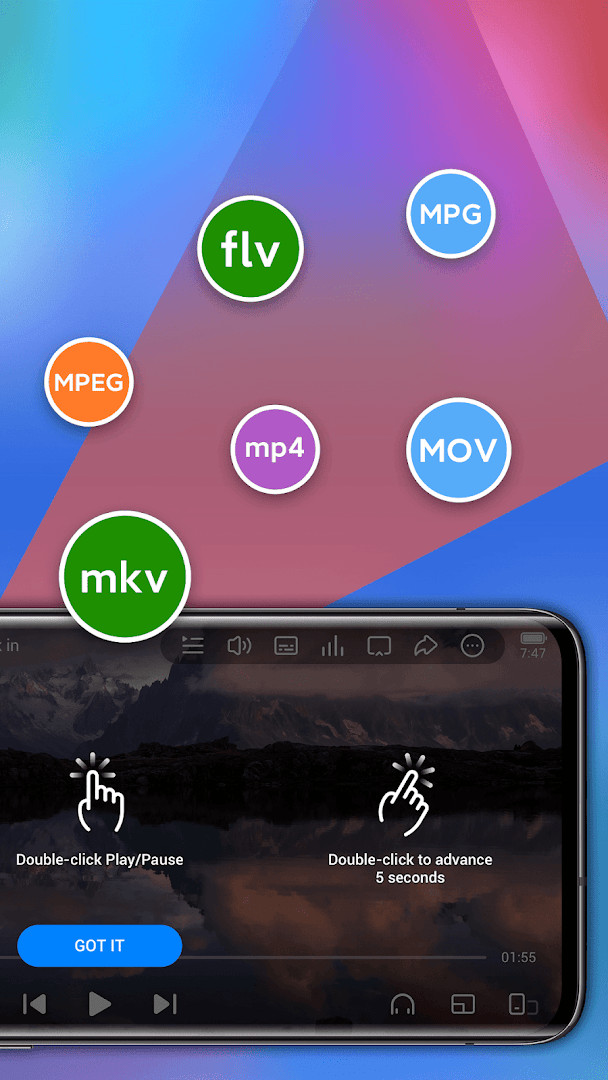
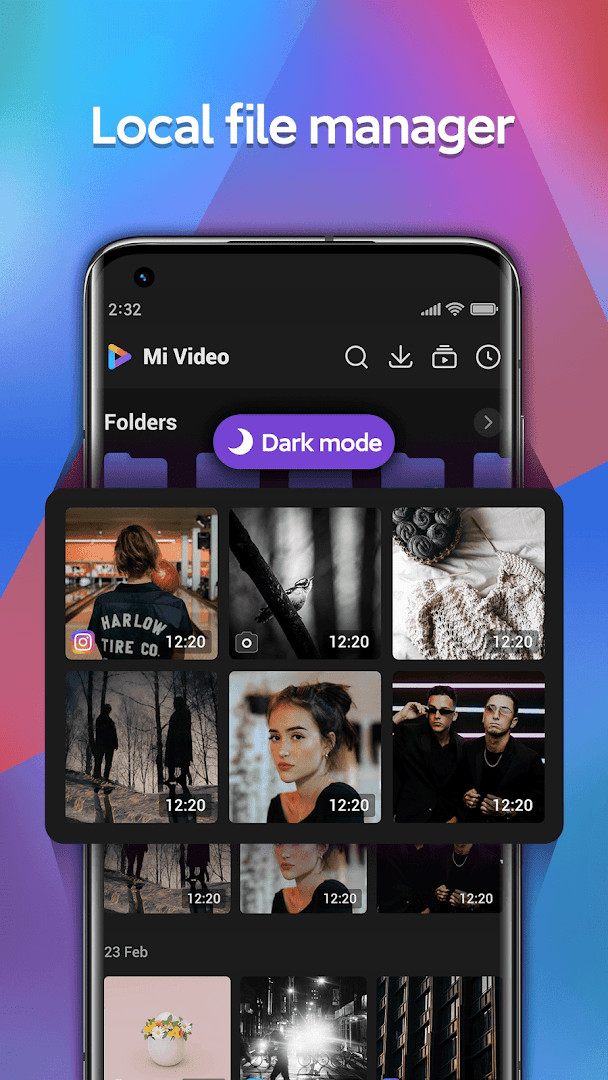
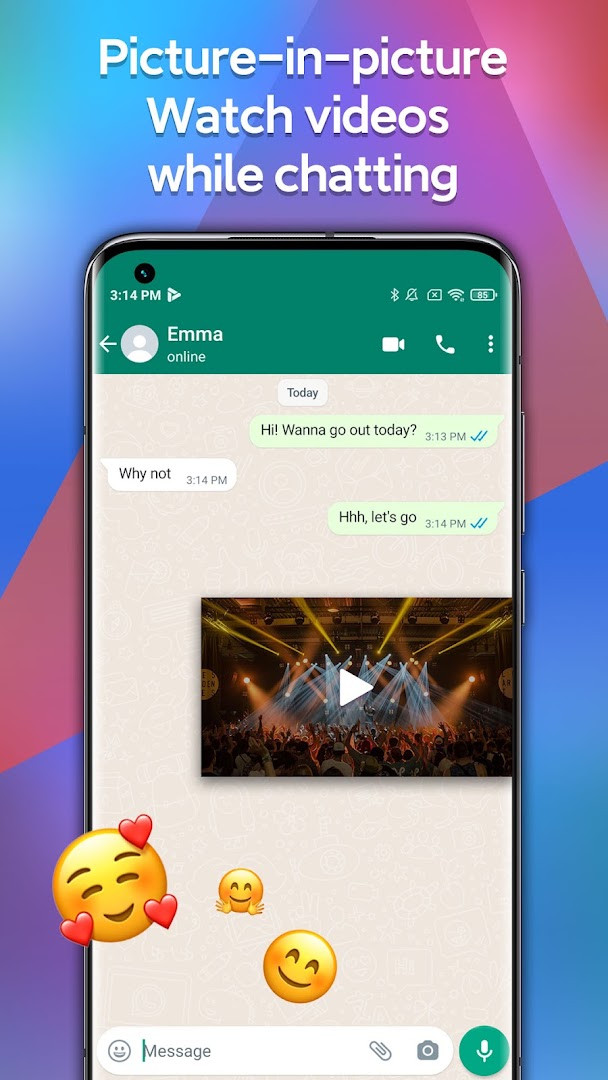
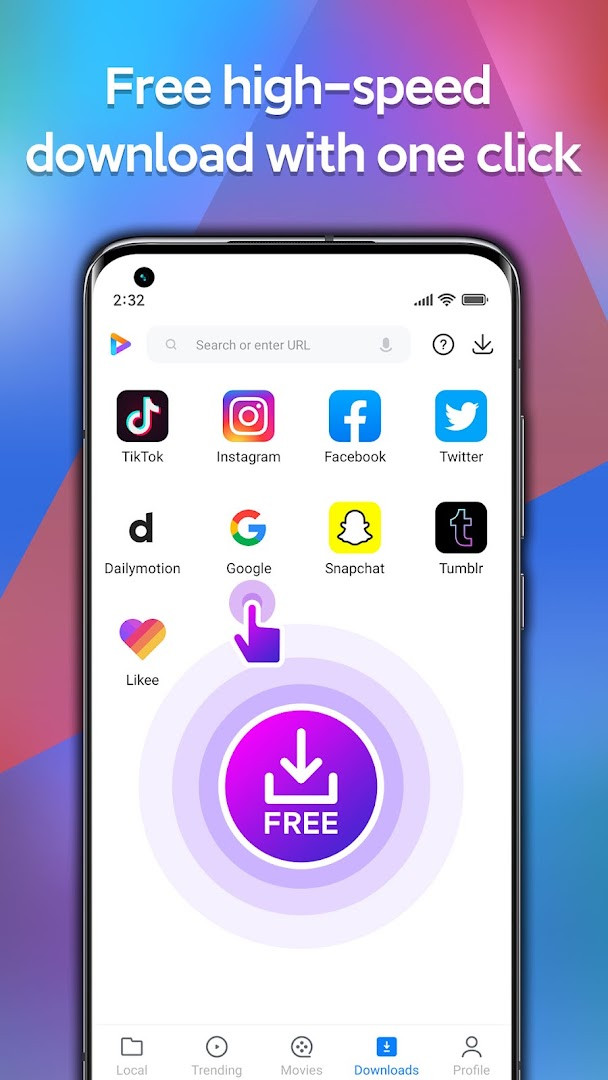
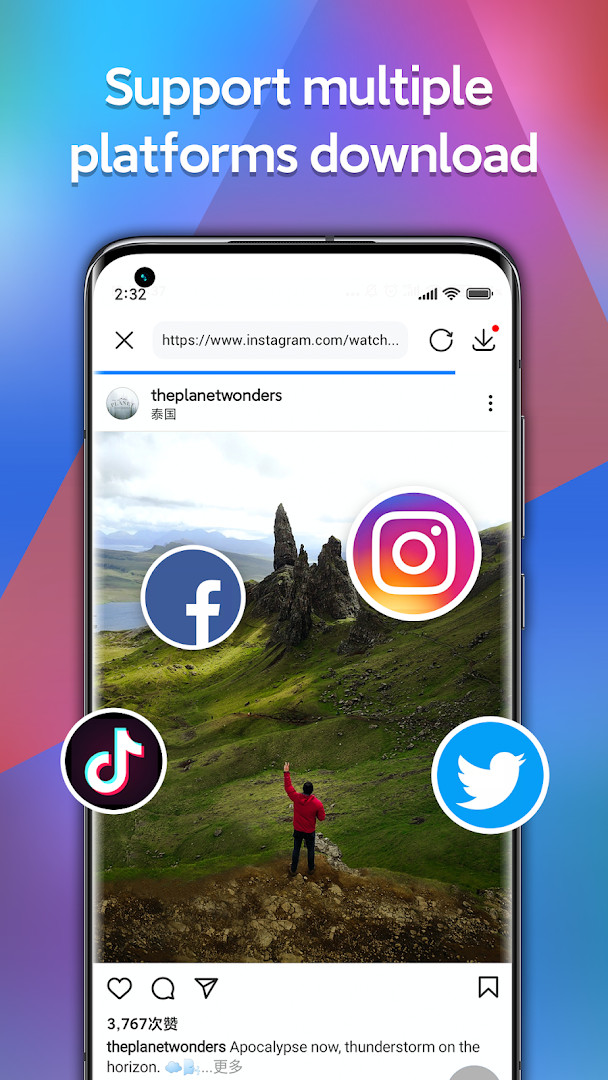
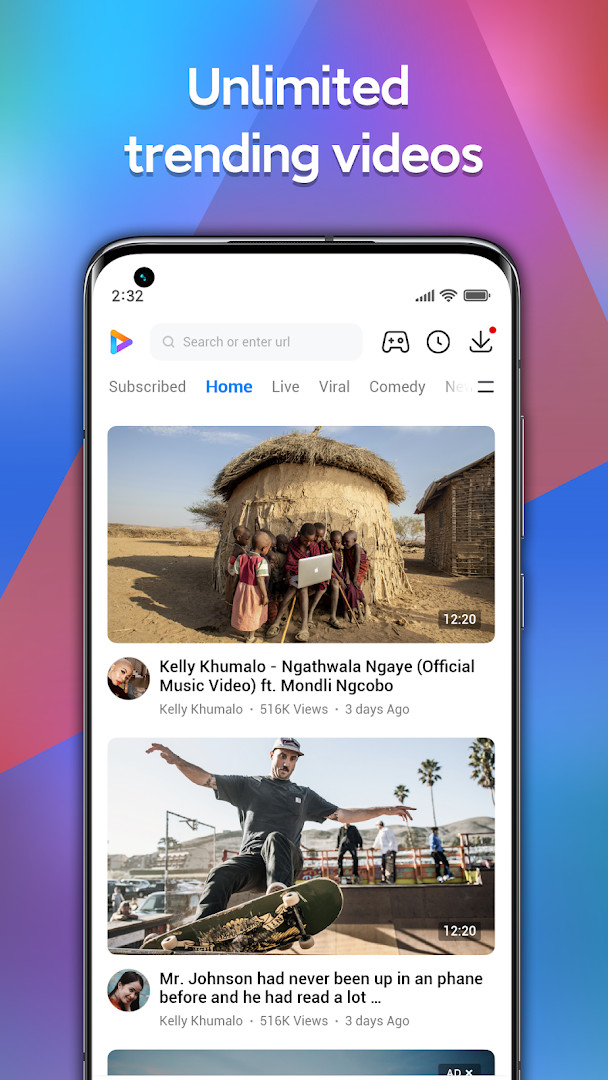
Mi Video-Short Video Download is an entertainment app by Mi Video that combines short video streaming, a local video player, a downloader, and a file manager in one package. It lets you watch continuously updated short videos from a built-in feed called Moment, save or download clips you like, play local video files in many formats, and organize your media with built-in file tools. The app targets users who want a single hub for discovering trending online content, downloading videos from social platforms, and managing their personal video library. It is designed for Android devices running version 7.0 or higher, and the current release is version 2026101200(MiVideo-GP), with a file size of about 100 MB. The app is free, contains ads, and has a content rating of Teen. It has been installed over one billion times, with an average user rating of 4.41 based on more than 1.23 million ratings. The app requests access to identity, photos/media/files, storage, and Wi-Fi connection information, which are typical for a tool that saves and manages local video files. For privacy-conscious users, it is worth noting that these permissions are used to read, write, and organize video content on your device, as well as to detect network conditions for downloading and streaming. The app also offers a password-protected folder feature to keep selected videos private. Overall, Mi Video aims to be an all-in-one solution for casual viewers and heavy downloaders alike, offering a personalized feed, multi-format playback, and straightforward file management.
Key features
- Supports all major video file formats, including MKV, MP4, M4V, MOV, and AVI
- Background playback with double-tap pause/resume and smart gesture controls for volume, brightness, and progress
- Subtitle support in multiple languages, including online subtitle search for local videos
- Zoom range from 25% to 500% for precise viewing
- Download videos from major social media platforms like Instagram, Likee, Facebook, Tumblr, Snapchat, and TikTok
- Download multiple videos simultaneously and choose your preferred resolution
- Online streaming library with trending content, including pranks, games, sports, and news
- Built-in Facebook Watch feed for additional streaming options
- File manager with password-protected folders for private storage
- Aspect ratio options of 16:9 or 4:3
How to install
- Tap the download button on this page to get the APK file, which is about 100 MB in size.
- When your browser or file manager asks for permission to install apps, allow it by enabling the 'Install unknown apps' setting for that app.
- Open the downloaded APK file from your notifications or Downloads folder.
- Tap 'Install' on the confirmation screen and wait for the installation to finish.
- Open Mi Video from your app drawer or home screen after installation is complete.
- Ensure your device runs Android 7.0 or higher to install and use the app without issues.
Pros
- All-in-one solution for playing, downloading, streaming, and managing videos
- Free to use with no in-app purchases required
- Wide format support and flexible zoom options
- Password-protected folders add a layer of privacy for sensitive content
- Personalized recommendations based on viewing behavior
- Ability to download multiple videos at once with resolution selection
Cons
- Contains ads, which may interrupt the viewing experience
- Requests several permissions, including identity and storage access, which may raise privacy concerns for some users
- Content rating of Teen means not all videos are suitable for younger children
- Downloading videos from social platforms may be subject to platform terms of service
Recent updates · 2026101200(MiVideo-GP)
This update, version 2026101200(MiVideo-GP), focuses on refinements and fixes. Search functionality has been optimized for better results. The subtitle feature for local videos has been improved, and subtitles and picture-in-picture support are now available for TV and movies. Several bugs have been fixed to enhance overall stability and performance. These changes aim to make video playback and management smoother for users.
Version history
| Version | Size | Requires Android | Updated |
|---|---|---|---|
| 2026101200(MiVideo-GP) | 100 MB | 7.0 | Nov 9, 2026 |
| 2026061500(MiVideo-GP) | 87 MB | 7.0 | Oct 24, 2026 |
| 2026091100(MiVideo-GP) | 100 MB | 7.0 | Oct 15, 2026 |
| 2026052801(MiVideo-GP) | 86 MB | 7.0 | Oct 15, 2026 |
| 2026071401(MiVideo-GP) | 87 MB | 7.0 | Oct 15, 2026 |
| 2026012101(MiVideo-GP) | 83 MB | 7.0 | Oct 4, 2026 |
| 2026031800(MiVideo-GP) | 83 MB | 7.0 | Oct 3, 2026 |
| 2026042101(MiVideo-GP) | 85 MB | 7.0 | Oct 2, 2026 |
| 2025081302(MiVideo-GP) | 89 MB | 7.0 | Oct 1, 2026 |
| 2026082000(MiVideo-GP) | 86 MB | 7.0 | Sep 26, 2026 |
Mi Video is for Android users who enjoy watching short videos, want to download clips from social media for offline viewing, and need a capable local video player with file management. It suits casual viewers looking for a personalized feed and more active users who want to save and organize videos on their device.
If you are concerned about privacy, use the password-protected folder feature for sensitive videos and review the app's permission settings after installation to limit access to identity and storage if you find it unnecessary. For smoother downloads, connect to a stable Wi-Fi network, as the app uses Wi-Fi connection information to manage data transfer.
Permissions
FAQ
Is Mi Video free to download and use?
Yes, the app is free. It is listed with a price of 0.00 USD and has no in-app purchases, though it does contain ads.
What Android version do I need to run Mi Video?
The app requires Android 7.0 or higher. Its current version is 2026101200(MiVideo-GP), and the file size is 100 MB.
Do I need to create an account to use Mi Video?
No, the app does not require an account to install or use. You can download, play, and manage videos without signing in.
What permissions does Mi Video request?
The app requests access to Identity, Photos/Media/Files, Storage, and Wi-Fi connection information. These are used for managing and playing your video files.
How do I update Mi Video to the latest version?
To update, simply download the newest version available on this page. The latest release is version 2026101200(MiVideo-GP), updated on 2026-11-09.
Can I download videos for offline viewing with Mi Video?
Yes, Mi Video supports high-speed downloads from various social media platforms, allowing you to save videos to your device and watch them later without an internet connection.
Mi Video-Short Video Download offers a practical combination of short video streaming, downloading, playback, and file management in one free app. While it includes ads and requests several permissions, its wide format support, password-protected folders, and personalized feed make it a useful tool for Android users who want to manage their video content conveniently. If you value an all-in-one video experience and accept the trade-offs, it is worth trying on your device.
Similar apps








Updated: Nov 20, 2026