Speech Recognition & Synthesis for Android
Speech Recognition & Synthesis is a tools app from Google LLC for converting speech to text and text to speech on your device.
Download AppSpeech Recognition & Synthesis is for Android users who want to dictate messages, transcribe recordings, or hear text read aloud. The app is free with no ads and no in-app purchases, requires Android 8.0 or higher, and takes about 15 MB of space.
- Size
- 15 MB
- Requires Android
- 8.0
- Updated
- Sep 29, 2026
- Installs
- 10B+
- Rating
- ★ 3.96 (4,352,458)
- Category
- Tools
- Developer
- Google LLC
- Content rating
- Everyone
- Package
- com.google.android.tts
- Free
- ✓
Screenshots
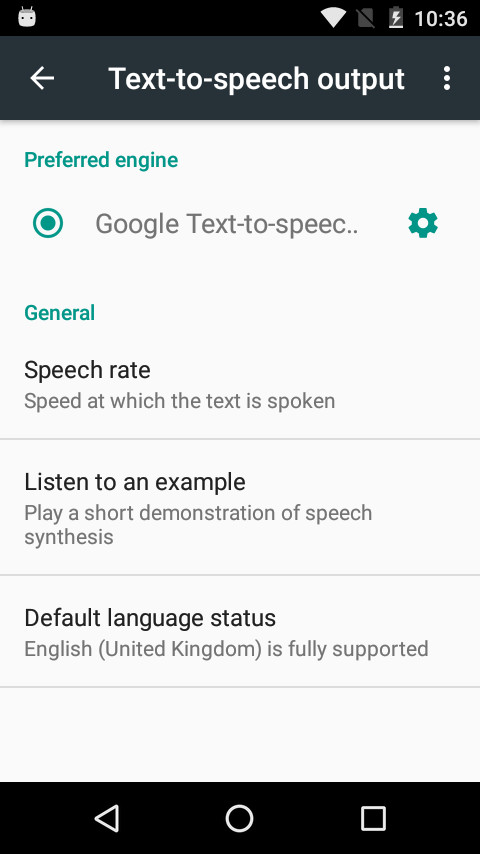
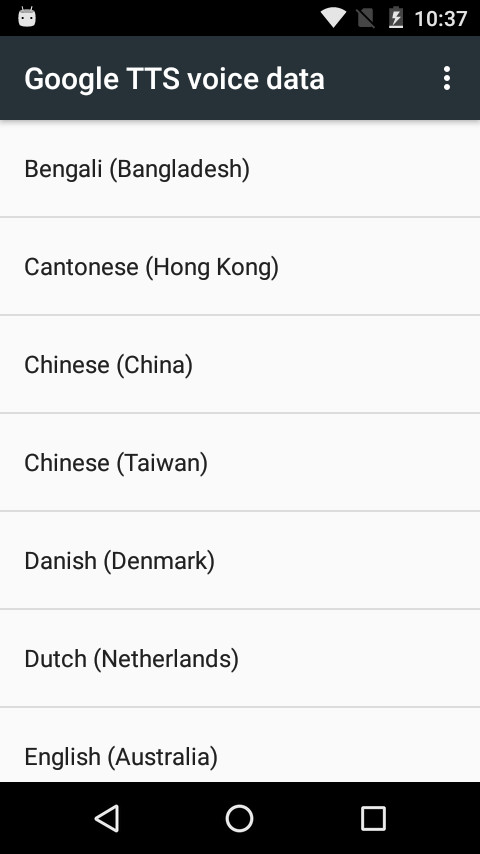
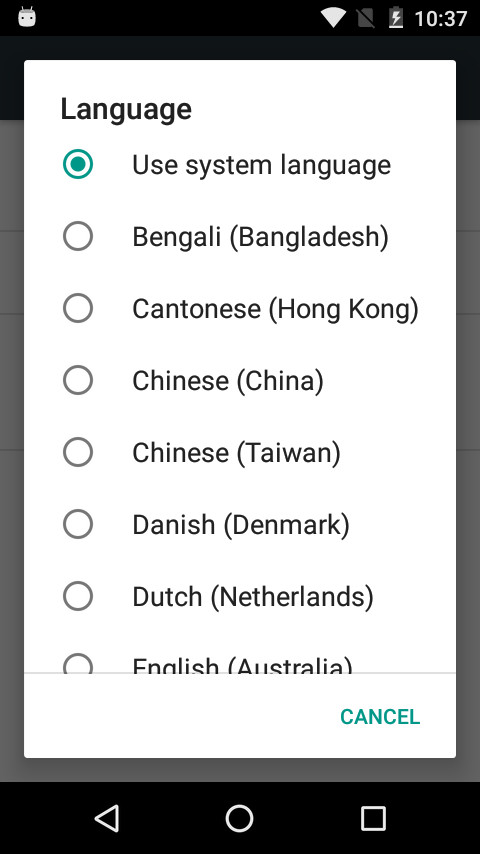
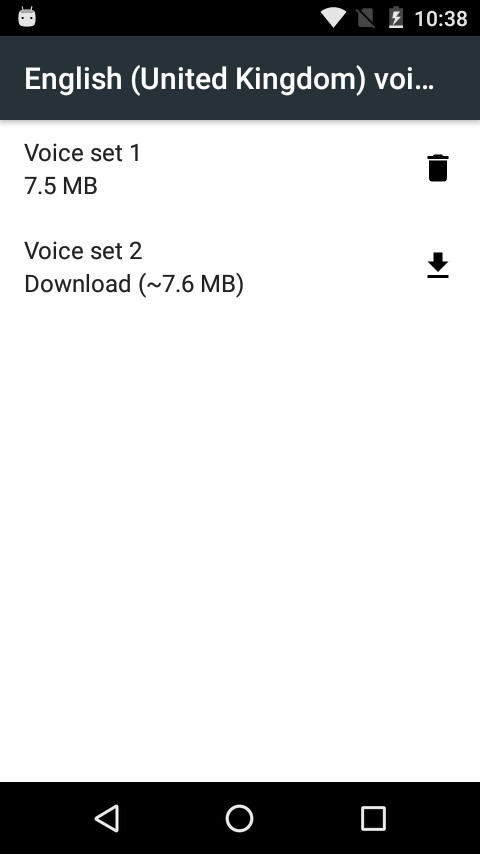
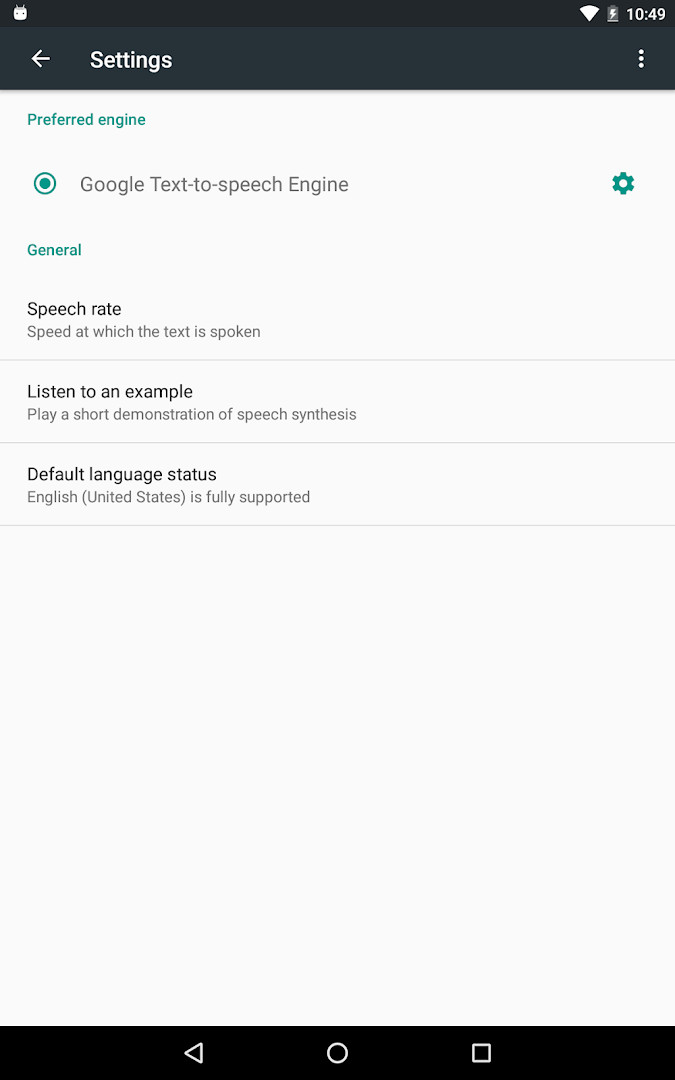
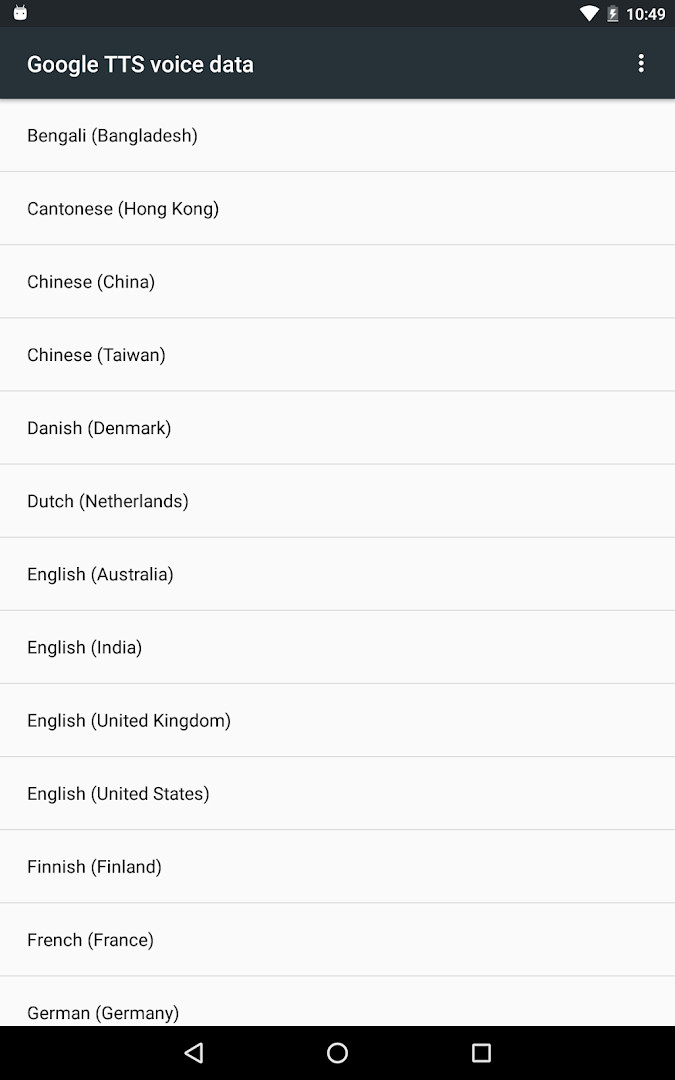
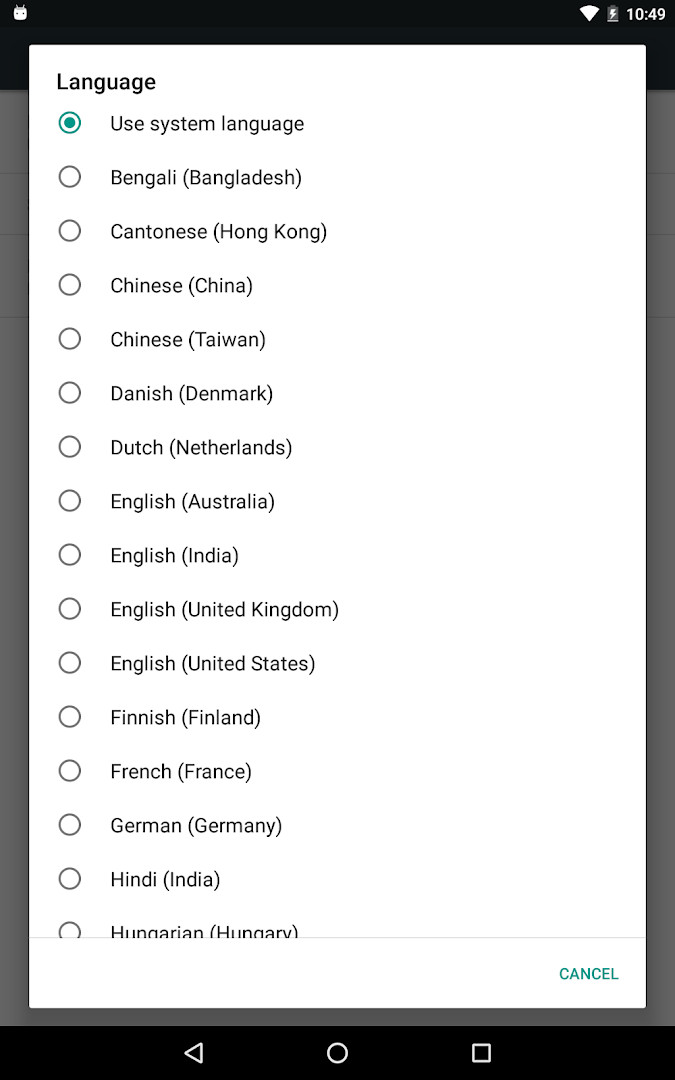
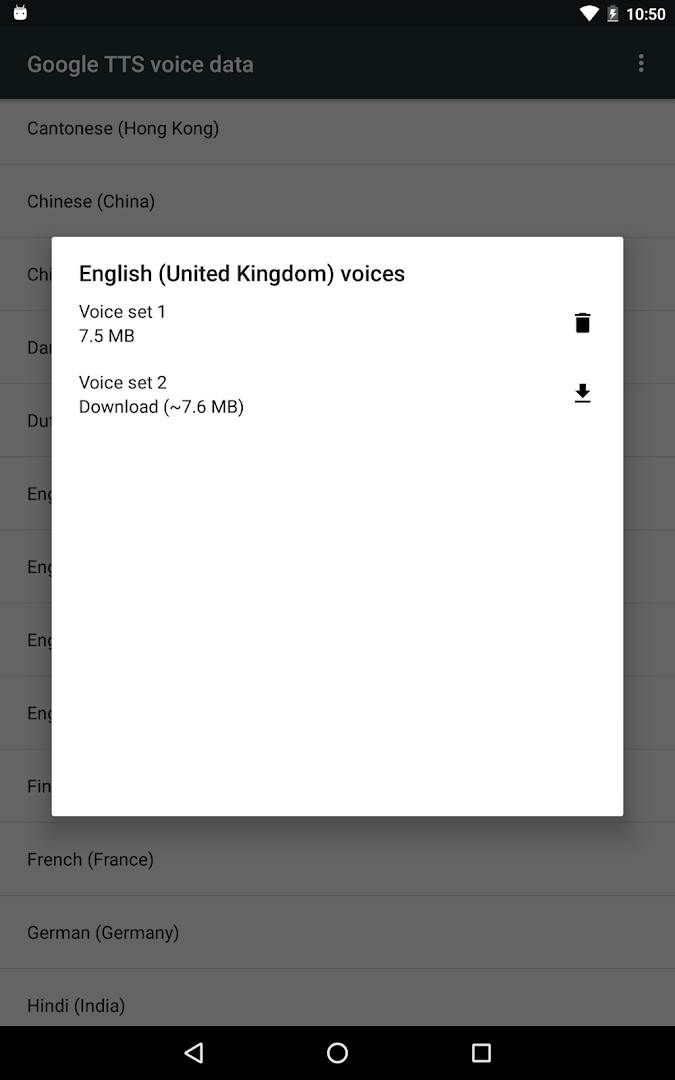
Speech Recognition & Synthesis is a system-level utility by Google LLC that provides speech-to-text and text-to-speech capabilities for your Android device. It acts as the underlying engine that other apps draw upon when they need to convert your spoken words into written text or read on-screen content aloud. Rather than being a standalone tool you open daily, this app works quietly in the background, enabling voice features across many of the applications you already use. For example, it powers voice search in Google Maps, transcribes recordings in the Recorder app, and provides real-time captions for phone calls through the Call Screen feature. Accessibility tools like Voice Access and TalkBack also rely on it to help you operate your device hands-free or receive spoken feedback. In addition, language learning apps and dictation keyboards use this engine to recognize what you say as you practice or type. The text-to-speech side is equally important, letting apps like Google Translate pronounce words aloud and enabling spoken feedback across your device. A notable change in the latest update is the app’s new name, now called “Speech Recognition and Synthesis from Google,” which better reflects its dual role in both recognizing speech and generating spoken output. On many devices, this service is already preinstalled, but updating to the newest version here ensures you have the latest improvements and fixes.
Key features
- Provides speech-to-text conversion for Google and third-party apps
- Offers text-to-speech output so apps can read screen text aloud
- Supports voice search in apps like Google Maps and entertainment platforms
- Enables on-device transcription for recording and dictation apps
- Powers accessibility features such as Voice Access and TalkBack
- Integrates with language learning apps for pronunciation practice
- Allows selection as default voice input or text-to-speech engine in system settings
- Updated with a new app name reflecting both speech recognition and synthesis capabilities
How to install
- Tap the download button on this page to get the APK file, which is about 15 MB in size.
- When Android prompts you, allow your browser or file manager to install apps by enabling the “Install unknown apps” setting for that app.
- Open the downloaded APK file from your notification bar or file manager.
- Tap Install and wait for the process to complete; this app requires Android 8.0 or higher.
- Once installed, open the app from your app drawer or settings to verify it is active.
- You may need to set it as your default engine in system settings, as described in the overview.
Pros
- Free and ad-free with no in-app purchases
- Supports a wide range of apps beyond Google’s own
- Works offline for many speech and text functions
- Regularly updated by Google LLC
- Lightweight at only 15 MB
- Improves accessibility for users with visual or motor impairments
Cons
- Requires microphone permission, which may raise privacy concerns
- Some features depend on other apps being configured correctly
- Not a standalone app; its benefits are only visible through other applications
Recent updates
The latest update, released September 29, 2026, introduces a new app name: “Speech Recognition and Synthesis from Google.” Beyond its text-to-speech capabilities, the app now also powers speech-to-text functionality, letting other applications convert your spoken words into text. For more details, check the “About this app” section.
Version history
| Version | Size | Requires Android | Updated |
|---|---|---|---|
| 996.0.100.79.22 | 15 MB | 4.1 | Feb 16, 2024 |
This app is ideal for Android users who rely on voice input for messaging or searching, people who use accessibility tools like TalkBack or Voice Access, and language learners who practice pronunciation with speech-enabled apps.
After installing, go to Settings > Apps & notifications > Default apps > Assist App to set it as your preferred voice input engine, and to Settings > Languages & Input > Text-to-Speech output to use it for spoken feedback.
Permissions
FAQ
How do I install the APK on Android?
Download the APK from this page and open it on your Android device running OS 8.0 or higher. You may need to allow installation from unknown sources in your system settings if you are not using the standard installer. The app is about 15 MB in size.
What is the current version?
The listed version is 996.0.100.79.22, dated February 16, 2024. The app was originally released on October 10, 2013, and its last update shown here is from September 29, 2026.
Does the app contain ads or in-app purchases?
No. The app is free to download and use, with no ads and no in-app purchases. It is priced at 0.00 USD, so you can use its features without any extra costs or interruptions.
Can I use it offline?
The app itself works on your device for both speech recognition and text-to-speech. However, the data block does not specify whether offline functionality is available, so you should assume that some features may require an internet connection depending on how other apps use this engine.
What alternatives exist in the same category?
There are other tools that provide text-to-speech or speech-to-text capabilities, but this app is a system-level engine that powers many other applications. You can explore other tools in the same category to compare features, but this one is specifically designed to work with a wide range of apps on your device.
Speech Recognition & Synthesis is an essential background service that makes voice interaction on Android smooth and reliable. While it is not something you will open often, its role in powering voice search, transcription, and accessibility features is invaluable. The recent name change clarifies its dual purpose, and the app remains free, lightweight, and well-supported. If your device relies on voice commands or you use accessibility tools, keeping this engine updated is a simple way to ensure consistent performance.
Similar apps






More from this developer




Updated: Nov 4, 2026