Google Gemini: AI Assistant App
Google Gemini is a productivity app by Google LLC that lets you chat to start writing, planning, creating, learning, and more with Google AI.
Download Gemini · v1.0.971139365Google Gemini is a free, ad-free productivity assistant from Google LLC, designed for anyone who wants help with writing, planning, studying, or creative projects. It supports Android 9 and up, with a download size around 160 MB. As of late August 2026, the app has over 1 billion installs and a 4.54 rating from more than 48.7 million users.
- Version
- 1.0.971139365
- Requires Android
- 9
- Updated
- Aug 31, 2026
- Installs
- 1B+
- Rating
- ★ 4.54 (48,752,934)
- Category
- Productivity
- Developer
- Google LLC
- Content rating
- Teen
- Package
- com.google.android.apps.bard
- Free
- ✓
Screenshots
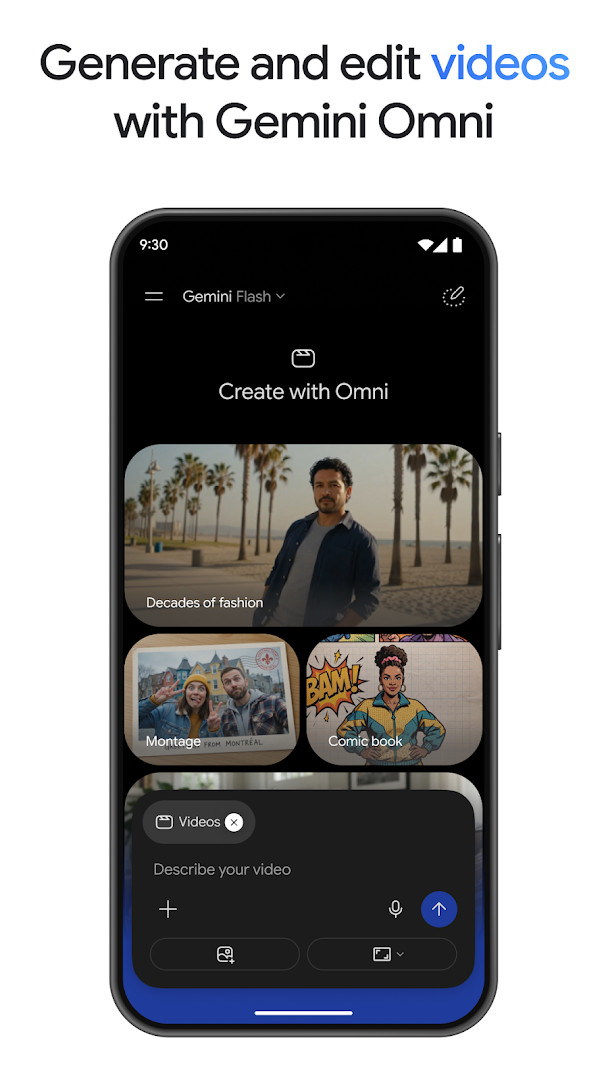
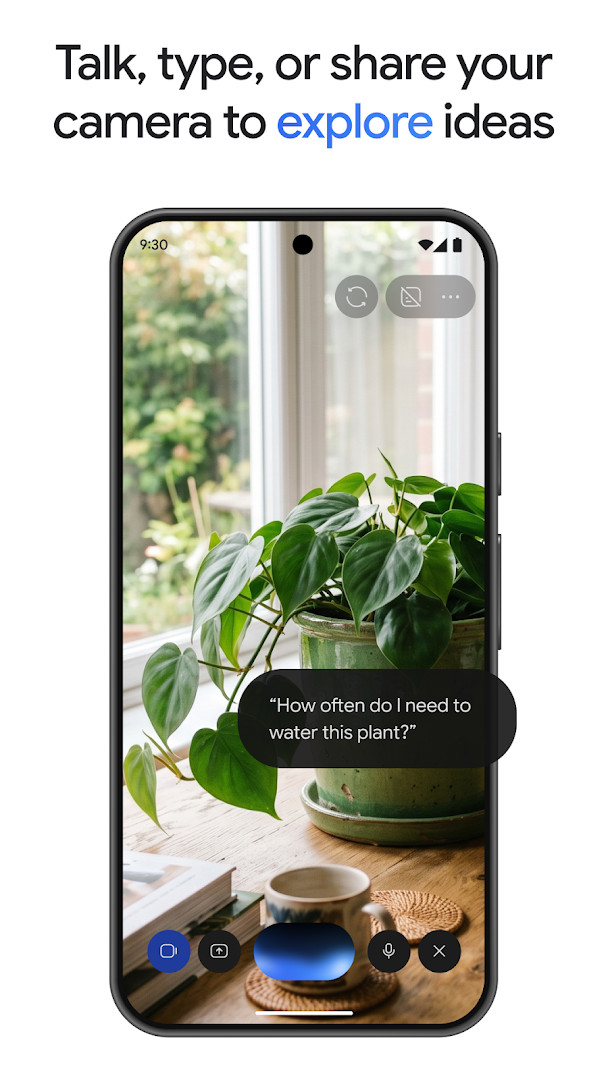
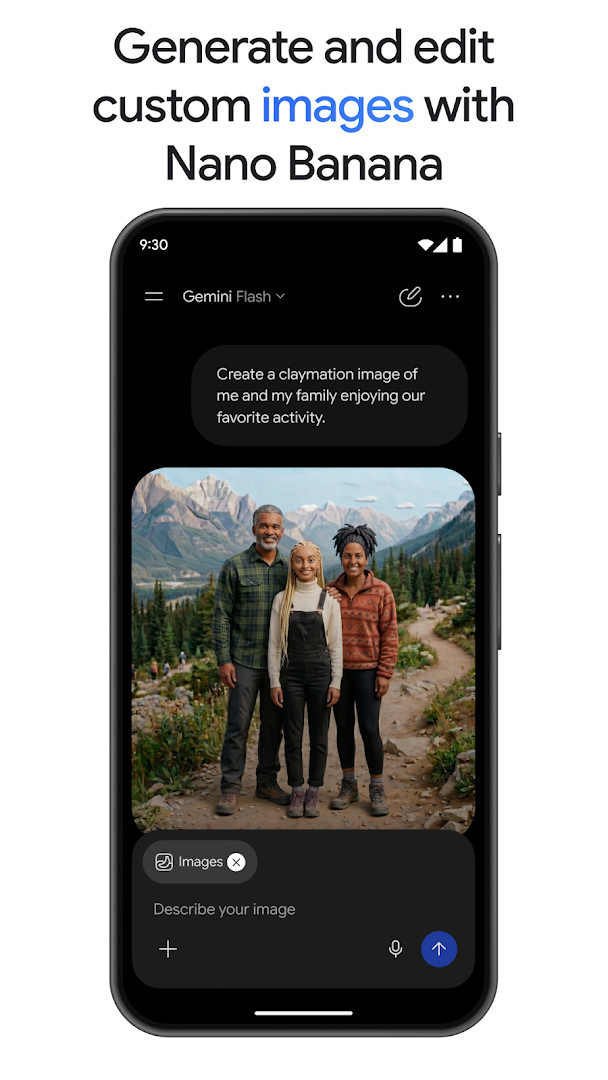
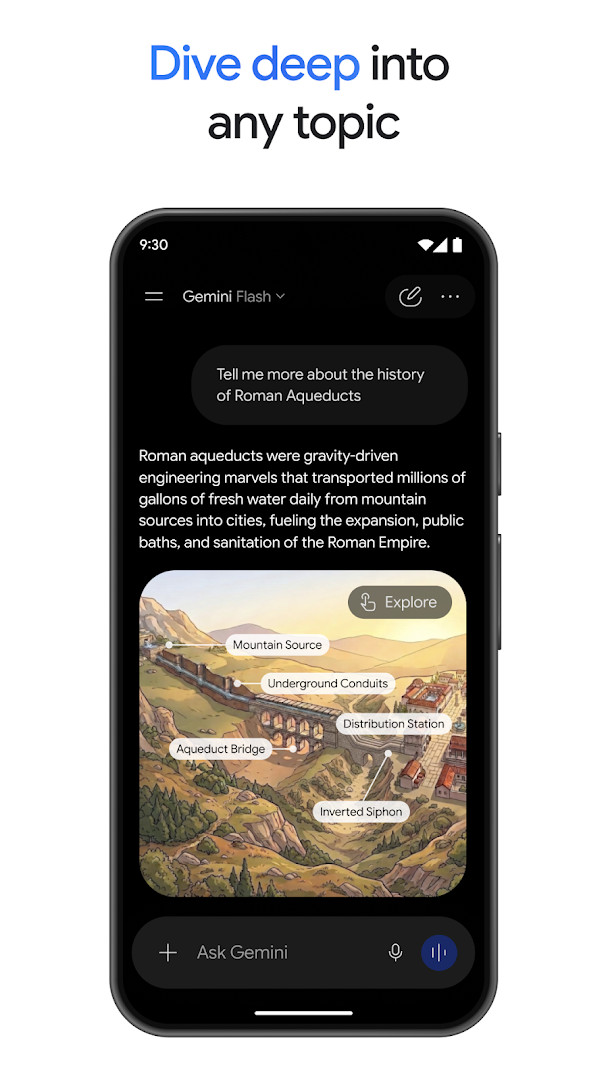
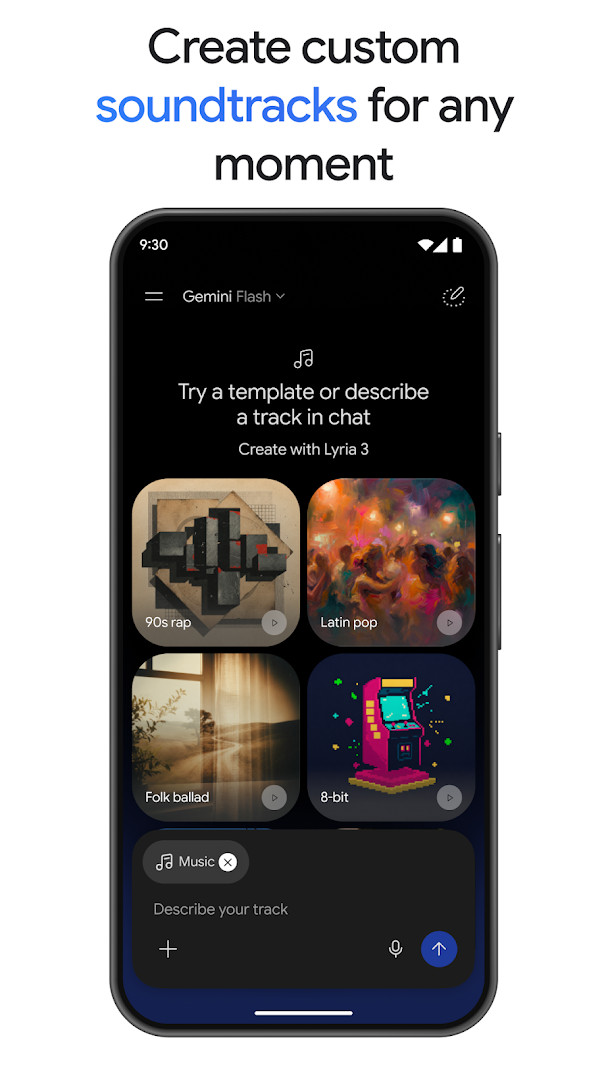
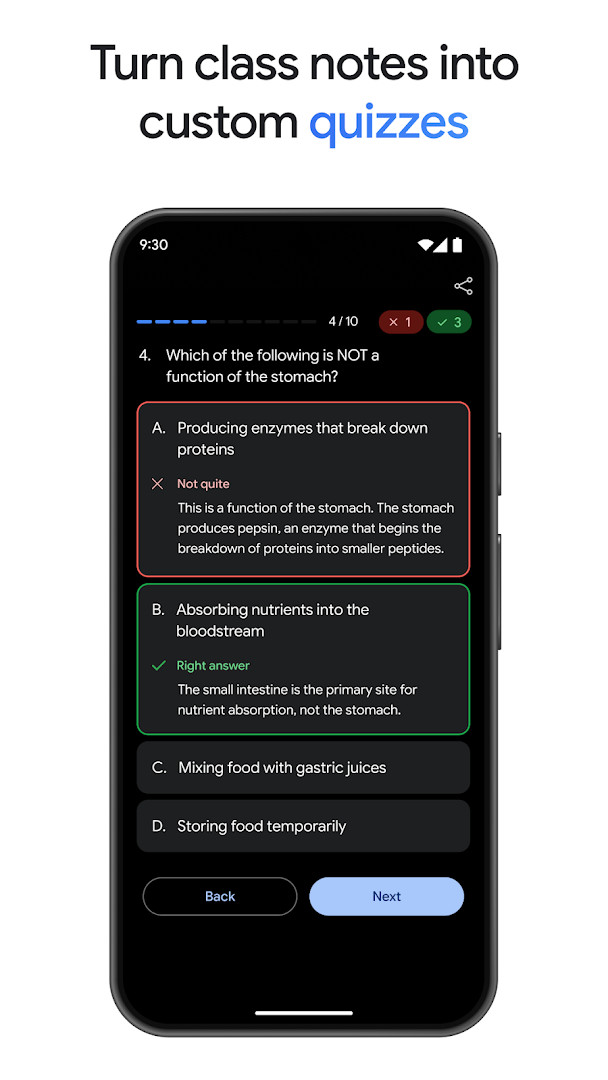
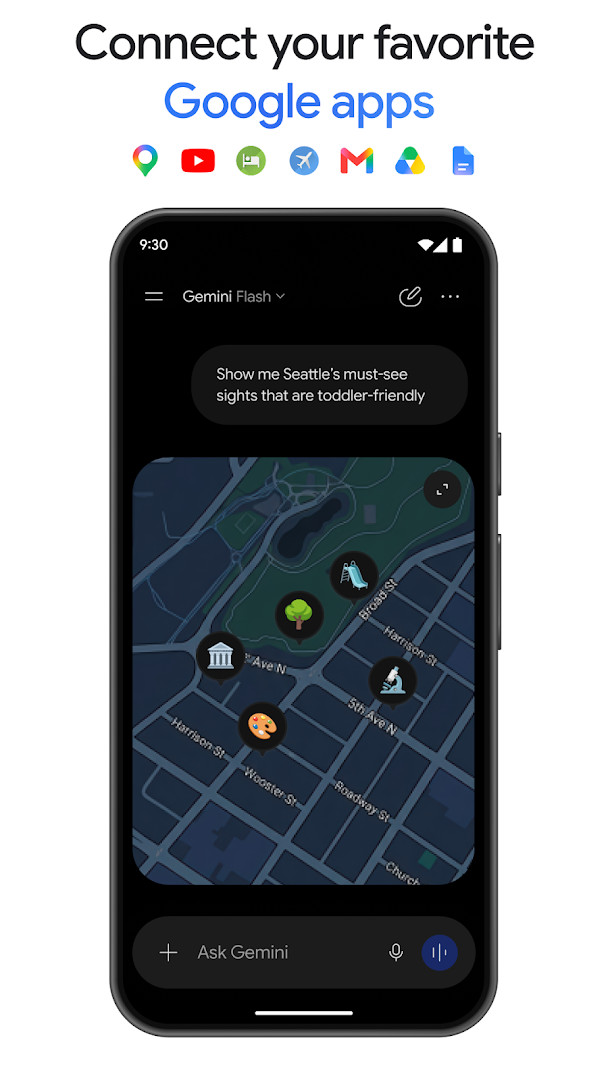
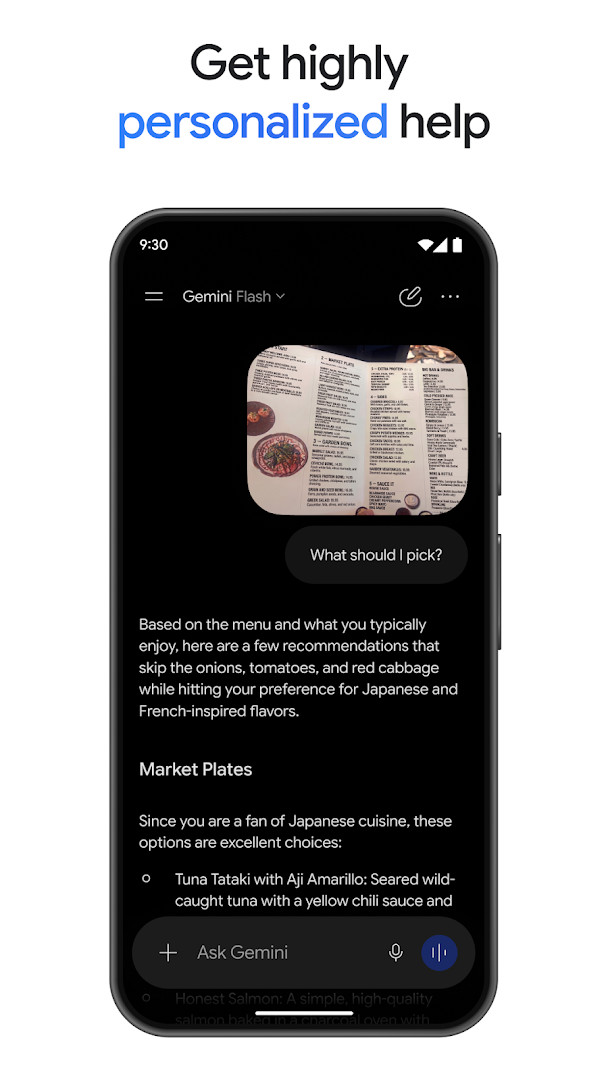
Google Gemini is a productivity app by Google LLC that provides an AI assistant for writing, planning, creating, and learning through conversational interaction. The app serves as a personal, proactive assistant designed to handle tasks ranging from daily scheduling to complex creative projects, making it suitable for individuals who want an integrated AI tool on their Android device.
At its core, Gemini lets users chat naturally to get help with everyday activities, such as drafting messages, organizing schedules, or researching topics. It can process uploaded documents, spreadsheets, photos, and videos, returning summaries and insights grounded in that content. The assistant also supports real-time voice conversations through Gemini Live, where users can brainstorm or share their screen or camera for contextual discussion.
Beyond basic assistance, the app emphasizes creative and productivity features. It can generate and edit images with advanced controls, create custom soundtracks, and convert files into podcast-style audio overviews. Users can also generate practice quizzes from class notes or turn a simple prompt into a working web page or game prototype. The app integrates with Google services like Gmail, Calendar, Photos, YouTube, and Search to deliver more personalized responses.
Gemini is aimed at a broad audience, including students, professionals, and creators. It runs on devices with Android 9 and higher. The current version is 1.0.971139365, released in 2026, with the app having over one billion installs. It is free to use, contains no ads, and offers no in-app purchases, though optional subscription tiers exist to unlock advanced model capabilities.
Key features
- Chat with Google AI to write, plan, create, and learn
- Gemini Live for real-time voice conversations and screen/camera sharing
- Responses with interleaved images, timelines, and interactive visuals
- Connect Google apps like Gmail, Calendar, Photos, YouTube, and Search for personalized help
- Upload documents, spreadsheets, photos, and videos for answers and summaries
- Generate and edit photos with camera and lighting controls, mockups, posters, and diagrams
- Create cinematic videos with Gemini Omni (for Plus, Pro, Ultra, and Workspace users)
- Generate custom soundtracks with Lyria 3
- Research with NotebookLM for responses grounded in your sources
- Convert files into podcast-style audio overviews
How to install
- Tap the download button on this page to get the APK file. The file size is not specified, and the app requires Android 9 or higher.
- When Android prompts you, allow your browser or file manager to install apps by enabling the 'Install unknown apps' setting for that source.
- Locate the downloaded APK file in your device's Downloads folder or the location your browser uses.
- Tap the APK file to open it.
- Tap Install on the confirmation screen and wait for the installation to complete.
- Open the Google Gemini app from your app drawer and follow the initial setup prompts.
Pros
- Free with no ads and no in-app purchases
- Integrates deeply with Google services for personalized responses
- Supports multiple content types for upload and analysis
- Offers creative tools like image generation and music creation
- Regular updates with new model versions
Cons
- Requires Android 9 or higher, excluding older devices
- Opting in replaces Google Assistant, and some voice features are not yet available
- Advanced features may require a paid subscription tier
Recent updates · 1.0.971139365
Version 1.0.971139365 introduces Gemini 3.5 Flash and Gemini Omni models. A Gemini Spark 24/7 personal agent proactively manages tasks and navigates digital life. A Daily Brief agent provides a personalized morning summary. In Gemini Live, users can show the assistant what they see and say "reimagine this" to generate creative surroundings with Nano Banana.
Version history
| Version | Size | Requires Android | Updated |
|---|---|---|---|
| 1.0.971139365 | — | 9 | Aug 31, 2026 |
| 1.0.618909562 | 2.7 MB | 12 | Nov 14, 2025 |
| 1.0.603736800 | 2.6 MB | 6.0 | Mar 12, 2025 |
Google Gemini is for Android users who want a versatile AI assistant for everyday productivity, study help, creative projects, and research. It suits students preparing for exams, professionals managing schedules and documents, and creators looking to generate images, videos, or music, provided their device runs Android 9 or later.
For best results, connect your Google apps during setup to get more personalized answers. When using Gemini Live, try sharing your screen or camera for contextual help. If you rely on Google Assistant, note that enabling Gemini replaces it; you can switch back in settings. To protect privacy, review the app's privacy notice before opting in.
FAQ
Is Google Gemini free to download and use?
Yes, the app is free to download and use, with no ads and no in-app purchases required. Optional paid upgrade plans are available if you want to unlock additional features.
Which Android version do I need to install Google Gemini?
Google Gemini requires Android 9 (Pie) or higher. If your device runs Android 9 or a newer version, it should be compatible with this app.
Does Google Gemini require an account to use?
Yes, you will need a Google account to sign in and use the app. The experience is personalized by connecting your Google apps like Gmail, Calendar, and Photos.
What permissions does Google Gemini ask for?
The app requests permissions related to its core functions, such as accessing your camera and screen for Gemini Live, and uploading files like documents, photos, and videos. It also may integrate with your Google account to provide personalized help.
How do I update Google Gemini to the latest version?
To update, simply download the newest version of the app from this page and install it over your current version. The latest release listed here is version 1.0.971139365, updated on 2026-08-31.
Is Google Gemini safe for teens?
The app has a Teen content rating, meaning it is generally suitable for users aged 13 and older. As with any AI assistant, parental guidance is recommended for younger teens.
Google Gemini delivers a comprehensive AI assistant experience, combining chat, voice interaction, document analysis, and creative generation in one free app. Its integration with Google services and regular updates make it a strong choice for productivity-focused users, though those dependent on Assistant voice features should weigh the switch carefully.
Similar apps







More from this developer






Updated: Nov 9, 2026