
Digital Wellbeing: habit tracking and focus tool
Digital Wellbeing is a tools app by Google LLC that helps you track phone usage, limit apps, and reduce distractions.
Download Digital Wellbeing · v1.49.996288414 (886717)Digital Wellbeing tracks how often you use apps, how many notifications arrive, and how often you unlock your phone. It offers daily app timers, Bedtime mode, and Focus mode to help you disconnect. The app is free with no ads or in-app purchases, requires Android 9 or later, and has a current download size of about 10 billion installs, though the exact file size is not listed.
- Version
- 1.49.996288414 (886717)
- Requires Android
- 9
- Updated
- Oct 20, 2026
- Installs
- 10B+
- Rating
- ★ 3.62 (1,500,333)
- Category
- Tools
- Developer
- Google LLC
- Content rating
- Everyone
- Package
- com.google.android.apps.wellbeing
- Free
- ✓
Screenshots
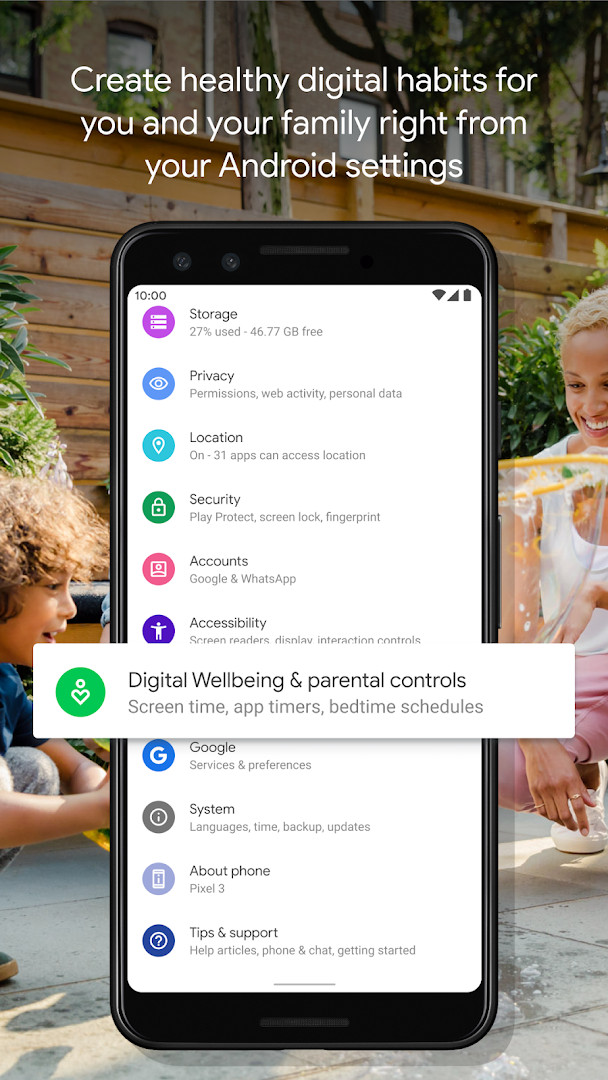
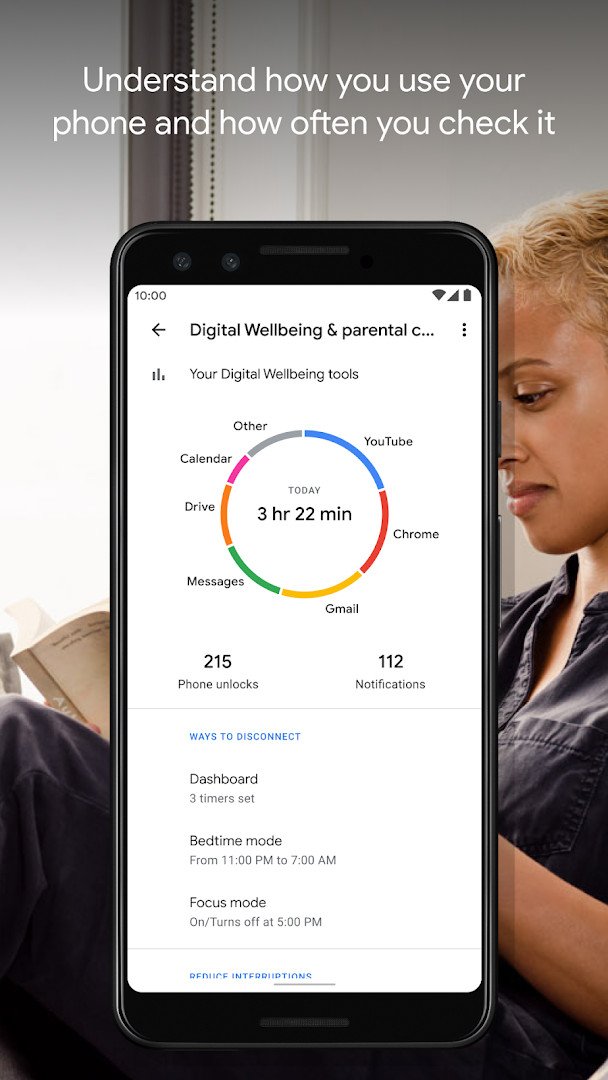
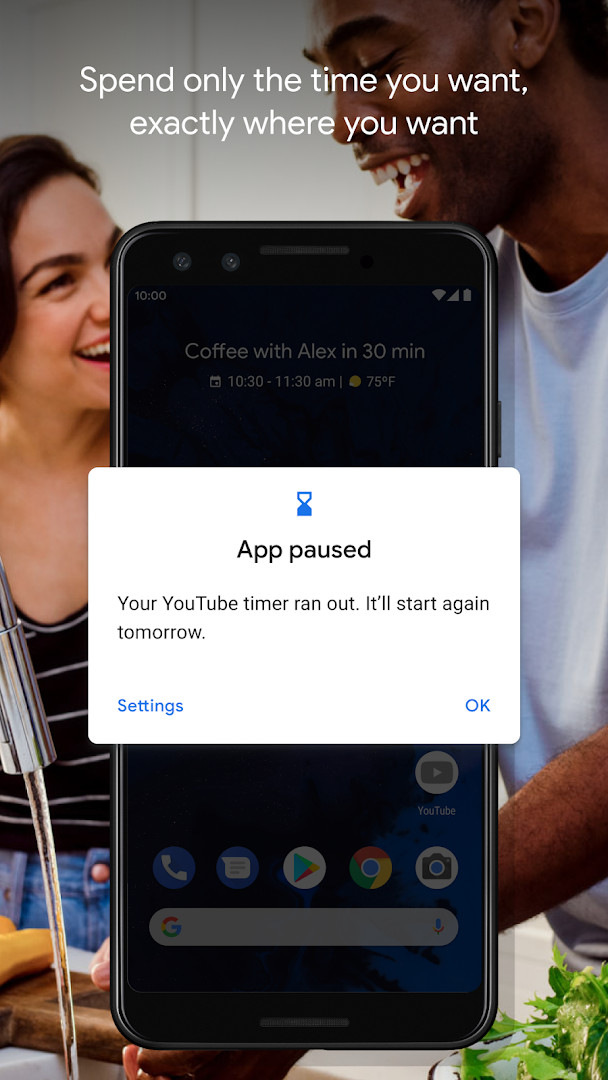
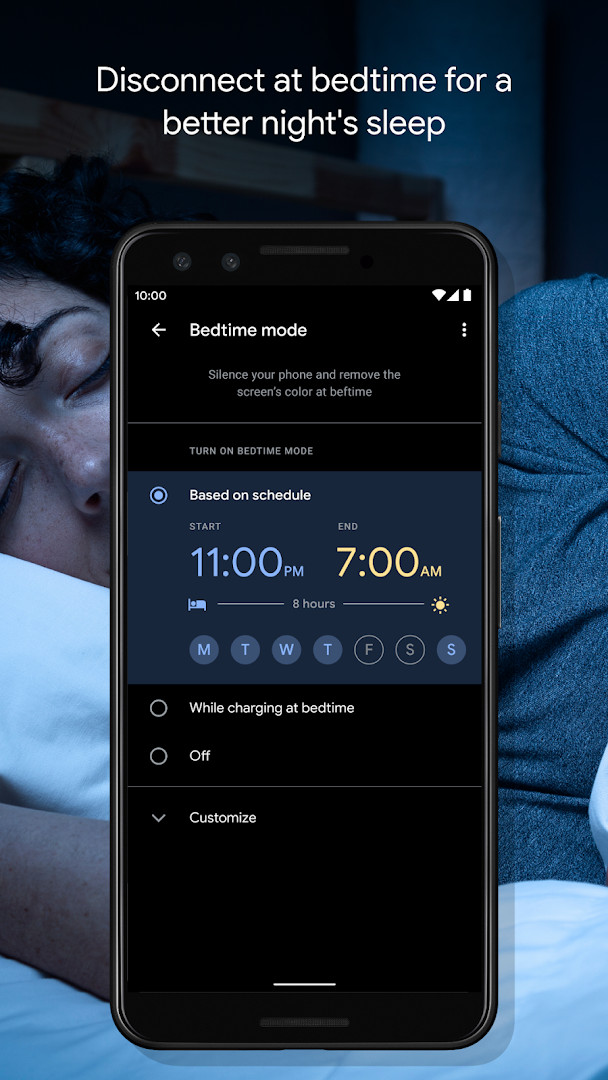
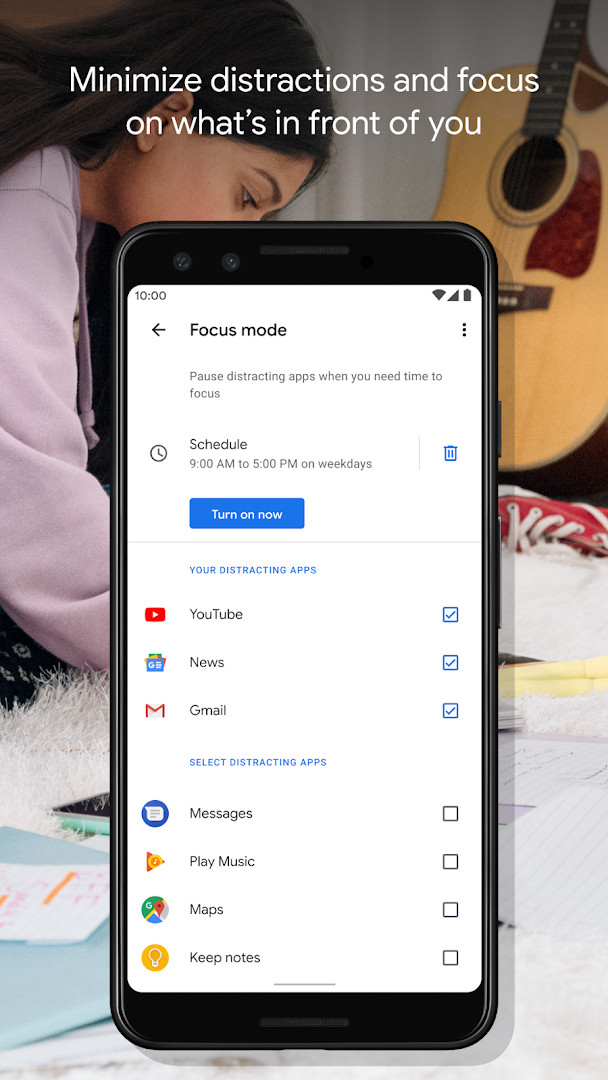
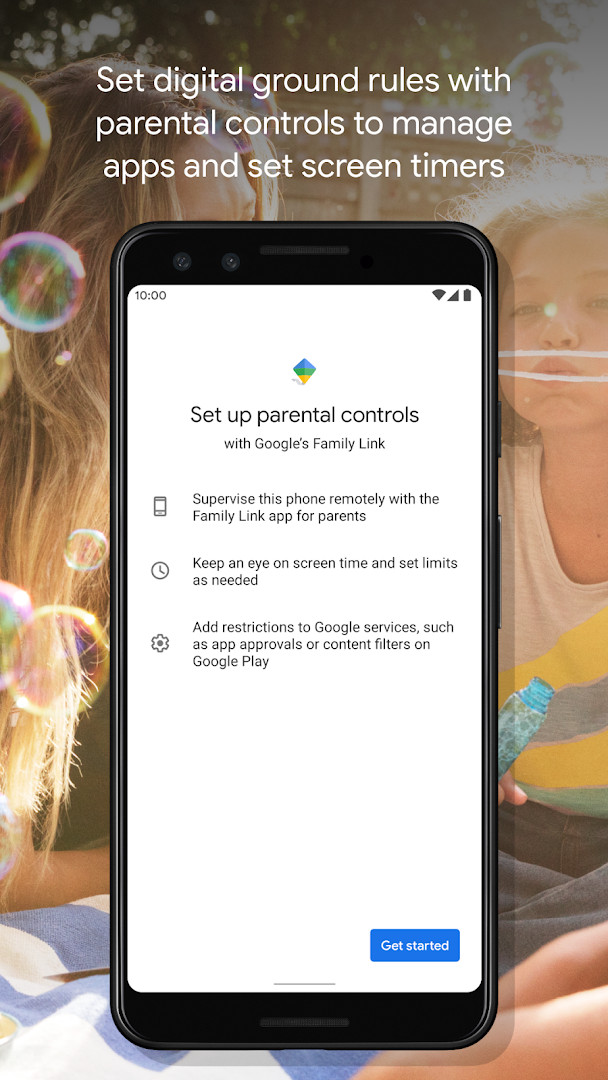
Digital Wellbeing is a system utility app by Google LLC that helps you monitor and manage your screen time, notifications, and overall phone usage habits. Originally released in 2018, it has become a standard companion for Android users who want a clearer picture of how they interact with their devices. The app aggregates daily statistics on app usage frequency, notification volume, and how often you unlock your phone, presenting these metrics in a simple, digestible format. Beyond passive tracking, it offers practical tools to actively reduce distractions: daily app timers let you cap how long you spend in specific apps, Bedtime mode gradually fades your screen to grayscale and silences notifications on a schedule, and Focus mode pauses distracting apps with a single tap or automatically at set times. Version 1.49.996288414 (886717), updated in October 2026, brings several bug fixes and stability improvements, ensuring the tracking and timer features run more reliably. The app is free, contains no ads, and requires no in-app purchases, making it a straightforward addition to any Android device running version 9 or higher. Because it integrates with your phone's settings, you typically find its dashboard in the system menu, though this standalone package provides the same functionality. For anyone curious about their digital habits or struggling to put the phone down, this tool offers both insight and gentle guardrails.
Key features
- Daily dashboard showing app usage frequency, notification counts, and unlock patterns
- Per-app timers that enforce daily usage limits once you set them
- Bedtime mode with a schedule that fades the screen to grayscale and activates Do Not Disturb
- Focus mode that pauses selected distracting apps with one tap or on an automatic schedule
- Notification history and summary to see which apps ping you most
- Wind Down and grayscale options to ease into sleep
- Integration with Android settings for a centralized wellbeing view
How to install
- Tap the download button on this page to get the APK file (size not listed).
- When prompted, allow your browser or file manager to install apps from unknown sources via the 'Install unknown apps' setting.
- Open the downloaded APK file from your notifications or Downloads folder.
- Tap Install and wait for the process to finish.
- Open Digital Wellbeing from your app drawer; you may need to grant usage access permissions for full functionality.
- Note: Android 9 (API 28) or higher is required.
Pros
- Completely free with no ads or in-app purchases
- Provides a clear, daily overview of your digital habits
- Useful timers and modes that actually help reduce screen time
- Regular updates with stability fixes
Cons
- Requires granting sensitive permissions like usage access and location
- Some users may find the interface basic compared to third-party alternatives
- Features like Focus mode depend on Android system integration
- No cross-device syncing or advanced analytics
Recent updates · 1.49.996288414 (886717)
The latest update to Digital Wellbeing, version 1.49.996288414 (886717), released on October 20, 2026, focuses on improving overall reliability. This release includes several bug fixes and stability improvements to enhance your experience. No new features were added in this update.
Version history
| Version | Size | Requires Android | Updated |
|---|---|---|---|
| 1.48.975819457 (880517) | — | 9 | Oct 20, 2026 |
| 1.49.996288414 (886717) | — | 9 | Oct 20, 2026 |
| 1.0.427802149.beta (349228) | 15 MB | 9 | Jun 18, 2026 |
| 1.0.427802149 (349227) | 15 MB | 9 | Mar 17, 2023 |
This app suits students or remote workers who need to limit distractions during study or work hours, parents who want to keep an eye on their own phone usage as a model for kids, and anyone trying to build healthier bedtime routines by cutting down late-night scrolling.
Set your Bedtime mode to start 30 minutes before you usually go to sleep—the grayscale screen and silenced notifications make it much easier to actually put the phone down.
Permissions
FAQ
What can the daily view in Digital Wellbeing tell me about my habits?
The daily view shows how frequently you use different apps, how many notifications you receive, and how often you check your phone or unlock your device.
How do daily app timers work in Digital Wellbeing?
Daily app timers let you set limits for how much time you spend using apps. Once you set a limit, the timer tracks your usage for that app each day.
What does Bedtime mode do besides reminding me to switch off at night?
Bedtime mode lets you set a schedule that fades your screen to Grayscale and activates Do Not Disturb to silence notifications, helping you wind down for sleep.
Can Focus mode be turned on automatically, or only manually?
Focus mode can be paused with a single tap, and you can also set a schedule to turn it on automatically to reduce distractions while you are at work, school, or home.
Which Android version is required to run Digital Wellbeing?
The app requires Android 9 (API level 9) or higher as the minimum operating system version.
Digital Wellbeing delivers on its promise of helping you understand and control your phone habits without charging a cent or showing ads. The tracking is insightful, the timers and modes are genuinely effective, and the recent stability improvements make it a dependable daily tool. While it asks for broad permissions and lacks advanced features, its simplicity is a strength for most users. If you want a straightforward, no-nonsense way to reclaim your time from your screen, this is a solid choice.
Similar apps





More from this developer



Updated: Nov 5, 2026