
Google Play Games: Play and Track Games
Google Play Games is a free entertainment app by Google LLC that lets you play games instantly, save progress and earn achievements.
Get APKGoogle Play Games is a free entertainment app by Google LLC that has been available since July 2013, and its Android version 5.14.7825 dates from August 2026. The download is about 14 MB, works on Android 5.0 and up, and contains ads without in-app purchases; it suits players who want instant titles, cloud saves and a gamer profile.
- Size
- 14 MB
- Requires Android
- 5.0
- Updated
- May 7, 2026
- Installs
- 5B+
- Rating
- ★ 3.91 (13,146,858)
- Category
- Entertainment
- Developer
- Google LLC
- Content rating
- Teen
- Package
- com.google.android.play.games
- Free
- ✓ · Contains ads
Screenshots
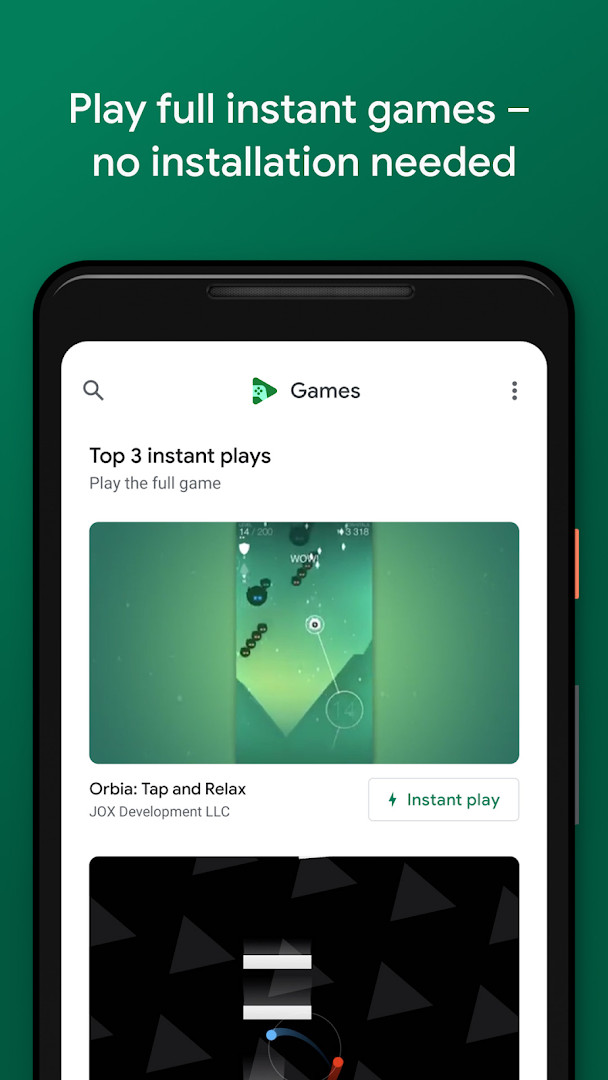
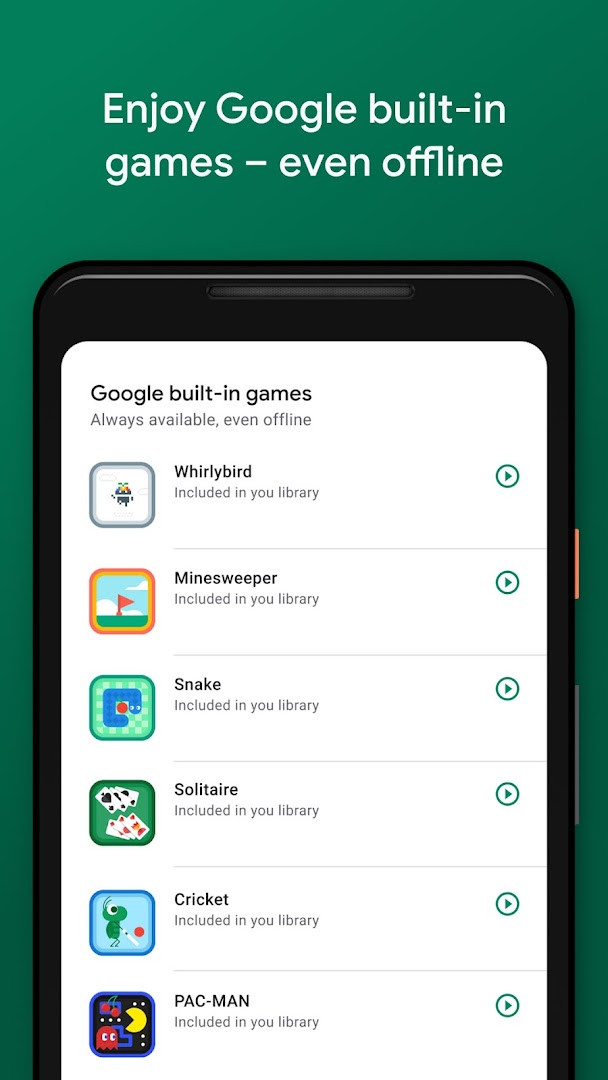
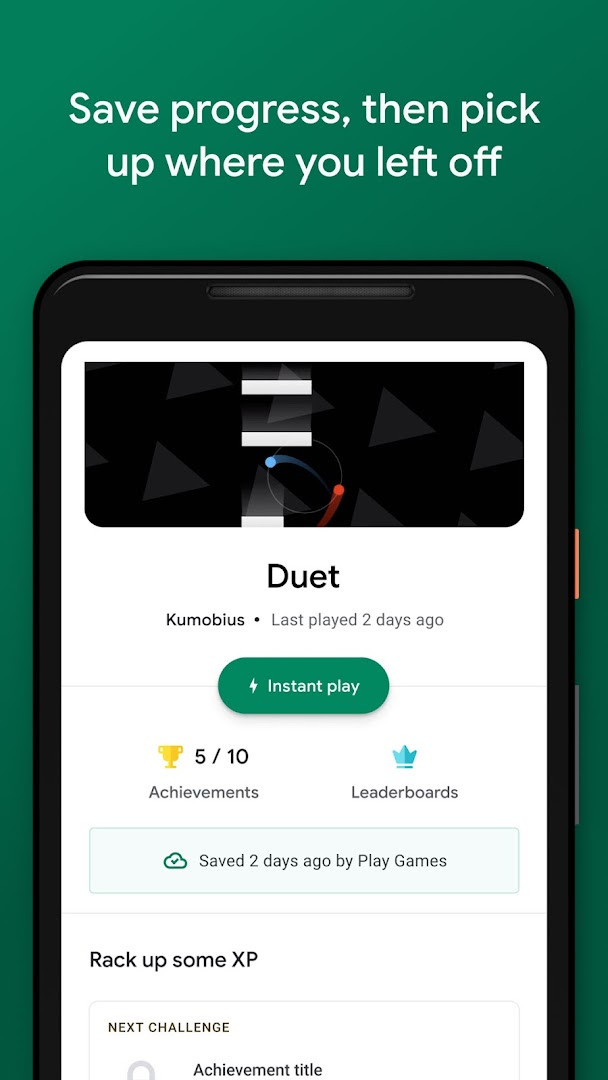
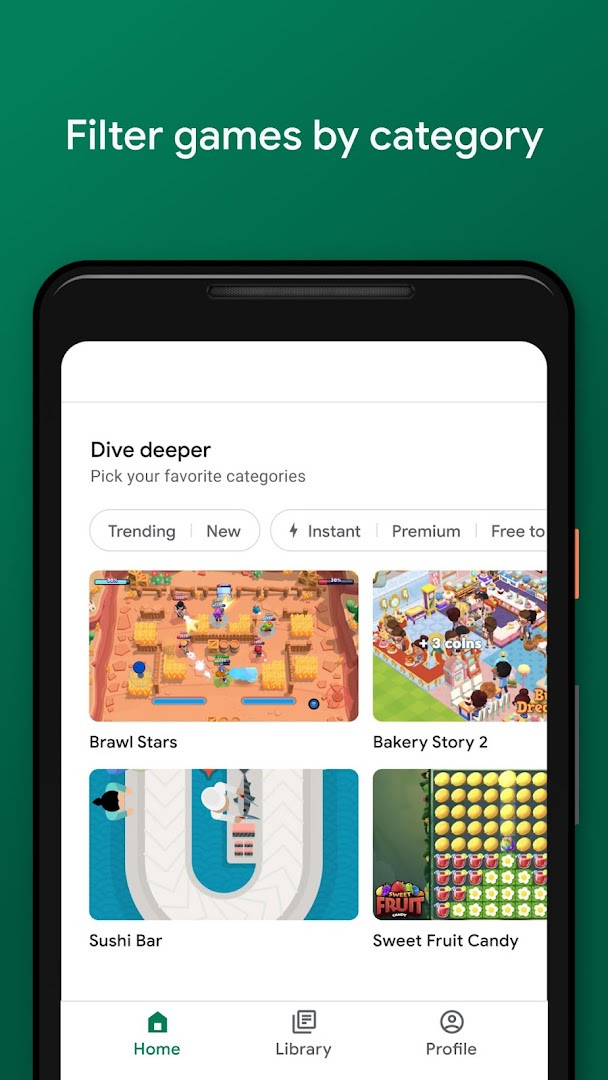
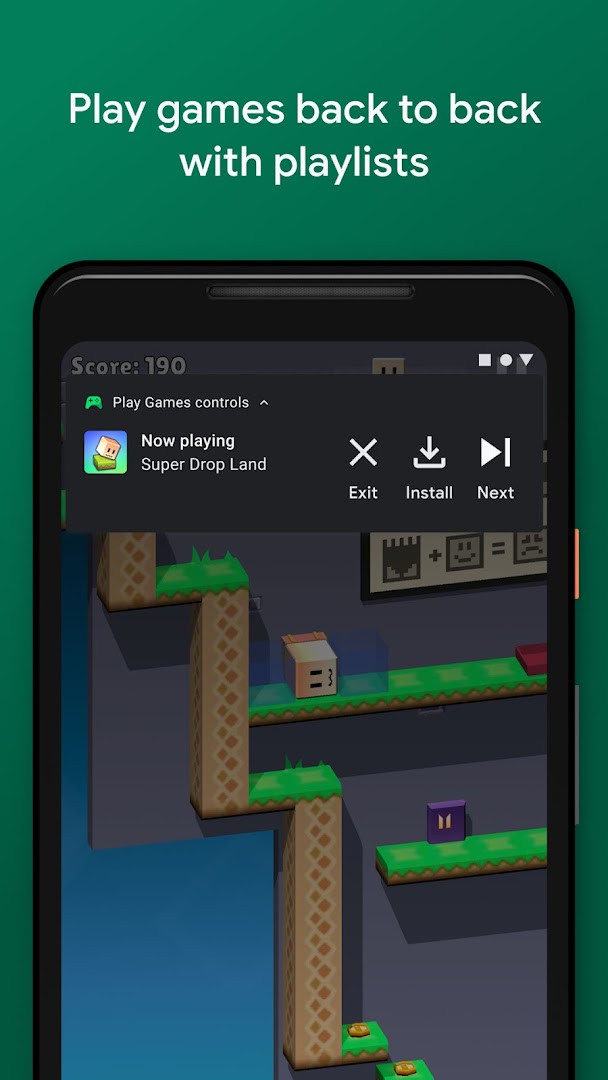
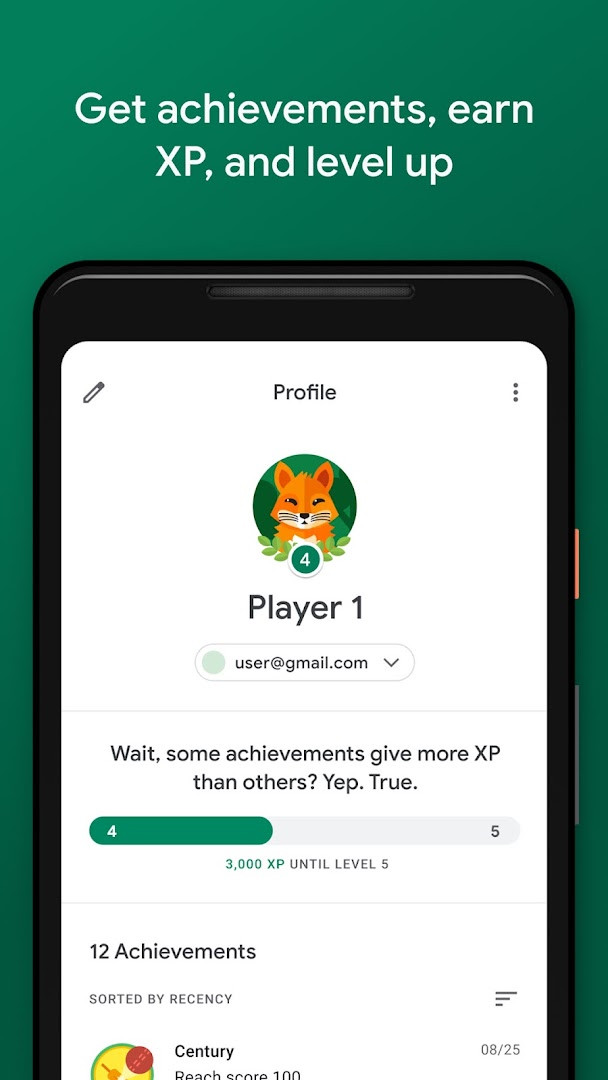
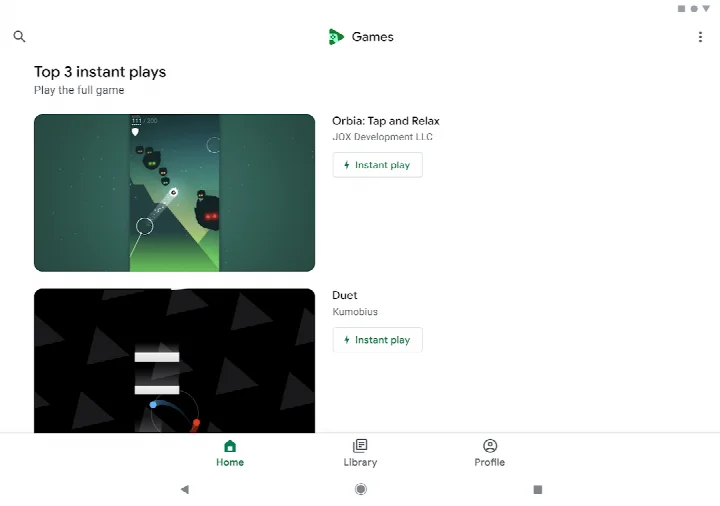
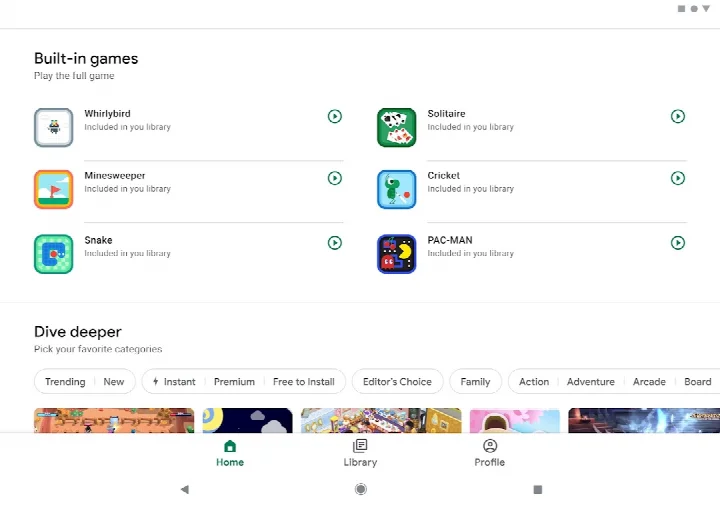
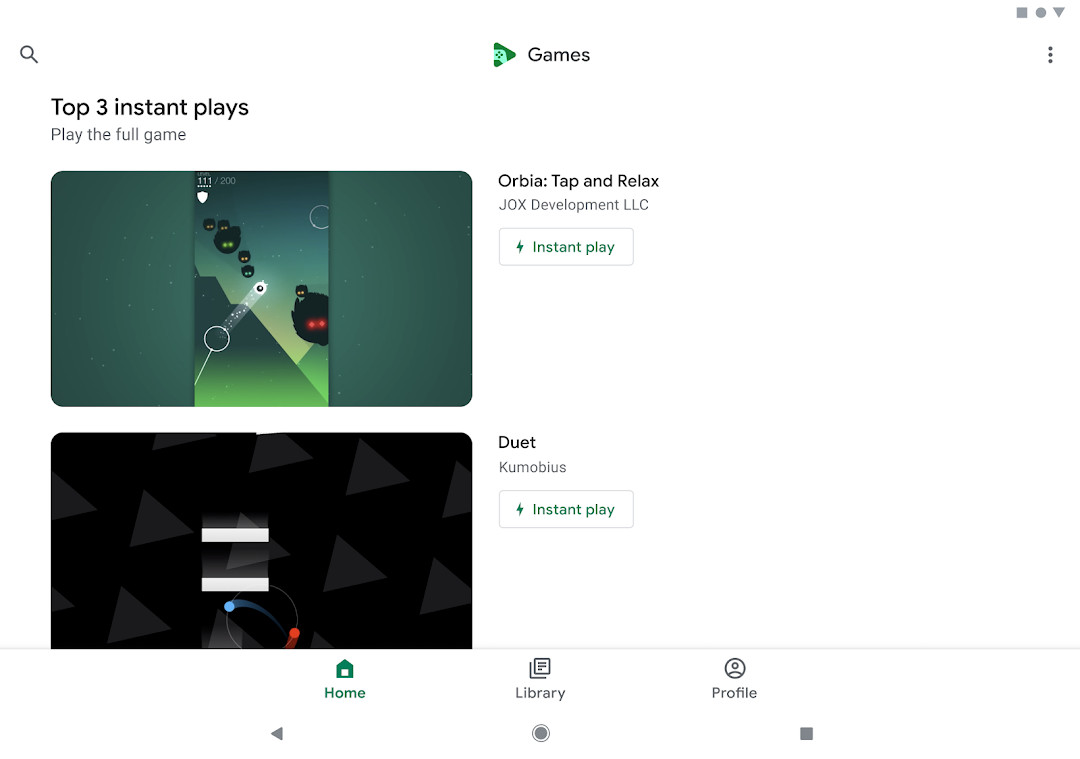
Google Play Games is an entertainment app by Google LLC that serves as a hub for discovering, launching, and tracking mobile games. It addresses a common frustration among players: fragmented game libraries, lost progress, and repetitive sign-ins across titles. The app centralizes that experience by offering a curated discovery feed spanning genres from action to puzzles, an instant-play mode that launches supported games without a full installation, and cloud-based progress saving that keeps your status synchronized across devices. A built-in library of casual games, including Solitaire, Minesweeper, Snake, PAC-MAN, Cricket, and Whirlybird, works even without a connection. Signing in to games is now automatic, though the account used can be changed at any time in the settings. The app has been available since July 2013 and continues to receive updates, with the most recent version listed as 5.14.7825.
Key features
- Instant play mode launches supported full games without an installation step
- Built-in casual titles such as Solitaire, Minesweeper, Snake, PAC-MAN, Cricket, and Whirlybird that run offline
- Automatic progress saving to the cloud, indicated by a 'Progress saved by Play Games' message
- A gamer profile with a custom ID, achievements, XP, and leveling
- Gameplay recording for capturing and sharing play sessions
- Automatic sign-in to games with the option to switch accounts in settings
- Game discovery feed covering genres including action and puzzles
How to install
- Tap the download button on this page to get the APK file.
- If Android prompts you, allow your browser or file manager to install apps by enabling the 'Install unknown apps' permission for that app.
- Open the downloaded APK file from your notifications or file manager.
- Tap Install and wait for the process to finish; the download is about 14 MB.
- Open the app once installation completes. Your device needs Android 5.0 or newer.
Pros
- Large install base and a long update history since 2013
- Cloud progress saving keeps achievements and status aligned across devices
- Instant play reduces friction for trying supported games
- Offline built-in games work without a network connection
- Free to download
Cons
- Contains advertising
- Requests Identity, Contacts, and Microphone permissions
- Rated Teen, so it is not aimed at younger children
- Rating of 3.91 across a very large number of reviews suggests mixed user experiences
Recent updates
The latest update to Google Play Games introduces automatic sign-in, letting you jump straight into gameplay by simply picking your account—and you can always switch accounts later in settings. Additionally, new built-in mini games are on the way, expanding your offline options. This version, released on May 7, 2026, continues to support instant play, cloud progress saving, achievements, and gameplay recording.
Version history
| Version | Size | Requires Android | Updated |
|---|---|---|---|
| 5.14.7825 (224833494.224833494-000700) | 16 MB | 4.0 | Aug 21, 2026 |
| 1.1.04 (794842-30) | 2 MB | — | Nov 4, 2025 |
| 2024.03.51732 (646593252.646593252-020700) | 14 MB | 5.0 | Sep 22, 2024 |
| 2024.03.50149 (625366451.625366451-000800) | 21 MB | 4.4 | Jun 2, 2024 |
| 2.1.13 (1518121-106) | 4.1 MB | 4.2 | Mar 7, 2015 |
| 2.0.13 (1404932-038) | 3.3 MB | — | Sep 15, 2014 |
This app suits Android users who play a variety of mobile games and want one place to discover titles, track achievements, and carry progress between devices. It is also useful for people who prefer quick, low-commitment sessions through instant play or the offline built-in games. Players who are sensitive about app permissions or who dislike ads may want to weigh those trade-offs before installing.
Check the permissions requested during setup and revoke any you are uncomfortable granting, such as Microphone or Contacts, through Android's app settings. If you use more than one Google account, remember that the automatic sign-in account can be changed at any time from the app's settings. For offline situations, the built-in games are the most reliable option since they do not depend on a connection.
Permissions
FAQ
How do I install the Google Play Games APK on my Android device?
Download the APK file from the page and open it. If prompted, allow installation from unknown sources in your device settings. The app requires Android 5.0 or higher and is about 14 MB in size.
What is the current version of Google Play Games?
The latest version is 5.14.7825 (224833494.224833494-000700), released on August 21, 2026.
Does Google Play Games show ads or include in-app purchases?
Yes, the app displays ads. However, there are no in-app purchases; the app itself is free to use.
Can I play games offline with Google Play Games?
Yes, several built-in games like Solitaire, Minesweeper, Snake, PAC-MAN, Cricket, and Whirlybird can be played offline. More offline mini-games are planned for future updates.
Are there alternatives to Google Play Games in the entertainment category?
Yes, there are other game hub and entertainment apps available that let you play casual games, track achievements, or discover new titles. You can explore similar options in the same category to find one that suits your preferences.
Does Google Play Games require a lot of storage space?
No, the app itself is only about 14 MB, though downloaded games and saved data may take additional space on your device.
Google Play Games consolidates game discovery, progress tracking, and quick-play options into a single free app with a broad feature set. It is a practical choice for regular mobile players, provided the ad support and permission requests fit your preferences.
Similar apps




More from this developer




Updated: Oct 24, 2026