
Google Meet: Video Calling App
Google Meet is a communication app by Google LLC that provides secure, high-quality video calling for Android phones and tablets.
Download Google MeetGoogle Meet is a communication app by Google LLC that provides secure, high-quality video calling for Android phones and tablets. It targets both personal conversations and team collaboration, with features such as automatic light adjustment, noise cancellation, real-time captions, effects, filters, reactions, and backgrounds.
- Size
- 118 MB
- Requires Android
- 8.1
- Updated
- Oct 7, 2026
- Installs
- 10B+
- Rating
- ★ 4.38 (11,995,606)
- Category
- Communication
- Developer
- Google LLC
- Content rating
- Everyone
- Package
- com.google.android.apps.tachyon
- Free
- ✓
Screenshots
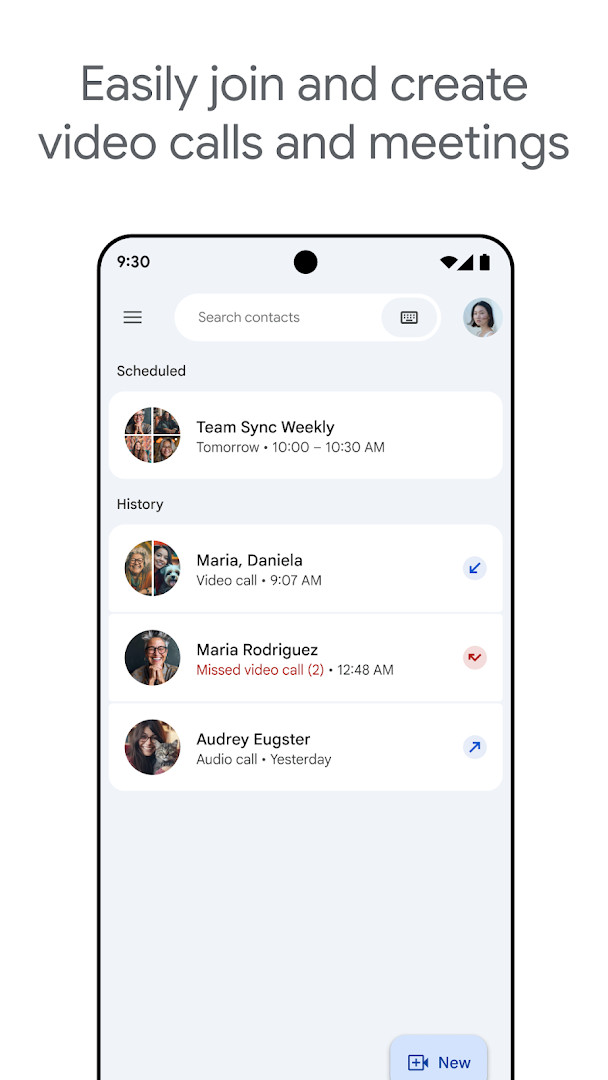



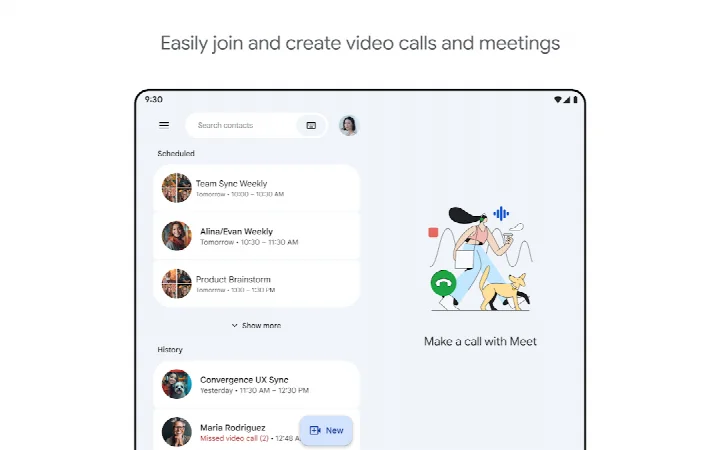
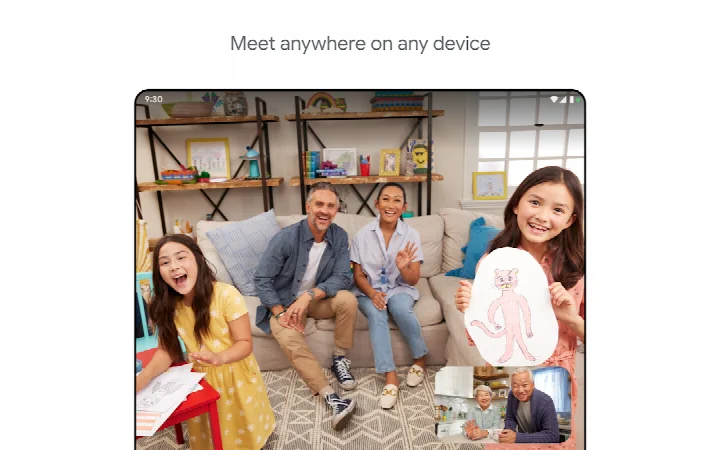
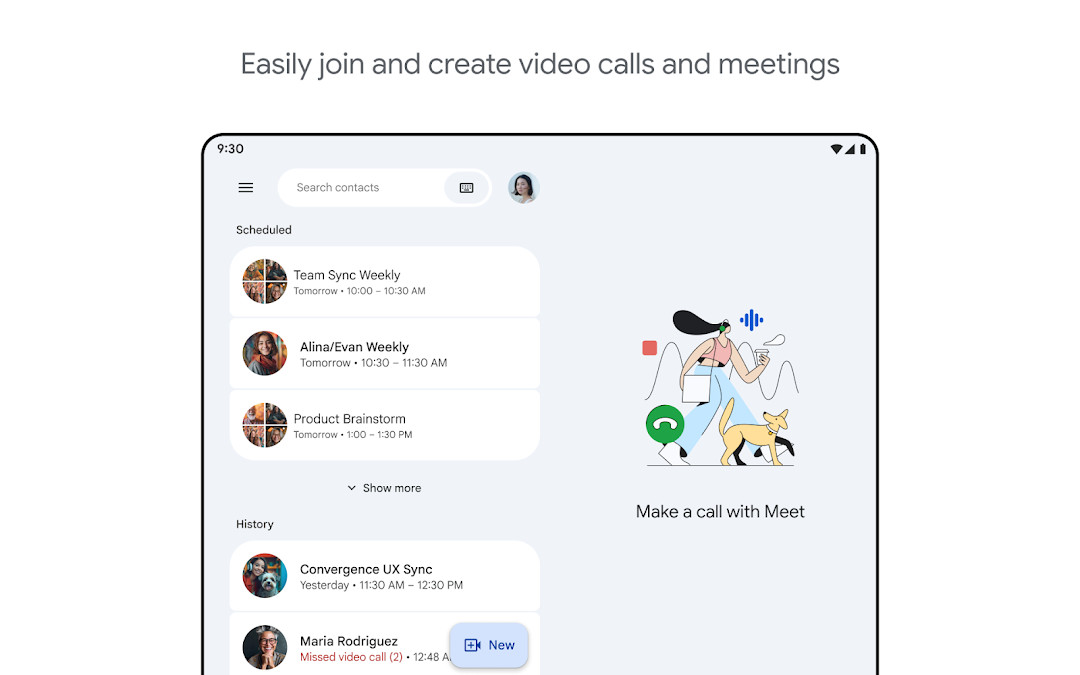
Google Meet is a communication app by Google LLC that provides high-quality video calling for personal and professional use. Launched in August 2016, the app has evolved into a versatile platform for one-on-one chats, group conferences, and team collaboration, supporting phones, tablets, and web browsers. Its core purpose is to connect people through reliable video and audio, with tools designed to improve clarity and engagement during calls. The app is free to use with no ads or in-app purchases, and it carries a content rating of Everyone, making it accessible to a broad audience.
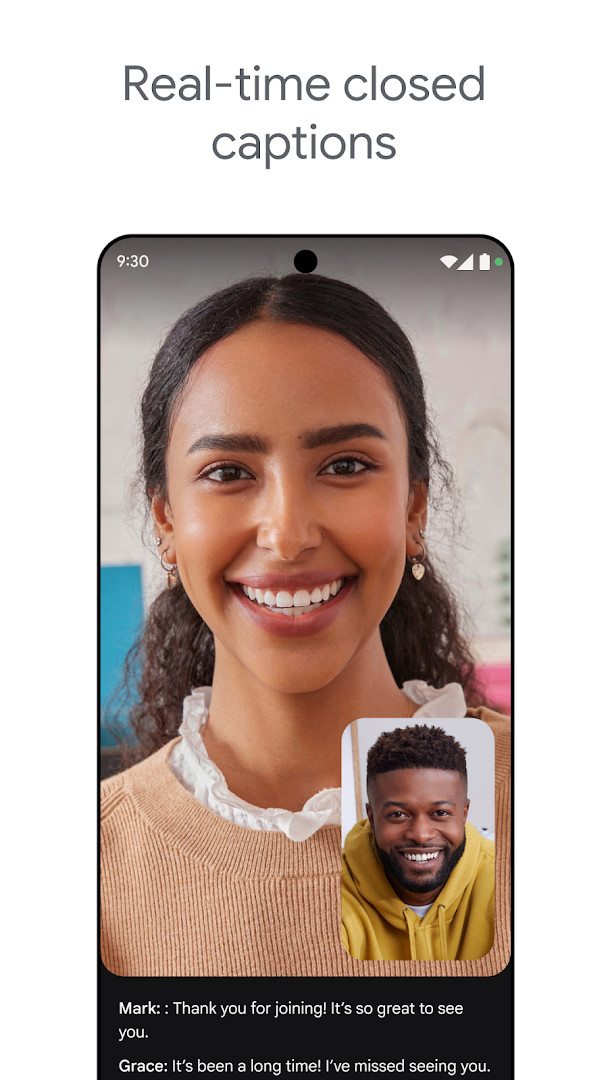
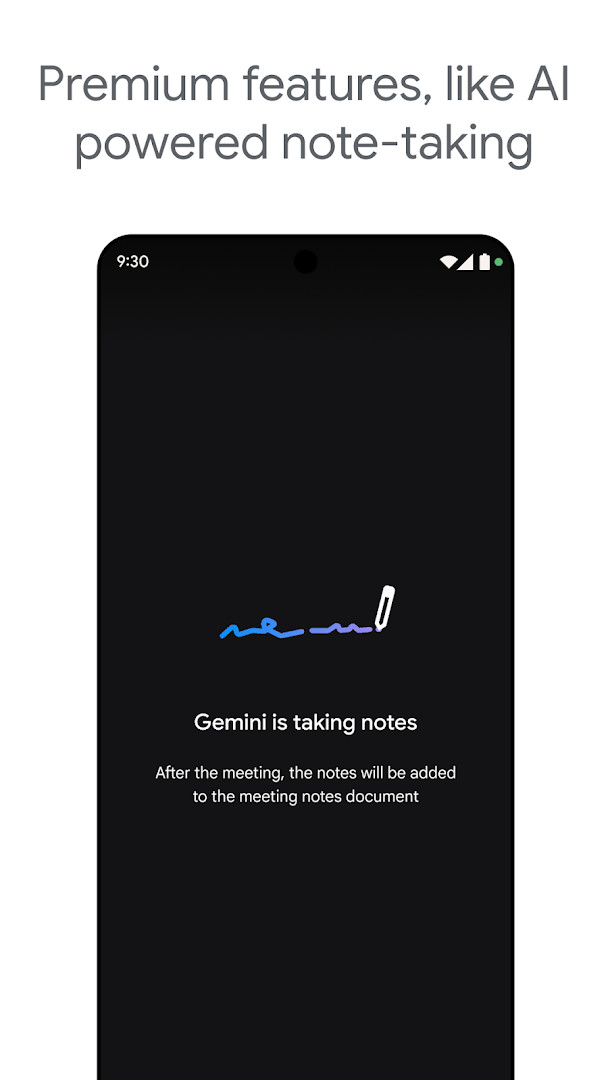
The experience centers on making every participant visible and audible, even in less-than-ideal conditions. Automatic light adjustment helps brighten dark environments, while noise cancellation reduces background chatter, allowing conversations to flow naturally. Real-time captions provide a text layer for accessibility, and a range of effects, filters, reactions, and virtual backgrounds let users personalize their presence. For those on premium plans, additional capabilities include AI-powered note-taking and real-time speech-to-speech translation, which can help teams document discussions and overcome language barriers. These premium features are not part of the free tier, and their availability can vary based on device specifications.
A recent update highlighted in the version notes emphasizes these premium additions, particularly AI-driven note-taking and live translation, positioning the app as a more intelligent meeting tool. However, the core free experience remains robust, focusing on call quality and ease of use. With over ten billion installs and a rating of 4.38 from nearly twelve million users, the app has a massive user base, reflecting its widespread adoption for both casual catch-ups and structured work meetings. The latest update was released in October 2026, and the current version, from May 2025, continues to refine these capabilities.
Key features
- Automatic light adjustment to improve visibility in dim settings
- Noise cancellation to reduce background sounds during calls
- Real-time captions for spoken dialogue (language availability varies)
- Fun effects, filters, reactions, and virtual backgrounds
- AI-powered note-taking for meeting summaries (premium feature)
- Real-time speech-to-speech translation to bridge language gaps (premium feature)
- Meeting recording capability (premium feature)
- Works across phones, tablets, and web browsers
- Secure video calling with a focus on privacy
How to install
- Tap the download button on this page to get the APK file, which is 118 MB in size.
- When prompted, allow your browser or file manager to install apps by enabling the 'Install unknown apps' setting for that source.
- Open the downloaded APK file from your notifications or file manager.
- Tap Install and wait for the process to complete; ensure your device runs Android 8.1 or higher.
- Open the app from your home screen or app drawer, then sign in with your Google account to start calling.
Pros
- Free with no ads or in-app purchases
- Cross-device compatibility including web
- Strong accessibility features like captions
- Wide range of customization options
- Reliable call quality with noise handling
Cons
- Some useful features are locked behind premium plans
- Speech translation and captions not available in all languages
- Requires a Google account for full functionality
- Heavy permissions for identity, contacts, and phone
- Large app size at 118 MB may be a concern for older devices
Recent updates
The update highlights premium options, including AI-powered note-taking and real-time speech-to-speech translation. These tools aim to help participants stay focused on discussions and reduce language barriers during calls. The changelog does not list any other new features, fixes, or performance improvements in this release.
Version history
| Version | Size | Requires Android | Updated |
|---|---|---|---|
| 305.0.756012893.duo.android_20250504.15_p1.n | 118 MB | 8.1 | May 16, 2025 |
This app suits remote workers who need dependable team meetings, families looking for a free way to video chat across devices, and educators or tutors conducting online classes with captions and effects.
For the best experience, use a wired headset or a quiet room when testing noise cancellation, as the feature works most effectively in moderately noisy environments rather than extremely loud ones.
Permissions
FAQ
What premium features does Google Meet offer to help with conversation focus and language barriers?
Google Meet includes premium features such as AI-powered note-taking and real-time speech-to-speech translation, which are designed to help participants stay focused on the discussion and overcome language differences. These features are part of the premium offering and may require additional terms.
Does Google Meet provide live captions and noise cancellation for all users?
Google Meet includes features like live captions and noise cancellation, but availability can vary. Live captions are not offered in every language, and noise cancellation is listed as a premium feature. Specific feature availability may also depend on your device's specifications.
What is the minimum Android version required to run Google Meet, and how large is the app?
Google Meet requires Android OS version 8.1 or higher. The app size is 118 MB. Keep in mind that actual storage usage may vary slightly depending on your device.
When was Google Meet originally released and when was it last updated?
Google Meet was originally released on August 16, 2016. The most recent update noted is from October 7, 2026, and the latest version listed is 305.0.756012893.duo.android_20250504.15_p1.n, dated May 16, 2025.
What types of permissions does Google Meet request, and what is its content rating?
Google Meet requests permissions related to identity, contacts, phone, photos/media/files, storage, camera, microphone, Wi-Fi connection information, and device ID & call information. The app is rated for Everyone, meaning it is suitable for all audiences.
Google Meet delivers a solid, feature-rich video calling experience that balances simplicity with advanced tools for those willing to pay. While premium features add real value for professionals, the free tier covers most casual needs effectively. Its massive install base and high ratings attest to its reliability, making it a strong choice for anyone seeking a dependable communication app, though privacy-conscious users may want to review its extensive permission requests before installing.
Similar apps





More from this developer



Updated: Nov 9, 2026