Gmail for Android
Gmail is a communication app from Google LLC for managing email, chat, and collaboration on Android devices.
Download GmailGmail serves individuals and teams who need a secure, organized inbox with tools for writing, searching, and clearing messages efficiently. The app is free to download, requires Android 5.0 or newer, and has a size of 26 MB.
- Size
- 26 MB
- Requires Android
- 5.0
- Updated
- Oct 12, 2026
- Installs
- 10B+
- Rating
- ★ 4.06 (14,486,799)
- Category
- Communication
- Developer
- Google LLC
- Content rating
- Everyone
- Package
- com.google.android.gm
- Free
- ✓ · Contains ads
Screenshots
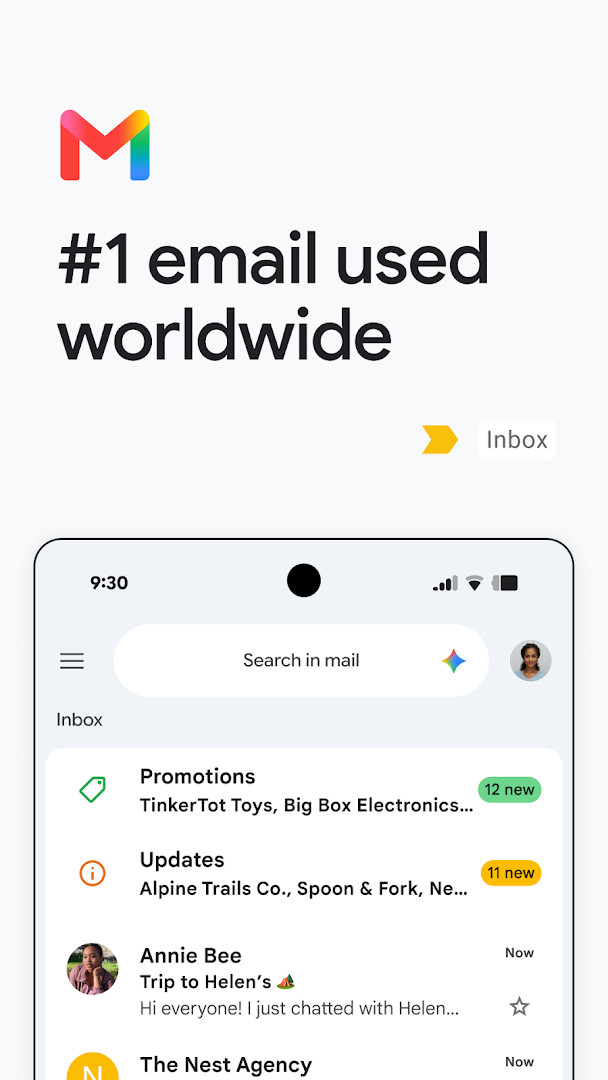
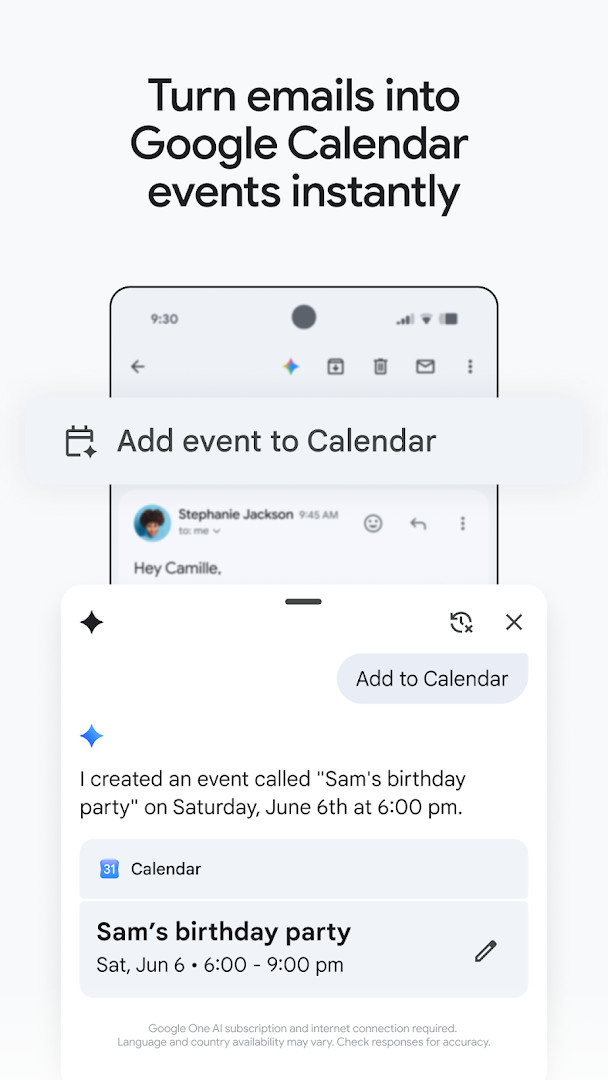
Gmail is a communication app by Google LLC that provides access to the Gmail email service on Android devices, letting users read, compose, organize, and search their mail from a phone or tablet. It is the mobile client for the Gmail service, and it also forms part of the broader Google Workspace suite.
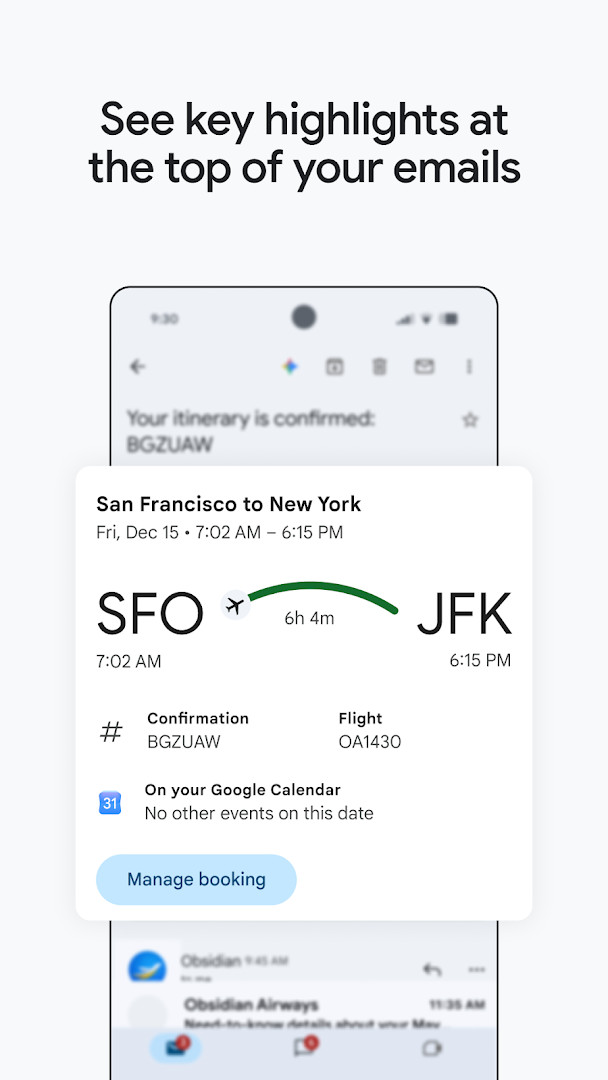
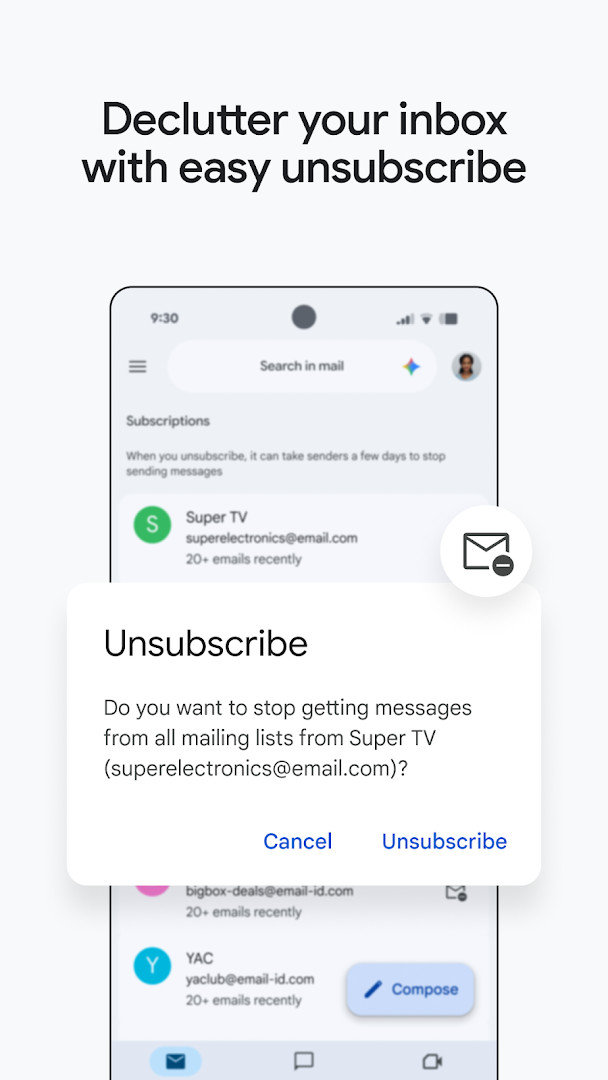
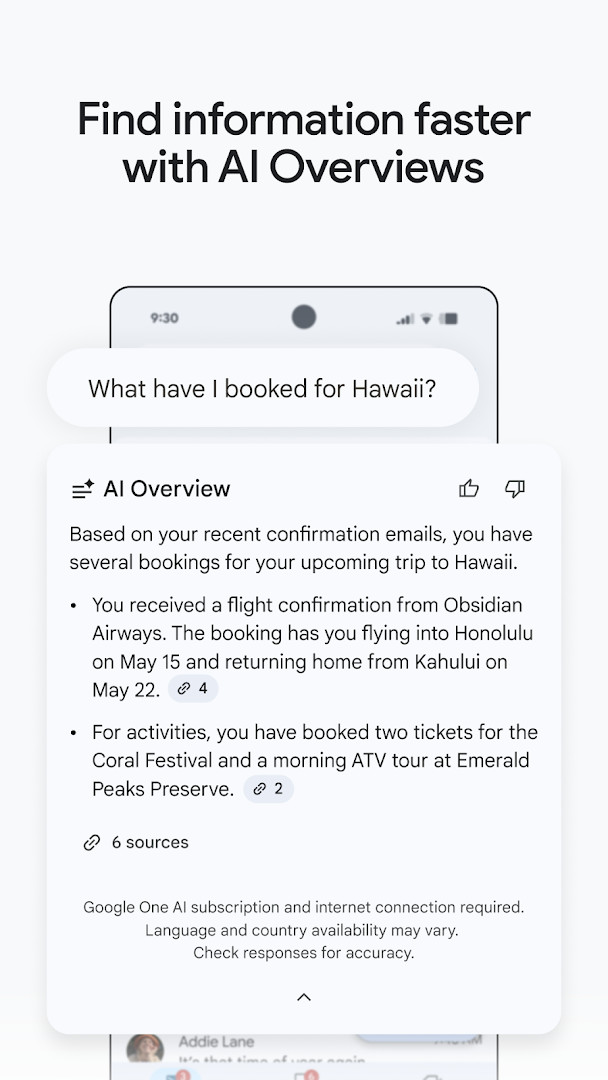
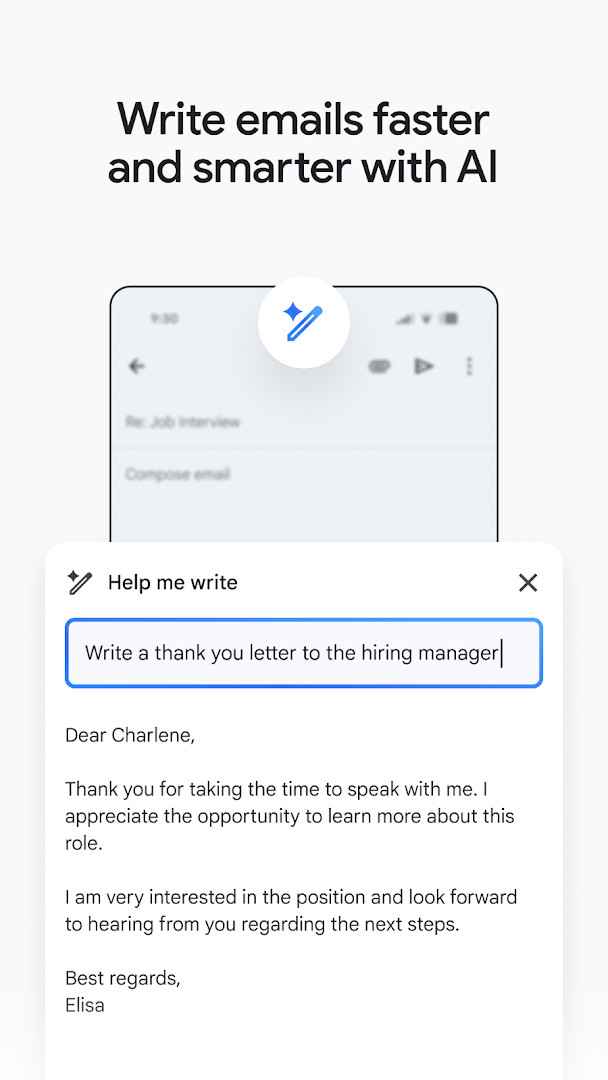
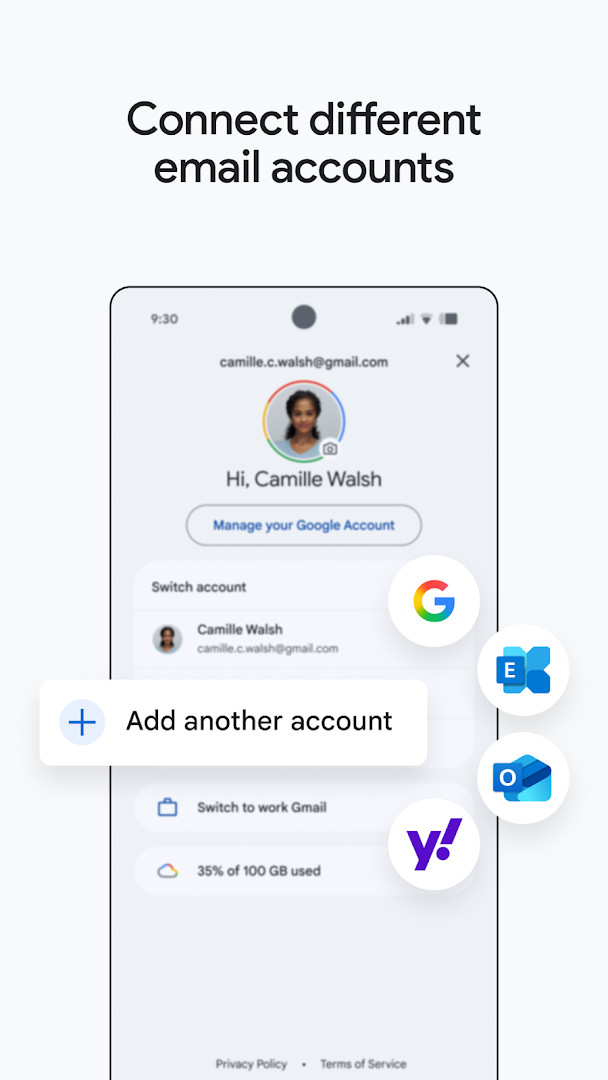
The app centers on inbox management. Summary cards appear at the top of messages, unwanted senders can be unsubscribed from in a single place, and search works either with keywords or through Gemini, which can also pull details from inbox content and Google Drive files. Gemini additionally serves as a writing assistant, with features such as Help me write and contextual Smart Reply. An Add to Calendar button creates Google Calendar invites directly from a message. Account switching covers multiple accounts, including ones from other email providers, and Gmail is also available on Wear OS through a complication and tile.
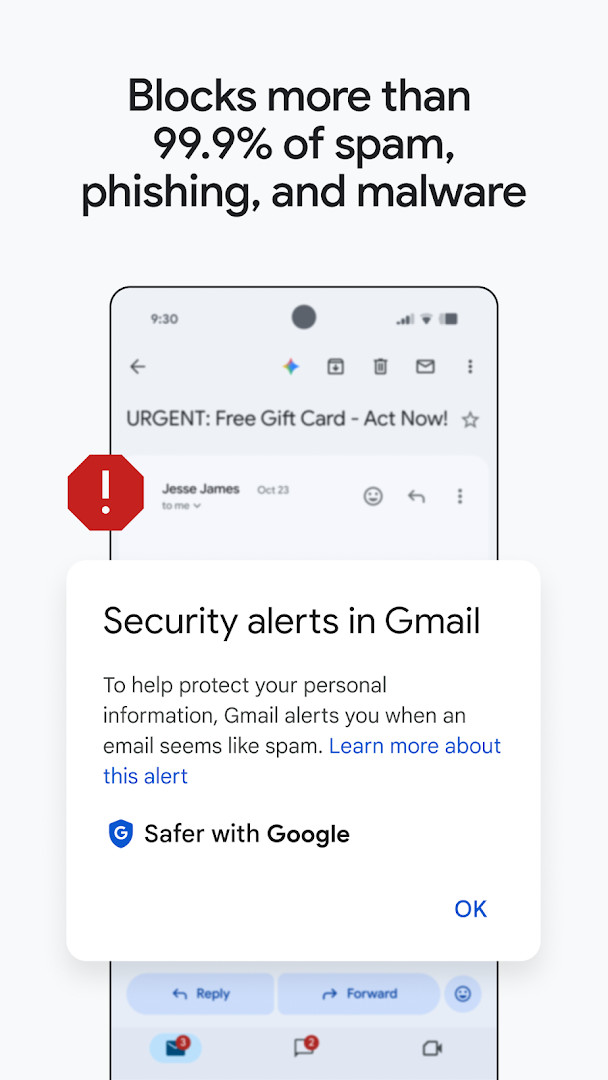
Security is handled automatically, with Gmail reported to block more than 99.9% of spam, phishing, and malware before it reaches the inbox. With a Workspace plan, teams get the same app plus premium AI features, real-time collaboration across tools, and connections to Google Meet, Chat, Calendar, and task lists without leaving the inbox. The app is free, carries ads, and lists a rating of 4.06 from 14,486,799 ratings; it has been available since September 21, 2010, and was last updated October 12, 2026.
Key features
- Summary cards at the top of emails surface the details you need
- Unsubscribe from unwanted senders in one place
- Search the inbox by keyword or ask Gemini to locate specific details in mail or Google Drive files
- Gemini writing assistance in the inbox, including Help me write and contextual Smart Reply
- Switch between multiple accounts, including accounts from other email providers
- Automatic blocking of more than 99.9% of spam, phishing, and malware
- Add to Calendar button to create Google Calendar invites from a message
- Wear OS complication and tile for a quick email overview on a watch
How to install
- Tap the download button on this page to get the 26 MB APK file.
- If Android prompts you, allow your browser or file manager to install apps by enabling the Install unknown apps setting for that app.
- Open the downloaded APK file from your notifications or file manager.
- Tap Install and wait for the package to finish installing.
- Open Gmail and sign in with your account; the app requires Android 5.0 or later.
Pros
- Free to use
- Large existing user base and long track record since 2010
- Automatic spam, phishing, and malware filtering
- Multi-account support across providers
- AI-assisted search and writing tools
Cons
- Displays ads
- Gemini features require a Google AI Pro or Ultra plan and an internet connection
- Broad permission set covering identity, calendar, contacts, phone, files, camera, microphone, and device information
- AI language and country availability may vary
Recent updates
Gmail has been updated with a release dated October 12, 2026. The app remains a communication tool from Google LLC that combines secure email with options to chat, collaborate in spaces, and make voice or video calls in one place. The current build is listed at 26 MB and supports Android 5.0 and above.
Version history
| Version | Size | Requires Android | Updated |
|---|---|---|---|
| 8.10.7.218420740.release | 22 MB | 4.1 | Jan 20, 2026 |
| 2019.10.20.278647676.release | 26 MB | 4.4 | Jan 17, 2026 |
| 2020.05.31.316831277.release | 26 MB | 5.0 | Jan 16, 2026 |
| 7.5.7.156101332.release | 19 MB | 4.0 | May 18, 2017 |
| 2.3.6 | 1.8 MB | — | Jun 16, 2013 |
| 1.3 | 0.8 MB | — | Jan 27, 2012 |
Anyone who needs a Gmail client on an Android phone or tablet, particularly users juggling several accounts or providers. Teams on a Workspace plan get extra collaboration and AI features, and Wear OS watch owners can check mail from the wrist.
Review the permission list during setup so you know which data the app can reach. Gemini-dependent features need an eligible plan and a connection, and AI responses should be checked for accuracy.
Permissions
FAQ
Is Gmail free to download?
Yes, the app is free. It is listed at 0.00 USD with no in-app purchases, though ads are present.
Which Android version do I need?
The minimum required OS is Android 5.0. Make sure your device runs at least that version before installing.
How large is the download?
The file size is about 26 MB. Keep some free storage available for the install and for your email data.
Do I need an account to use it?
Yes, you sign in with an account to read and send mail. The app also lets you switch between multiple accounts, including ones from other email providers.
What permissions does the app request?
It asks for Identity, Calendar, Contacts, Phone, Photos/Media/Files, Storage, Camera, Microphone, Wi-Fi connection information, and Device ID & call information. These support features such as attachments, calls, and account access.
How do I update to a newer version?
Download the latest version from this page and install it over your current copy. The most recent version listed is 8.10.7.218420740.release, dated 2026-01-20.
Gmail packages inbox management, multi-account handling, automatic filtering, and optional AI assistance into a single free app. At 26 MB and with support for Android 5.0 and later, it installs quickly and suits both personal and Workspace use.
Similar apps




More from this developer

Updated: Nov 4, 2026