
Mi Music: Music Player and Streaming App
Mi Music is a music and audio app by Mi Music that lets you stream songs, play local MP3 files and create your own playlists.
Download Mi MusicMi Music is a free music app with ads and in-app purchases that covers genres such as pop, live music, classic, jazz, heavy metal and K-pop. Mi Music suits listeners who want both online streaming and offline playback from one player, and it requires Android 6.0 or later with a download size of 148 MB.
- Size
- 148 MB
- Requires Android
- 6.0
- Installs
- 1B+
- Rating
- ★ 3.89 (2,886,400)
- Category
- Entertainment
- Developer
- Mi Music
- Content rating
- Everyone
- Package
- com.miui.player
- Free
- ✓ · Contains ads · In-app purchases
Screenshots
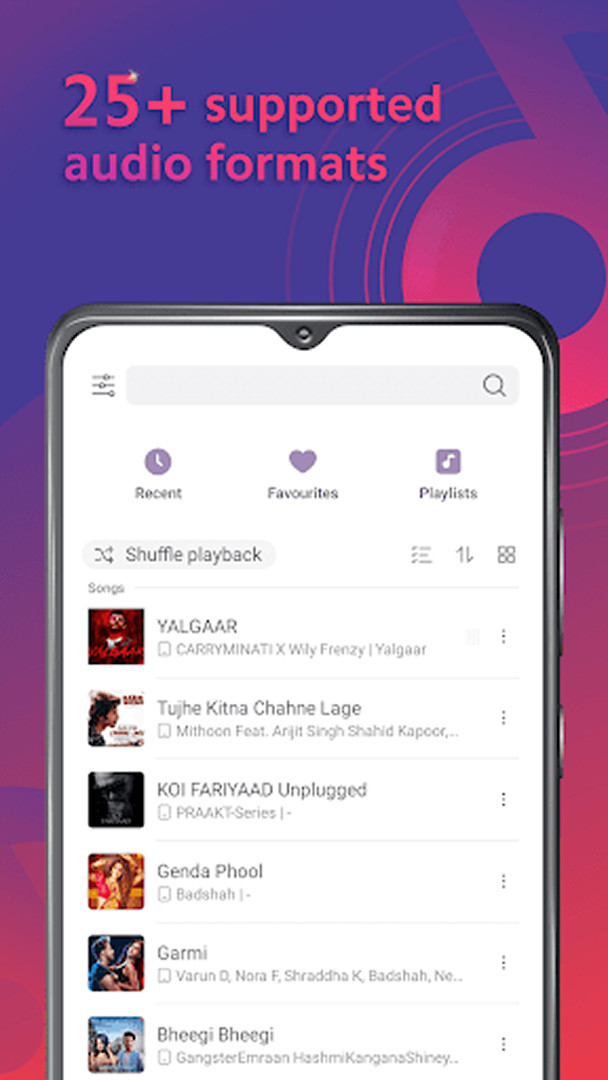
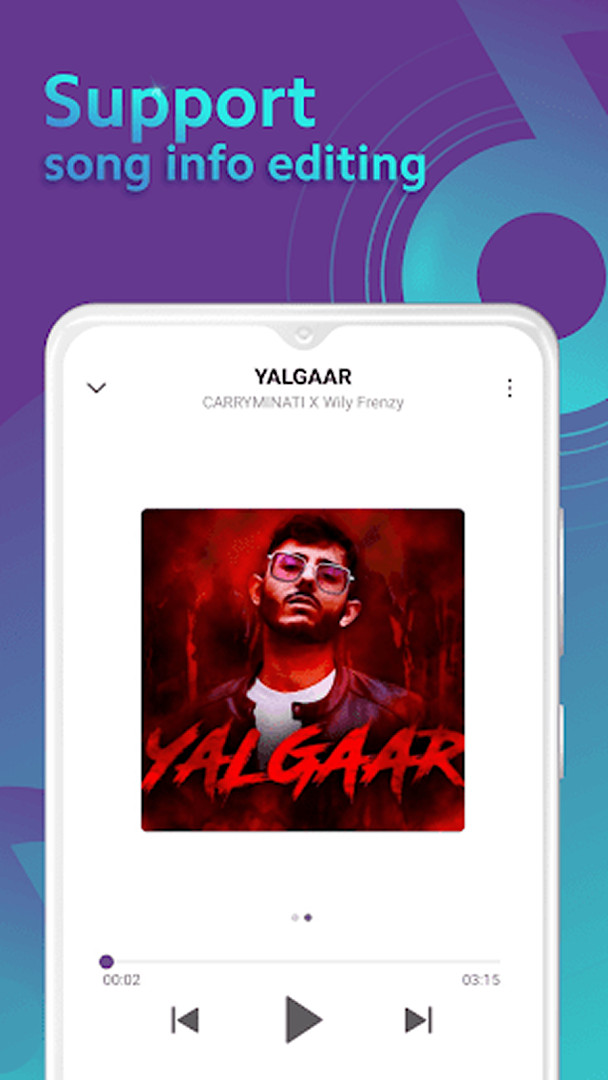
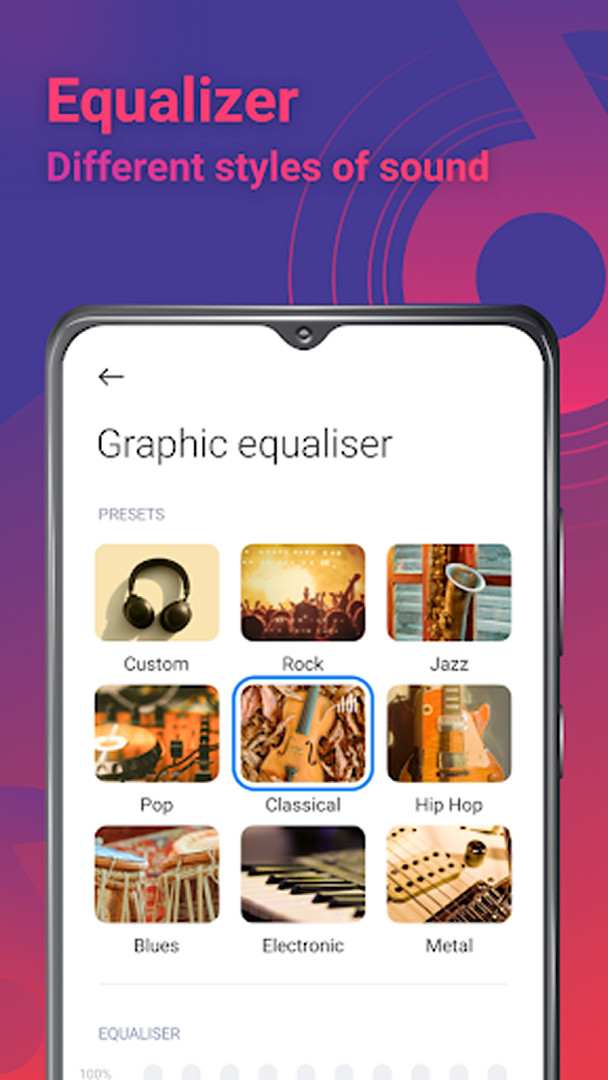
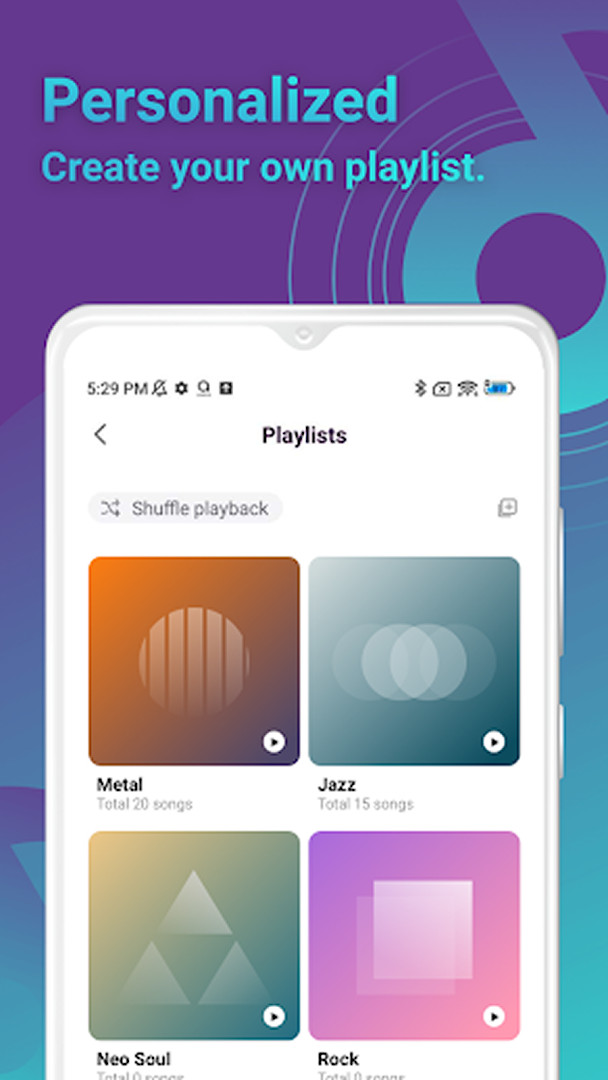
Mi Music is a music and audio app by Mi Music that lets you stream and play songs online or offline. The problem it addresses is straightforward: people want broad music access without paying for a premium tier, and they want their listening to continue when the connection drops. Mi Music answers both by offering a large catalog that spans popular tracks, new releases, live recordings, classics, jazz, heavy metal, K-pop and more, plus the ability to play audio stored on the device itself. You can build playlists of your own and play any mp3 file you already have. The app is free, has been available since May 2019, and shows a very large install base. It is ad-supported and includes in-app purchases, so the experience is not entirely without cost or commercial content. For privacy-minded readers, the permission list deserves attention before installing.
Key features
- Stream and play hit songs from a catalog covering popular, new, live, classic, jazz, heavy metal and K-pop music
- Play any mp3 or stored audio file, both online and offline
- Create and listen to your own playlists
- Free to use with no purchase required to open the app
- Ad-supported model with optional in-app purchases
- Content rating of Everyone
- Current version 9.43.01.102919i, dated 2026-11-10
- Runs on Android 6.0 and above with a 148 MB download
How to install
- Tap the download button on this page to get the APK file (148 MB).
- When Android asks, allow your browser or file manager to install apps by enabling the Install unknown apps setting for that app.
- Open the downloaded APK file from your notifications or file manager.
- Tap Install and wait for the package to finish installing.
- Open Mi Music; the app requires Android 6.0 or later.
Pros
- Free to download and use
- Large catalog across many genres
- Offline playback of mp3 files and downloaded audio
- Playlist creation for personal libraries
- Very large install base and a long track record since 2019
- Works on Android 6.0 and above, covering older devices
Cons
- Contains ads
- Offers in-app purchases
- Requests a broad permission set, including camera, microphone and identity
- Access to device and app history and Wi-Fi connection information
- Download size of 148 MB is substantial for low-storage devices
Version history
| Version | Size | Requires Android | Updated |
|---|---|---|---|
| 9.43.01.102919i | 118 MB | 8.0 | Nov 10, 2026 |
| 9.41.04.091810i | 133 MB | 8.0 | Oct 18, 2026 |
| 9.42.01.100920i | 115 MB | 8.0 | Oct 18, 2026 |
| 9.41.01.082416i | 135 MB | 8.0 | Sep 22, 2026 |
| 9.40.02.073020i | 131 MB | 7.0 | Sep 17, 2026 |
| 4.27.0.3 | 148 MB | 6.0 | Aug 13, 2024 |
| 4.16.09i | 25 MB | 5.0 | Aug 19, 2020 |
Mi Music suits listeners who want a single free app for both streaming and local playback, especially those with mixed libraries of streamed tracks and mp3 files on the device. It is also reasonable for people on older Android hardware, since it supports Android 6.0 and later. Privacy-conscious users should weigh the permission requests first: camera, microphone and identity access go beyond what a basic player needs, so it is worth deciding whether those permissions fit your comfort level before installing.
Review the permissions the app requests during first launch and deny any you do not consider necessary, particularly camera and microphone access. If storage is tight, check free space before downloading the 148 MB package. Because the app is ad-supported and offers in-app purchases, keep an eye on any purchase prompts, and prefer offline playback of your own files when you want a quieter experience.
Permissions
FAQ
What kinds of music can I listen to in Mi Music?
The app covers popular tracks, new releases, live recordings, classic pieces, jazz, heavy metal, Kpop and other styles, so there is a broad range to browse and play.
Can I use Mi Music without an internet connection?
Yes. The description states that songs and music can be played both online and offline, and that any mp3 file can be played as well.
How do I build my own listening collection?
Mi Music lets you create playlists and listen to them, so you can group the songs you like into your own collections instead of relying only on the curated playlists.
How large is the Mi Music download and which Android versions does it support?
The app is 148 MB in size and requires Android 6.0 or newer as the minimum OS version.
When was Mi Music released and what are its most recent versions?
It first came out on May 26, 2019. Recent releases include 9.43.01.102919i from November 10, 2026, along with 9.41.04.091810i and 9.42.01.100920i, both dated October 18, 2026.
Is Mi Music free to use, and does it show advertising?
The app itself costs nothing (0.00 USD), and it contains ads. In-app purchases are also available.
Which permissions does Mi Music request?
The listed permissions are device and app history, identity, photos/media/files, storage, camera, microphone, and Wi-Fi connection information.
Mi Music is a free, widely installed music app that combines streaming with offline playback of your own files, backed by playlist tools and a broad genre range. Its ads, in-app purchases and wide permission requests are the main points to consider before you install it.
Similar apps








Updated: Nov 14, 2026