Google Docs: document editor
Google Docs is a document editor by Google LLC that lets you create, edit, and collaborate on documents in real time.
Download Google DocsGoogle Docs is a free document editor for Android that supports real-time collaboration, offline editing, and templates. It opens Microsoft Word files and is part of Google Workspace. The app requires Android 7.0 or higher, has a download size of 93 MB, and has received over 3 million ratings.
- Size
- 93 MB
- Requires Android
- 7.0
- Updated
- Nov 19, 2026
- Installs
- 1B+
- Rating
- ★ 4.71 (3,041,468)
- Category
- Productivity
- Developer
- Google LLC
- Content rating
- Everyone
- Package
- com.google.android.apps.docs.editors.docs
- Free
- ✓
Screenshots
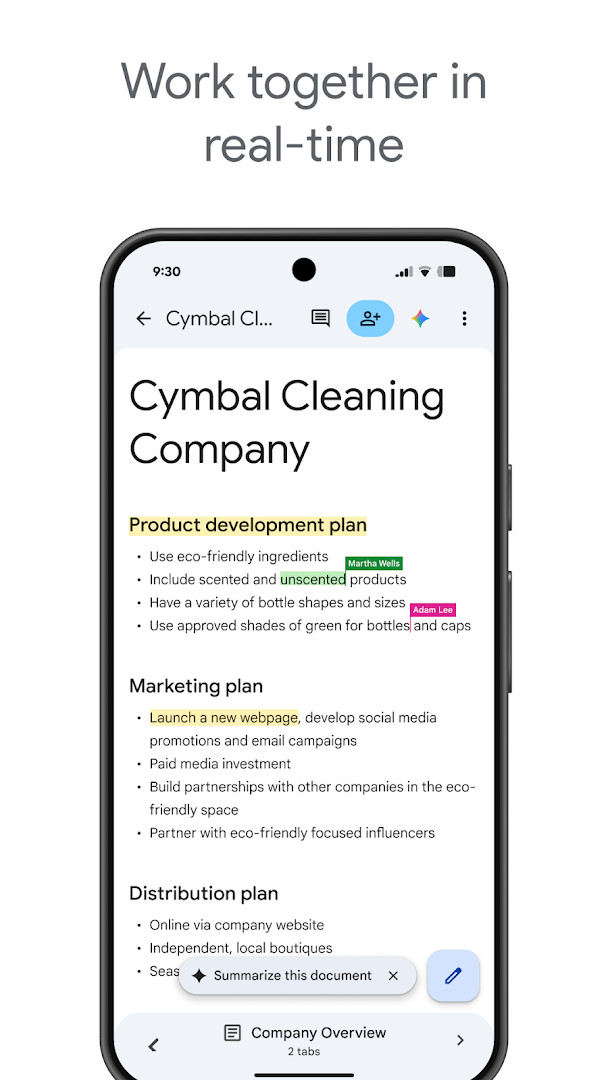
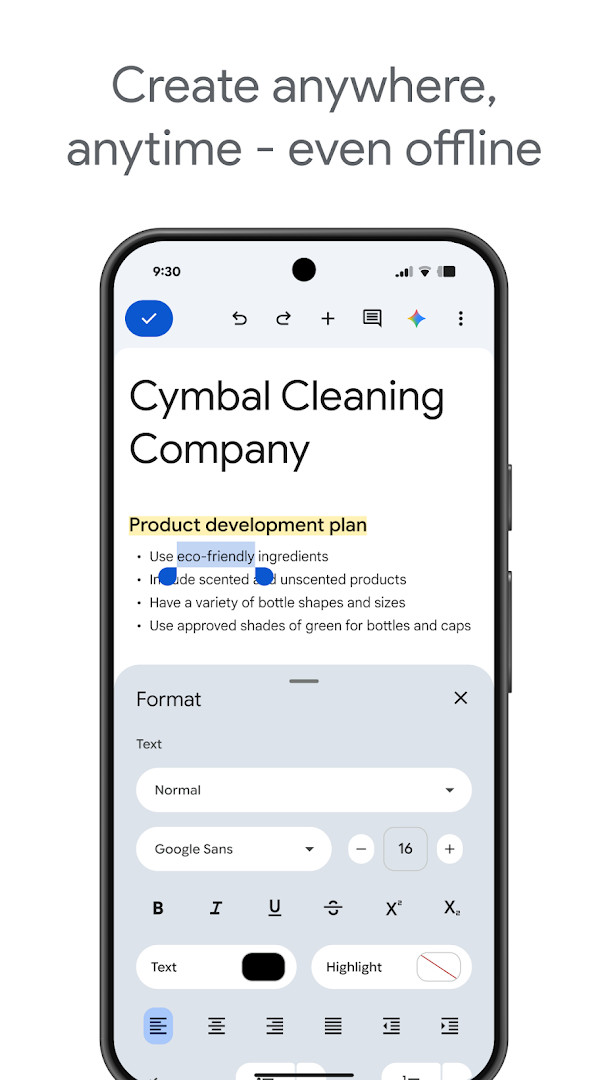
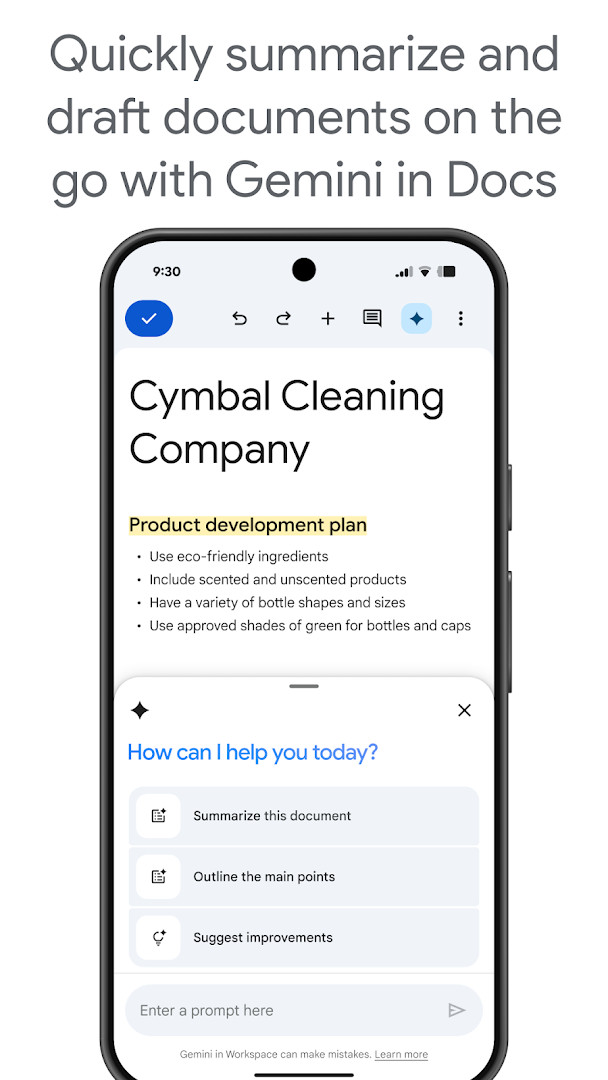
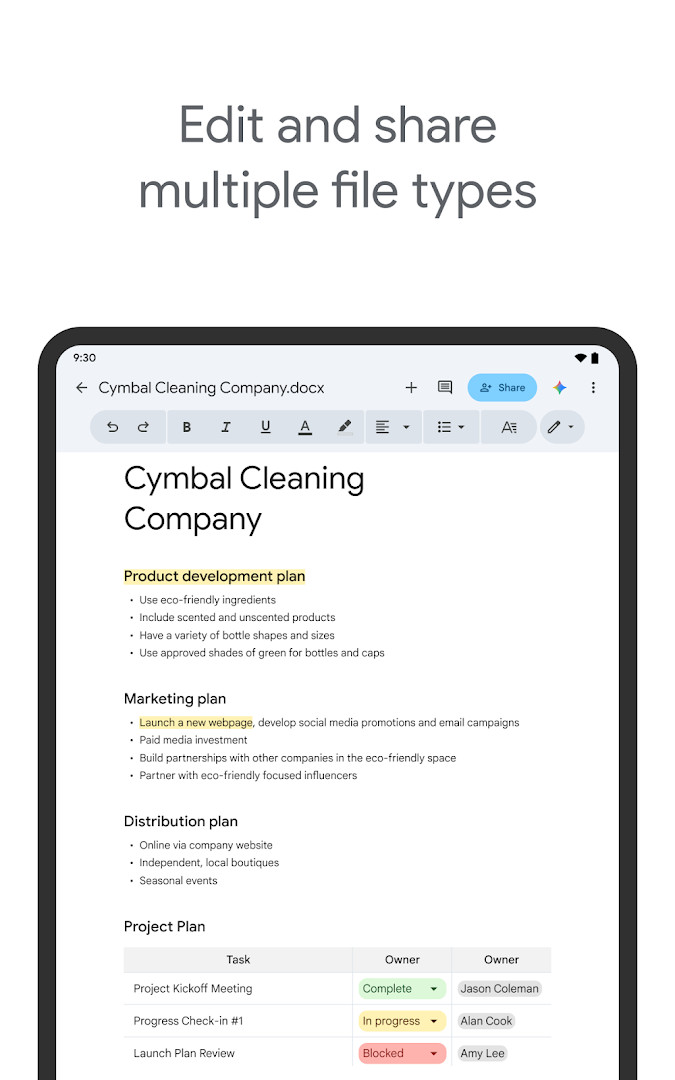
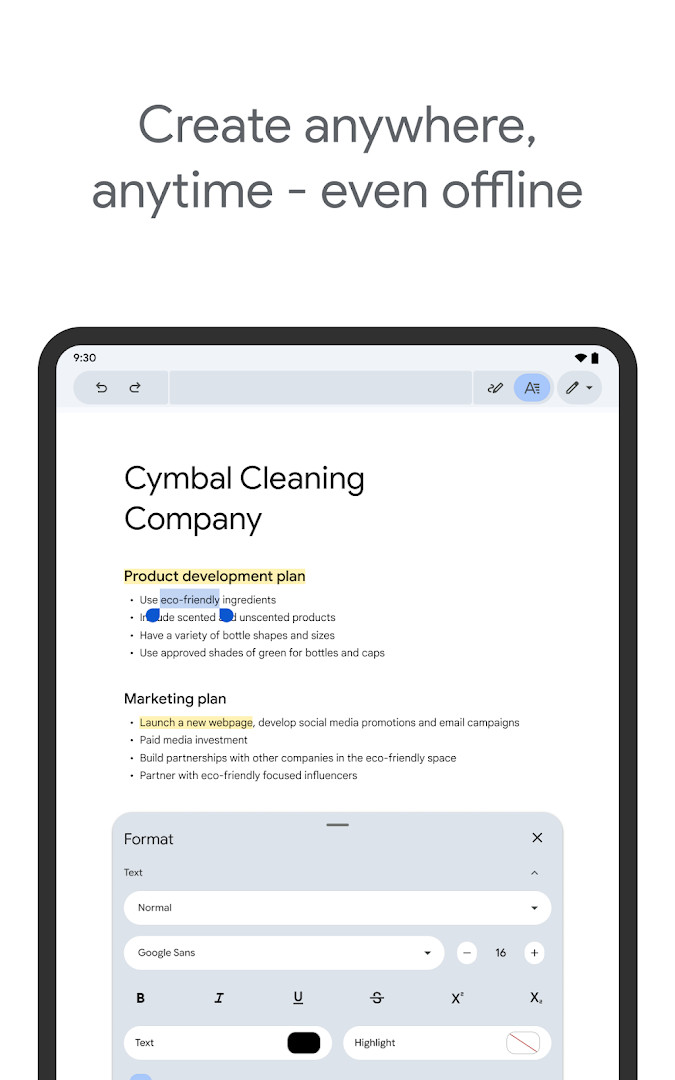
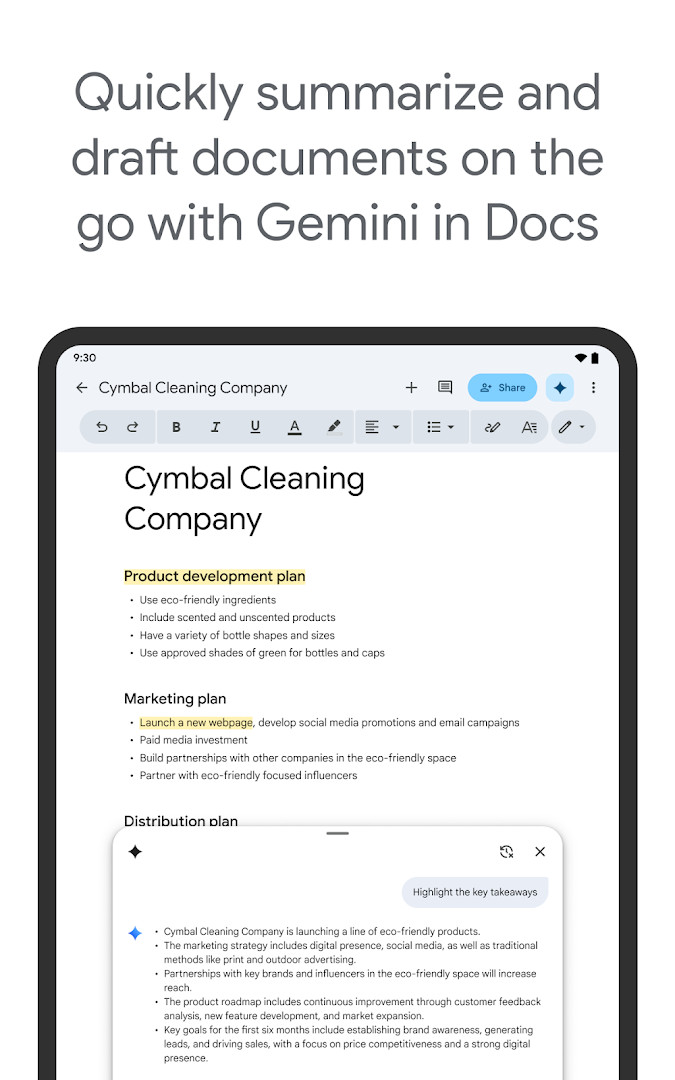
Google Docs is a document creation and editing app by Google LLC that lets you write, edit, and collaborate on documents from your Android phone or tablet. Built as part of Google Workspace, it turns a mobile device into a portable writing desk: you can draft ideas on the go, continue working when offline, and share files with teammates so everyone always sees the latest version. The app saves automatically as you type, which reduces the risk of losing progress during meetings, commutes, or quick note-taking sessions. The latest update, dated 2026-11-19, delivers bug fixes and performance improvements rather than new headline features.
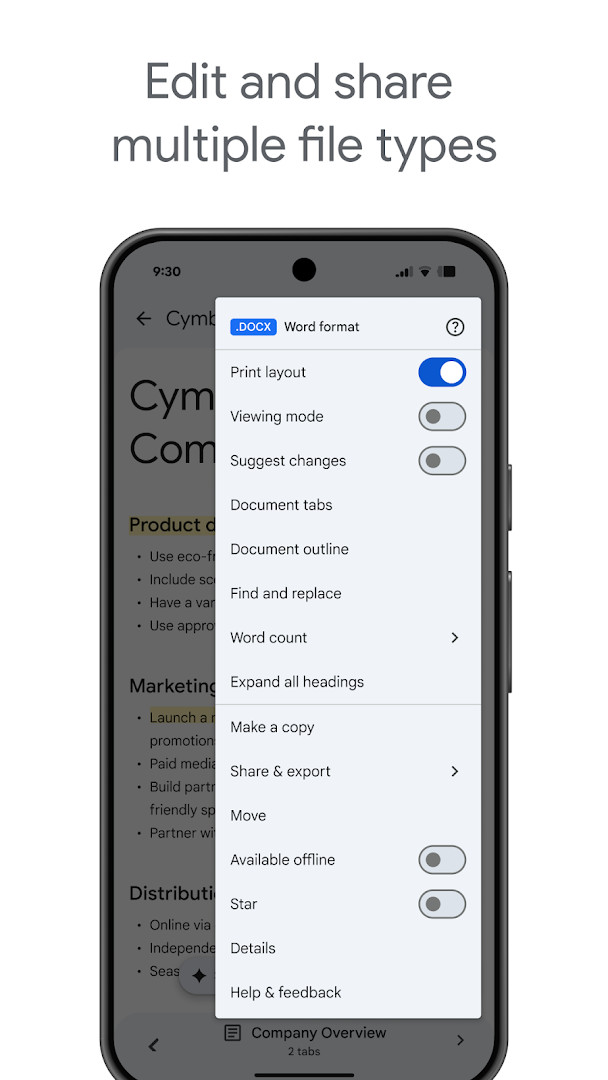
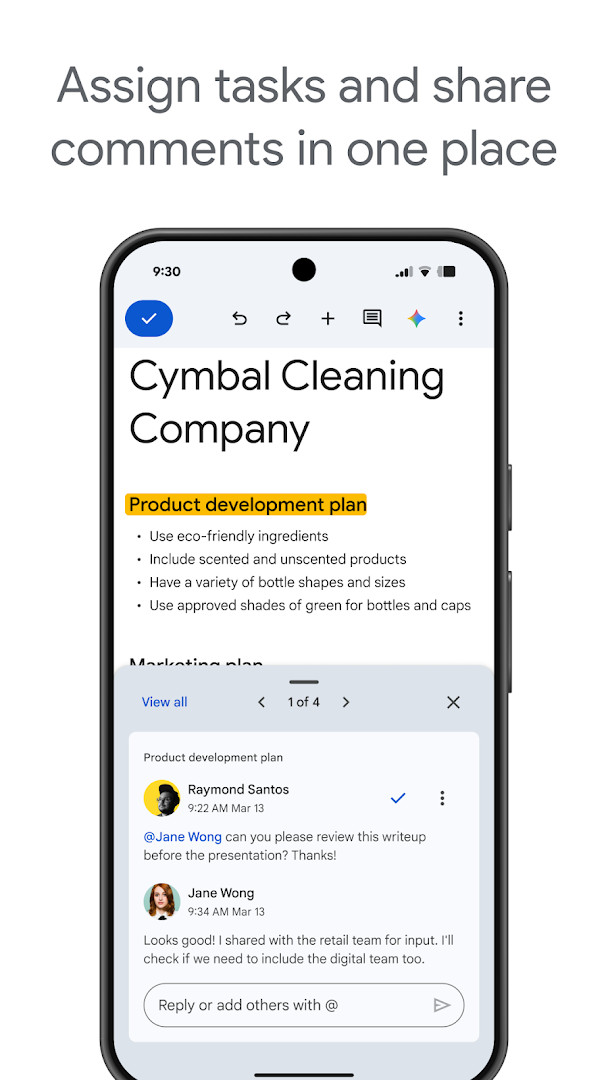
Designed for Android 7.0 and later, the app keeps its long-running focus on shared editing. You can open not only native documents but also Microsoft Word files, add comments, assign action items, and edit together in real time with other people. A set of ready-made templates helps produce polished results quickly, and documents can be converted and exported when a different format is needed. Everything you create can be accessed across devices, and offline mode ensures you can still make progress without a connection.
From a privacy standpoint, the app requests a fairly broad set of permissions, including identity, contacts, storage, photos and media, microphone, and Wi-Fi connection information. These are typical for functions such as account sign-in, attaching images, voice input, and detecting connectivity, but they also mean the app can see more than a plain text editor would. The app is free, carries no ads, and has no in-app purchases, which is worth weighing if you are balancing convenience against how much access an app gets to your device.
Key features
- Real-time collaboration with comments, suggestions, and action items
- Offline mode for creating and editing documents without an internet connection
- Automatic saving as you type to protect against lost work
- Open and edit Microsoft Word files directly in the app
- Templates for quickly producing polished documents
- Convert and export documents into different formats
- Share documents with your team and manage access from the app
- Cloud-based storage tied to Google Workspace, with extra AI-assisted drafting tools for paid subscribers
How to install
- Check that your device runs Android 7.0 or later before installing.
- Tap the download button on this page to get the Google Docs APK (93 MB).
- If your browser or file manager asks, allow it to install apps by enabling the "Install unknown apps" setting.
- Open the downloaded APK file from your notifications or Downloads folder.
- Tap Install when the system prompt appears.
- Launch Google Docs and sign in with your Google account.
Pros
- Free with no ads and no in-app purchases
- Works offline so documents stay editable without a connection
- Real-time collaboration with comments and version tracking
- Supports Microsoft Word files and other common formats
- Auto-save reduces the risk of losing your work
Cons
- Requires a Google account to sign in
- Requests broad permissions including contacts, microphone, identity, and storage
- Offline availability for specific files must be set up ahead of time
Recent updates
This update resolves various bugs to improve reliability. It also enhances performance so the app runs more smoothly. These changes help provide a more stable experience while creating, editing, and collaborating on documents.
Version history
| Version | Size | Requires Android | Updated |
|---|---|---|---|
| 1.23.082.06.90 | 93 MB | 7.0 | Jun 18, 2025 |
Students who need to write and share assignments, professionals and teams that collaborate on documents throughout the day, and anyone looking for a free, offline-capable word processor on Android.
For better privacy, open your device's app settings for Google Docs and disable the microphone permission if you never use voice typing; you can also mark important files as available offline before traveling so they remain accessible without a connection.
Permissions
FAQ
How do I install the Google Docs APK on Android?
Download the APK file from this page, then open it to start installation. If prompted, allow installation from unknown sources. The app requires Android 7.0 or newer and takes about 93 MB of space.
What is the current version of Google Docs?
The listed version is 1.23.082.06.90, dated 2025-06-18. The app itself was last updated on 2026-11-19 with bug fixes and performance improvements.
Does Google Docs show ads or require purchases?
No. Google Docs is free, priced at $0.00, contains no ads and no in-app purchases. A paid Google Workspace subscription unlocks extra features such as Gemini-powered drafting and AI suggestions.
Can I use Google Docs offline?
Yes. Offline mode lets you create and edit documents without an internet connection, and your work is saved automatically. This makes it easy to keep working while on the go.
Are there other apps in the same category I could consider?
Yes, the Productivity category includes other document-editing apps. When comparing them, look at offline editing, real-time collaboration, template availability, and support for common file formats such as Word files.
What file types can Google Docs handle?
Google Docs can open Microsoft Word files and lets you edit, convert, and export documents. It also supports a variety of formats so you can collaborate with people regardless of the app they use.
Google Docs remains a dependable choice for mobile document work, pairing strong collaboration tools with offline support and a free, ad-free experience. Just review the permission list before installing, especially if you prefer keeping contacts, storage, and microphone access as limited as possible.
Similar apps








More from this developer




Updated: Nov 28, 2026