Google Drive: Cloud Storage & File Sharing
Google Drive is a free productivity app by Google LLC that lets you securely store, access, and share files and folders from any device.
Get Google DriveGoogle Drive is a free productivity app by Google LLC that lets you securely store, access, and share files and folders from any device. It requires Android 8.0 or later, has a download size of 124 MB, and includes in-app purchases for additional storage. The app is designed for individuals and teams who need reliable cloud storage, file organization, and collaboration tools.
- File Size
- 124 MB
- Needs Android
- 8.0
- Last Refresh
- 23.10.2026
- Downloads
- 10B+
- Score
- ★ 4.27 (10 849 716)
- Genre
- Productivity
- Creator
- Google LLC
- Content rating
- Everyone
- Package
- com.google.android.apps.docs
- Free
- ✓ · In-app purchases
Snapshots
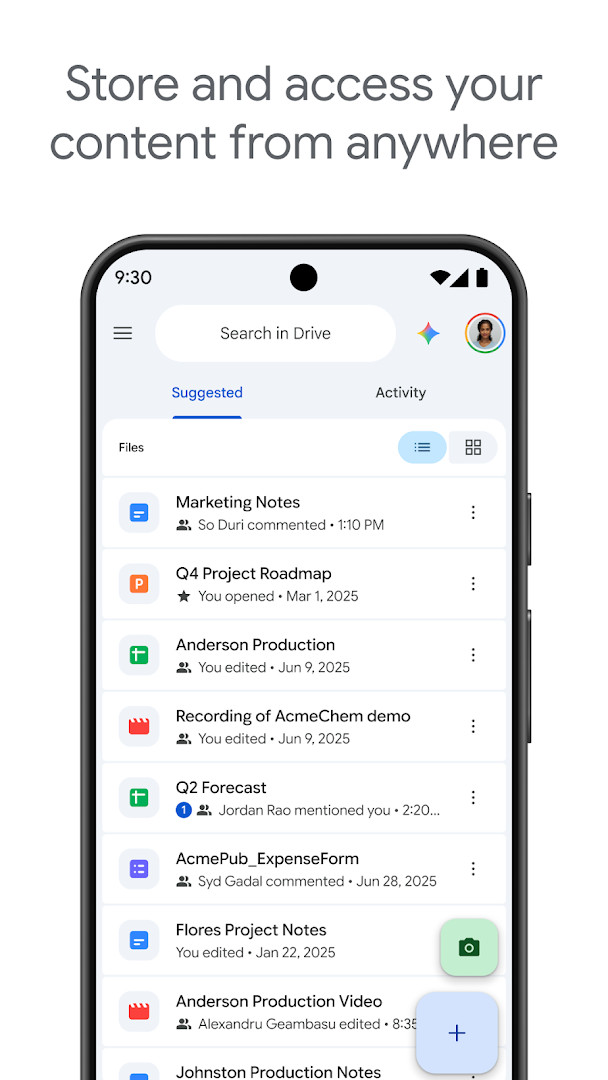
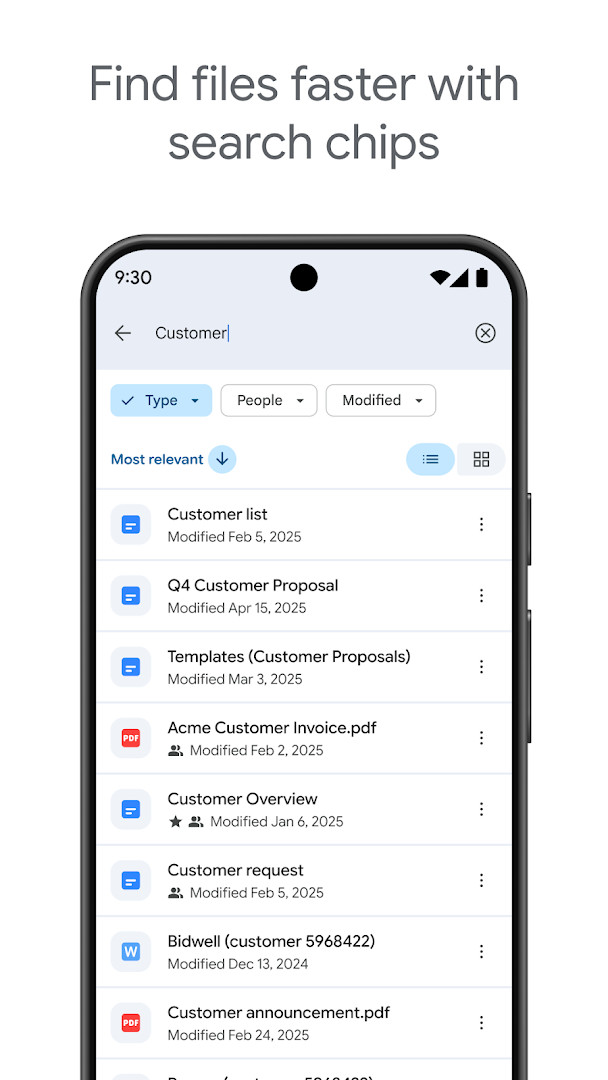
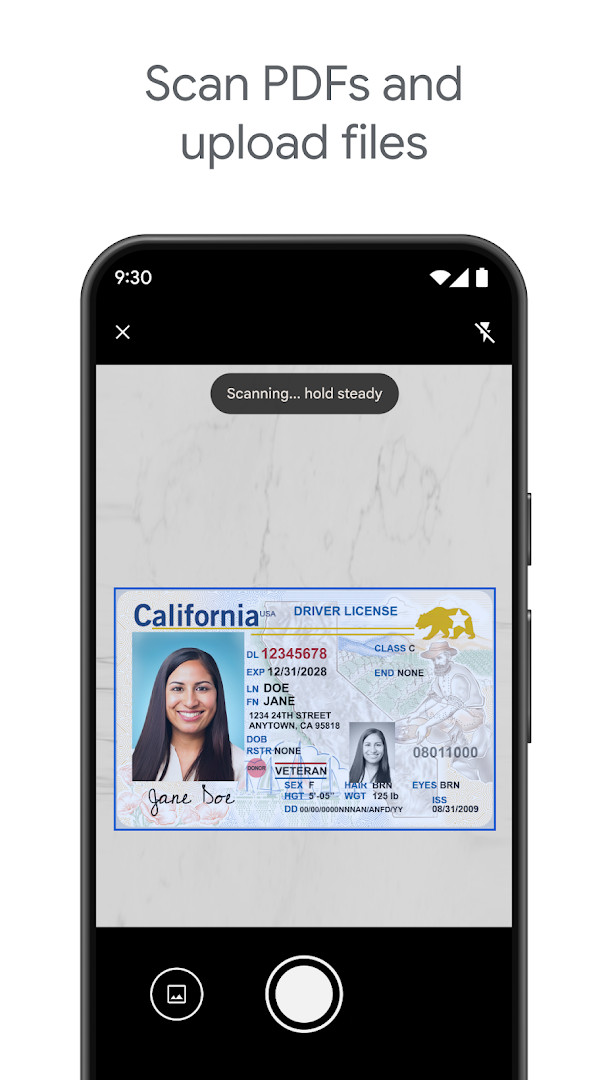
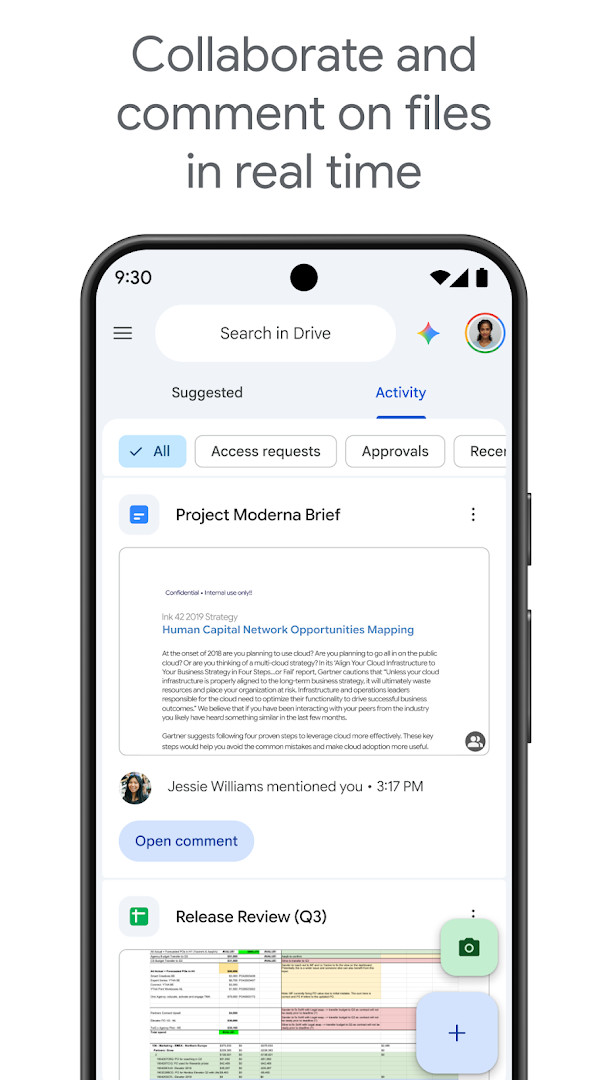
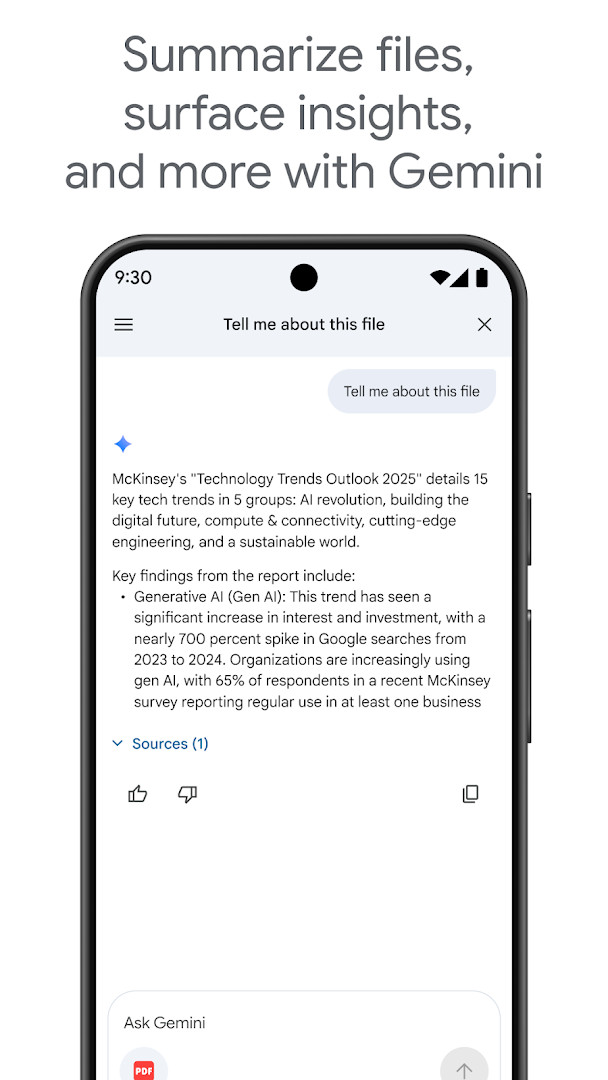
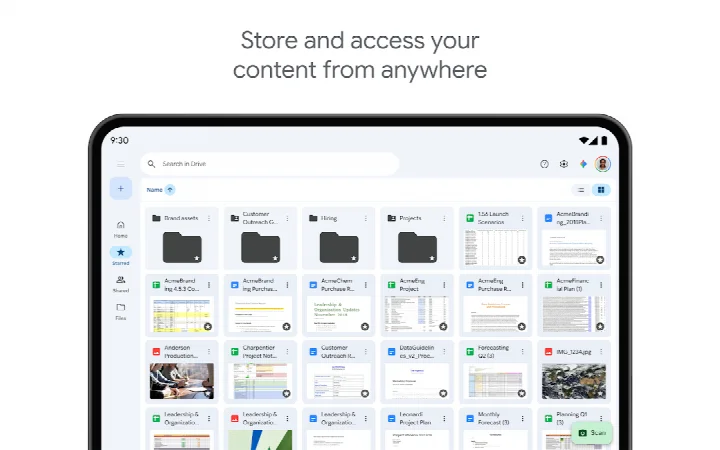
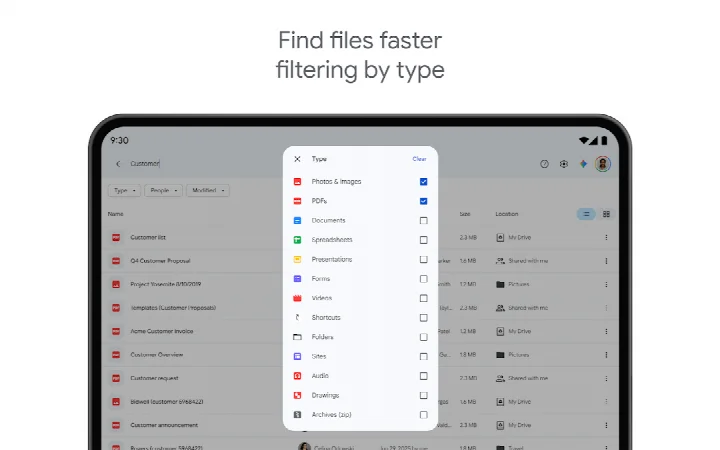
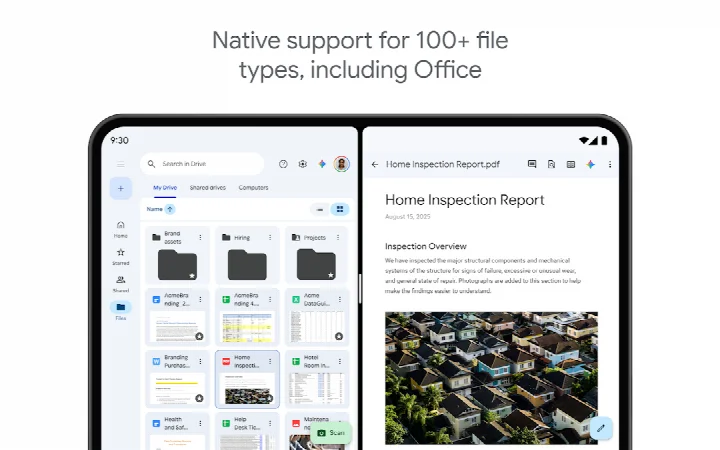
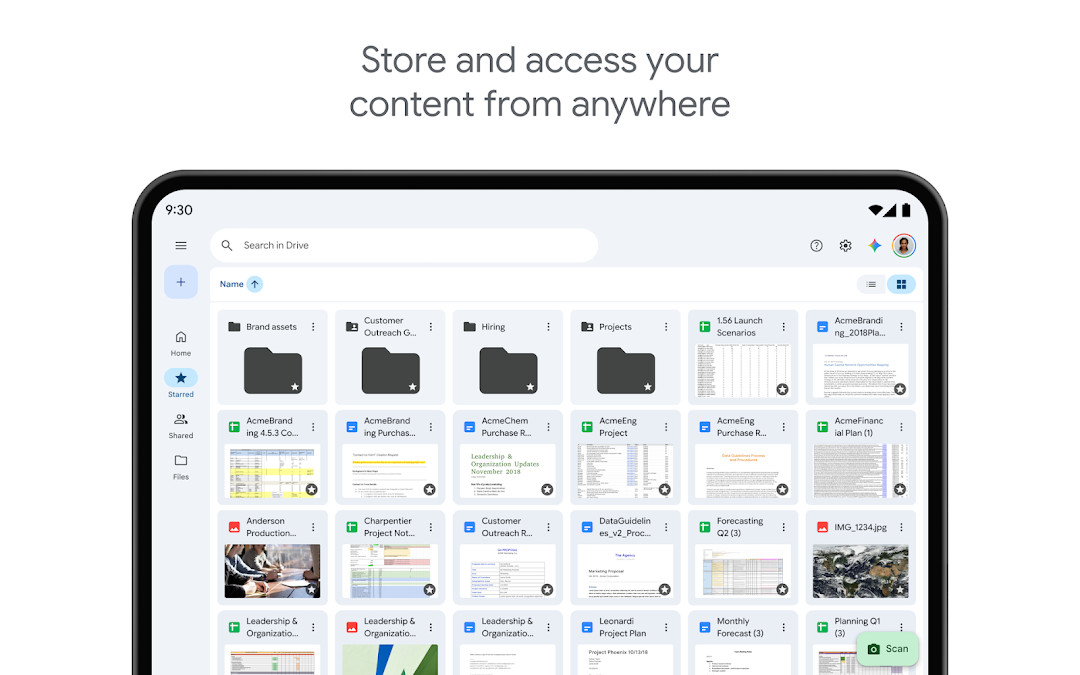
Google Drive is a cloud storage and file collaboration app by Google LLC that lets you securely store, access, and share files and folders from anywhere. It solves the problem of scattered files and limited device storage by providing a central place to keep documents, photos, and videos, which you can then reach from any device. The app allows editing and storing over 100 file types, including PDFs, Office documents, and videos. You can scan paper documents with your camera, search by file name or content, and filter by type or last modified date. Sharing is straightforward: you set permissions for files and folders, and you can work offline as well. For Google Workspace subscribers, extra features include AI-powered summaries, admin security controls, shared drives, and e-signature requests. Every Google account includes 15 GB of storage shared across Drive, Gmail, and Google Photos, and you can expand that with an in-app purchase to Google One.
Key features
- Store and access files securely from any device
- Edit and store over 100 file types, including PDFs, Office files, and videos
- Scan paper documents using your device's camera
- Search for files by name and content, and filter by type or last modified date
- Share files and folders with customizable permission settings
- View content offline while on the go
- Receive notifications about important activity on your files
- For Google Workspace subscribers: AI summarization, admin controls, shared drives, e-signature requests
How to install
- Tap the download button on this page to get the APK file (124 MB).
- When Android prompts, allow your browser or file manager to install apps by enabling the 'Install unknown apps' setting.
- Open the downloaded APK file from your notifications or file manager.
- Tap 'Install' and wait for the installation to finish.
- Open the app from your home screen or app drawer.
- Ensure your device runs Android 8.0 or higher.
Pros
- No ads
- Free to download and use
- Works with a wide range of file types
- Offline access to content
- Built-in document scanning
- Useful for both personal and team collaboration
Cons
- Requires permissions for contacts, camera, storage, and more
- In-app purchases for extra storage (Google One) may be needed
- 15 GB free storage is shared across Google services
Fresh Updates
This update focuses on bug fixes and performance improvements. No new features are listed.
Past Builds
| Version | File Size | Needs Android | Last Refresh |
|---|---|---|---|
| 2.26.387.0.all.alldpi | 124 MB | 8.0 | 24.09.2026 |
Google Drive is ideal for beginners who want a simple and reliable way to store and share files. It's great for students saving school documents, families backing up photos, or anyone who needs to access files from multiple devices. The app is also suitable for small teams that want to collaborate on documents, though advanced features like AI and admin controls are reserved for Workspace subscribers.
To save mobile data, use the offline mode to view files without an internet connection. Also, regularly clean up your storage by moving old files to trash and emptying it.
Access Rights
Curious?
Is Google Drive free to download?
Yes, the app is free and costs 0.00 USD. It does include optional in-app purchases, such as additional storage through Google One, with plans in the US starting at $1.99 per month for 100 GB.
What Android version do I need?
Google Drive requires Android 8.0 or later. The current release is version 2.26.387.0.all.alldpi, dated September 24, 2026.
How large is the download?
The app is about 124 MB. Make sure you have enough free space before installing.
Do I need a Google account to use it?
Yes, signing in with a Google account is required, since your files and 15 GB of free storage are tied to it. That storage is shared across Google Drive, Gmail, and Google Photos.
Which permissions does the app request?
It asks for Identity, Contacts, Photos/Media/Files, Storage, Camera, and Wi-Fi connection information. The camera permission supports features such as scanning paper documents.
How do I update to the newest version?
When a new release becomes available, download the updated file from this page and install it over your current copy. The latest update, from October 21, 2026, focuses on bug fixes and performance improvements.
Google Drive is a dependable cloud storage solution that covers the basics well. It offers generous free storage, broad file support, and straightforward sharing, making it a solid choice for everyday use.
Lookalikes

More by Creator


Last Refresh: 24.10.2026