
HP Print Service Plugin - Print from Android
HP Print Service Plugin is a free productivity tool by HP Inc. that lets you print documents, emails and pictures to HP printers.
Get App · v23.2.6.3182HP Print Service Plugin is a 70 MB print utility that requires Android 6.0 or newer and has no ads or in-app purchases. The free app has a 4.11 rating from about 3 million ratings and over 1 billion installs. It is aimed at users who print documents, emails and pictures from Android apps to HP printers.
- Version
- 23.2.6.3182
- Size
- 70 MB
- Requires Android
- 6.0
- Updated
- Jun 11, 2026
- Installs
- 1B+
- Rating
- ★ 4.11 (3,023,440)
- Category
- Productivity
- Developer
- HP Inc.
- Content rating
- Everyone
- Package
- com.hp.android.printservice
- Free
- ✓
Screenshots
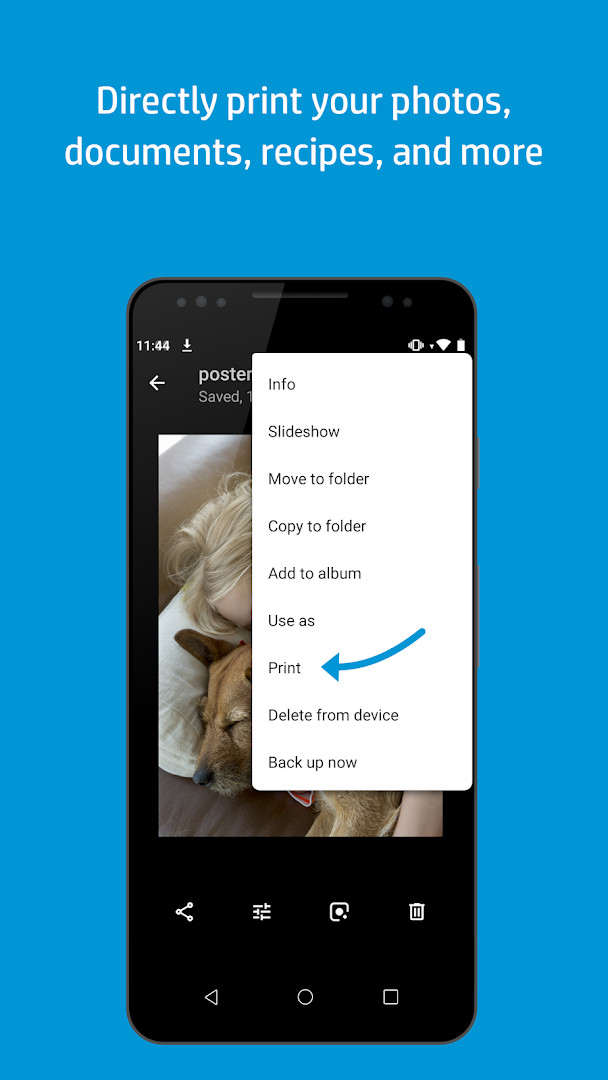
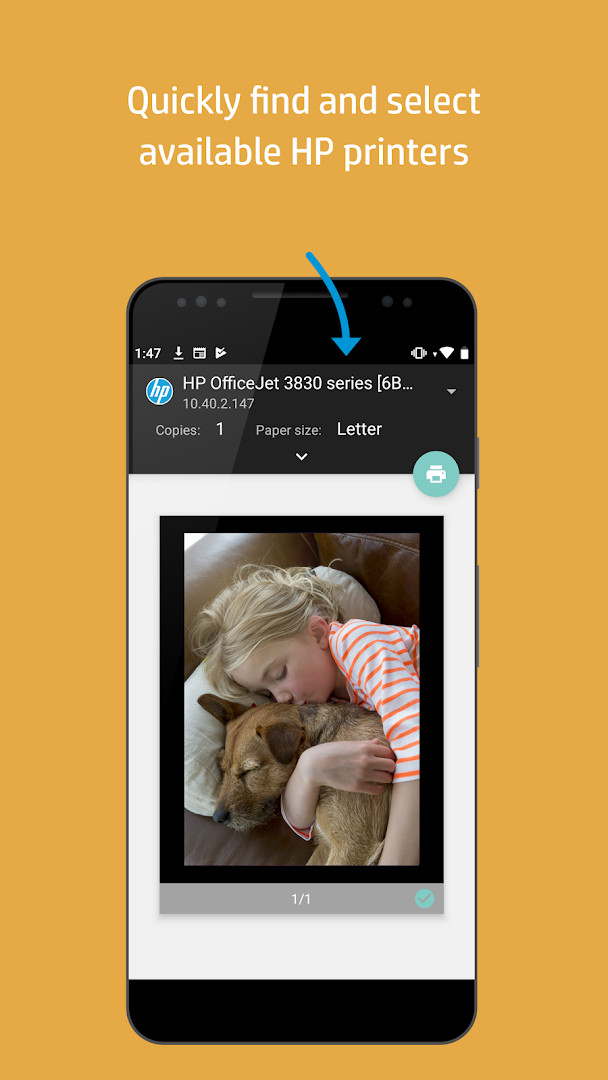
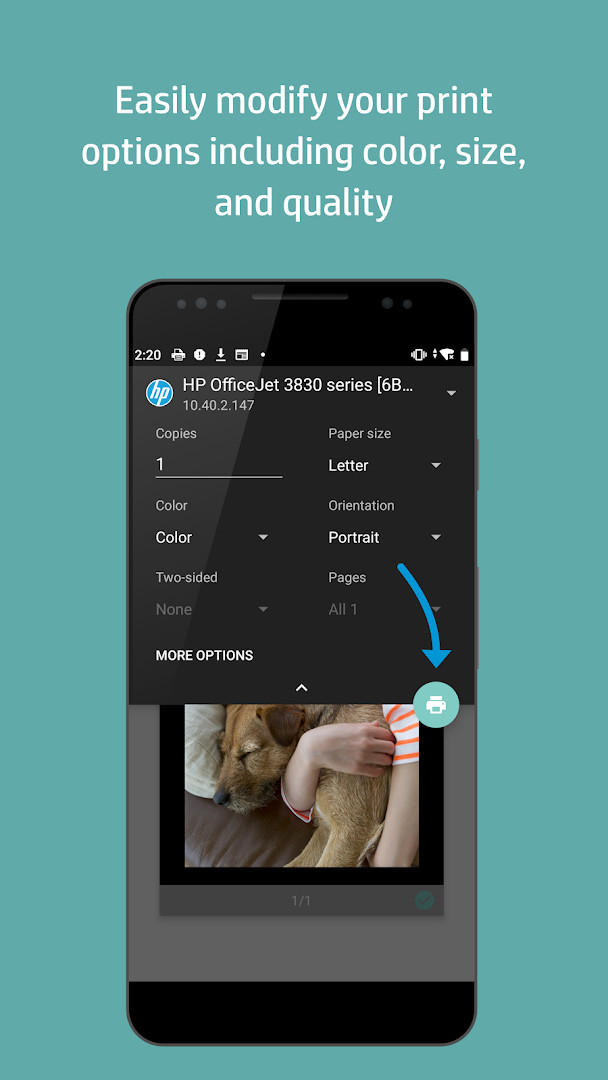
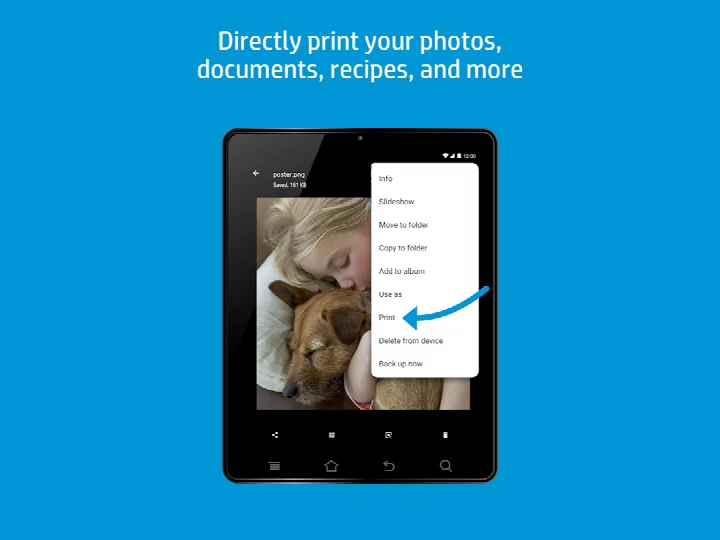
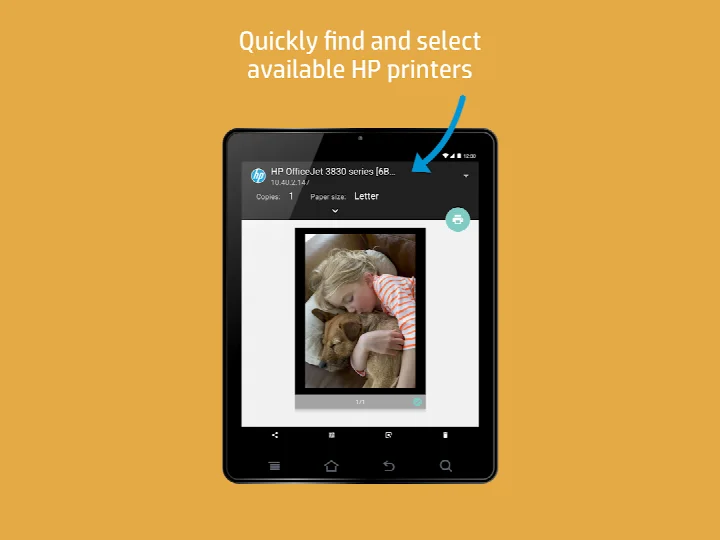
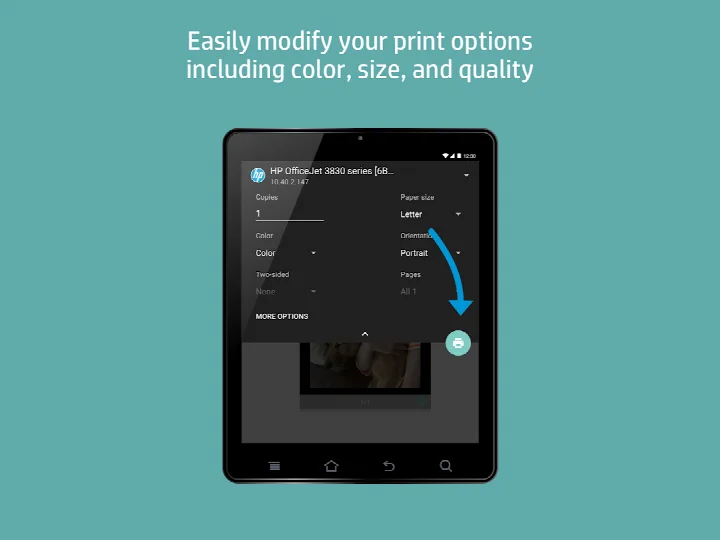
HP Print Service Plugin is a print system add-on by HP Inc. that lets Android apps send documents, emails, photos, and other content to HP printers. Without such a service, many apps can only save or share files and have no native way to reach a printer, so users are often forced to transfer files to a computer first. This plugin closes that gap by registering itself as a print option inside compatible apps, then handling the discovery, connection, and print job negotiation with the printer. It can find HP printers on the same Wi-Fi network, connect to printers that broadcast a Wi-Fi Direct network, or talk to a printer attached through a USB On-the-Go cable. Supported families include HP OfficeJet, HP LaserJet, HP DesignJet, HP Photosmart, HP DeskJet, and HP Envy. In practice, the user opens a document, image, or email in an app that supports printing, chooses Print or the Share to PSP option, and the plugin takes care of the rest. The interface is intentionally minimal because the actual printing menu is provided by the Android print framework; the plugin simply contributes HP-specific drivers and discovery logic. It is aimed at Android 6.0 and newer, and on Android 6 (Marshmallow) or earlier the service may need to be enabled manually in the device settings before it can appear as a print option. The current release is version 23.2.6.3182, updated in June 2026, and the app has been available since 2013. It is free, contains no advertisements, and offers no in-app purchases, but it does request a fairly broad set of permissions including identity, contacts, location, photos and media, storage, and Wi-Fi connection information, which is worth reviewing before installation.
Key features
- Prints documents, emails, and pictures from Android apps that support printing or sharing to a print service
- Works with HP OfficeJet, HP LaserJet, HP DesignJet, HP Photosmart, HP DeskJet, and HP Envy printers
- Discovers and prints to HP printers connected to the same network as the mobile device
- Supports printing to HP printers that broadcast a Wi-Fi Direct network
- Allows printing to an HP printer connected to the device via a USB On-the-Go cable
- Provides a Print or Share to PSP option inside compatible apps, with the menu button location varying by Android device model
- Includes reliability and performance improvements in the latest update
- Designed for Android 6.0 and newer, with a manual enable step required on Android 6 or earlier
How to install
- Tap the download button on this page and wait for the APK file, which is about 70 MB, to finish downloading.
- If Android asks, allow your browser or file manager to install apps by enabling the Install unknown apps setting for that app.
- Open the downloaded APK file from your notifications, downloads folder, or file manager.
- Tap Install when the system prompt appears, then wait for the installation to complete.
- Open the HP Print Service Plugin app after installation to confirm it is active; the minimum supported Android version is 6.0.
- If you are on Android 6 (Marshmallow) or earlier, go to your device settings and enable the HP Print Service Plugin if it does not appear as a print option automatically.
Pros
- Free to use with no advertisements and no in-app purchases
- Covers a wide range of HP printer families in a single driver
- Offers three ways to connect: same network, Wi-Fi Direct, and USB On-the-Go
- Lets you print directly from print-supported apps without leaving them
- Very widely used, indicating broad device compatibility and long-term maintenance
- Recent update focuses on reliability and performance improvements
Cons
- Requests a broad set of permissions, including identity, contacts, location, photos and media, storage, and Wi-Fi connection information, which may feel excessive for a print tool
- On Android 6 or earlier, the plugin may not work until manually enabled in device settings
- Location and contacts permissions could raise privacy concerns for users who want minimal access
- Only targets HP printers, so it does not help if you need to print to other brands
Recent updates · 23.2.6.3182
Version 23.2.6.3182 focuses on reliability and performance improvements. The update aims to make the plugin more stable and responsive while printing.
Version history
| Version | Size | Requires Android | Updated |
|---|---|---|---|
| 23.2.5.3169 | 61 MB | 6.0 | Jun 11, 2026 |
| 23.2.6.3182 | 70 MB | 6.0 | Jun 11, 2026 |
| 23.2.6.3179 | 70 MB | 6.0 | May 4, 2026 |
| 19.2.124 | 22 MB | 4.4 | Jan 18, 2026 |
| 21.7.0.17 | 33 MB | 5.0 | Nov 4, 2025 |
This plugin is aimed at people who regularly print from their Android phone or tablet and own an HP printer from the OfficeJet, LaserJet, DesignJet, Photosmart, DeskJet, or Envy lines. It is especially useful for mobile workers and students who need to print documents, emails, or photos on the go, whether from the home office, a shared network, or a printer that can be reached through Wi-Fi Direct or a USB cable. Users who prefer a zero-cost solution and do not mind granting a fairly wide set of permissions will find it convenient, while those running Android 6 or earlier should be comfortable tinkering with settings to enable the service. It is less suitable for people who print only to non-HP devices or who want to keep their app permissions to an absolute minimum.
Make sure your phone and the HP printer are on the same Wi-Fi network for the most reliable discovery; if the plugin does not show up as a print option on Android 6 or older, enable it in the device print settings before opening the print menu. When printing over USB On-the-Go, use a cable and adapter that are known to support data transfer rather than charging only.
Permissions
FAQ
How do I install the HP Print Service Plugin from an APK on Android?
Download the APK to your device, open it from your file manager, and allow installations from unknown sources if prompted. The plugin requires Android 6.0 or newer.
What is the current version of the HP Print Service Plugin?
The current version is 23.2.6.3182, released on June 11, 2026. The app package is about 70 MB.
Does the HP Print Service Plugin include ads or in-app purchases?
No. The plugin is free, with a price of $0.00, and it includes no ads and no in-app purchases.
Can the HP Print Service Plugin be used offline?
Printing does not require an internet connection. The plugin finds printers on your local network, on a Wi-Fi Direct network, or connected through a USB On-the-Go cable.
Are there alternatives to the HP Print Service Plugin in the same category?
Yes, other print service plugins exist in the Productivity category, usually tied to specific printer brands. Choose one that matches the printer you want to use.
Which printers does the HP Print Service Plugin support and how do I enable it?
It works with HP printers such as OfficeJet, LaserJet, DesignJet, Photosmart, DeskJet, and Envy. On Android 6 or earlier, you may need to activate the plugin in device settings.
How many installs and what rating does the HP Print Service Plugin have?
The plugin has more than one billion installs and a rating of 4.11 based on over three million ratings.
HP Print Service Plugin is a practical way to add HP printing to Android without paying for a separate app. It performs its core job well, but its broad permission requests mean you should review what it asks for when you install it.
Similar apps








Updated: Nov 25, 2026