
Microsoft OneDrive: Cloud Storage App
Microsoft OneDrive is a cloud storage app by Microsoft Corporation that backs up, protects, and syncs your photos and files across devices.
Download NowMicrosoft OneDrive offers 5 GB of free cloud storage, with optional Microsoft 365 subscriptions for more space, and includes features like camera upload, offline access, document scanning, and AI assistance with Copilot. It is designed for individuals and families who want to keep photos and documents safe and accessible anywhere.
- Size
- 104 MB
- Requires Android
- 8.0
- Updated
- Oct 9, 2026
- Installs
- 5B+
- Rating
- ★ 4.62 (7,367,490)
- Category
- Productivity
- Developer
- Microsoft Corporation
- Content rating
- Everyone
- Package
- com.microsoft.skydrive
- Free
- ✓ · In-app purchases
Screenshots
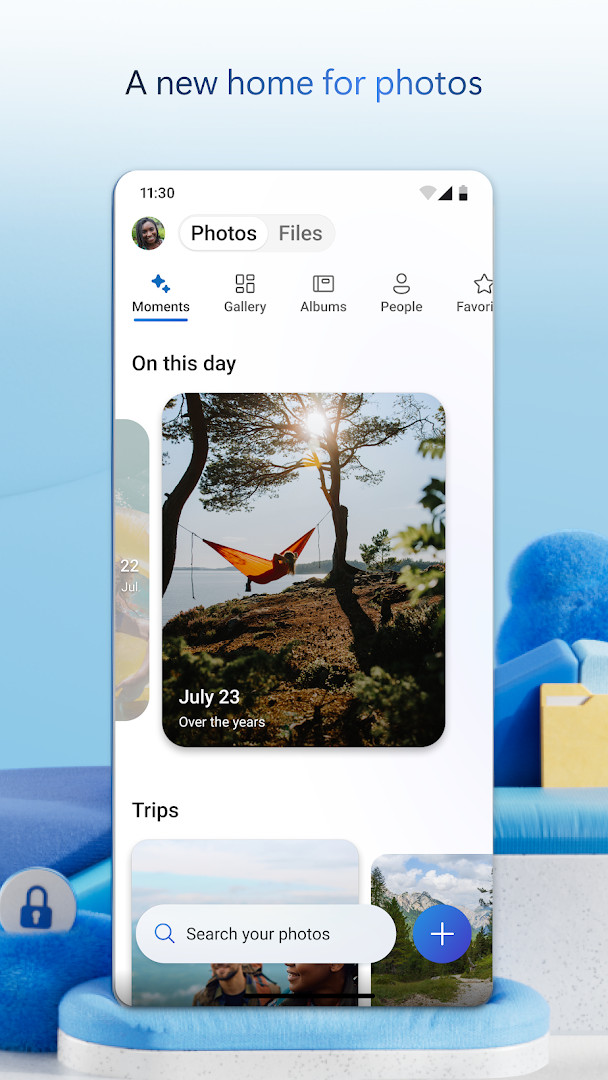
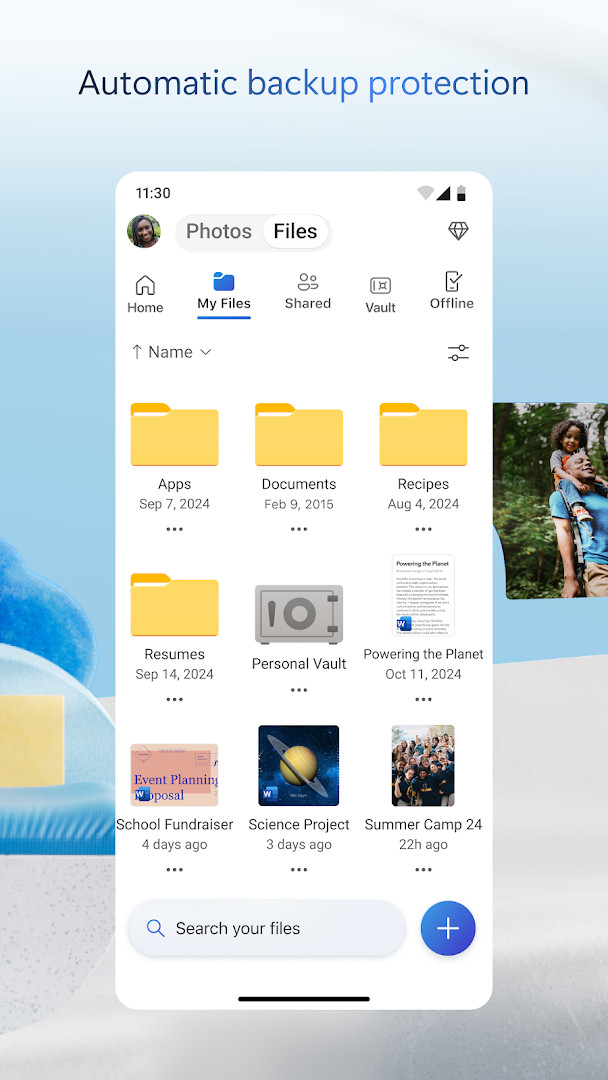
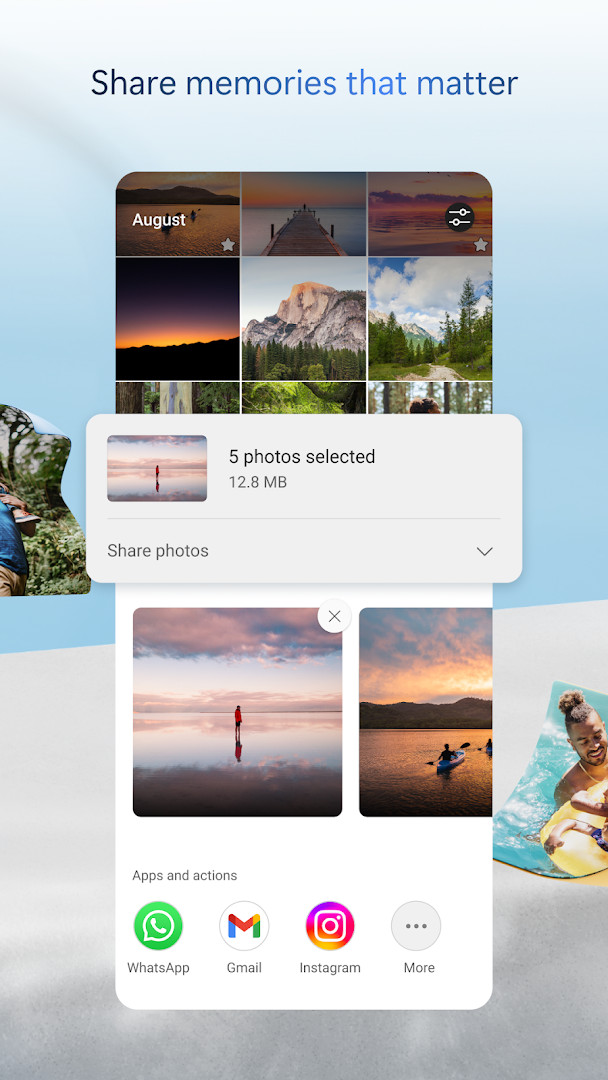
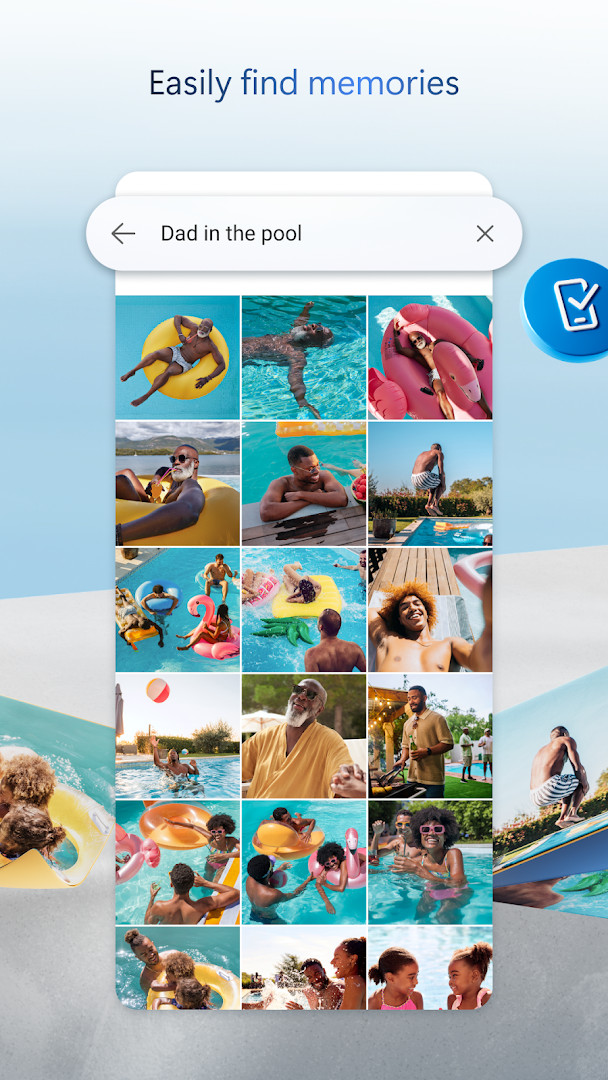
Microsoft OneDrive is a cloud storage and file synchronization app by Microsoft Corporation that keeps photos, videos, and documents backed up and available across your devices. It has been around since 2012 and has grown into one of the most widely used productivity tools for Android, with a free tier that gives every new user 5 GB of online space to work with. The idea is simple: instead of leaving important files stranded on a single phone, you let the app copy them to secure cloud storage so they survive a lost device, a broken screen, or a factory reset.
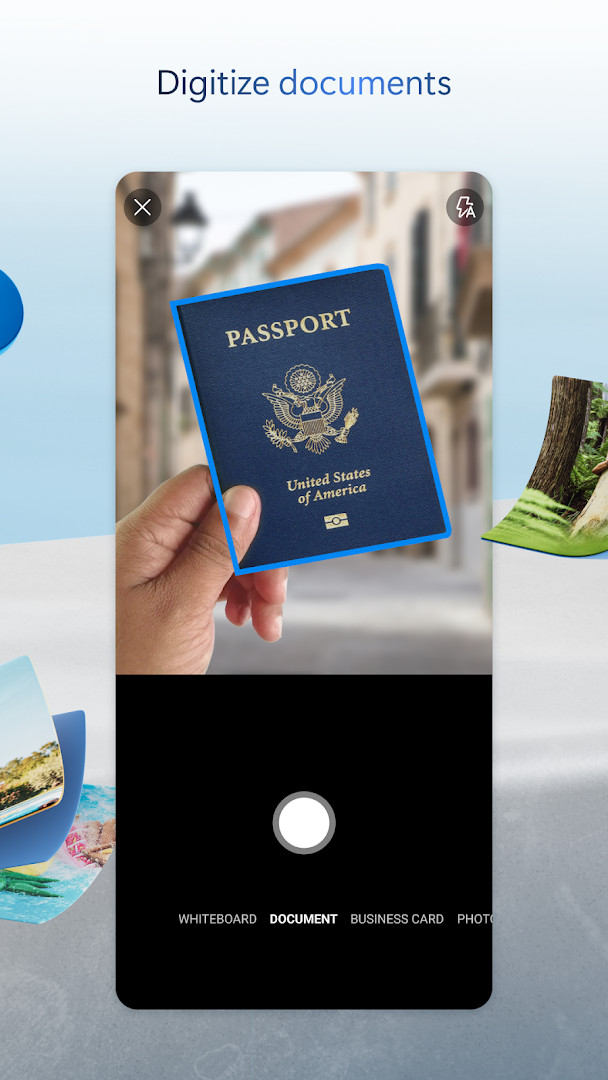
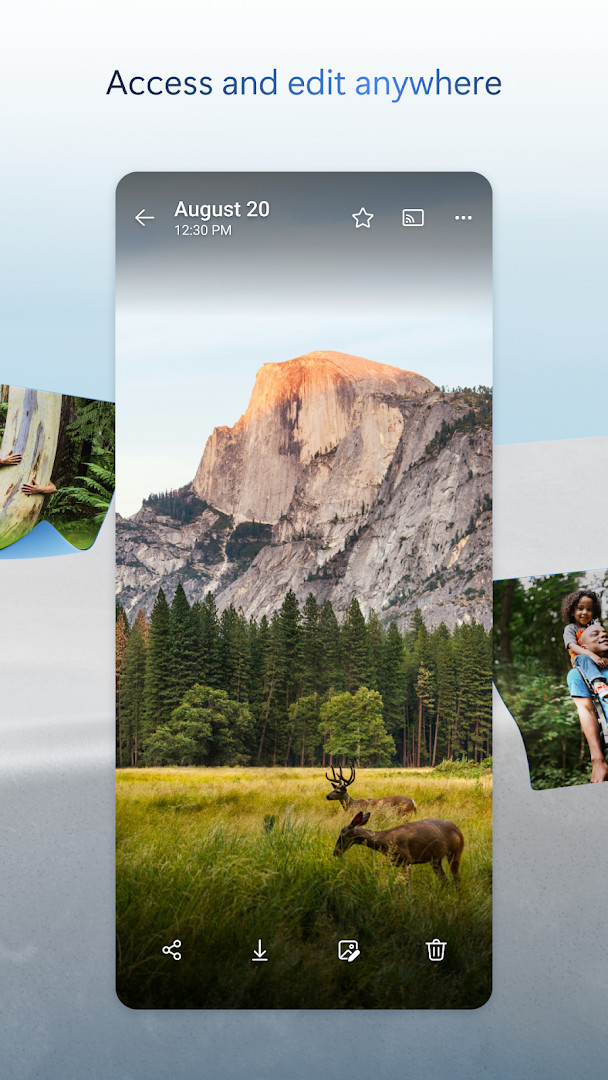
Once your files are uploaded, you can reach them from a phone, tablet, or computer, and you can choose specific items to keep available offline when you know you will not have a signal. The app also includes a document scanner, so you can capture a receipt or a signed form, mark it up, and send it without touching a desktop. Camera Upload runs in the background and copies new photos and videos automatically, which is the feature most beginners rely on first. A photo locker with automatic tagging and encrypted storage adds another layer for pictures you would rather not leave in the ordinary camera roll.
The latest update adds a Memories tab that groups photos by theme such as trips, seasons, and people, and it raises scanning to 50 pages in a single session. Other fixes address camera backup pulling files from the wrong folder, repeated memory notifications, and general performance. The app is free to download, shows no ads, and offers optional in-app purchases for larger plans.
Key features
- 5 GB of free cloud storage to start, with paid plans offering 1 TB per person
- Camera Upload backs up new photos and videos automatically
- Secure photo locker with automatic tagging and encrypted storage
- Offline access to selected files when you have no connection
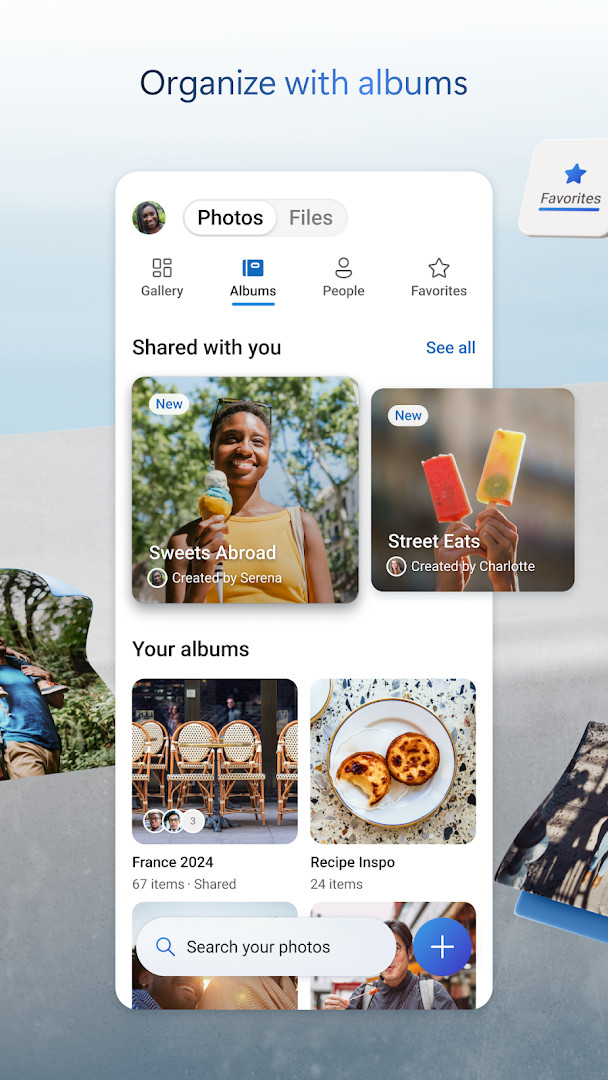
- Share files, photos, videos, and albums with friends and family
- Notifications when a shared document is edited
- Password-protected or expiring sharing links
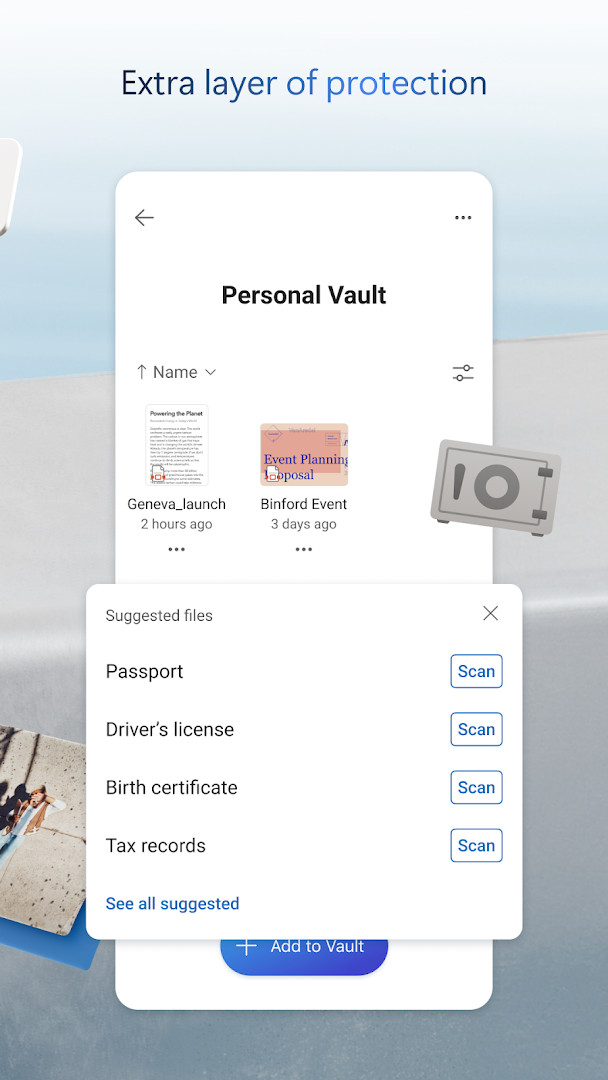
- Files encrypted at rest and in transit, plus Personal Vault with identity verification
- Version history to restore earlier versions of a file
- Document scanner that can capture, sign, mark up, and send up to 50 pages per session
How to install
- Tap the download button on this page to get the APK file.
- When Android asks, allow your browser or file manager to install apps by enabling the "Install unknown apps" setting for that app.
- Open the downloaded APK file from your notifications or file manager.
- Tap Install and wait for the process to finish; the download is 104 MB.
- Open the app and sign in, keeping in mind that it requires Android 8.0 or newer.
Pros
- Generous 5 GB free tier with no ads
- Automatic photo and video backup that runs in the background
- Strong security features including encryption and a Personal Vault
- Tight integration with Word, Excel, PowerPoint, and OneNote
- Built-in scanner and offline access in one app
- Very high rating and an enormous install base, suggesting broad reliability
Cons
- The most advanced features need a paid Microsoft 365 subscription
- In-app purchases renew automatically and cannot be canceled mid-period
- Work or school accounts require a qualifying business subscription
Recent updates
The latest update adds a Memories tab that groups photos by themes like trips, seasons, and people. Document scanning now supports up to 50 pages in one session. Cover photos for groups taken at the same location are automatically selected as the best shot. A bug where camera backup uploaded files from the wrong folder was fixed. Repeated memory notifications for identical photos were also resolved. The release includes general performance improvements and bug fixes.
Version history
| Version | Size | Requires Android | Updated |
|---|---|---|---|
| 7.57 | 101 MB | 8.0 | Oct 12, 2026 |
| 7.65 (Beta 29) | 102 MB | 8.0 | Oct 9, 2026 |
| 7.64.2 | 107 MB | 8.0 | Oct 6, 2026 |
| 7.52 | 105 MB | 8.0 | Oct 5, 2026 |
| 7.60 | 103 MB | 8.0 | Oct 5, 2026 |
| 7.58.1 | 102 MB | 8.0 | Oct 4, 2026 |
| 7.59 | 102 MB | 8.0 | Oct 1, 2026 |
| 7.66 (Beta 30) | 104 MB | 8.0 | Oct 1, 2026 |
| 7.61 | 104 MB | 8.0 | Oct 1, 2026 |
| 7.62.1 | 104 MB | 8.0 | Oct 1, 2026 |
Beginners who want a simple way to back up phone photos and documents, students and office workers who already use Word or Excel and need files in sync, and families who want to share albums and folders across several devices.
Turn on Camera Upload right after signing in, then check the app once a week to confirm new photos actually landed in the cloud; that single habit prevents most backup surprises.
Permissions
FAQ
How do I install Microsoft OneDrive on Android?
Use the download button on this page to get the APK file. Open the file and allow installation from your browser or file manager if prompted. The app requires Android 8.0 or later and takes about 104 MB.
What is the current version of Microsoft OneDrive?
The latest release listed is version 7.57, dated October 12, 2026. A beta build, 7.65 (Beta 29), and other versions such as 7.64.2 and 7.60 are also noted.
Does Microsoft OneDrive show ads or require purchases?
No ads are displayed. The app is free to download, but it includes in-app purchases. A Microsoft 365 subscription starts at $6.99 per month in the U.S. and unlocks extra features and 1 TB of storage per person.
Can I use Microsoft OneDrive offline?
Yes. You can access selected OneDrive files without an internet connection, and offline access is supported for those chosen files.
What other productivity apps are similar to Microsoft OneDrive?
Other cloud storage and file synchronization apps in the Productivity category can back up photos, share documents, and sync files across devices. They may offer different storage limits, sharing options, and extra tools.
What storage does the free version of Microsoft OneDrive include?
The free tier provides 5 GB of cloud storage. Upgrading to Microsoft 365 Personal or Family increases that to 1 TB per user.
Is my data secure in Microsoft OneDrive?
Files are encrypted at rest and in transit. The app also offers a Personal Vault with identity-verified protection, version history, and ransomware detection with recovery when you have a qualifying subscription.
OneDrive is a solid, well-established choice for anyone who wants their photos and documents safe and reachable from more than one device. The free tier covers casual needs, while heavier users will likely want a subscription. It is easy enough for a first-time cloud storage user to set up in a few minutes.
Similar apps



Updated: Oct 24, 2026