Google Assistant for Android
Google Assistant is a hands-free productivity app from Google LLC for controlling your phone and getting tasks done by voice.
Download Google Assistant · v0.1.884448652Google Assistant is for anyone who wants to manage daily tasks, control their phone, and operate smart home devices using voice commands. It is free to use, requires Android 6.0 or newer, and takes up about 2.4 MB of storage.
- Version
- 0.1.884448652
- Size
- 2.4 MB
- Requires Android
- 6.0
- Updated
- Mar 23, 2026
- Installs
- 5B+
- Rating
- ★ 3.76 (1,369,618)
- Category
- Productivity
- Developer
- Google LLC
- Content rating
- Everyone
- Package
- com.google.android.apps.googleassistant
- Free
- ✓
Screenshots
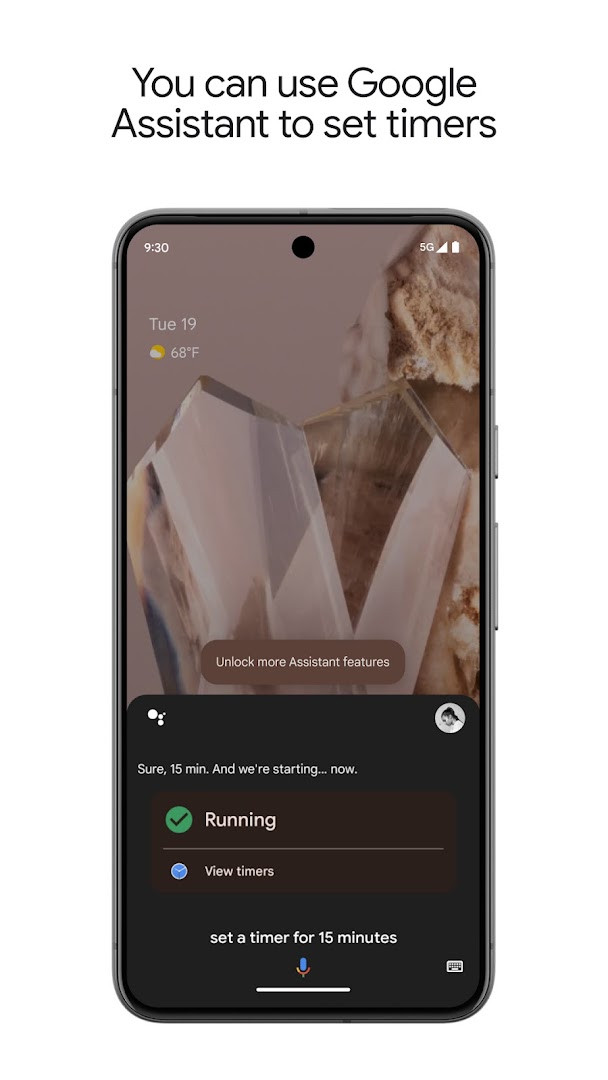
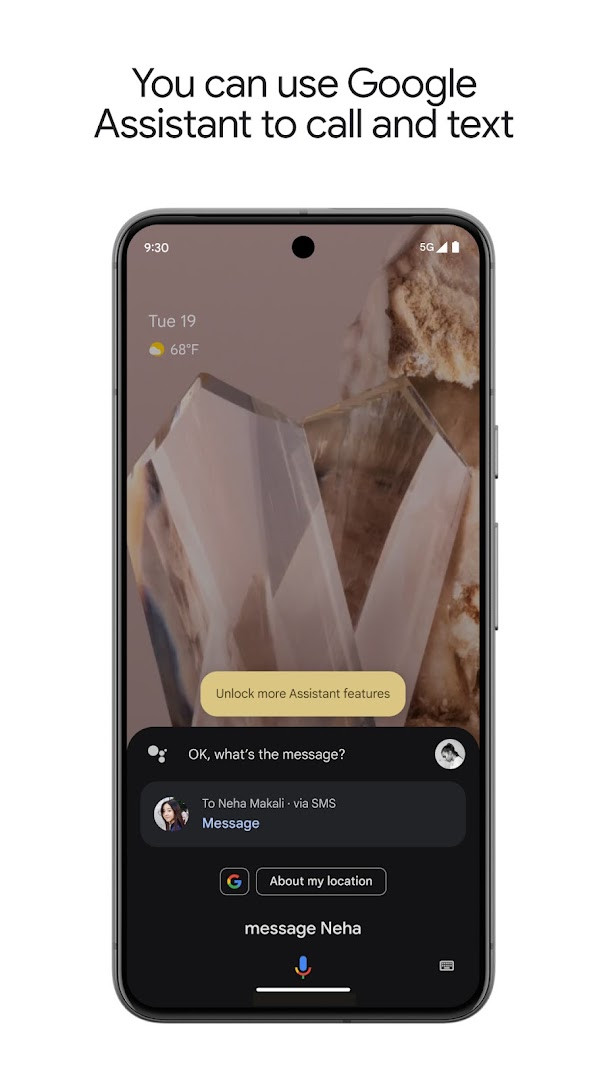
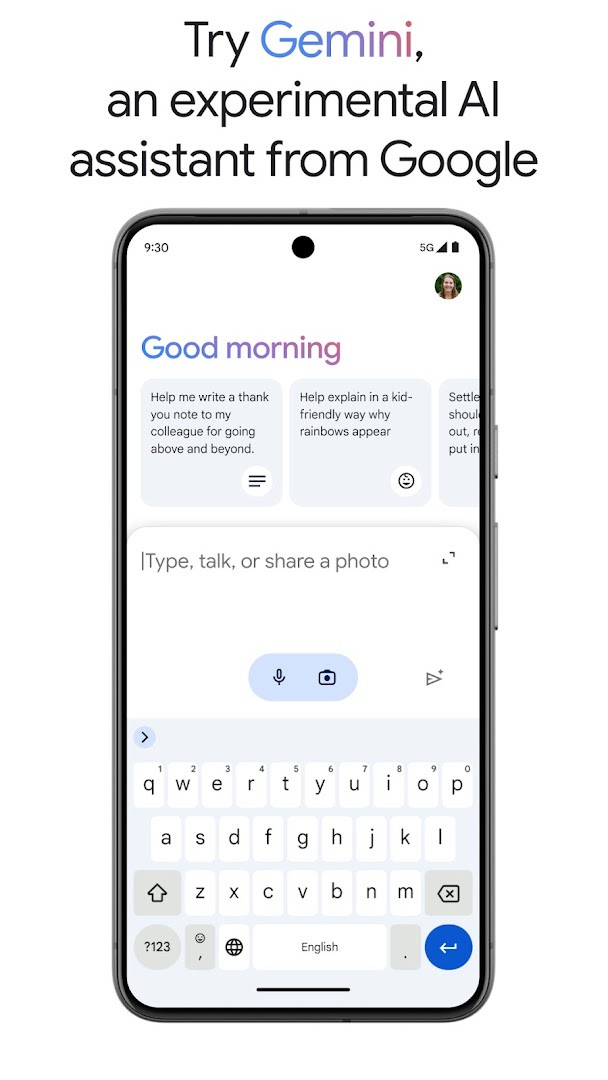
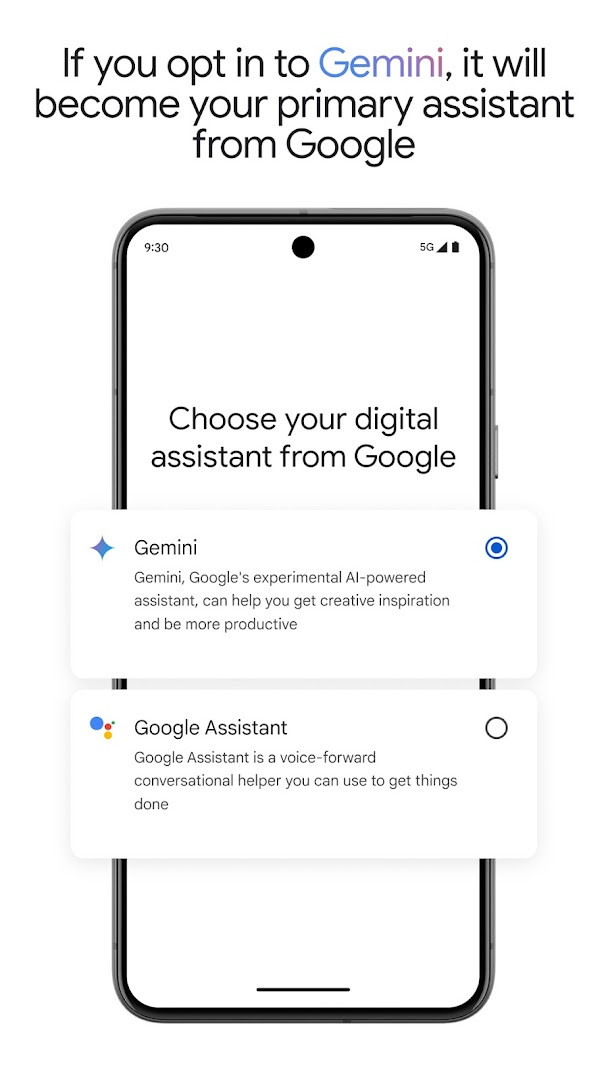
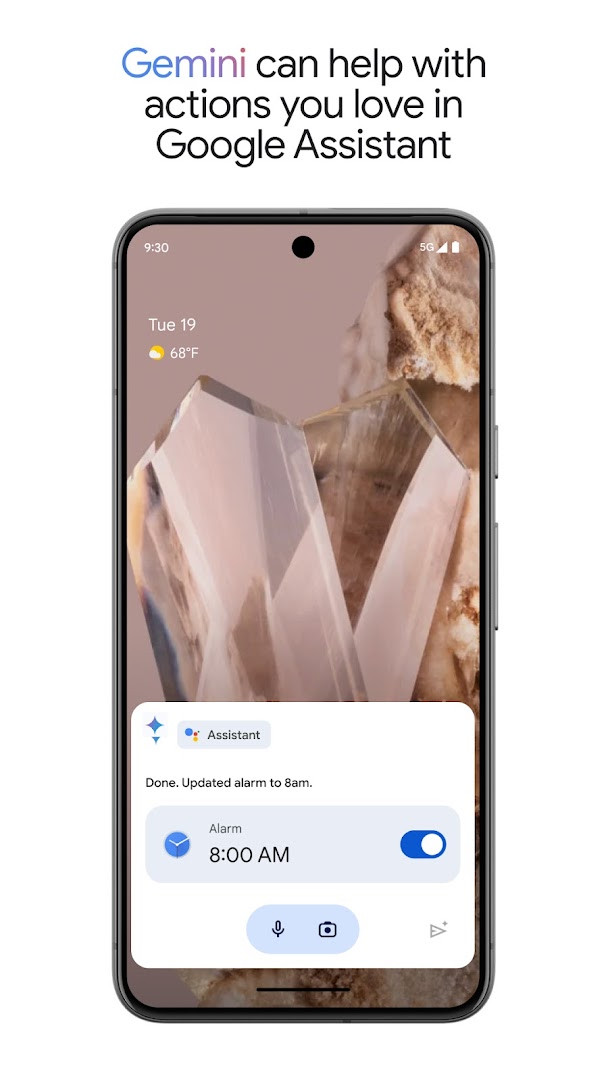
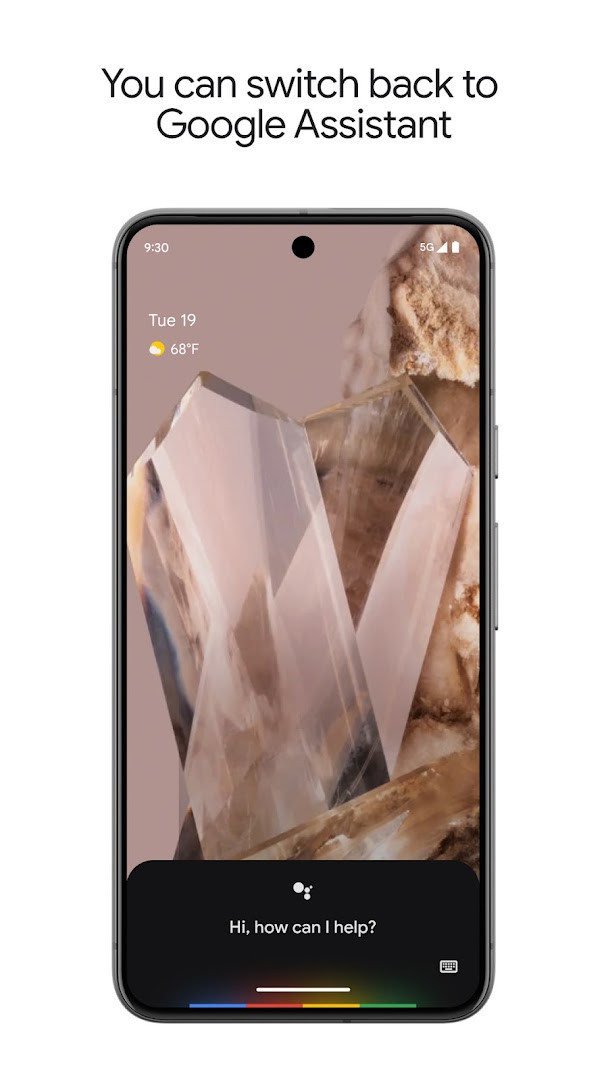
Google Assistant is a productivity app by Google LLC that lets you complete everyday phone tasks hands-free using voice commands. It solves the problem of juggling multiple apps, settings, reminders, and connected devices while your hands are busy. Instead of typing or navigating menus, you speak a request and the app can open apps, adjust settings, turn on the flashlight, make calls, send texts, manage email, set reminders and alarms, create lists, answer questions, and provide directions. It can also control compatible smart-home devices such as lights and thermostats, even when you are away from home. A newer option lets eligible users opt in to Gemini, Google's AI assistant, which becomes the primary assistant and can be switched back through app settings. The current version is 0.1.884448652, requires Android 6.0 or later, and is free with no ads and no in-app purchases.
Key features
- Launch apps and change phone settings such as Do Not Disturb, Bluetooth, airplane mode, and flashlight by voice
- Make calls, send texts, and manage email without touching the screen
- Set reminders, alarms, timers, and shopping lists, and check your schedule and tasks
- Ask questions, find local information, get directions, and start navigation
- Control compatible smart-home devices like lights and thermostats, including when away from home
- Create automatic routines for repeated actions and get proactive contextual information
- Opt in to Gemini to have it act as the primary assistant, with the option to switch back later
How to install
- Tap the download button on this page to get the app file, which is about 2.4 MB in size
- When Android asks, allow your browser or file manager to install apps by enabling the Install unknown apps setting
- Open the downloaded APK file from your notifications or Downloads folder
- Tap Install and wait for the installation to complete
- Open the app and say a voice command to get started; Android 6.0 or newer is required
Pros
- Free to use with no ads and no in-app purchases
- Covers a wide range of daily tasks using only your voice
- Includes reminders, lists, timers, directions, and phone settings
- Routines and proactive suggestions help with repeated activities
- Optional Gemini integration is available for users who want a newer AI assistant
- Requires only a small download size of about 2.4 MB
Cons
- Some actions may not work right away when Gemini is enabled, and Gemini availability is limited to select devices and countries
- Smart home control requires compatible devices
- Requests network state access and reads Google services data
Recent updates · 0.1.884448652
This update introduces Gemini as an optional primary assistant for Google Assistant. Users on select devices and in select countries can opt in to Gemini, which then becomes their main assistant from Google. Gemini handles many familiar Assistant actions, with additional support planned. Users can switch back to Google Assistant in app settings. Gemini is also available via the standalone Gemini app.
Version history
| Version | Size | Requires Android | Updated |
|---|---|---|---|
| 0.1.601924805 | 1.2 MB | 5.0 | Jun 30, 2026 |
| 0.1.884448652 | 2.4 MB | 6.0 | Mar 23, 2026 |
| 0.1.766117055 | 2.3 MB | 5.0 | Jun 18, 2025 |
This app suits beginners who want a simple, hands-free way to handle daily phone tasks such as setting alarms, sending quick texts, checking routes, and controlling a few smart devices. It is also a good fit for people curious about Google's newer Gemini assistant, since they can opt in and switch back to Google Assistant in settings if they prefer. Because it is free and contains no ads, it is a low-risk starting point for anyone new to voice helpers.
Try saying Good morning or Good night to see how routine shortcuts work, and if you test Gemini, remember you can return to Google Assistant from the app settings whenever you like.
Permissions
FAQ
Is Google Assistant free to download and use?
Yes, the app is free, with a listed price of $0.00 and no in-app purchases or ads.
What Android version do I need to install Google Assistant?
Google Assistant requires Android 6.0 or higher to run.
How large is the Google Assistant APK file?
The APK file size is 2.4 MB.
Do I need a Google account to use Google Assistant?
The app permissions include access to network state and Google services, so a Google account is typically required to use its features, though the listing does not explicitly state this.
What permissions does Google Assistant request?
It asks for access to network state, package size information, and Google services (READ_GSERVICES), which are used for basic functionality and syncing.
How do I update Google Assistant?
You can update by downloading the latest version from this page, such as version 0.1.601924805 released on 2026-06-30, and installing it over your current version.
Google Assistant is a dependable, beginner-friendly entry point for voice-based phone control, and it remains free with no ads. Start with simple commands like setting a timer or sending a text, then explore routines and smart-home options as you get comfortable.
Similar apps




More from this developer




Updated: Nov 2, 2026