Google Calendar for Android
Google Calendar is a time-management and scheduling app from Google LLC for organizing events, tasks, and shared calendars on Android devices.
Download Google CalendarGoogle Calendar is designed for anyone who wants to keep their schedule organized, from personal appointments to team collaboration, solving the daily challenge of managing time across multiple commitments. The app is free to use, requires Android 8.0 or later, and has a download size of 33 MB.
- File Size
- 33 MB
- Needs Android
- 8.0
- Last Refresh
- 08.10.2026
- Downloads
- 10B+
- Score
- ★ 4.64 (4 868 382)
- Genre
- Productivity
- Creator
- Google LLC
- Content rating
- Everyone
- Package
- com.google.android.calendar
- Free
- ✓
Snapshots
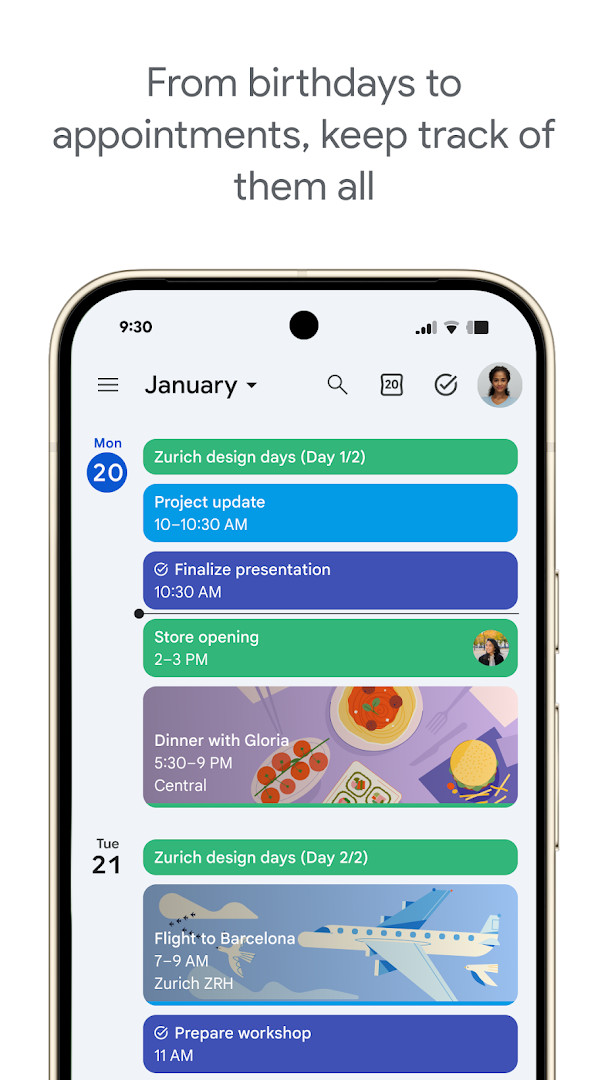
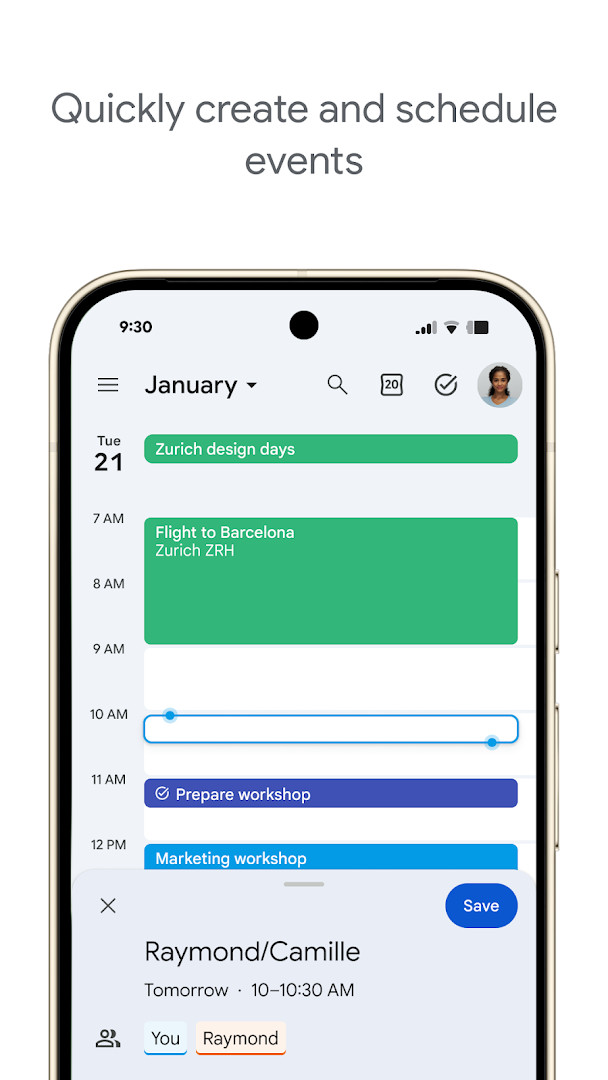
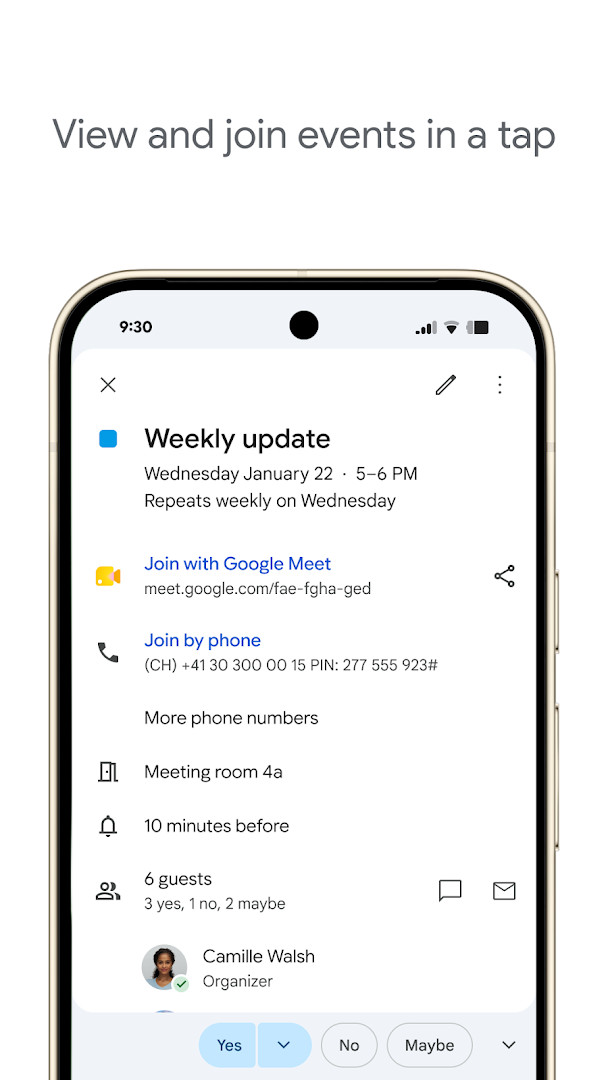
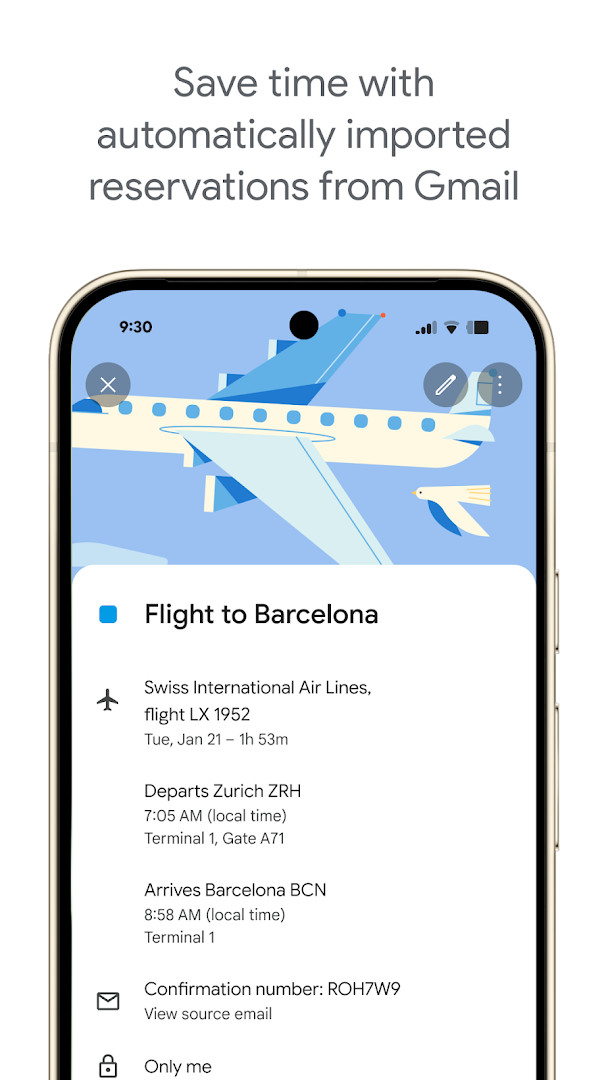
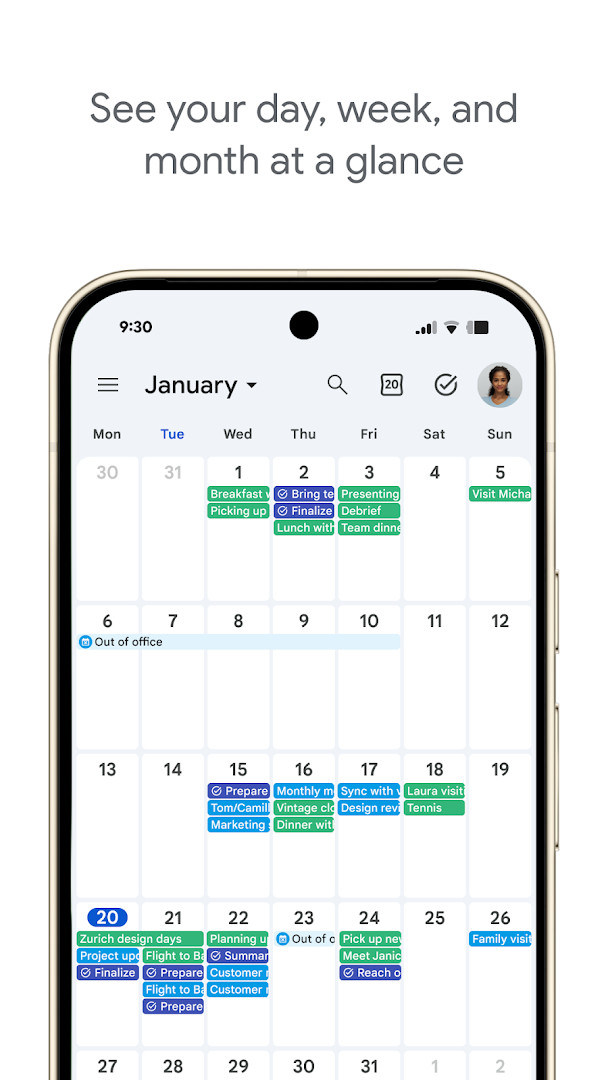
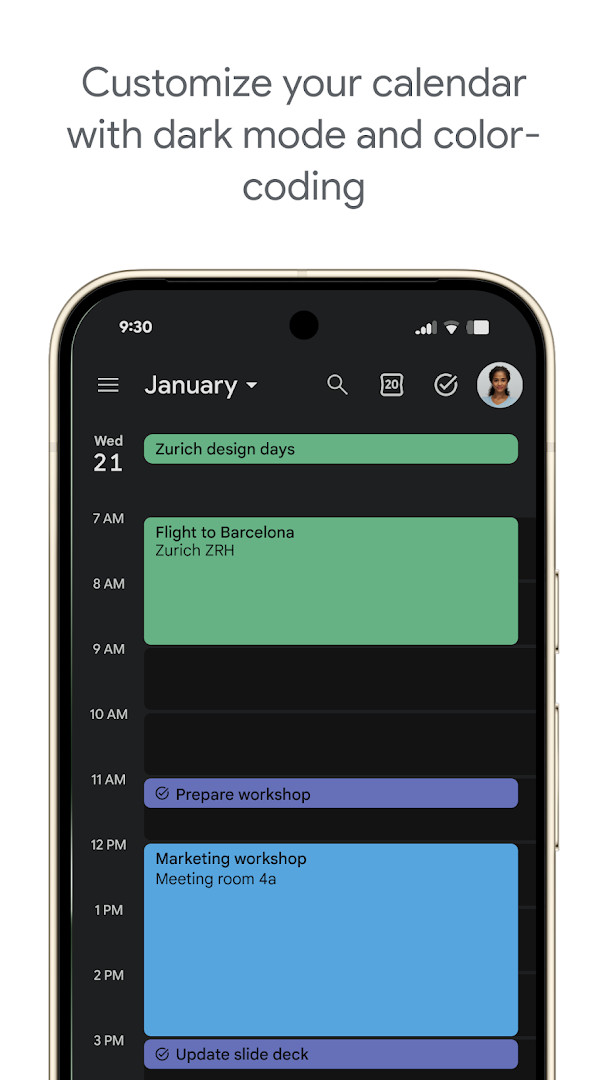
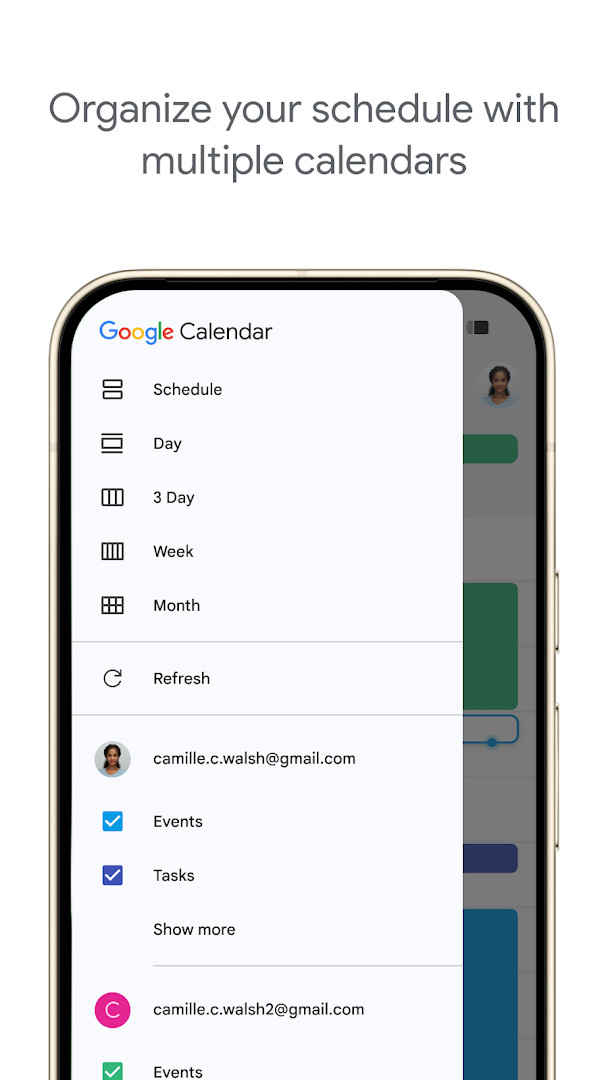
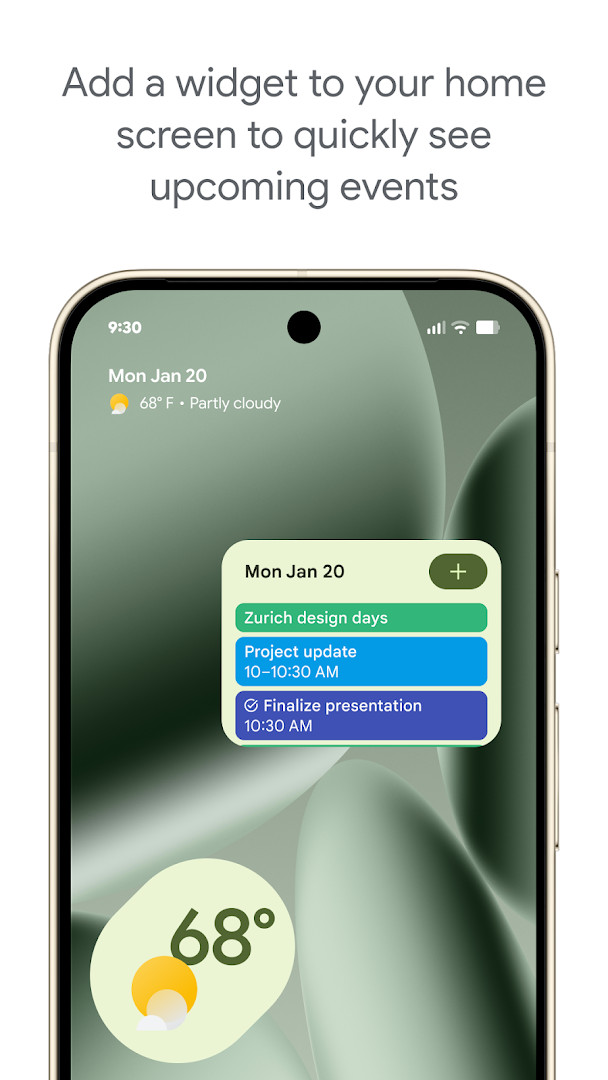
Google Calendar is a productivity app by Google LLC that helps users manage events, tasks, and schedules across Android devices. It integrates tightly with Gmail and other Google services, automatically adding reservations and bookings to your calendar, and it supports syncing with multiple calendars, including Exchange. The app offers day, week, and month views, along with widgets, light/dark themes, and color-coding for events. As part of Google Workspace, it also enables collaboration through shared calendars, Google Meet integration, and the ability to attach notes and documents to events. The latest update (version 2026.38.0) includes bug fixes and performance improvements, following the earlier 2026.36.0 release. With over 10 billion installs and a rating of 4.64 from nearly 4.9 million users, it remains a widely adopted scheduling tool. The app is free, contains no ads, and does not offer in-app purchases, requiring Android 8.0 or higher and occupying 33 MB of storage. It also extends to Wear OS, providing tiles and complications for quick access to events and tasks on smartwatches.
Key features
- Automatic event creation from Gmail, including flights, hotels, concerts, and restaurant reservations
- Seamless sync across Android phone, tablet, Wear OS, and computer when logged into the same Google account
- Side-by-side viewing of Google Calendar events with other calendars, including Exchange
- Shared calendars that let family, friends, and colleagues view, add, or modify events
- Quick switching between month, week, and day views
- Task creation and management directly within the calendar, with a full-screen task list view
- Personalization options such as light or dark mode and color-coding events
- Wear OS support with tiles and complications for on-the-go tracking
- Google Meet integration for adding video calls to events
- Professional booking pages for scheduling clients and customers
How to install
- Tap the download button on this page to get the APK file (33 MB) for Google Calendar.
- When Android prompts, allow your browser or file manager to install apps by enabling the 'Install unknown apps' setting.
- Open the downloaded APK file from your notification bar or file manager.
- Tap 'Install' and wait for the installation to complete.
- Once installed, tap 'Open' to launch Google Calendar and sign in with your Google account.
- Ensure your device runs Android 8.0 or higher to meet the minimum OS requirement.
Pros
- Deep integration with Gmail and other Google services
- Free with no ads or in-app purchases
- Supports multiple calendars and Exchange
- Effective collaboration through shared calendars and Meet
- Regular updates with bug fixes and improvements
- Wear OS support for smartwatch users
Cons
- Requires Android 8.0 or higher, excluding older devices
- May feel overwhelming for users who prefer a simple calendar app
- Dependent on a Google account for full functionality
- Permissions for identity, calendar, contacts, and location may raise privacy concerns for some
Fresh Updates
The latest release notes for Google Calendar list only bug fixes and performance improvements. The most recent version is 2026.38.0-989268529-release, dated 2026-10-03, and the app was updated on 2026-10-08. Earlier versions were 2026.36.0-980779909-release (2026-09-20) and 2023.44.0-577681700-release (2025-06-21). No new features are described in the changelog for these updates.
Past Builds
| Version | File Size | Needs Android | Last Refresh |
|---|---|---|---|
| 2026.38.0-989268529-release | 33 MB | 8.0 | 03.10.2026 |
| 2026.36.0-980779909-release | 33 MB | 8.0 | 20.09.2026 |
| 2023.44.0-577681700-release | 27 MB | 5.0 | 21.06.2025 |
This app is ideal for individuals who rely on Google services and want seamless event and task management across devices. It also suits professionals who need to coordinate with teams using shared calendars and Google Meet, as well as frequent travelers who benefit from automatic Gmail-based event creation.
To make the most of automatic event creation, ensure that Gmail is connected to the same Google account as your calendar, and check your Gmail settings to allow event extraction for reservations.
Access Rights
Curious?
Is Google Calendar free to download and use?
Yes, Google Calendar is free. It has no upfront cost, no ads, and no in-app purchases.
What Android version do I need to install Google Calendar?
Google Calendar requires Android 8.0 or higher. The app file itself is about 33 MB.
Do I need a Google account to use Google Calendar?
Yes, a Google account is required. Signing in lets you sync your events across devices and access features like automatic event creation from Gmail.
What permissions does Google Calendar request?
The app requests access to identity, calendar, contacts, location, phone, photos/media/files, storage, and microphone. These are used for features like event creation, syncing, and adding attachments or locations.
How do I update Google Calendar after installing it?
To update, simply download the newest version from this page and install it over your current version. Your settings and events will be preserved.
Does Google Calendar contain ads or in-app purchases?
No, Google Calendar has no ads and no in-app purchases. It is a free productivity app without any paid extras.
Google Calendar stands out as a robust, feature-rich scheduling tool that integrates deeply with the Google ecosystem. Its collaborative features and cross-device sync make it a solid choice for both personal and professional use, though the permission requirements and dependency on a Google account may not suit everyone. Overall, it delivers reliable performance and constant improvements, making it a worthwhile addition to any Android device.
Lookalikes
More by Creator


Last Refresh: 24.10.2026