Microsoft Excel: Spreadsheets: Productivity app
Microsoft Excel: Spreadsheets is a productivity app by Microsoft Corporation that helps users create, edit, and analyze spreadsheets with AI-assisted chart generation.
Download ExcelMicrosoft Excel: Spreadsheets offers modern templates for budgets, project plans, and financial analysis, plus tools like a budget tracker and tax calculator. It suits individuals and teams needing data visualization, pivot charts, and collaborative editing. The app is free, requires Android 13, and has a download size of 190 MB.
- Size
- 190 MB
- Requires Android
- 13
- Updated
- Nov 10, 2026
- Installs
- 1B+
- Rating
- ★ 4.78 (9,848,723)
- Category
- Productivity
- Developer
- Microsoft Corporation
- Content rating
- Everyone
- Package
- com.microsoft.office.excel
- Free
- ✓ · In-app purchases
Screenshots
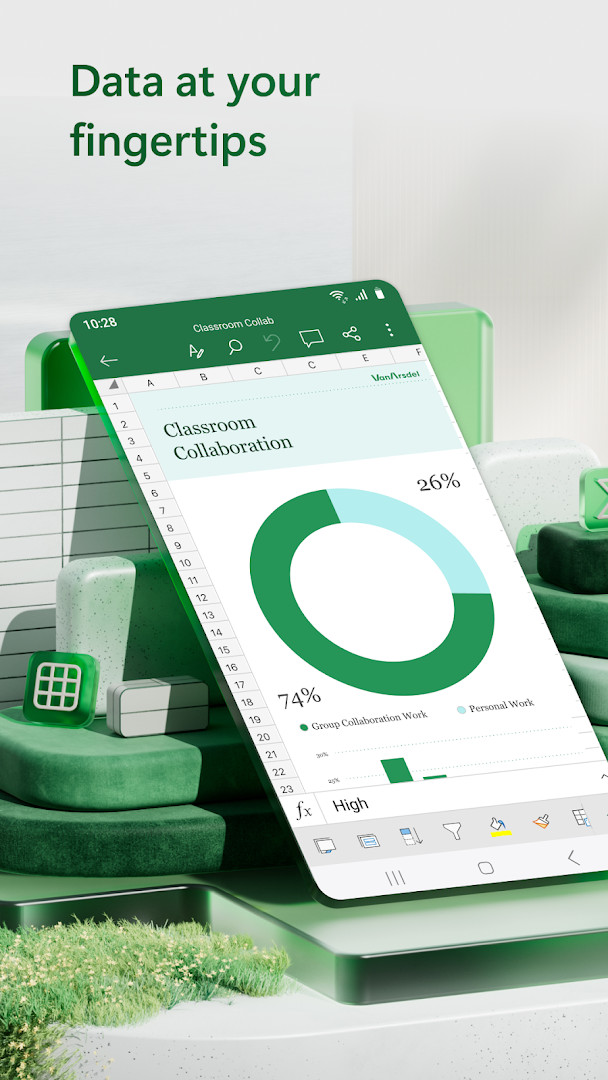
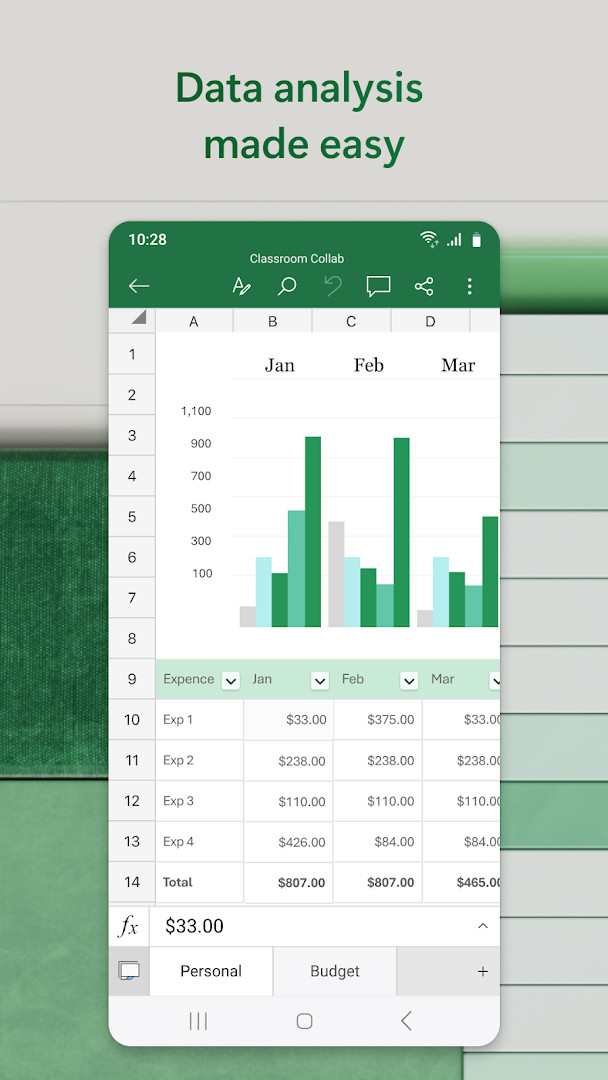
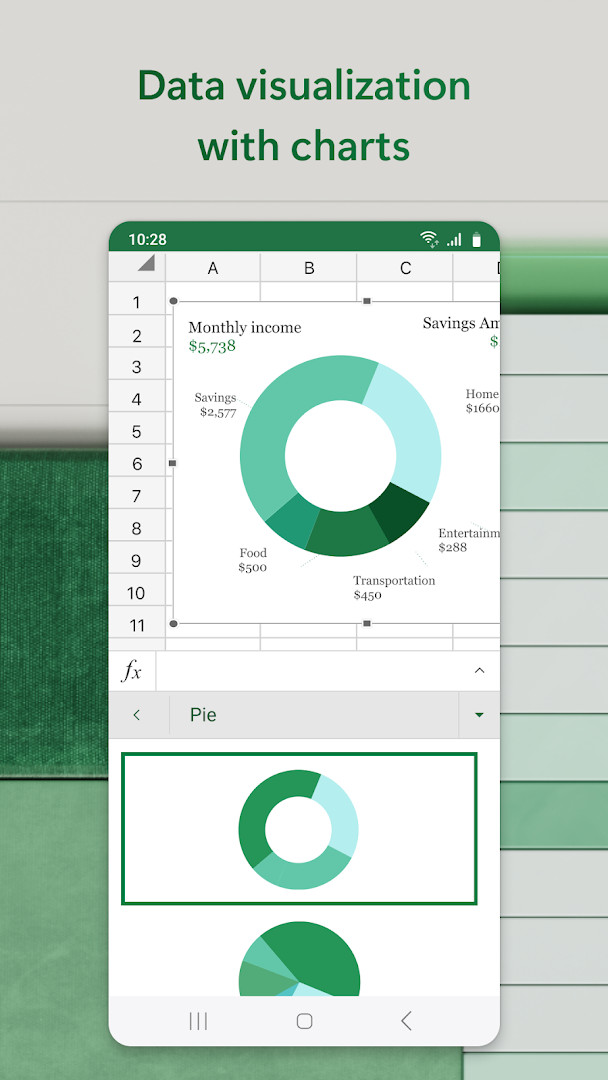
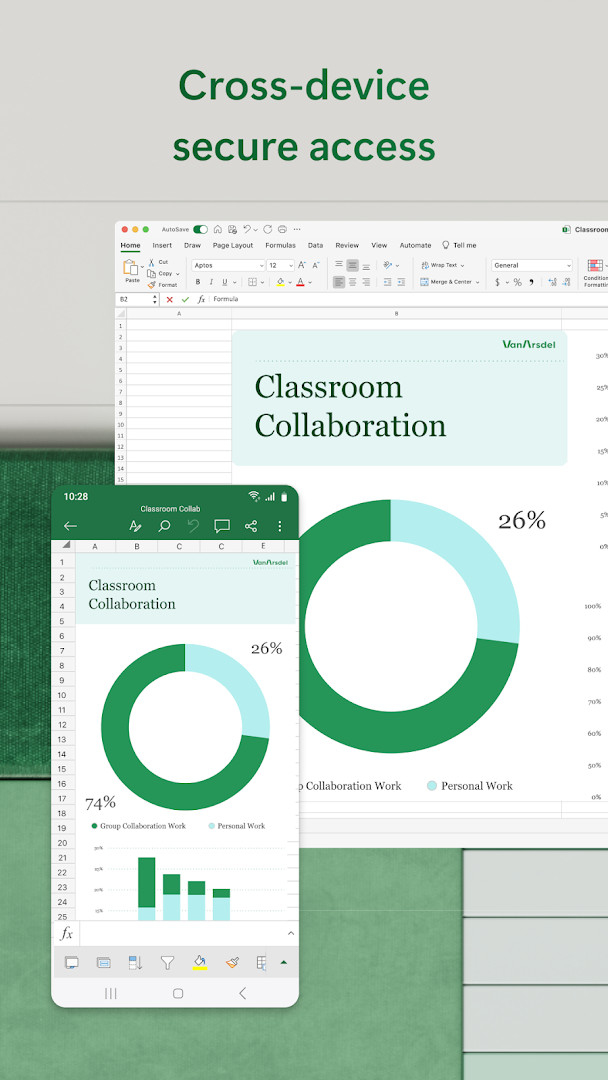
Microsoft Excel: Spreadsheets is a productivity app by Microsoft Corporation that brings the familiar spreadsheet experience to mobile devices. It solves the problem of managing, analyzing, and visualizing data on the go by combining classic Excel tools like formulas, templates, and pivot charts with modern AI assistance. The app lets you create budgets, track expenses, perform accounting calculations, and generate charts from raw data, all within a touch-friendly interface. For experienced users, it offers robust editing capabilities, collaboration features, and integration with Microsoft accounts, making it a practical choice for both quick edits and serious data work. While the core functionality is free, certain advanced AI features and cross-device capabilities are tied to a Microsoft 365 subscription, which is worth noting when comparing it to other spreadsheet tools.
Key features
- AI assistance with Copilot to summarize data, highlight trends, and generate charts or tables from simple prompts
- Modern templates for creating charts, budgets, project plans, accounting, and financial analysis
- Budget Tracker and expense tracking tools with ready-made personal budget templates
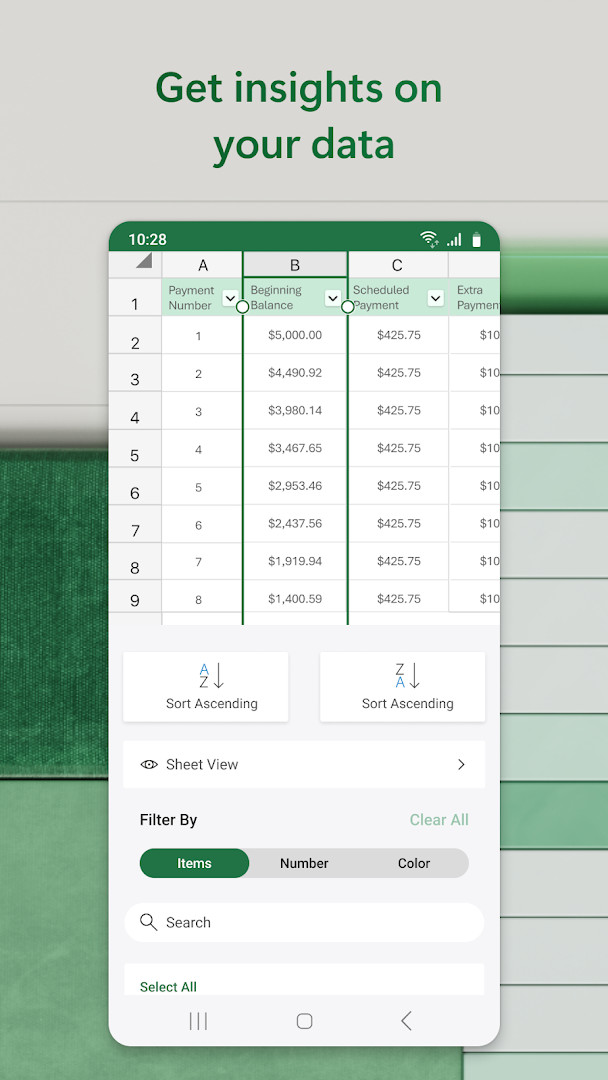
- Data analysis features including pivot charts, sort and filter columns, and an accounting calculator
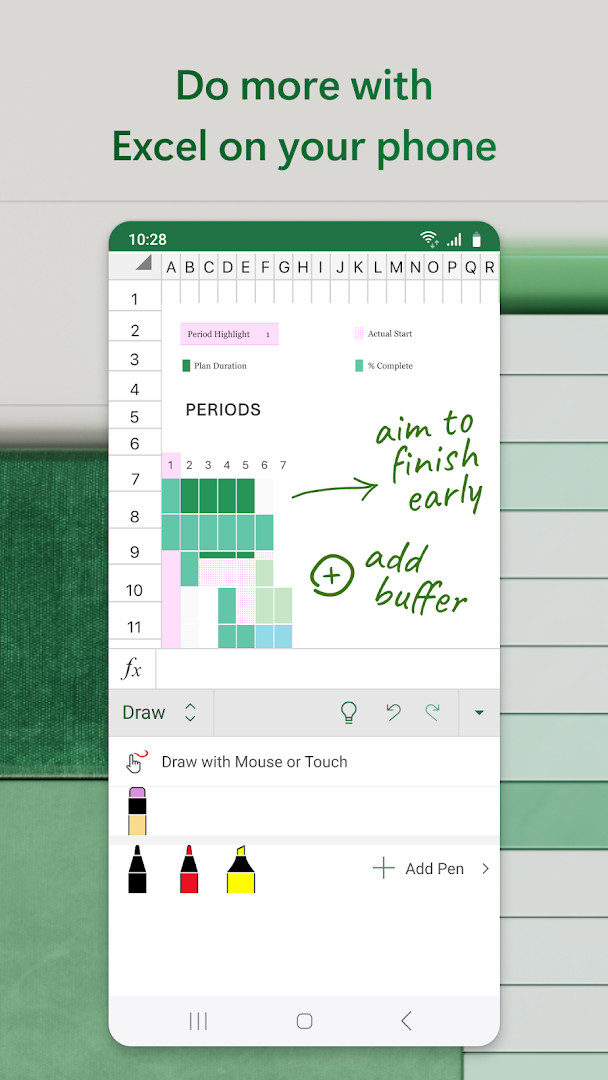
- File editor to edit documents, charts, and data from anywhere, with touch-based annotation and equation writing
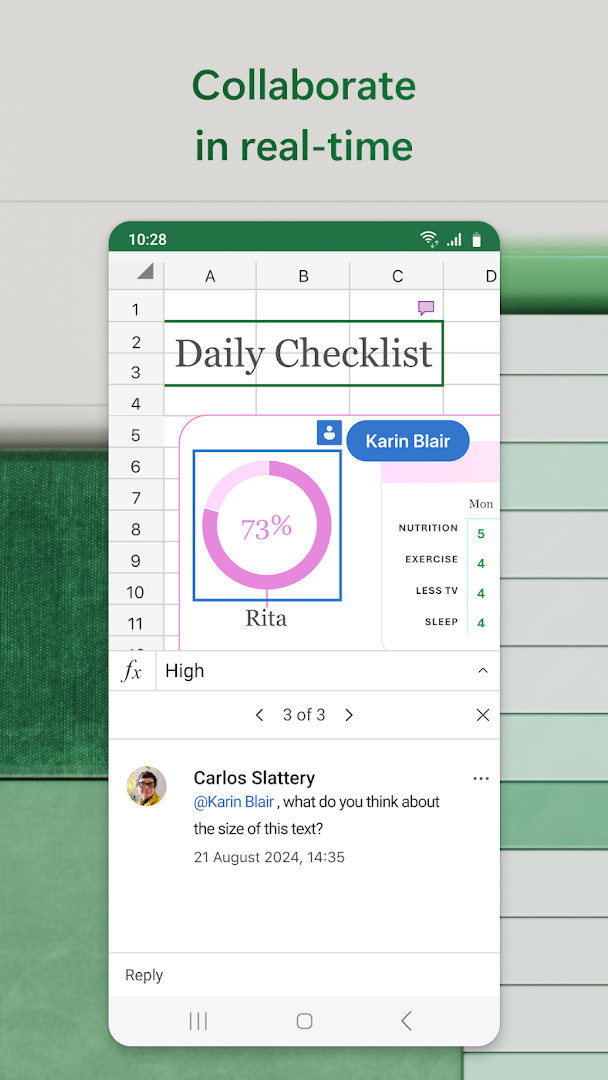
- Collaboration tools to share files and sheets, invite others to edit or view, and attach workbook links in emails
- Rich formatting for clear, easy-to-read sheets and charts
- Requirements: 1 GB RAM or above; free Microsoft account needed to create or edit on screens smaller than 10.1 inches
How to install
- Tap the download button on this page to get the APK file (approximately 190 MB).
- When Android prompts, allow your browser or file manager to install apps by enabling the 'Install unknown apps' setting for that source.
- Open the downloaded APK file from your notifications or file manager.
- Tap Install and wait for the installation to complete.
- Open the app; it requires Android 13 or higher to run properly.
Pros
- Comprehensive spreadsheet functionality including formulas, templates, and pivot charts
- AI Copilot integration for quick data summarization and chart generation
- Strong collaboration features for sharing and co-editing workbooks
- Free to use with a Microsoft account for basic editing on smaller screens
- Regular updates with performance and reliability improvements
Cons
- Full AI features and cross-device Microsoft 365 experience require a paid subscription
- Requests broad permissions including identity, contacts, camera, microphone, and storage
- In-app purchases present; subscription cannot be cancelled during active period
Recent updates
The latest update of Microsoft Excel: Spreadsheets (version 16.0.20618.20008, released on November 10, 2026) focuses on overall app improvements, including new features and enhancements for speed and reliability. With a Microsoft 365 subscription, you can unlock the full Office experience across all your devices, and special offers are available within the app.
Version history
| Version | Size | Requires Android | Updated |
|---|---|---|---|
| 16.0.20618.20008 | 190 MB | 13 | Nov 11, 2026 |
| 16.0.19127.20134 | 286 MB | 10 | Oct 15, 2026 |
| 16.0.20228.20090 | 180 MB | 13 | Aug 12, 2026 |
| 16.0.19822.20104 | 175 MB | 13 | Apr 13, 2026 |
| 16.0.18827.20066 | 162 MB | 10 | May 29, 2025 |
| 16.0.16501.20160 | 125 MB | 9 | Jun 25, 2023 |
| 16.0.14026.20298 | 118 MB | 8.0 | Nov 28, 2021 |
| 16.0.13530.20130 | 117 MB | 6.0 | Feb 15, 2021 |
| 16.0.10730.20043 | 119 MB | 4.4 | Aug 27, 2018 |
This app is aimed at experienced users who need a capable spreadsheet tool on Android, such as professionals managing budgets, analysts working with data sets, or students handling project plans. It suits those who already know Excel's desktop workflow and want a mobile version that supports complex calculations, chart creation, and collaborative editing. Power users will appreciate the AI-assisted data insights and pivot table tools, while casual users can still benefit from the budget and expense templates. However, if you require the full Copilot experience or advanced features across all your devices, be prepared to invest in a Microsoft 365 subscription, as the free tier has limitations on screen size and feature access.
For best results with AI features, ensure you are signed in with a Microsoft account and consider a Microsoft 365 subscription to unlock the full experience on all your devices. Also, regularly update the app to benefit from the latest speed and reliability improvements, and use the draw tab on touch-enabled devices for annotating charts and writing equations.
Permissions
FAQ
Is Microsoft Excel: Spreadsheets free to download?
Yes, the app is free to download and use. It does include optional in-app purchases, such as a Microsoft 365 subscription, which unlocks additional features.
What Android version and device requirements are needed?
The app requires Android version 13 or higher and at least 1 GB of RAM. The installation file size is approximately 190 MB.
Do I need a Microsoft account to use the app?
To create or edit documents on devices with a screen smaller than 10.1 inches, you must sign in with a free Microsoft account. Viewing files may not require an account, but signing in is recommended for full functionality.
What permissions does the app request?
The app requests access to identity, contacts, photos/media/files, storage, camera, microphone, and Wi-Fi connection information. These permissions are used for features like attaching files, inserting images, and collaborating.
How do I update the app to the latest version?
You can update by downloading the newest version from this page. The latest available version is 16.0.20618.20008, released on 2026-11-11, and it includes feature improvements and performance enhancements.
Does the app contain ads?
No, the app does not include advertisements. It is free to use, but offers optional in-app purchases for a Microsoft 365 subscription to unlock the full experience.
Microsoft Excel: Spreadsheets delivers a robust, feature-rich mobile spreadsheet experience that closely mirrors its desktop counterpart, making it a solid choice for data-driven users. The free tier covers essential editing and templates, but serious users should weigh the subscription cost for full AI and cross-platform capabilities.
Similar apps








More from this developer
Updated: Nov 15, 2026