Microsoft Copilot: AI Assistant for Work
Microsoft Copilot is a free productivity app by Microsoft Corporation that lets you write, plan, organize, and create with AI.
Get Copilot · v16.0.20625.20022Microsoft Copilot is free to download, shows ads, and offers in-app purchases; it requires Android 10 or newer. The app connects to Word, Excel, PowerPoint, Outlook, and Teams, and can draft emails, summarize files, analyze spreadsheets, and create finished documents or presentations.
- Version
- 16.0.20625.20022
- Requires Android
- 10
- Updated
- Nov 12, 2026
- Installs
- 1B+
- Rating
- ★ 4.45 (9,307,520)
- Category
- Productivity
- Developer
- Microsoft Corporation
- Content rating
- Teen
- Package
- com.microsoft.office.officehubrow
- Free
- ✓ · Contains ads · In-app purchases
Screenshots
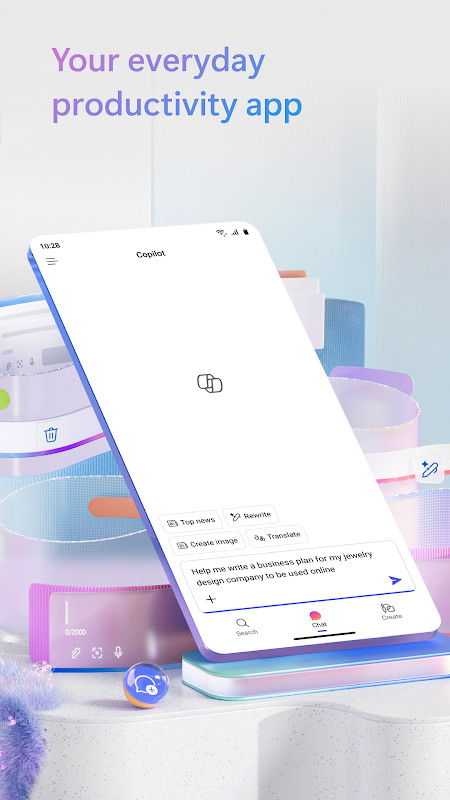
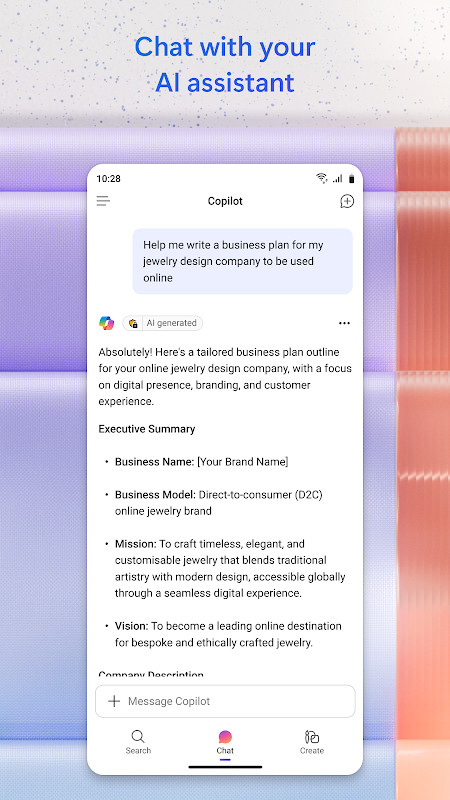
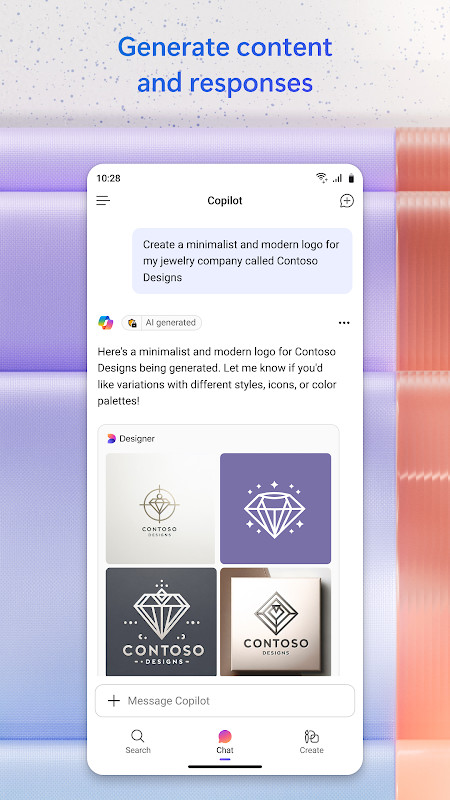
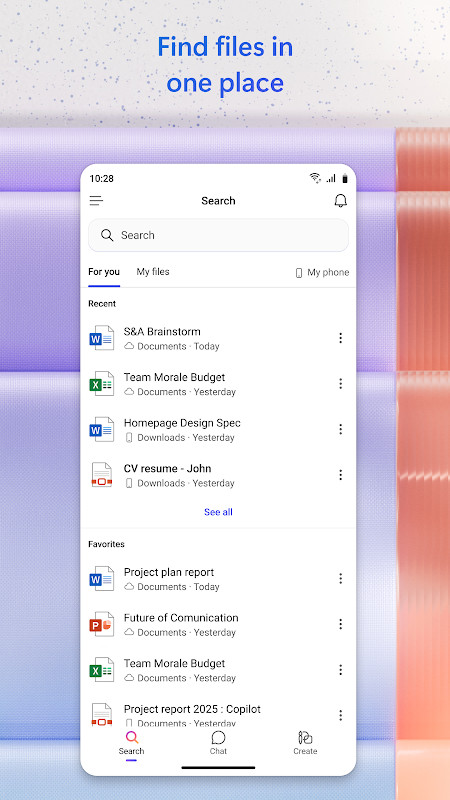
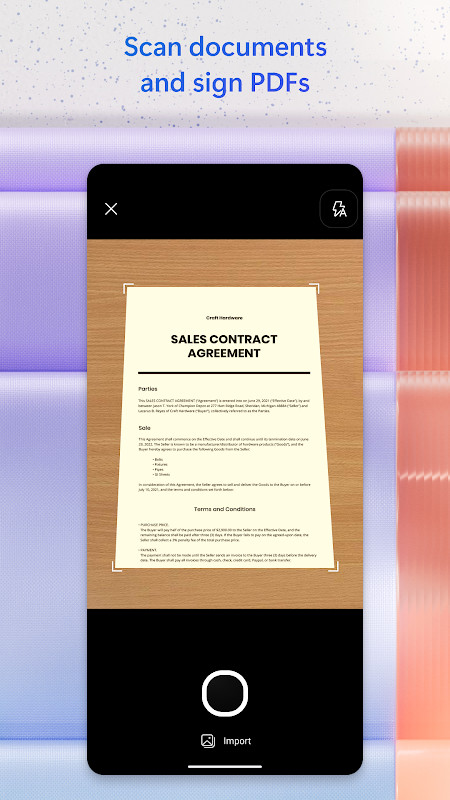
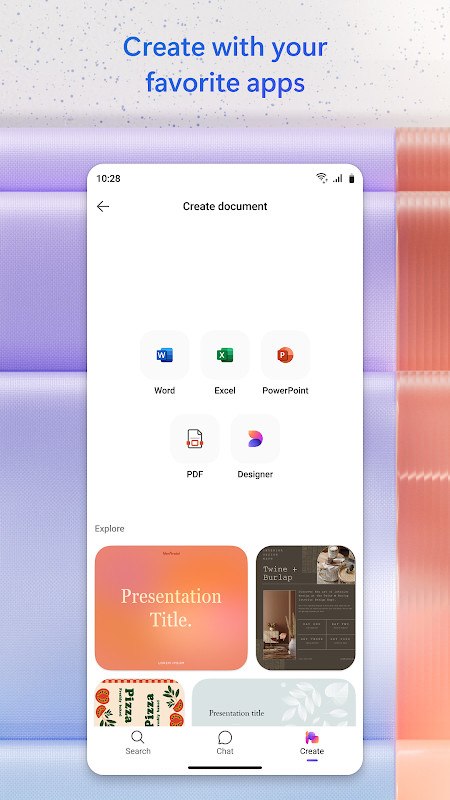

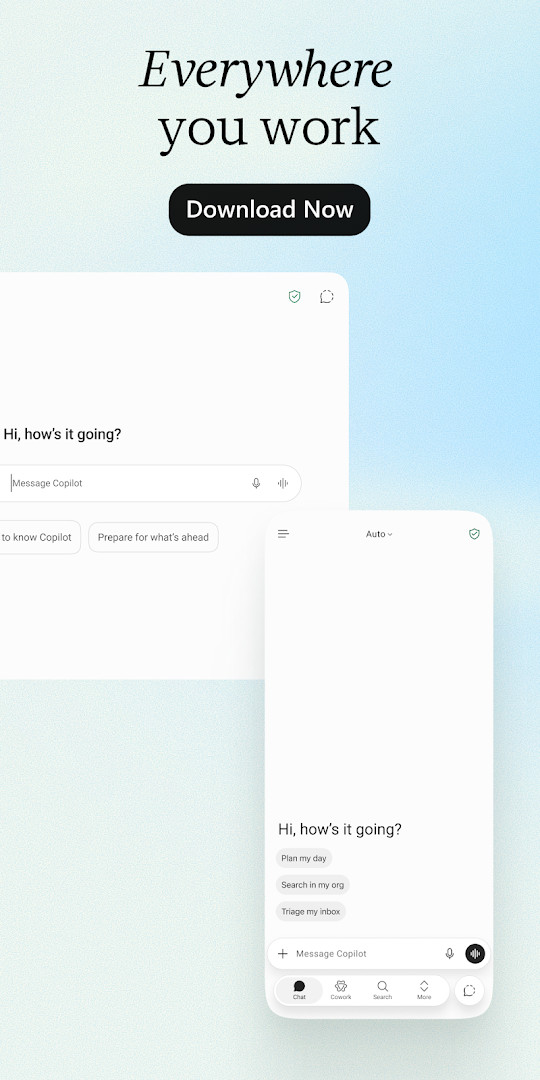
Microsoft Copilot is a productivity assistant by Microsoft Corporation that integrates AI-driven assistance into everyday work tasks like writing, planning, organizing, and information retrieval. The app functions as a centralized hub where users can create documents, presentations, and spreadsheets, summarize lengthy files, draft emails, brainstorm ideas, and analyze data, all while connecting to the Microsoft 365 ecosystem including Word, Excel, PowerPoint, Outlook, and Teams. This integration aims to reduce context switching by bringing files and information into one place, with answers grounded in the user's own work rather than generic responses.
The current version, 16.0.20625.20022 released on November 12, 2026, continues Microsoft's regular update cadence focused on new features and improvements in speed and reliability, though the changelog does not specify particular additions for this release. The app also introduces Cowork, a feature that handles multi-step tasks to produce finished deliverables like Word documents, PowerPoint decks, Excel sheets, and completed to-do lists, moving beyond simple suggestions. Users can select among leading AI models to match the task at hand, whether it is writing, research, planning, analysis, or creative work.
For those with a Microsoft 365 Copilot subscription, Work IQ provides deeper organizational context, understanding the user's work, people, and relationships for more personalized assistance. The app maintains enterprise-grade security foundations aligned with Microsoft 365, though data processing and protection commitments vary by subscription type. Feature availability may differ based on licenses or administrator settings, and the app includes ads and in-app purchases while being free to download. The app has been available since February 2020 and requires Android 10 or later.
Key features
- Explains complex concepts with clear, easy-to-understand answers
- Brainstorms business ideas and organizes next projects
- Plans and prioritizes workdays with personalized schedules
- Summarizes long articles, reports, and documents in seconds
- Drafts email and text replies with the right tone
- Analyzes spreadsheets and compares data
- Finds files across Microsoft 365 content
- Creates presentations, reports, and documents faster
- Talks naturally using voice or uploads files for answers
- Cowork handles multi-step tasks to produce finished deliverables
How to install
- Tap the download button on this page to get the APK file.
- When Android prompts, allow your browser or file manager to install apps by enabling the 'Install unknown apps' setting.
- Open the downloaded APK file from your notifications or file manager.
- Tap Install and wait for the process to complete; the file size is not specified.
- Open the app from your home screen or app drawer.
- Ensure your device runs Android 10 or higher to install successfully.
Pros
- Deep integration with Microsoft 365 apps
- Voice input and file upload for flexible interaction
- Choice of AI models for different task types
- Cowork automates multi-step project completion
- Enterprise-grade security for organizational use
Cons
- Some features require Microsoft 365 Copilot subscription
- Feature availability varies by license and region
- Includes ads and in-app purchases
- Requires several sensitive permissions like camera and microphone
Recent updates · 16.0.20625.20022
This update (version 16.0.20625.20022, released November 12, 2026) brings new features along with improvements to speed and reliability. The app continues to support writing, planning, organizing, and everyday productivity tasks, helping you work smarter in one place.
Version history
| Version | Size | Requires Android | Updated |
|---|---|---|---|
| 16.0.20625.20022 | — | — | Nov 12, 2026 |
| 16.0.20618.20014 | — | — | Oct 26, 2026 |
| 16.0.20611.20024 | — | — | Oct 20, 2026 |
| 16.0.19127.20172 | 395 MB | 10 | Jul 14, 2026 |
This app suits professionals who regularly work with Microsoft Office documents and need AI assistance for drafting, summarizing, and analyzing content. It is also valuable for project managers coordinating multi-step tasks, and for students or researchers who need to process large volumes of information quickly.
For best results, upload relevant files directly from your phone before asking questions, as Copilot grounds its answers in the documents you provide, leading to more accurate and context-aware responses.
Permissions
FAQ
Is Microsoft Copilot free to download and use?
Yes, the app is free to download and use. It may contain ads and offers in-app purchases for additional features or subscriptions.
What Android version do I need to install Microsoft Copilot?
The app requires Android 10 or higher to run.
Do I need a Microsoft account to use the app?
Yes, you will need to sign in with a Microsoft account. A Microsoft 365 Copilot subscription can unlock additional Work IQ features for organizations.
What permissions does Microsoft Copilot request?
The app requests access to location, phone, photos, media and files, storage, camera, microphone, Wi-Fi connection information, and device ID and call information.
How do I update Microsoft Copilot to the latest version?
You can update the app by downloading the newest version available on this page. The latest version is 16.0.20625.20022, released on 2026-11-12.
What is the file size of the Microsoft Copilot APK?
The file size is not specified in the available information.
Microsoft Copilot is a robust AI assistant for those embedded in the Microsoft 365 ecosystem, offering strong document handling and automation through Cowork. However, its full potential is unlocked only with a subscription, and the permission requirements may give privacy-conscious users pause. Overall, it is a capable tool for productivity-focused users who accept its ecosystem dependencies.
Similar apps








More from this developer
Updated: Nov 18, 2026