Gboard - the Google Keyboard for Android
Gboard is a keyboard app from Google LLC for fast and smart typing on Android devices.
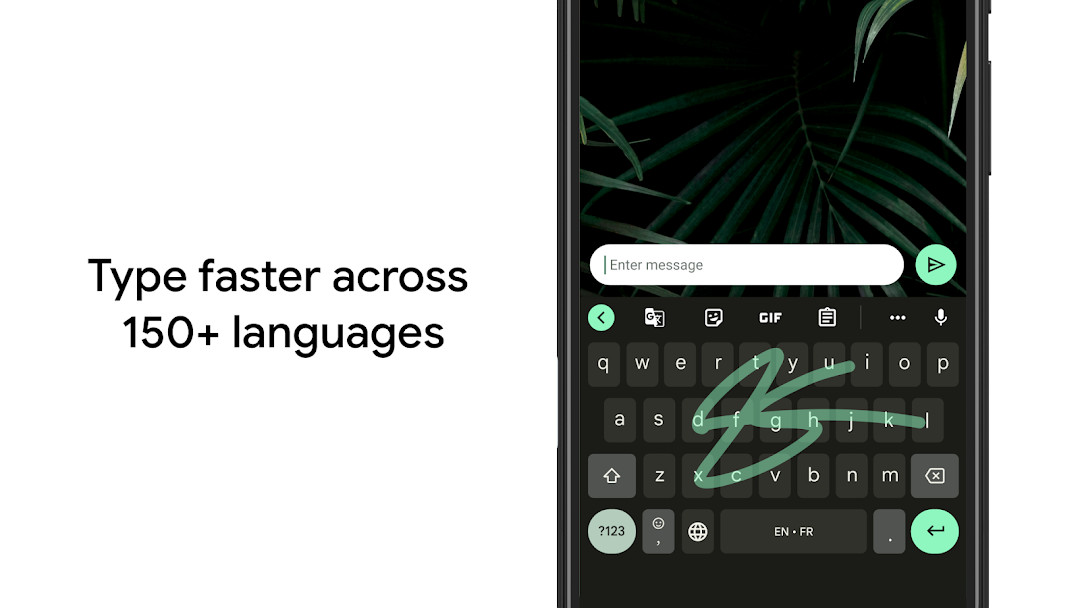
Download GboardGboard - the Google Keyboard is for anyone who wants faster, more accurate typing on their Android phone or tablet. It replaces the default keyboard with features like Glide Typing, voice typing, handwriting, emoji and GIF search, and multilingual autocorrect.
- File Size
- 9.4 MB
- Needs Android
- 4.4
- Last Refresh
- 30.09.2026
- Downloads
- 10B+
- Score
- ★ 4.49 (18 884 966)
- Genre
- Tools
- Creator
- Google LLC
- Content rating
- Everyone
- Package
- com.google.android.inputmethod.latin
- Free
- ✓
Snapshots
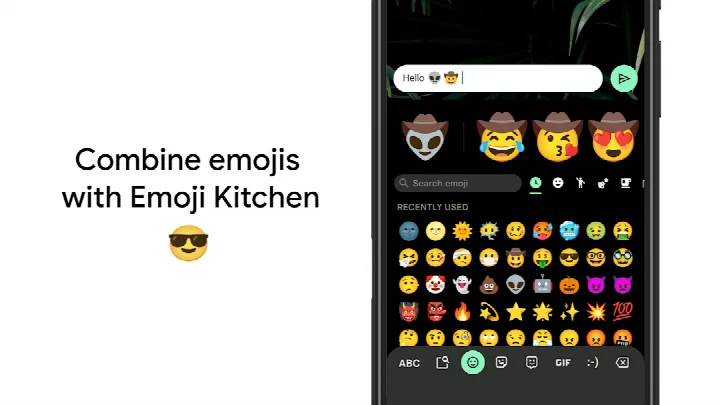
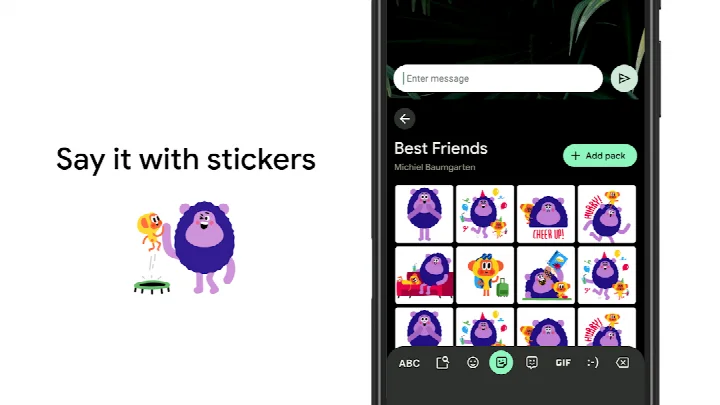
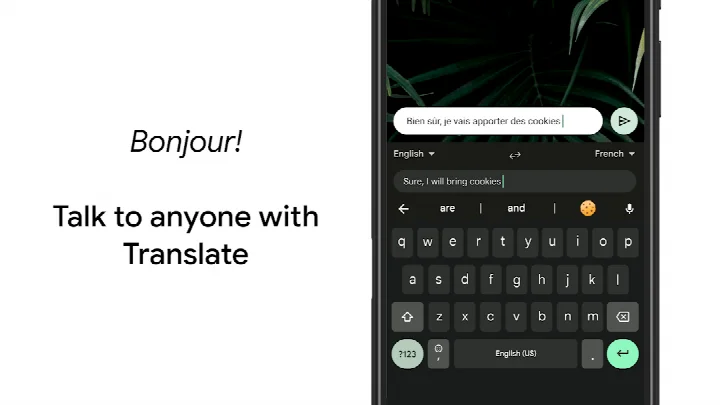
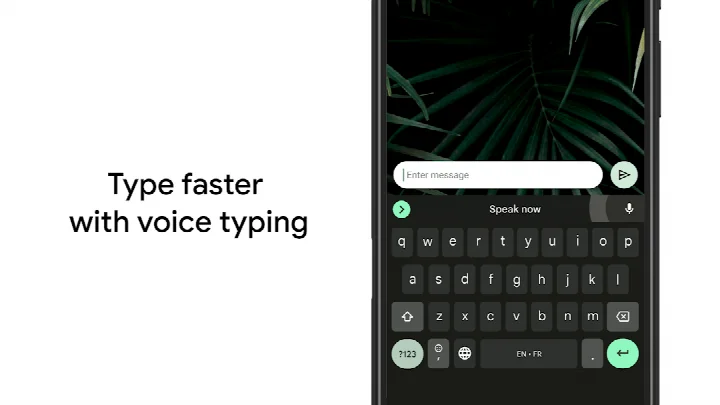
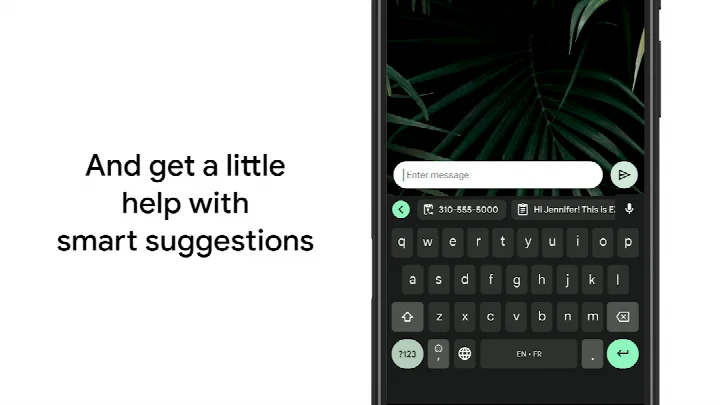
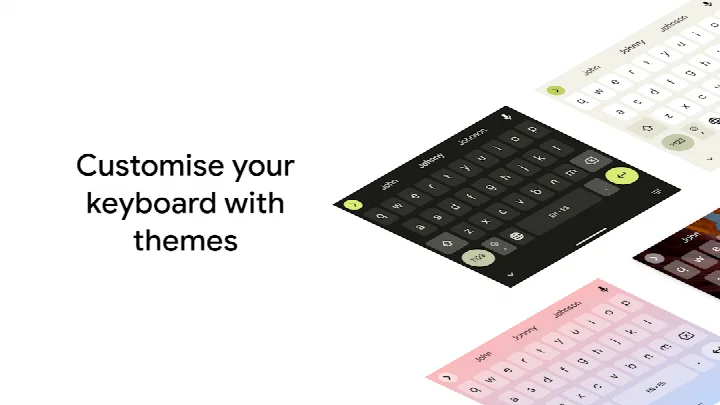
Gboard - the Google Keyboard is a tools app by Google LLC that provides a fast and smart typing experience with features like Glide Typing, voice typing, and emoji search. It replaces the default keyboard with a versatile input method that supports hundreds of language varieties, multilingual autocorrect, and built-in Google Translate. The app is designed for Android users who want a reliable, feature-rich keyboard for everyday communication, whether for messaging, searching, or dictating text. It also extends support to Wear OS, bringing the same typing capabilities to your wrist. With a focus on speed and convenience, Gboard aims to streamline how you type, search, and share content. It requires Android 4.4 or higher and is free to use, without ads or in-app purchases.
Key features
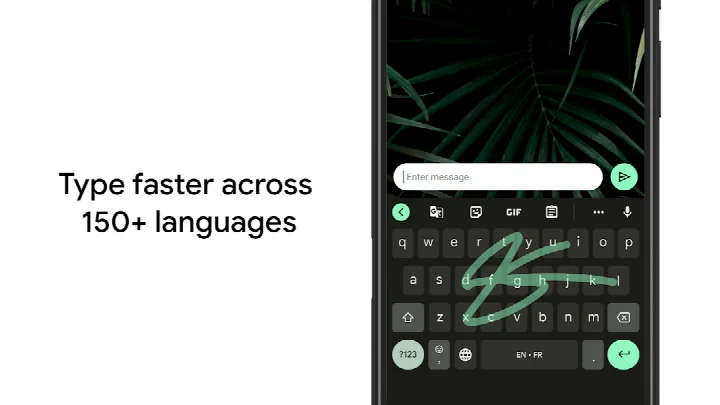
- Glide Typing – slide your finger from letter to letter for faster typing
- Voice typing – dictate text easily while on the go
- Handwriting – write in cursive and printed letters (not on Android Go)
- Emoji Search – find the right emoji quickly (not on Android Go)
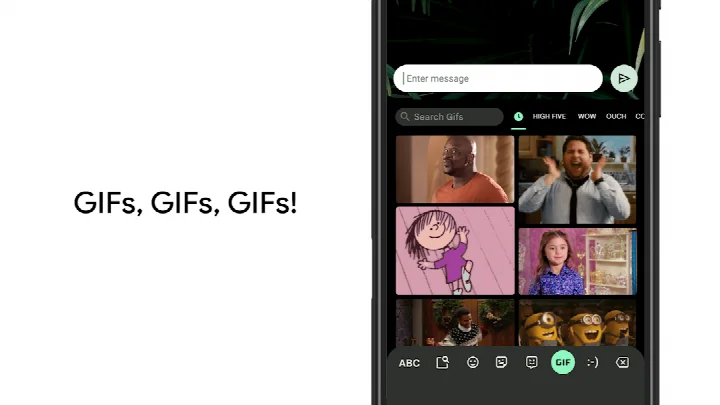
- GIFs – search and share GIFs for reactions (not on Android Go)
- Multilingual typing – automatically correct and suggest from all enabled languages without manual switching
- Google Translate – translate as you type directly in the keyboard
- Wear OS support – use Glide Typing, voice typing, and emoji typing on your watch
How to install
- Tap the download button on this page to get the APK file, which is about 9.4 MB.
- When Android prompts, allow your browser or file manager to install apps by enabling the 'Install unknown apps' setting.
- Open the downloaded APK file from your notification or file manager.
- Tap 'Install' and wait for the process to complete.
- Open the app from your app drawer and set it as your default keyboard if desired.
- Note: Gboard requires Android 4.4 or newer to run.
Pros
- Free with no ads or in-app purchases
- Extensive language support with hundreds of varieties
- Built-in Google Translate for on-the-fly translation
- Glide Typing and voice typing enhance input speed
- Customizable themes and gesture controls
- Works on Wear OS devices
Cons
- Requires access to many permissions, including microphone, storage, and contacts, which may raise privacy concerns
- Handwriting, emoji search, and GIF features are not available on Android Go devices
- Some users may find the number of permissions excessive for a keyboard app
Fresh Updates
The latest release adds the ability to quickly create and share custom stickers inside Gboard. This sticker feature is powered by Pixel Studio and works on Pixel 9 and newer devices, in English, Japanese, and German, in selected countries. The notes also invite users to try the beta version to share feedback on upcoming improvements. The app itself offers Glide Typing, voice typing, handwriting, emoji search, GIF search, multilingual typing, and Google Translate as you type.
Past Builds
| Version | File Size | Needs Android | Last Refresh |
|---|---|---|---|
| 899.9999.999 | 9.4 MB | 4.4 | 19.12.2023 |
Gboard is ideal for Android users who type frequently in multiple languages, want a feature-rich keyboard with voice and gesture input, or need quick access to emojis, GIFs, and translation without switching apps. It suits anyone looking for a free, reliable keyboard with broad language support and Wear OS compatibility.
To improve privacy, review and restrict the permissions you grant to Gboard in your device settings—only allow what you need. For example, you can deny camera and microphone access if you don't use voice typing or photo-sharing features. Additionally, enable the number row and gesture controls in Settings → Preferences to speed up typing, and use one-handed mode on large screens for easier reach.
Access Rights
Curious?
Is Gboard free to use?
Yes, Gboard is offered at no charge, with no ads and no in-app purchases. The price listed is 0.00 USD.
Which Android version do I need?
Gboard requires Android 4.4 or later. It has been available since June 5, 2013.
How big is the download?
The file size is 9.4 MB. The current version is 899.9999.999, dated December 19, 2023.
Do I need an account to use it?
An account is not required to type with the keyboard. Some optional features, such as syncing learned words, may involve your device settings.
What permissions does it request?
Gboard may ask for Identity, Contacts, Photos/Media/Files, Storage, Camera, Microphone and Wi-Fi connection information. These support features such as voice typing, handwriting and search.
How do I update to a newer version?
Download the latest version from this page and install it over your current copy. The app was most recently updated on September 30, 2026.
Gboard offers a comprehensive typing solution with a strong focus on speed and multilingual support. While it requests several permissions, its features and free nature make it a solid choice for most Android users. Just be mindful of the data you share, and adjust settings to match your comfort level.
Lookalikes


More by Creator


Last Refresh: 24.10.2026