
Zoom Workplace for Android
Zoom Workplace is a business collaboration app from zoom.com for video meetings, team chat, phone calls, docs, and whiteboard in one place.
Download Zoom WorkplaceZoom Workplace is for remote, office, and on-the-go teams that need meetings, chat, calls, and documents without switching tools. It is free to download with no ads, requires Android 9 or higher, and takes up about 246 MB. The app includes an AI notetaker for meeting summaries, lets you move live calls between devices, and supports hands-free control with Hey Google commands.
- Size
- 246 MB
- Requires Android
- 9
- Updated
- Nov 17, 2026
- Installs
- 1B+
- Rating
- ★ 4.1 (4,600,909)
- Category
- Productivity
- Developer
- zoom.com
- Content rating
- Everyone
- Package
- us.zoom.videomeetings
- Free
- ✓ · In-app purchases
Screenshots
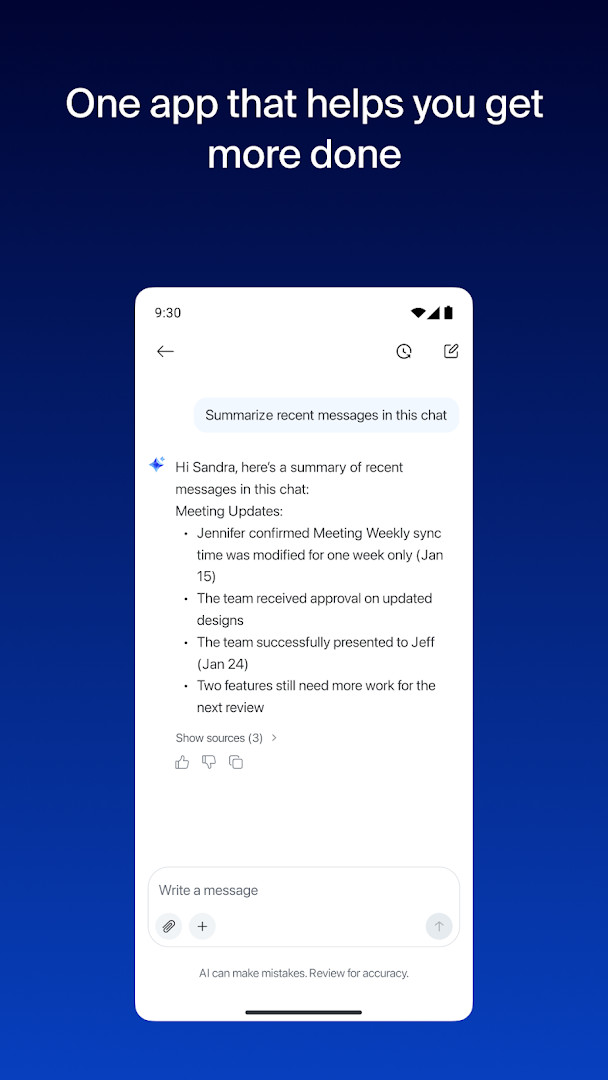
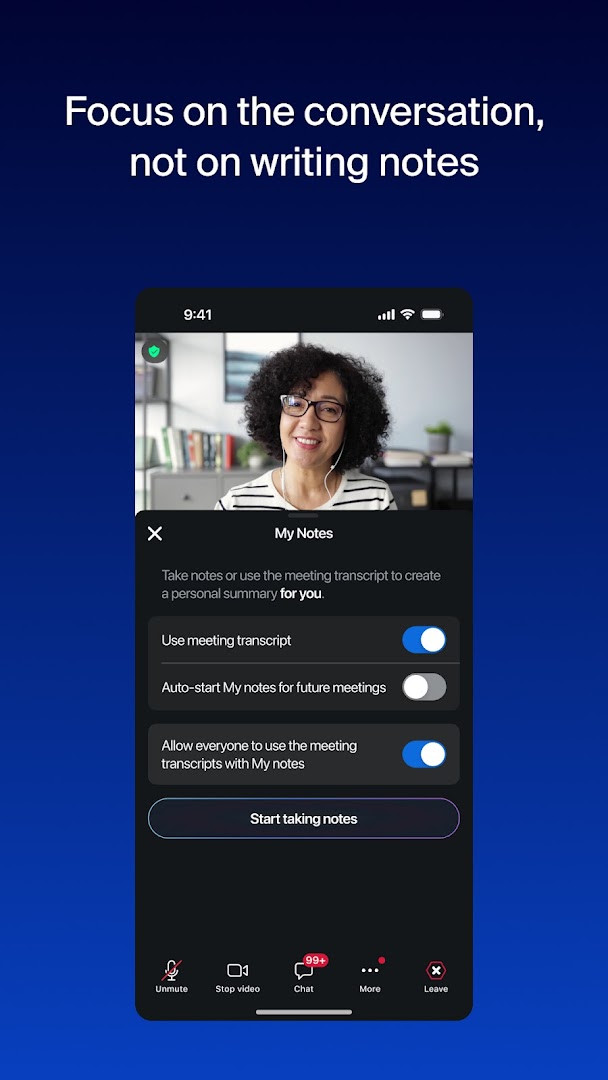
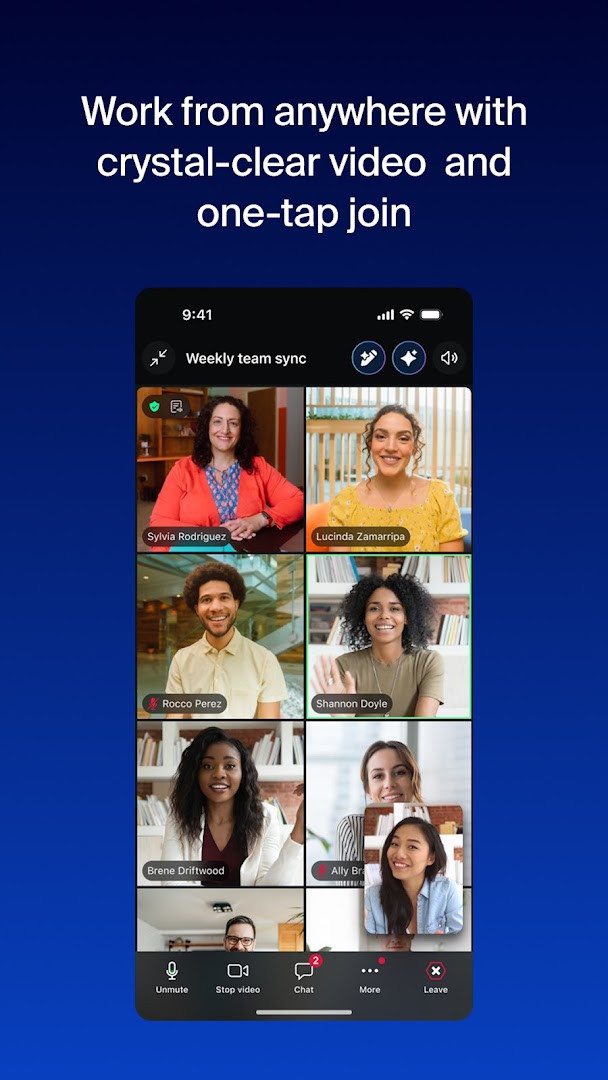
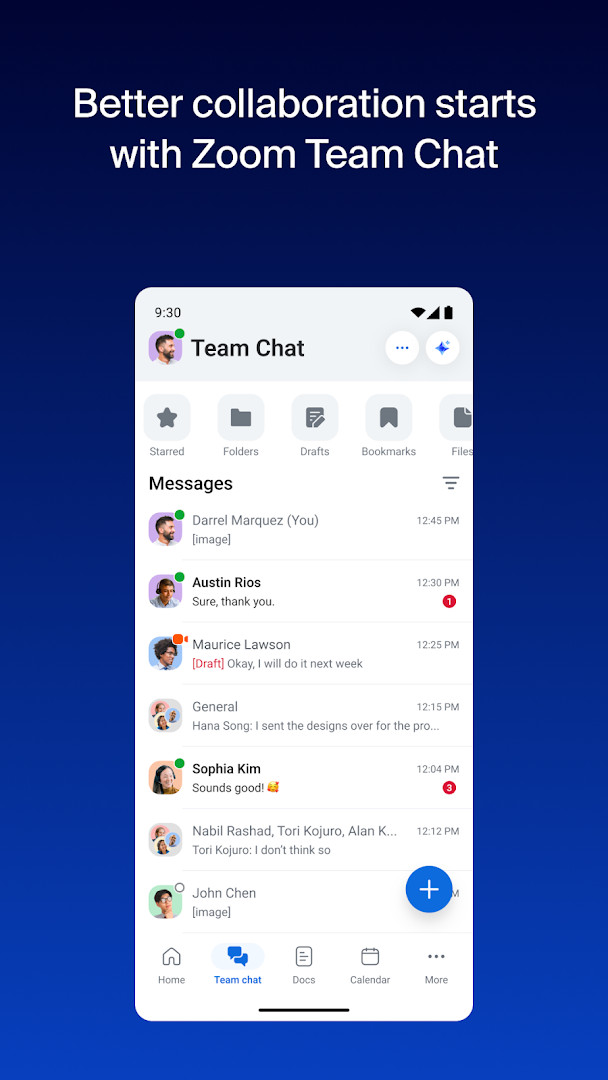
Zoom Workplace is a productivity app by zoom.com that combines video meetings, team chat, phone calls, documents, and collaboration tools in one application. Designed for people working remotely, in the office, or on the go, it aims to reduce the need to switch between separate apps during a typical workday. An AI-native layer helps with meeting preparation, note-taking, catching up on missed messages, and drafting content. The app is free to download with no ads, though some capabilities require a paid subscription or other license.
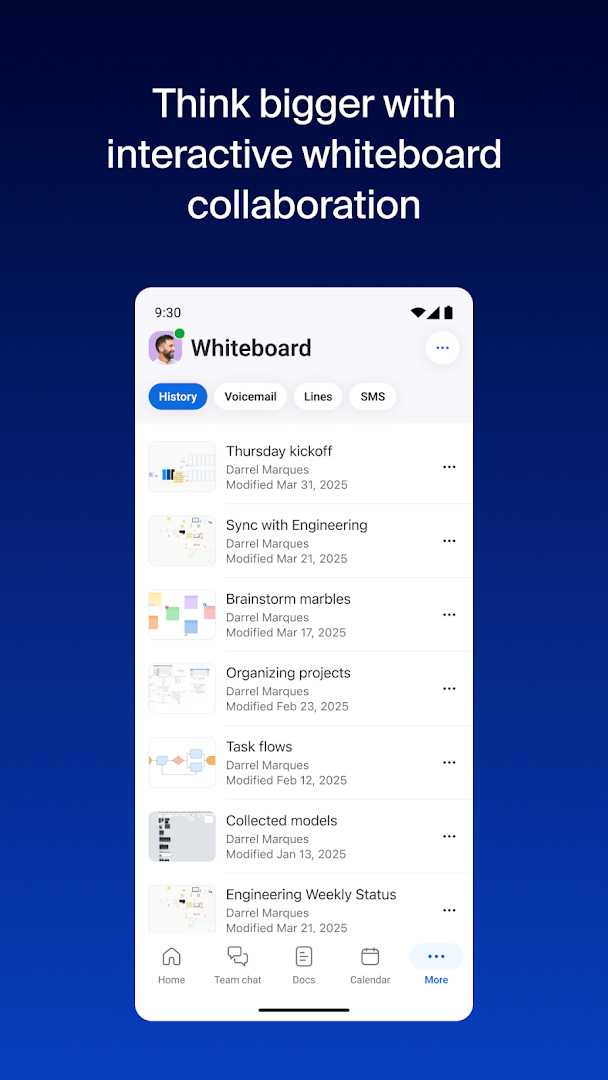
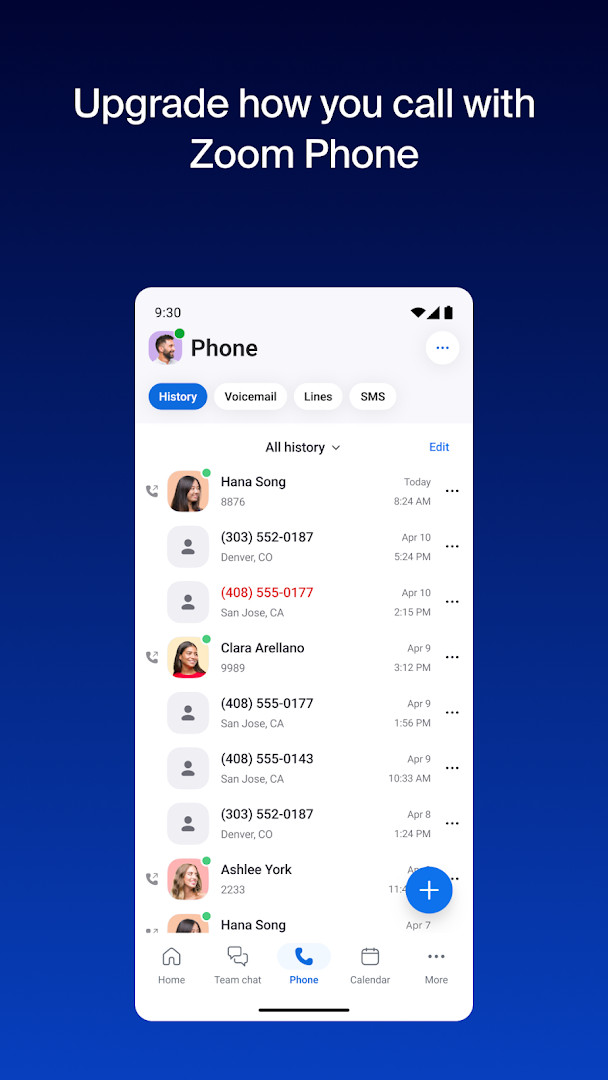
The app goes beyond video conferencing by bundling a team chat that can reach external contacts, a cloud phone option for calls and SMS, a shared whiteboard for brainstorming, and Zoom Docs for keeping teams aligned. Live meetings and calls can be moved between devices with one tap, and Android users can multitask using Picture-in-Picture on phones or Split Screen on tablets. Hands-free 'Hey Google' voice access is also supported for safer use while moving around.
Zoom Workplace requests access to several device areas, including calendar, contacts, location, phone, storage, camera, microphone, and Wi-Fi information, which are commonly needed for scheduling, joining calls, and sharing files. AI features may not be available in all regions or industry verticals, and some tools are subject to change. With a rating of 4.10 from over 4.6 million ratings and more than one billion installs, it is a widely used option for workplace communication.
Key features
- Built-in AI notetaker that produces meeting summaries
- AI-assisted drafting of messages and content using your work context
- Catch up on unread team chat messages in seconds
- Schedule or join a video meeting with one tap
- Message colleagues and external contacts in Team Chat
- Place and receive phone calls or send SMS with Zoom Phone
- Create and share Zoom Docs to keep the team aligned
- Brainstorm together on Zoom Whiteboard
- Move a live video call or phone call between devices with one tap
- Use Picture-in-Picture on phones or Split Screen on tablets
How to install
- Make sure your device runs Android 9 or newer before you begin.
- Tap the download button on this page to get the APK file, which is about 246 MB.
- When Android asks, allow your browser or file manager to install apps by enabling the 'Install unknown apps' setting.
- Open the downloaded APK file from your notifications or file manager.
- Tap Install and wait for the installation to complete.
- Open the app, sign in or create a free account, and grant the permissions you need when prompted.
Pros
- All-in-one hub for video, chat, phone, docs, and whiteboard
- AI features integrated directly into the workflow
- Live video and phone calls can be moved between devices
- Free to use with no ads
- Enterprise-grade security and SSO support
- Multitasking support with Picture-in-Picture and Split Screen
Cons
- Some features, including cloud recording and portions of the AI assistant, require a paid subscription
- AI availability may be limited in some regions or industry verticals
- Requests access to many permissions such as camera, microphone, contacts, location, and storage
- Large download at roughly 246 MB
- Paid plans renew automatically unless canceled at least 24 hours before the billing period ends
Recent updates
This update focuses on bug fixes and improvements to enhance overall app stability and performance. The developer did not publish specific details about the changes included in this release.
Version history
| Version | Size | Requires Android | Updated |
|---|---|---|---|
| 5.13.4.11364 | 246 MB | 5.0 | Jan 10, 2023 |
| 4.5.5699.1027 | 34 MB | 4.1 | Mar 24, 2020 |
| 4.3.46560.0310 | 42 MB | 4.0 | Mar 13, 2019 |
Remote and hybrid workers, small teams, and larger organizations that regularly host video meetings and also need team messaging, calling, document editing, and whiteboard collaboration in a single application.
Review the subscription terms before starting any free trial, because Pro plans renew automatically unless canceled at least 24 hours before the billing period ends. Grant camera and microphone permissions only when needed, and use Picture-in-Picture to keep working while a meeting stays open. Also confirm your device has enough free storage for the 246 MB APK and that it runs Android 9 or later.
Permissions
FAQ
What does the AI Companion in Zoom Workplace do, and are there any limitations?
The AI Companion helps with meeting preparation, generates meeting summaries via a built-in notetaker, drafts messages and content based on your work context, and lets you catch up on unread Chat messages quickly. Availability may vary by region and industry vertical, and some features may not be offered in all regions or plans and are subject to change.
Which Zoom Phone features are included, and do they require a special plan?
With Zoom Phone you can place and receive calls and send SMS text messages directly in the app. Using these phone features may require a paid Zoom Workplace subscription or another license, and not all capabilities are available across every region or plan.
Can I move an ongoing meeting or call between devices, and how does that work?
Yes, you can transfer a live video meeting or phone call between devices with a single tap, so you don't have to interrupt the conversation when switching. You can also start a Zoom Rooms meeting and share your screen. Certain features may require a paid subscription or license.
What security and hands-free options does the app offer for working on the go?
The app supports 'Hey Google' Voice Access commands for hands-free control and includes enterprise-grade security with Single Sign-On (SSO). The DATA indicates these help keep your data protected, but it does not make broader safety guarantees beyond that statement.
What are the benefits of upgrading to Zoom Workplace Pro, and how does billing work?
Upgrading to Zoom Workplace Pro includes AI features, unlimited meetings of up to 30 hours each, cloud recording of up to 10GB, and the ability to assign co-hosts and schedulers. The subscription auto-renews unless you cancel at least 24 hours before the end of the free trial or billing period, and the price is shown before you start the trial or confirm purchase.
Zoom Workplace is a practical all-in-one collaboration app for everyday work, combining familiar meeting tools with chat, calling, documents, and an AI assistant. It works best for teams that want fewer apps to juggle, provided they understand that some advanced features require a paid plan.
Similar apps
 Google CalendarGoogle LLC4.6
 Google DriveGoogle LLC4.3
 Google AssistantGoogle LLC3.8
 Microsoft OneDriveMicrosoft Corporation4.6
 Microsoft CopilotMicrosoft Corporation4.4
 Microsoft Excel: SpreadsheetsMicrosoft Corporation4.8
 Microsoft OutlookMicrosoft Corporation4.3
 Microsoft Word: Edit DocumentsMicrosoft Corporation4.8
Updated: Nov 20, 2026