Google for Android
Google is a search and information app from Google LLC for finding answers, exploring interests, and searching with text, voice, camera, or a hummed tune.
Download GoogleGoogle serves Android users who want one place to look up answers, follow topics they care about, and search in whatever way is easiest at the moment. The Google app is free to download, requires Android 6.0 or later, and occupies about 156 MB.
- File Size
- 156 MB
- Needs Android
- 6.0
- Last Refresh
- 10.10.2026
- Downloads
- 10B+
- Score
- ★ 4.03 (29 516 182)
- Genre
- Tools
- Creator
- Google LLC
- Content rating
- Everyone
- Package
- com.google.android.googlequicksearchbox
- Free
- ✓ · Contains ads
Snapshots
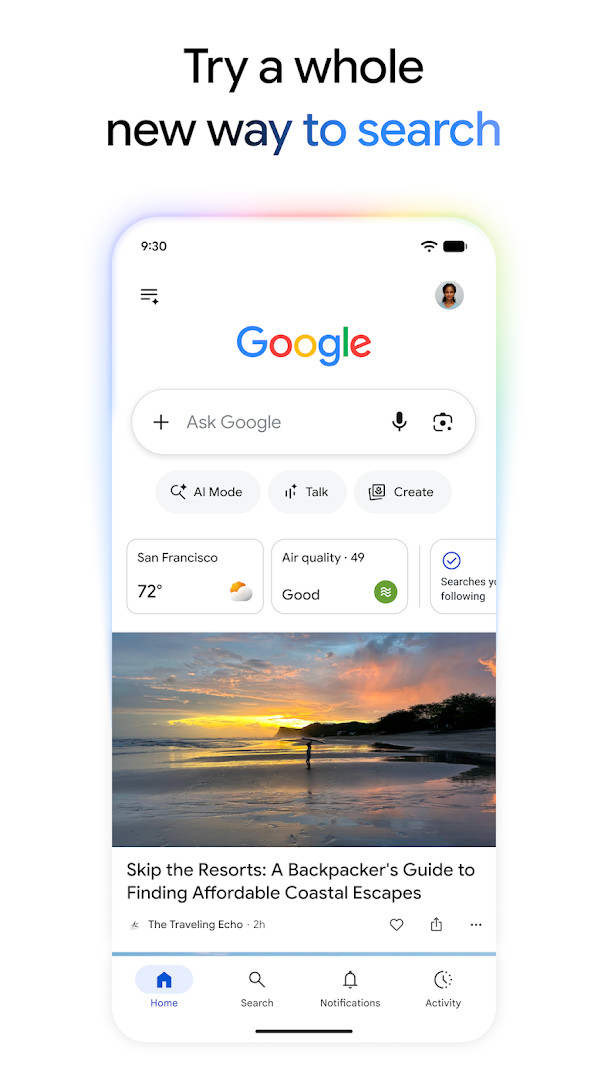
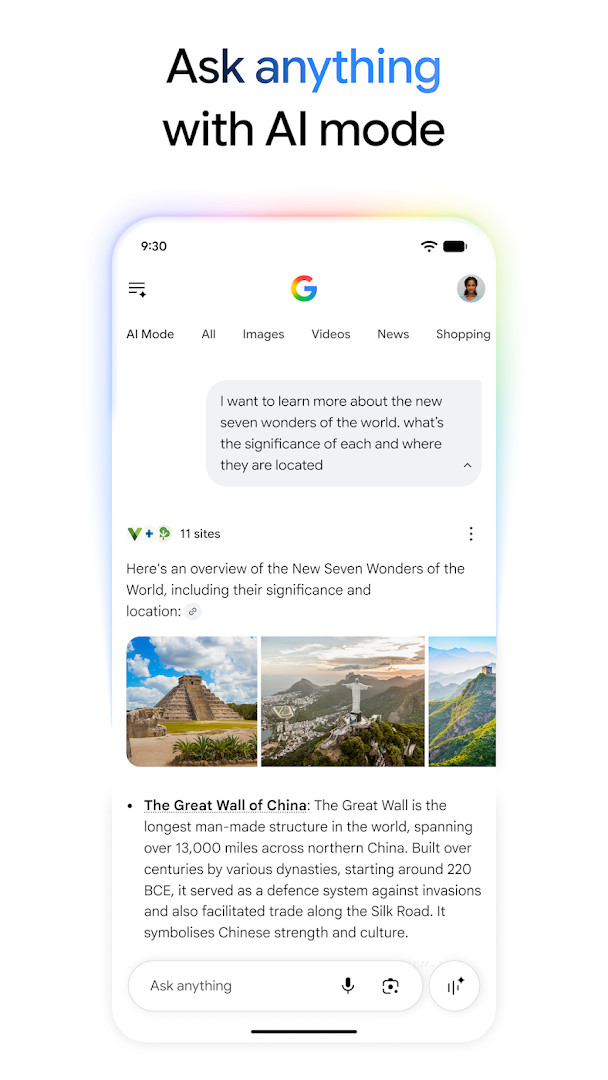
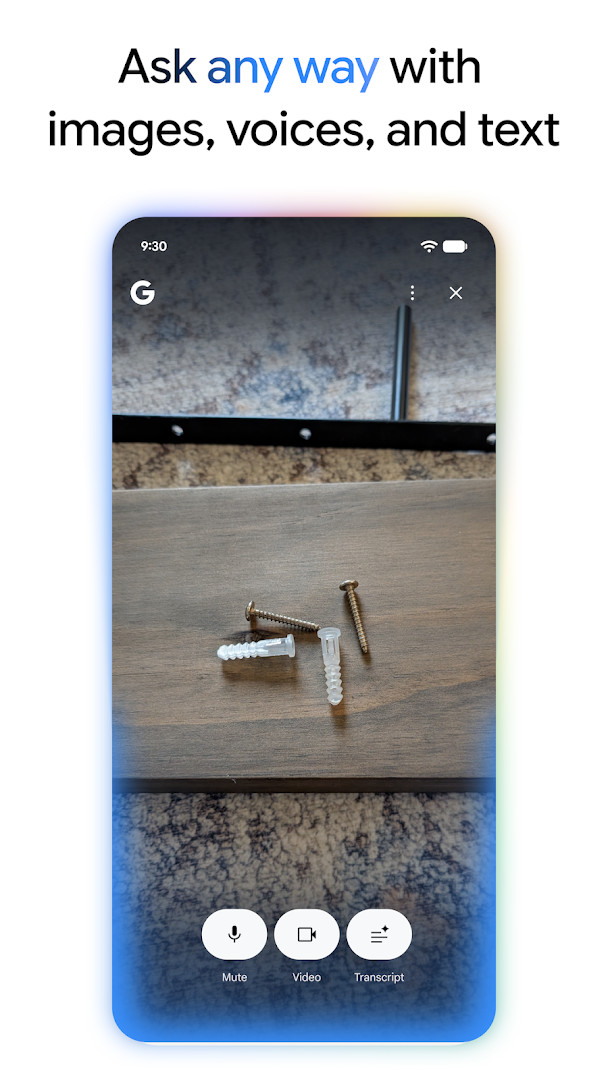
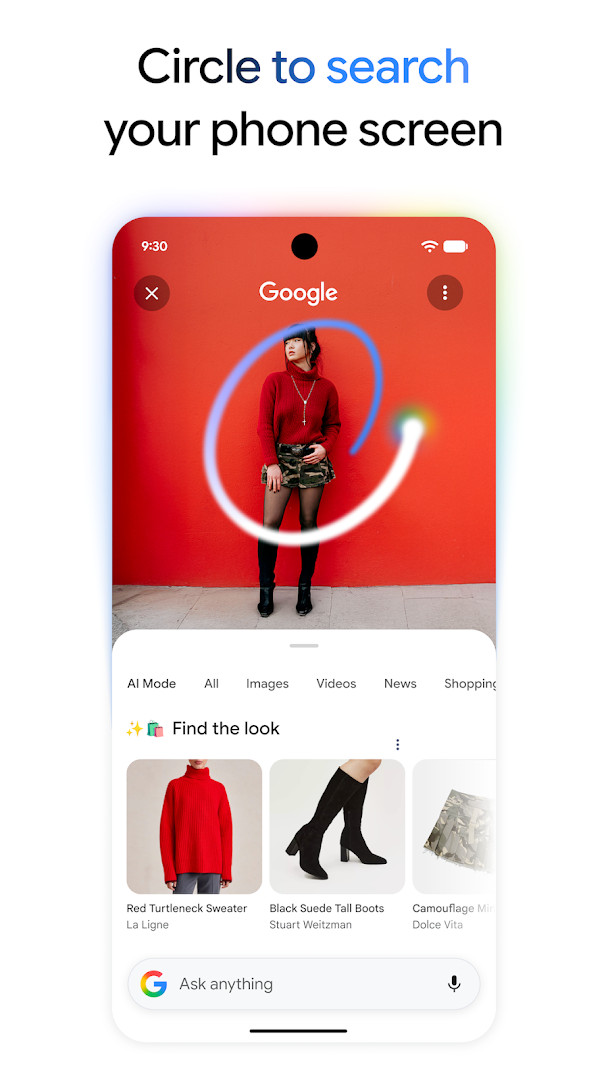
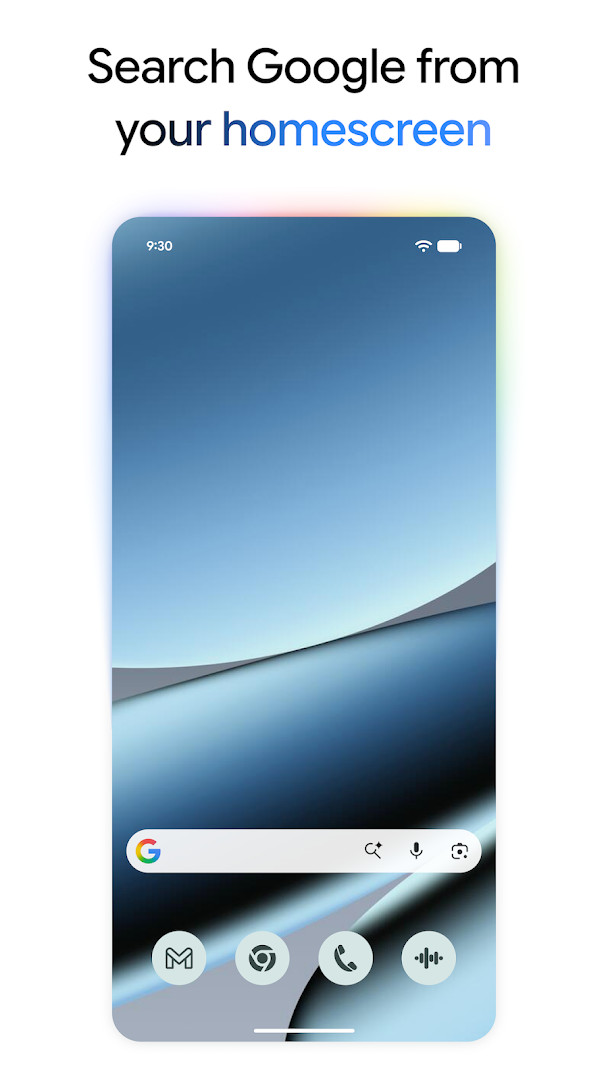
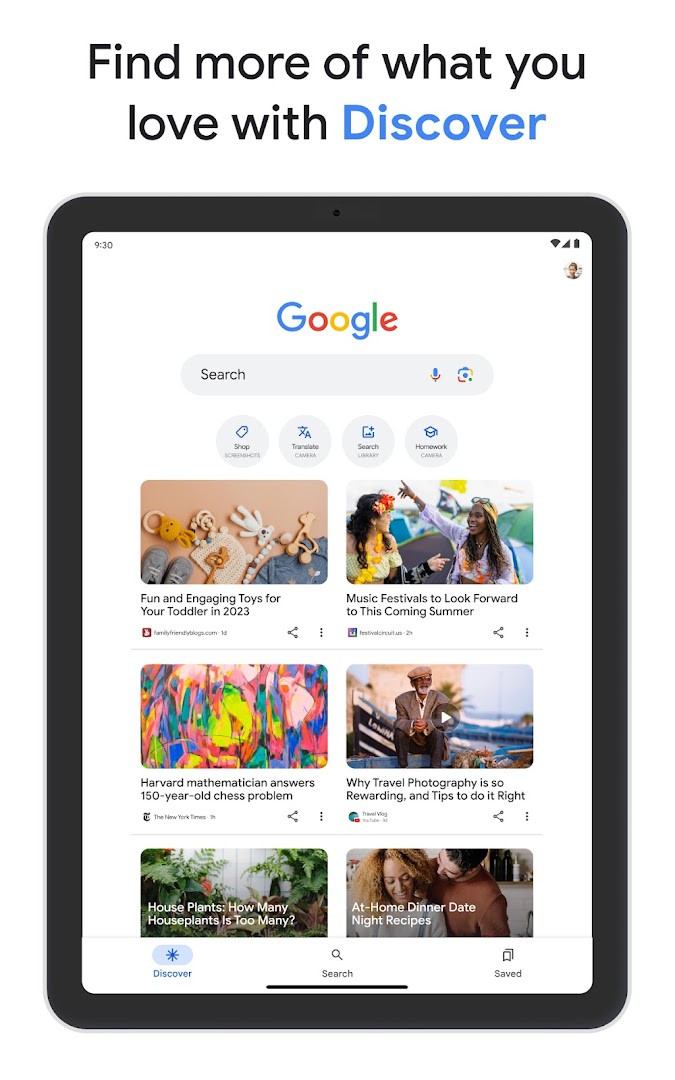
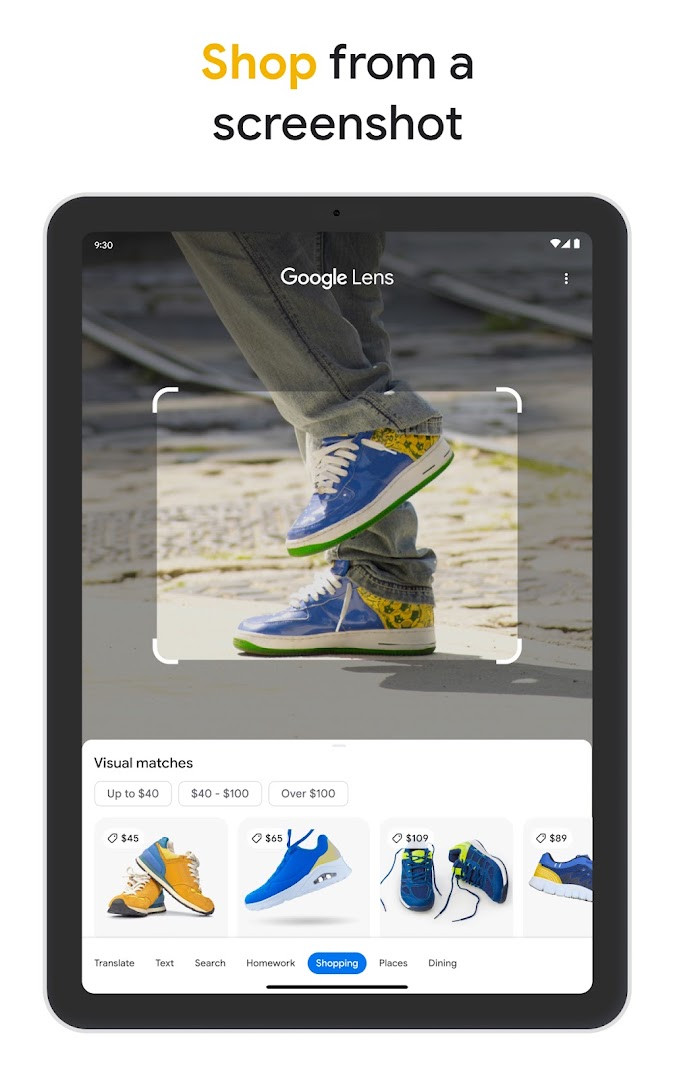
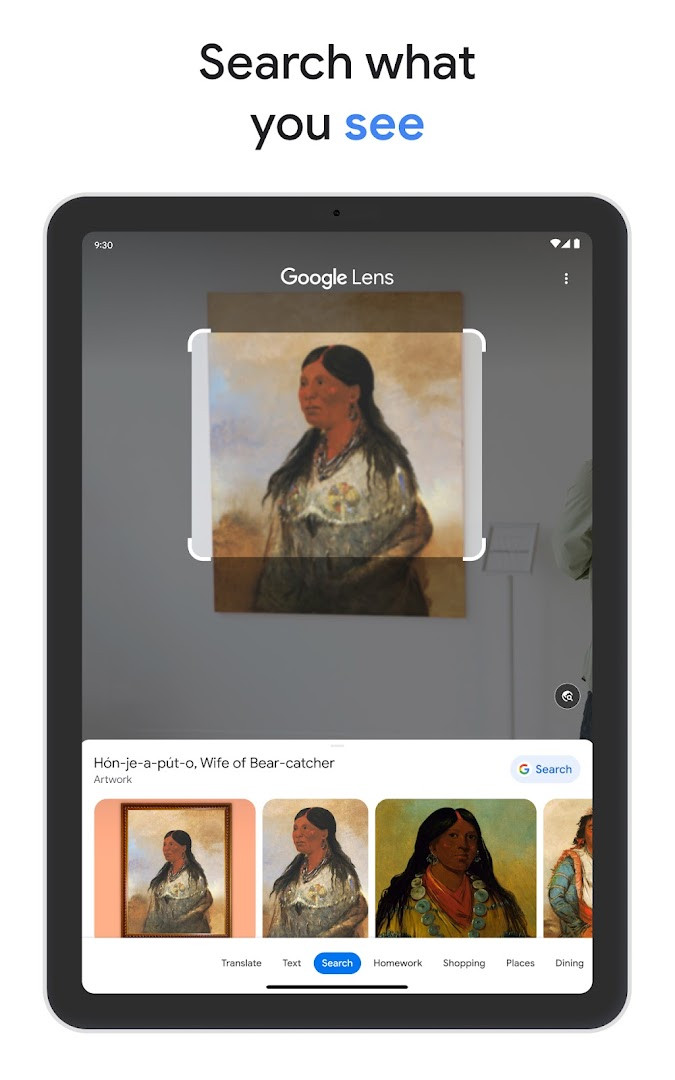
Google is a tools app by Google LLC that brings search, visual lookup, and AI-assisted answers together in one place on Android. The problem it addresses is fragmentation: instead of juggling a browser, a translation tool, a song identifier, and a news reader, you get a single entry point for questions asked by typing, speaking, humming, or pointing a camera at something. AI Mode handles conversational follow-ups and still surfaces links to the wider web, while AI Overviews compress a topic into a short snapshot. Lens covers camera-based tasks such as identifying objects, translating text, comparing products, and working through math problems step by step. Discover keeps a personalized feed of news and videos, and the home screen or lock screen widget puts shortcuts to AI Mode and Lens within reach. Searches are encrypted between the device and Google, privacy controls sit behind the profile menu, and recent search history can be cleared from the account. The app is free, carries ads, and lists no in-app purchases.
Key features
- AI Mode answers complex questions from typed, spoken, or photo input and supports follow-up questions with supporting web links
- AI Overviews summarize a topic or question and link out for deeper reading
- Circle to Search lets you select an image, video, or text on screen to search it without leaving the current app, on select premium Android phones in some languages and locations
- Google Lens identifies objects and living things, translates more than 100 languages in real time, finds similar products, and gives step-by-step help with math and physics problems
- Search Live supports a real-time voice and camera conversation with on-screen links
- Hum to Search identifies a song from a hummed tune or one playing nearby, with no lyrics or artist name needed
- Discover presents personalized news, articles, and videos based on stated interests
- The Search widget offers home screen and lock screen shortcuts to AI Mode, Lens, and other tools
- Image creation and photo transformation through Lens and AI Mode, available in select languages and locations
- Encrypted search connections, easily reachable privacy controls, and one-click deletion of recent search history
How to install
- Tap the download button on this page to get the APK file.
- When Android prompts you, allow your browser or file manager to install apps; this is the Install unknown apps permission.
- Open the downloaded APK file, which is 156 MB.
- Confirm the minimum Android version is 6.0 or newer before installing.
- Tap Install and wait for the process to finish.
- Open the app and sign in or set up your preferences.
Pros
- Combines text, voice, hum, and camera search in one app
- AI Mode and AI Overviews keep links to the web alongside generated answers
- Lens handles translation, product matching, and homework-style explanations
- Discover provides a personalized feed without extra apps
- Free to use, with no in-app purchases listed
- Very broad language support for camera translation
Cons
- Ads are present
- Requests a long list of permissions, including SMS, Phone, Contacts, Calendar, and Location
- Some features, such as Circle to Search and Nano Banana image tools, are limited to select devices, languages, or regions
- Signed-in use ties searches to your account unless you manage history settings
Fresh Updates
The latest update introduces Nano Banana, letting you transform photos in Lens or create images in AI Mode, though only in select languages and locations. AI Mode is now accessible directly from the app home screen, providing AI-powered answers to complex questions. Additionally, Circle to Search is available, allowing you to search anything on screen without switching apps, on select premium Android smartphones in some languages and regions.
Past Builds
| Version | File Size | Needs Android | Last Refresh |
|---|---|---|---|
| 13.20.11.23.arm | 156 MB | 6.0 | 28.03.2025 |
This suits experienced Android users who want one app to cover everyday lookups, visual identification, translation, and AI-assisted research rather than installing several narrow tools. It also fits people who follow topics closely and want a personalized feed, and travelers who rely on camera translation and object recognition. If you prefer minimal permissions or an ad-free interface, the permission list and ads here are worth weighing against the convenience.
Check the profile menu early to review privacy controls and clear recent search history if you share the device. Because several features depend on region, language, and device model, test Circle to Search and the image tools on your own hardware before relying on them. The widget is the quickest route to AI Mode and Lens if you use them often.
Access Rights
Curious?
How do I install the Google app APK on my Android device?
To install the Google APK, download the file from the download button on this page, then open it from your notifications or file manager. If prompted, allow installation from unknown sources in your settings, then follow the on-screen steps.
What is the current version of the Google app?
The current version is 13.20.11.23.arm, released on March 28, 2025. The app was originally released on August 12, 2010, and was last updated on October 10, 2026.
Does the Google app contain ads or in-app purchases?
The Google app is free to download and includes ads, but it does not offer any in-app purchases. You can use all core features without spending money.
Can I use the Google app offline?
The Google app requires an internet connection for most features like search, AI Mode, Lens, and Discover. While some cached content may be accessible offline, the app primarily relies on a live connection to function.
Are there alternative tools similar to the Google app?
Yes, there are other search and assistant apps available in the Tools category on Android. These alternatives may offer different privacy features, AI capabilities, or user interfaces, so you can choose based on your preferences.
Google packs search, Lens, and AI features into one free app with a familiar interface, at the cost of ads and wide permission requests. It is a reasonable default for most Android users, provided your device and region support the newer capabilities.
Lookalikes


More by Creator



Last Refresh: 24.10.2026