
Google Earth: 3D satellite map viewer
Google Earth is a Travel & Local app by Google LLC that lets you explore the planet with satellite imagery, 3D terrain, and Street View.
Download Google EarthGoogle Earth is free to use with no ads or in-app purchases, and it is designed for anyone who wants to view the world from above or navigate streets in 360 degrees. The app requires Android 4.1 or higher and downloads at about 11 MB, with a current rating of 3.77 based on roughly 2.95 million ratings.
- Size
- 11 MB
- Requires Android
- 4.1
- Updated
- Oct 6, 2026
- Installs
- 500M+
- Rating
- ★ 3.77 (2,954,570)
- Category
- Travel & Maps
- Developer
- Google LLC
- Content rating
- Everyone
- Package
- com.google.earth
- Free
- ✓
Screenshots
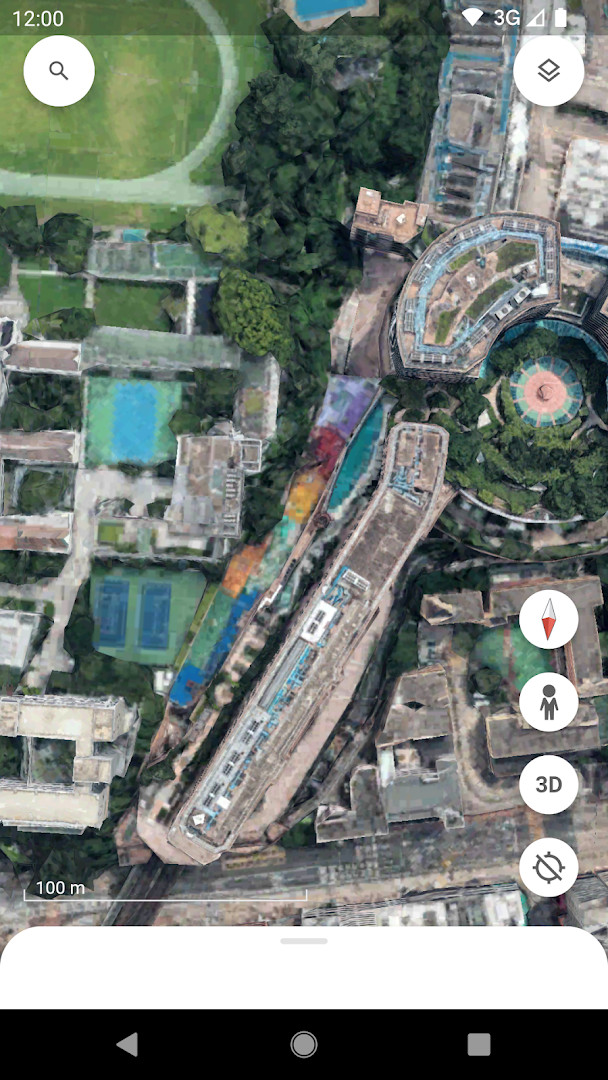
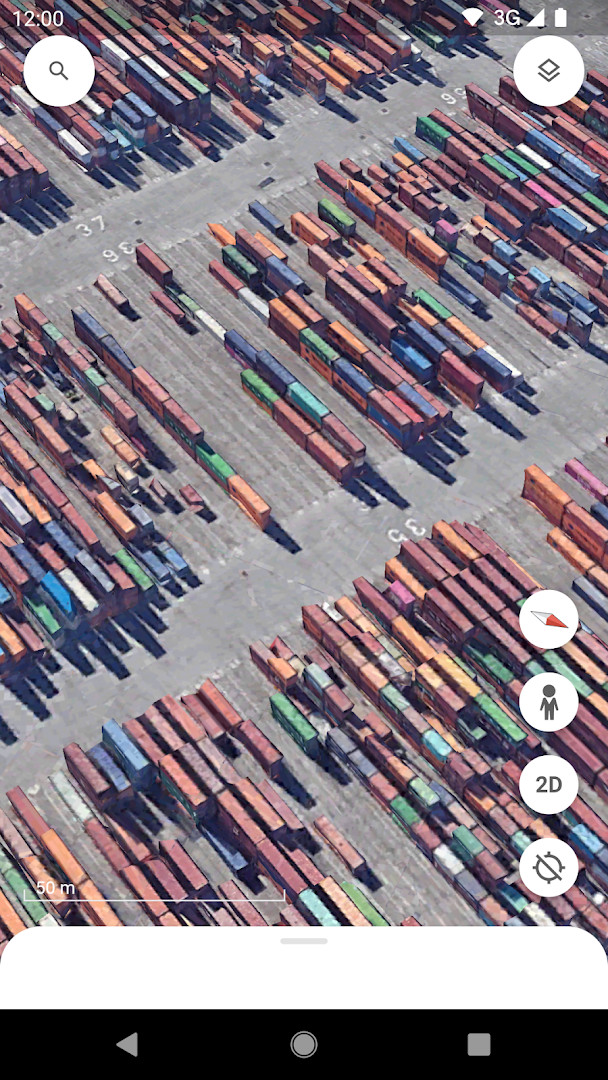
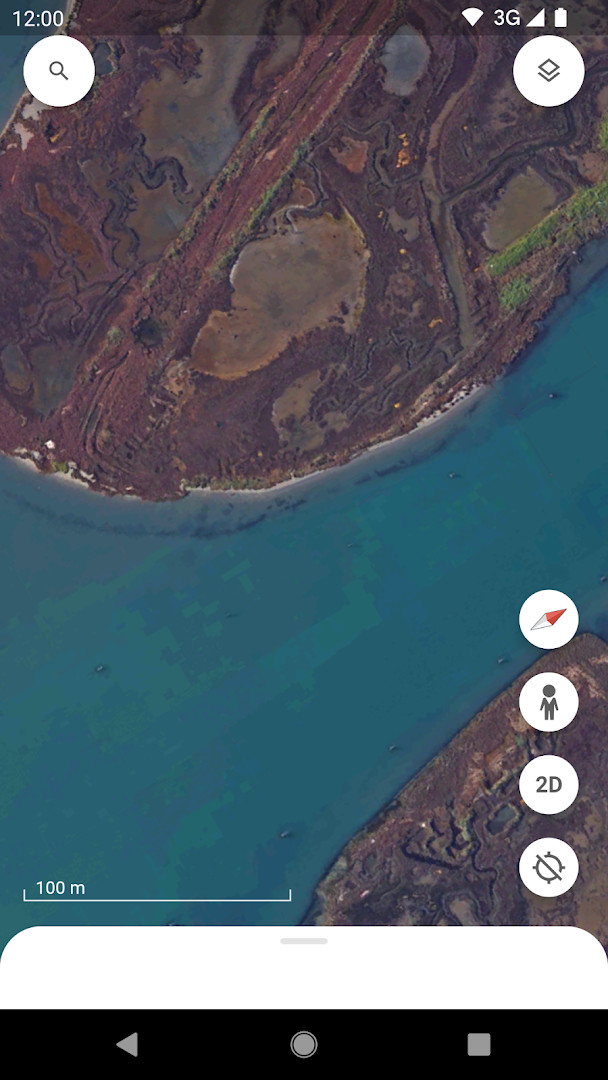
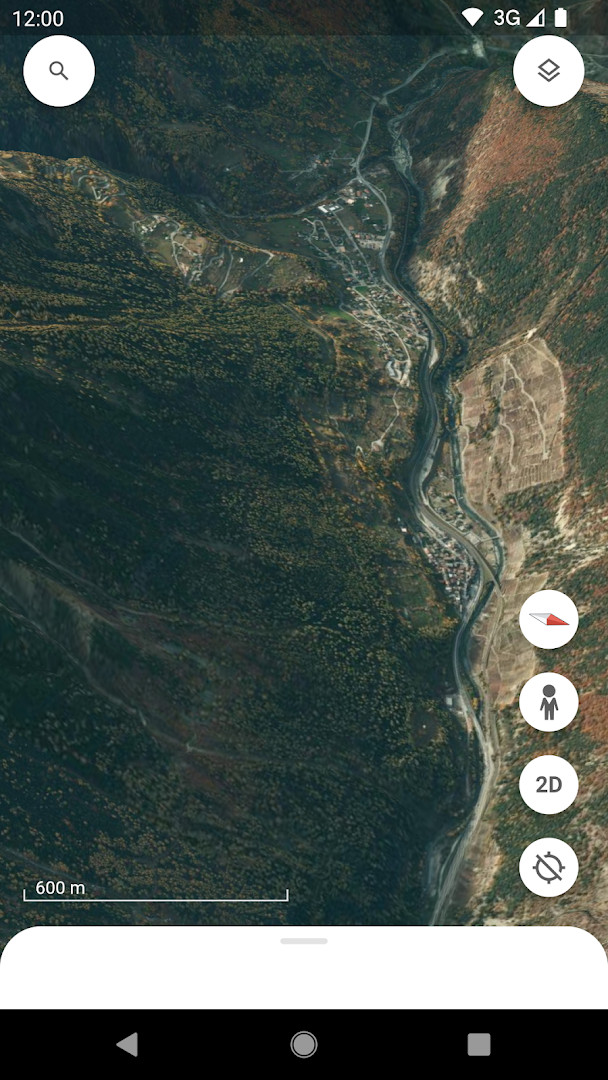
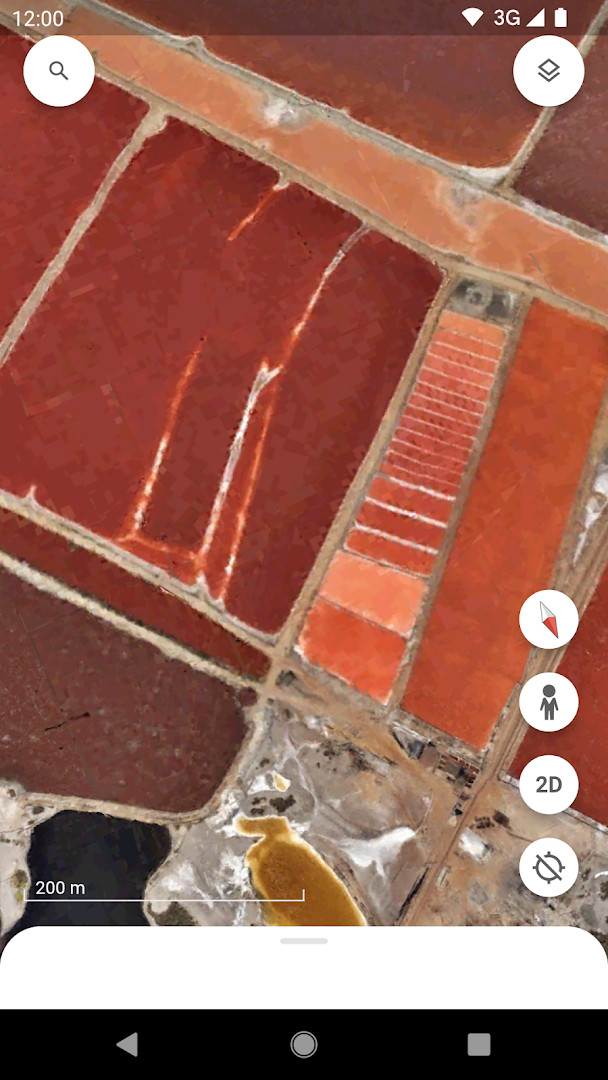
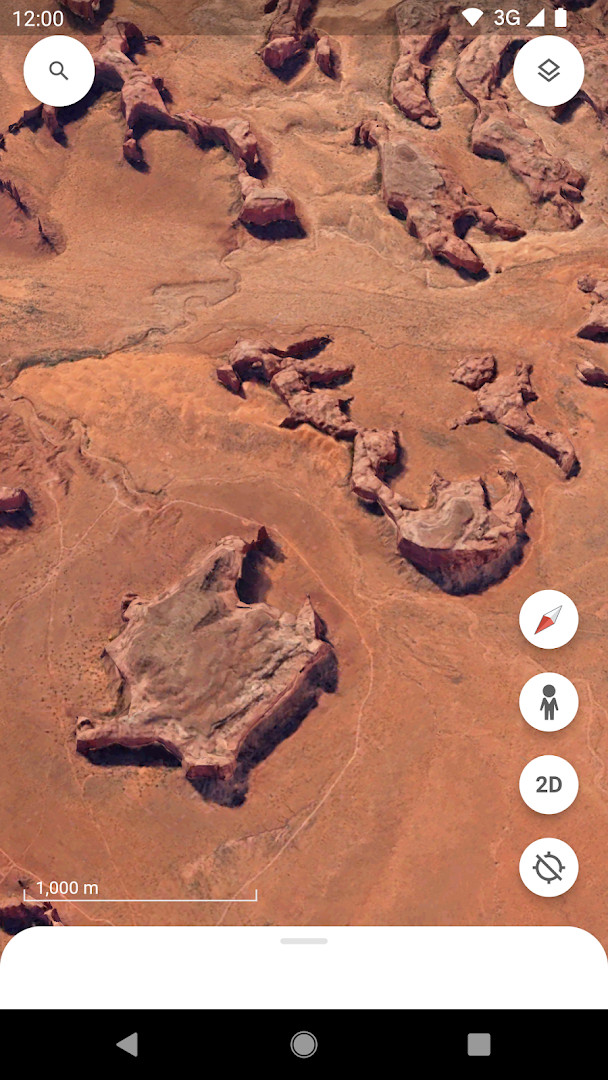
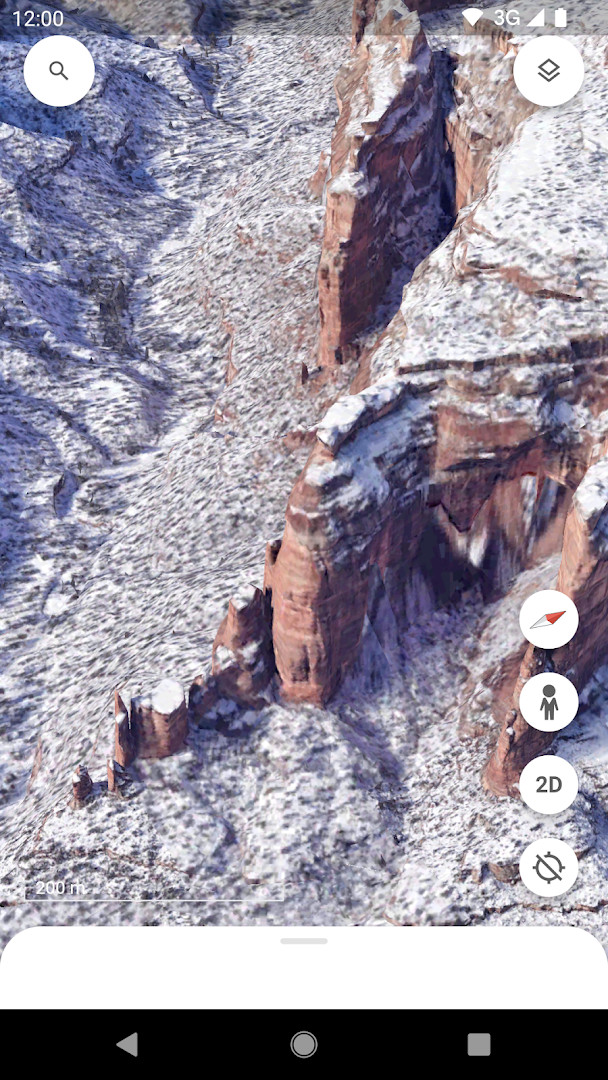
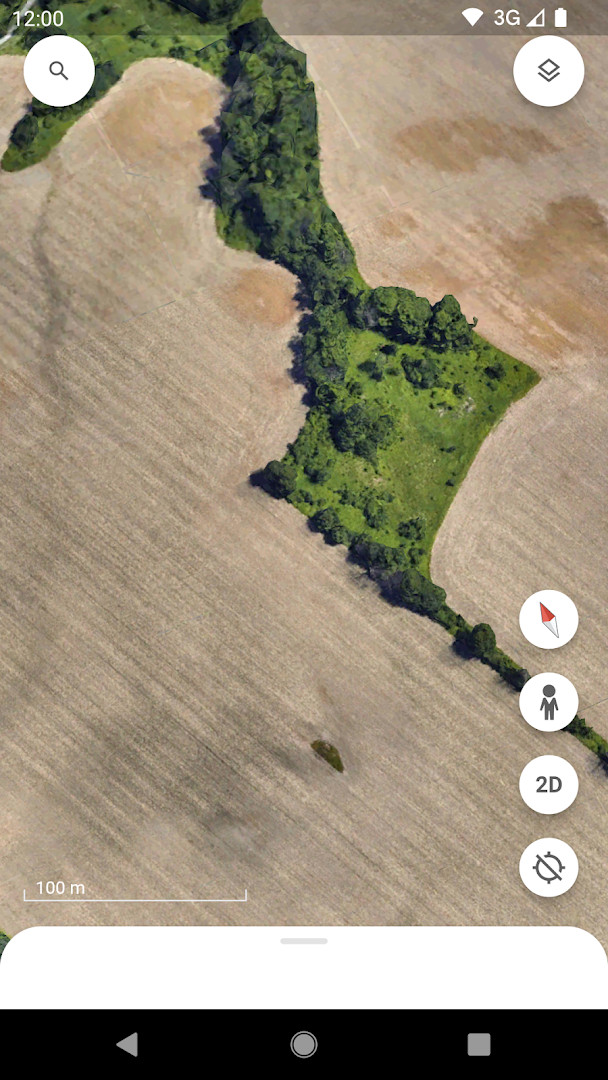
Google Earth is a travel and mapping application by Google LLC that lets you examine the planet through high-resolution satellite imagery, 3D terrain, and street-level perspectives. Since its original release in 2010, the app has grown from a desktop-style globe viewer into a mobile tool for exploring cities, mountains, and neighborhoods from virtually any angle. The current version focuses on a refreshed interface and collaborative map-making, so the experience is no longer just about looking at the world—it is also about building and sharing your own layered views of it.
With the latest update, dated October 2026, the app introduces a cleaner look and several features aimed at teamwork and on-the-go creation. You can now collaborate with others across devices, craft maps while moving, and attach photos straight from your camera to your custom layers. This shifts the emphasis toward user-generated content, complementing the built-in collections such as Voyager tours from sources like BBC Earth and NASA. The core exploration tools remain intact: zoom into a house, inspect 3D buildings in hundreds of cities, or drop into Street View for a 360-degree look at a block.
Because this is a free app with no ads and no in-app purchases, the main trade-off is privacy-related. The permissions list includes identity, contacts, location, photos and media, storage, and camera. That is a broad set of access points, so it is worth understanding why each is requested. Location obviously supports map positioning, and camera or storage ties into adding your own photos to maps. However, identity and contacts suggest the collaboration features may reach into your social graph. You should review these permissions carefully before granting them, especially if you only plan to use the app for casual exploration rather than shared projects.
Key features
- High-resolution satellite imagery of the entire globe
- 3D terrain for the whole planet and 3D buildings in hundreds of cities
- Street View integration for 360-degree perspectives at street level
- Voyager guided tours from partners such as BBC Earth, NASA, and National Geographic
- Collaborative map creation across devices with the latest update
- Ability to create maps on the go and add photos from your camera
- Fresh visual design introduced in the most recent release
How to install
- Tap the download button on this page to get the APK file, which is 11 MB in size.
- When Android asks for permission, allow your browser or file manager to install apps by enabling the 'Install unknown apps' setting for that app.
- Open the downloaded APK file from your notifications or file manager.
- Tap Install on the confirmation screen and wait for the process to finish.
- Open Google Earth from your app drawer once installation completes.
- Make sure your device runs Android 4.1 or higher, as this is the minimum version supported.
Pros
- Completely free with no ads and no in-app purchases
- Rich exploration features combining satellite, 3D, and street-level views
- Collaborative tools for creating and sharing custom maps
- Regular updates with new features and design improvements
- Works on relatively old devices thanks to the low minimum Android version
Cons
- Broad permissions list that may raise privacy concerns
- Requires an internet connection for most imagery and 3D content
- Large install base means updates may not reach all devices quickly
- Some features like collaboration may not work on older Android versions
Recent updates
Google Earth has been refreshed with a new look and tools that make it easier to collaborate with others across devices. You can now create maps while on the go and attach photos from your camera directly to your maps, helping you build richer, more personal projects.
Version history
| Version | Size | Requires Android | Updated |
|---|---|---|---|
| 9.3.4.9 | 10 MB | 4.1 | Oct 12, 2026 |
| 7.1.2.2011 | 8.7 MB | — | Nov 13, 2025 |
| 9.3.4.10 | 11 MB | 4.1 | Nov 6, 2025 |
| 8.0.5.2351 | 10 MB | 4.0 | Dec 7, 2016 |
| 6.1 | 8 MB | — | May 9, 2014 |
| 7.1.3.1255 | 8.8 MB | — | Oct 30, 2013 |
| 7.0.0.7386 | 8.6 MB | — | Jul 1, 2012 |
This app suits travelers who want to scout destinations before a trip, students or educators looking for an interactive way to study geography, and curious explorers who enjoy viewing the world from above. It is also useful for hobbyists who like creating and sharing custom maps with friends or colleagues.
If you are concerned about privacy, consider denying the contacts permission during setup—core map exploration still works without it, and you can always grant it later if you decide to use collaboration features.
Permissions
FAQ
Is Google Earth free to download and use?
Yes, Google Earth is completely free. The app has no cost, no ads, and no in-app purchases.
What Android version do I need to run Google Earth?
Google Earth requires Android 4.1 or higher. The current release is version 9.3.4.9, which was updated on 2026-10-12.
How large is the Google Earth APK file?
The app package is about 11 MB in size. This makes it a relatively lightweight download for a full globe exploration tool.
Do I need an account to use Google Earth?
No, you can explore the globe without an account. However, if you want to create and collaborate on maps, you may need to sign in with a Google account.
What permissions does Google Earth request?
Google Earth asks for access to Identity, Contacts, Location, Photos/Media/Files, Storage, and Camera. These are used for features like adding photos to maps and location-based services.
How do I update Google Earth?
To update, simply download the latest version from this page. The newest release is 9.3.4.9, dated 2026-10-12, and it includes a fresh look and new collaboration features.
Google Earth remains a powerful and visually impressive tool for exploring the planet, and the latest update makes it more collaborative than ever. The free, ad-free nature is a clear plus, but the wide-ranging permissions demand a cautious approach. For casual browsing of satellite imagery and 3D landscapes, it is hard to beat; for privacy-sensitive users, you will want to tweak settings and permissions before diving into the social features.
Similar apps






More from this developer






Updated: Nov 5, 2026