Google Maps Go: Lightweight Travel and Maps App
Google Maps Go is a lightweight travel and maps app by Google LLC that provides real-time traffic, directions, and place search.
Download Google Maps GoGoogle Maps Go is a Progressive Web App variation of the original Google Maps app, designed to run smoothly on devices with limited memory and on unreliable networks. It offers real-time traffic updates, directions, and public transport information for over 20,000 cities, plus detailed business info for over 100 million places.
- File Size
- 1.7 MB
- Needs Android
- 10
- Last Refresh
- 29.06.2026
- Downloads
- 1B+
- Score
- ★ 4.14 (358 933)
- Genre
- Travel & Maps
- Creator
- Google LLC
- Content rating
- Everyone
- Package
- com.google.android.apps.mapslite
- Free
- ✓ · Contains ads
Snapshots
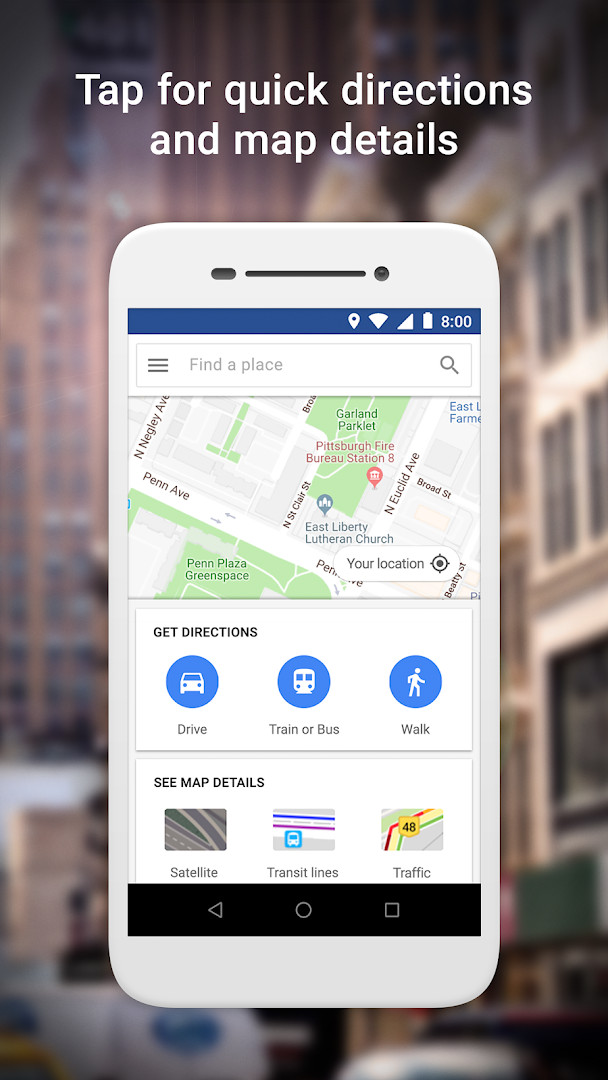
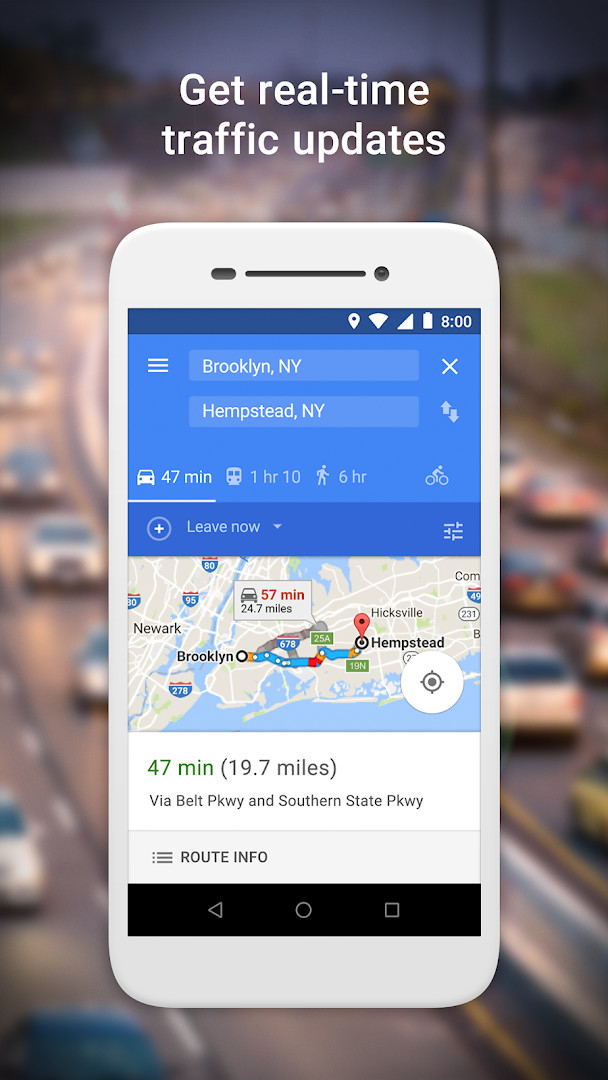
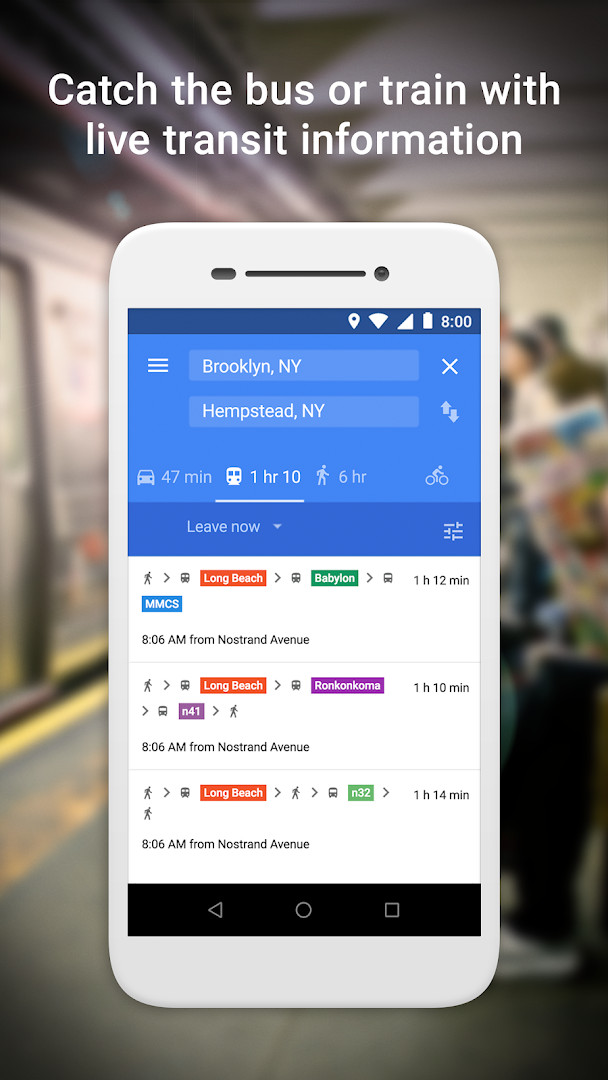
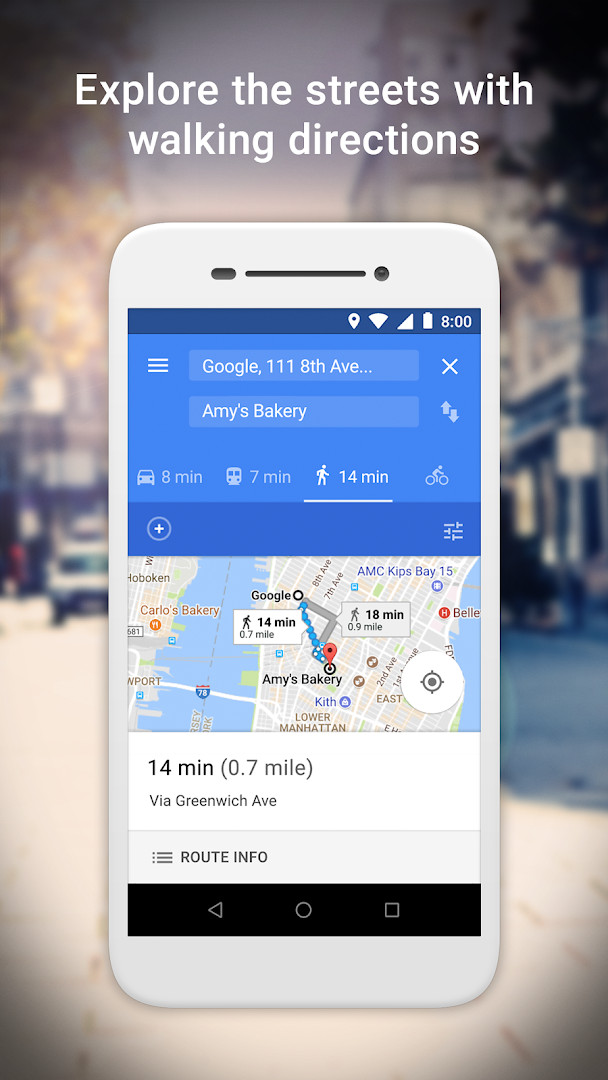
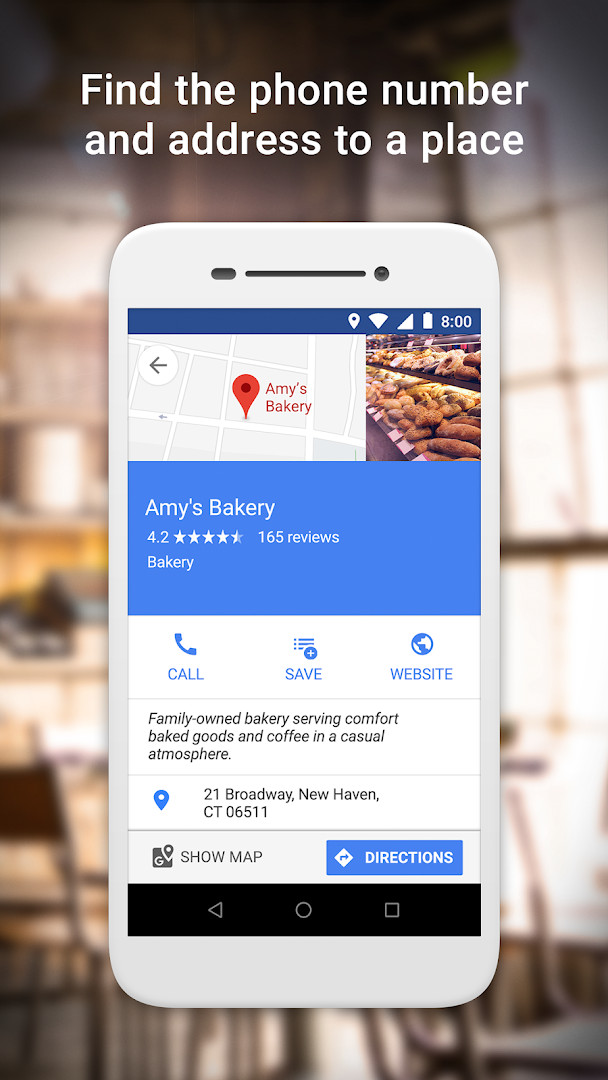
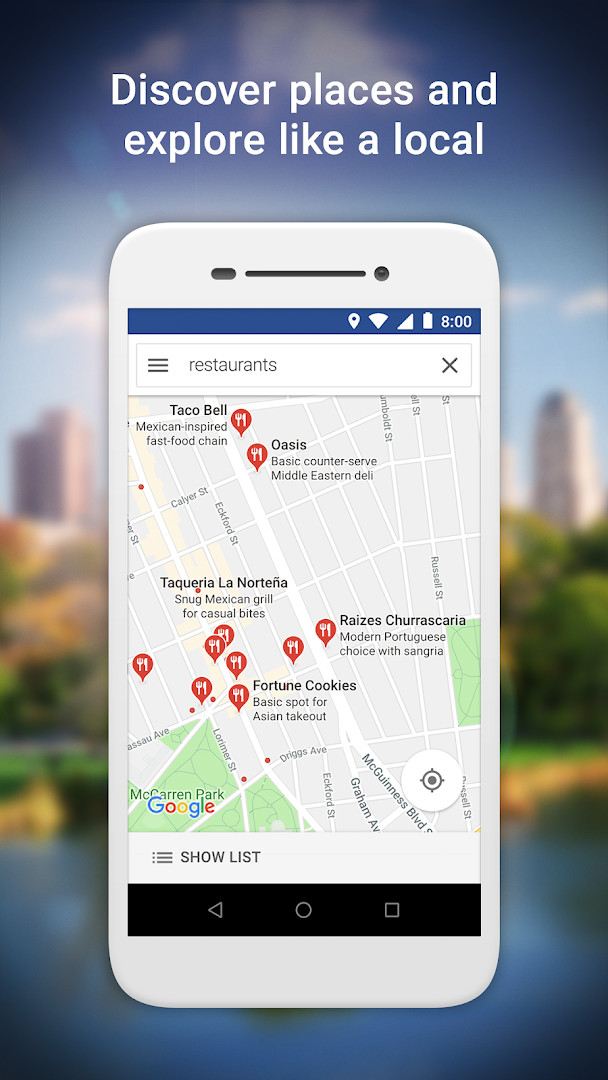
Google Maps Go is a navigation and local-discovery app by Google LLC that delivers maps, directions, traffic conditions and place information in a lightweight package. It exists to solve a fairly specific problem: the full-featured mapping app is heavy, and on phones with modest memory or on connections that drop in and out, a large install can feel sluggish or simply will not fit comfortably. This build is described as a Progressive Web App variation of the standard Google Maps experience, and it is quoted as occupying roughly one hundred times less space on a device than the full app. The design goal is smooth operation on low-memory hardware and unreliable networks without giving up speed when it comes to locating you, reporting real-time traffic, plotting routes, and surfacing train, bus and city transit details. It also lets you look up information about places, including phone numbers and addresses, so it works as both a turn-by-turn companion and a local reference tool. The listing notes that this version requires Chrome; if you would rather not install Chrome, the same mapping service can be reached through a browser instead. The package itself is small — 1.7 MB — and Android 10 or newer is required. It is free to download, carries ads, and has no in-app purchases.
Key features
- Real-time traffic information and traffic maps so you can adjust a trip while you are already moving
- Step-by-step directions with a route preview, which helps you plan a journey before leaving
- Route planning that can combine two-wheelers, metro, buses, taxi, walking and ferries into the fastest option
- Live city public transport schedules for metro, bus and train travel
- Search for nearby restaurants, businesses and other places, with customer reviews and food photos to help you choose
- Place details such as phone numbers and addresses, plus the ability to save spots you visit often and find them again later
- Maps, including satellite and terrain views, covering 200 countries and territories
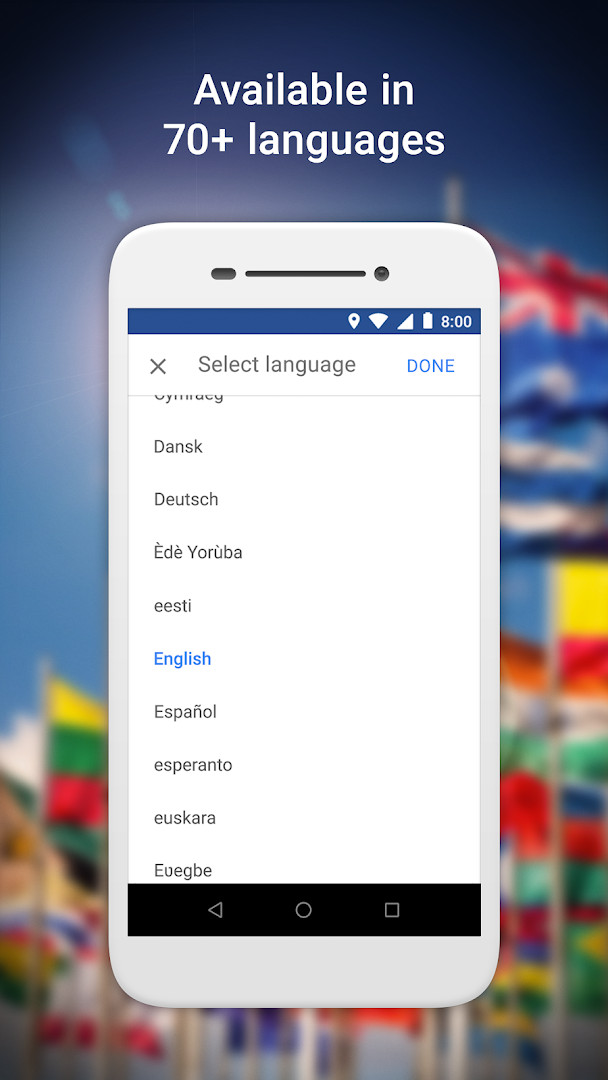
- Interface and content available in more than 70 languages
- Public transport coverage for over 20,000 cities and business information for more than 100 million places
How to install
- Tap the download button on this page to get the APK file.
- When Android prompts you, allow your browser or file manager to install apps — this is the "Install unknown apps" permission, and it is required for any package installed outside the usual flow.
- Open the downloaded APK file from your notifications or your file manager.
- Tap Install and wait for the process to finish; the package is only 1.7 MB, so it should complete quickly.
- Launch the app when it appears. Your device must be running Android 10 or newer, and this version requires Chrome to be present.
Pros
- Very small footprint at 1.7 MB, which matters on devices with limited storage or memory
- Built to stay usable on slow or unreliable network connections
- Covers transit schedules, mixed-mode routing and real-time traffic in one place
- Broad language support and wide geographic map coverage
- Free with no in-app purchases
Cons
- Displays ads
- Requires the Location permission to do its core job
- Depends on Chrome being installed for this version
- Being a lightweight build, it is not intended to match every capability of the full app
Fresh Updates
The latest update focuses on bug fixes and stability improvements. No new features were added in this release.
Past Builds
| Version | File Size | Needs Android | Last Refresh |
|---|---|---|---|
| 165.0 | 2 MB | 10 | 12.08.2026 |
| 167.0 | 1.7 MB | 10 | 04.07.2026 |
This app suits people using entry-level or older Android phones where storage and RAM are tight, and anyone whose daily connection is patchy enough that a heavier mapping app becomes frustrating. It is also reasonable for travelers who mainly need transit schedules, walking and mixed-mode routes, and quick lookups of addresses and phone numbers rather than deep map customization. If you have a recent flagship with plenty of space and a stable connection, the trade-offs here are less compelling, since the lightweight approach is the whole point.
Grant the Location permission when asked, because routing, nearby search and traffic all depend on it. If you would rather not install Chrome, the same mapping service is reachable through a browser, as the app's own description notes. Save the places you return to often so you are not retyping searches, and check the route preview before you commit to a transit plan, since schedules and traffic shift through the day.
Access Rights
Curious?
Is Google Maps Go free to download?
Yes. It costs 0.00 USD, so there is no charge to install it. The app does show ads, but it has no in-app purchases.
Which Android version do I need?
The minimum required OS is Android 10. Make sure your device runs that version or newer before installing.
How big is the file?
The download is 1.7 MB. That makes it a good fit for phones with limited storage or memory.
Do I need a Google account to use it?
No account is required to install and open the app. Some features may work better with a signed-in account, but none of the listed requirements demand one.
What permissions does it request?
It asks for Location access only. That permission is used to show your position, directions and nearby places.
How do I update to a newer version?
Download the latest version from this page and install it over your current copy. The available versions are 165.0, dated 2026-08-12, and 167.0, dated 2026-07-04.
Google Maps Go trades the depth of the full mapping app for a 1.7 MB package that runs on Android 10 and up, and for a lot of users that trade is a good one. It is a practical choice when storage, memory or network quality is the limiting factor rather than features.
Lookalikes



More by Creator






Last Refresh: 24.10.2026