Google Street View for Android
Google Street View is a travel and maps app from Google Inc. for exploring places virtually and creating your own Street View imagery.
Get Street View · v2.0.0.484371618Google Street View lets travelers, curious users, and contributors explore nearly every country through immersive imagery or publish their own 360-degree photos. The app is free, requires Android 7.0 or newer, and its 42 MB download provides access to a broad collection of landmarks, museums, and small businesses.
- Version
- 2.0.0.484371618
- Size
- 42 MB
- Requires Android
- 7.0
- Updated
- Mar 6, 2025
- Installs
- 1B+
- Rating
- ★ 4.36 (234)
- Category
- Travel & Maps
- Developer
- Google Inc.
- Content rating
- Everyone
- Package
- com.google.android.street
- Free
- ✓
Screenshots
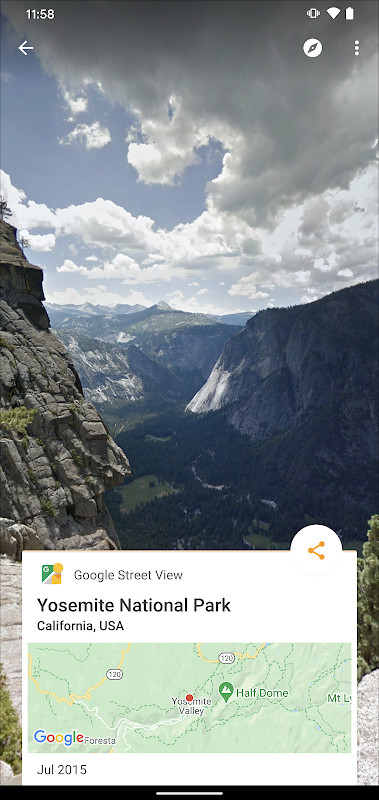
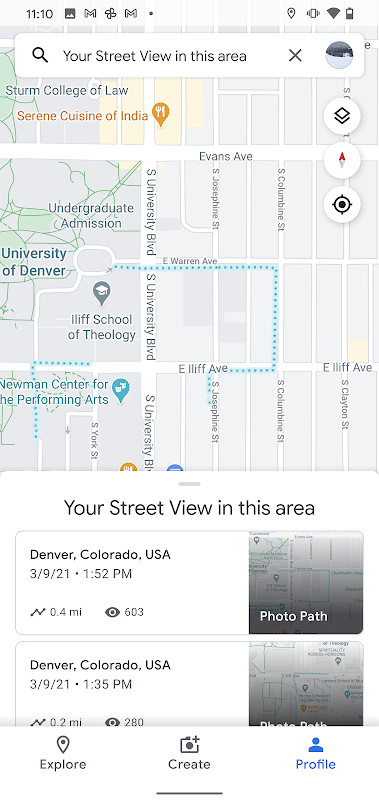
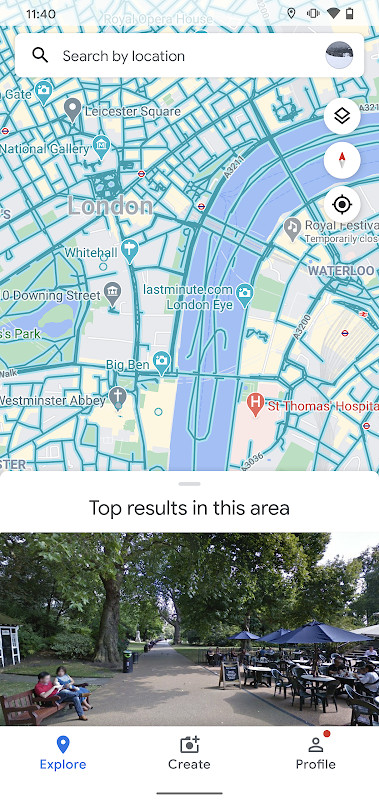
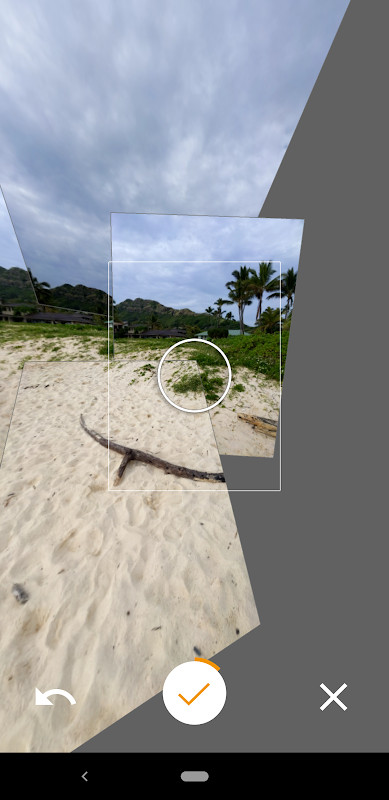
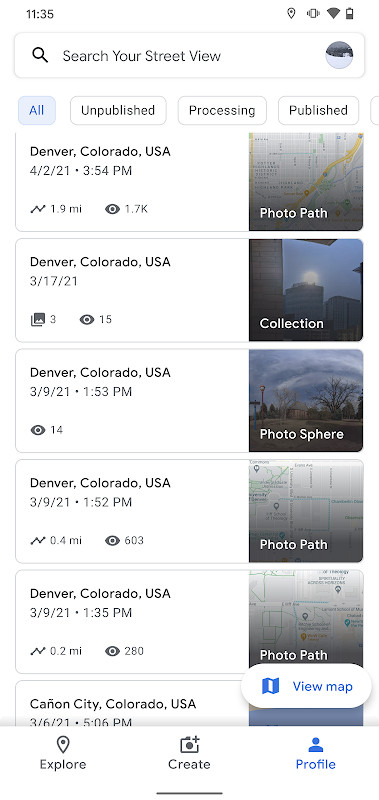
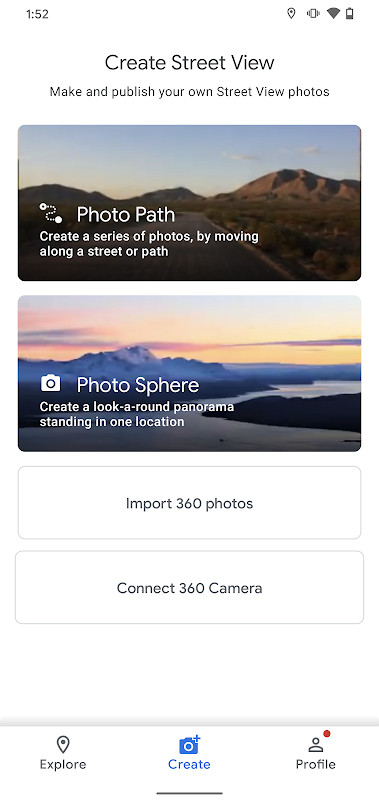
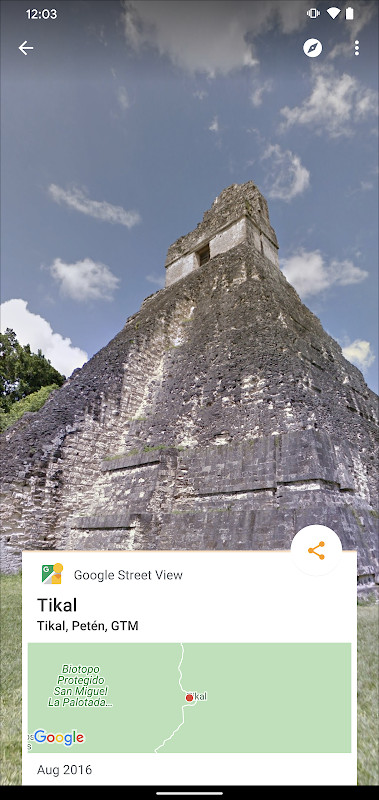
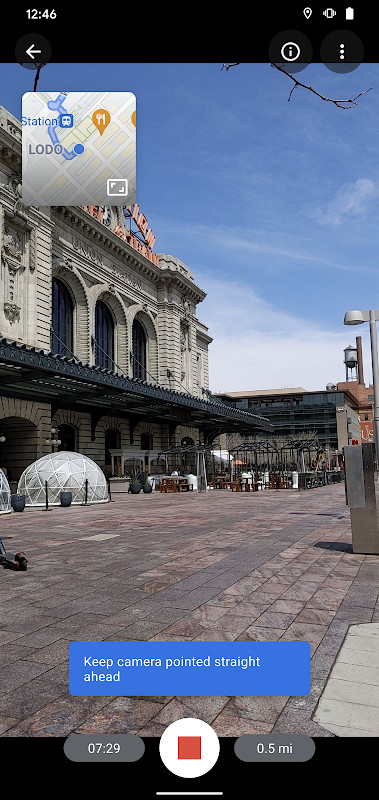
Google Street View is a travel and navigation application by Google Inc. that lets you explore panoramic imagery from around the world and contribute your own 360-degree photos. The app solves the problem of limited access to distant or unfamiliar places by providing a vast library of immersive, user-generated and professionally captured street-level imagery. It addresses the desire to virtually visit landmarks, natural wonders, and interior spaces like museums or small businesses, all from your phone. By allowing you to capture and publish Photo Spheres and Photo Paths, it transforms your device into a tool for documenting and sharing new locations, thereby expanding the global repository of explorable places.
Key features
- Create and publish Photo Spheres (360° panoramas) using your phone's camera.
- Record Photo Paths, a series of connected photos along a street or trail, to document routes.
- Capture Street View imagery with a compatible 360° camera and publish it for everyone to see.
- Explore immersive Street View imagery from Google and from users around the world.
- Virtually visit world landmarks, natural wonders, museums, arenas, restaurants, and small businesses.
- Track your contribution progress with the Street View badge feature.
- Organize and manage your published imagery with a fresh, updated user interface.
- Requires Android 7.0 or newer, with Photo Paths needing an ARCore-compatible device.
How to install
- Tap the download button on this page to get the APK file (42 MB in size).
- When prompted, allow your browser or file manager to install apps by enabling the 'Install unknown apps' setting in your Android device's security options.
- Open the downloaded APK file from your notification bar or file manager.
- Tap 'Install' and wait for the installation to complete.
- After installation, open the app from your app drawer or home screen.
- The app requires Android 7.0 (Nougat) or newer to run.
Pros
- Allows users to contribute their own 360-degree imagery to Google's database.
- Offers a vast collection of immersive street-level views from around the globe.
- Includes a simple workflow for creating and publishing Photo Spheres and Photo Paths.
- Provides a clear interface for managing your contributions and tracking progress.
- Free to download and use, with no in-app purchases mentioned.
- Content rating is 'Everyone', making it suitable for all ages.
Cons
- Requires numerous permissions, including access to your location, camera, storage, and network state.
- May use background location data even when the app is not actively in use.
- The app can access your Google account, which may raise privacy concerns for some users.
- Photo Paths feature requires an ARCore-compatible device, which may exclude some older phones.
- The app size of 42 MB may be large for devices with limited storage.
Recent updates · 2.0.0.484371618
Version 2.0.0.484371618, released on March 6, 2025, lets you create and publish a Photo Path while traveling along a street or trail. The refreshed interface makes it easier to create, organize, and publish imagery to Street View, and a new badge tracks your contribution progress. This update also includes several bug fixes and other improvements.
Version history
| Version | Size | Requires Android | Updated |
|---|---|---|---|
| 2.0.0.484371618 | 42 MB | 7.0 | Mar 6, 2025 |
This app is ideal for travelers, explorers, and anyone curious about the world who wants to virtually visit places they can't physically go to. It's also perfect for photographers, hobbyists, or business owners who want to share their local area or venue through immersive 360-degree imagery. Additionally, educators, students, and armchair travelers will find value in exploring landmarks and cultural sites from their devices. The ability to contribute imagery makes it appealing to those who enjoy documenting their surroundings and adding to a global resource.
To get the most out of the app, ensure your device is ARCore-compatible if you plan to use Photo Paths. When capturing Photo Spheres, move slowly and steadily to avoid blurry images. Also, review the app's permission requests and grant only what you're comfortable with, as the app needs location and camera access for core functions but also requests storage and account permissions that you may want to restrict.
Permissions
FAQ
How do I install the Google Street View APK on my Android phone?
Tap the download button on this page to get the APK file, then open it and allow installation from your file manager if Android asks. Your device must run Android 4.4 (KitKat) or newer to install it.
What is the current version of Google Street View?
The latest version is 2.0.0.484371618, updated on March 6, 2025. The download is about 42 MB.
Does Google Street View cost anything or show ads?
The app is free to download and use. There are no paid unlocks or in-app purchases mentioned; it is a Google app with no ads reported.
Can I use Google Street View without an internet connection?
The app relies on network access to load Street View imagery, so a connection is normally needed. It requests location, camera and network permissions, and Photo Paths require an ARCore-compatible device.
What can I do with the Google Street View app?
You can explore Street View imagery of places worldwide, or create your own content: 360-degree Photo Spheres, Photo Paths along streets or trails, and connected Street View panoramas from a 360-degree camera. You can then publish what you record for others to see.
Are there other apps in the same Travel & Local category?
Yes, the Travel & Local category includes many mapping and navigation apps. Google Street View stands out for its focus on exploring and contributing street-level imagery rather than turn-by-turn directions.
What is new in the latest Google Street View update?
Version 2.0.0.484371618 adds the ability to create and publish a Photo Path while traveling along a street or trail, a refreshed interface for creating and organizing imagery, a Street View badge to track contributions, and several bug fixes.
Google Street View is a powerful tool for exploring the world and contributing your own panoramic imagery. While it collects a significant amount of data and requests many permissions, its free access to a global library of immersive views makes it valuable for virtual travelers and content creators alike.
Similar apps



Updated: Oct 24, 2026