
Phone by Google: Calling and Spam Protection
Phone by Google is a calling app by Google LLC that handles calls, blocks spam and identifies callers.
Download Phone by GooglePhone by Google is a free calling app from Google LLC for placing and managing phone calls on Android. It offers spam warnings, caller ID, visual voicemail, call screening and call recording, and it requires Android 11 or newer with a download of about 38 MB. The app has a 4.43 rating from 52.7 million ratings and more than 5 billion installs.
- Size
- 38 MB
- Requires Android
- 11
- Updated
- Nov 9, 2026
- Installs
- 5B+
- Rating
- ★ 4.43 (52,739,538)
- Category
- Tools
- Developer
- Google LLC
- Content rating
- Everyone
- Package
- com.google.android.dialer
- Free
- ✓
Screenshots
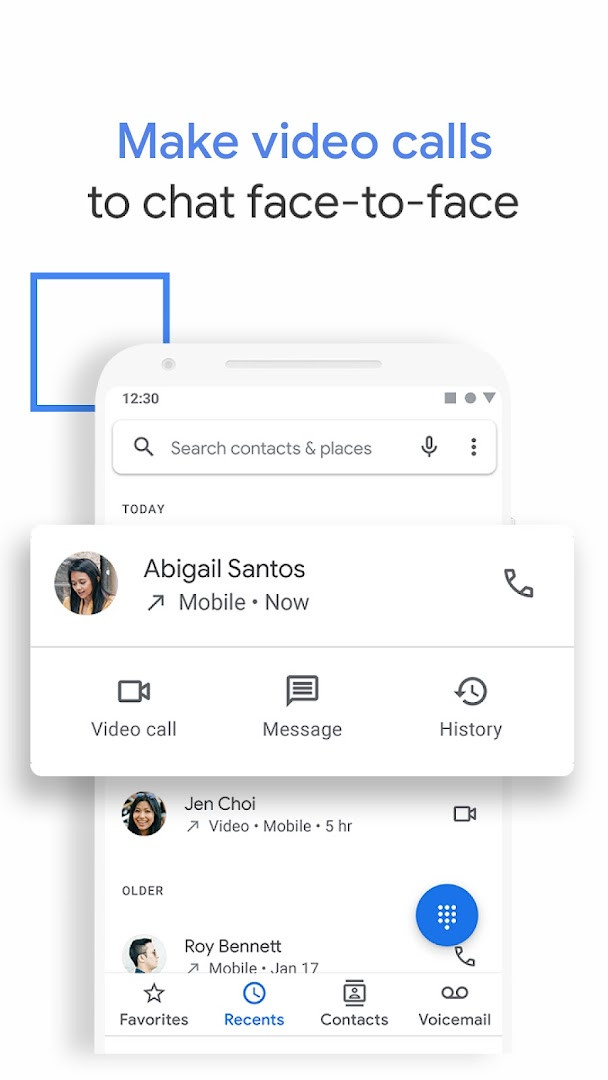
Phone by Google is a calling application by Google LLC that handles phone calls, spam blocking, caller identification, and related communication tools on Android devices. It serves as the official dialer for many Android phones, offering a straightforward interface for everyday calling while layering in protective features that help users avoid unwanted interruptions. The app is designed to be lightweight and fast, keeping frequent contacts accessible and making routine call management feel effortless rather than technical.
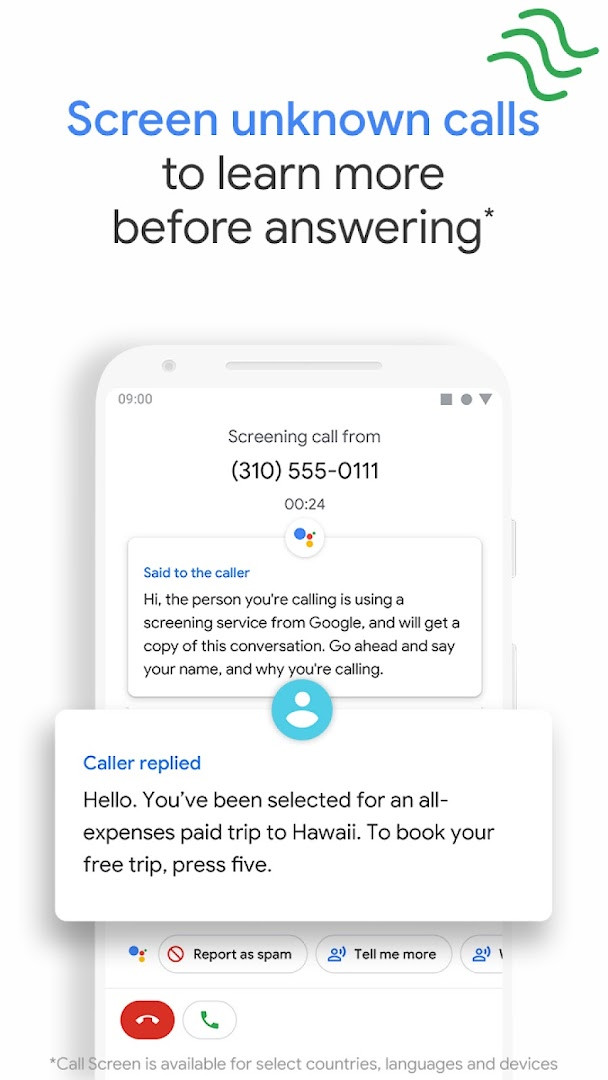
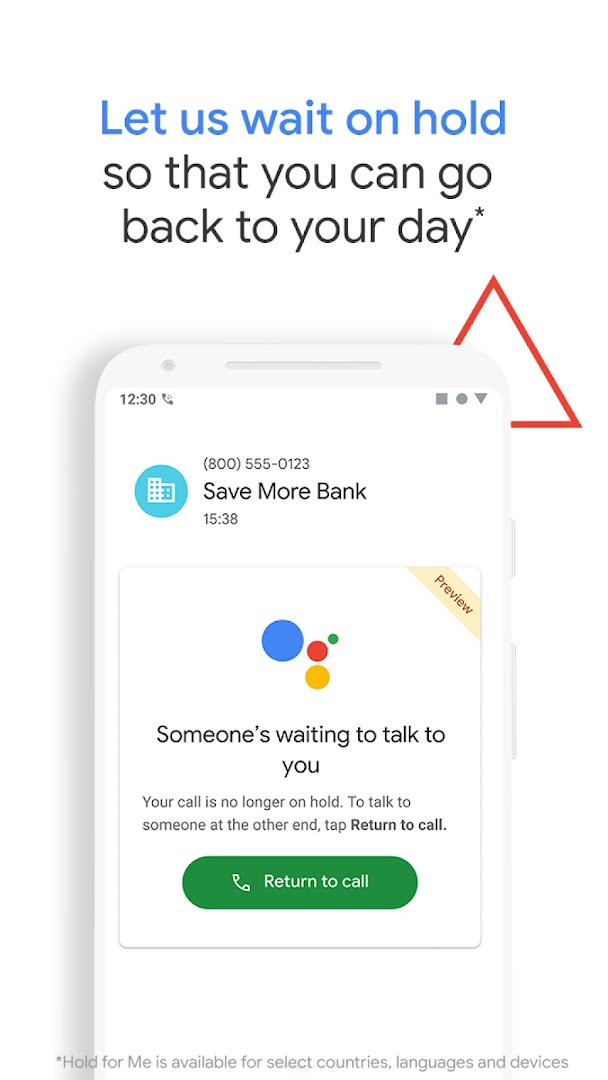
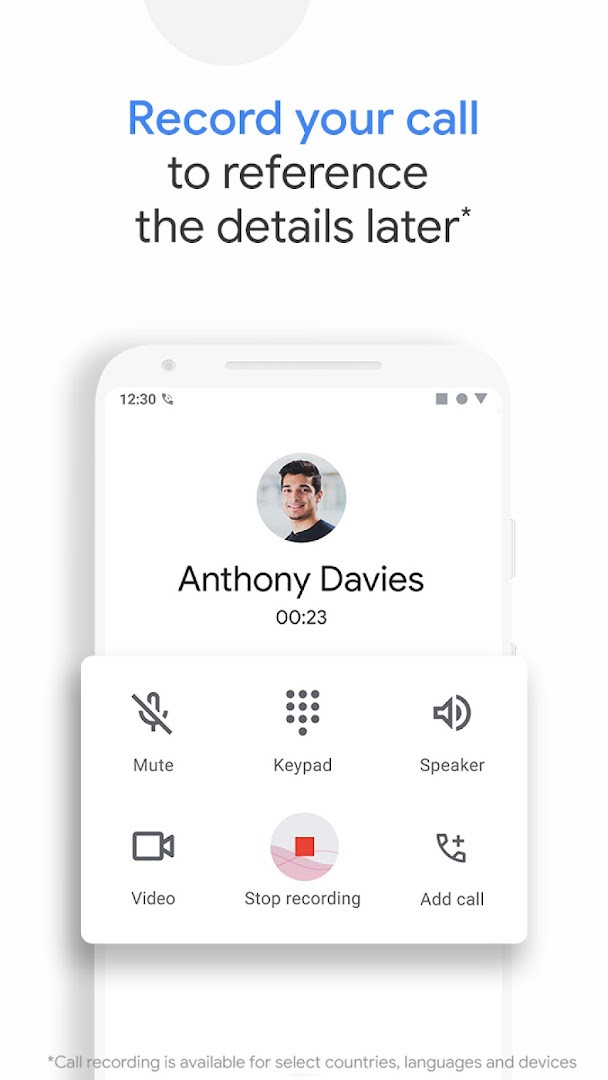
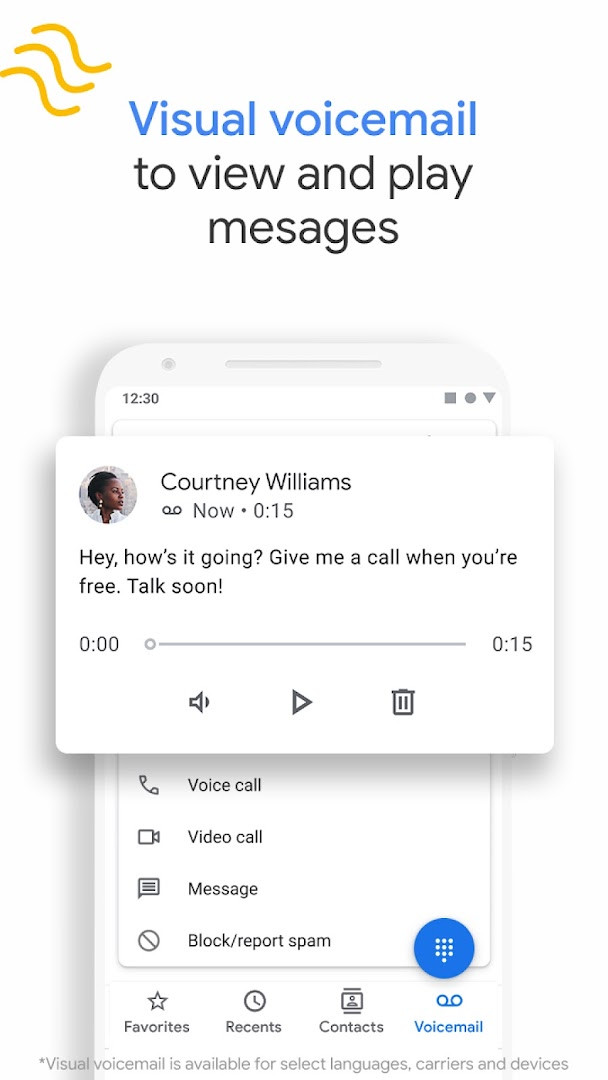
Beyond basic dialing, the app brings several assistant-powered conveniences to the table. Call Screen can answer unknown callers automatically, filtering out detected robocalls before they ring, and on Pixel devices in the US, the latest update lets the Google Assistant screen unknown callers on its own and provide context about who is calling and why when it is not a robocall. Hold for Me can wait on hold with a business for you and notify you when a person is ready, while visual voicemail shows transcriptions and lets you play messages in any order. Call recording is also available on supported devices, with a disclosure announced when recording starts.
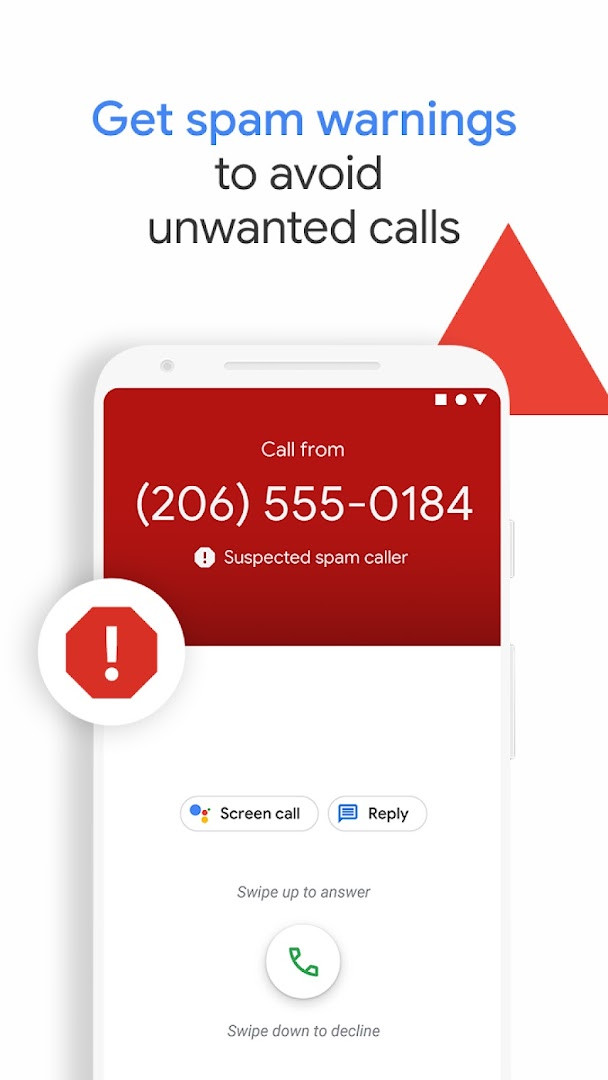
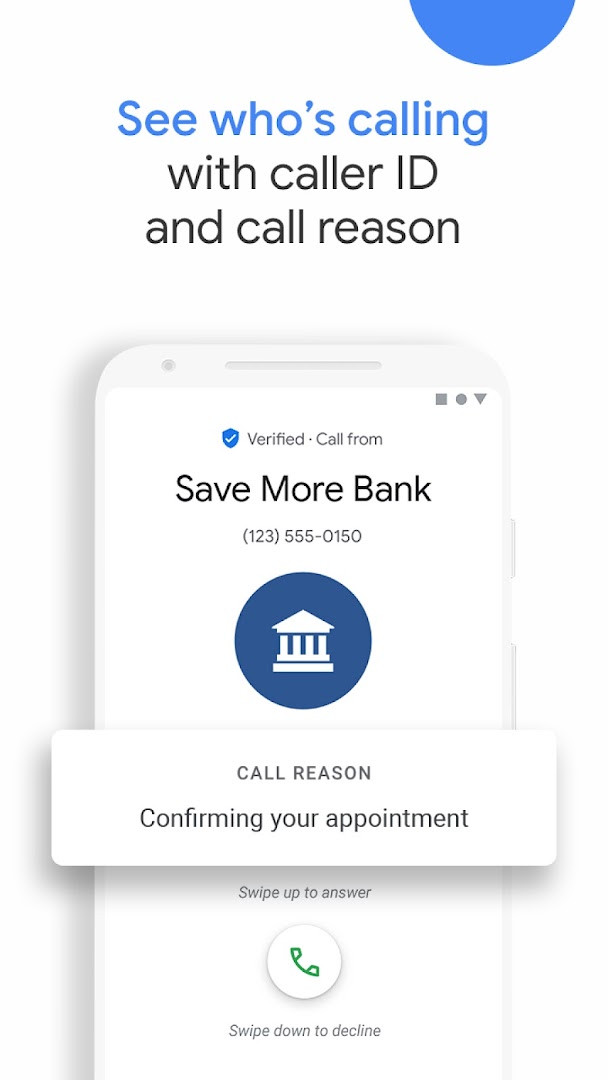
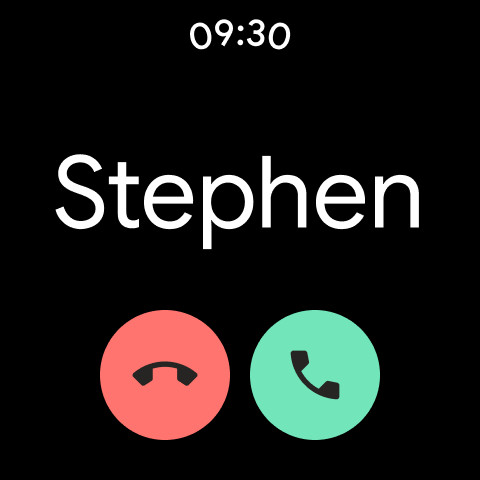
Spam protection and caller ID are central to the experience. You can see warnings about suspicious callers, block numbers so they cannot reach you again, and identify businesses before answering thanks to Google’s extensive caller ID coverage. The app also supports emergency calls by displaying your current location and allowing you to share assistance details with the operator without speaking. It works on most Android devices running Android 11 and above, and it is also available for Wear OS, though some features are limited to certain devices or regions, such as the US, UK, and Australia for emergency support.
Key features
- Powerful spam protection with warnings about suspicious callers and the ability to block numbers
- Google’s extensive caller ID coverage lets you know which business is calling before you answer
- Call Screen answers unknown callers, filters out detected spammers, and provides context about callers you don’t recognize
- Hold for Me lets Google Assistant wait on hold for you and notify you when someone is ready to talk
- Visual voicemail with transcriptions, allowing you to view, play, delete, or save messages in any order
- Call recording on supported devices, with a disclosure announced when recording starts
- Simple, lightweight design with dark mode to save battery and reduce eye strain at night
- Emergency support showing your current location and letting you share assistance details with the operator without speaking
- Automatic screening of unknown callers on Pixel devices in the US with the latest update
How to install
- Tap the download button on this page to get the APK file for Phone by Google (size: 38 MB).
- When Android asks, allow your browser or file manager to install apps from this source by enabling the 'Install unknown apps' setting.
- Open the downloaded APK file from your notifications or Downloads folder.
- Tap Install and wait for the installation to complete.
- Open the app and set it as your default phone app if prompted.
- Note: The app requires Android 11 (minimum OS version) or higher to run.
Pros
- Robust spam blocking and caller ID help avoid unwanted calls
- Call Screen and Hold for Me add genuine convenience for unknown and hold situations
- Visual voicemail with transcription saves time checking messages
- Call recording captures important information for later reference
- Lightweight design with dark mode for battery saving
- Emergency support features provide location sharing during calls
Cons
- Several advanced features are limited to specific devices or regions (e.g., US only for some)
- Call Screen may not detect all spam or robocalls
- Requires granting many permissions like microphone, contacts, and location
- Transcription and automatic screening are English-only in the US
- Some features only work on Pixel devices or phones with the app pre-installed
Recent updates
The latest update to Call Screen on Pixel devices in the US makes the Google Assistant automatically screen unknown callers and filter out detected robocalls before your phone rings. If a call isn't a robocall, your phone will ring shortly afterward with helpful context about who is calling and why.
Version history
| Version | Size | Requires Android | Updated |
|---|---|---|---|
| 242.0.998227485-downloadable | 37 MB | 11 | Oct 14, 2026 |
| 242.0.998227485 | 74 MB | 11 | Oct 14, 2026 |
| 242.0.998227485-publicbeta-downloadable | 38 MB | 11 | Oct 14, 2026 |
| 241.0.991235506-pixel | 89 MB | 11 | Oct 8, 2026 |
| 241.0.991235506-downloadable | 38 MB | 11 | Oct 8, 2026 |
| 241.0.991235506 | 74 MB | 11 | Oct 8, 2026 |
| 240.0.992039467 | 74 MB | 11 | Oct 8, 2026 |
| 240.0.992039467-pixel | 88 MB | 11 | Oct 8, 2026 |
| 241.0.991235506-publicbeta-downloadable | 38 MB | 11 | Oct 4, 2026 |
| 240.0.986973448-pixel | 88 MB | 11 | Sep 30, 2026 |
This app suits everyday Android users who want a reliable dialer with built-in spam protection, busy people who frequently deal with telemarketers or hold lines and need caller ID and screening, and Pixel owners in the US who can take full advantage of the assistant-powered Call Screen and Hold for Me features.
For the best Call Screen experience, enable automatic screening in the app’s settings on Pixel devices in the US; this lets the Google Assistant filter robocalls before your phone rings and provides context for legitimate callers.
Permissions
FAQ
How do I install the APK of Phone by Google on my Android device?
To install the APK, download the installation file from the download button on this page, then open it on your device. You may need to allow installation from unknown sources in your system settings if prompted. The app requires Android 11 or higher and takes up about 38 MB of storage.
What is the current version of Phone by Google?
The most recent version listed is 242.0.998227485-downloadable, released on 2026-10-14. There is also a public beta build with the same version number, along with earlier versions such as 241.0.991235506-pixel and 241.0.991235506-downloadable, both dated 2026-10-08.
Does Phone by Google contain ads or in-app purchases?
No. The app is free to download and use, and it does not include any ads or in-app purchases. Its content rating is Everyone, so it is suitable for all ages.
Can I use Phone by Google offline, and what data does it need?
Core calling features work without an internet connection, but some functions like caller ID, spam protection, Call Screen, and voicemail transcription rely on network services. The app requests permissions for identity, contacts, location, SMS, phone, storage, camera, microphone, and more, and it may collect call-related data to provide these features.
Are there other apps in the Tools category that offer similar calling and spam-blocking features?
Yes, the Tools category includes other dialer and caller-ID apps that provide call management, spam detection, and contact organization. However, Phone by Google is distinguished by its integration with Google Assistant features like Hold for Me and automatic Call Screen, which may not be available in all alternatives.
What are the key features of Phone by Google?
The app offers spam protection, caller ID, Call Screen for unknown callers, visual voicemail with transcriptions, call recording, Hold for Me, and emergency location sharing. Some features are limited to specific devices or regions; for example, automatic Call Screen and voicemail transcription are available only in the US with English, while Hold for Me works on Pixel 2 and newer devices in the US.
Does Phone by Google work on all Android devices?
The app is available for most Android devices running Android 11 or higher, and it also works on Wear OS. However, certain features such as call recording, Call Screen, and emergency support are only available on devices that have Phone pre-installed, and some capabilities are restricted by country or language.
Phone by Google is a solid, feature-rich dialer that excels at spam protection and caller identification, with thoughtful extras like visual voicemail and call recording. While some advanced features are region- or device-locked, the core calling experience is reliable and intuitive, making it a worthwhile default phone app for most Android users.
Similar apps






More from this developer



Updated: Nov 11, 2026