ADB Captain: On-Device ADB Command Runner
ADB Captain is a development tool by eatenlamp that runs ADB commands directly on your phone through Shizuku, without root or a PC.
Download ADB Captain · v1.6ADB Captain distinguishes itself by providing a full debugging workspace on the phone itself, featuring a terminal, app inspector, process viewer, and logcat, all without requiring root. It is aimed at developers and power users who want to run ADB commands or debug their device away from a computer.
- Version
- 1.6
- Size
- 28 MB
- Requires Android
- 7.0
- Updated
- Oct 22, 2026
- Category
- Tools
- Developer
- eatenlamp
- Package
- adb.captain
- Free
- ✓
Screenshots
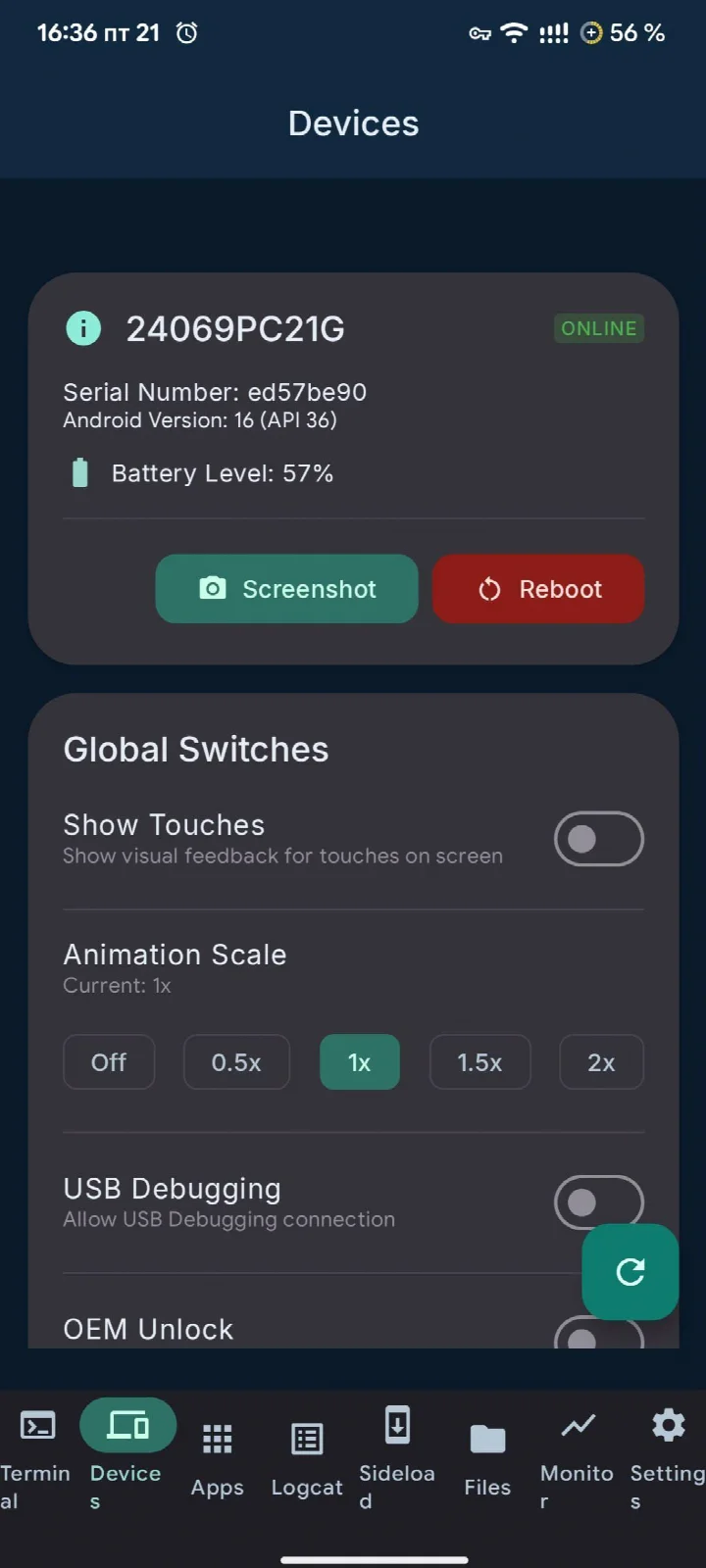
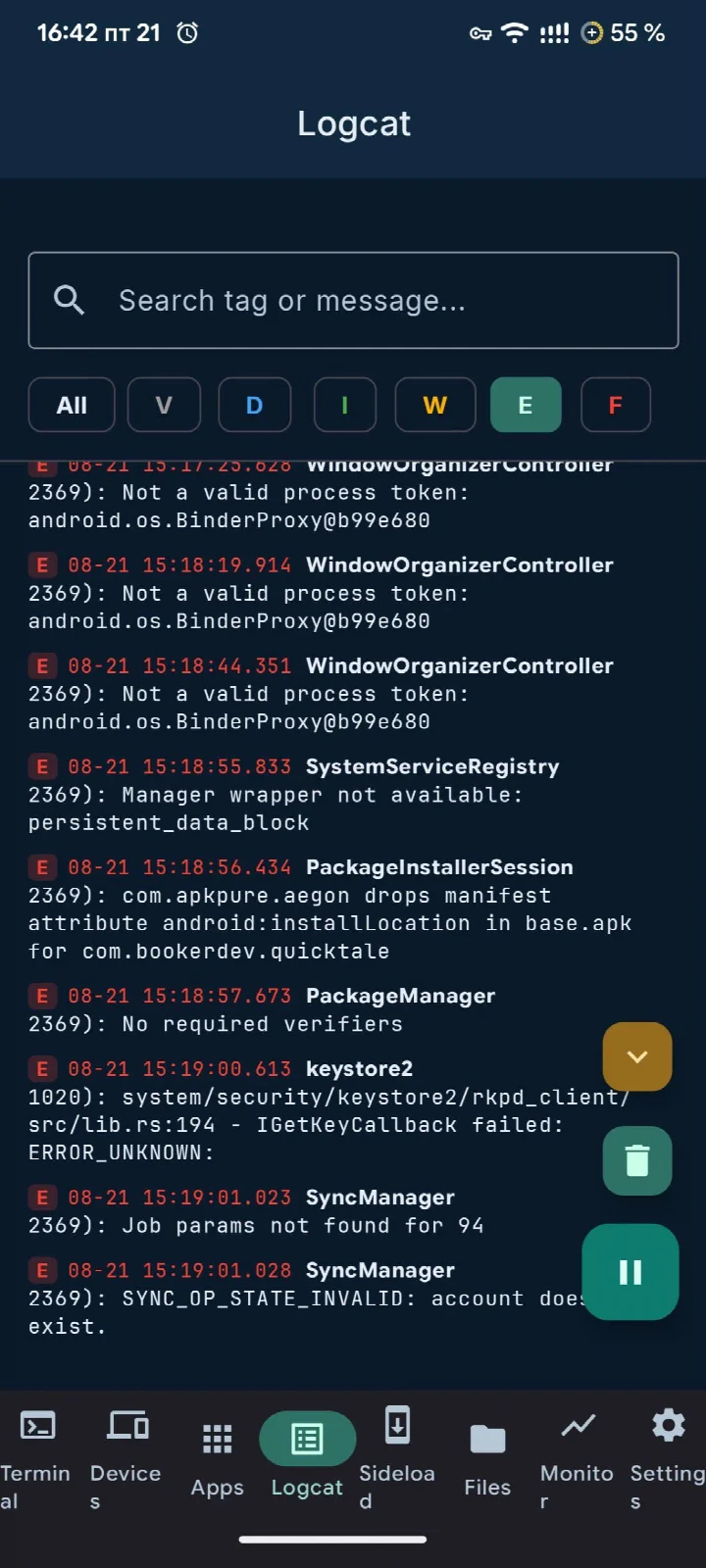
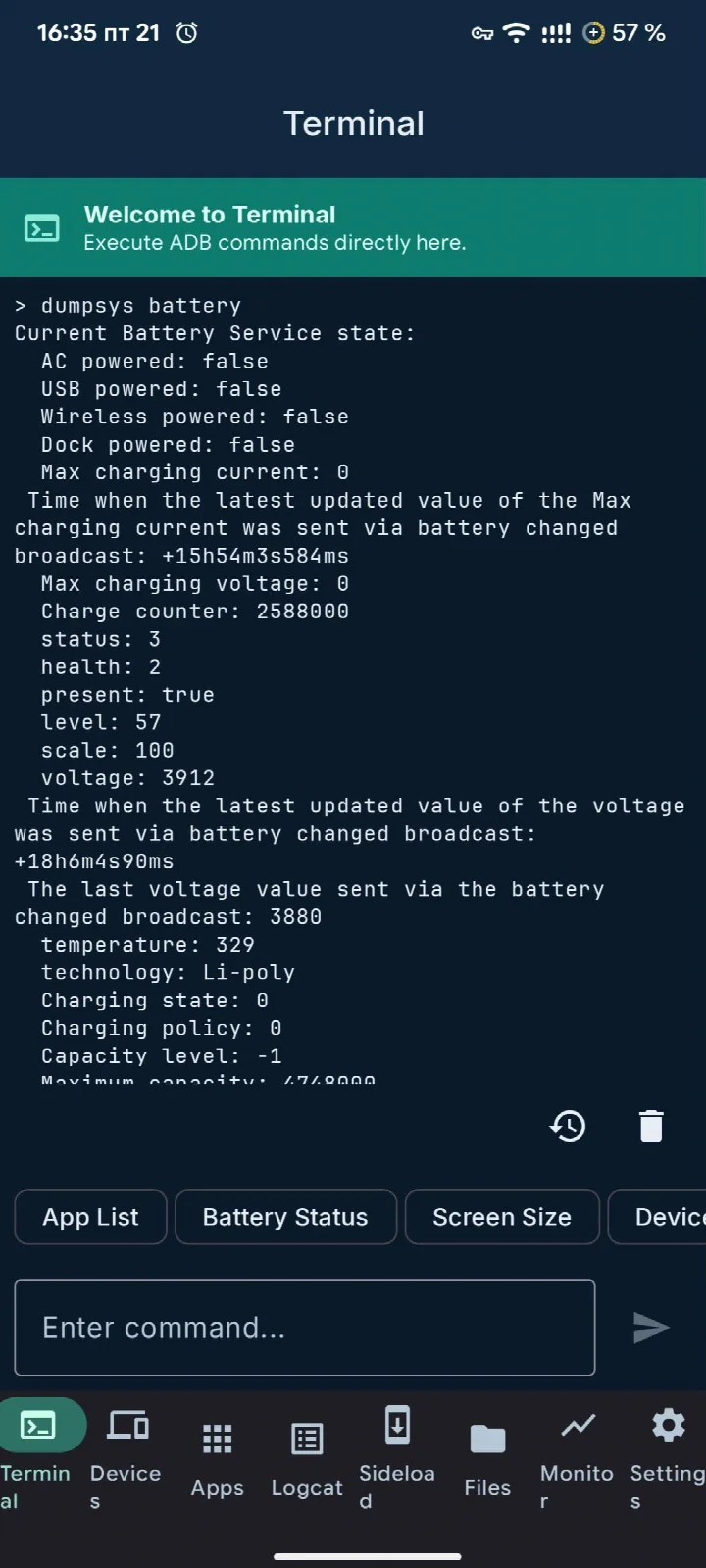
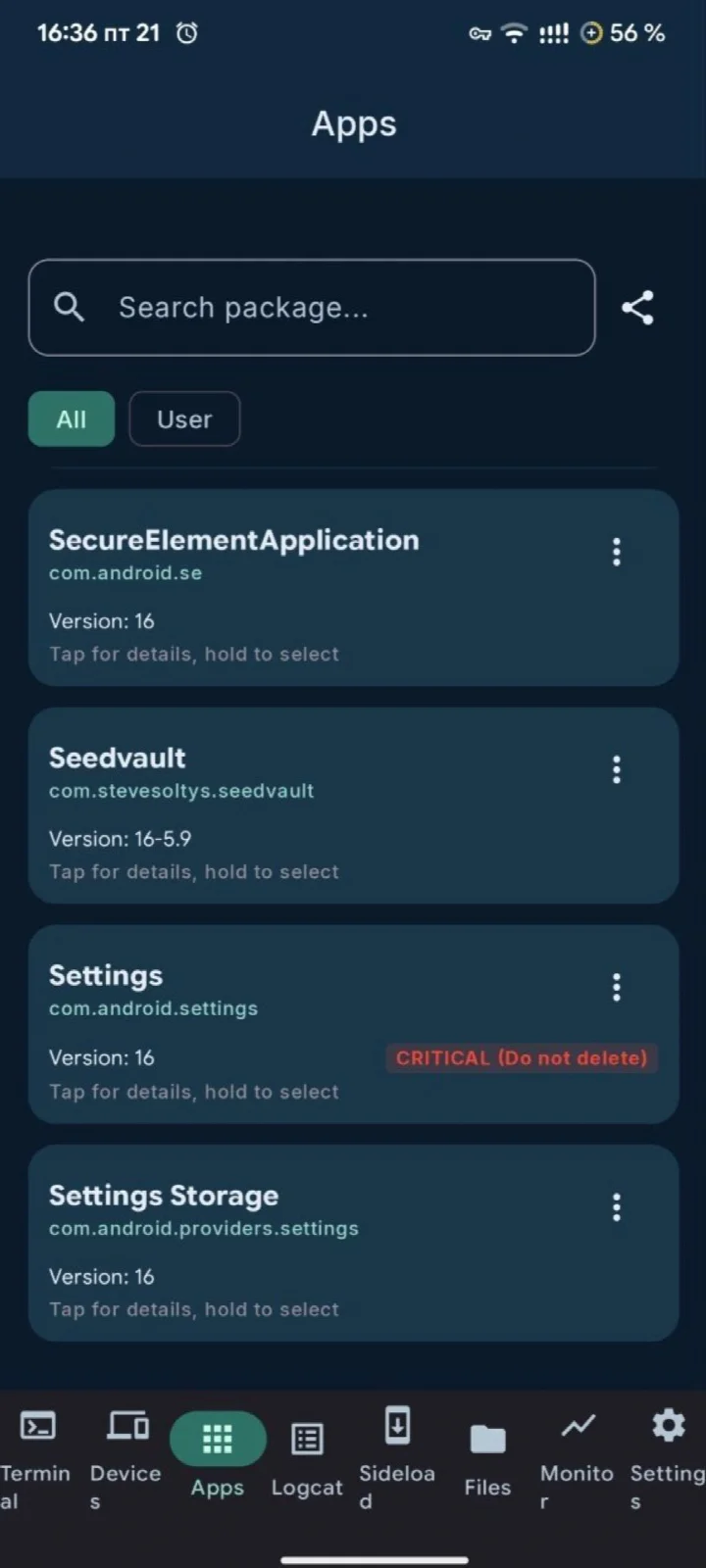
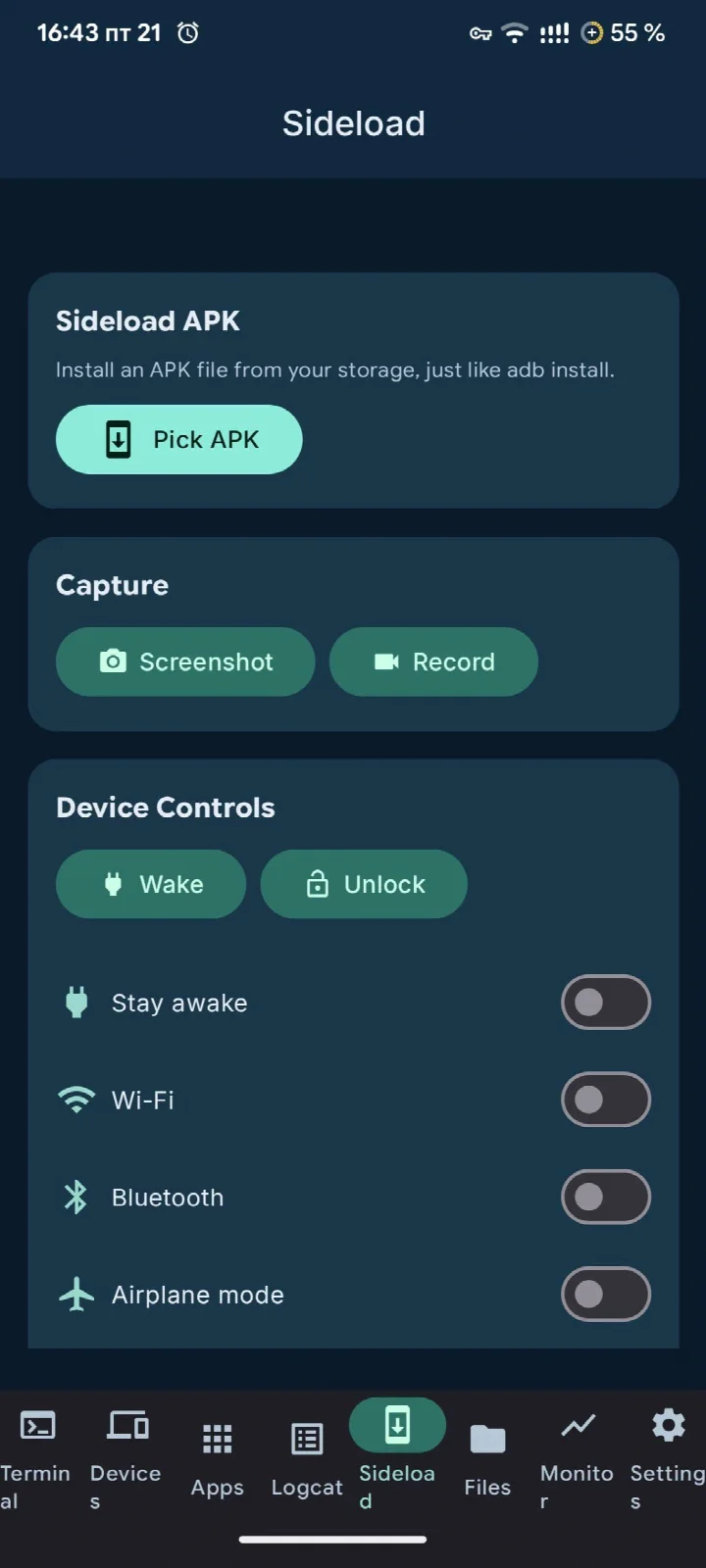
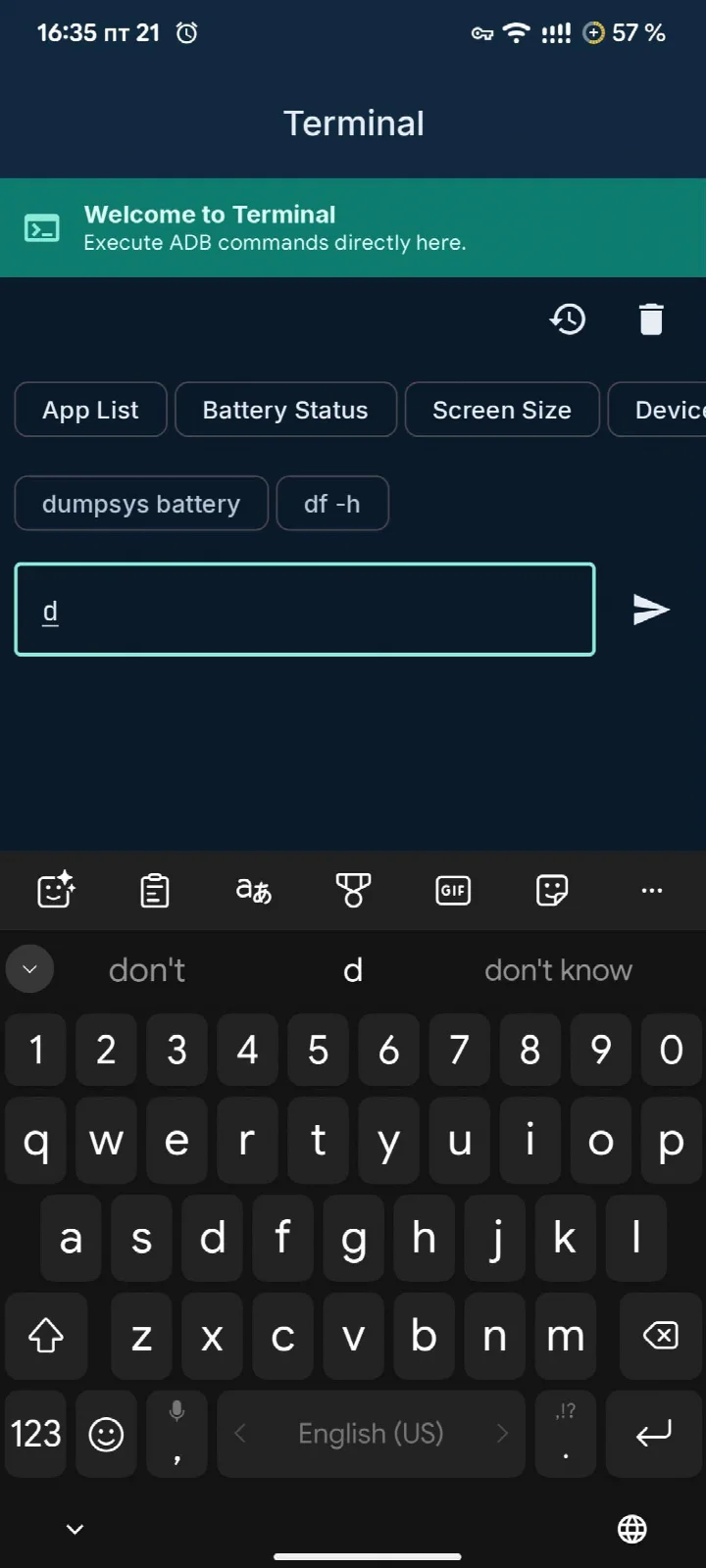
ADB Captain is a tools app by eatenlamp that runs ADB commands directly on your phone via Shizuku, eliminating the need for a computer or root access. It provides a comprehensive interface for executing shell commands, managing apps, monitoring processes, and accessing system logs, all from an on-device terminal. The app is free, open-source (AGPL-3.0), and contains no ads, analytics, or account requirements, making it a privacy-conscious choice for Android power users.
Key features
- Multi-session terminal with command history autocomplete, recent grouping, and pinning of frequently used commands.
- Debugging workspace combining bug report ZIP creation, timed session recording with log buffering, saved macros, and per-app crash logs with full stack traces.
- App manager listing all installed packages (user and system) with safety ratings, plus an inspector for activities, services, receivers, providers, and an intent launcher.
- Process viewer showing PID, parent, user, and memory usage, with search and force-stop functionality.
- Device info panel including model, Android version, battery status, connection state, with reboot and screenshot actions.
- Wireless ADB support for pairing and connecting over Wi-Fi, with saved devices and one-tap reconnect.
- Live logcat viewer with level and text filtering, follow-mode for foreground apps, and export to Markdown.
- Sideload and utility tools: install APKs from storage, record screen, toggle Wi-Fi/Bluetooth/airplane mode, type text, and open links.
- Material 3 Expressive design with light/dark themes, five accent palettes, and Material You dynamic color support.
How to install
- Tap the download button on this page to get the APK file (28 MB).
- When prompted, allow your browser or file manager to install apps by enabling the 'Install unknown apps' setting.
- Open the downloaded APK file from your notification or file manager.
- Tap 'Install' on the installation screen and wait for the process to complete.
- Open the app. Note: this app requires Android 7.0 or higher and relies on Shizuku for full functionality—ensure Shizuku is set up if needed.
Pros
- No root or PC required—works entirely on-device via Shizuku.
- Free and open-source with no ads, analytics, or account sign-ups.
- Comprehensive feature set covering terminal, debugging, app management, and log viewing.
- Wireless ADB support for remote device control and file operations.
- Material 3 design with theme customization options.
Cons
- Requires Shizuku setup, which may be unfamiliar to average users.
- Advanced features have a learning curve for those new to ADB commands.
- Some features (e.g., wireless ADB) depend on network and device configuration.
Version history
| Version | Size | Requires Android | Updated |
|---|---|---|---|
| 1.6 | 28 MB | 7.0 | Oct 22, 2026 |
| 1.5 | 27 MB | 7.0 | Oct 8, 2026 |
| 1.4 | 16 MB | 7.0 | Oct 1, 2026 |
| 1.2 | 15 MB | 7.0 | Sep 20, 2026 |
ADB Captain is ideal for Android developers, power users who tinker with system settings, and tech enthusiasts who want to manage their devices without a PC. It also suits testers who need to capture bug reports or analyze crash logs efficiently.
Before using the app, ensure Shizuku is properly activated—either via wireless debugging (Android 11+) or by connecting to a PC once. This initial setup greatly improves stability and unlocks all features.
FAQ
Does ADB Captain require root access or a computer to run ADB commands?
No root and no PC are needed. The app works through Shizuku, so you can execute ADB shell commands directly on your phone.
What is the minimum Android version supported by ADB Captain?
The app requires Android 7.0 or later. The current version is 1.6, released on 2026-10-22, and the download size is 28 MB.
Can I use ADB Captain to install an APK or record my screen?
Yes. The sideload and tools section lets you install an APK from storage, record the screen, toggle Wi-Fi, Bluetooth or airplane mode, type text, and open links.
How does the app help with debugging crashes?
It includes a debugging workspace with a bug report ZIP, a timed session that records your actions and buffers the log while you reproduce a crash, saved macros for command chains, and crash logs grouped per app with full stack traces.
What can I do with the Apps section in ADB Captain?
You get a list of every installed package with user and system apps separated. Each app shows a plain safety rating, and an inspector lets you view activities, services, receivers and providers along with their required permissions. There is also an intent launcher to build and fire an intent by hand.
Does ADB Captain support wireless ADB connections?
Yes. You can pair and connect to any device over Wi-Fi, run shell commands on it, save devices, reconnect with one tap, and optionally enable auto-reconnect.
Is ADB Captain free, and does it contain ads or tracking?
The app is free and licensed under AGPL-3.0-or-later. It has no ads, no analytics, and no accounts.
ADB Captain delivers a powerful, all-in-one ADB toolkit that respects user privacy and offers deep system control. While it demands some technical familiarity, its feature breadth and open-source nature make it a standout choice for those who need on-device ADB capabilities.
Similar apps



Updated: Oct 24, 2026