Files by Google – File Cleanup & Sharing
Files by Google is a free Tools app by Google LLC that lets you clean up storage, find files, and share them offline.
Get Files · v1.13157.1011540316.0-releaseFiles by Google uses less than 20 MB of storage, contains no ads, and requires Android 8.0 or higher. It has received over 9 million ratings and is suitable for anyone looking to free up device space, locate documents, or transfer files without an internet connection.
- Version
- 1.13157.1011540316.0-release
- Requires Android
- 8.0
- Updated
- Nov 9, 2026
- Installs
- 5B+
- Rating
- ★ 4.52 (9,119,756)
- Category
- Tools
- Developer
- Google LLC
- Content rating
- Everyone
- Package
- com.google.android.apps.nbu.files
- Free
- ✓
Screenshots
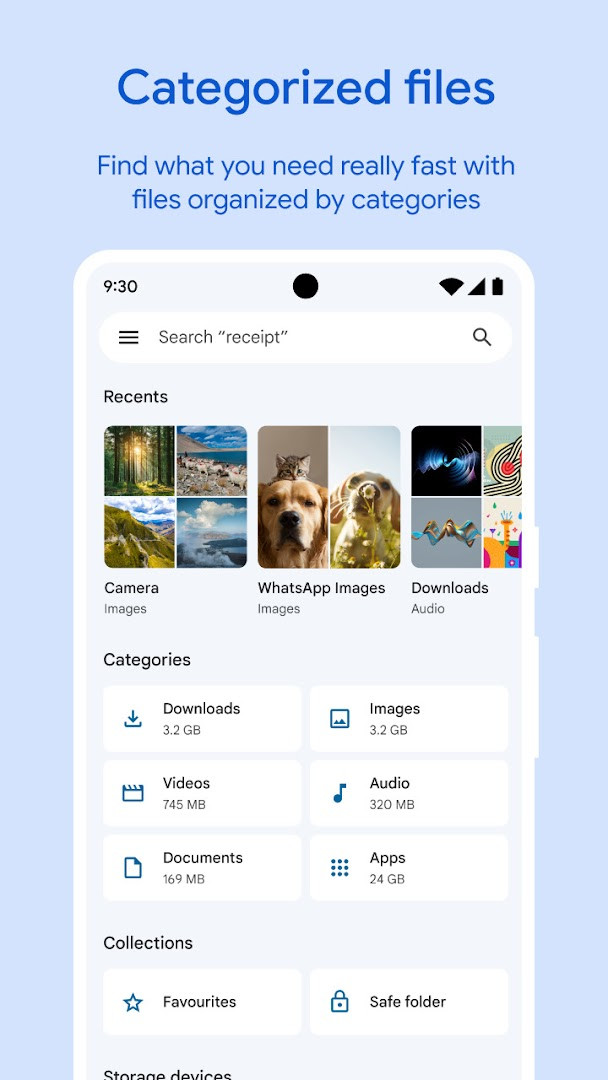
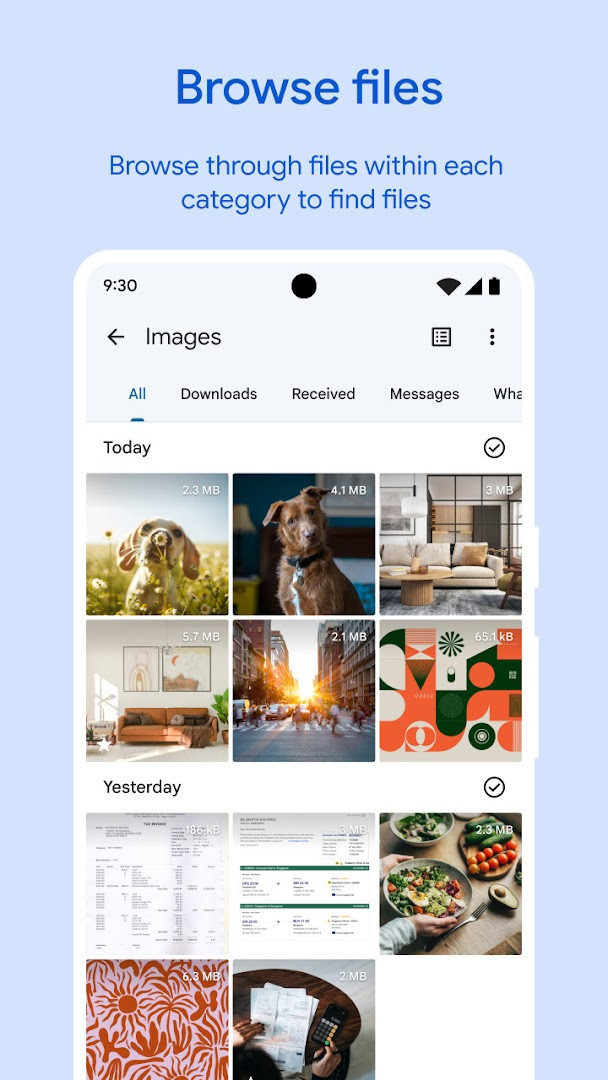
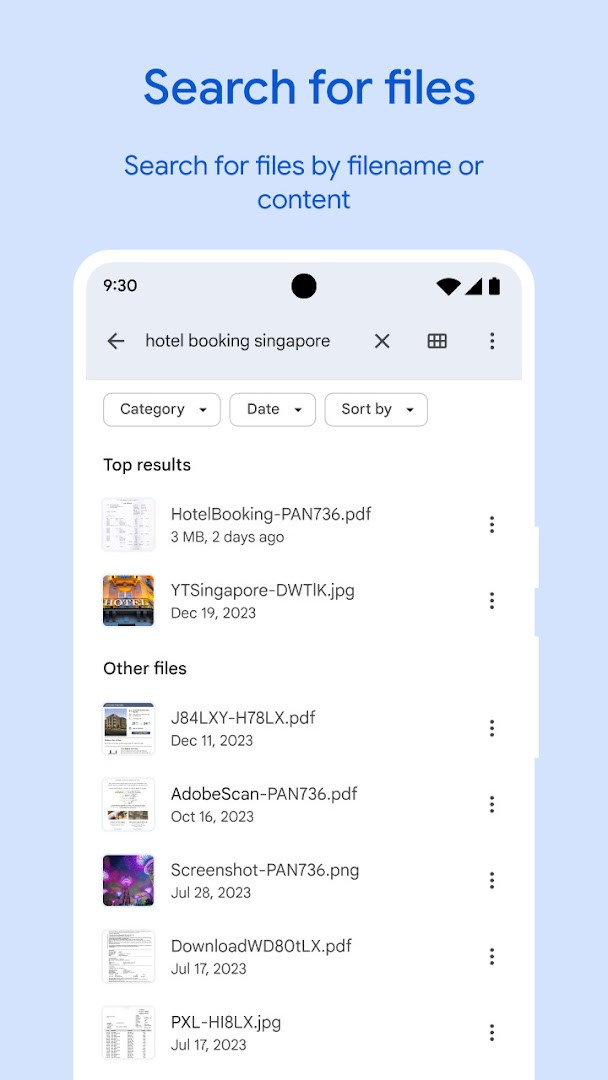
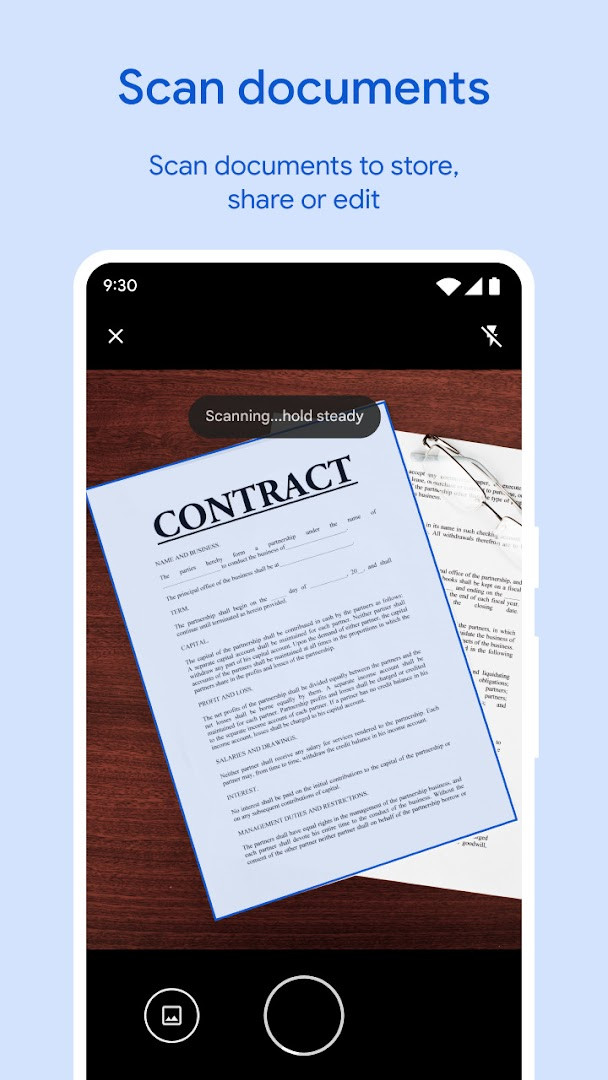
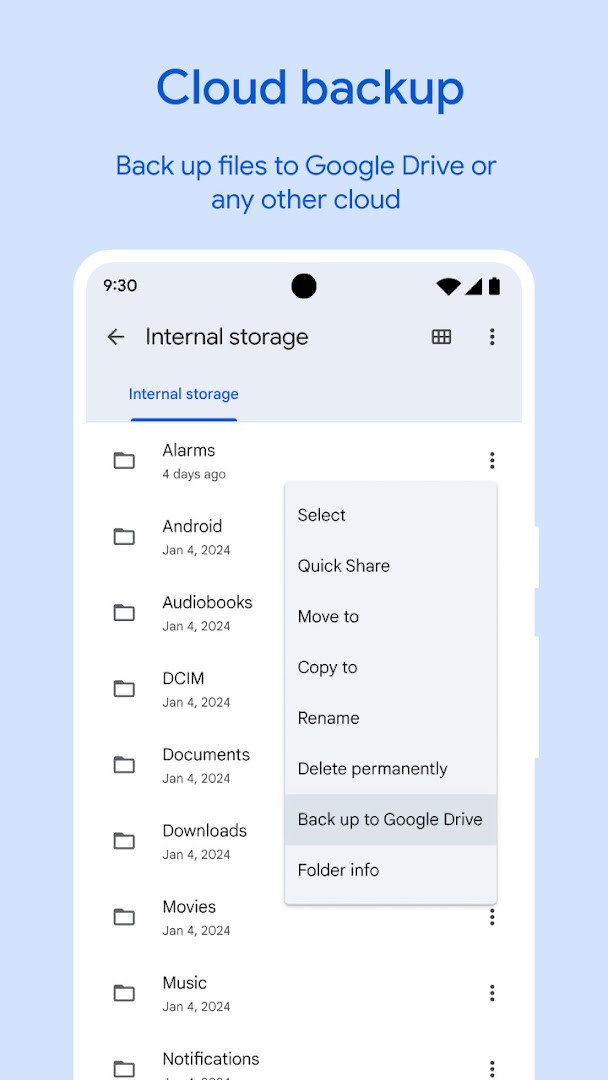
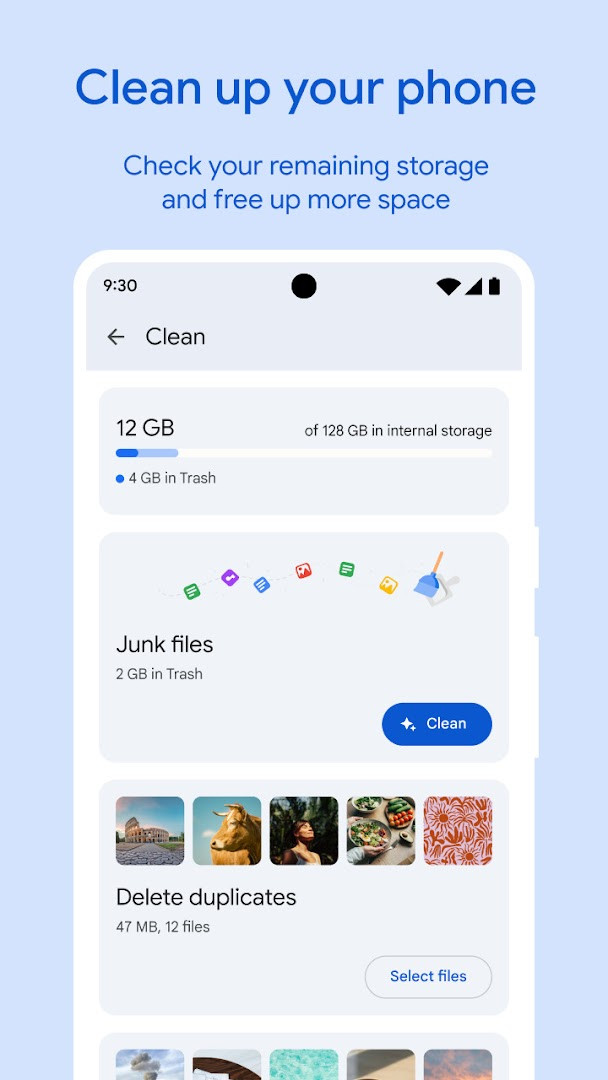
Files by Google is a file management tool by Google LLC that helps you free up device storage, locate files, play media, and share content offline. Launched in December 2017, it has become a widely used utility for everyday storage upkeep. Instead of working as a simple folder browser, it combines cleaning suggestions, search, and offline transfers in one interface, with attention to how local data is handled.
The latest release, version 1.12735.987346843.0-release, dated October 1, 2026, brings interface refinements and bug fixes. The app detects duplicate files, outdated chat photos, and cached data, then recommends cleanup steps. Quick Share can send photos, videos, apps, and documents to nearby devices at speeds up to 480 Mbps without an internet connection, using end-to-end encryption. Media playback offers speed and shuffle controls, and backups can go to Google Drive or an SD card.
From a privacy perspective, the requested permissions cover photos/media/files, storage, and Wi-Fi connection information — access that is functionally connected to browsing local content and enabling direct device-to-device transfers. The locked folder feature adds another layer by protecting sensitive items behind a PIN or pattern that can differ from your device lock. With no ads, no in-app purchases, and roughly 20 MB of storage used, it is designed to stay lightweight. Android 8.0 is the minimum required version.
Key features
- Storage cleanup suggestions that target duplicate files, old chat images, and cache
- Fast search and simple browsing for photos, videos, GIFs, and documents
- Offline sharing to nearby devices at speeds up to 480 Mbps with end-to-end encryption
- Locked folder for sensitive files using a PIN or pattern separate from the device lock
- Offline media player with playback speed, shuffle, and other controls
- Backup to Google Drive or transfer to an SD card
- Smart recommendations that become more useful over time
- Lightweight footprint: less than 20 MB of storage, no ads, no in-app purchases
How to install
- Tap the download button on this page to get the APK; the file size is not specified here.
- When Android asks, allow your browser or file manager to install apps by enabling the "Install unknown apps" setting.
- Open the downloaded APK file from your downloads folder or notification.
- Tap Install and wait for the process to complete.
- Open Files by Google from your app drawer. Android 8.0 or later is required.
Pros
- Free with no ads or in-app purchases
- Practical cleanup and duplicate detection
- Fast, encrypted offline sharing
- Extra protection via a separate locked folder
- Lightweight app footprint
- Cloud and SD card backup options
Cons
- Requests broad storage and media access permissions
- Smart recommendations may take time to become relevant
- Offline sharing requires compatible nearby devices
Recent updates · 1.13157.1011540316.0-release
This update to Files by Google brings a set of UI enhancements aimed at improving the overall user experience, along with various bug fixes to ensure smoother performance. The app continues to help you free up space, find files quickly, share them offline with Quick Share, back up to the cloud, and keep sensitive items secure with a separate PIN or pattern.
Version history
| Version | Size | Requires Android | Updated |
|---|---|---|---|
| 1.13157.1011540316.0-release | — | 8.0 | Nov 9, 2026 |
| 1.12735.987346843.0-release | — | 8.0 | Oct 1, 2026 |
People who frequently run low on phone storage, users who want to keep sensitive documents behind an extra lock, and anyone who regularly transfers files to nearby devices without a data connection.
Use the sort-by-size view to quickly spot the largest items, and move rarely needed videos to Google Drive or an SD card instead of deleting them.
Permissions
FAQ
How much storage does the app itself use on my device?
The app is designed to be efficient and typically occupies less than 20 MB of storage on your device, and it contains no ads.
What speed can I expect when sharing files with Quick Share?
Quick Share transfers files between nearby Android and Chromebook devices at speeds up to 480 Mbps, and it works even without an internet connection. Transfers are private and protected with end-to-end encryption.
Can I protect sensitive files with a lock different from my phone's screen lock?
Yes, the app lets you secure your sensitive files with a PIN or pattern that can be different from your device's usual lock, so you can add an extra layer of protection.
What types of cleanup recommendations does the app provide?
The app offers cleaning suggestions such as finding old photos from chat apps, identifying duplicate files, and clearing cache. It also shows how much space is left on your device, SD card, and USB drive. Recommendations become smarter the more you use the app.
Can I back up files to cloud storage or an SD card to free up space?
Yes, you can move files to Google Drive or an SD card to save space on your device, and you can also share files to other cloud storage apps installed on your device.
What version of Android is required to run this app?
The app requires Android 8.0 or higher as the minimum operating system version to run.
Files by Google is a practical, free utility that balances thorough cleanup tools with respectful data handling through end-to-end encryption and an optional locked folder. The broad permissions are understandable given its file-management role, and the recent update keeps the experience polished. It is a solid choice for anyone wanting a lightweight way to organize and secure their phone's storage.
Similar apps




More from this developer

Updated: Nov 13, 2026