
Android System Intelligence: System Tool
Android System Intelligence is a system tool by Google LLC that powers intelligent features across Android while keeping your data private.
Download NowAndroid System Intelligence is a free system component from Google LLC that adds smart capabilities such as Live Caption, Screen Attention, and improved copy and paste. It is aimed at Pixel users and anyone on Android who wants predictive app suggestions and smart actions in notifications.
- Size
- 108 MB
- Updated
- Nov 2, 2026
- Installs
- 5B+
- Rating
- ★ 4.17 (479,297)
- Category
- Tools
- Developer
- Google LLC
- Content rating
- Everyone
- Package
- com.google.android.as
- Free
- ✓
Screenshots
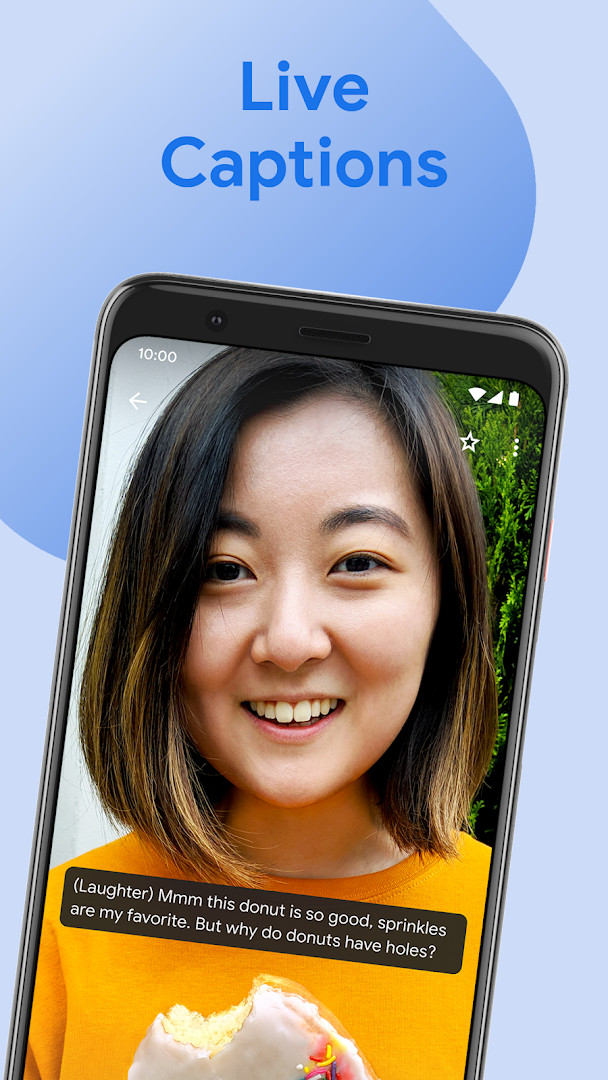
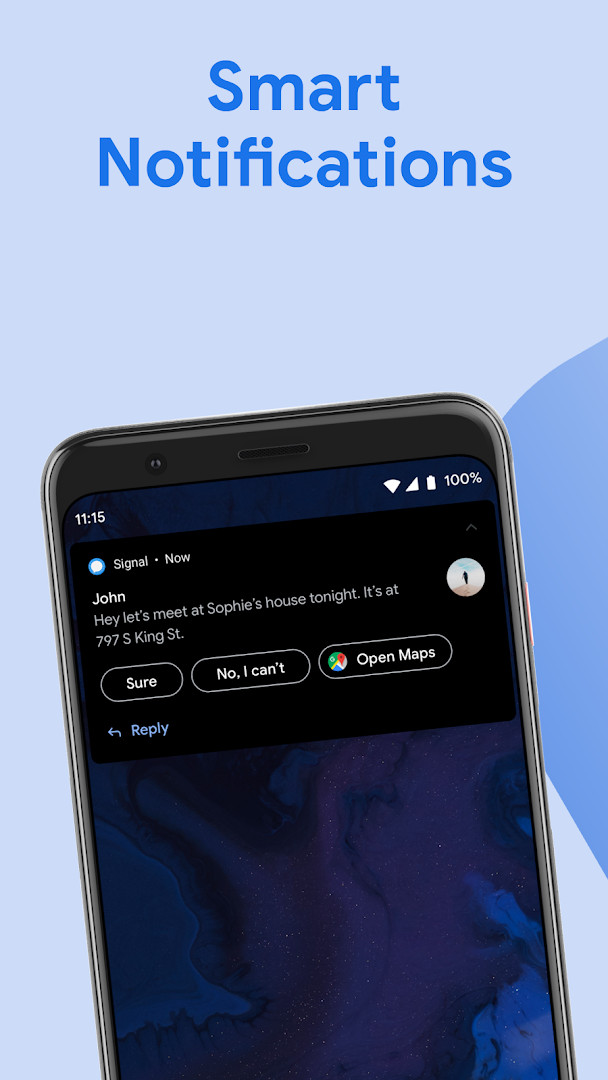
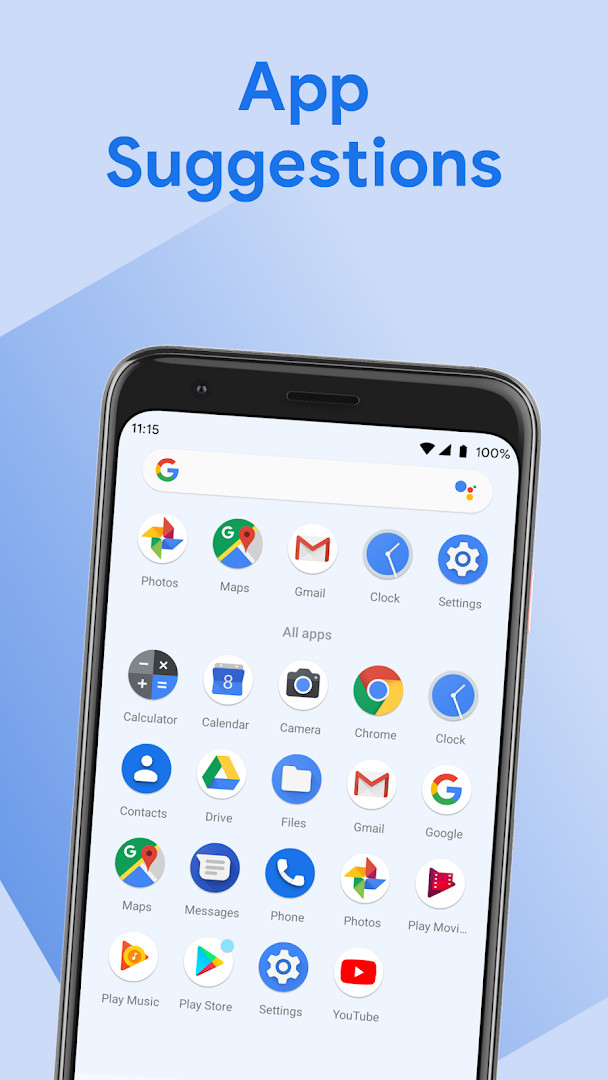
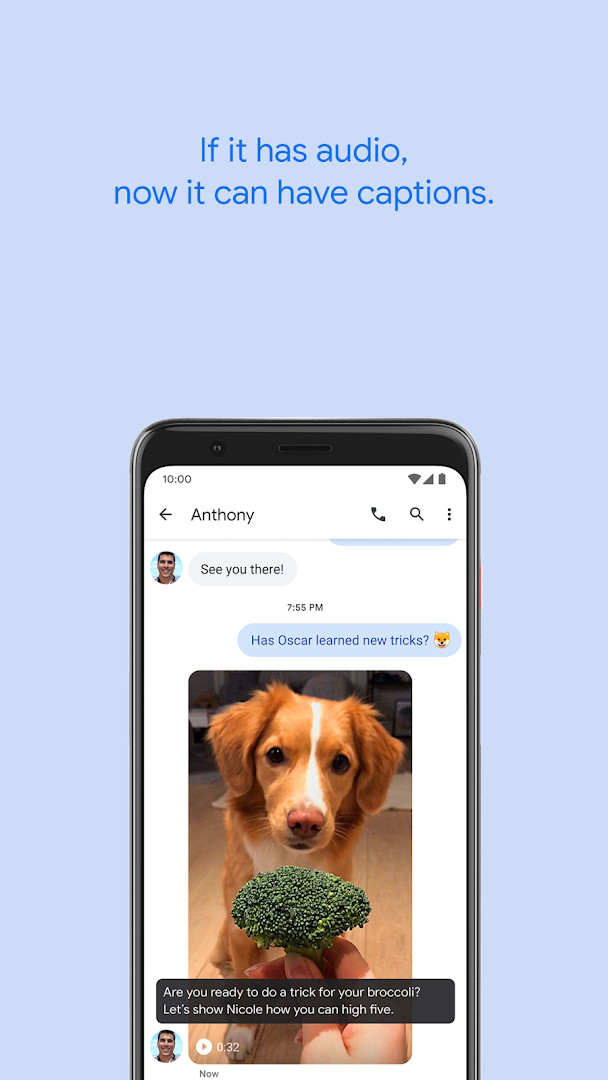
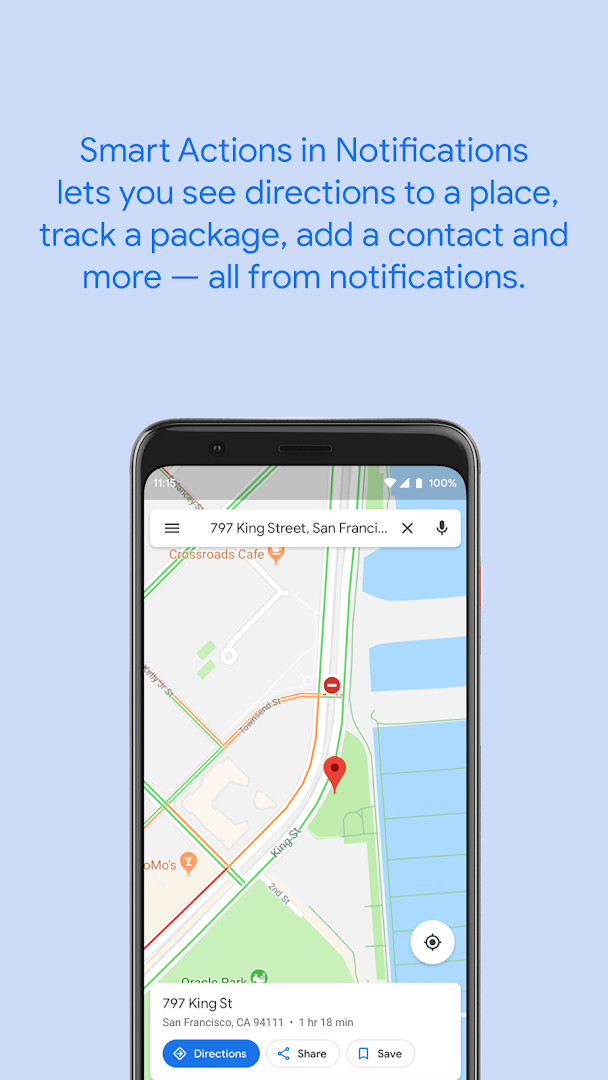
Android System Intelligence is a system component by Google LLC that powers intelligent features across Android while keeping your data private. Rather than being a standalone tool you open and use, it works quietly in the background to make everyday interactions smoother: it can caption media playing on your Pixel, keep the screen on while you are looking at it, improve copy-and-paste between apps, predict which app you might need next in the launcher, and add action buttons to notifications for directions, package tracking, or adding contacts. It also makes text selection smarter across the system, so long-pressing an address lets you quickly see directions, and it linkifies text inside apps. The component uses system permissions to deliver these predictions—for example, it may read your contacts to suggest calling a frequent one—but Google states that this processing happens on-device and is protected. The latest update, dated 2026-11-12, brings operating system improvements, capabilities, bug fixes, and various optimizations. It is free, contains no ads, and offers no in-app purchases. Note that the app requests broad permissions, including identity, calendar, contacts, location, SMS, phone, photos, storage, camera, microphone, and Wi-Fi information, so privacy-conscious users may want to review what they allow. The current version is B.31.playstore.oemfull.1009419057, released on 2026-11-12, with a size of 108 MB and a minimum Android version implied by its system-level nature.
Key features
- Live Caption automatically captions media playing on your Pixel
- Screen Attention prevents the screen from turning off while you are looking at it
- Improved Copy and Paste makes moving text between apps easier
- App Predictions in the launcher suggest the app you may need next
- Smart Actions in Notifications add action buttons for directions, package tracking, and adding contacts
- Smart Text Selection across the system lets you long-click an address to see directions
- Linkifying of text in apps turns plain text into clickable links
- Uses system permissions for on-device smart predictions while protecting data
How to install
- Tap the download button on this page to get the APK file (108 MB).
- When Android asks, allow your browser or file manager to install apps by enabling the "Install unknown apps" setting for that app.
- Open the downloaded APK file from your notifications or file manager.
- Tap Install and confirm when prompted.
- Open the app once installation completes; ensure your device meets the minimum Android version requirement.
Pros
- Free with no ads or in-app purchases
- Improves everyday interactions like captions and text selection
- Runs in the background without needing manual launches
- Regular updates with bug fixes and optimizations
Cons
- Requests many permissions, which may raise privacy concerns
- System-level component may not be removable
- Some features are limited to Pixel devices
Recent updates
The 2026-11-02 update for Android System Intelligence brings operating system improvements and capabilities, along with bug fixes and various optimizations. This system component continues to power intelligent features across Android, such as Live Caption, Screen Attention, improved copy and paste, app predictions, smart actions in notifications, smart text selection, and linkifying of text in apps, all while keeping your data private. The update is available as a 108 MB download and maintains a 4.18 rating from over 478,000 reviews.
Version history
| Version | Size | Requires Android | Updated |
|---|---|---|---|
| B.31.playstore.oemfull.1009419057 | 67 MB | 16 | Nov 12, 2026 |
| Q.33.playstore.pixel1.358875836 | 33 MB | 10 | Oct 12, 2026 |
| V.41.playstore.pixel9.843410720 | 110 MB | 15 | Oct 6, 2026 |
| V.27.playstore.pixel9.757670605 | 106 MB | 15 | Oct 1, 2026 |
| B.29.playstore.oemfull.988117775 | 66 MB | 16 | Sep 28, 2026 |
| B.27.playstore.oemfull.961698966 | 65 MB | 16 | Aug 13, 2026 |
| C.5.playstore.pixel8.955707791 | 108 MB | — | Aug 9, 2026 |
| T.43.playstore.pixeltablet.602378330 | 100 MB | 13 | Jul 27, 2026 |
| U.42.playstore.oemfull.718292094 | 55 MB | 14 | Jul 27, 2026 |
| 2.11.300580161 | 1 MB | 10 | Jul 6, 2026 |
This is for Pixel owners who want automatic captions and screen attention, productivity users who frequently copy text or use smart actions in notifications, and anyone who values on-device predictions for a smoother Android experience.
Review the app's permission list in your system settings and revoke any that you are not comfortable granting, since many features can still work with limited access.
Permissions
FAQ
What is the latest version of Android System Intelligence and when was it released?
The most recent version listed is B.31.playstore.oemfull.1009419057, released on 2026-11-12. Prior versions include Q.33.playstore.pixel1.358875836 (2026-10-12) and V.41.playstore.pixel9.843410720 (2026-10-06).
Which features does Android System Intelligence provide on a Pixel device?
It powers Live Caption for automatic captions on media, Screen Attention to keep the screen on while you look at it, improved copy and paste, app predictions in the launcher, smart actions in notifications (like directions or tracking a package), smart text selection, and linkifying of text in apps.
Why does Android System Intelligence request access to contacts and other system permissions?
It uses system permissions to deliver smart predictions, such as seeing your contacts to suggest calling a frequent contact. The app lists permissions for identity, calendar, contacts, location, SMS, phone, photos/media/files, storage, camera, microphone, Wi-Fi connection information, and device ID & call information.
How does Android System Intelligence handle user data privacy?
According to the description, the component powers intelligent features across Android while keeping your data private. It uses system permissions to provide smart predictions and directs users to learn more about how it uses and protects data at the device personalization privacy page.
What was the most recent update to Android System Intelligence?
The app was updated on 2026-11-02, with release notes mentioning operating system improvements, bug fixes, and various optimizations. The latest version listed after that update is B.31.playstore.oemfull.1009419057 from 2026-11-12.
Android System Intelligence is a useful, privacy-focused system component that enhances Android with smart features like captions and predictions, though its broad permission requests warrant careful review. It is best suited for Pixel users and those who appreciate convenience over granular control.
Similar apps








More from this developer



Updated: Nov 20, 2026