
Google Messages for Android
Google Messages is a communication app from Google LLC for sending texts, photos and videos over RCS.
Download Google MessagesGoogle Messages is built for Android users who want richer texting than plain SMS, and it works with RCS to bring higher quality media and group chats. The app is free, has no ads and no in-app purchases, requires Android 6.0 or newer, and takes about 9 MB of space.
- File Size
- 9 MB
- Needs Android
- 6.0
- Last Refresh
- 08.10.2026
- Downloads
- 10B+
- Score
- ★ 4.58 (50 447 936)
- Genre
- Communication
- Creator
- Google LLC
- Content rating
- Everyone
- Package
- com.google.android.apps.messaging
- Free
- ✓
Snapshots
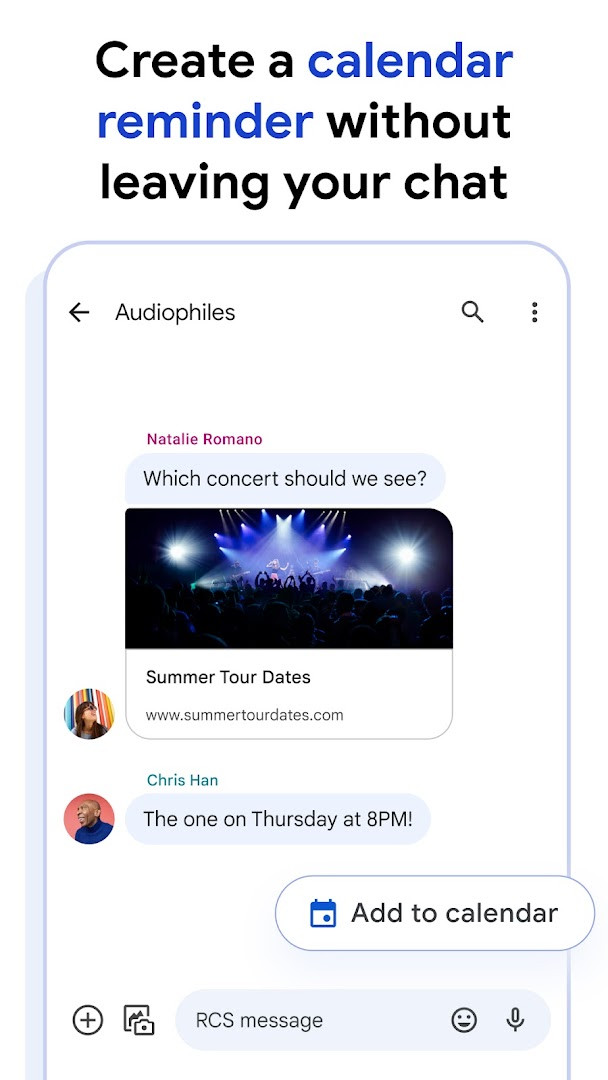
Google Messages is a communication app by Google LLC that handles SMS, MMS and RCS conversations on Android phones. It has served as the default texting client on many devices since its initial release in November 2014, and it currently sits at version 1.9.041 (4109217-38.phone) from September 2019 in the listed build history. The package is free, carries no advertising, and offers no in-app purchases according to its listing data.
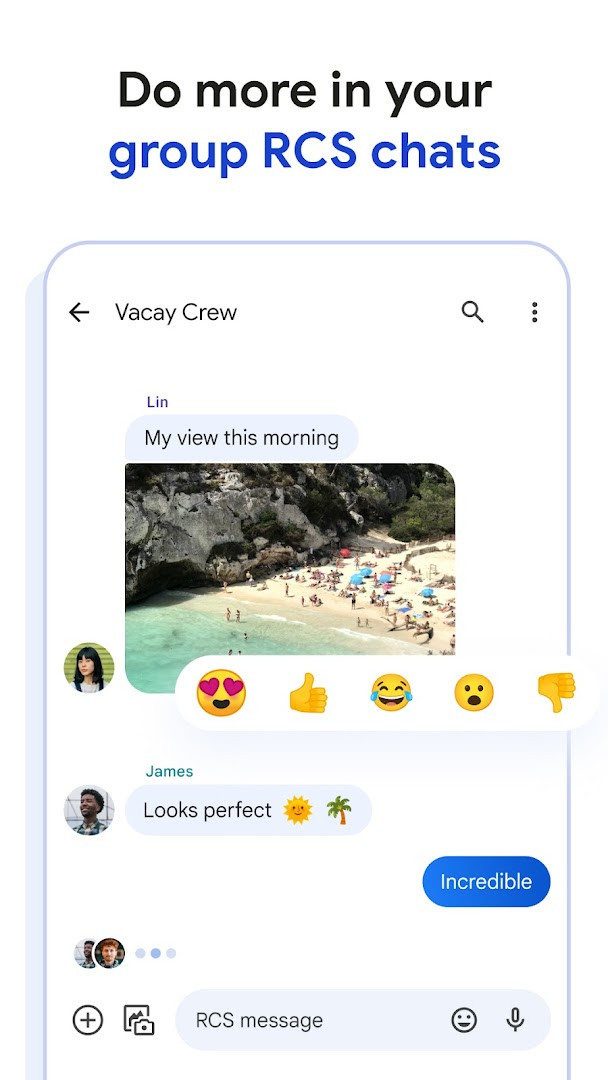
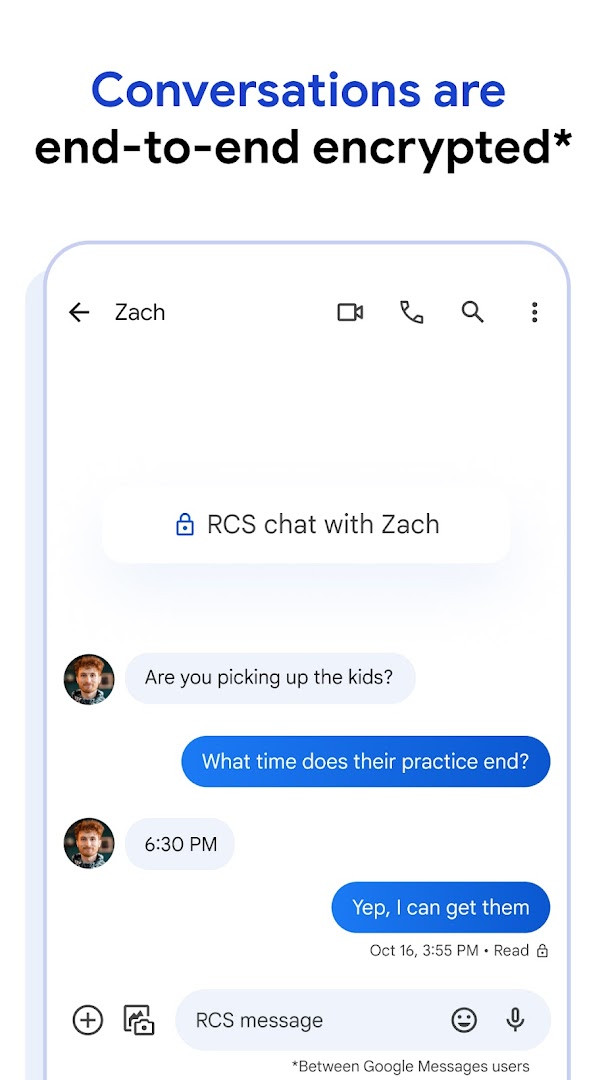
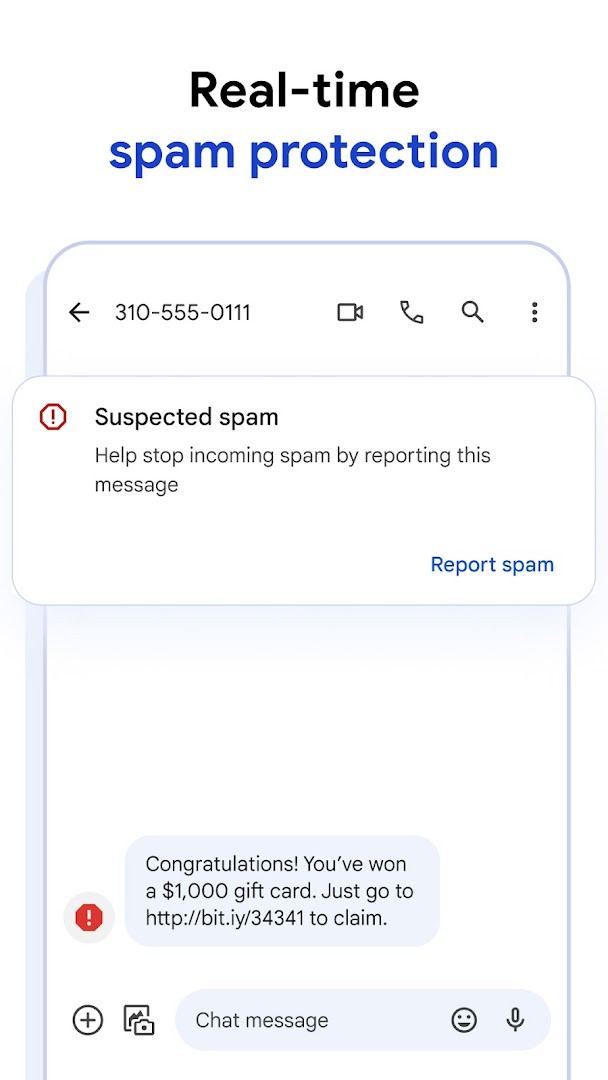
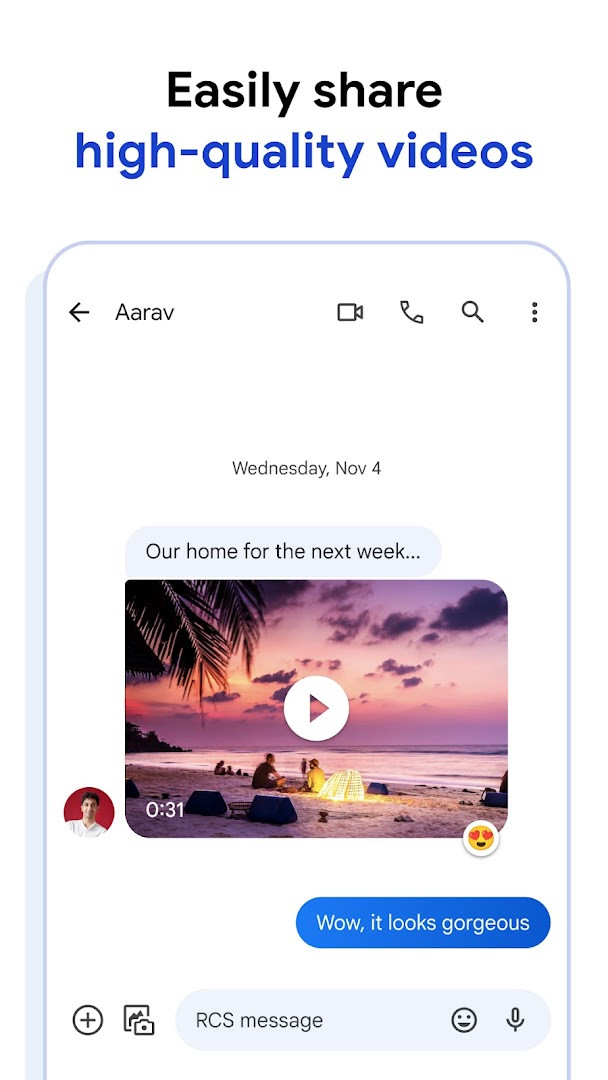
The core of the app is Rich Communication Services, an industry standard positioned as a replacement for SMS and MMS. Where a carrier and region support it, RCS upgrades a plain text thread into something closer to a modern chat: high-resolution photos and videos, typing indicators, read receipts and group conversations that can include iPhone users. The app also exposes personalization options such as custom chat bubble colors and selfie GIFs, and it layers in end-to-end encryption between Google Messages users along with spam filtering. Magic Compose and other AI-assisted writing tools round out the feature set for composing messages.
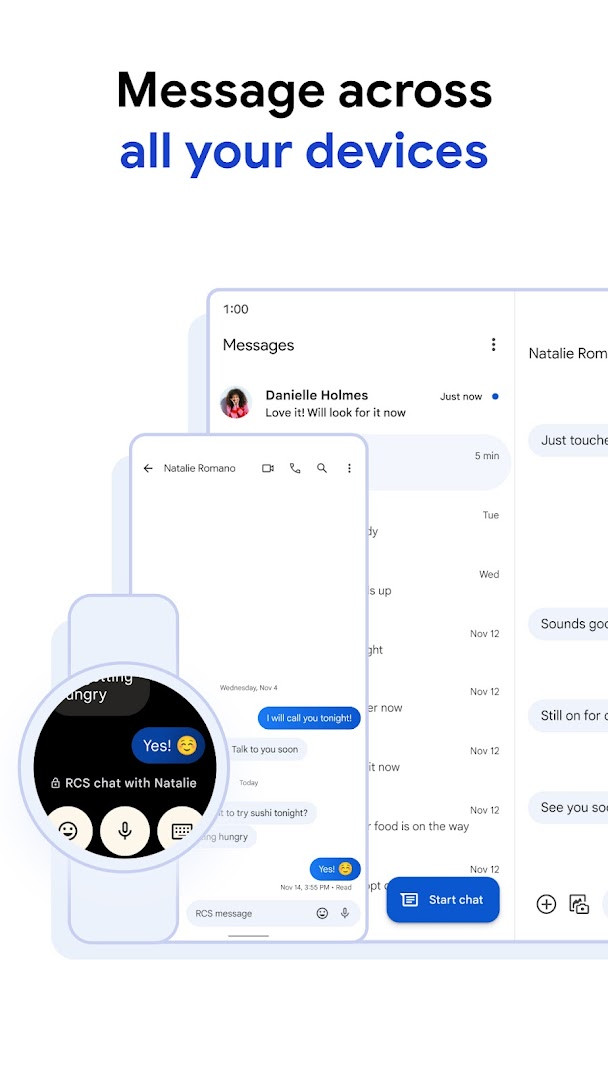
Continuity across hardware is another pillar. A conversation started on a phone can be picked up on a tablet or a computer, and a Wear OS build exists for smartwatches. The latest update listed is dated October 8, 2026 and consists mainly of bug fixes and stability improvements rather than new functionality. Availability of RCS depends on region and carrier, some features vary by market and device, and beta participation may be required for certain additions. The app asks for a broad permission set covering contacts, SMS, phone, camera, microphone, photos and media, storage, location, identity and device or call information, which is consistent with a messaging client that sends media and verifies your number.
Key features
- RCS-based messaging that replaces traditional SMS and MMS where the carrier supports it
- High-resolution photo and video sharing inside conversations
- Typing indicators, read receipts and dynamic group chats that can include iPhone users
- Custom chat bubble colors and selfie GIFs for personalizing threads
- End-to-end encryption between Google Messages users
- Advanced spam protection
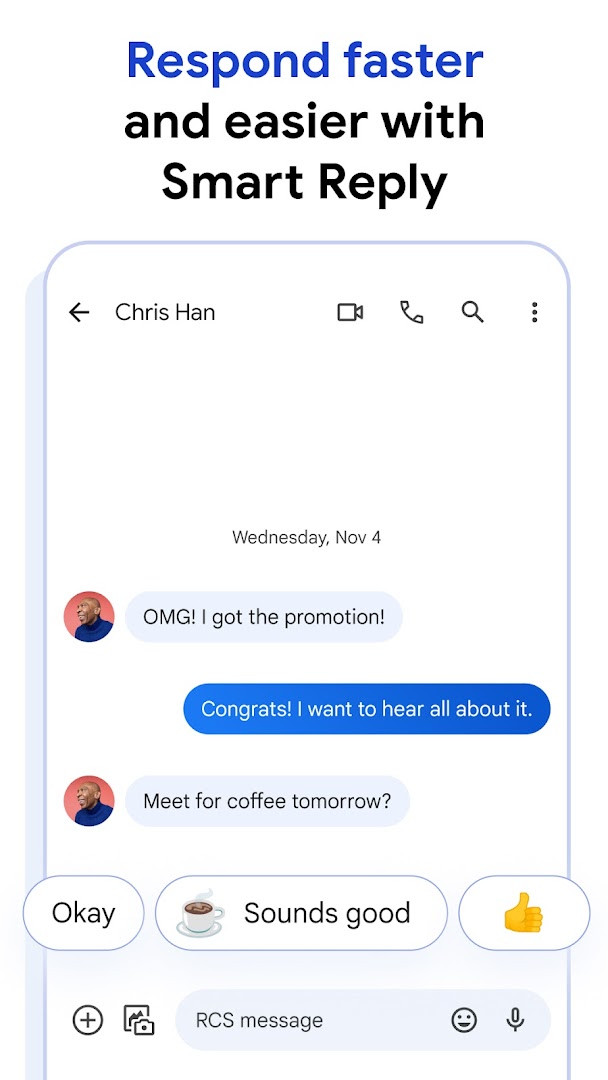
- Magic Compose suggestions and additional AI-powered writing features
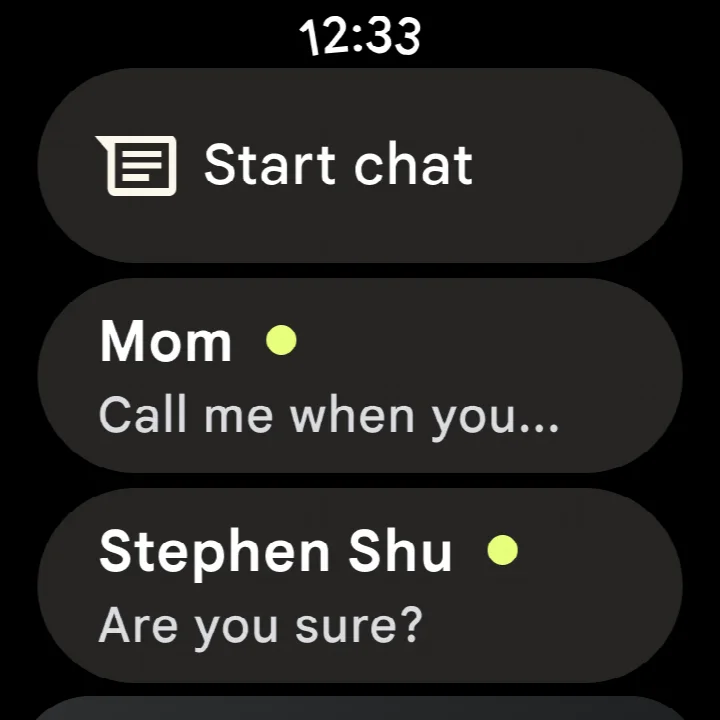
- Chat continuity across phone, tablet and computer, plus a Wear OS version
How to install
- Tap the download button on this page to get the APK file (about 9 MB).
- If Android blocks the install, open Settings and allow your browser or file manager to install unknown apps.
- Open the downloaded APK file from your notifications or file manager.
- Tap Install and wait for the package to finish copying.
- Open the app and follow the on-screen steps to set it as your messaging client; Android 6.0 or newer is required.
Pros
- Free with no ads and no in-app purchases reported
- RCS upgrades photo, video and group messaging beyond SMS limits
- End-to-end encryption and spam protection are built in
- Works across phone, tablet, computer and Wear OS
- Very large existing user base and a high average rating
Cons
- RCS availability varies by region and carrier and may need a data plan
- Some features differ by market and device, and beta access may be required
- Requests a wide range of permissions including location, camera and microphone
Fresh Updates
The latest update to Google Messages, released on October 8, 2026, focuses on improving overall reliability through bug fixes and stability enhancements. This refresh aims to deliver a smoother, more dependable messaging experience for users.
Past Builds
| Version | File Size | Needs Android | Last Refresh |
|---|---|---|---|
| 1.9.041 (4109217-38.phone) | 18 MB | 4.1 | 25.09.2019 |
| 4.3.094 (griffin_RC05_alldpi.armeabi-v7a.wear) | 9 MB | 6.0 | 30.04.2019 |
| 1.9.518 (3202766-48.phone) | 18 MB | 7.1 | 11.10.2016 |
| 1.1.057 (1704610-04) | 8.1 MB | 5.1 | 10.03.2015 |
Everyday Android users who want a single default texting app for personal and group chats; people who share a lot of photos and video and want higher quality than SMS allows; and users who move between a phone, tablet, computer or Wear OS watch and expect conversations to follow them.
If messages fail to send or media comes through compressed, check whether your carrier has RCS enabled for your line; when it is active, photos and videos travel at full quality instead of being downgraded to MMS.
Access Rights
Curious?
How do I install the Google Messages APK on my Android device?
To install the APK, simply download the file from this page using the download button and open it on your Android device. You may need to allow installation from unknown sources in your settings if you haven't already. The app requires Android 6.0 or higher.
What is the current version of Google Messages?
The latest version available is 1.9.041 (4109217-38.phone), which was updated on October 8, 2026. This update includes bug fixes and stability improvements.
Does Google Messages contain ads or in-app purchases?
No, Google Messages is completely free to use and does not include any ads or in-app purchases. You can enjoy all its features without any cost.
Can I use Google Messages offline?
Basic SMS and MMS messaging works without an internet connection, but many advanced features like RCS, high-quality media sharing, and syncing across devices require a data plan or internet connection.
Are there alternatives to Google Messages in the messaging category?
Yes, there are several other messaging apps available for Android that offer similar core functionality, such as sending texts, photos, and group chats. However, Google Messages stands out with its RCS support and end-to-end encryption between users.
What permissions does Google Messages require?
The app requests access to several device features, including your contacts, SMS, phone, camera, microphone, storage, and location. These permissions are used to provide messaging functionality, such as sending photos, making calls, and sharing your location.
Is Google Messages free to download?
Yes, Google Messages is completely free. The price is listed as $0.00, and there are no ads or in-app purchases, so you can use it without any charges.
Google Messages is a mature, free messaging client with a strong feature set built around RCS, solid privacy tooling and genuine multi-device support. Its main caveats are external: carrier and regional support for RCS, market-specific feature availability and a long permission list. For most Android users it is a practical default, provided the network side cooperates.
Lookalikes


More by Creator






Last Refresh: 24.10.2026