Google Health (Fitbit): Personalized Health Coach
Google Health (Fitbit) is a health and fitness app by Google LLC that tracks activity, sleep, and wellness with personalized AI coaching.
Download AppGoogle Health (Fitbit) combines fitness, sleep, and wellness tracking with personalized AI coaching built on Gemini, offering workout plans, sleep insights, and menstrual cycle tracking. It is designed for Android users running version 9 or higher and is free to download with optional in-app purchases, occupying 138 MB of storage.
- Size
- 138 MB
- Requires Android
- 9
- Updated
- Nov 10, 2026
- Installs
- 100M+
- Rating
- ★ 3.6 (1,329,878)
- Category
- Health & Fitness
- Developer
- Google LLC
- Content rating
- Everyone
- Package
- com.fitbit.FitbitMobile
- Free
- ✓ · In-app purchases
Screenshots
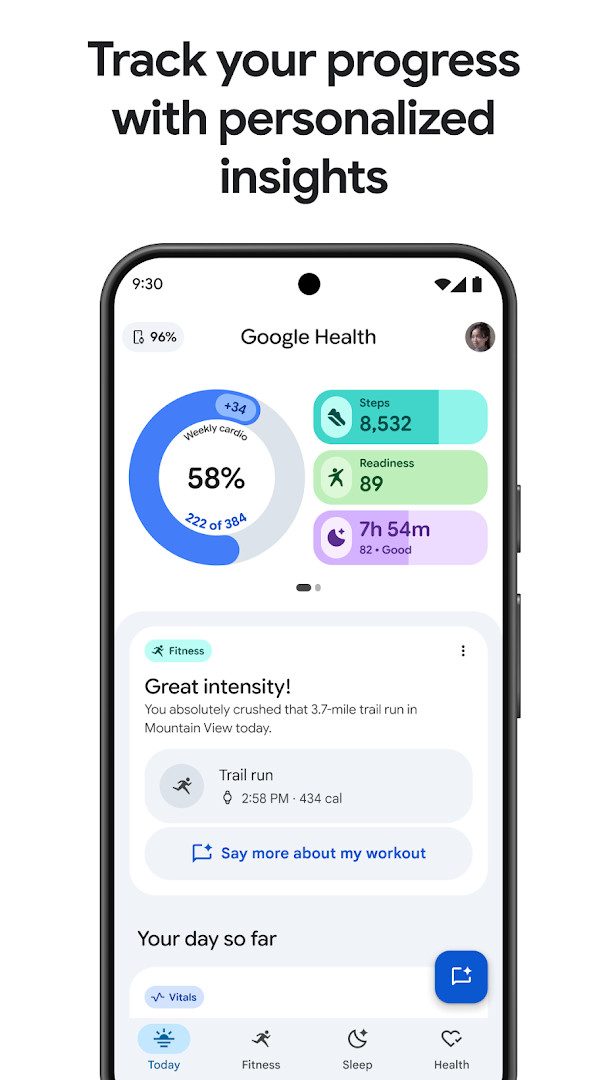
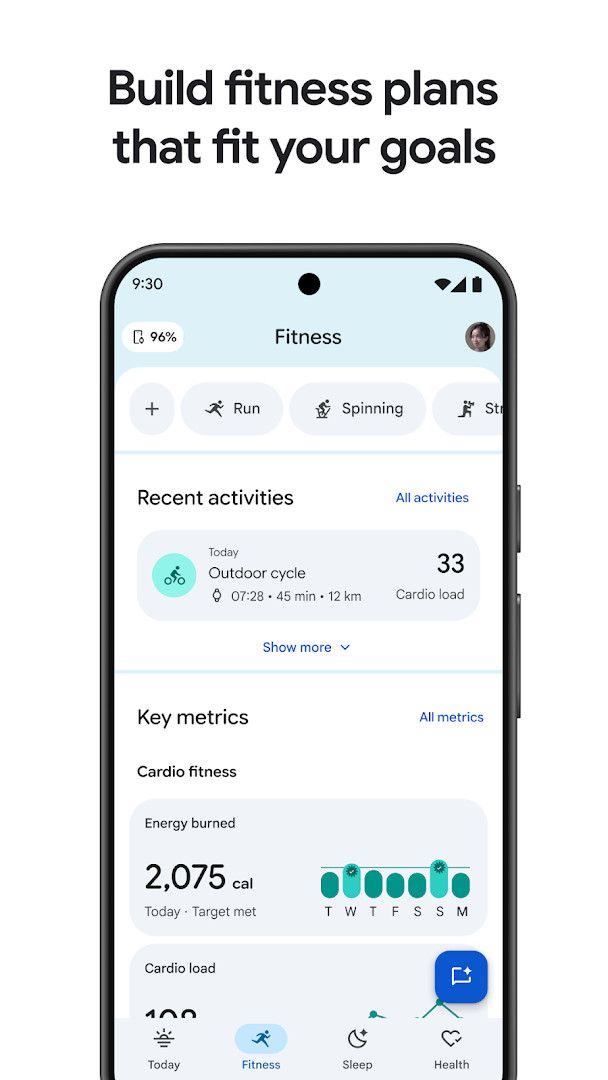
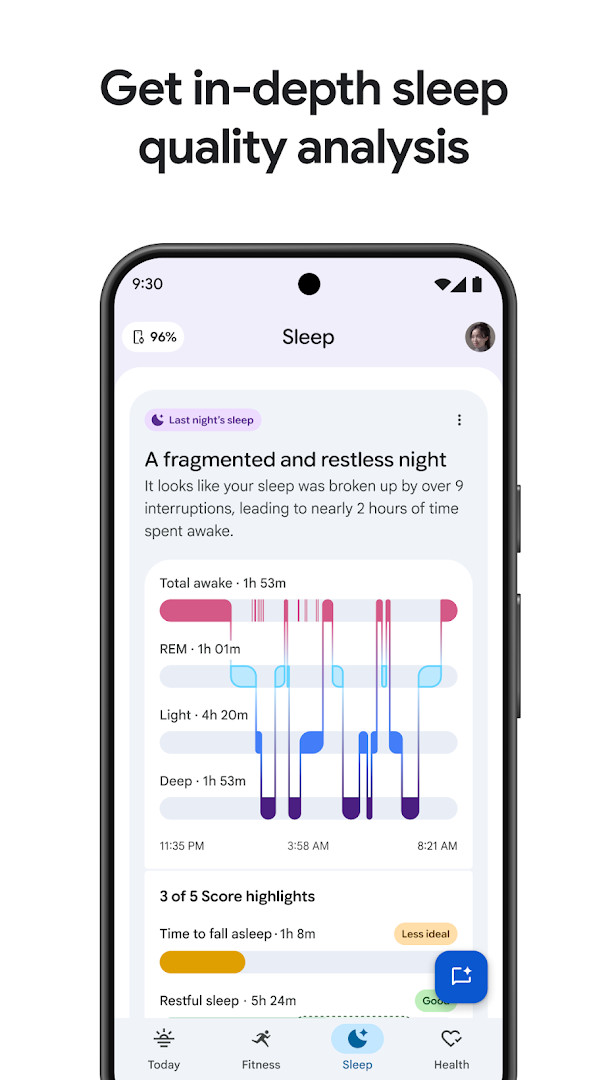
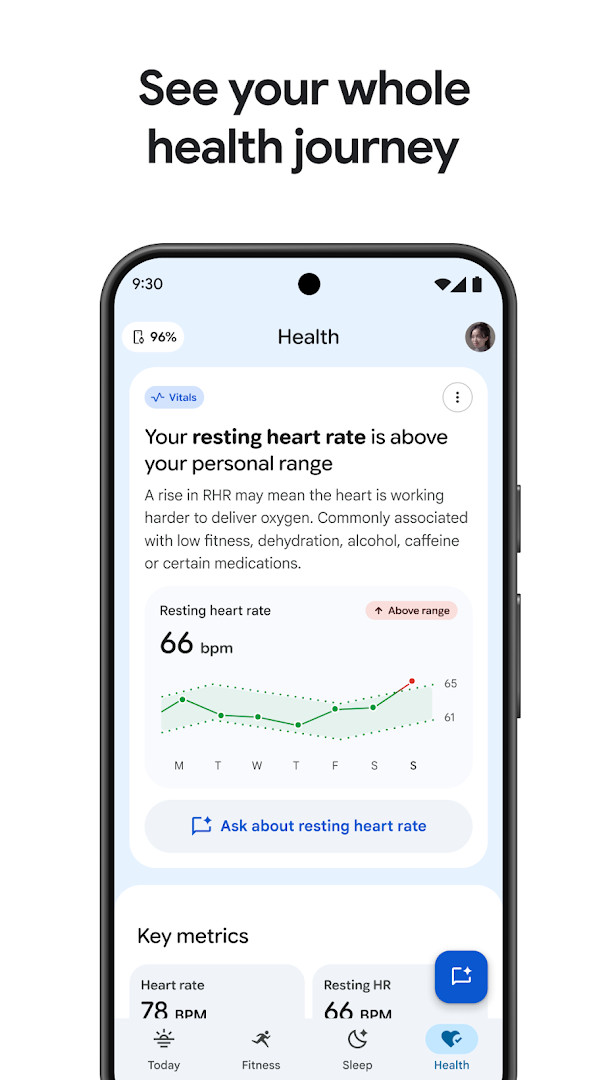
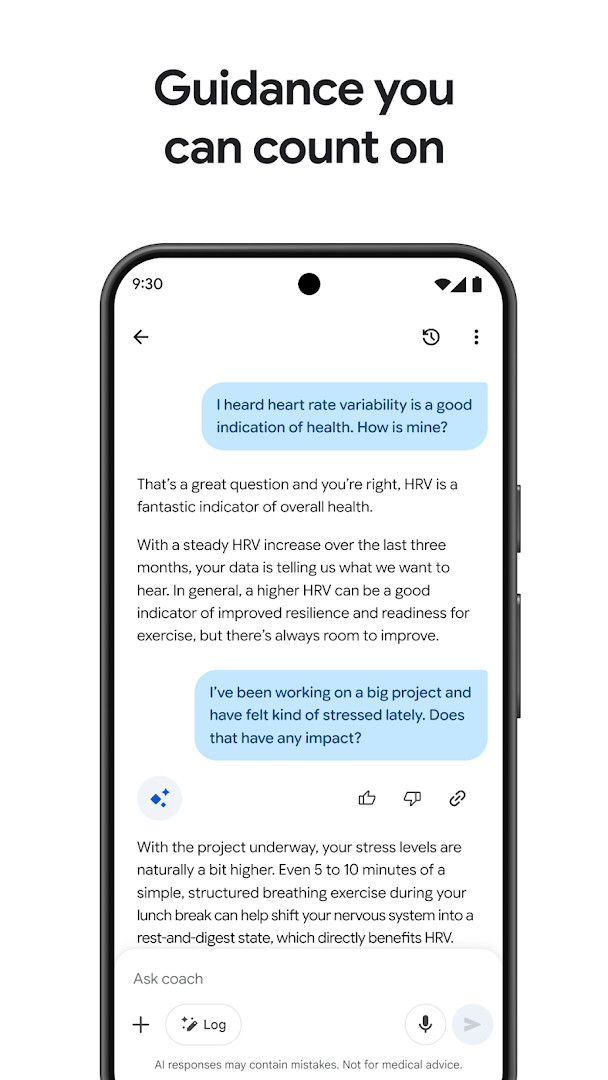
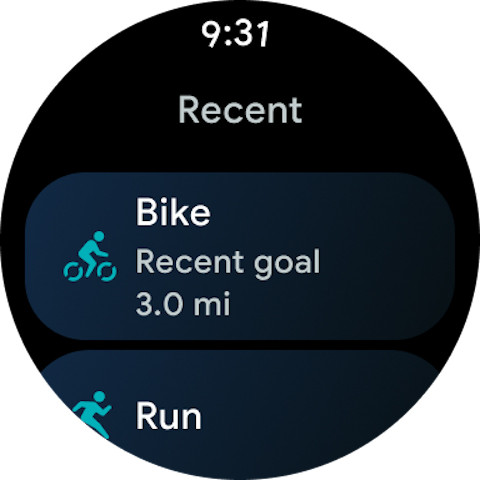
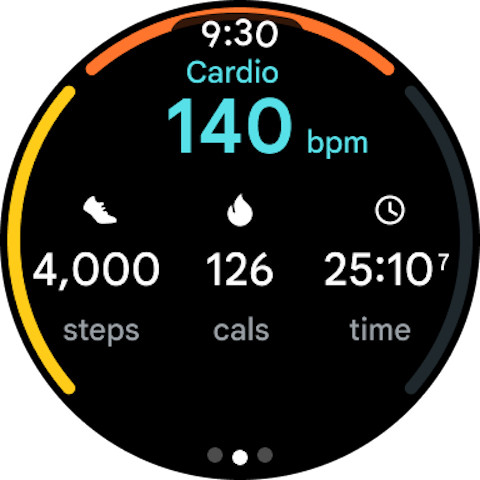
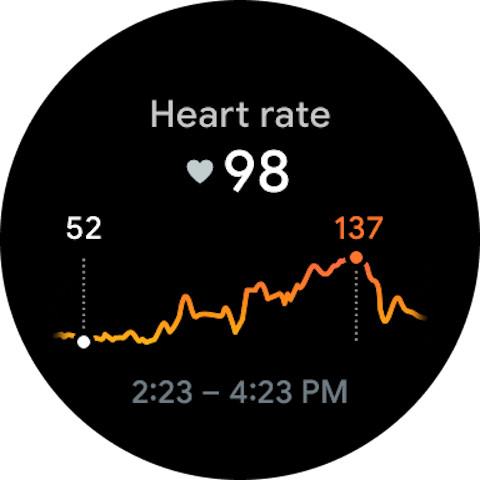
Google Health (Fitbit) is a health and fitness application by Google LLC that consolidates fitness, sleep, and overall wellness tracking into a single personalized coaching platform. The app addresses the challenge of fragmented health data by aggregating metrics from wearable devices, health tracking apps, and medical records (where available) into one view, then applying an AI coach built with Gemini to generate tailored fitness plans, sleep insights, and daily recommendations. It solves the problem of generic health advice by analyzing individual trends and patterns, such as sleep stages, workouts, nutrition, and menstrual cycles, to provide actionable guidance that adapts to the user's goals and preferences, with privacy controls and security measures designed to keep personal data protected.
Key features
- Personalized AI fitness plans: Creates long-term workout plans based on user goals like weight loss, muscle building, or cardio improvement, with daily workout recommendations and progress tracking.
- Sleep quality tracking: Analyzes nightly sleep stages using an improved sleep algorithm, identifies long-term trends, and offers personalized sleep schedules, bedtime reminders, and mindfulness exercises.
- Holistic health dashboard: Provides a 24/7 real-time view of fitness, sleep, and wellness, with notifications that highlight trends and celebrate achievements based on unique user ranges.
- Women's health tracking: Logs menstrual cycles and provides insights into how each phase affects routine and overall wellness.
- AI coach with follow-up questions: Allows users to ask the Gemini-powered coach for deeper explanations of insights and suggestions for next steps.
- Data integration: Syncs with Fitbit devices, Pixel Watch, other health tracking apps, and medical records (available in select countries) to centralize health information.
- Privacy and security controls: Includes built-in security and easy-to-use privacy settings, with data shaped by experts in medicine, science, and technology.
- Premium features: Some capabilities, such as the full Google Health Coach guidance, require a Google Health Premium subscription (sold separately).
How to install
- Tap the download button on this page to obtain the APK file for Google Health (Fitbit).
- When Android prompts, allow your browser or file manager to install apps by enabling the 'Install unknown apps' setting for that source.
- Open the downloaded APK file from your notifications or file manager.
- Tap Install and wait for the installation to complete; the file size is 138 MB.
- Open the app from your app drawer or home screen and sign in with your Google account.
- Ensure your device runs Android 9 or higher, as this is the minimum OS version required.
Pros
- Comprehensive integration of fitness, sleep, and wellness data in one place.
- AI-driven personalized coaching with Gemini for actionable guidance.
- Detailed sleep analysis with improved algorithm and actionable recommendations.
- Women's health tracking integrated into overall wellness view.
- Strong privacy controls and security measures for user data.
- Free to download with no ads, though some features require a subscription.
Cons
- Requires numerous permissions, including access to location, SMS, phone, camera, microphone, contacts, and storage, which may raise privacy concerns for some users.
- In-app purchases are present for Google Health Premium, which gates access to certain features like full AI coach guidance.
- Some features, such as medical records sync and Gemini coaching, are limited to select countries, reducing functionality for international users.
- The app is not intended for medical purposes, which limits its utility for clinical health management.
- AI-generated insights may vary in accuracy and require user verification, as noted in the app's own disclaimers.
Recent updates
This update focuses on general stability improvements and bug fixes to enhance the overall performance of the app. It aims to provide a smoother and more reliable experience for users tracking their health and fitness.
Version history
| Version | Size | Requires Android | Updated |
|---|---|---|---|
| 4.14.fitbit-mobile-110045073-617559692 | 138 MB | 9 | Mar 17, 2025 |
| 3.2 | 62 MB | 5.0 | Feb 7, 2020 |
| 1.9.6 | 15 MB | — | Jun 22, 2014 |
This app is designed for individuals who want a centralized hub for tracking their daily health and fitness metrics, including those who already own a Fitbit or Pixel Watch and seek deeper insights into sleep, workouts, and overall wellness. It suits users interested in leveraging AI-driven coaching to create personalized fitness plans, monitor menstrual cycles, or improve sleep quality through actionable recommendations. However, it is best for those comfortable with granting extensive device permissions and who are open to subscribing to Premium for the full range of coaching features, while understanding that the app is not a substitute for professional medical advice.
To get the most out of Google Health, regularly sync your wearable device and log meals and water intake to improve the accuracy of your AI coach's recommendations. Review your privacy settings upon first launch to control which data sources are connected, and consider starting with the free tier before committing to a Premium subscription to see if the advanced coaching features meet your needs.
Permissions
FAQ
How do I install the APK on Android?
Download the APK file and open it to begin installation. Your device needs Android 9 or higher, and you may have to allow installations from unknown sources in your security settings. The app requires about 138 MB of space.
What is the current version of Google Health (Fitbit)?
The latest listed version is 4.14.fitbit-mobile-110045073-617559692, dated 2025-03-17. The app was last updated on 2026-11-05, with the latest update bringing general stability improvements and bug fixes.
Does the app contain ads or cost money?
The app is free to download and contains no ads. It does offer in-app purchases, and some features require a separately sold Google Health Premium subscription, including certain Gemini-powered coaching tools that are available in some countries.
Can I use Google Health (Fitbit) offline?
Offline use is limited because some features require a Wi-Fi or internet connection. Syncing with your devices, accessing certain premium features, and receiving real-time guidance generally depend on being connected.
Is my health data kept secure?
The app uses built-in security and easy-to-use privacy settings so you stay in control of your information. Your wellness data is kept together in one place and protected, though the app is not intended for medical purposes.
Are there other apps in the same category?
Yes, the Health & Fitness category includes other apps that track steps, workouts, sleep, and nutrition. When comparing options, consider goal planning, wearable compatibility, subscription costs, and privacy practices.
Google Health (Fitbit) offers a robust, AI-enhanced platform for consolidating health and fitness tracking, with notable strengths in personalization and sleep analysis. However, its extensive permission requests and subscription-gated features mean users should weigh privacy and cost considerations before adopting it as their primary health companion.
Similar apps







More from this developer




Updated: Nov 13, 2026