
Samsung Wallet (Samsung Pay): Digital wallet app
Samsung Wallet (Samsung Pay) is a Lifestyle app by Samsung Electronics Co., Ltd. that combines payments, passes, keys, and asset management.
Download Samsung Wallet · v2.5.79Samsung Wallet (Samsung Pay) consolidates Samsung Pay with Samsung Pass, digital home and car keys, boarding passes, and crypto balance checks into one interface. It is free, contains no ads or in-app purchases, and requires Android 7.0 or newer, with a download size of 1145444 ratings and over 100 million installs as of its latest update on 2026-10-30.
- Version
- 2.5.79
- Requires Android
- 7.0
- Updated
- Oct 30, 2026
- Installs
- 100M+
- Rating
- ★ 4.07 (1,145,444)
- Category
- Lifestyle
- Developer
- Samsung Electronics Co., Ltd.
- Content rating
- Everyone
- Package
- com.samsung.android.spay
- Free
- ✓
Screenshots
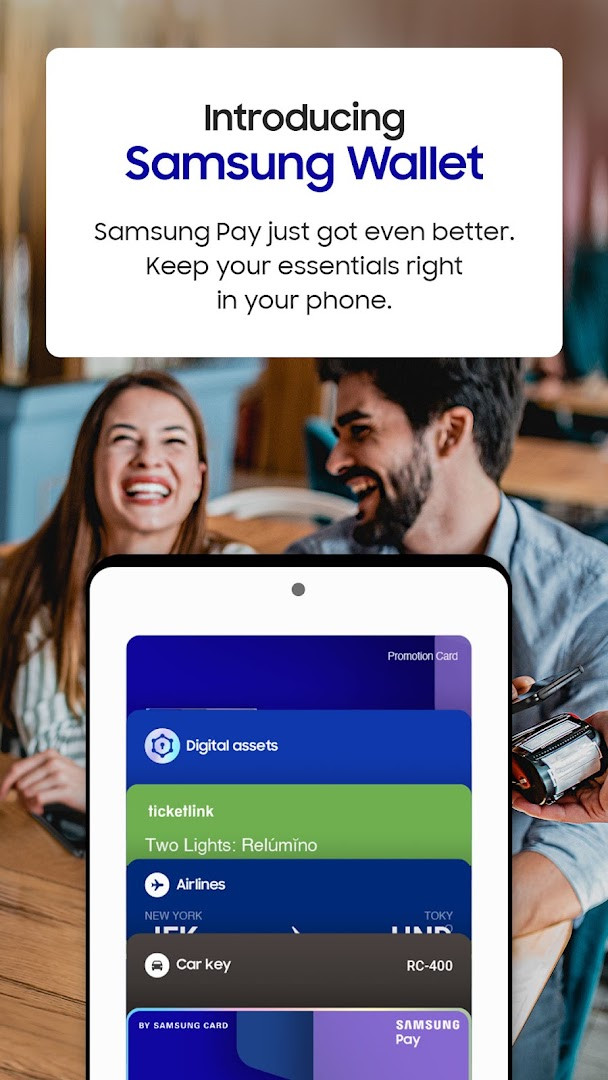
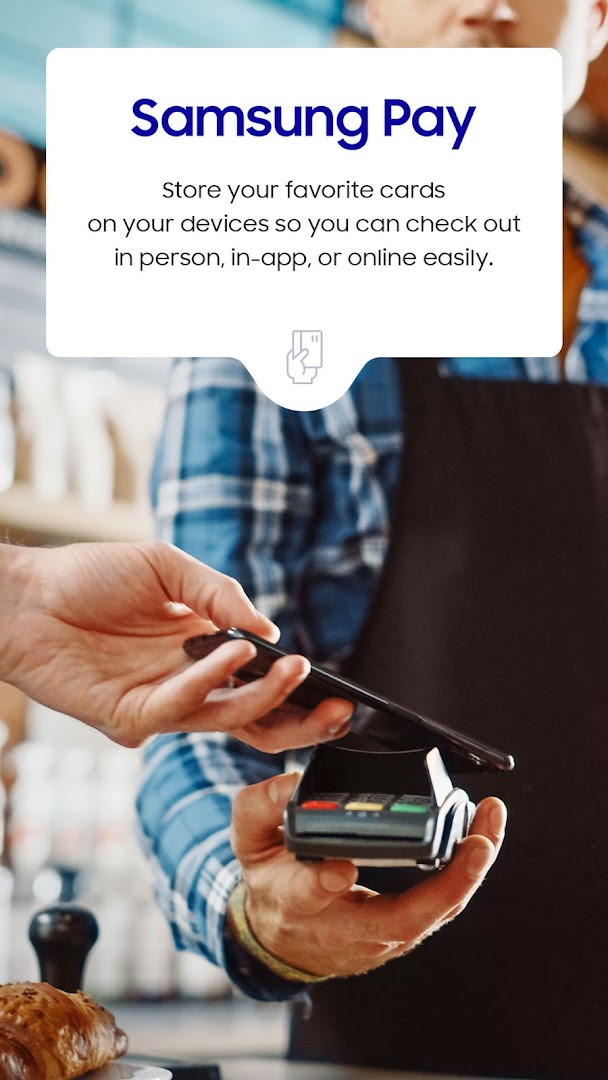
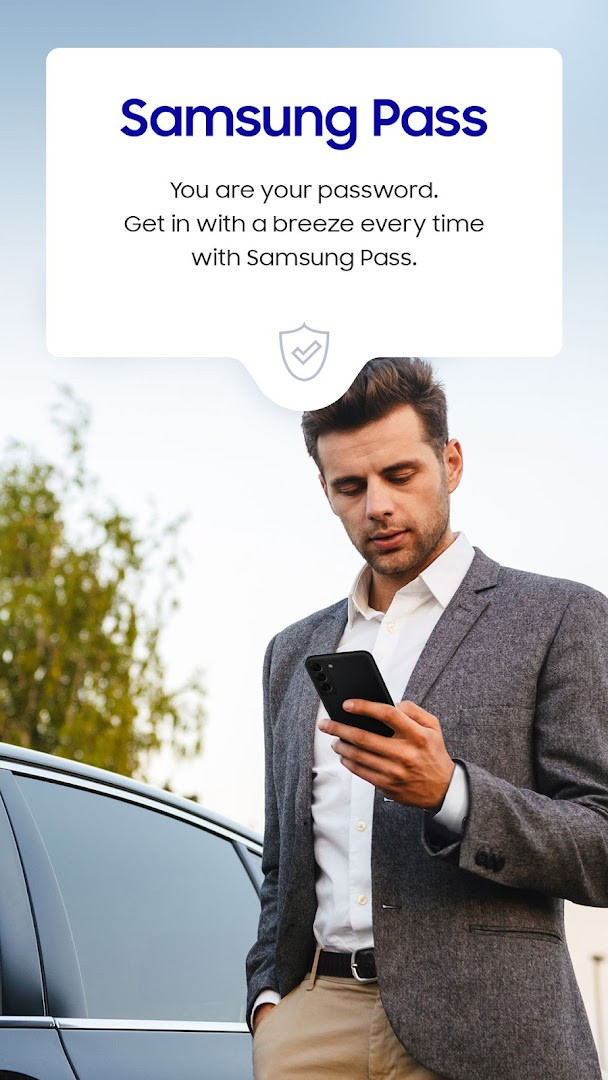


Samsung Wallet (Samsung Pay) is a lifestyle application by Samsung Electronics Co., Ltd. that consolidates contactless payments, digital keys, passes, and credential storage into a single mobile hub. Originally launched in 2015, the app has evolved from a dedicated payment tool into a broader wallet platform, merging the familiar Samsung Pay experience with Samsung Pass, home and car key support, and digital asset tracking. The current version, 2.5.79, released on 2026-10-30, focuses on minor bug fixes and improvements, continuing the trend of incremental polish rather than introducing headline features. For an experienced user comparing alternatives, the core value proposition remains the seamless integration with the Galaxy ecosystem, allowing you to swipe up from the bottom of the screen to quickly access your cards, passes, and keys. The app also includes cash back rewards at select merchants, boarding pass storage for certain airlines, and the ability to check cryptocurrency balances through linked exchange partners. However, compatibility is a significant caveat: the app requires Android 7.0 or higher and is only fully functional on select Samsung devices, with feature availability varying by model, carrier, firmware, and region. Card support is limited to participating banks and specific Visa, Mastercard, American Express, and Discover cards, so you should verify your bank's compatibility before relying on it as your primary payment method. The permission list is broad, including location, contacts, camera, phone, storage, and device ID, which reflects the app's multi-purpose nature but may give privacy-conscious users pause. Despite these limitations, the app has amassed over 100 million installs and a rating of 4.07 from more than 1.1 million reviews, indicating widespread adoption and general satisfaction among its user base.
Key features
- Contactless payments with credit, debit, gift, and membership cards
- Samsung Pass integration for storing passwords and autofill credentials
- Digital home and car keys for select SmartThings-compatible locks and vehicles
- Boarding pass storage for select airlines with quick swipe access
- Cryptocurrency balance and price tracking through linked exchange partners
- Cash Back Awards at top merchants for additional savings
- Quick Access gesture to launch the wallet from the home screen
- Samsung Knox security to safeguard stored data and sensitive information
How to install
- Tap the download button on this page to get the APK file for version 2.5.79. The file size is not specified, so ensure you have sufficient free storage on your device.
- When Android prompts you, allow your browser or file manager to install apps by enabling the 'Install unknown apps' setting for that app.
- Open the downloaded APK file from your notifications or file manager.
- Tap Install when the installation screen appears and wait for the process to complete.
- Open the app from your app drawer or home screen. Note that the minimum Android version required is 7.0, so verify your device runs at least this version before proceeding.
Pros
- Combines payments, passes, keys, and credentials in one place
- Supports contactless payments and cash back rewards at select merchants
- Integrates with Samsung Knox for robust security
- Offers digital car and home key functionality for compatible devices
- Provides cryptocurrency balance tracking through linked exchanges
- Widely adopted with a large user base and generally positive ratings
Cons
- Limited to select Samsung devices and may not work on other Android phones
- Card compatibility depends on your bank and card type, with many exclusions
- Feature availability varies by region, carrier, and firmware version
- Broad permission list may raise privacy concerns for some users
- Digital key support is restricted to specific car models and smart locks
Recent updates · 2.5.79
Version 2.5.79 of Samsung Wallet (Samsung Pay) contains only minor bug fixes and general improvements. No new features, interface changes, or additional capabilities are listed in this update. Existing functionality remains unchanged: payments, digital keys, passes, and asset management continue to work as before. The release is a maintenance update rather than a feature expansion.
Version history
| Version | Size | Requires Android | Updated |
|---|---|---|---|
| 2.5.79 | — | 7.0 | Oct 30, 2026 |
| 6.8.06 | 339 MB | 12 | Oct 11, 2026 |
| 6.8.05 | 339 MB | 12 | Aug 7, 2026 |
| 15.8.60 | 294 MB | 10 | Apr 13, 2026 |
| 6.4.42 | 297 MB | 11 | Mar 6, 2026 |
| 2.5.76 | 2.3 MB | 7.0 | Jun 30, 2025 |
| 15.4.01 | 199 MB | 9 | Jan 3, 2025 |
| 4.9.38 | 156 MB | 7.0 | Jan 4, 2023 |
| 3.9.52 | 68 MB | 6.0 | Jan 21, 2020 |
| 2.4.03 | 35 MB | 5.1 | Nov 9, 2016 |
This app is best suited for Samsung Galaxy owners who want to consolidate their payment cards, loyalty programs, and digital keys into one accessible place. It also appeals to users who frequently travel and need quick access to boarding passes, as well as those interested in monitoring cryptocurrency holdings alongside their everyday wallet items.
Before relying on Samsung Wallet for payments, contact your bank to confirm that your specific card is supported, and check the compatibility list for your exact Galaxy model, as some features like digital car keys require recent flagship devices and specific firmware versions.
Permissions
FAQ
How do I install the Samsung Wallet APK on an Android device?
To install it, download the APK file and open it on your device. You may need to allow installation from unknown sources in your settings if it is not from a preinstalled source. The app requires Android 7.0 or higher.
What is new in version 2.5.79?
Version 2.5.79, released on October 30, 2026, includes minor bug fixes and improvements to enhance overall stability and performance.
Does Samsung Wallet contain ads or in-app purchases?
No. The app is free to download and does not include ads or in-app purchases. There are no upfront costs associated with using it.
Can I use Samsung Wallet offline?
Samsung Wallet is designed for on-the-go use, but some features, like contactless payments or checking crypto prices, typically require an internet connection or a compatible terminal. The app does not advertise offline functionality.
What are some alternatives in the same category?
Several other digital wallet and payment apps are available that let you store cards, loyalty programs, and tickets on your phone. Features and compatibility vary, so you can compare options based on your device and needs.
Is Samsung Wallet compatible with all Android phones?
No. Samsung Wallet is compatible with select Samsung devices only. Feature availability may vary by device model, carrier, firmware version, and country or region.
What can I store in Samsung Wallet?
You can store credit, debit, gift, and membership cards, digital keys for compatible homes and cars, boarding passes, and manage digital assets like crypto balances through linked exchange partners.
Samsung Wallet delivers a genuinely integrated experience for Galaxy users, merging payments, passes, keys, and credentials into a single swipe-up interface, though its value is heavily dependent on device and card compatibility. For those already invested in the Samsung ecosystem, it is a compelling and convenient choice, but users on other Android phones or with unsupported banks should carefully evaluate whether the feature set justifies the permissions and limitations.
Similar apps








More from this developer




Updated: Nov 25, 2026