Google Home: Smart Home Controller
Google Home is a Lifestyle app by Google LLC that sets up and controls compatible Nest, Chromecast, and Google Home devices.
Download NowGoogle Home helps users manage compatible Nest, Chromecast, and Google Home devices, with features like camera live view, event history, and voice control through Gemini for Home. It is free to download, requires Android 8.0 or higher, and the app size is 83 MB.
- Size
- 83 MB
- Requires Android
- 8.0
- Updated
- Nov 11, 2026
- Installs
- 1B+
- Rating
- ★ 3.99 (3,670,109)
- Category
- Lifestyle
- Developer
- Google LLC
- Content rating
- Everyone
- Package
- com.google.android.apps.chromecast.app
- Free
- ✓ · In-app purchases
Screenshots
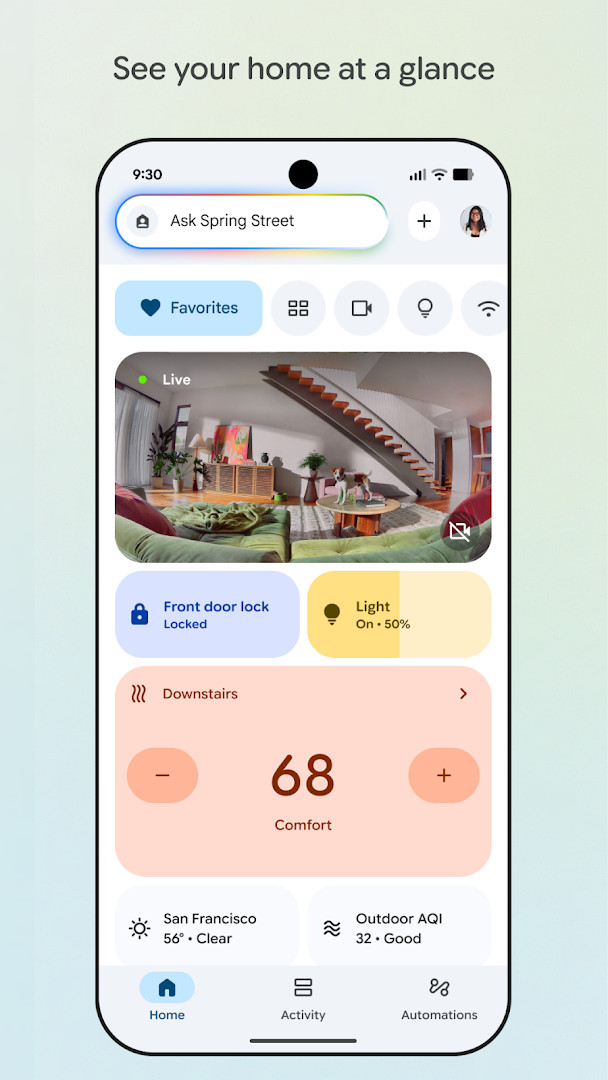
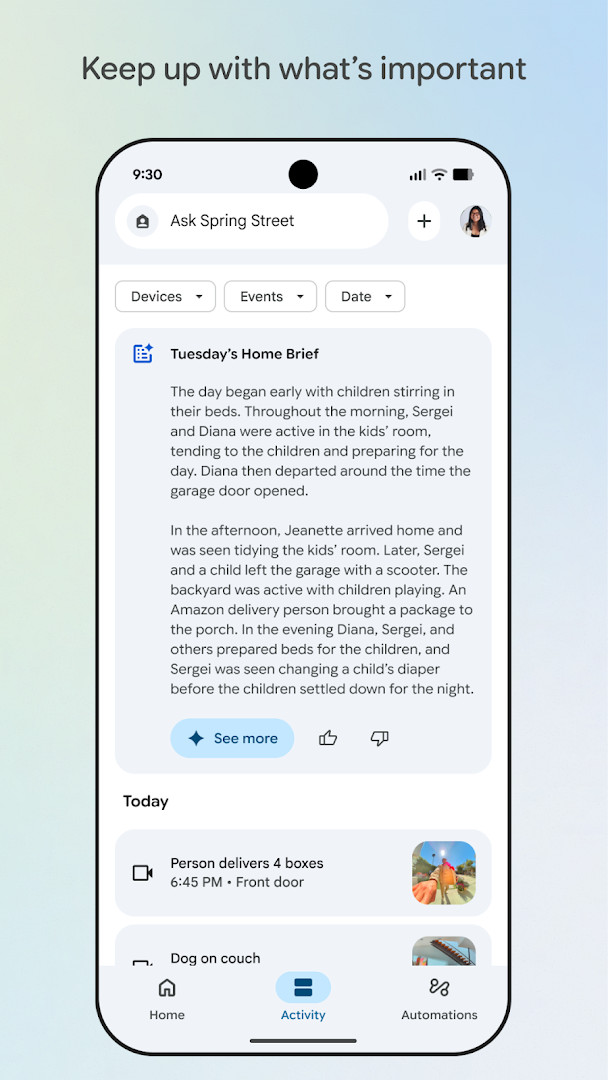
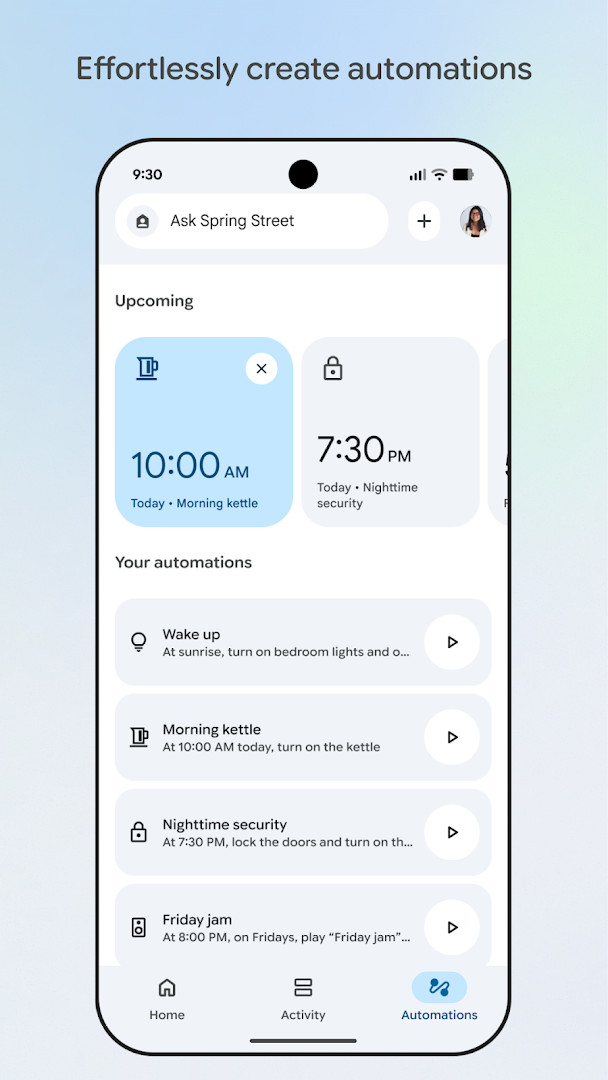
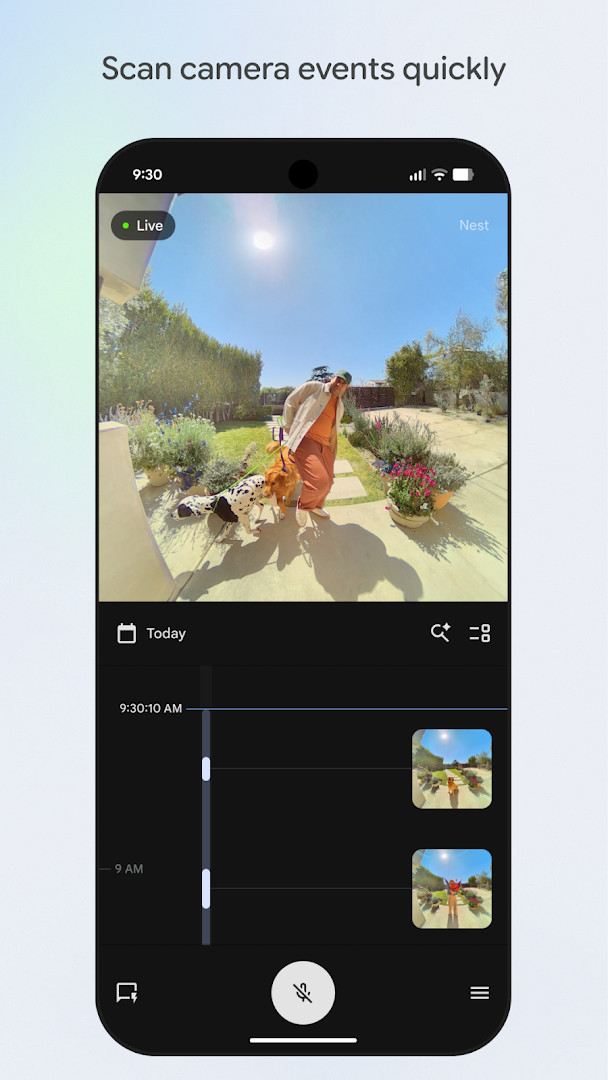
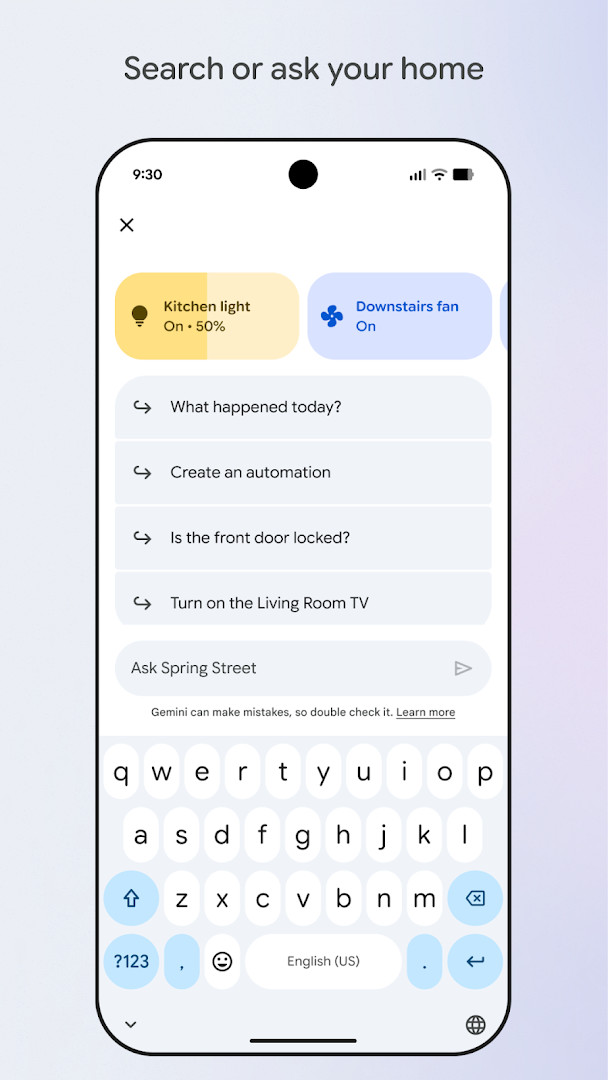
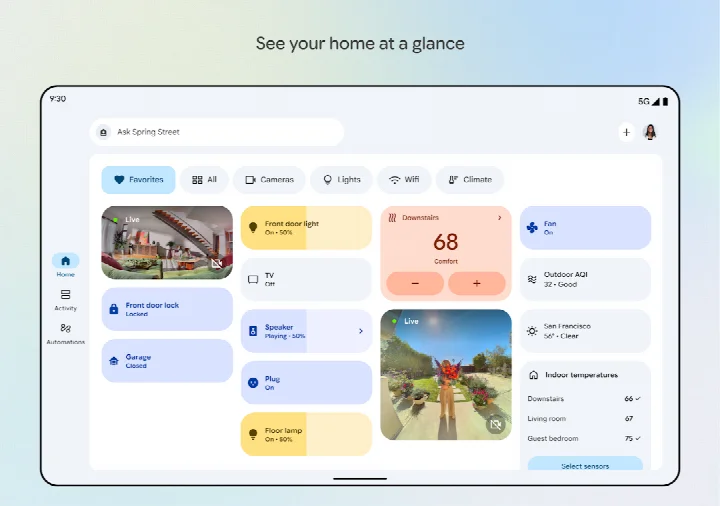
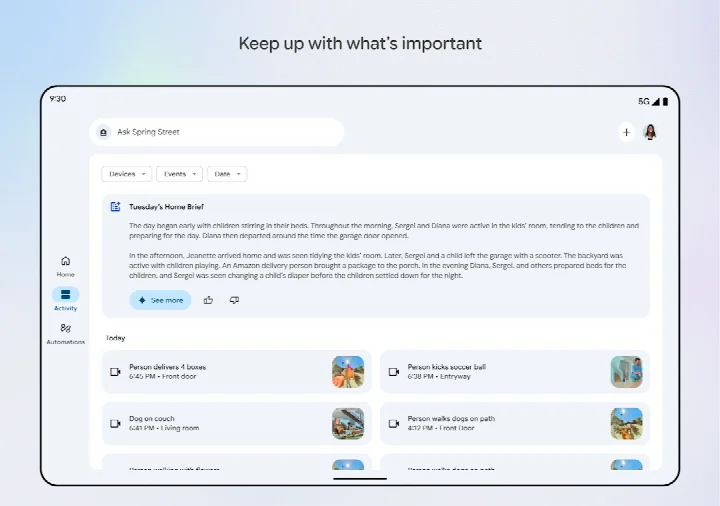
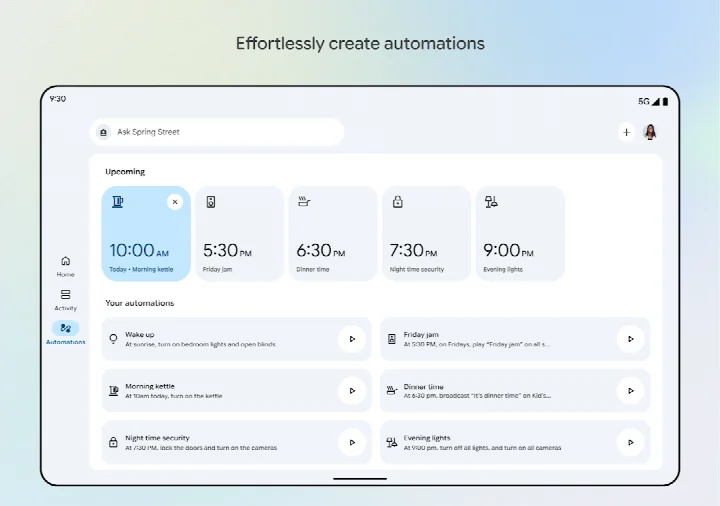
Google Home is a lifestyle app by Google LLC that helps you set up and control compatible Nest, Chromecast, and Google Home devices. It addresses the challenge of managing a growing number of smart home gadgets by centralizing device setup, monitoring, and control in one interface. The app provides a dashboard view of your home's status, organizes devices into groups for easier navigation, and lets you review camera events through live feeds and history. It also introduces a conversational way to command your devices using Gemini for Home, allowing you to simply say what you want done. The app is designed to keep you informed about what matters, with a streamlined layout that prioritizes quick access to frequently used devices and automations. While some features require compatible hardware and may vary by region, the core experience focuses on making smart home management more intuitive and less fragmented.
Key features
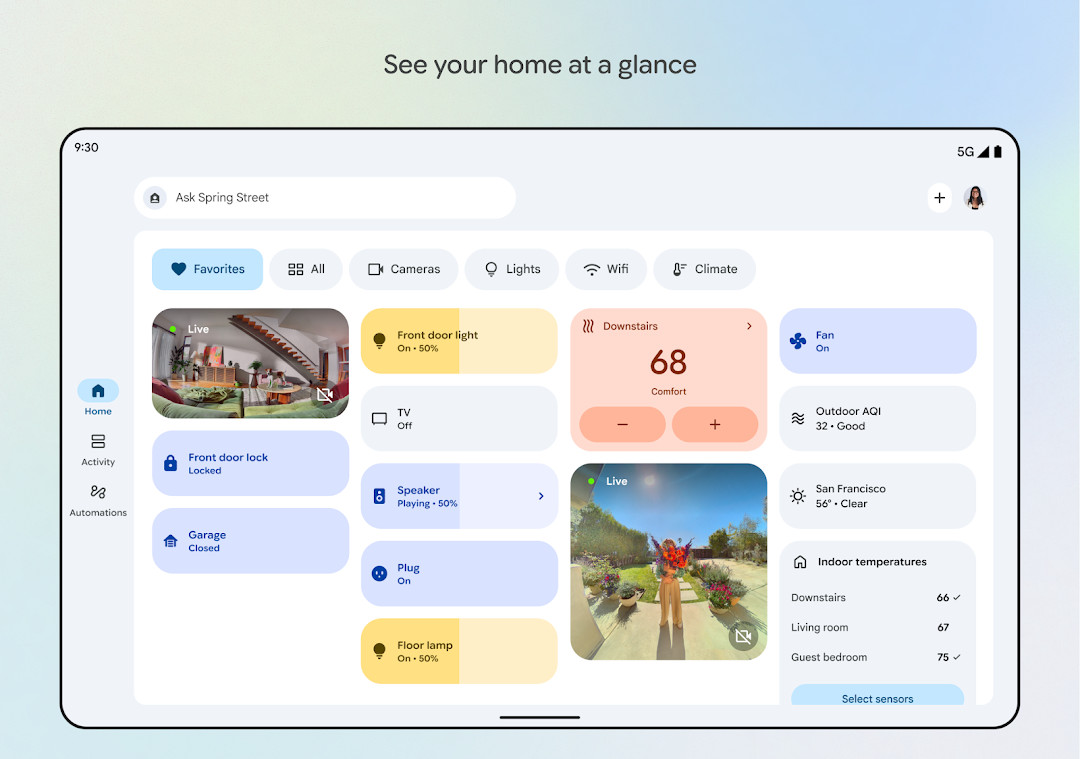
- View your home's status at a glance with a dashboard that highlights recent events and activity
- Group compatible devices into dashboards for streamlined organization and easier navigation
- Access live camera views and scan through event history to see what happened
- Use Gemini for Home to search or ask your devices to perform actions by voice
- Pin frequently used devices, automations, and actions to a Favourites tab for quick access
- Set up and manage routines in a dedicated Automations tab
- Edit permissions quickly from a consolidated Settings tab
- Check in on your home from anywhere and see a recap of recent events
How to install
- Tap the download button on this page to get the APK file, which is 83 MB in size
- When Android asks, allow your browser or file manager to install apps by enabling the 'Install unknown apps' setting
- Open the downloaded APK file from your notifications or file manager
- Tap Install and wait for the installation to complete
- Open the app from your app drawer or home screen and sign in with your Google account
- Note that the app requires Android 8.0 or higher to run properly
Pros
- Centralizes control of many compatible smart home devices in one place
- Provides a clear dashboard for monitoring home status and events
- Offers live camera feeds and event history for easy review
- Supports voice commands via Gemini for Home for hands-free control
- Allows customization with Favourites tab and automations
- Free to download with no ads
Cons
- Requires a broad set of permissions including Identity, Contacts, Location, Phone, Photos/Media/Files, Storage, Camera, Microphone, and Wi-Fi connection information, which may raise privacy concerns
- In-app purchases are available, which could lead to additional costs
- Some features may not work with all devices or in all regions, limiting functionality
- The app's extensive permissions may feel excessive for users who only want basic control
Recent updates
The November 2026 update for Google Home brings a refreshed design and more streamlined organization, making it easier to group devices into dashboards and navigate settings. You can now scan camera events more quickly with an improved live view and history interface. Additionally, the app enhances the Gemini for Home experience, allowing you to search or ask your home to control devices in a new way.
Version history
| Version | Size | Requires Android | Updated |
|---|---|---|---|
| 3.4.1.5 | 83 MB | 8.0 | Sep 18, 2025 |
This app is suited for individuals who own compatible Nest, Chromecast, or Google Home devices and want a unified way to manage their smart home ecosystem. It is particularly useful for those with multiple connected gadgets, such as lights, cameras, thermostats, and speakers, who appreciate having a single dashboard to monitor activity and control everything. The voice control feature via Gemini for Home will appeal to users who prefer hands-free interaction, while the Favourites and Automations tabs cater to those who like to personalize their setup. However, users who are sensitive about granting many permissions may want to review the app's access requirements before installing. It is also not ideal for people without any compatible smart home hardware, as the core functionality depends on having such devices.
Before installing, review the list of permissions and consider which ones you are comfortable granting, as the app requests access to many sensitive areas like your location, contacts, and microphone. You can often adjust these permissions later in your device settings to limit what the app can access while still using its core features.
Permissions
FAQ
Is the Google Home app free to install?
Yes, the Google Home app is completely free to download and use.
Which Android version do I need for Google Home?
The app requires Android version 8.0 or higher to run properly.
How large is the Google Home APK file?
The file size of the app is approximately 83 MB.
Does Google Home require an account to use?
Yes, you need a Google account to set up and control your compatible devices with the app.
What permissions does Google Home ask for?
The app asks for permissions such as access to your camera, microphone, location, and more, to function correctly.
How do I update Google Home?
To update the app, simply download the latest version from this page whenever a new release is available.
Google Home offers a comprehensive way to manage compatible smart home devices from one place, with useful tools for monitoring and voice control. Its extensive permission requirements mean you should weigh the convenience against your privacy preferences before installing.
Similar apps








More from this developer






Updated: Nov 16, 2026