
My Verizon for Android
My Verizon is a lifestyle app from Verizon Consumer Group for managing Verizon Mobile and Home Internet accounts in one place.
Get My Verizon · v22.3.5My Verizon is for Verizon customers who want to handle bills, devices, plans, and support without separate websites. The app is free, has no ads and no in-app purchases, requires Android 10 or newer, and its current version 22.3.5 was updated on 2026-11-10.
- Version
- 22.3.5
- Requires Android
- 10
- Updated
- Nov 10, 2026
- Installs
- 100M+
- Rating
- ★ 4.53 (1,299,914)
- Category
- Lifestyle
- Developer
- Verizon Consumer Group
- Content rating
- Mature 17+
- Package
- com.vzw.hss.myverizon
- Free
- ✓
Screenshots
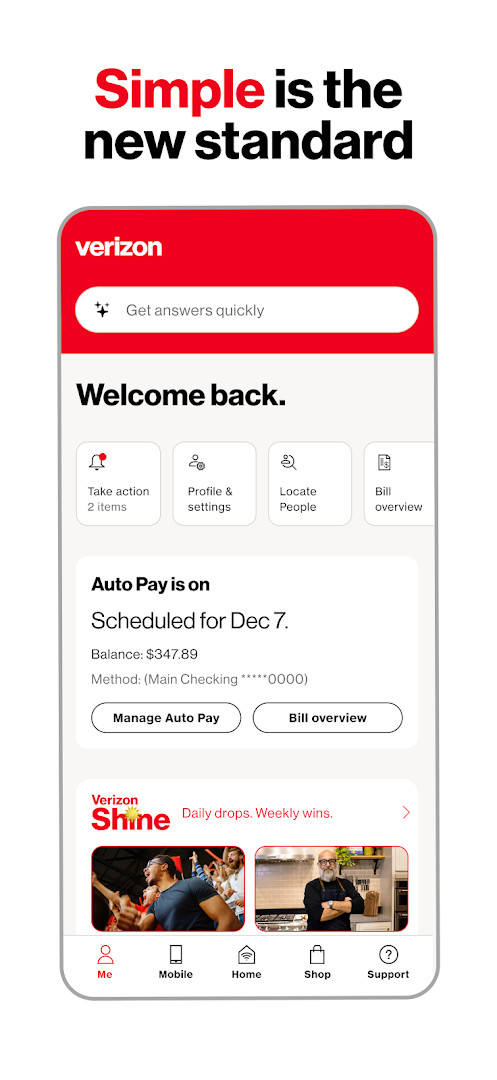
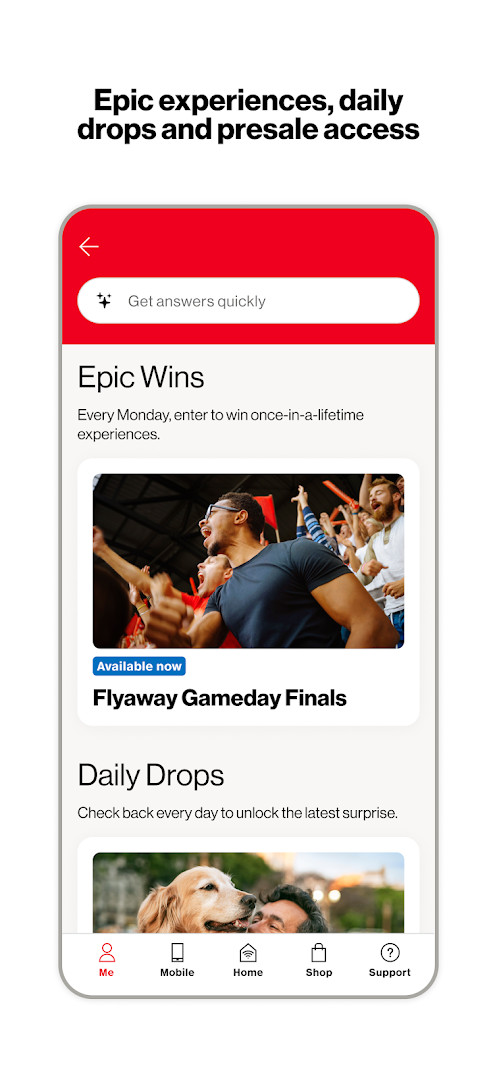
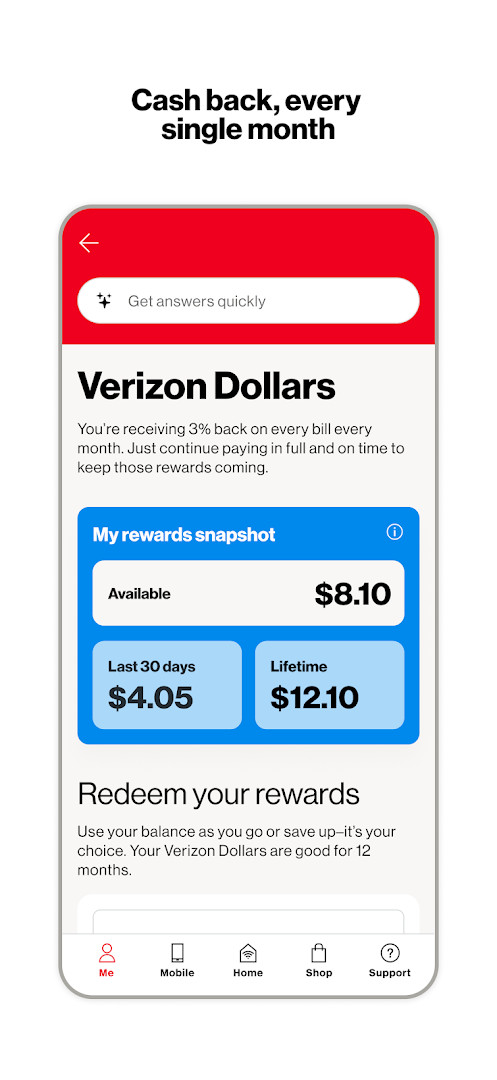
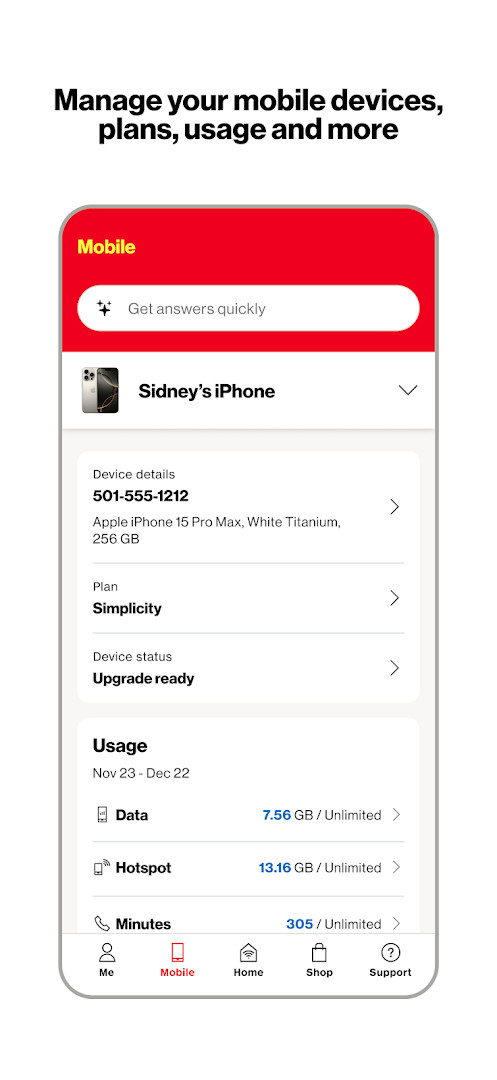
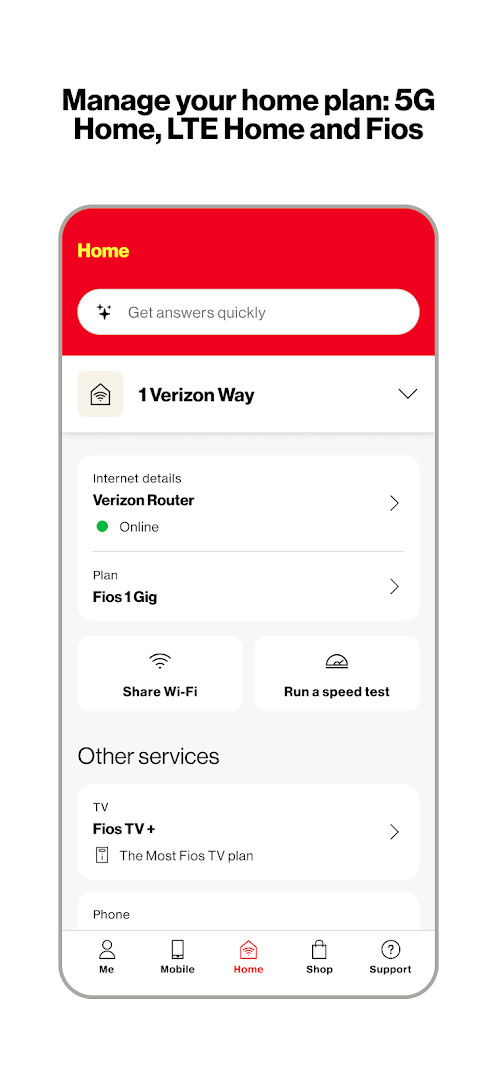
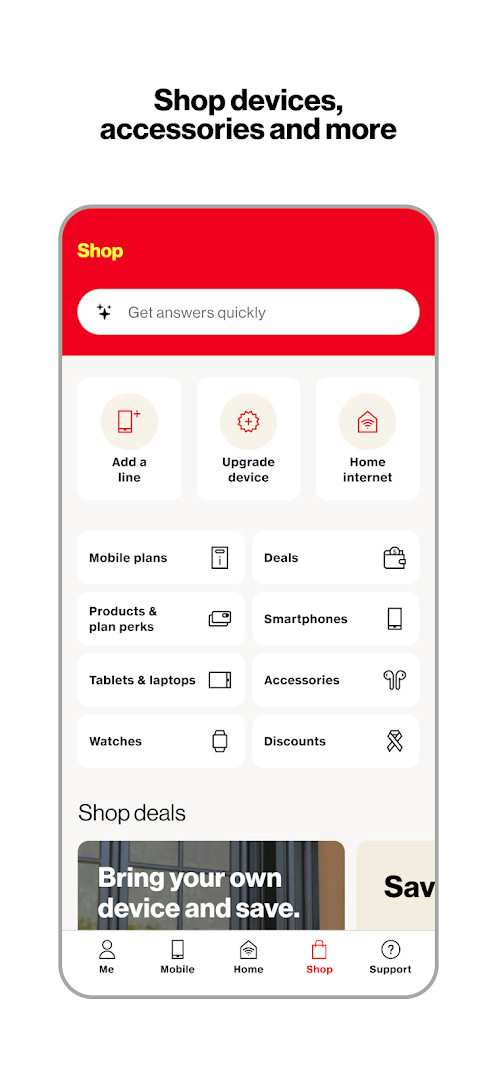
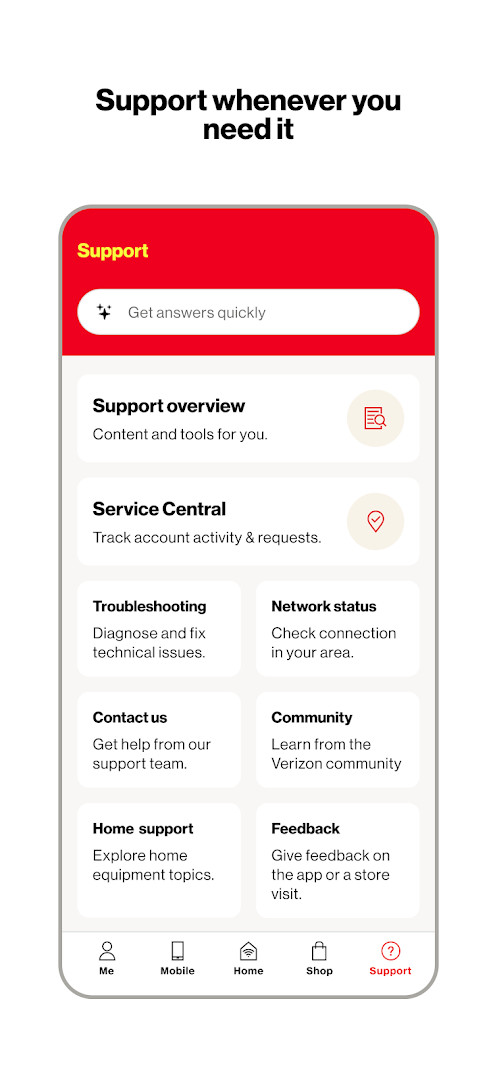
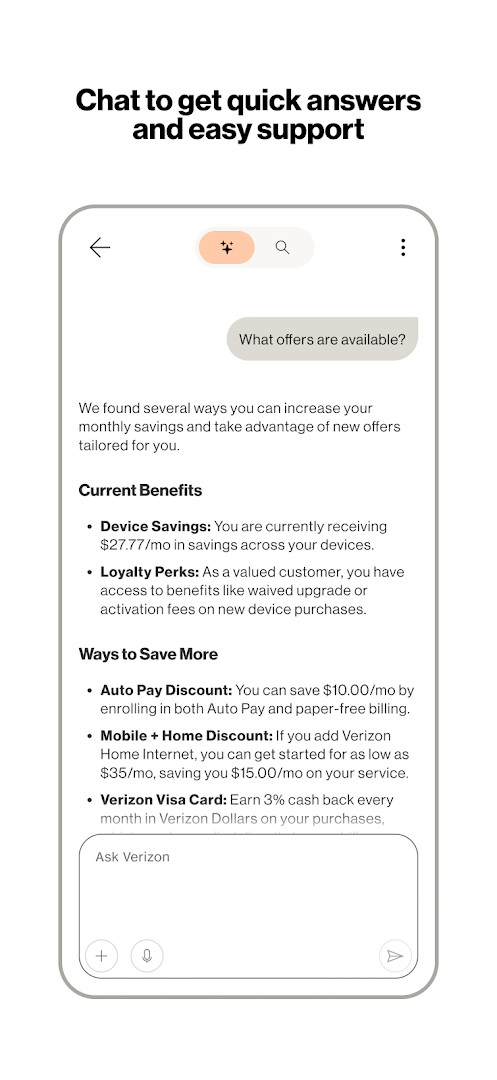
My Verizon is a lifestyle application by Verizon Consumer Group that consolidates account management, billing, support, and shopping for Verizon Mobile and Home Internet customers into a single interface. The app addresses the problem of juggling multiple tasks—checking balances, paying bills, managing devices, contacting support, and upgrading service—by providing a personalized home screen with customizable shortcuts and a tab bar for quick navigation between sections. It also bundles loyalty rewards such as Verizon Shine daily drops and Verizon Dollars cash back, along with tools to view usage, manage Fios and 5G Home accounts, and chat with a 24/7 assistant, all without leaving the app.
Key features
- Personalized dashboard with customizable shortcuts and a tab bar for fast switching between app sections
- Verizon Shine loyalty program offering free gift cards, merchandise, giveaways, and weekly chances at once-in-a-lifetime experiences
- Verizon Dollars program: opt in to earn 3% cash back monthly, redeemable for shopping, gift cards, hotel, and ticket rewards
- Unified management for Mobile and Home Internet accounts, including 5G Home, LTE Home, and Fios, with device control and plan changes
- Simplified bill view with details, AutoPay scheduling, and secure payment processing
- In-app shopping and upgrades for Mobile and Home services, presented as the fastest way to acquire new devices or plans
- 24/7 Verizon Assistant chat for account details, plan exploration, and troubleshooting support
- Enrollment in Verizon Loyalty to waive activation and upgrade fees on new device purchases
How to install
- Tap the download button on this page to get the APK file (size not specified in the data).
- When prompted, allow your browser or file manager to install apps by enabling the 'Install unknown apps' setting for that source.
- Open the downloaded APK file from your notifications or Downloads folder.
- Tap Install and wait for the installation to complete; the app requires Android 10 or higher.
- Open My Verizon from your app drawer and sign in with your Verizon credentials to begin.
Pros
- Consolidates billing, account management, support, and shopping in one place
- Offers tangible rewards like 3% monthly cash back and fee waivers through loyalty enrollment
- No ads and no in-app purchases, keeping the experience straightforward
- Includes a 24/7 assistant for troubleshooting and plan inquiries
- Provides detailed usage tracking for both mobile and home internet services
Cons
- Requests extensive permissions, including location, contacts, SMS, phone, camera, microphone, and storage, which may raise privacy concerns for some users
- Rated Mature 17+ due to content, potentially limiting younger audiences
- Requires Android 10 or newer, excluding devices on older operating systems
Recent updates · 22.3.5
The latest update to My Verizon, version 22.3.5, brings Verizon Shine, giving you access to free gift cards, merchandise, and giveaways all week long, plus a chance at once-in-a-lifetime experiences every Monday. You can also opt in to earn 3% cash back every month with Verizon Dollars, which can be redeemed for shopping, gift cards, or hotel and ticket rewards. Additionally, enrolling in Verizon Loyalty makes activation and upgrade fees a thing of the past whenever you get a new device.
Version history
| Version | Size | Requires Android | Updated |
|---|---|---|---|
| 22.3.5 | — | 10 | Nov 10, 2026 |
| 22.1.8 | — | 10 | Oct 13, 2026 |
My Verizon is built for current Verizon customers who want a single hub for managing their mobile and home internet services. It suits individuals juggling multiple lines or accounts, those who prefer paying bills and scheduling AutoPay on the go, and users interested in loyalty perks like daily giveaways or monthly cash back. The app also appeals to people who frequently need support or plan to upgrade devices, as it centralizes chat assistance and shopping. However, the broad permission set and mature rating mean it is best for adults who are comfortable granting significant device access to their carrier's app.
Enable Verizon Dollars and Verizon Loyalty early to start accumulating cash back and avoid activation fees on future upgrades; also, customize your home screen shortcuts for the actions you use most, such as bill pay or usage checks, to reduce navigation time.
Permissions
FAQ
Is My Verizon free to download and use?
Yes, the app is free. Its listed price is $0.00, it contains no ads, and it has no in-app purchases.
What Android version do I need?
My Verizon requires Android 10 or newer to run.
How much storage or file size does the app take?
The exact file size is not listed on this page, so we can't provide a specific download size.
Do I need a Verizon account to use the app?
The app is designed around managing Verizon Mobile and Home Internet accounts, bills, plans, and devices, so you'll sign in with your Verizon credentials to use most features.
What permissions does the app ask for?
It requests access to device and app history, calendar, contacts, location, SMS, phone, photos and media and files, storage, camera, microphone, Wi-Fi connection information, and device ID and call information.
How do I update the app?
Check this page for the newest release and install that version. The latest version listed here is 22.3.5, dated 2026-11-10.
My Verizon delivers a dense, all-in-one toolkit for managing Verizon accounts, with practical rewards and integrated support. It is a solid choice for existing customers, provided they accept the app's extensive permission requests and mature content rating.
Similar apps
 Google HomeGoogle LLC4.0
 SmartThingsSamsung Electronics Co., Ltd.4.6
 PinterestPinterest4.2
 Tinder: Match & Meet SinglesTinder LLC4.0
 Bumble Dating App: Meet & DateBumble Holding Limited3.8
 Astrotalk - Talk to AstrologerAstrology & Horoscope4.8
 Muslim Pro: Quran Athan PrayerBitsmedia4.2
 happn: dating apphappn4.0
Updated: Nov 18, 2026