Super Slime Simulator: DIY Art: 3D ASMR Relaxation Game
Super Slime Simulator: DIY Art is a lifestyle app by Dramaton that lets you create, stretch, and squish realistic 3D slime on your device for a satisfying ASMR experience.
Download for free · v12.93Super Slime Simulator: DIY Art brings the oddly satisfying sensation of playing with putty to your screen, complete with unique textures and ASMR sounds. The app is designed for all ages, from slime beginners to DIY experts, offering a creative outlet with a huge selection of colors, decorations, and slime types.
- Version
- 12.93
- Requires Android
- 7.0
- Updated
- Nov 18, 2026
- Installs
- 100M+
- Rating
- ★ 4.5 (918,620)
- Category
- Lifestyle
- Developer
- Dramaton
- Content rating
- Everyone
- Package
- com.dramaton.slime
- Free
- ✓ · Contains ads · In-app purchases
Screenshots
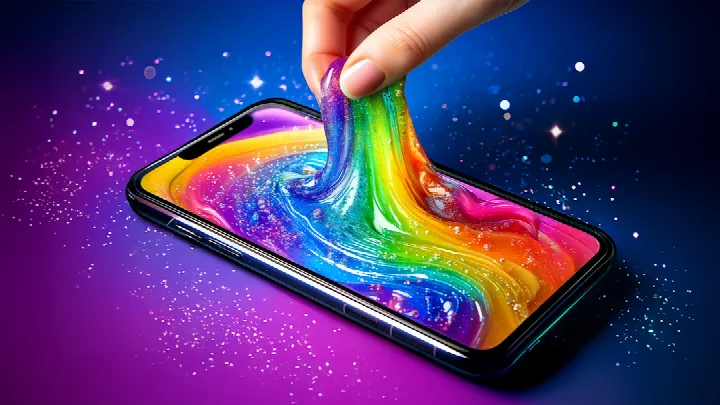
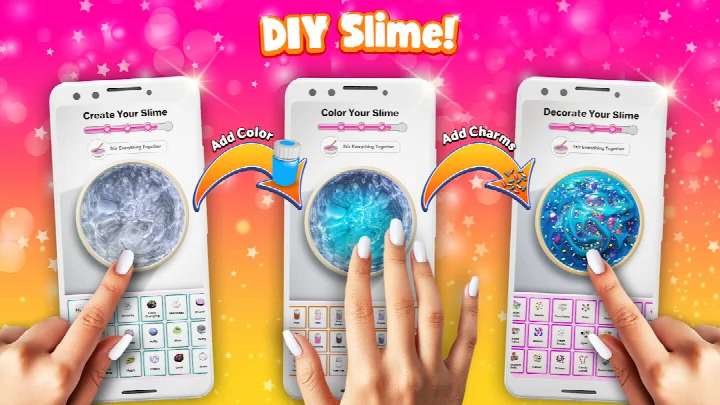
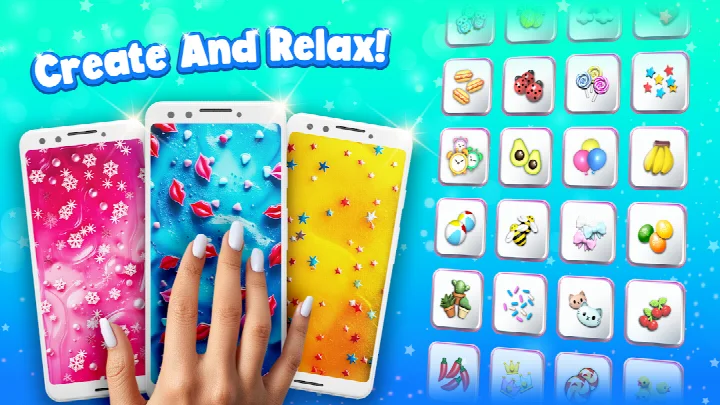
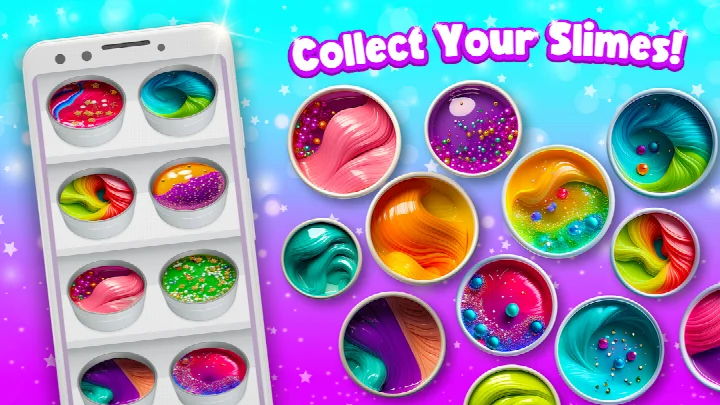
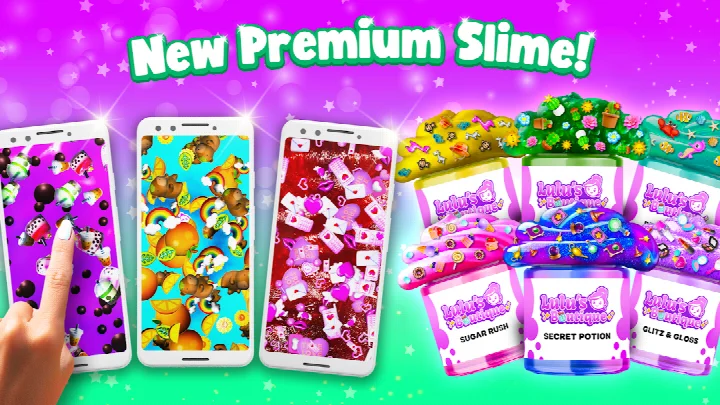
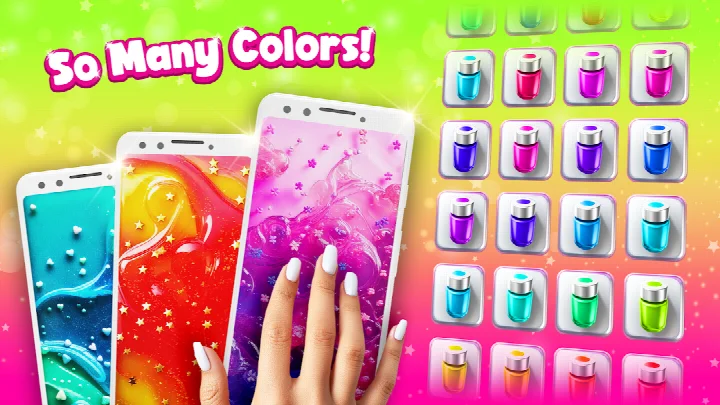
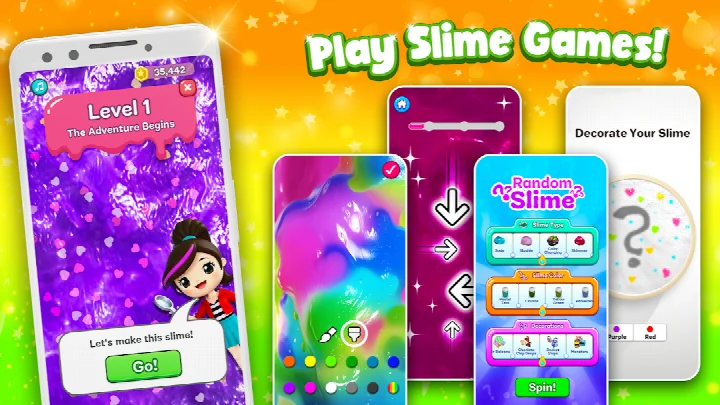
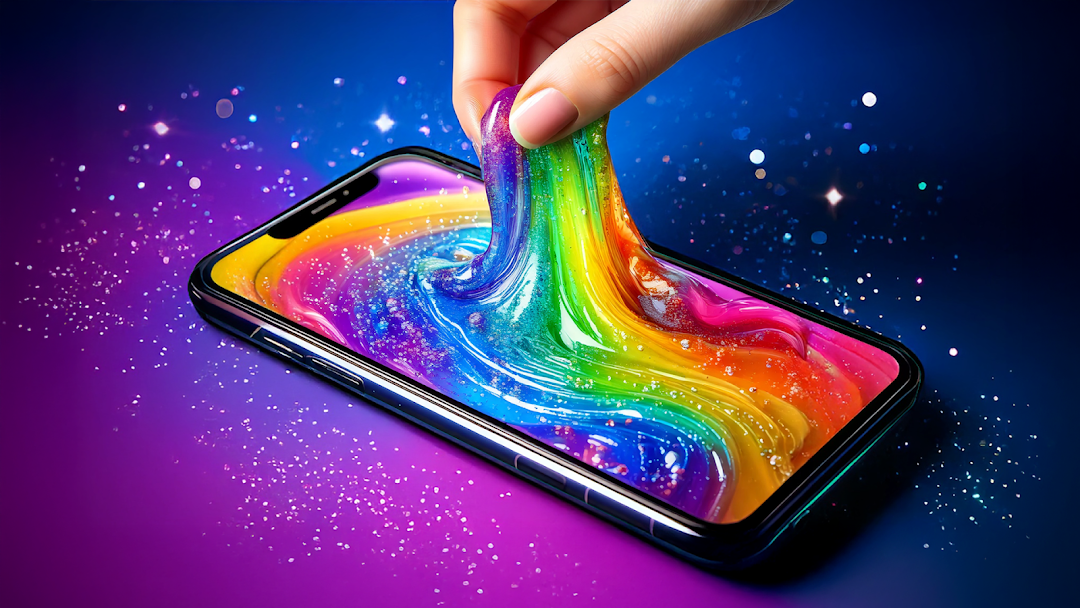
Super Slime Simulator: DIY Art is a lifestyle app by Dramaton that simulates kneadable slime on a touchscreen so users can stretch, squish, color and decorate it without any physical mess. The first public release dates to April 2018, and the current version is 12.93, published on 18 November 2026.
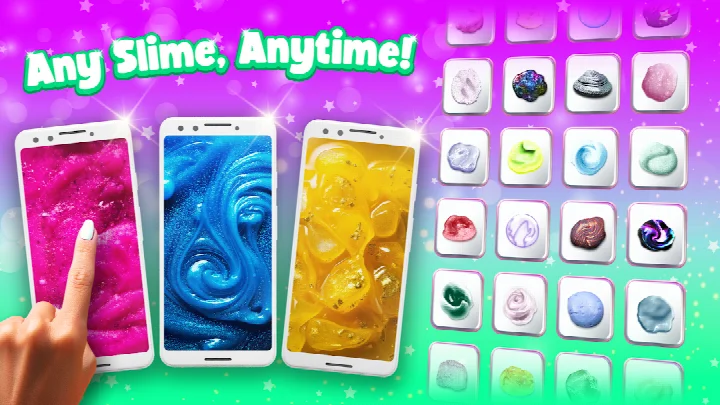
The core loop is tactile: you drag and pinch to stretch or fold a virtual slime, tap to pop bubbles, and apply colors, glitter and other add-ins to change how it looks and behaves. A gallery covers clear, milky, metallic, jiggly and further variants, each with its own texture, sound and movement. Volume up adds recorded squishing and ASMR-style audio that responds to your touches, and shaking the device can undo a stretch.
A DIY studio sits alongside the play area, letting you combine materials, colors and decorations such as jelly cubes, emojis, unicorn and kawaii figures and small animals. Finished creations can be turned into animated images and shared with friends as slime gifts, and a games section adds activities like Lu-lu's Slime Quest and Guess the Slime.
The app targets a broad audience: slime beginners and experienced DIY hobbyists, children and adults, and anyone who uses satisfying sensory content to unwind. It is free to install, carries ads and offers optional in-app purchases, and is rated for Everyone.
Key features
- Simulated slime you stretch, squish, knead and pop directly on a phone or tablet
- DIY studio for building custom slimes from materials, colors and add-ins
- Decoration options including glitter, jelly cubes, emojis, unicorn and kawaii figures and cute animals
- Gallery of slime types such as clear, milky, metallic and jiggly, each with distinct texture, sound and behavior
- ASMR audio with tens of different sounds and sensations tied to your touches
- Slime games area with Lu-lu's Slime Quest, Guess the Slime and other activities
- Shake the device to undo a stretch
- Send slime gifts to friends and share animated pictures of your creations
How to install
- Tap the download button on this page to get the APK file; the package size is not specified (n/a).
- If Android asks for permission, allow your browser or file manager to install apps by enabling the Install unknown apps setting for that app.
- Open the downloaded APK file from your notifications or file manager.
- Tap Install and wait for the process to finish.
- Open the app; it requires Android 7.0 or later.
Pros
- Free to download
- Very large existing user base and a high number of ratings
- Wide variety of slime types, decorations and colors for creative play
- Responsive ASMR sound design adds to the tactile experience
- No real slime, cleanup or sticky surfaces involved
- Rated for Everyone, so suitable for mixed-age use
Cons
- Contains advertising
- Offers in-app purchases
- Requires Android 7.0 or newer
- Requests access to photos, media and files plus storage and Wi-Fi connection information
Recent updates · 12.93
The latest update of Super Slime Simulator: DIY Art brings new decorations and premium slime varieties to enhance your slime crafting experience. The app design has been refined for smoother gameplay, ensuring a more enjoyable and stable experience. Additionally, various bugs have been fixed to boost overall performance and game stability.
Version history
| Version | Size | Requires Android | Updated |
|---|---|---|---|
| 12.93 | — | 7.0 | Nov 18, 2026 |
| 1.6 | 32 MB | 4.1 | Aug 18, 2018 |
People who enjoy sensory, stress-relief play, DIY crafting fans who want to experiment with colors and decorations without buying supplies, and parents looking for a mess-free slime activity for children. It also suits anyone curious about ASMR content on a touchscreen.
Turn up the volume for the full ASMR effect, since much of the experience depends on sound. Use the shake gesture to reset a stretch you do not like, and try combining several add-ins in the DIY studio before saving a creation to share.
Permissions
FAQ
Is this app free to install?
Yes, Super Slime Simulator: DIY Art is free to download and use. The app includes ads and optional in-app purchases.
What Android version is required?
You need Android 7.0 or newer to run the app.
Do I need to create an account?
No, you can start creating and playing with slime without registering or signing in.
What permissions does the app ask for?
The app may request access to photos, media and files, storage, and Wi-Fi connection information. These support features like saving or sharing your slime creations.
How do I update the app?
To update, simply download the latest version from this page. The current release is version 12.93, updated on 2026-11-18.
Super Slime Simulator: DIY Art packages tactile slime play, creative customization and light mini-games into one free app. It runs on Android 7.0 and above, and the ads and optional purchases are worth knowing about before installing.
Similar apps
 Google HomeGoogle LLC4.0
 SmartThingsSamsung Electronics Co., Ltd.4.6
 PinterestPinterest4.2
 Tinder: Match & Meet SinglesTinder LLC4.0
 Samsung Wallet (Samsung Pay)Samsung Electronics Co., Ltd.4.1
 Glovo: Food & Grocery DeliveryGlovoapp 23SL4.7
 My VerizonVerizon Consumer Group4.5
 Bumble Dating App: Meet & DateBumble Holding Limited3.8
Updated: Nov 26, 2026