
Messenger: Chat, Call, Connect
Messenger is a free communication app by Meta Platforms, Inc. that lets you chat, call, and share with anyone, anywhere.
Get Messenger · v586.0.0.55.92Messenger is a free app with a 158 MB download size, requiring Android 9 or newer, and it includes in-app purchases but no ads. It offers features like high-definition photo sharing, file transfers up to 100 MB, and end-to-end encrypted disappearing messages. Designed for broad audiences, it suits individuals seeking to stay in touch with friends, family, and communities.
- Version
- 586.0.0.55.92
- Size
- 158 MB
- Requires Android
- 9
- Updated
- Nov 10, 2026
- Installs
- 5B+
- Rating
- ★ 4.71 (115,026,302)
- Category
- Communication
- Developer
- Meta Platforms, Inc.
- Content rating
- Everyone
- Package
- com.facebook.orca
- Free
- ✓ · In-app purchases
Screenshots
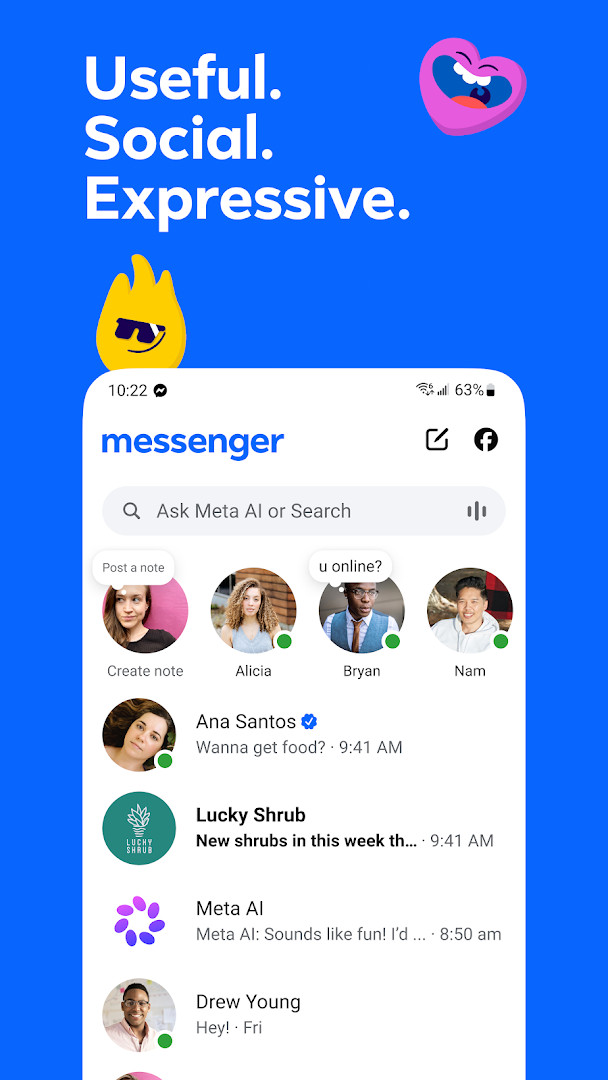
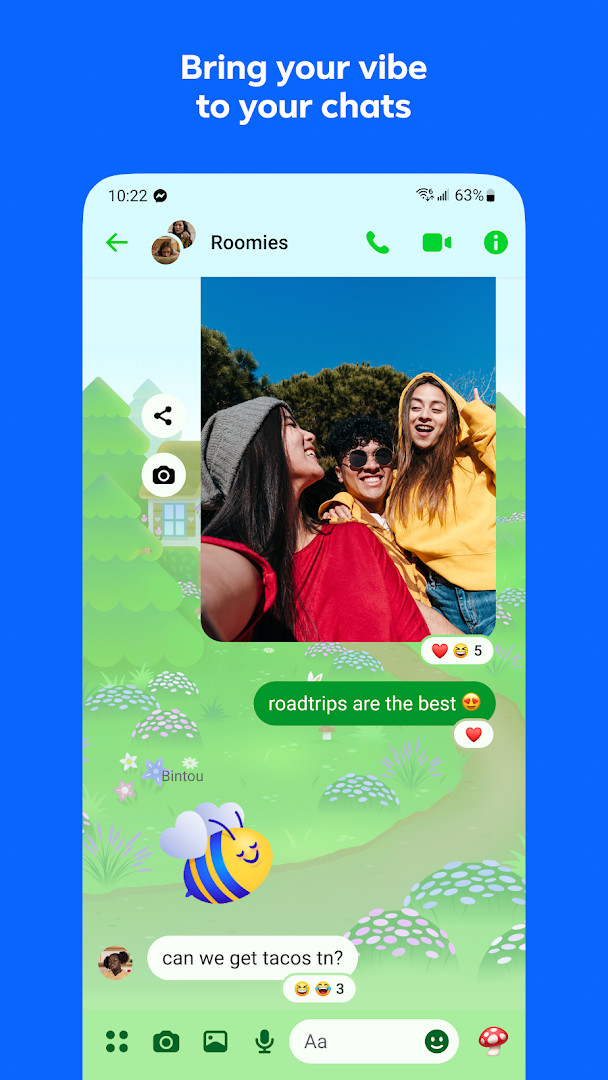
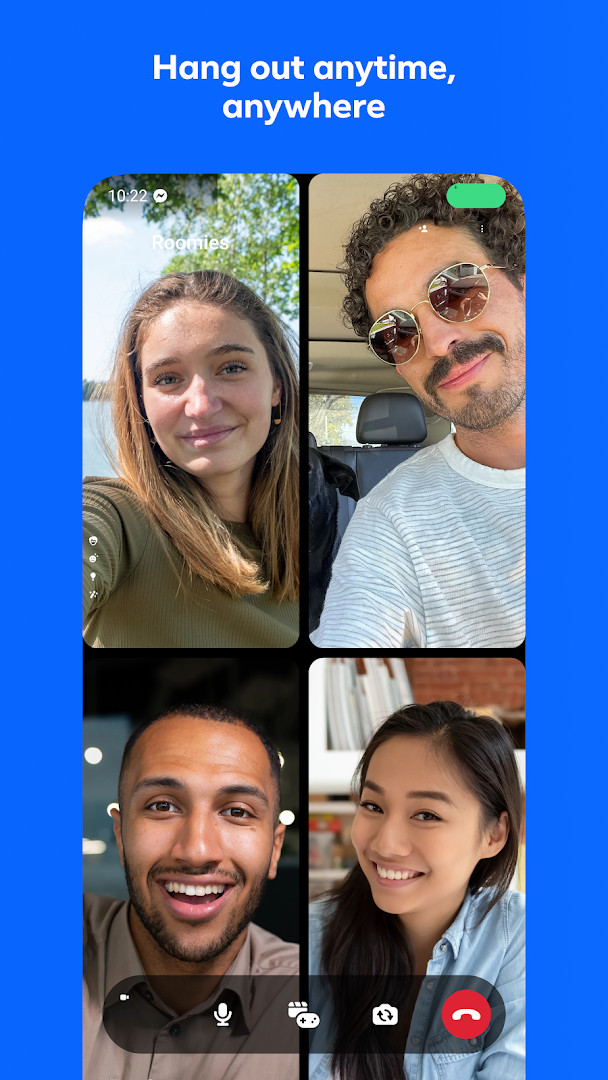
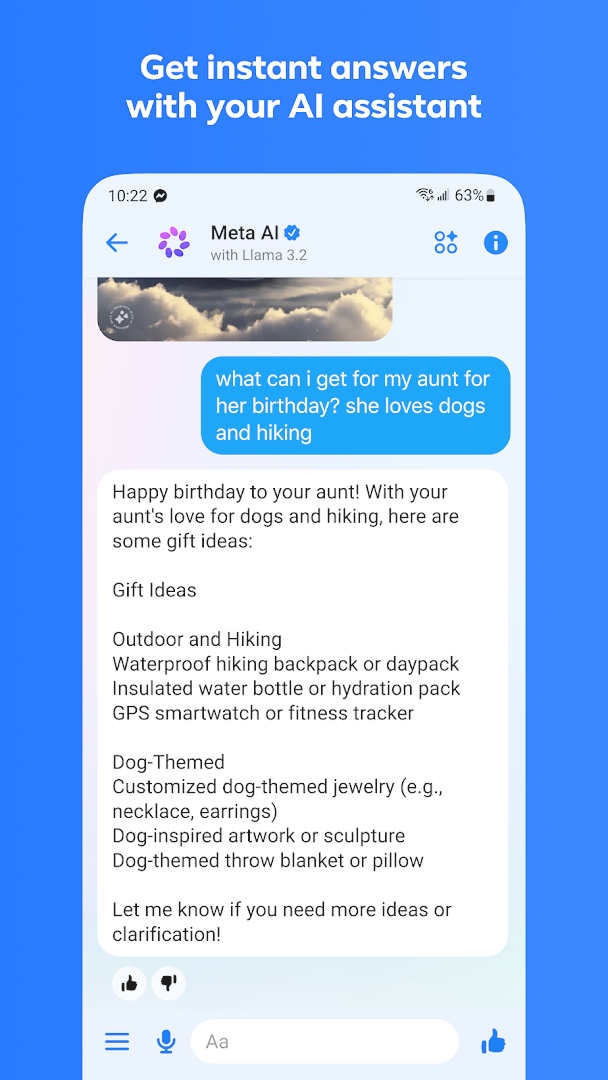
Messenger is a communication app by Meta Platforms, Inc. that lets you chat, call, and share media with friends and family, including people you know on Facebook. It serves as a standalone messaging hub that goes beyond simple text, offering voice and video calls, high-definition photo sharing, large file transfers, and a range of expressive tools like stickers and themes. The app is designed for anyone who wants a feature-rich way to stay in touch, whether for casual conversations, coordinating with groups, or following creators through broadcast channels.
For experienced users comparing messaging platforms, Messenger stands out with its deep integration into the Facebook ecosystem, allowing you to reach contacts without needing their phone numbers. It also includes Meta AI assistance for answering questions or generating images, though this feature is limited to select languages and countries. The app supports end-to-end encrypted chats with adjustable disappearing-message timers, giving you control over privacy for sensitive conversations.
With over five billion installs and a rating of 4.71 from more than 115 million reviews, Messenger is a mature and widely adopted tool. The current version, 586.0.0.55.92, was updated on November 10, 2026, and requires Android 9 or later. It occupies about 158 MB of storage, and while the app is free with no ads, it does offer in-app purchases for additional content or features. Permissions are extensive, covering identity, contacts, location, camera, microphone, and storage, reflecting its full-featured nature for calls, media, and location sharing.
This app is particularly suited for people who already use Facebook or want a single app to manage personal chats, group conversations, and community interactions. Its broad feature set makes it a strong choice for those who prioritize multimedia sharing, creative expression, and staying connected with a wide network, though the permission footprint and reliance on Meta services may be a consideration for privacy-conscious users.
Key features
- Chat and call anyone, anywhere, including Facebook contacts without needing a phone number
- Meta AI assistant for instant answers, advice, homework help, and image creation or editing (availability varies by language and country)
- Send and receive photos in high definition
- Create shared albums of photos and videos within group chats
- Connect with new people by scanning or sharing QR codes
- Share large files up to 100 MB directly in chat, including Word, PDF, and Excel documents
- Edit messages up to 15 minutes after sending and unsend messages
- Disappearing messages with adjustable timers for end-to-end encrypted chats
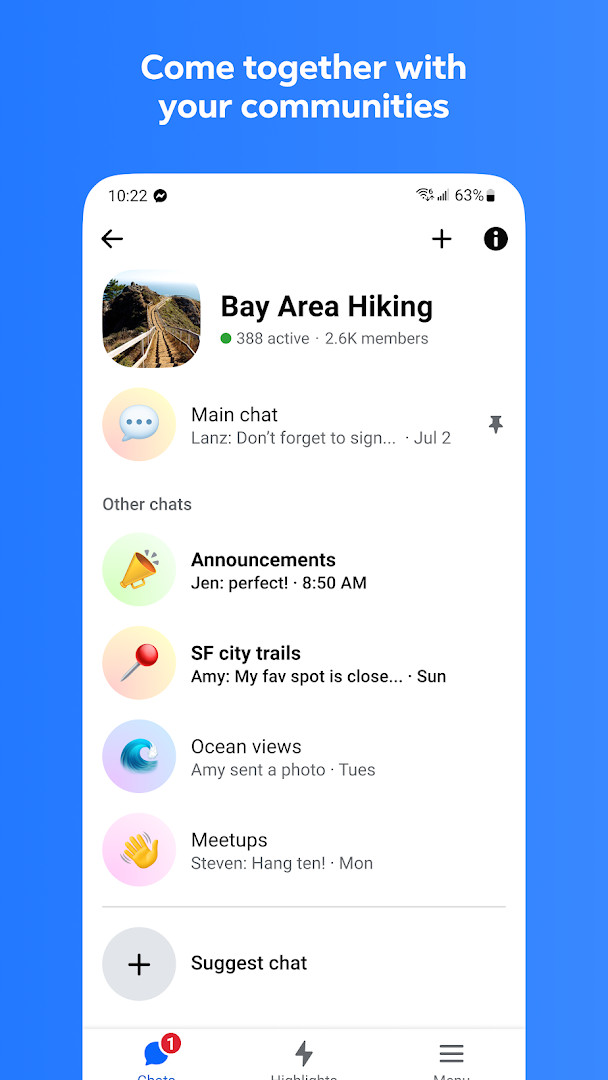
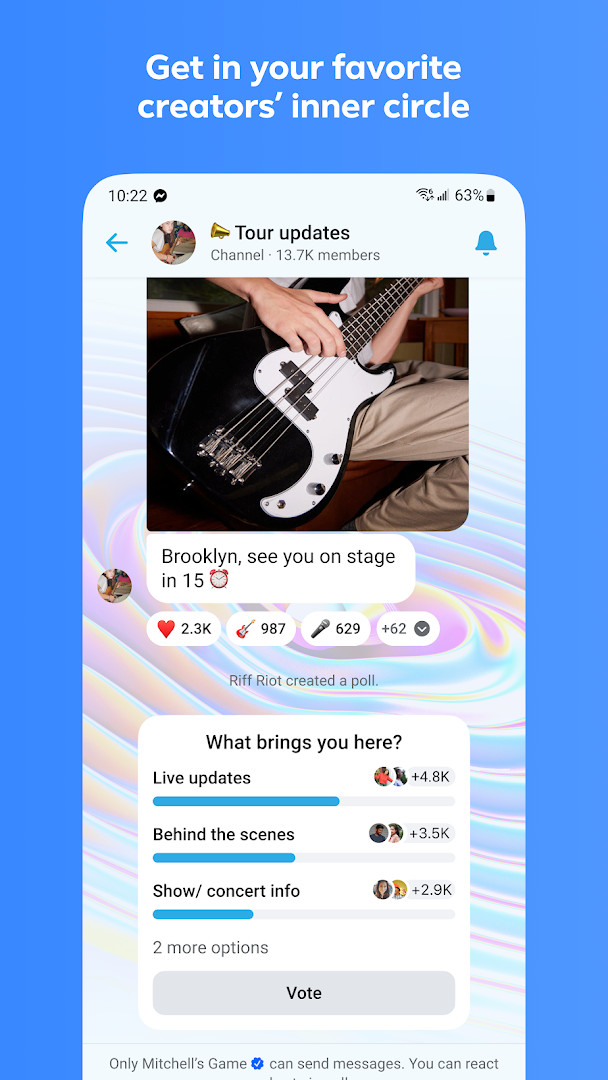
- Join broadcast channels from favorite creators and connect with communities based on school, neighborhood, or interests
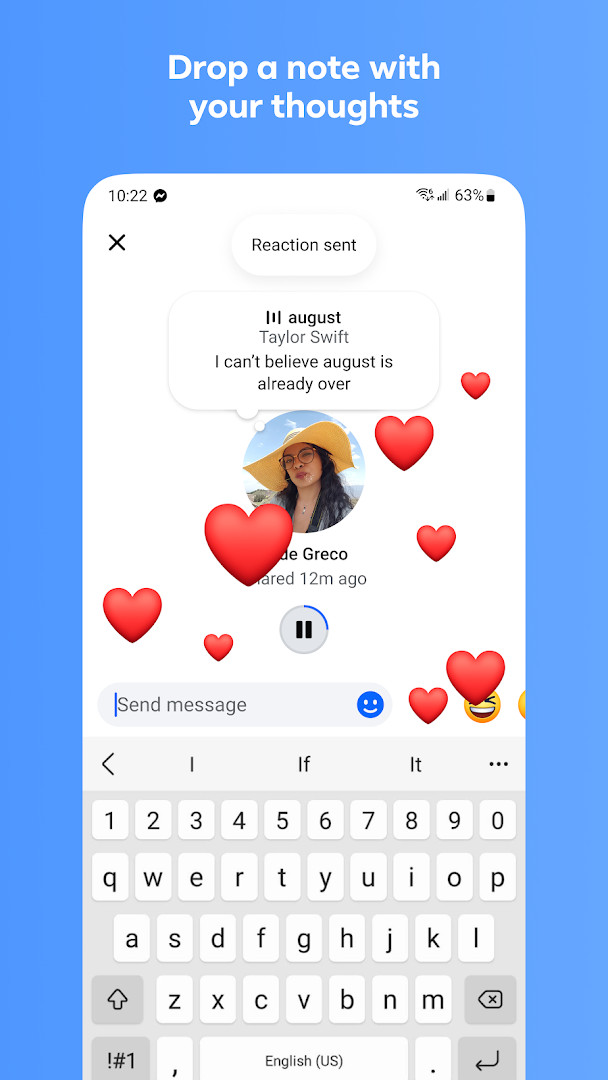
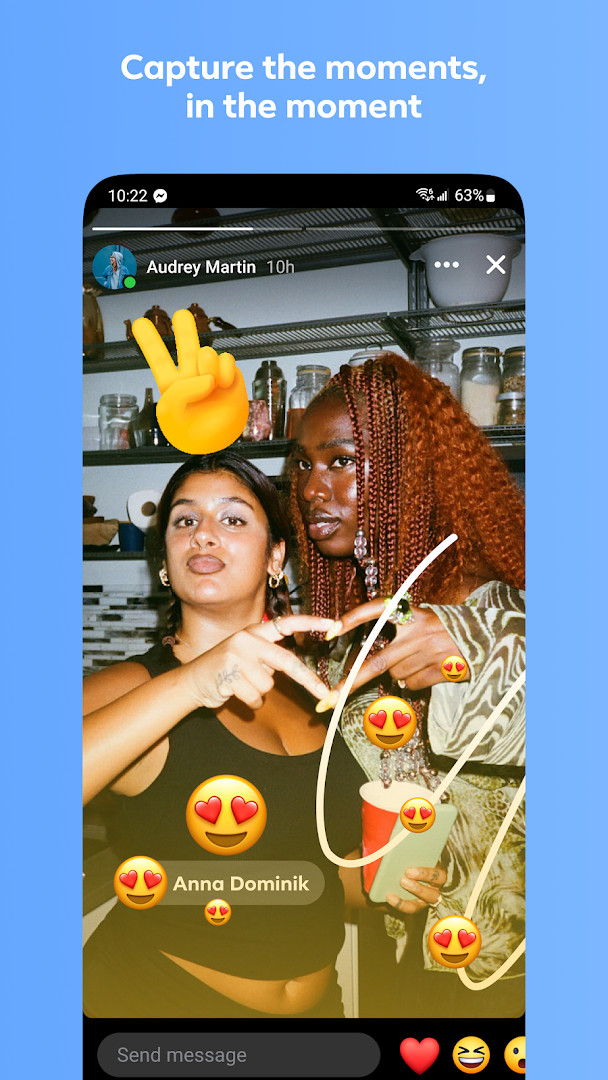
- Express yourself with animated stickers, GIFs, reactions, and customizable chat themes
How to install
- Tap the download button on this page to get the Messenger APK file, which is about 158 MB in size.
- When Android asks for permission, allow your browser or file manager to install apps by enabling the 'Install unknown apps' setting for that source.
- Locate the downloaded APK file in your notifications or Downloads folder and open it.
- Tap Install when prompted, and wait for the installation to complete; ensure your device runs Android 9 or later.
- Open the app from your home screen or app drawer, then sign in with your Facebook or Messenger account to start using it.
Pros
- Free to use with no ads, making it accessible for all users
- Integrates seamlessly with Facebook contacts, eliminating the need for phone numbers
- Offers a wide range of features like HD photos, large file sharing, and message editing
- Includes end-to-end encrypted chats with disappearing message controls
- High user rating of 4.71 based on over 115 million reviews, indicating broad satisfaction
- Regular updates with the latest version released in November 2026
Cons
- Requires extensive permissions including identity, contacts, location, camera, microphone, and storage, which may raise privacy concerns
- In-app purchases are present, which may lead to additional costs for some features
- Meta AI features are not available in all languages or countries, limiting functionality for some users
- Large app size of 158 MB may be a concern for devices with limited storage
- The app is tied to the Meta ecosystem, which may not appeal to those seeking a standalone or privacy-focused messenger
Version history
| Version | Size | Requires Android | Updated |
|---|---|---|---|
| 586.0.0.55.92 | 158 MB | 9 | Nov 10, 2026 |
| 573.0.0.44.88 | 83 MB | 9 | Nov 3, 2026 |
| 582.0.0.61.92 | 155 MB | 9 | Oct 12, 2026 |
| 583.0.0.29.95 | 150 MB | 9 | Oct 12, 2026 |
| 581.0.0.49.91 | 142 MB | 9 | Oct 11, 2026 |
| 583.0.0.13.95 | 158 MB | 9 | Oct 10, 2026 |
| 582.0.0.22.92 | 155 MB | 9 | Oct 6, 2026 |
| 580.0.0.49.91 | 139 MB | 9 | Oct 3, 2026 |
| 581.0.0.31.91 | 152 MB | 9 | Oct 2, 2026 |
| 581.0.0.0.0 | 149 MB | 9 | Oct 2, 2026 |
Messenger is for individuals who already use Facebook or want a comprehensive messaging app that combines personal chats, group coordination, community building, and creative expression, especially those comfortable with sharing data across Meta's services.
To get the most out of Messenger, enable end-to-end encryption for sensitive conversations and set disappearing message timers as needed. For large file transfers, remember the 100 MB limit. If you want to control your privacy, review the app's permission settings after installation and disable any that aren't necessary for your usage.
Permissions
FAQ
How do I install the Messenger APK on my Android device?
To install the APK, download the file and open it. You may need to allow installation from unknown sources in your device settings. The app requires Android 9 or higher and takes up about 158 MB.
What is new in version 586.0.0.55.92?
Version 586.0.0.55.92, released on November 10, 2026, is the latest update. It includes general improvements and fixes to enhance messaging stability and performance.
Does Messenger contain ads or require payment?
Messenger is free to download and use, and it does not display ads. However, it offers in-app purchases for optional items, though the core messaging features remain free.
Can I use Messenger offline or with limited data?
Messenger requires an internet connection for sending and receiving messages. While offline, you may view previously loaded conversations, but sending and receiving will wait until you reconnect.
Are there alternatives to Messenger in the communication category?
Yes, there are other messaging apps that offer text, voice, and video calling. Many provide end-to-end encryption and group chats, though features and interface vary. You can compare them based on your needs.
How large is the Messenger app and what permissions does it need?
The app size is 158 MB. It requests permissions for identity, contacts, location, camera, microphone, storage, and phone, among others, to support features like calls, photo sharing, and QR code scanning.
Messenger remains a powerful and popular choice for communication, offering a rich set of features that go beyond basic messaging. While its extensive permissions and Meta integration may give some users pause, its broad functionality, high rating, and regular updates make it a compelling option for those deeply connected to the Facebook ecosystem.
Similar apps








More from this developer
Updated: Nov 14, 2026