Microsoft Word: Edit Documents: Productivity App
Microsoft Word: Edit Documents is a productivity app by Microsoft Corporation that lets you create, edit, read, and share documents on your mobile device.
Download Word AppMicrosoft Word: Edit Documents offers familiar formatting tools, grammar checks, and a built-in document viewer for writing CVs, letters, assignments, and creative work on the go. It includes PDF conversion, real-time collaboration, version history, and AI assistance with Copilot for drafting and summarizing content.
- Size
- 187 MB
- Requires Android
- 13
- Updated
- Nov 10, 2026
- Installs
- 1B+
- Rating
- ★ 4.8 (17,826,147)
- Category
- Productivity
- Developer
- Microsoft Corporation
- Content rating
- Everyone
- Package
- com.microsoft.office.word
- Free
- ✓ · In-app purchases
Screenshots
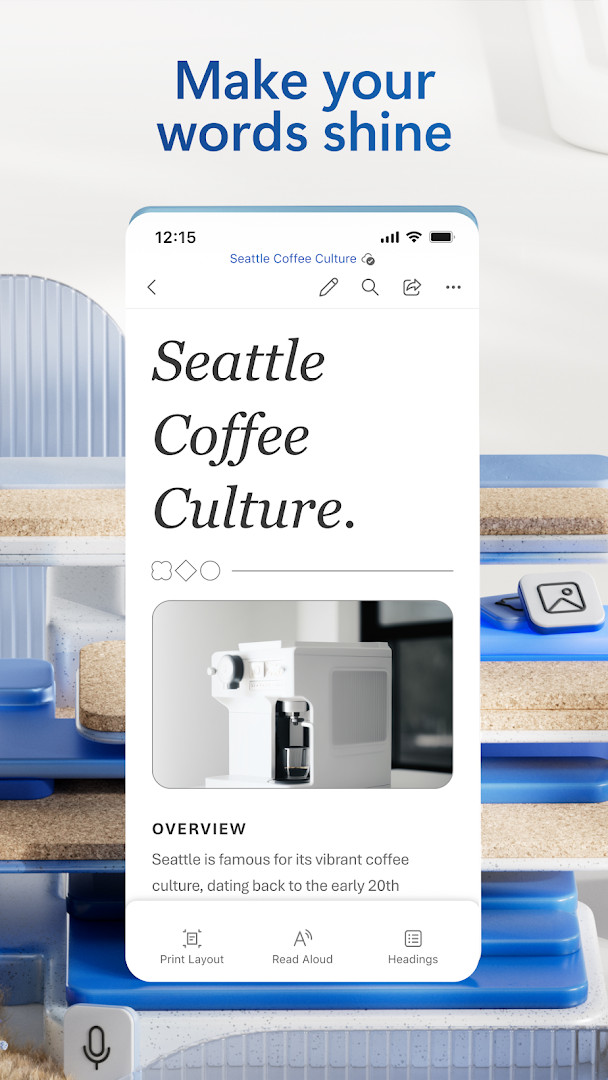
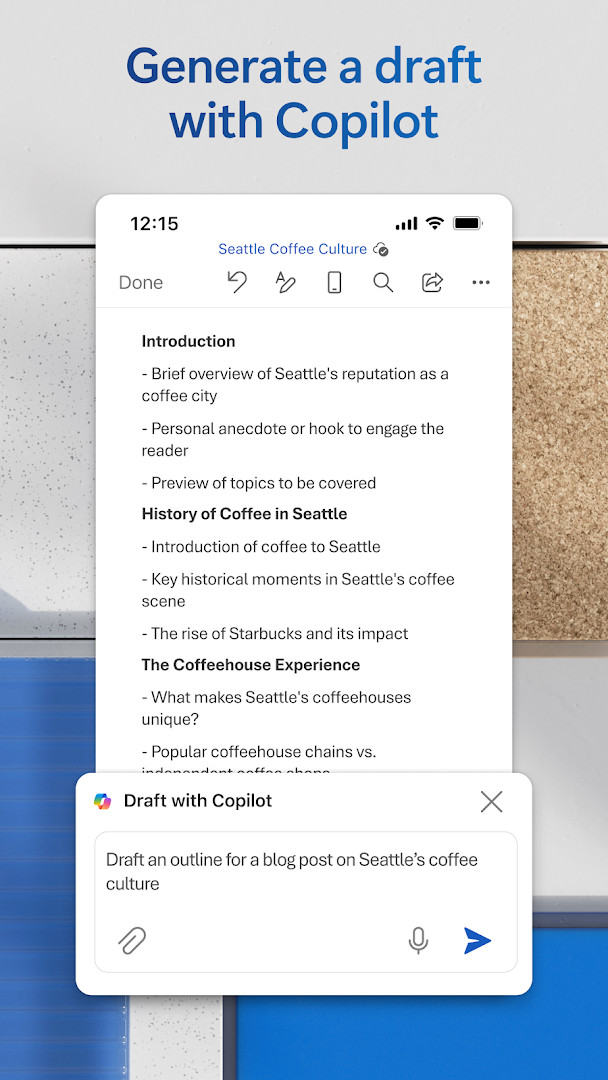
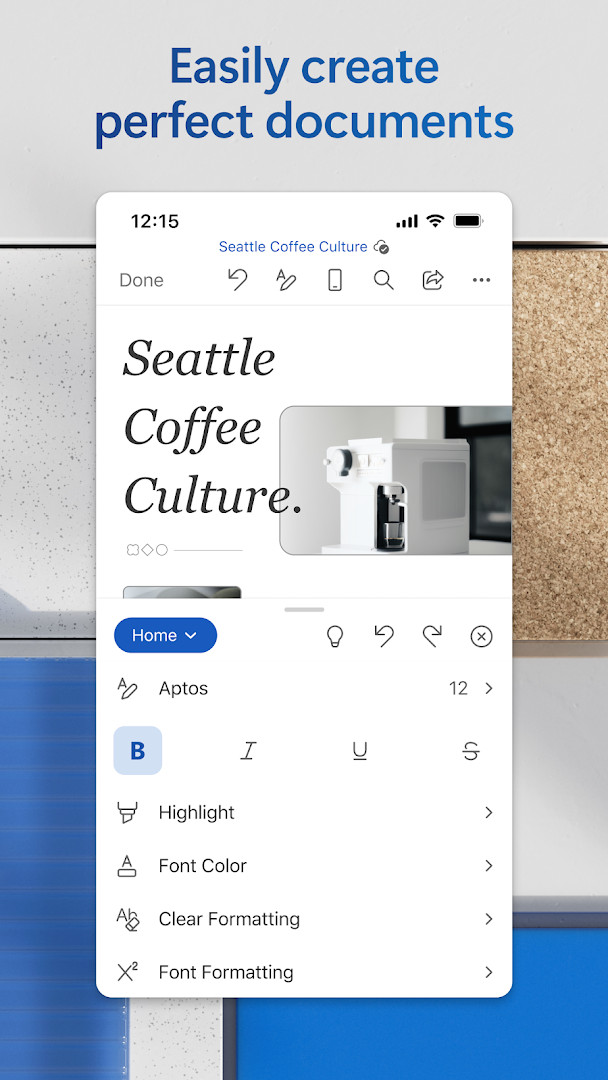
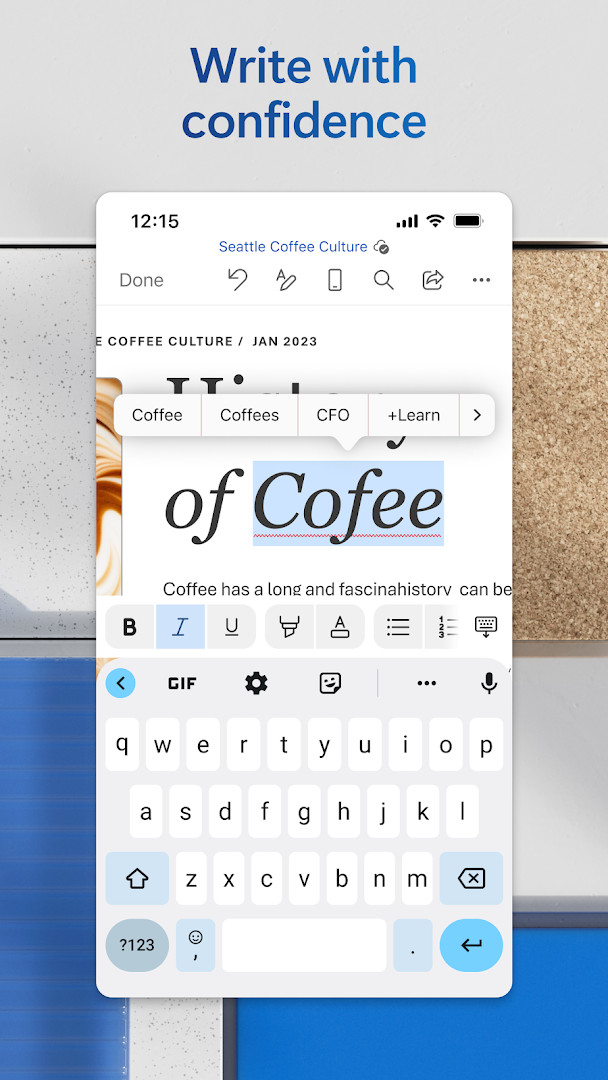
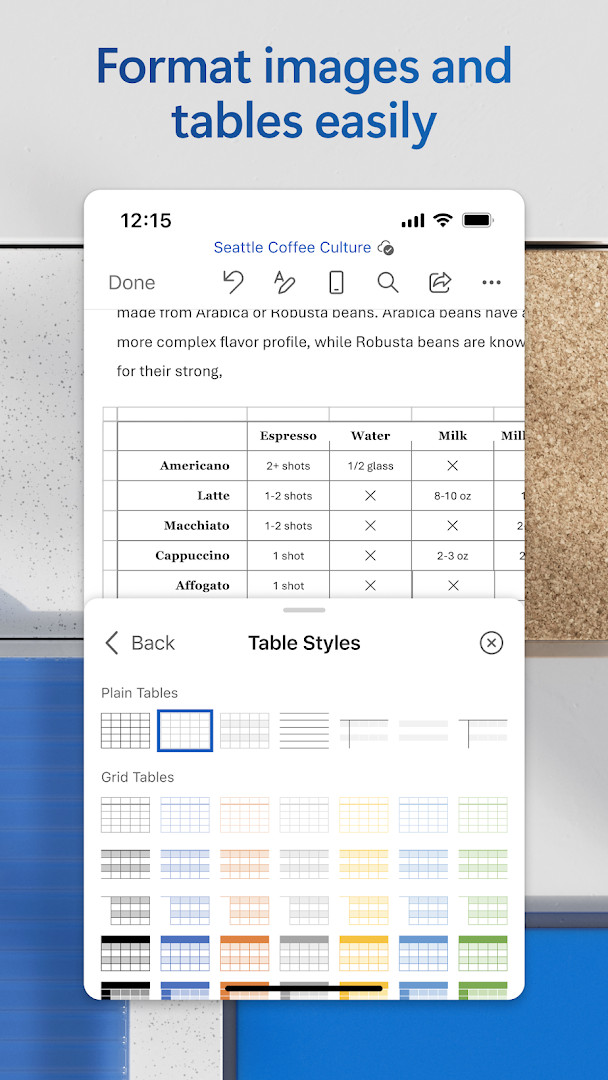
Microsoft Word: Edit Documents is a productivity app by Microsoft Corporation that lets you create, edit, read and share documents from your Android device. It brings familiar writing tools, modern templates, PDF conversion, real-time collaboration and AI-assisted drafting to a mobile interface. The app is free to download, contains no ads, and offers optional in-app purchases tied to Microsoft 365 subscriptions. It requires Android 13 or later and at least 1 GB of RAM.
The editor is designed for on-the-go work: you can draft CVs, letters, assignments, notes or creative pieces, open attachments in a built-in reader, and swap documents between Word and PDF formats. Teams can comment alongside text, track changes, and use version history to restore earlier drafts. Sharing controls let you invite others to view or edit, manage permissions, and see who is currently in a document.
Recent updates focus on speed and reliability improvements rather than headline features, with periodic releases rolling out enhancements across the app. From a privacy standpoint, the permission list is fairly broad: it requests access to identity, contacts, photos, media and files, storage, camera, microphone and Wi-Fi connection information. Because the app also states that data may be transferred to the United States or other regions where Microsoft operates, it is worth reviewing these settings carefully before granting unnecessary access.
Key features
- Modern templates for CVs, letters, proposals, invoices and more
- Rich formatting and layout tools for clear, consistent documents
- Built-in document viewer plus PDF-to-Word conversion for easy editing
- Real-time collaboration with comments, track changes and version history
- Simplified sharing with permission controls and visibility of who is in the document
- AI assistance via Copilot for drafting, summarizing, refining and formatting content
How to install
- Tap the download button on this page to get the 187 MB APK file, which requires Android 13 or higher.
- When Android asks, allow your browser or file manager to install apps using the Install unknown apps setting.
- Open the downloaded APK file from your notifications or Downloads folder.
- Tap Install and wait for the installation to complete.
- Open the app from your app drawer and sign in with a Microsoft account or start editing as a guest.
Pros
- Free to download with no advertising
- Full-featured mobile editor with a wide template library
- Real-time collaboration, comments and version history
- Two-way PDF to Word conversion
- AI drafting and formatting assistance built in
Cons
- Requests a broad set of permissions, including camera, microphone and contacts
- Full Microsoft 365 features and some Copilot capabilities require a subscription
- Large 187 MB installation size
- Data may be transferred to servers in the United States or other regions
Recent updates
The latest update focuses on general maintenance rather than introducing headline features. It notes that the app receives regular releases that include new capabilities and performance and reliability enhancements. The changelog also reminds users that a qualifying Microsoft 365 subscription unlocks the full Office experience across devices, with special offers available directly in the app. No specific bug fixes, new tools, or interface changes are detailed in this particular update notice.
Version history
| Version | Size | Requires Android | Updated |
|---|---|---|---|
| 16.0.20228.20090 | 187 MB | 13 | Aug 12, 2026 |
| 16.0.20131.20080 | 189 MB | 13 | Jul 15, 2026 |
| 16.0.19127.20134 | 181 MB | 10 | Jun 18, 2026 |
| 16.0.18827.20066 | 176 MB | 10 | May 29, 2025 |
| 16.0.16327.20262 | 131 MB | 9 | May 25, 2023 |
| 16.0.14026.20298 | 124 MB | 8.0 | Oct 9, 2021 |
| 16.0.13628.20214 | 122 MB | 6.0 | Feb 14, 2021 |
| 16.0.10730.20043 | 124 MB | 4.4 | Aug 29, 2018 |
Students, working professionals and project managers who need to draft, review and share documents while away from a desk, as well as journalists and bloggers who write on the go.
During first launch, review each permission prompt and deny camera, microphone or contact access if you do not need them; core editing, formatting and PDF tools still work without those grants.
Permissions
FAQ
Is Microsoft Word: Edit Documents free to download?
Yes, the app is free to download and use. It includes optional in-app purchases, such as a Microsoft 365 subscription, which unlocks additional features.
What Android version and device requirements are needed?
The app requires Android 13 or higher and at least 1 GB of RAM. The download file size is 187 MB.
Do I need a Microsoft account to use the app?
A Microsoft account is not strictly required for basic use, but signing in lets you access cloud storage, collaboration tools, and sync your documents across devices.
What permissions does the app request?
The app requests access to Identity, Contacts, Photos/Media/Files, Storage, Camera, Microphone, and Wi-Fi connection information. These are used for features like attaching files, inserting images, and collaborating.
How do I update the app to the latest version?
To update, download the newest version available on this page and install it over your current installation. The most recent release listed is version 16.0.20228.20090, dated 2026-08-12.
Does the app contain ads?
No, the app does not show ads. However, it does offer in-app purchases for premium features through a subscription.
Overall, Microsoft Word for Android delivers a familiar and capable editing experience as a free download, but the broad permissions and subscription-based premium features mean thoughtful setup and a realistic expectation of what is included out of the box.
Similar apps







More from this developer
Updated: Nov 12, 2026